This lesson teaches how to convert a private subnet into a public subnet for Internet accessibility of EC2 instances.
In this lesson, you will learn how to convert a private subnet into a public subnet so that any EC2 instance deployed within becomes accessible from the Internet. We will create a VPC, a subnet, and then attach an Internet Gateway—all from scratch.
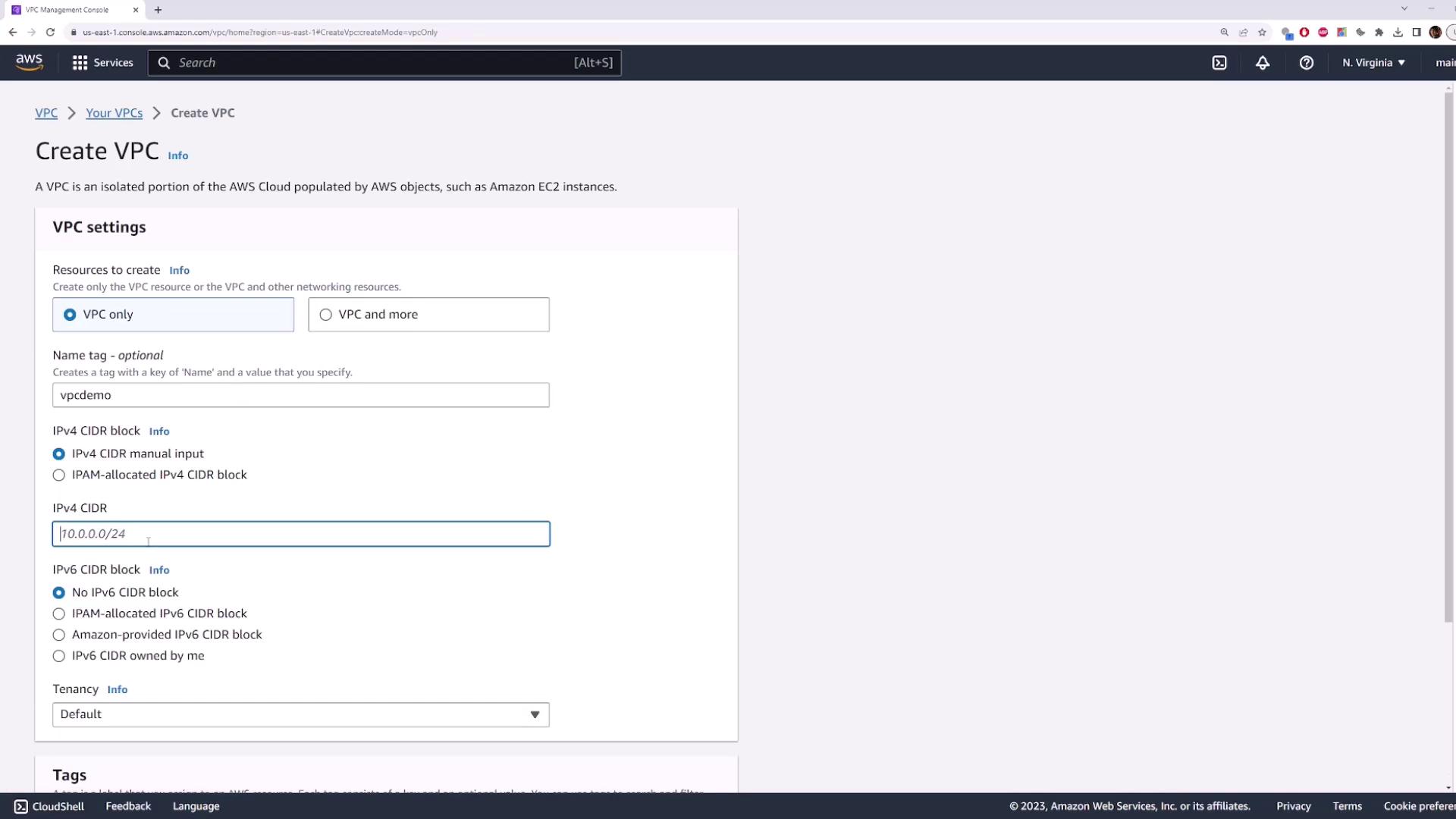
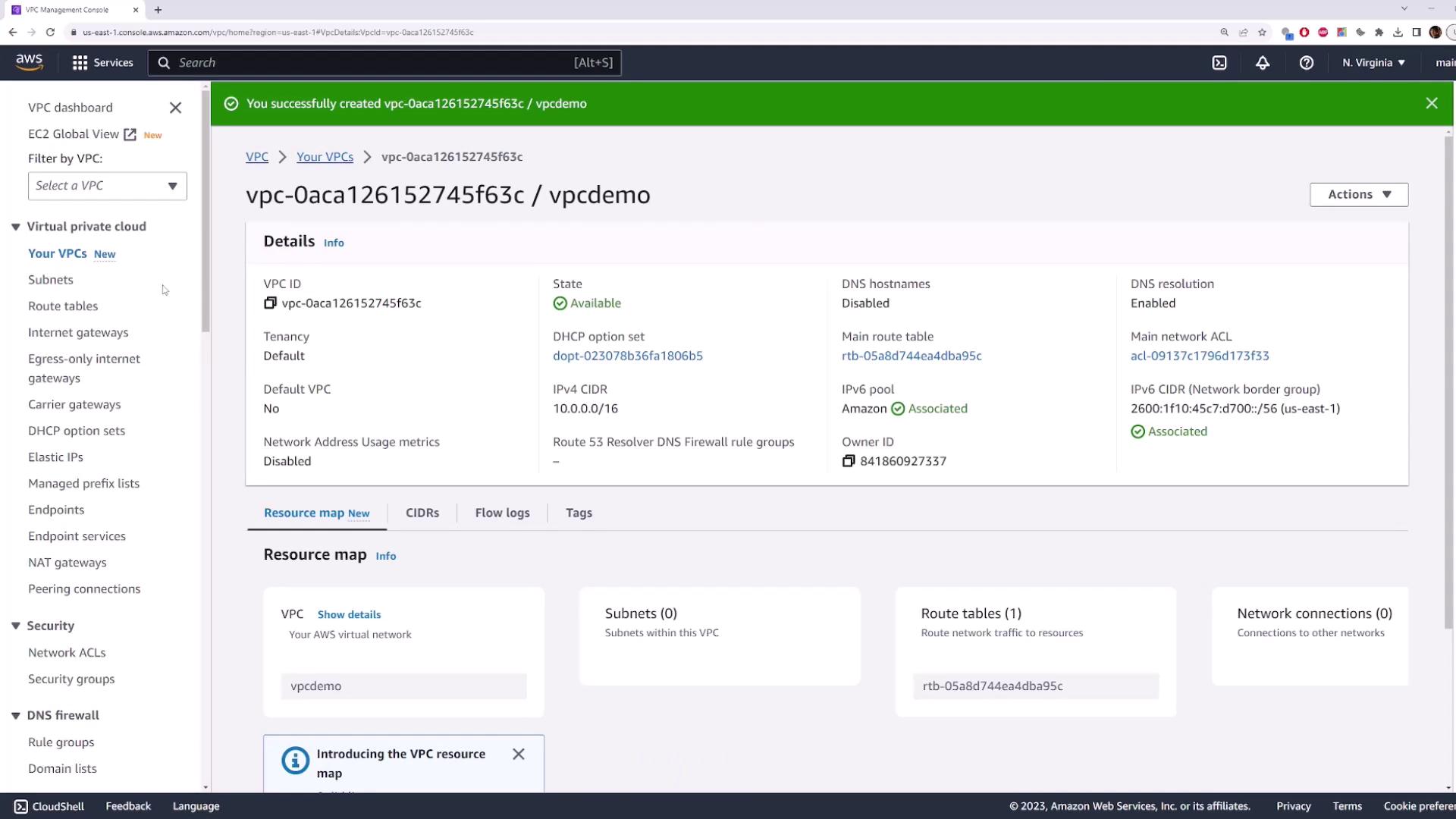
First, log into the AWS Management Console and navigate to the VPC page. Create a new VPC using the IPv4 CIDR block 10.0.0.0/16. (Assigning an IPv6 CIDR block is optional for this exercise.)
Open the EC2 page in a new tab and click on Launch Instance.
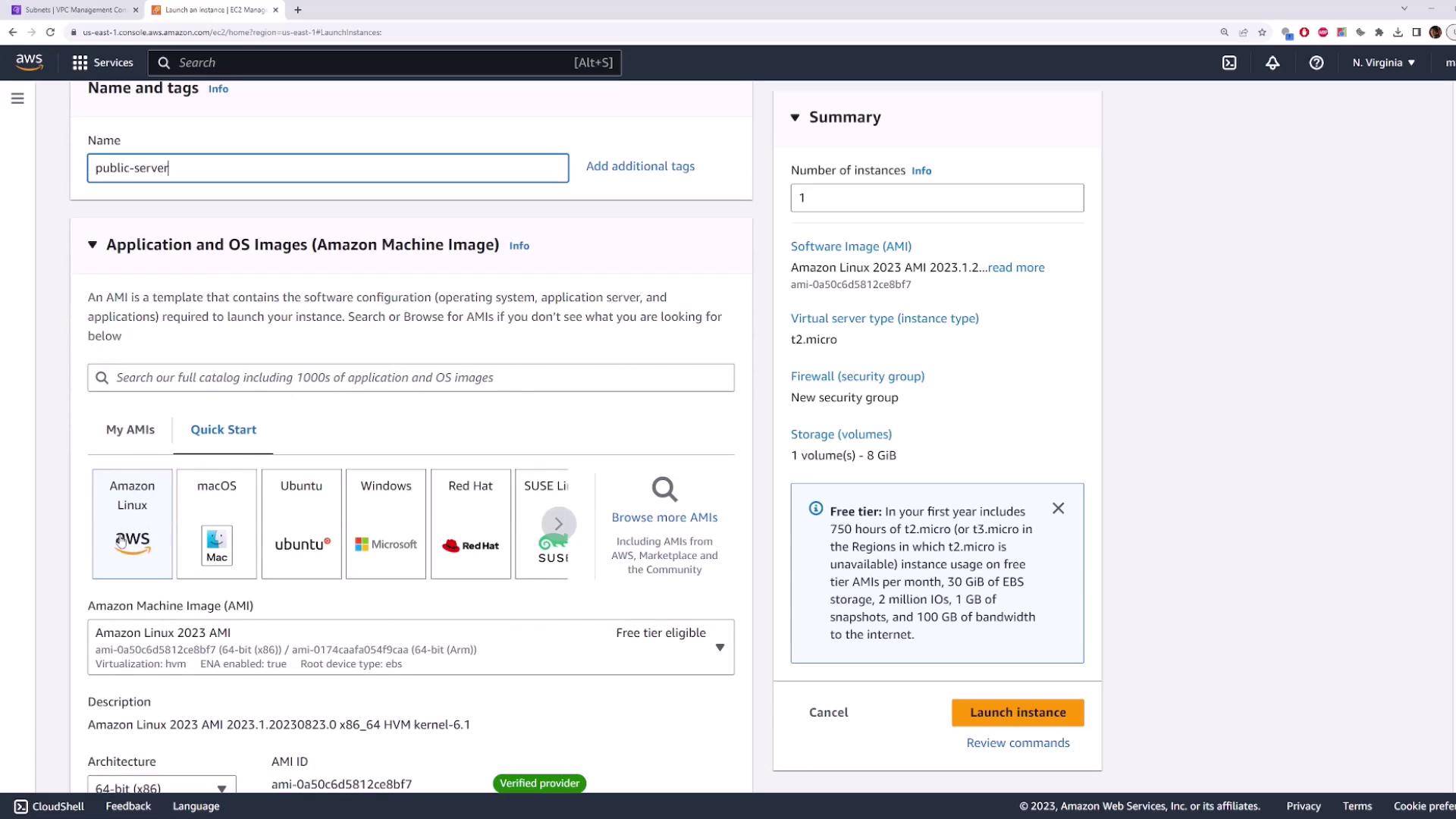
Name the instance (e.g., “my public server”) and select the Amazon Linux AMI.
Choose the default instance type (t2.micro – covered by the free tier) and select an existing key pair for SSH access.
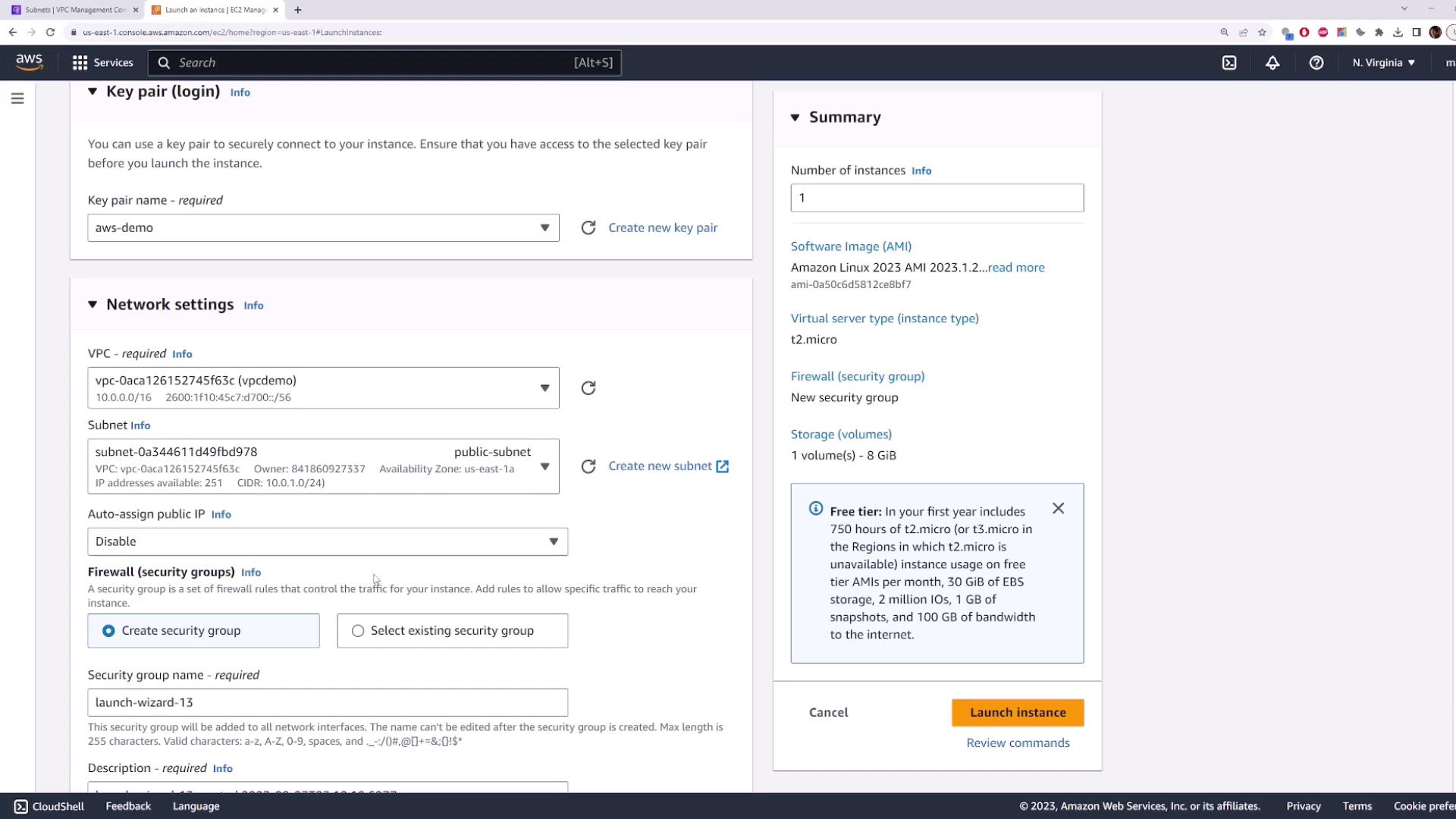
Under Network Settings, edit the configuration to select the VPC you created earlier. With only one subnet available (the public subnet), select it and enable Auto-assign Public IP so that the instance receives a public IP address.
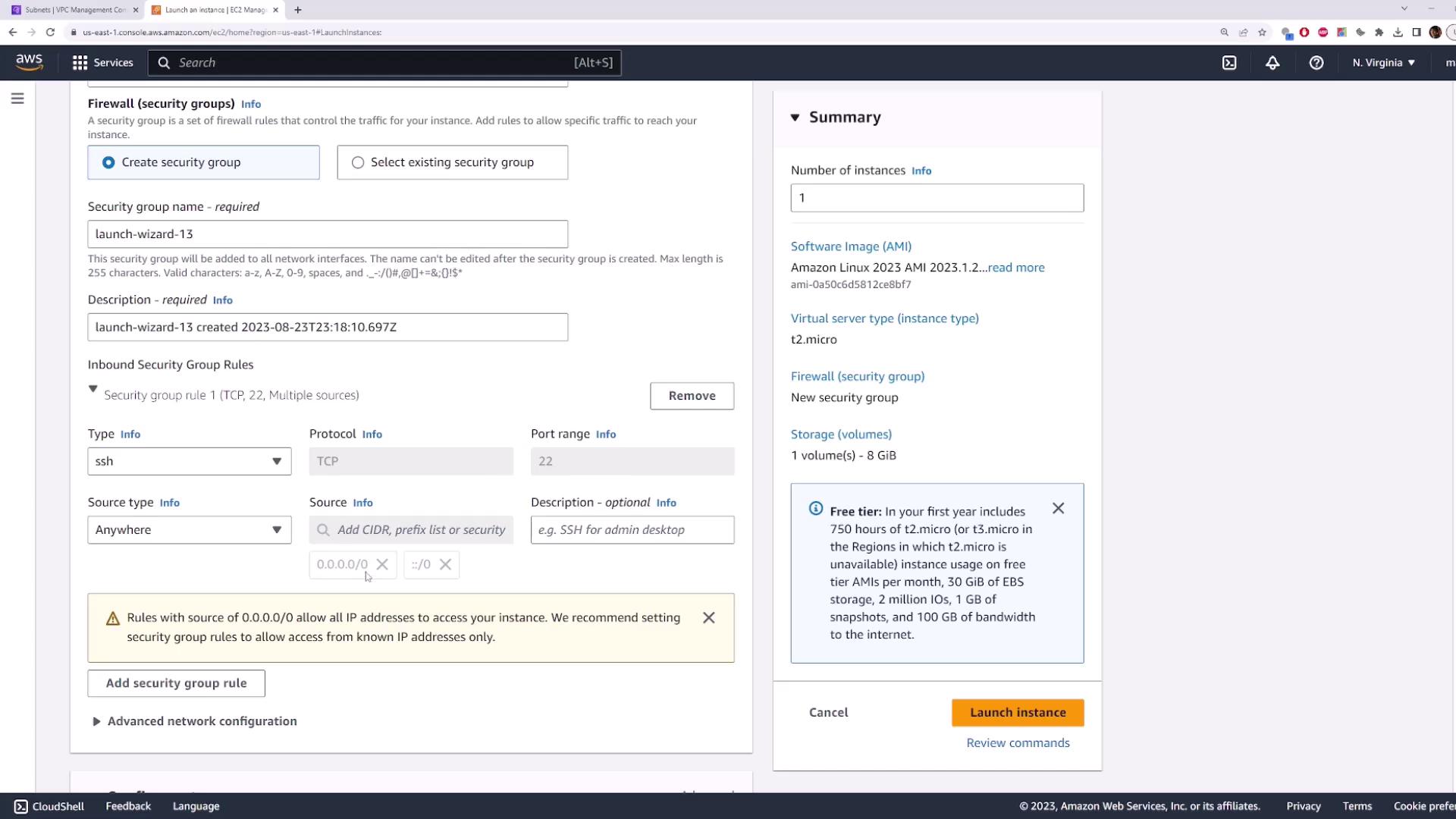
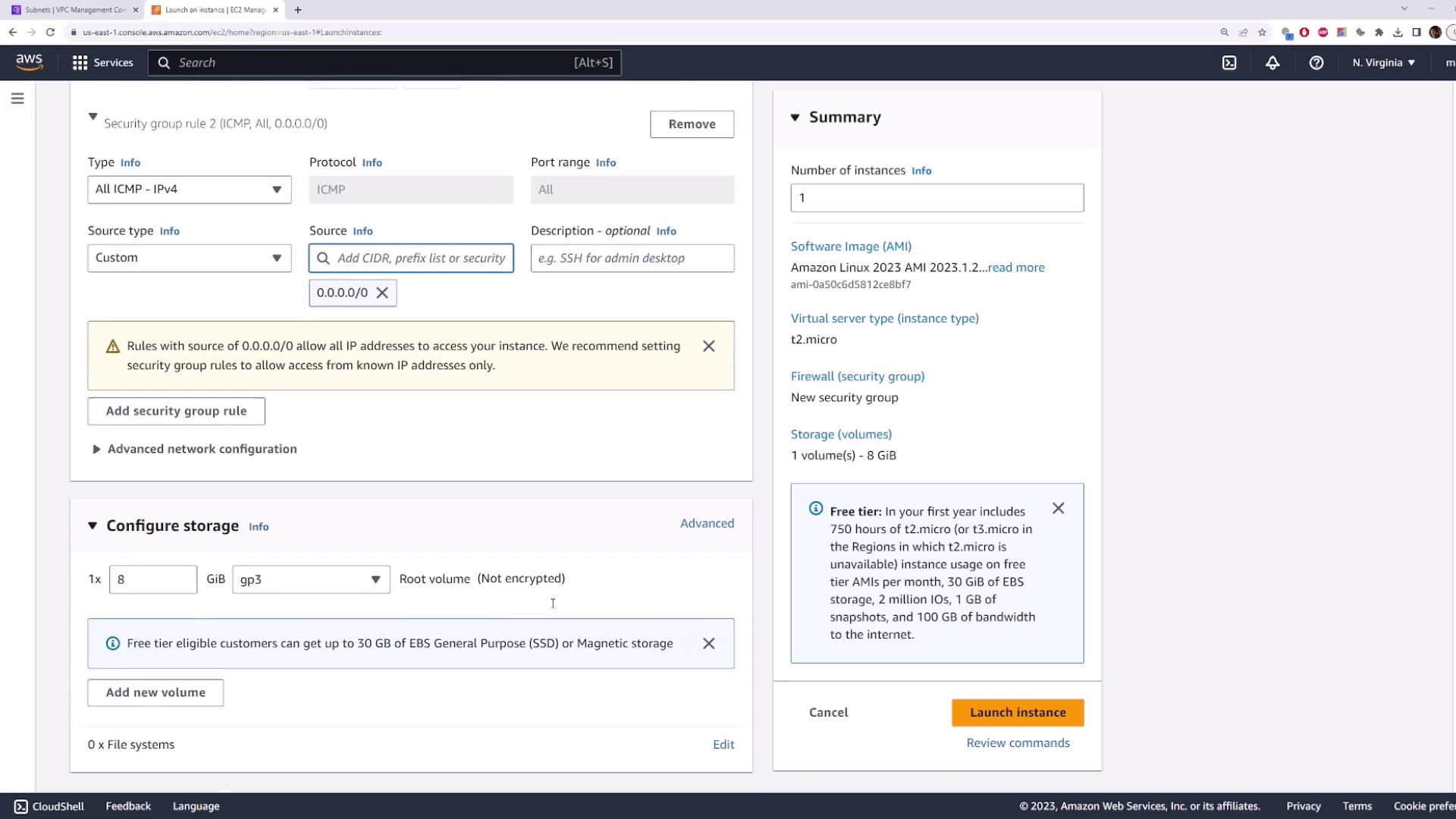
Next, configure the security group. The default security group allows SSH (port 22) from any IP (0.0.0.0/0). Optionally, you can add an ICMP rule to allow ping traffic. Proceed to launch the instance.
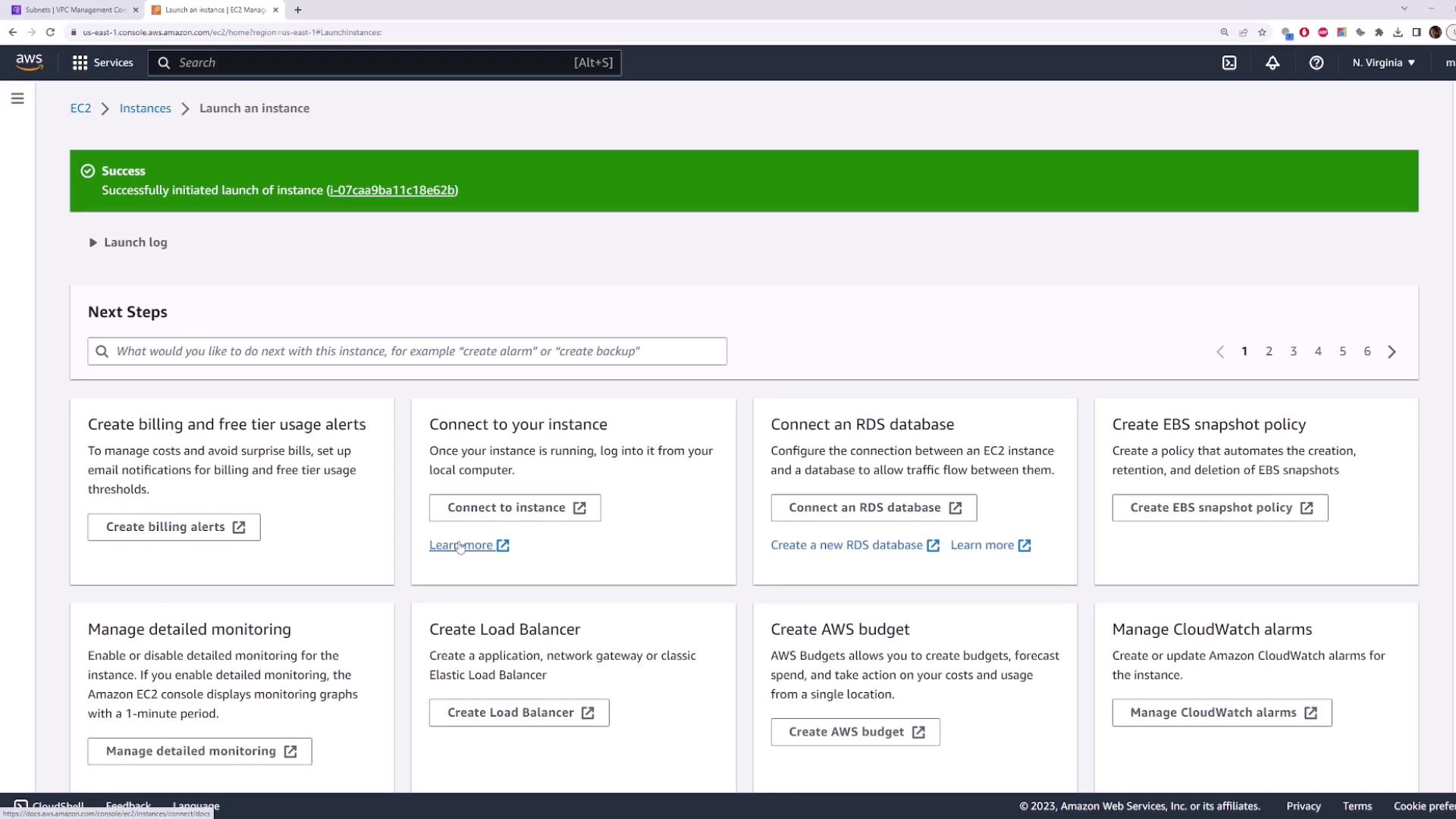
Wait a few moments until the instance is initialized. Then, check the instance list to confirm that the server is running and has been assigned a public IP address.
Review the instances view to verify that the instance is running and note its public IP address. Even though a public IP is assigned, the instance remains unreachable from the Internet by default.
Test network connectivity by pinging or attempting to SSH into the instance. For example, run the following commands in your terminal:
To enable Internet connectivity, you must create and attach an Internet Gateway to your VPC.
Return to the VPC page and click on the Internet Gateway section.
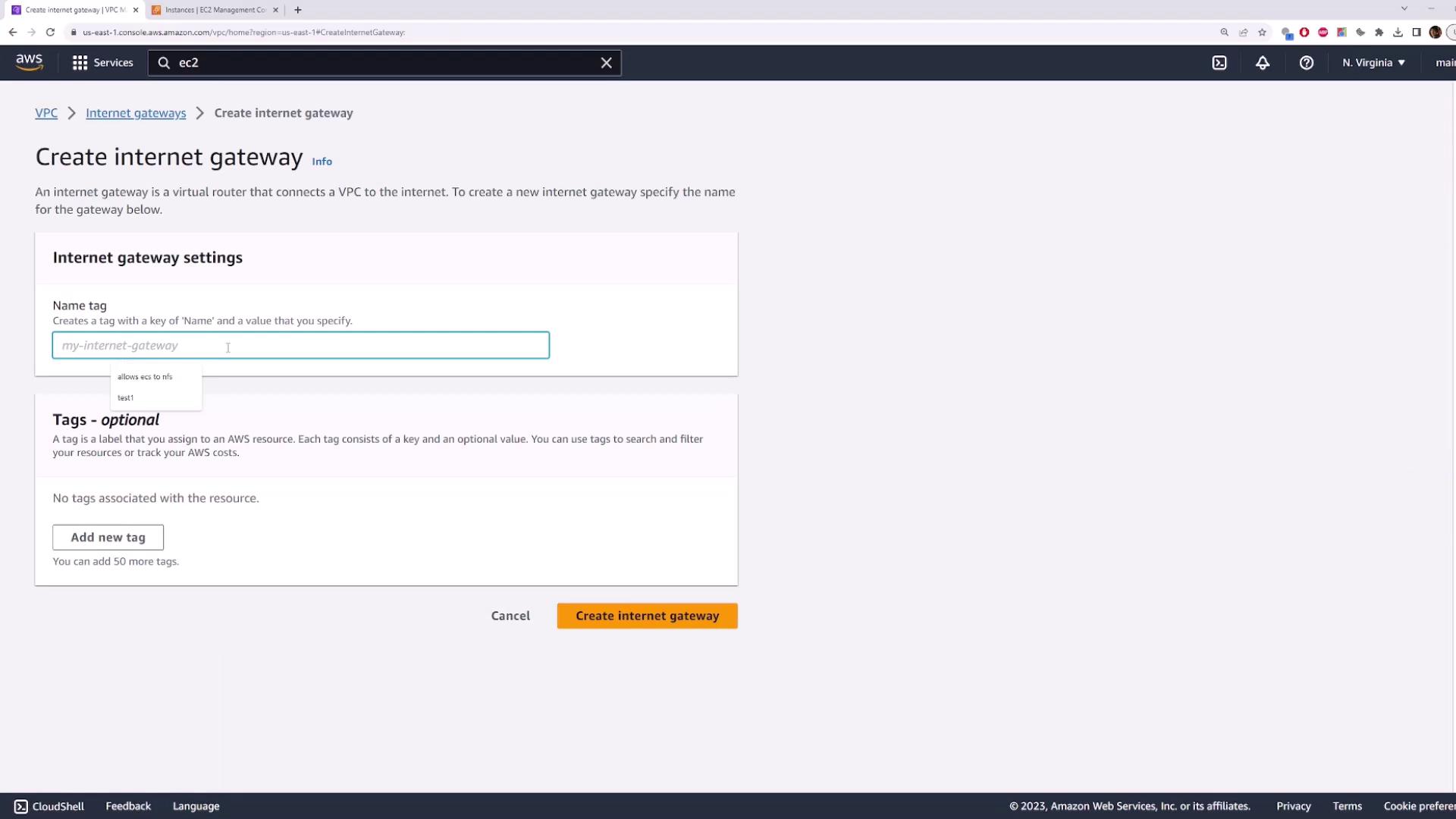
Create a new Internet Gateway and give it a name (e.g., “my-internet-gateway”).
Attach the newly created Internet Gateway to your VPC.
Even after attaching the Internet Gateway, the instance remains unreachable because the route table of the subnet has not been updated. Re-run the ping command to confirm the connection still fails.
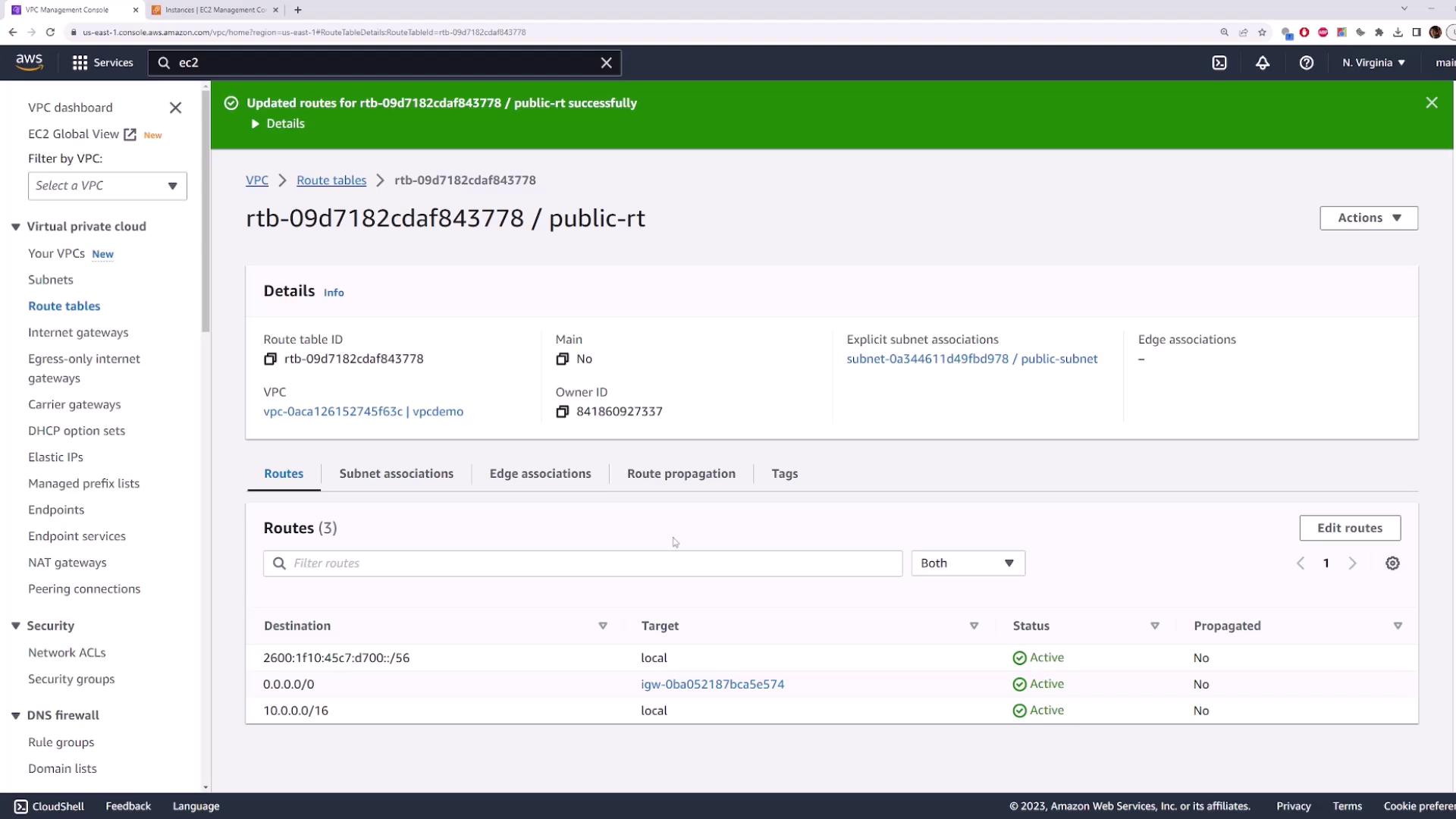
By following this lesson, you have successfully transformed a private subnet into a public subnet. You accomplished this by creating and attaching an Internet Gateway to your VPC and updating the route table to include a default route for Internet traffic. As a result, any EC2 instance launched into this subnet can now be accessed from the Internet—provided that the necessary network ACLs and security group rules allow the traffic.All resources deployed in this subnet are now officially public.For further details, refer to the AWS Documentation.