This article explores the significance of Amazon S3 access logs for security and auditing purposes, detailing request records made to S3 buckets.
In this article, we explore the significance of Amazon S3 access logs. These logs provide detailed records of every request made to an S3 bucket, making them an invaluable tool for both security and auditing purposes.For example, when a user named John requests the file “file1.txt”, the system logs who made the request, when it was made, and which object was accessed. This information can help you analyze user interactions and fine-tune your S3 storage setup, including selecting the optimal storage class for your data.
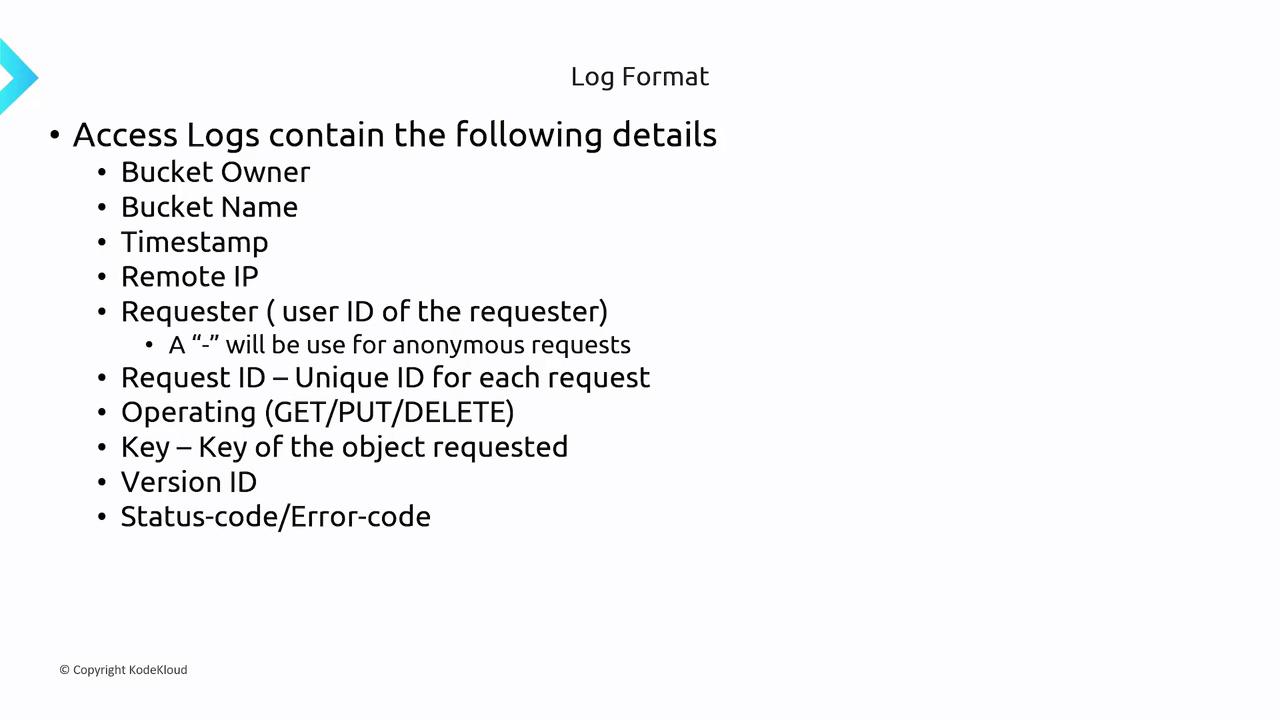
The access logs capture crucial details such as the bucket owner, bucket name, timestamp, IP address of the requester, requester’s identifier, unique request ID, operation performed (GET, PUT, DELETE, etc.), object key, version ID (if applicable), status, and error codes.
Below is an example of a typical S3 access log entry:
John [06/Feb/2019:00:00:38 +0000] GET /File1.txt
It is important to note that the logs generated from your S3 bucket are stored in a separate, designated S3 logging bucket. For instance, if you have configured logging for an “app1” bucket, all the access logs will be saved in a different S3 bucket specified for logging.
For a comprehensive list of the fields included in the access logs, please refer to the AWS documentation’s Log Format.
An S3 access log entry provides you with essential details about each access request, including:
Bucket Owner and Name: Identifies the owner and the specific bucket accessed.
Request Timestamp: Records the time and date when the access occurred.
Requester Details: Captures the IP address and user identifier of the requester.
Operation Performed: Specifies the type of operation executed (e.g., GET, PUT, DELETE).
Accessed Object Details: Includes the object key, version ID (if applicable), and status/error information.
All these logs are stored as text documents in the designated logging bucket, offering a thorough audit trail to help manage security and performance in your S3 environment.