

Creating the Demo Bucket
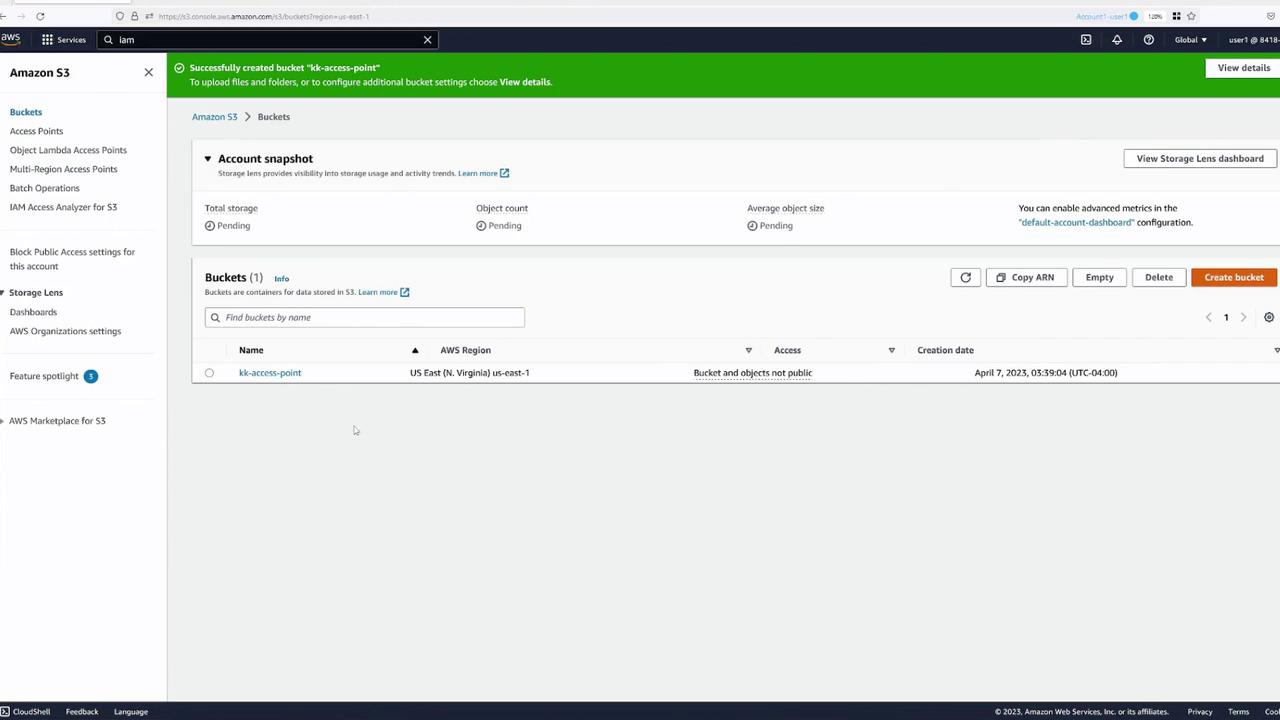
Begin by creating a demo S3 bucket named KK-AccessPoint with default settings. Once the bucket is created, upload a demo file (for example, beach.jpg) to test file accessibility.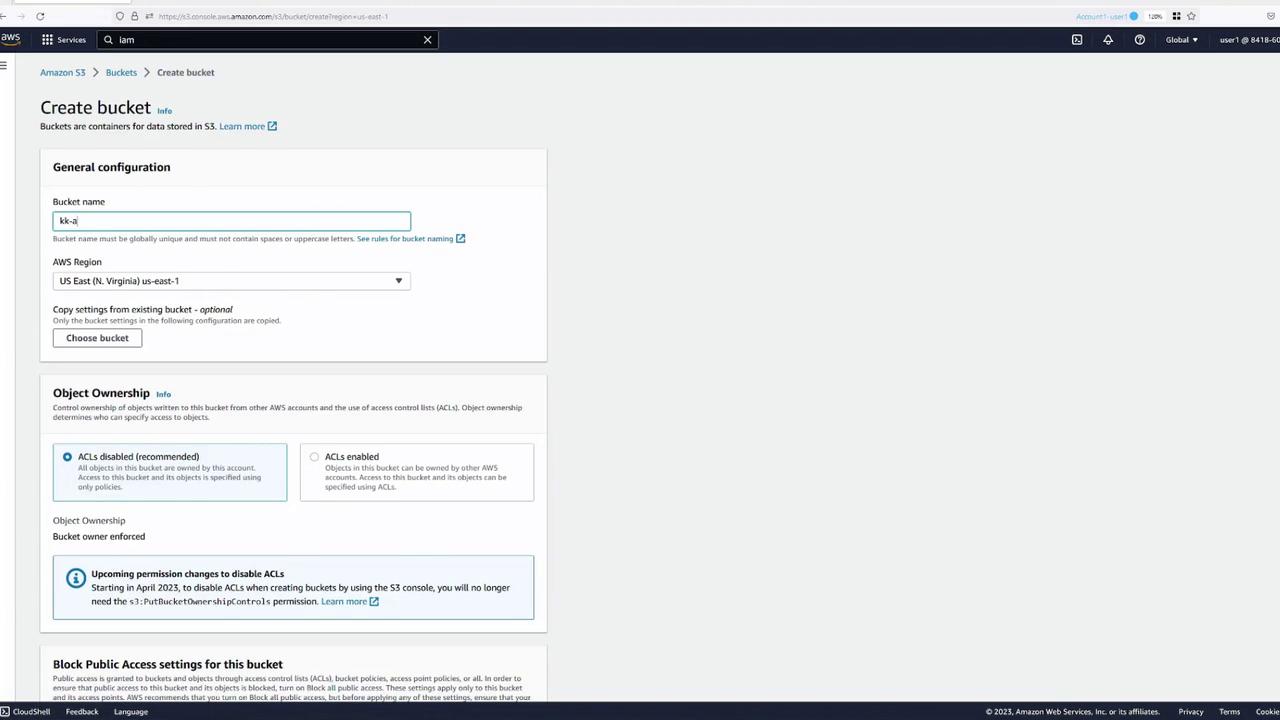
Simulating Multiple Users
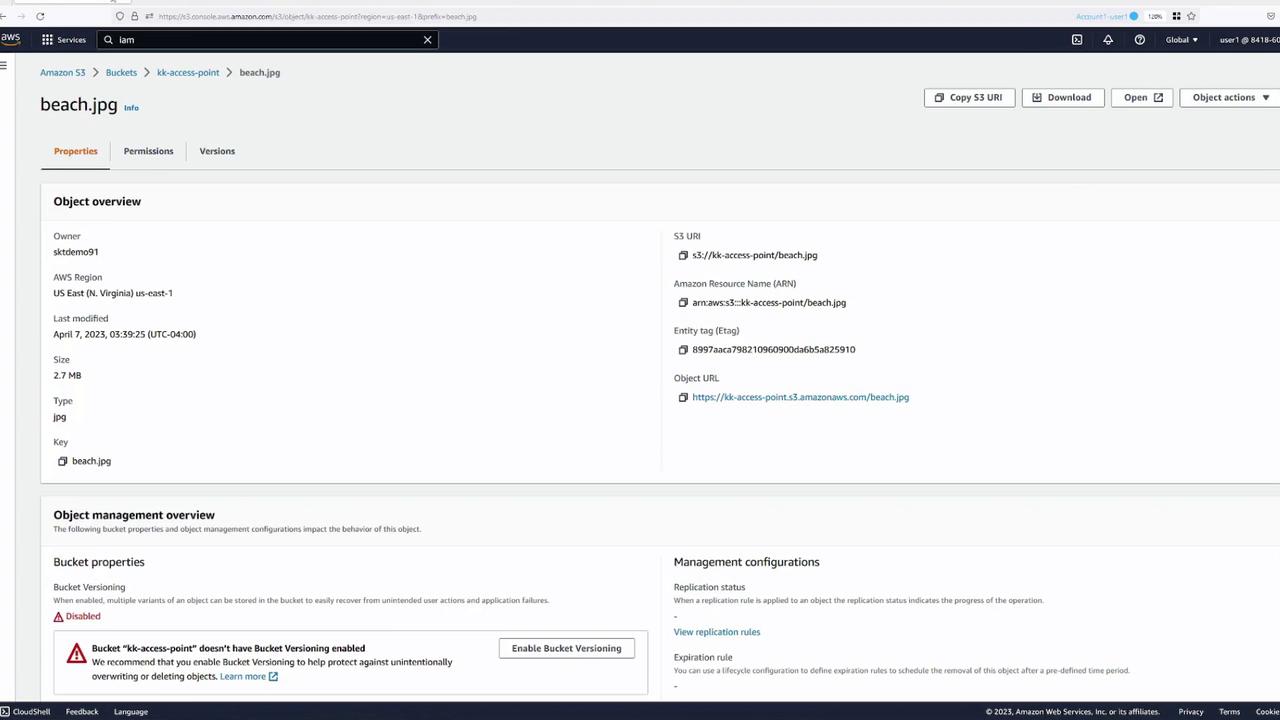
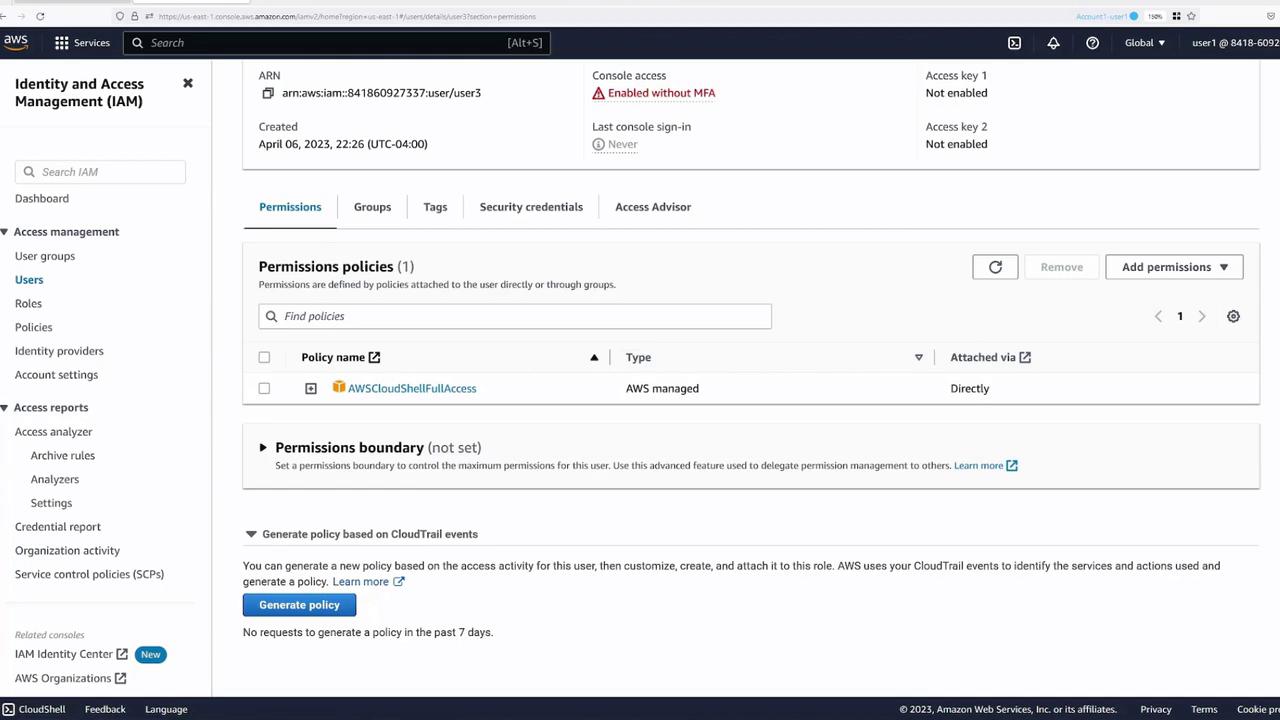
To simulate different users accessing the S3 bucket, open separate browser tabs. For instance, use: • Blue tab – User One (bucket owner)• Green tab – User Two
• Yellow tab – User Three
Testing File Access Via CloudShell
AWS CloudShell, with the AWS CLI pre-installed, allows you to run commands without setting up a local CLI environment. While testing, you might observe that although the bucket owner can list bucket contents, Users Two and Three receive a “403 Forbidden” error when trying to copy the file. For example, in a CloudShell session as the bucket owner:Creating Access Points
Access points allow you to delegate access control to specific groups. In this demo, we’ll create two access points — one for developers and one for finance.Step 1: Create the Developer Access Point
- In the S3 console, select your bucket and navigate to “Access Points.”
- Click Create Access Point.
- Enter a name (e.g.,
developers) and select the KK-AccessPoint bucket. - For network origin, choose “open up to the Internet” (unless you require a specific VPC).
- Skip the initial access point policy configuration and click Create.
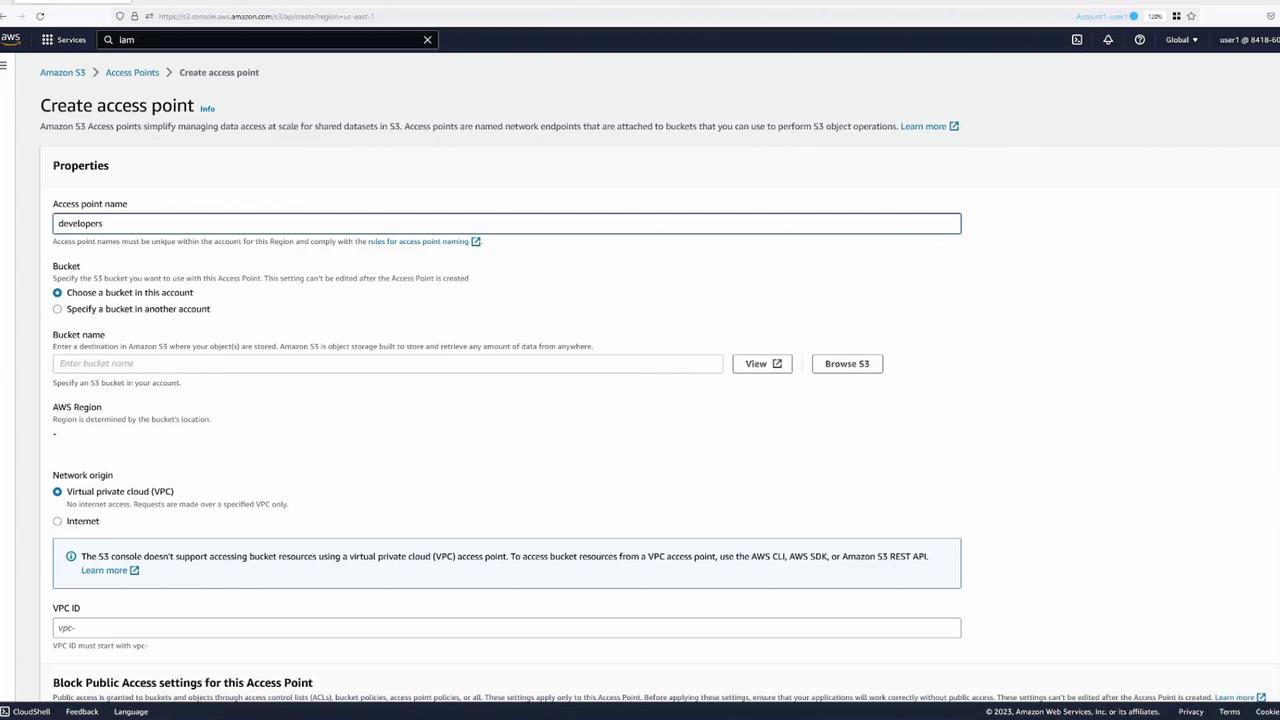
Step 2: Create the Finance Access Point
Repeat the process to create another access point for the finance team (e.g., namedfinance):
- Follow the same steps as above.
- Name the access point (e.g.,
finance) and select KK-AccessPoint. - Leave the policy default for now.
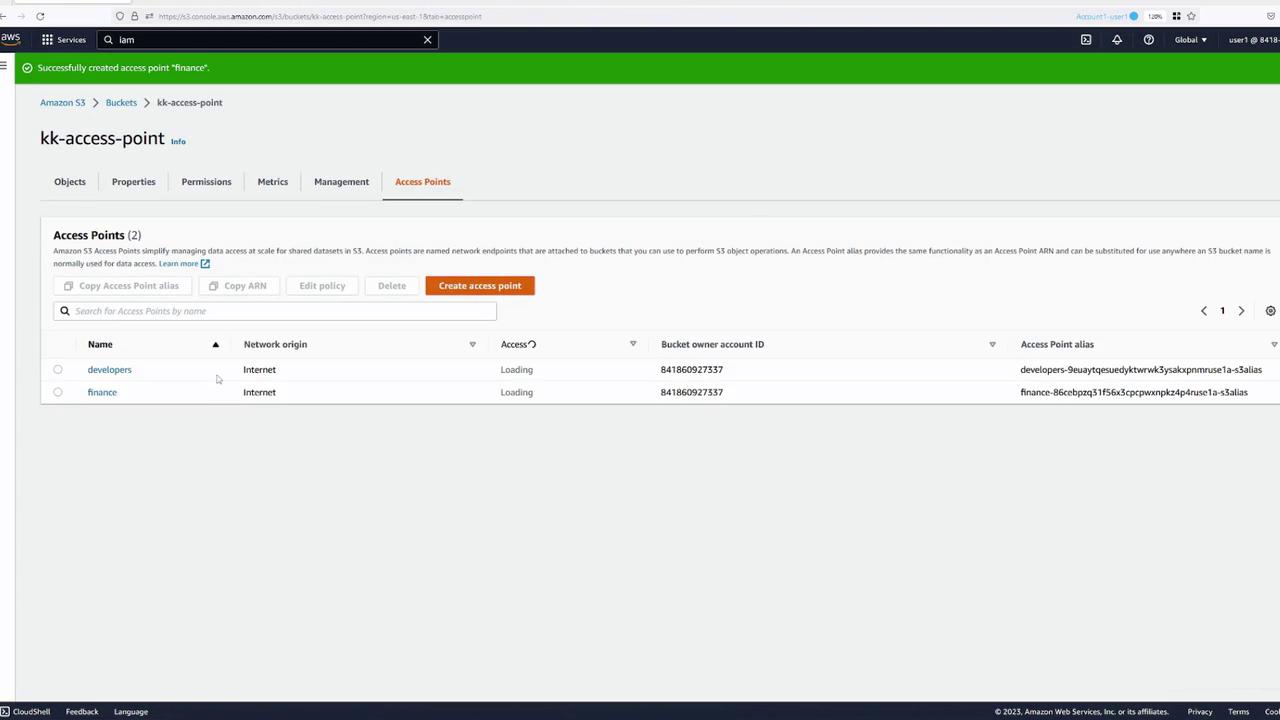
Understanding Access Point Policies
Access point policies are similar to bucket policies but reference the access point ARN rather than the bucket ARN. Below is a sample access point policy:• The resource section references the access point ARN, distinctly different from a typical bucket ARN.
Ensure that permissions granted in an access point policy are also allowed by the underlying bucket. You can either delegate control from the bucket or include the access point policy in the bucket policy.
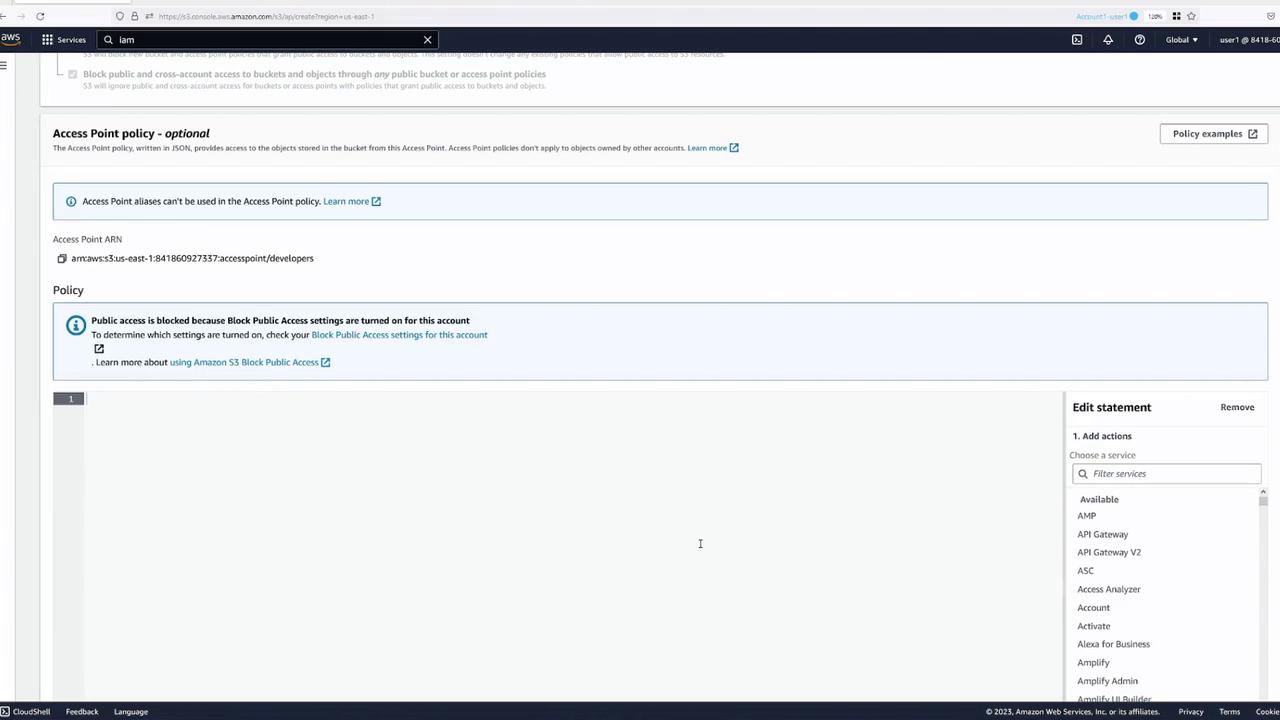
Configuring Access Point Policies
For the Developers Access Point
To allow User Two (a developer) to perform S3 operations using thedevelopers access point, update the access point policy as follows:
s3:ListBucket action. See the example below:
For the Finance Access Point
Similarly, set up a policy for thefinance access point to allow a designated finance user (or group) to execute S3 operations:
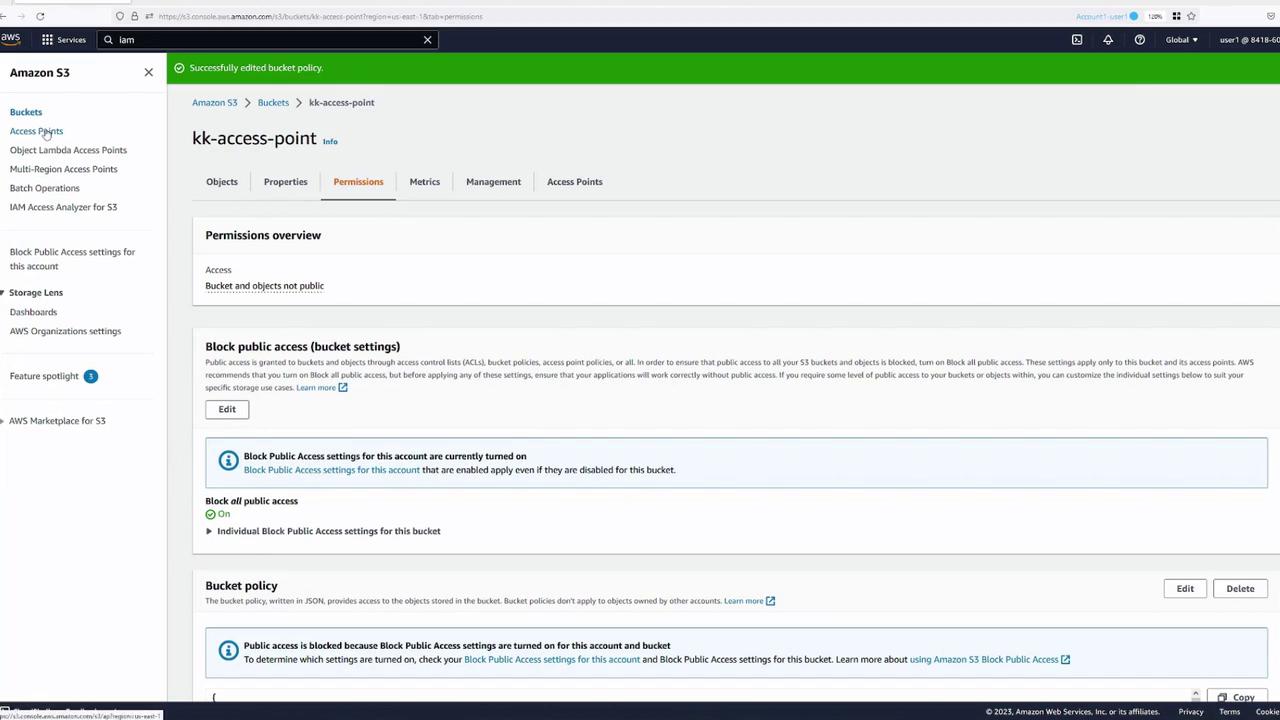
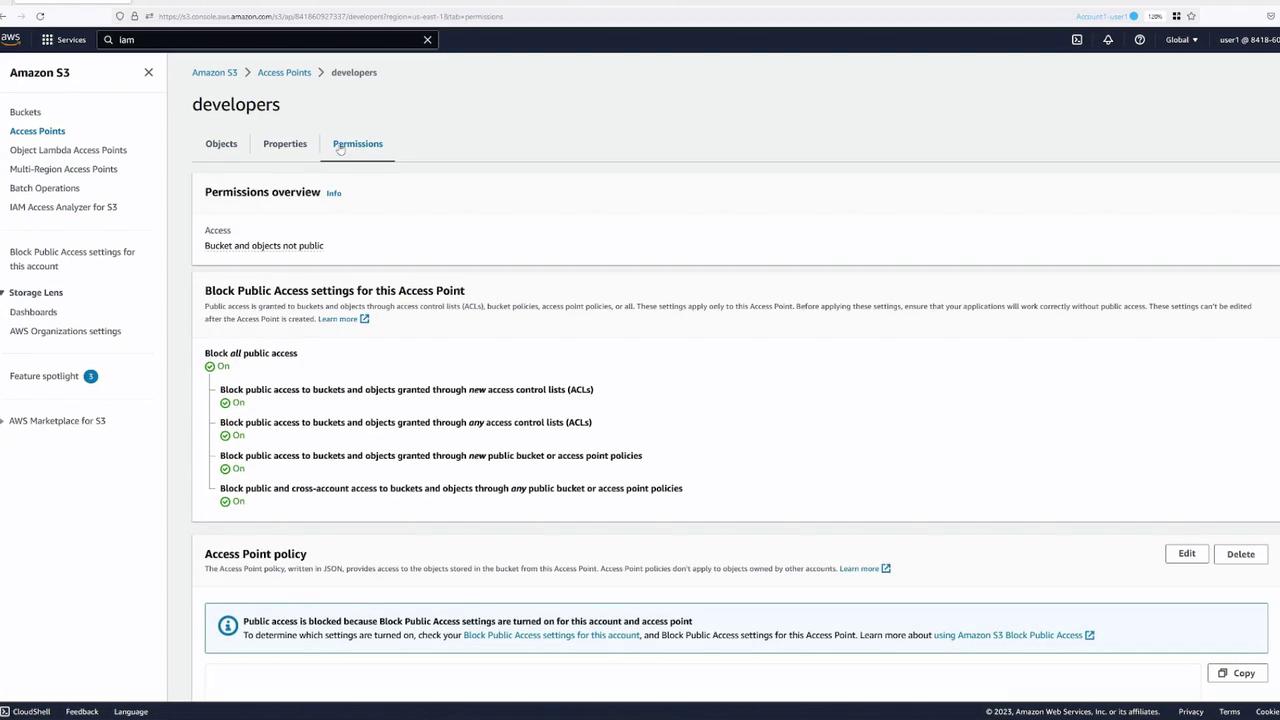
Testing Access Through the Access Points
With the proper policies in place, test the new access points using the AWS CLI. Instead of addressing the bucket directly, use the ARN of the access point. For example, to list objects through thedevelopers access point:
finance access point by executing:
- Listing objects:
- Copying the file: