

Creating and Configuring the Bucket
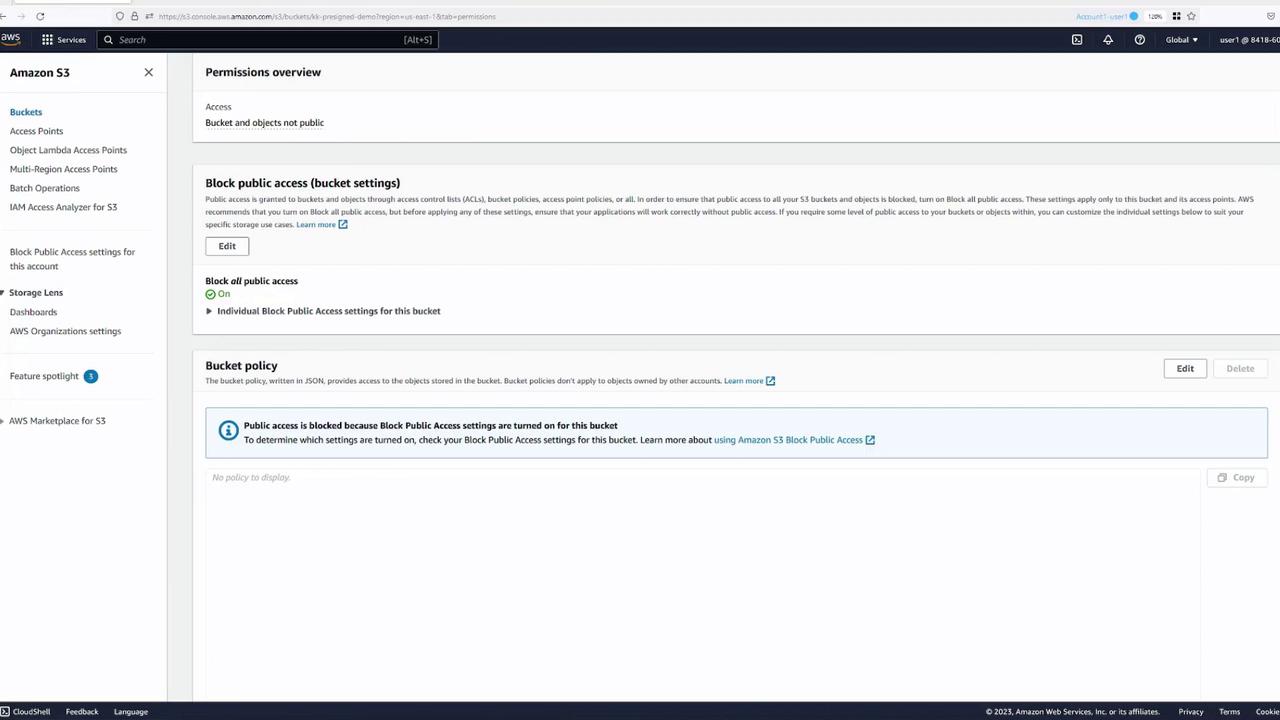
Begin by creating a new S3 bucket. During the bucket creation process, the default settings are maintained, including the configuration that blocks public access. This setting ensures that only authorized users (the root user and those with specific permissions) can access the bucket.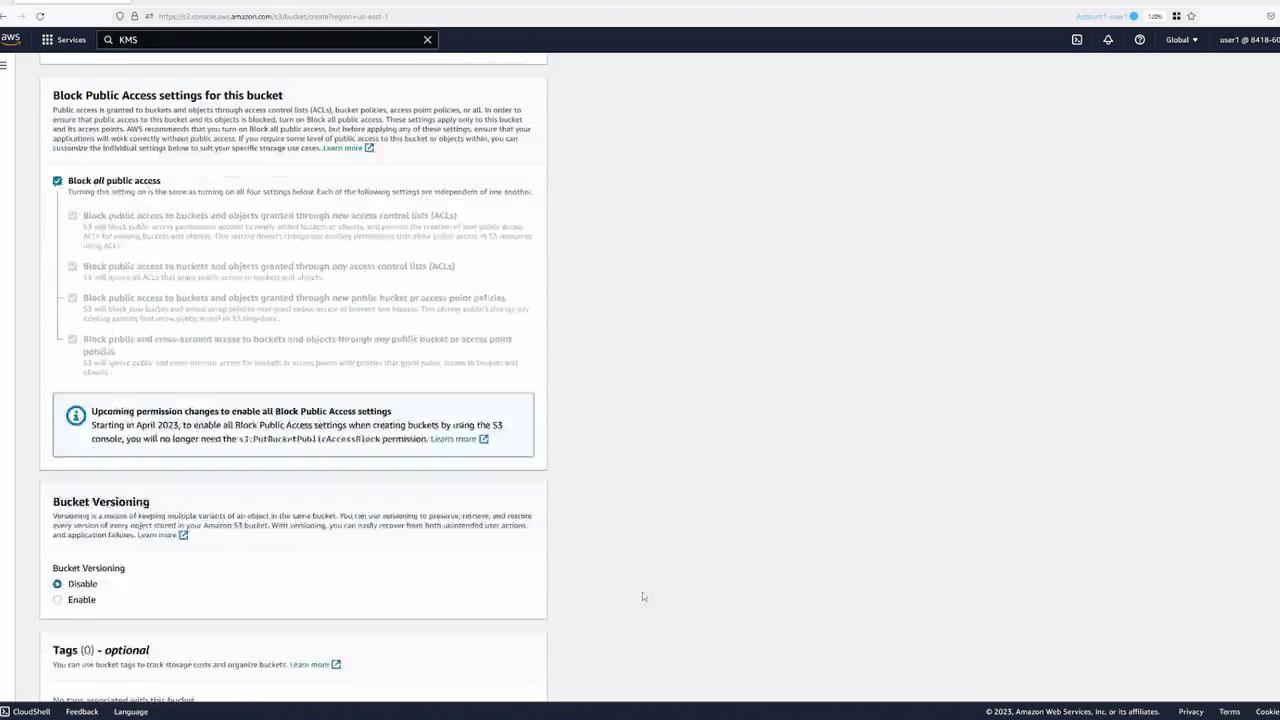
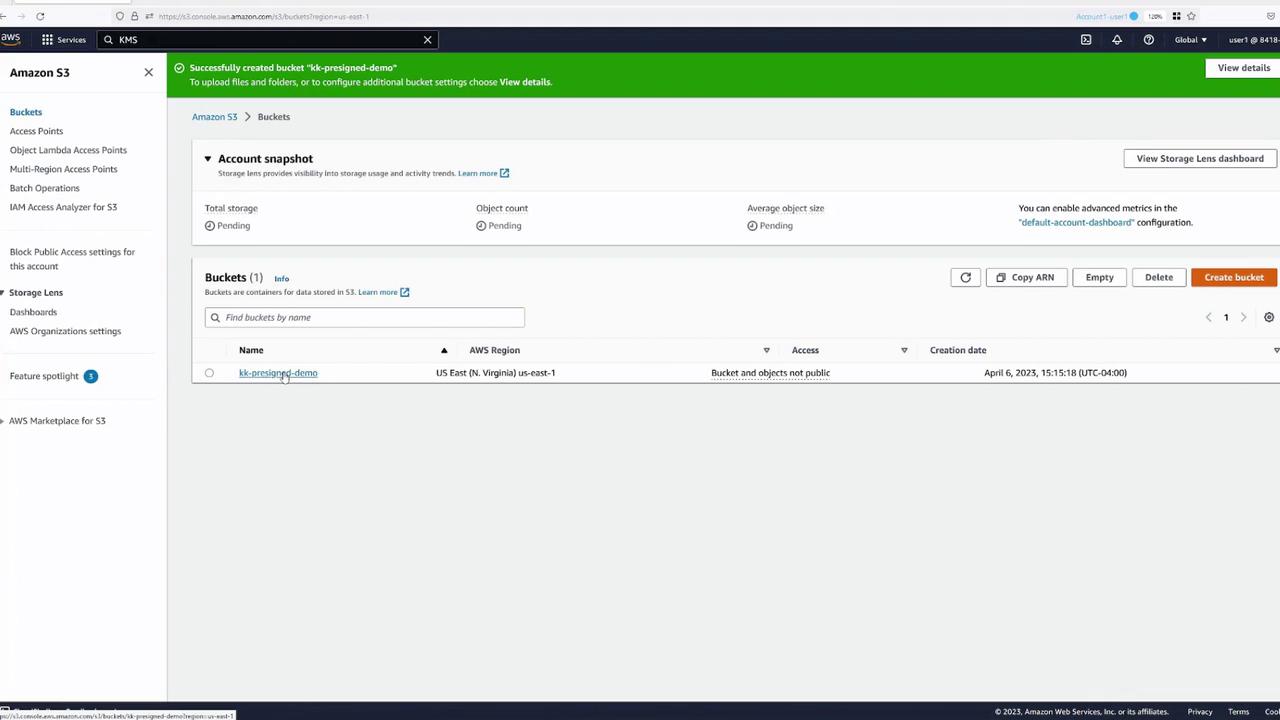
Leaving public access blocked by default protects your data from unauthorized access.
Uploading an Object and Testing Access
After creating the bucket, navigate to your “pre-signed demo” bucket and upload an object—for example, an image. When an authenticated user accesses the object, it loads as expected. However, if an unauthenticated (public) user attempts to access the object, they will encounter an “Access Denied” error due to the strict bucket permissions.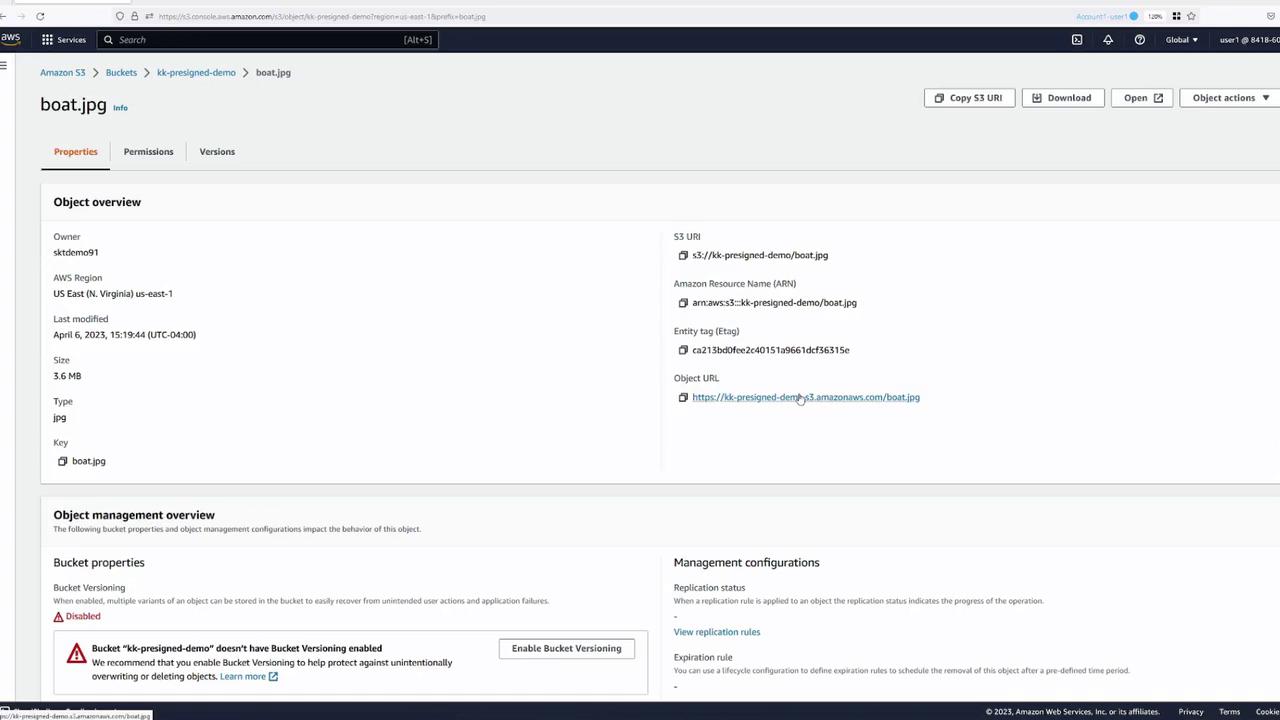
Generating a Pre-Signed URL
To share an image with someone who does not have an AWS account, you can generate a pre-signed URL instead of making the object public. Follow these steps:- Open the object in the S3 console.
- Click the “Share with a pre-signed URL” button.
- Specify the duration for which the URL will remain active (e.g., 30 minutes).
- Click “Create pre-signed URL.” The URL is automatically copied for your convenience.
User Permissions and Pre-Signed URLs
Consider a scenario involving IAM users. Suppose you have another user, “user two,” with a policy allowing them to list buckets and view bucket contents. However, this policy does not permit actions such as retrieving or deleting objects. The policy for user two is as follows: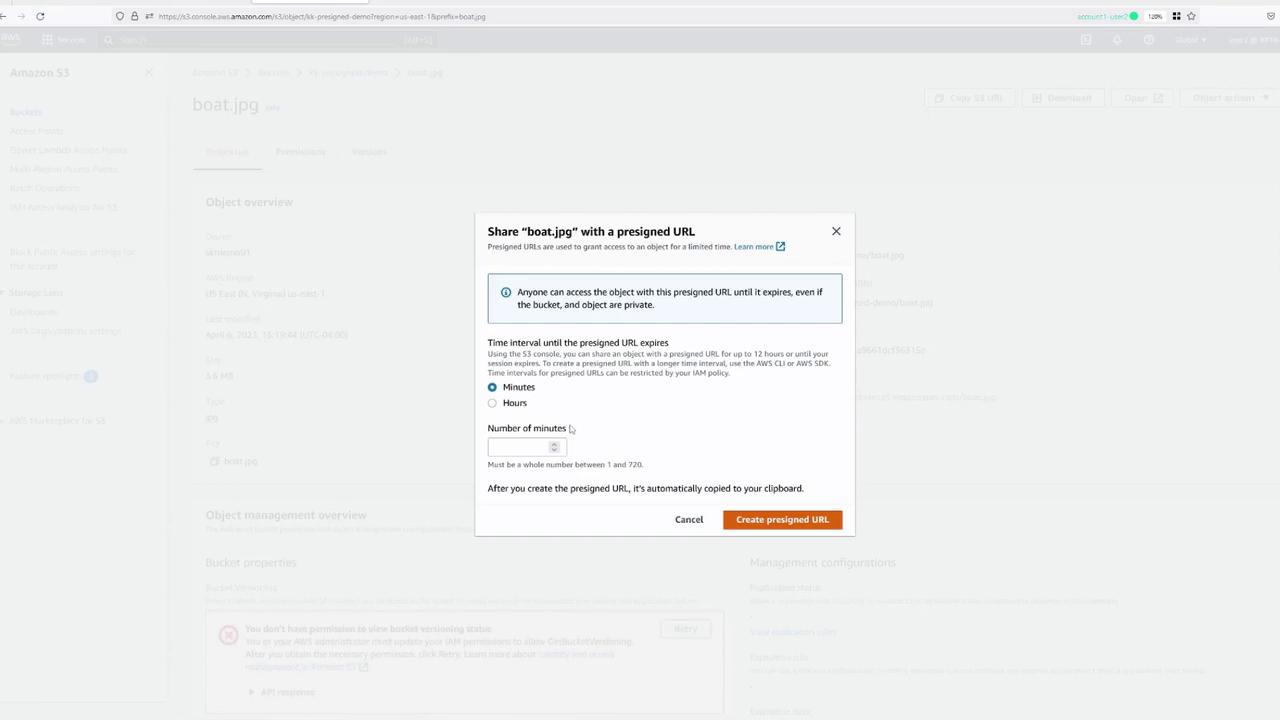
The pre-signed URL only provides temporary authentication based on the permissions of the user who generated it. If the generating user lacks sufficient permissions to access the object, the URL will result in an “Access Denied” error for anyone who tries to use it.