Key Policy Components
- SID (Statement ID) The SID is an optional identifier that describes the purpose of a rule. For example, “AllowRule” indicates this statement is used to grant specific access permissions.
- Principal This element specifies who the policy applies to. In the example, the policy targets the IAM user John Doe, identified by the ARN “arn:aws:iam::111122223333:user/JohnDoe”.
-
Effect
The effect declares whether the action defined in the policy is allowed or denied. The snippet below demonstrates a complete example where the effect is set to “Allow”:
- Action The action element defines the operations the principal is allowed to perform. In this policy, the user is granted permission to perform the “s3:GetObject” action to retrieve objects from the bucket.
- Resource This element indicates the target resource in the form of an Amazon Resource Name (ARN). The policy applies to either the whole bucket or specific objects within it.
- The
"Principal": "*"setting applies the allow-all rule to every user (authenticated or not). - The second statement explicitly denies the IAM user DaisyM from executing the “s3:GetObject” operation.
Defining Access on Specific Prefixes
Bucket policies can also restrict access to a particular subset of objects within a bucket by specifying prefixes. The following example grants user Daisy access only to objects within the “/media” folder:Using Conditions in Bucket Policies
Conditions can further refine bucket policies. For instance, the example below limits access to users coming from a specific IP address range (192.0.2.0/24):Block Public Access Settings and Their Purpose
When creating an S3 bucket, you may encounter settings to block public access. This feature was introduced as a safeguard against accidental misconfigurations that could expose the bucket publicly. Even if a bucket policy is set to allow public access (for example, by using"Principal": "*") the bucket remains inaccessible until the “Block All Public Access” option is disabled.
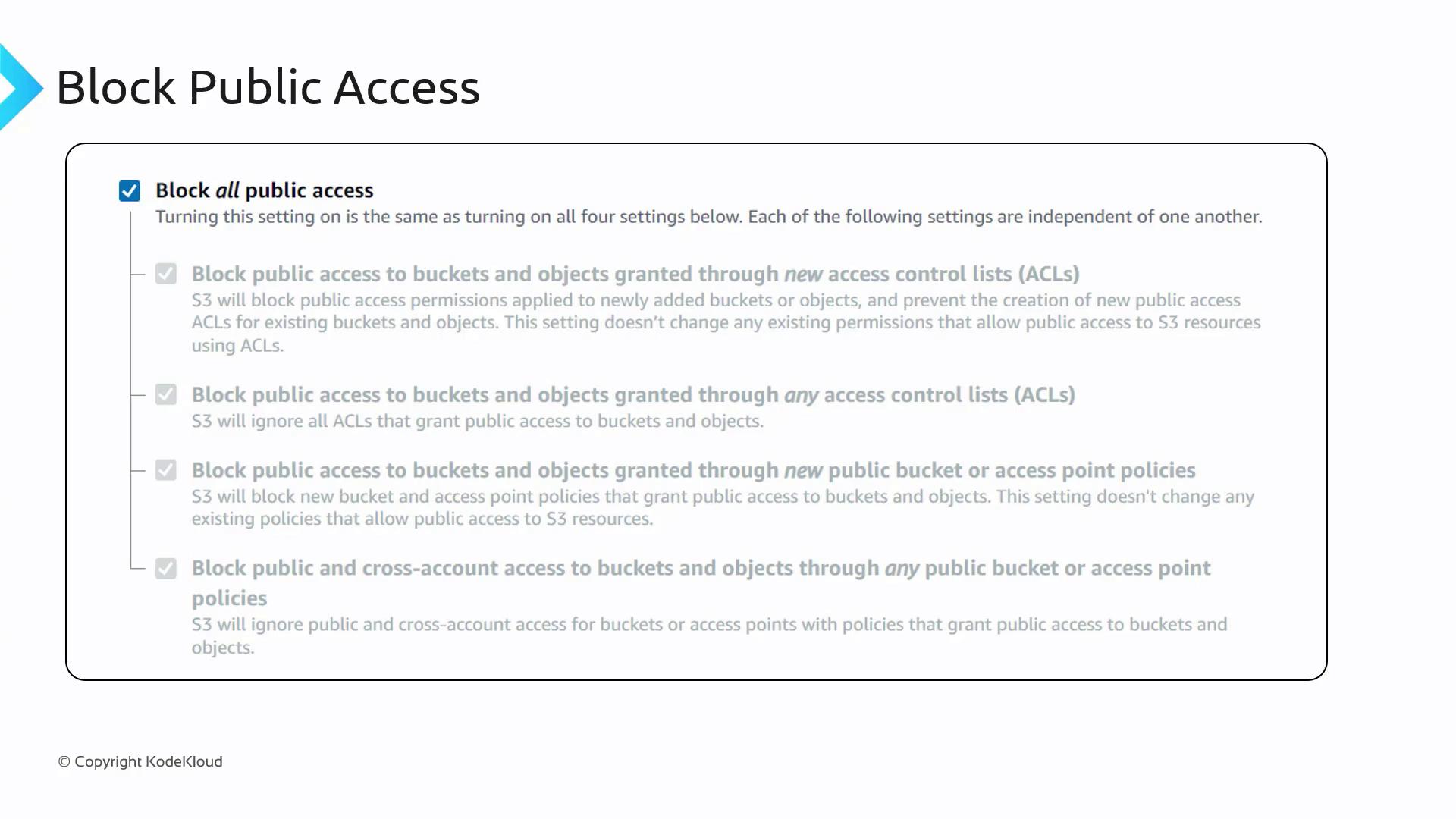
Be cautious when configuring bucket policies. An incorrect configuration, such as using
"Principal": "*" with broad permissions like "s3:*", can inadvertently expose your bucket to the public.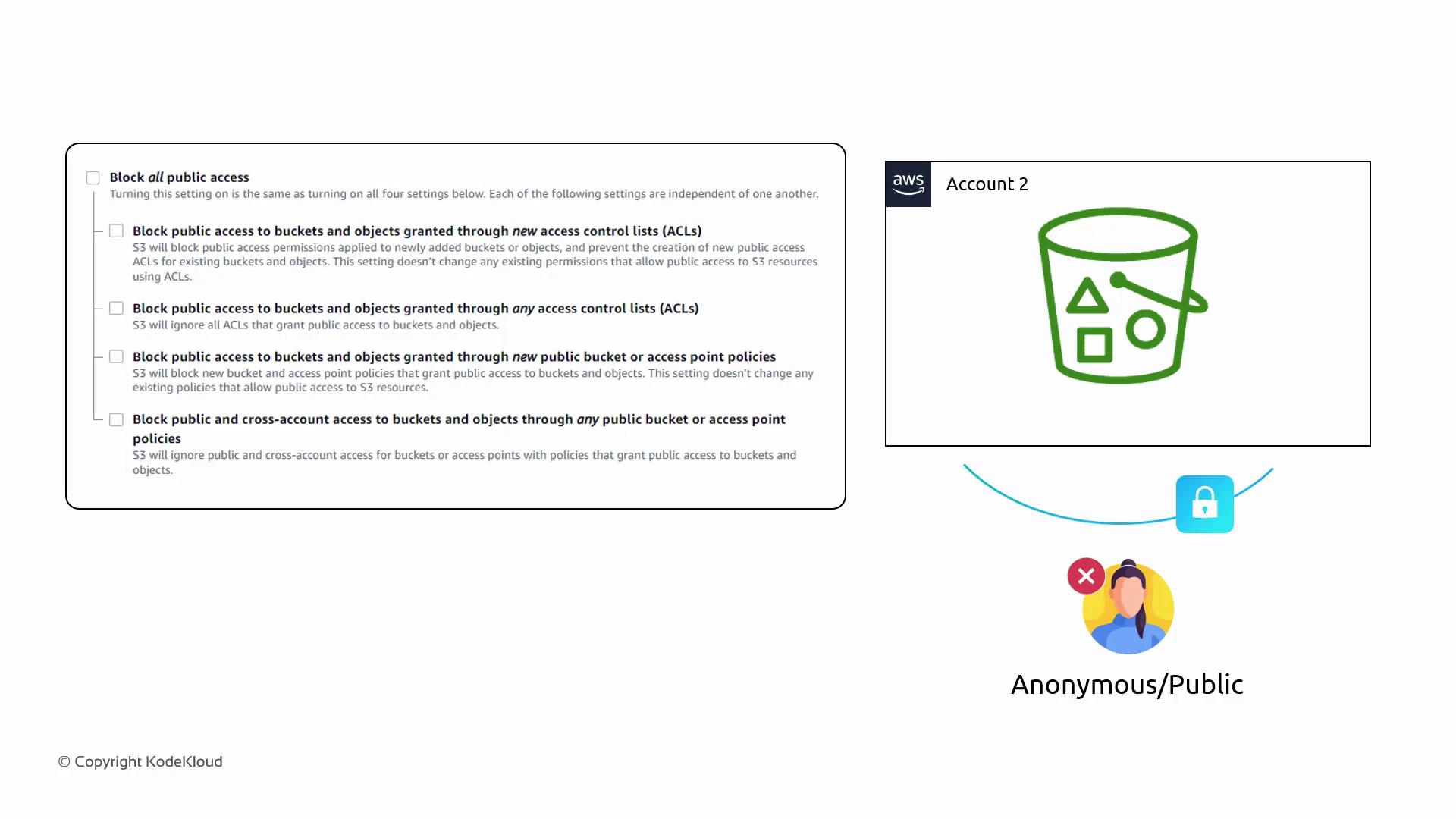
Comparing IAM Policies and Resource (Bucket) Policies
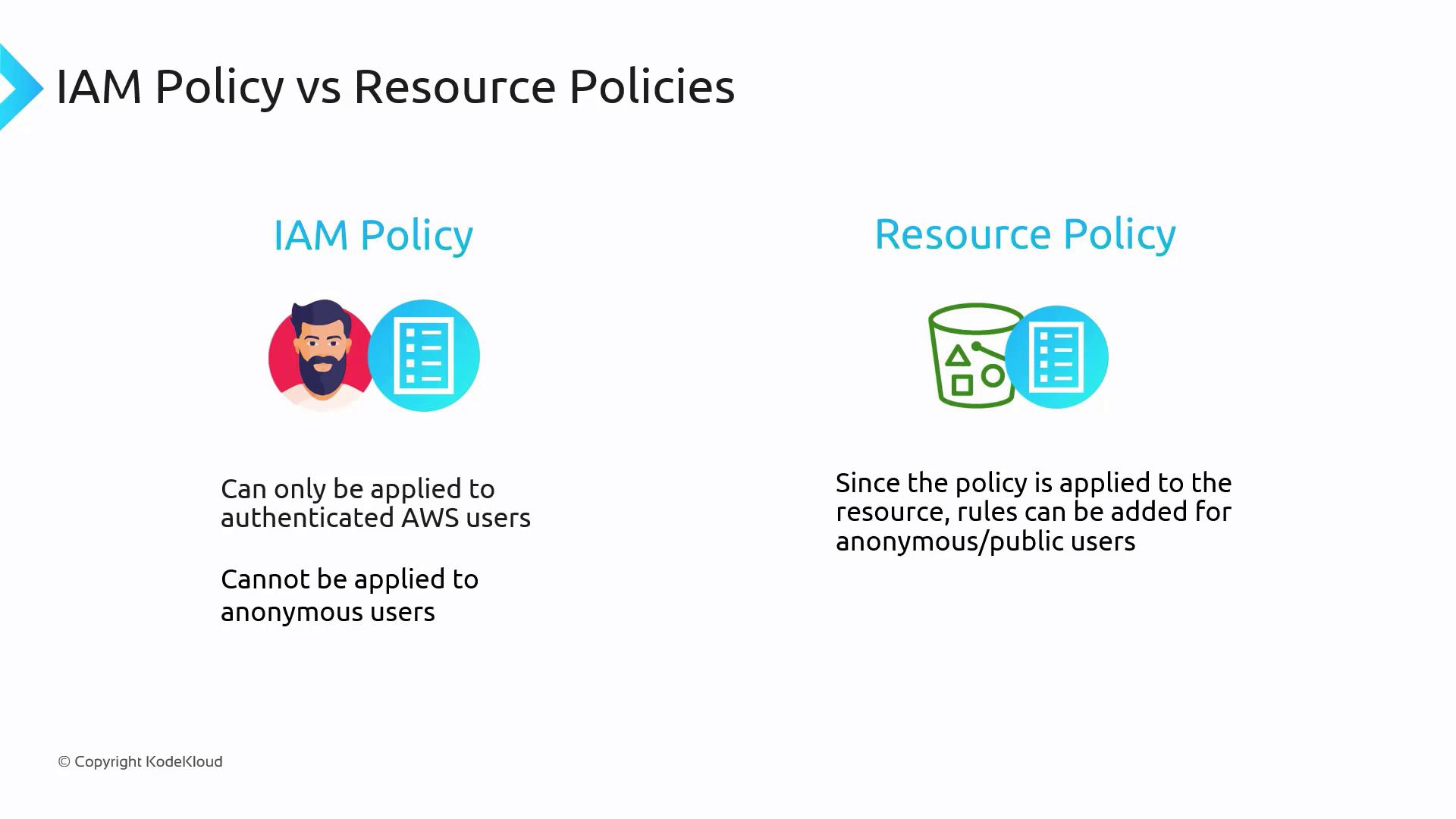
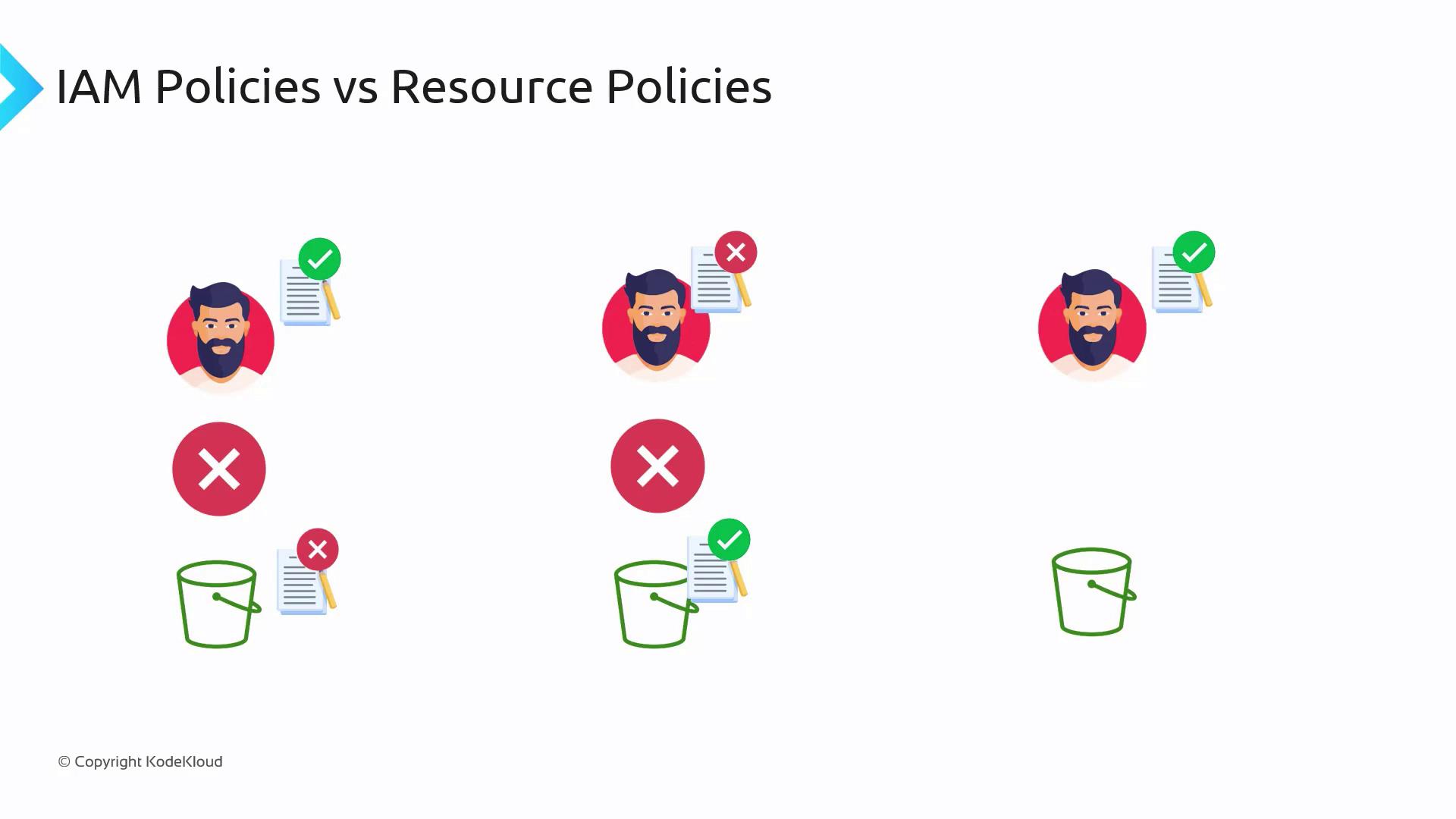
It is important to distinguish between IAM policies and resource (bucket) policies:-
IAM Policies
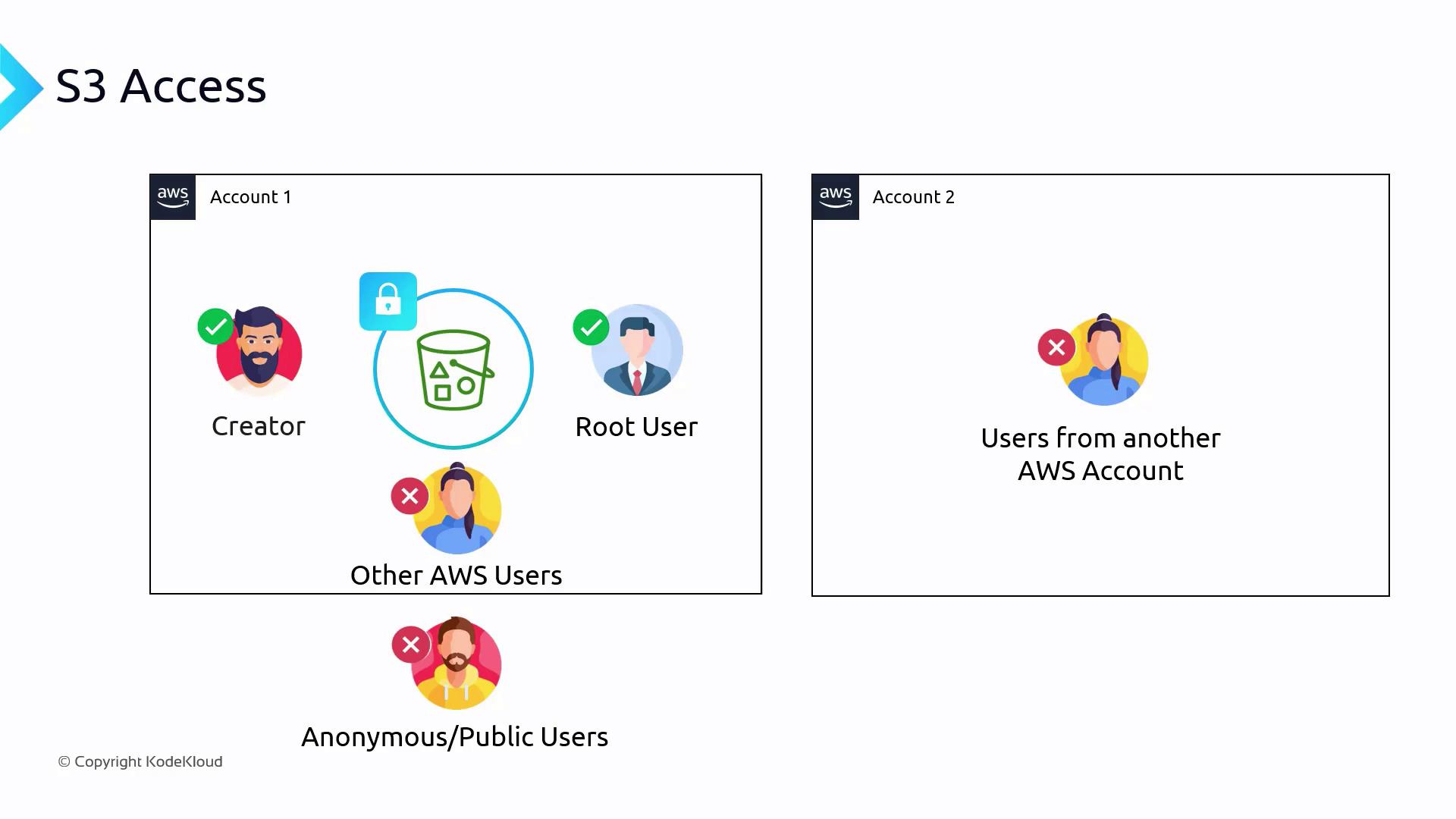
These are attached directly to IAM users or groups and set permissions for authenticated users. They cannot grant access to anonymous or public users. -
Resource Policies (Bucket Policies in S3)
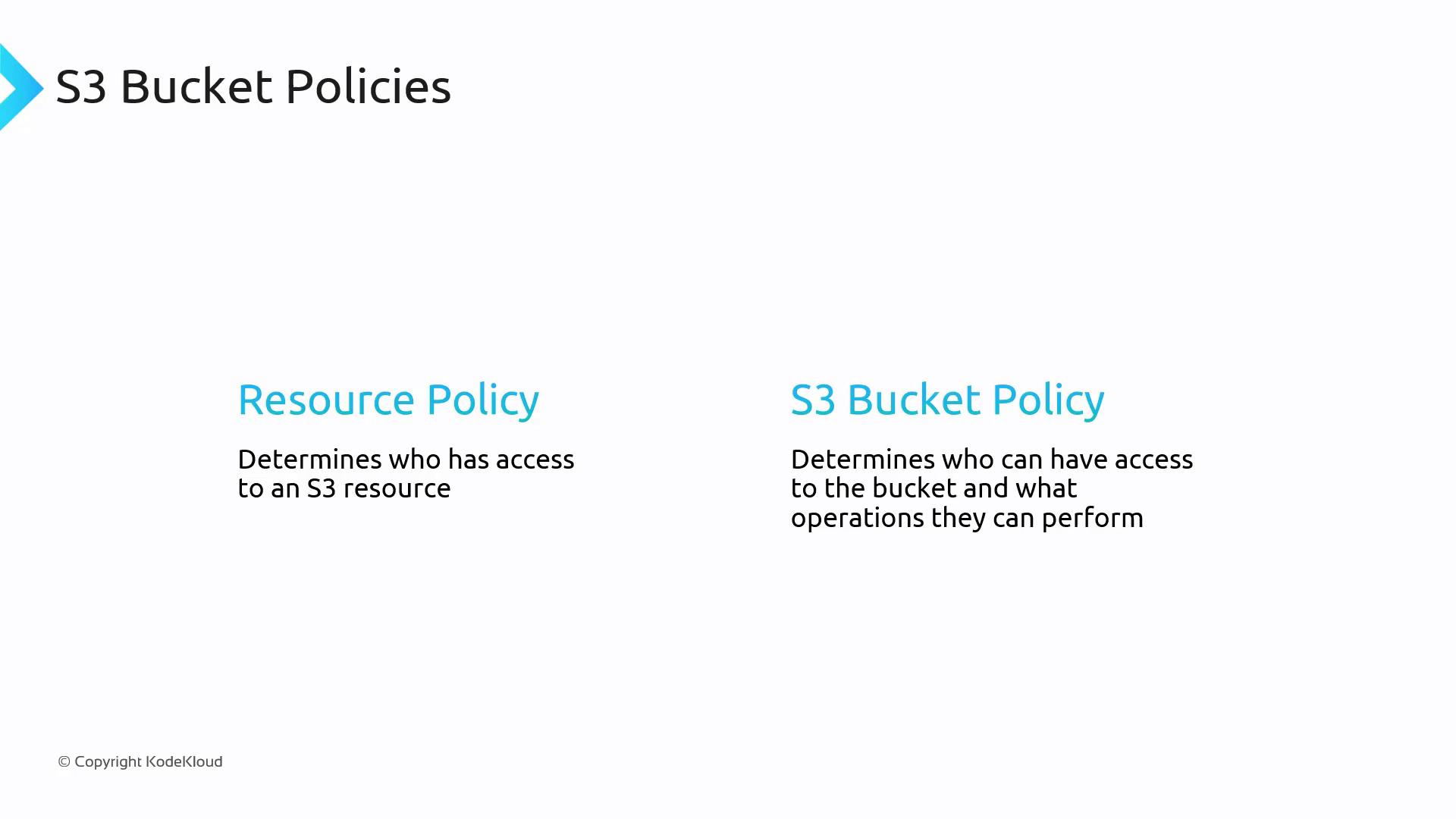
Attached directly to the S3 bucket, these policies can define access rules for both authenticated and anonymous users.
Legacy ACLs
Access Control Lists (ACLs) are a legacy method for managing access to S3 buckets. Although they provide basic permissions such as read, write, and full control, ACLs lack the flexibility that bucket policies offer. Because of their limited configurability, AWS recommends using bucket policies instead.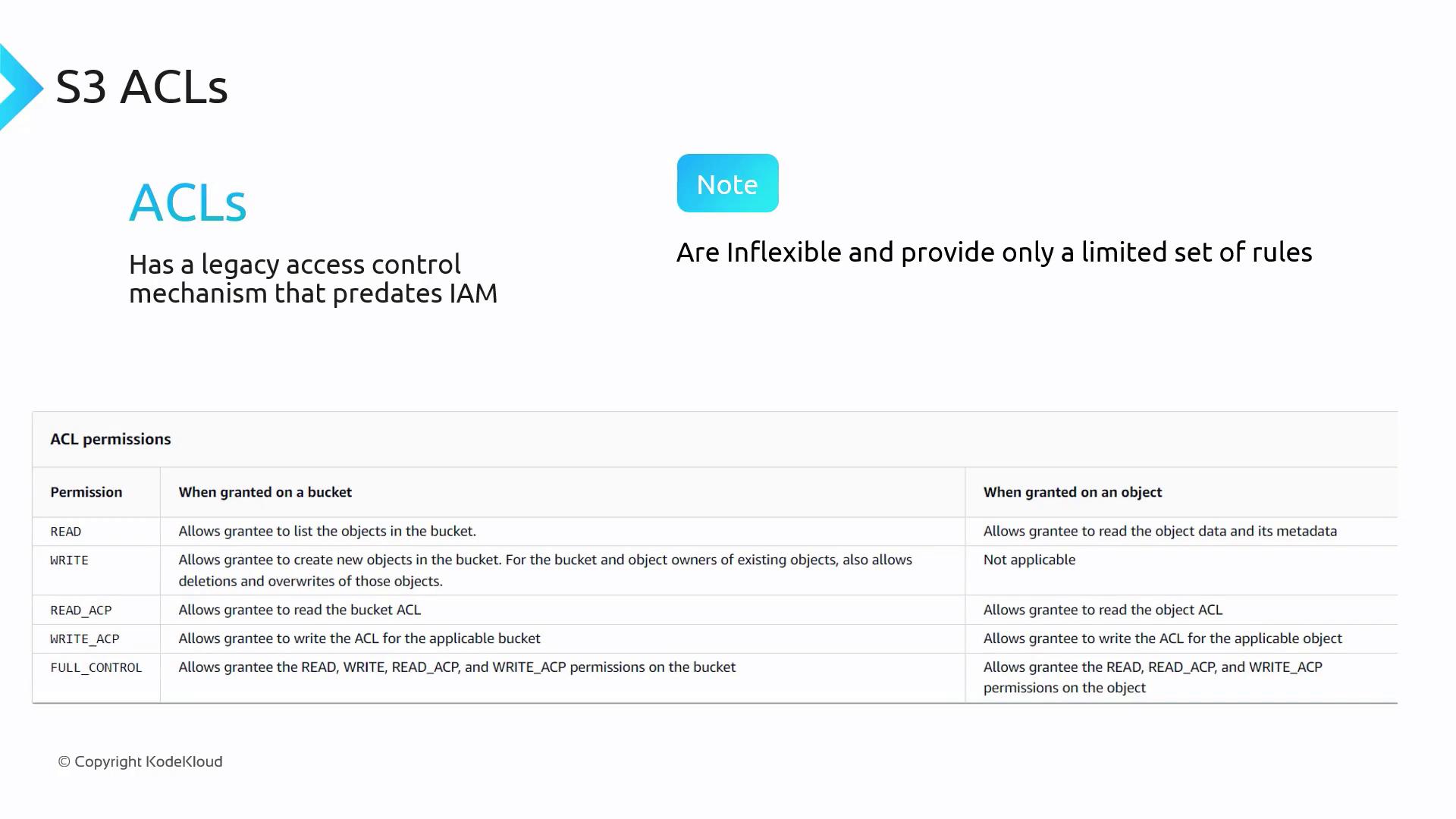
Summary
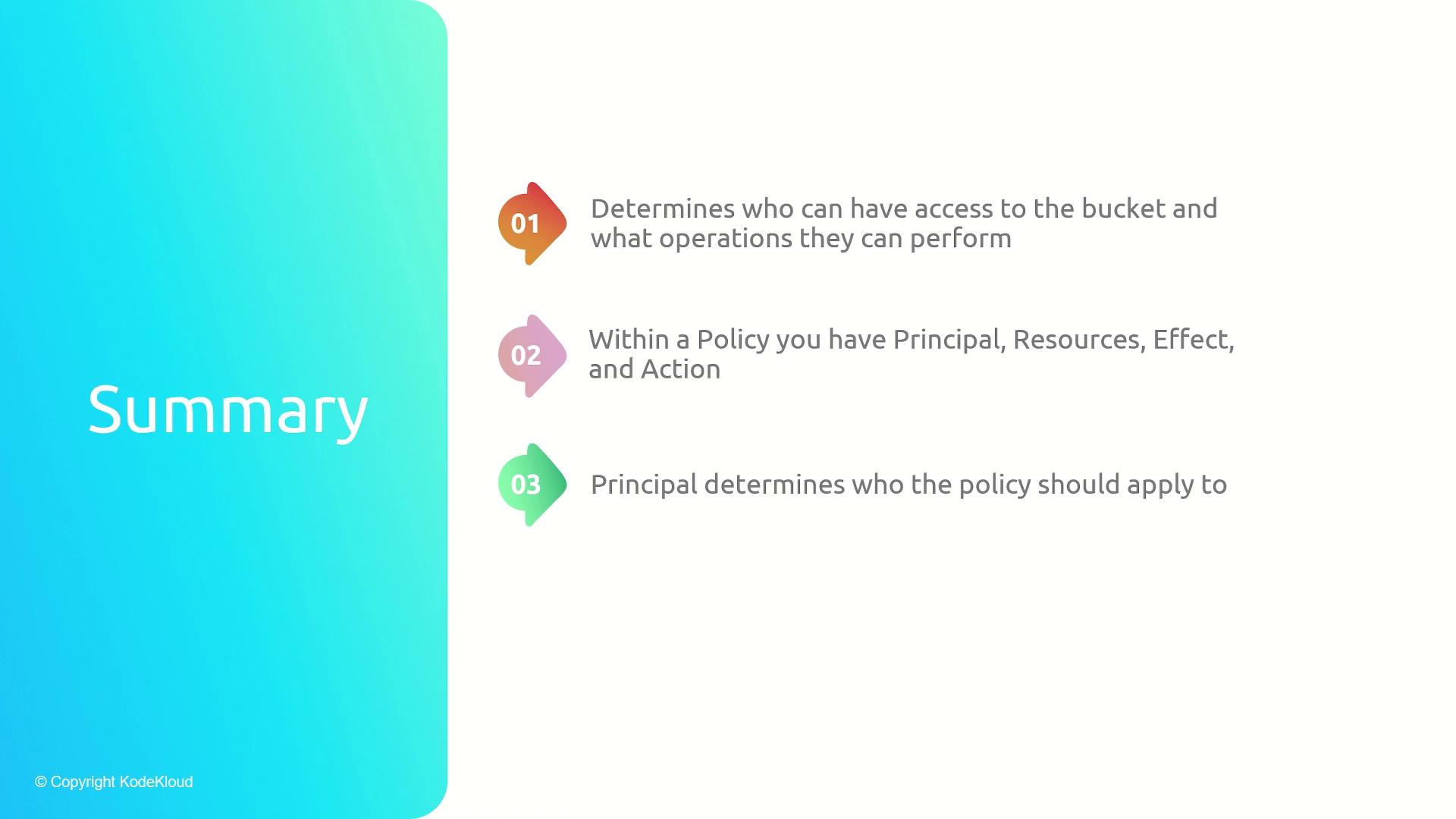
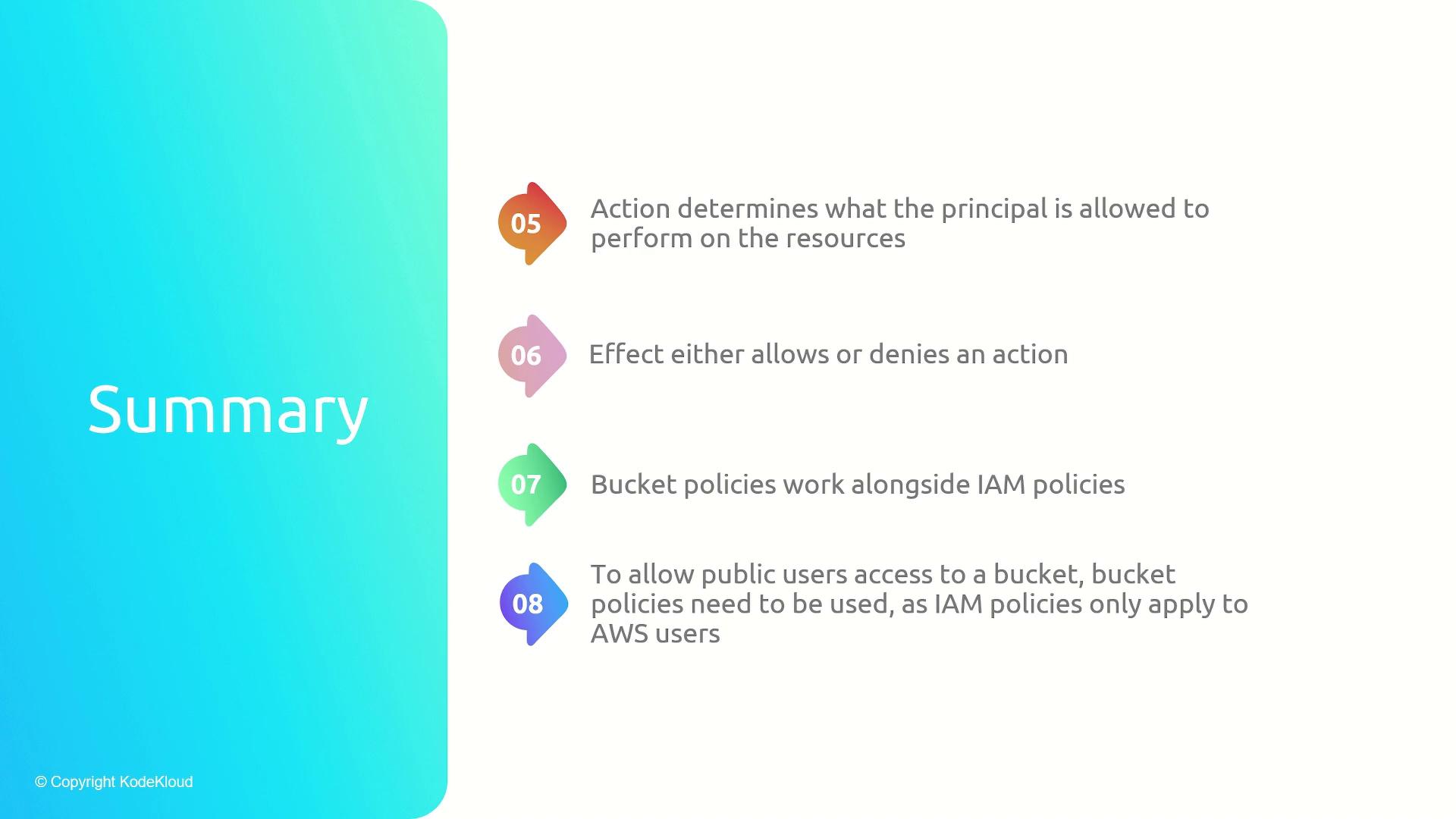
Bucket policies are essential for managing who can access your S3 bucket and which operations they are allowed to perform. Key components of bucket policies include:- Principal – Defines the user or group (or even public users) the policy applies to.
- Resource – Specifies the S3 bucket or objects within it that the policy covers.
- Action – Lists the allowed or denied operations.
- Effect – Determines whether access is granted or denied.