

Step 1: Create a Kinesis Data Stream
Begin by navigating to the Amazon Kinesis service page, then create a new data stream.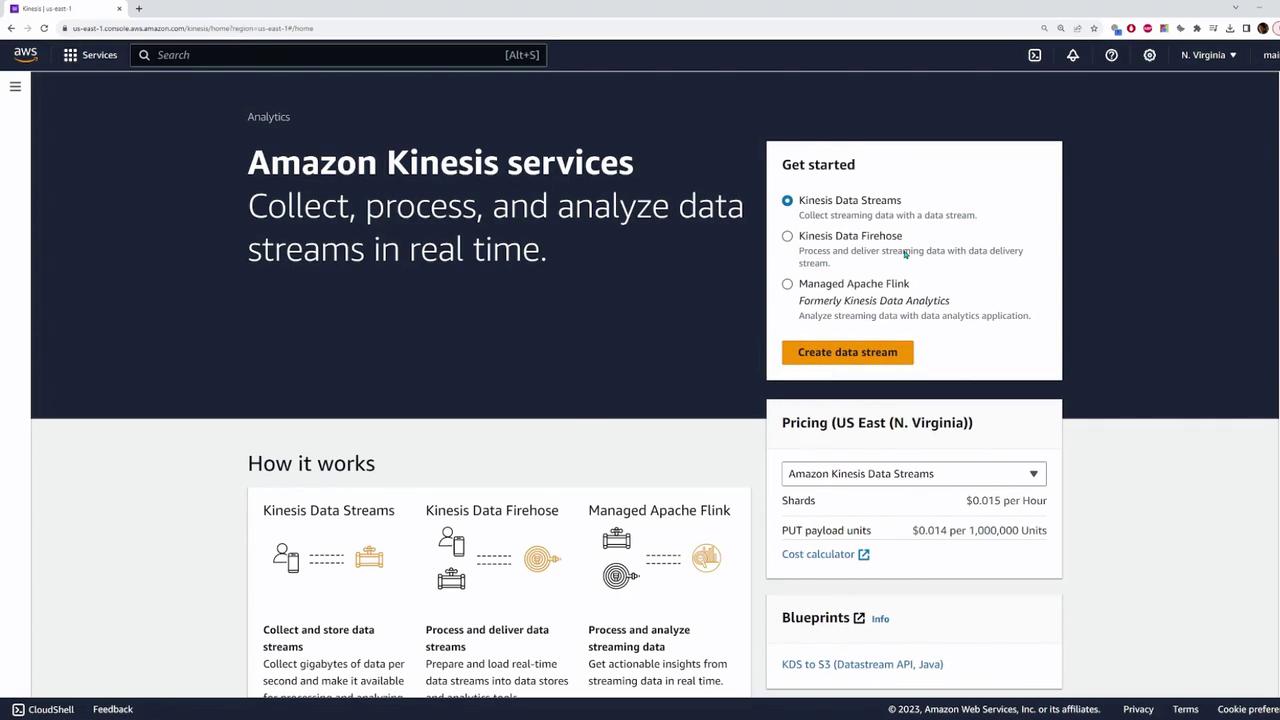
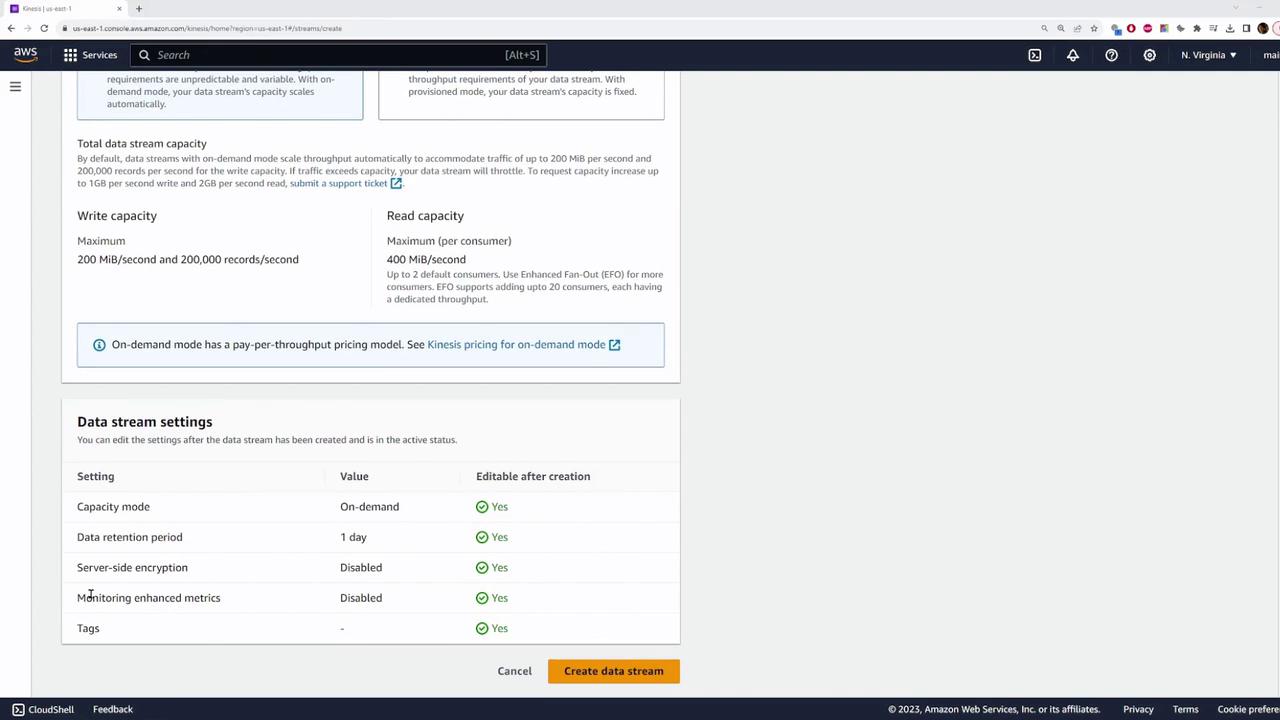
- Provisioned: Choose this mode if you have predefined throughput requirements.
- On Demand: Use this option for dynamic scaling, keeping in mind that it might incur higher costs.
Step 2: Configure the Kinesis Data Firehose
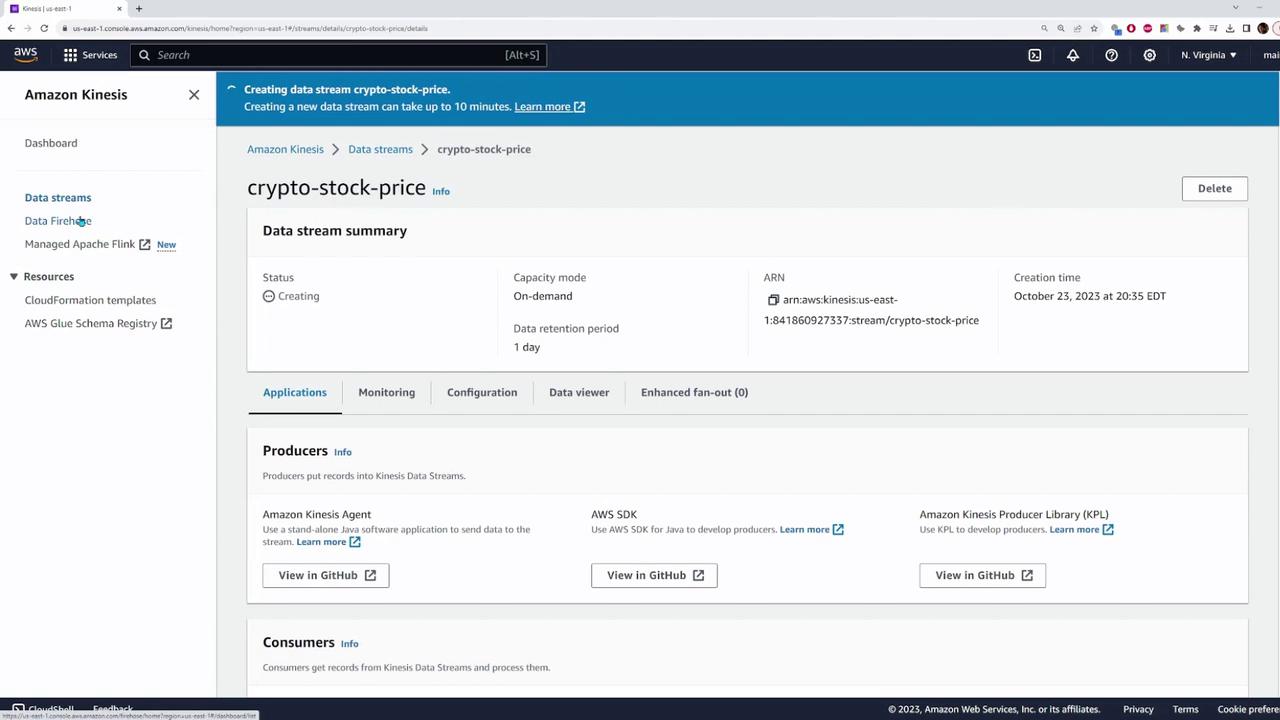
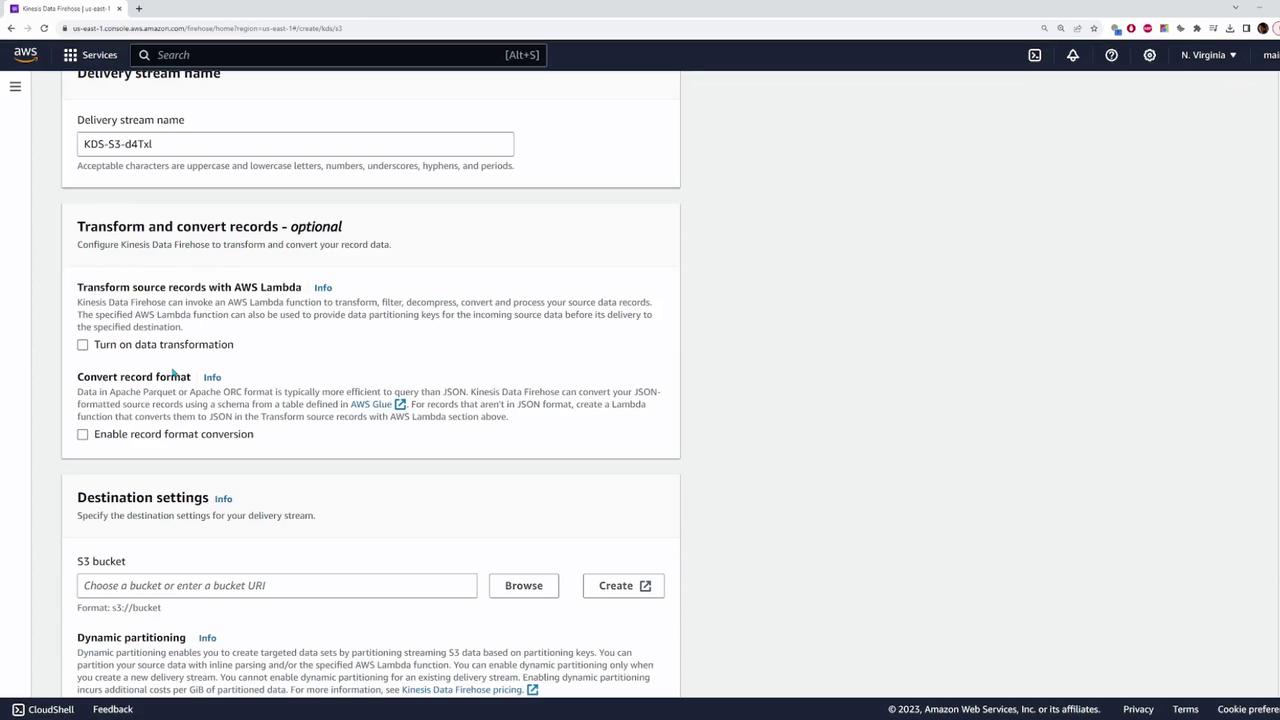
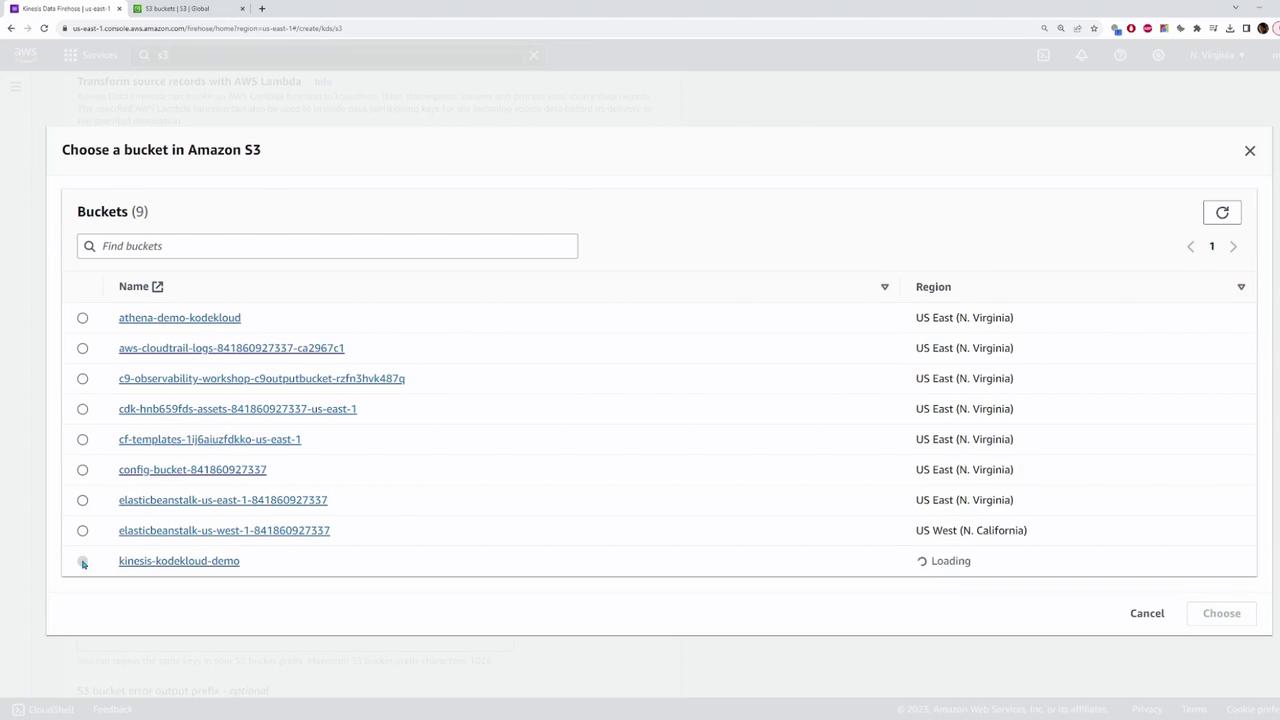
Set up a Kinesis Data Firehose delivery stream to channel data into an S3 bucket. Follow these steps:- Source Selection: Choose the Kinesis Data Stream you just created as the data source.
- Destination: Set the destination to an S3 bucket.
Step 3: Send Test Data to the Data Stream
Once your data stream and Firehose are configured, test the setup by sending sample data to the Kinesis Data Stream using the AWS SDK for JavaScript. The following code snippet demonstrates how to construct a record and send it to the data stream: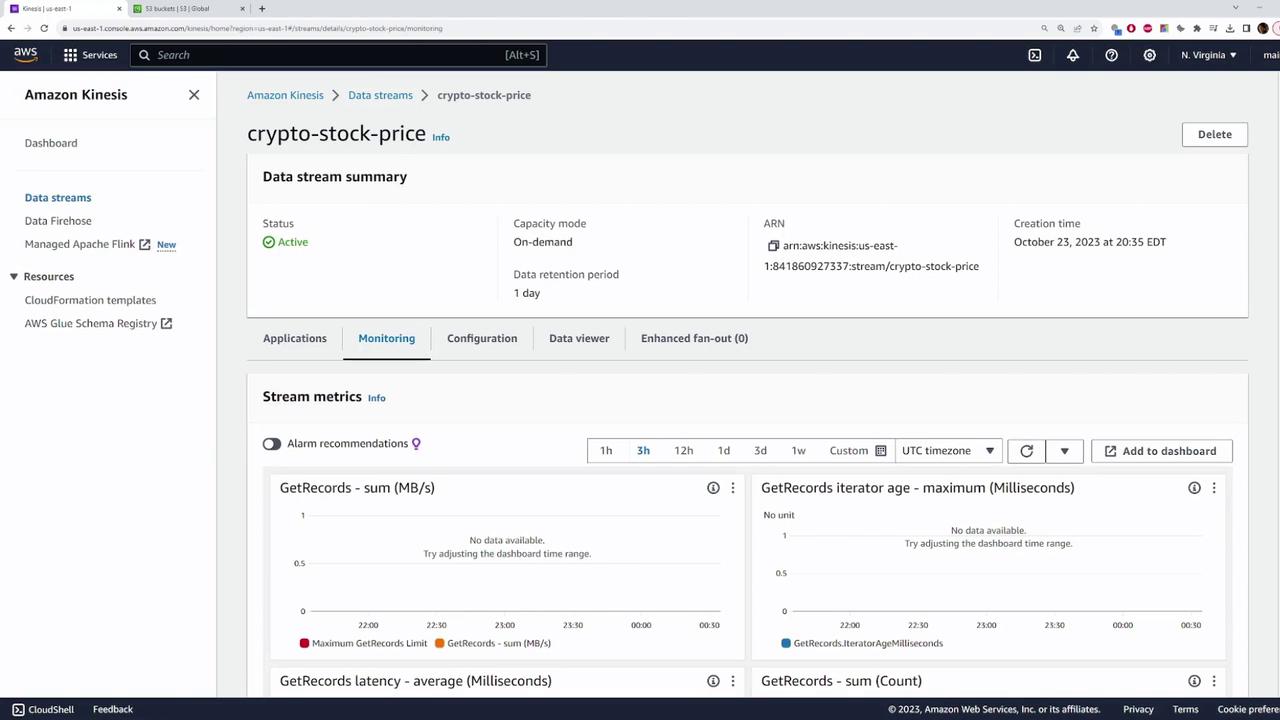
Step 4: Verify Data Delivery in S3
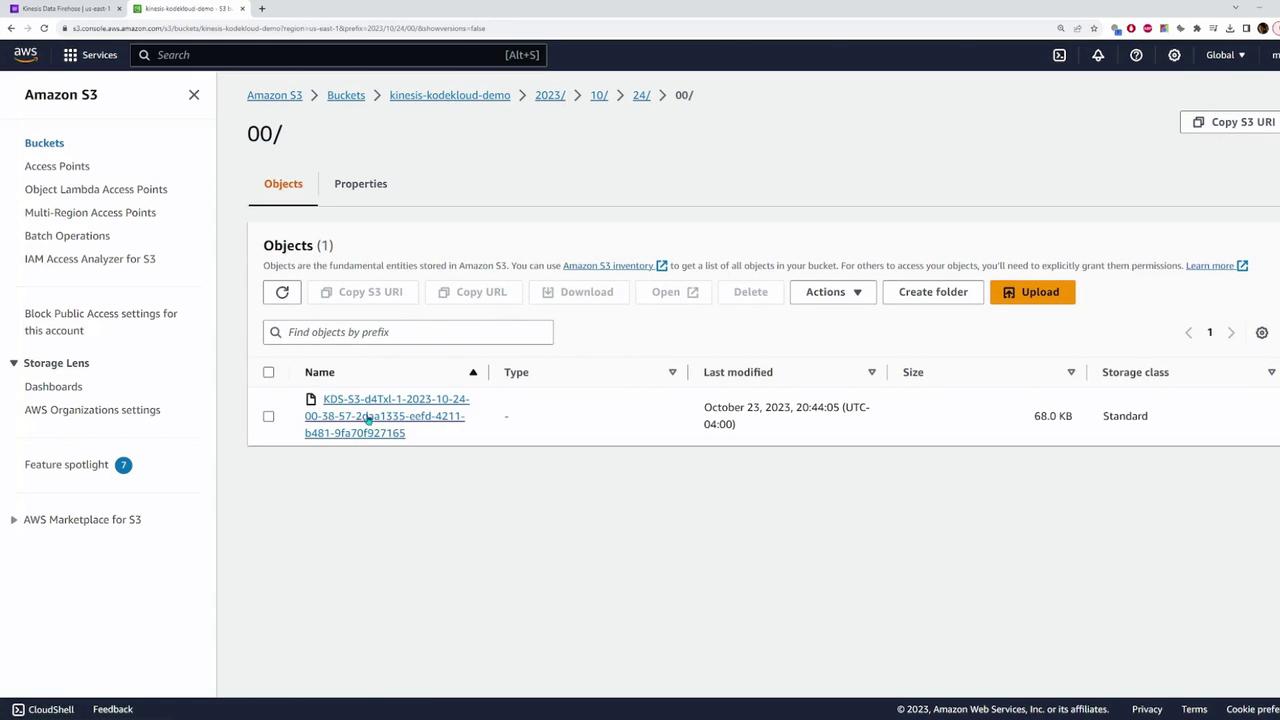
Once the data is processed by the Firehose delivery stream, navigate to your S3 bucket to verify the records. You should observe a directory matching the current date (e.g., “2023”) that contains several files with the streamed data.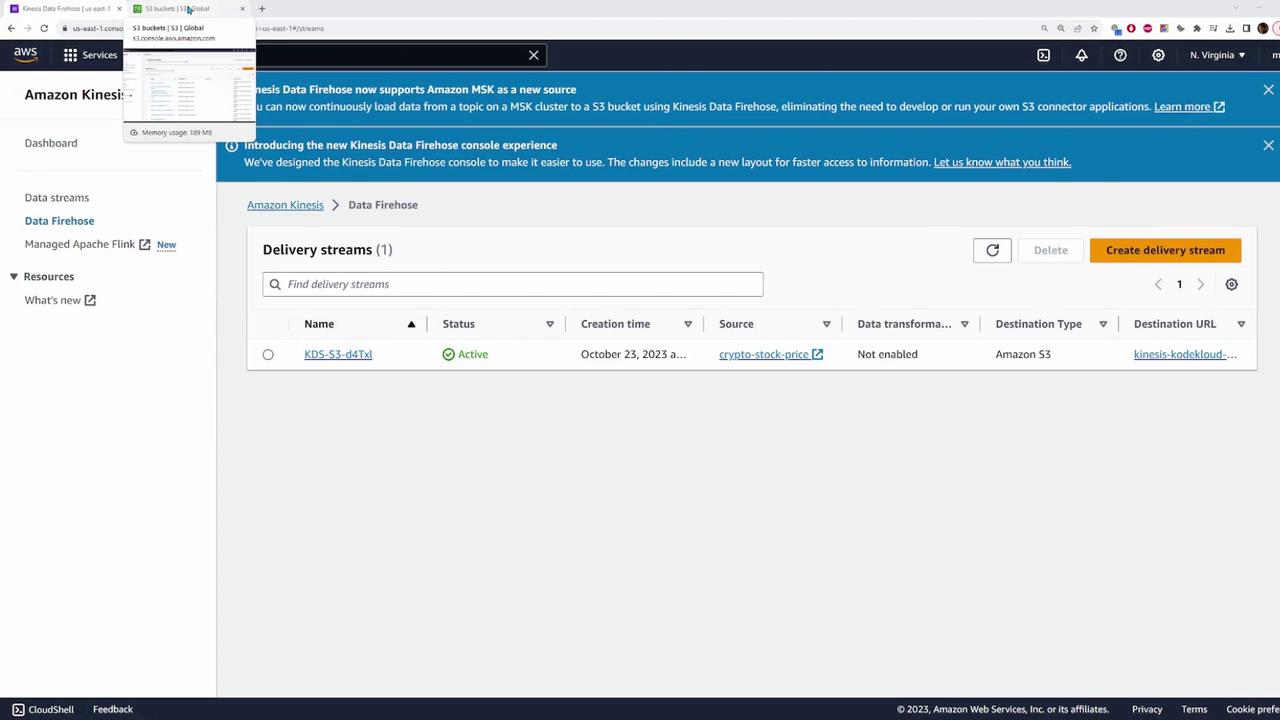
Ensure that your bucket permissions are correctly set so that Kinesis Firehose can write data to your S3 bucket.
Additional Considerations
While this guide covers the fundamental process of transmitting data from a Kinesis Data Stream to an S3 bucket using Kinesis Firehose, additional features are available. For example, you can utilize Lambda functions for on-the-fly data transformation, which is beneficial if you need to modify the record formats or convert data types. That concludes this comprehensive demo of setting up and using Amazon Kinesis. We hope this guide helps you effectively integrate and manage streaming data for your applications. For further information, consult the following resources:
Happy streaming!