In this lesson, we will explore how Elastic Beanstalk lifecycle policies help manage your application versions and optimize resource usage within your AWS account. When you deploy a new version of your application, Elastic Beanstalk automatically stores it in an S3 bucket. As deployments increase, the number of stored versions can quickly escalate into the hundreds or even thousands, risking potential resource quota limits.Documentation Index
Fetch the complete documentation index at: https://notes.kodekloud.com/llms.txt
Use this file to discover all available pages before exploring further.
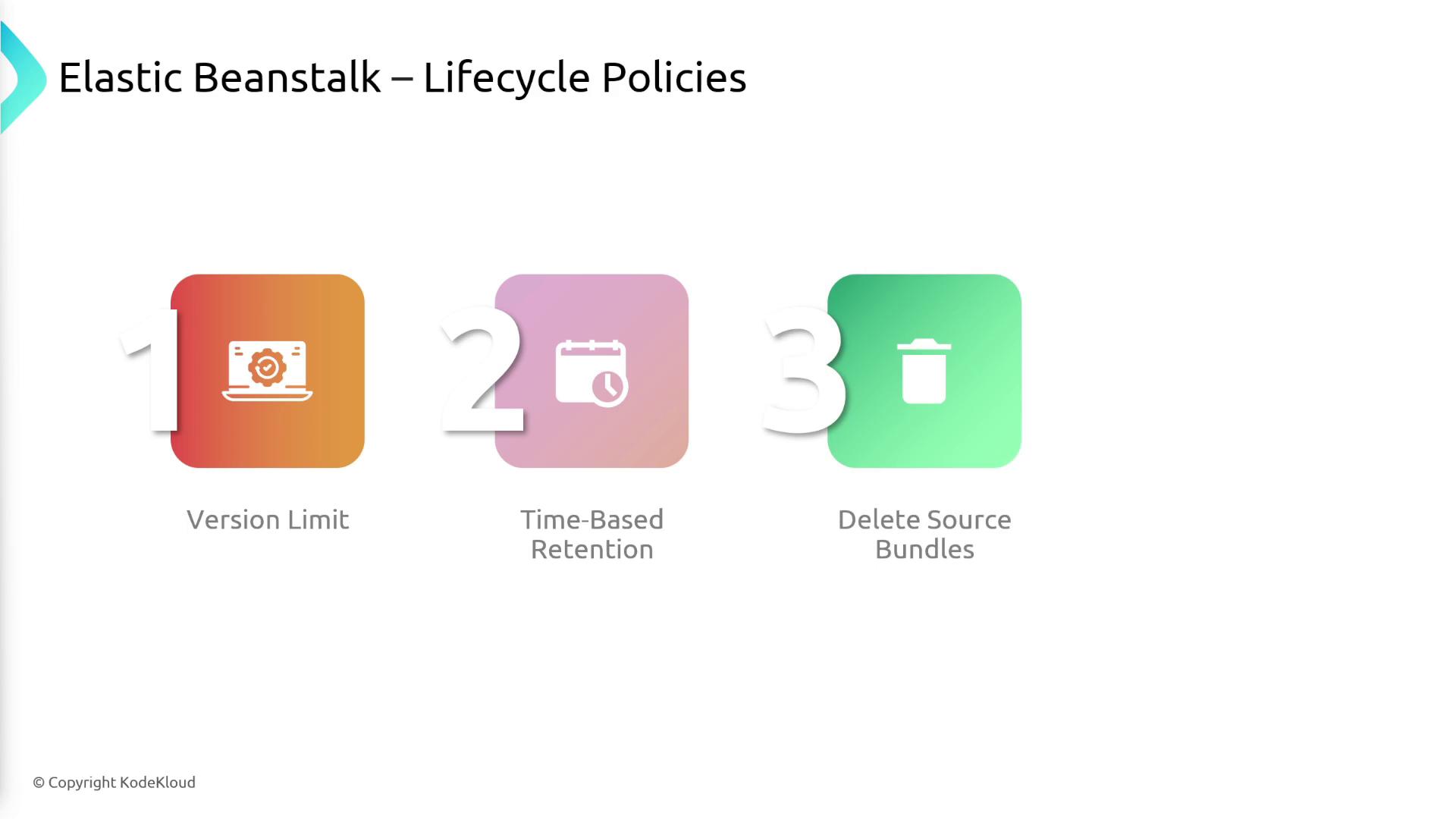
Elastic Beanstalk lifecycle policies allow you to:
- Retain a specific number of recent application versions (e.g., keeping only the 100 most recent versions). When a new version is added, the oldest version is automatically deleted.
- Protect critical versions by marking them as deletion protected.
- Remove outdated versions through a time-based retention policy (for example, deleting any version older than 90 days).