

Lambda Execution Roles
When you create a Lambda function, you must assign it an execution role. This role defines the permissions that allow your Lambda function to interact with other AWS services. For instance, if your Lambda function needs to read from or write to an Amazon S3 bucket, the execution role must include the appropriate permissions. Whenever you need to expand your Lambda function’s permissions, simply locate its associated execution role in AWS Identity and Access Management (IAM) and update the permissions accordingly.Resource Policies for Invoking Lambda Functions
In addition to execution roles, resource policies help control who can invoke your Lambda function. An invoking user or service must have the adequate permissions, or a resource policy can be configured on the Lambda function to allow the invocation. For example, to enable an Amazon S3 bucket to automatically trigger a Lambda function when a file is uploaded, you would set up a resource policy on the Lambda function permitting that action. Resource policies are also vital for enabling cross-account interactions. If a user or service in one AWS account needs to invoke a Lambda function in another account, a proper resource policy must authorize this cross-account access.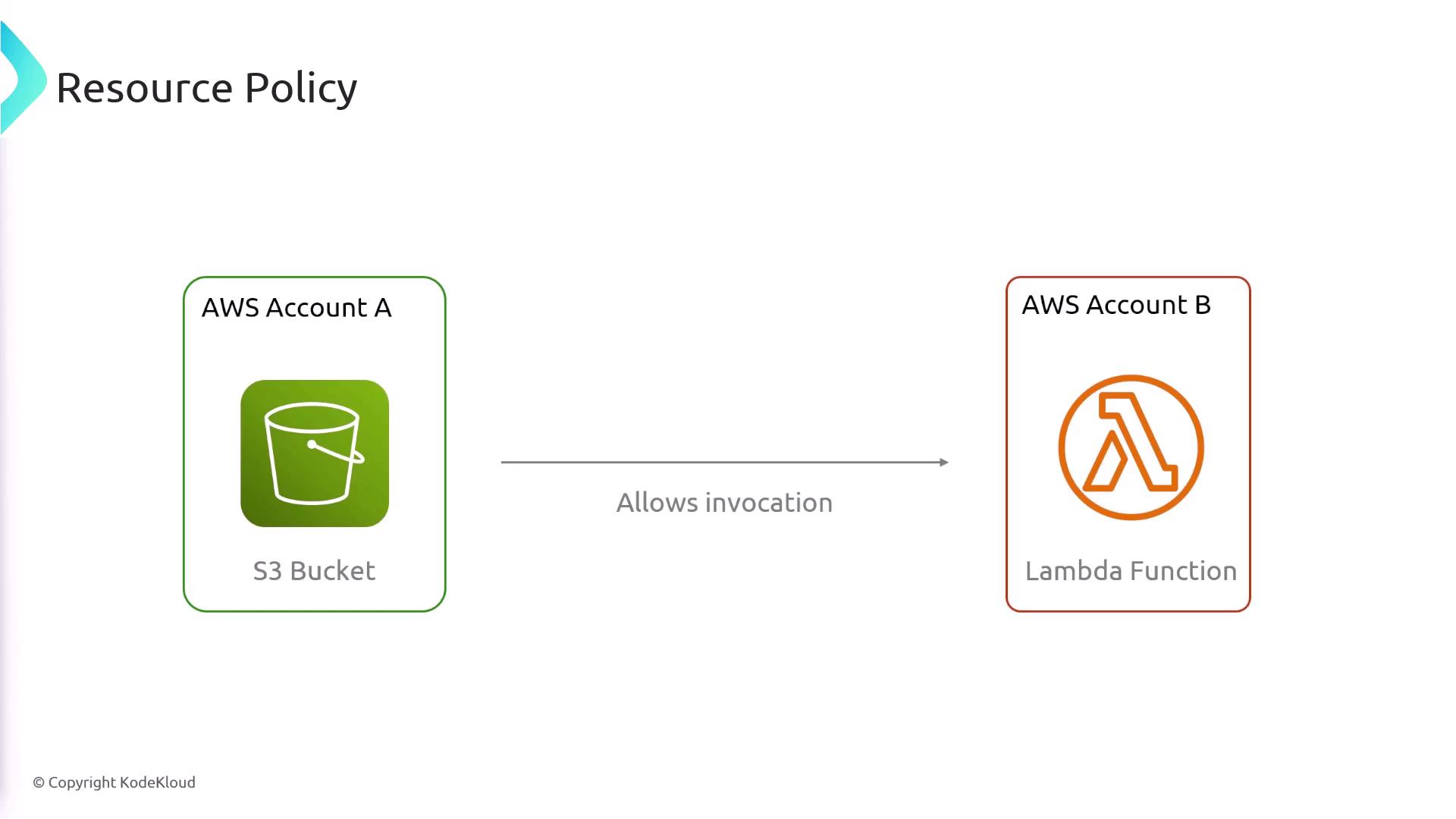
Ensure that both execution roles and resource policies are configured correctly to maintain security while enabling the required interactions among AWS services.
Example Resource Policy
Below is an example of a typical resource policy. In this policy, the Lambda function allows invocation by the S3 service from Account A:- The “Action” is set to “lambda:InvokeFunction.”
- The policy uses a condition to ensure that only requests originating from Account A (identified by “Account A ID”) are allowed to invoke the Lambda function. This configuration is crucial for enabling S3-triggered Lambda invocations or other cross-account interactions.