

Project Initialization
To begin, open your terminal and execute the following command to initialize your SAM project: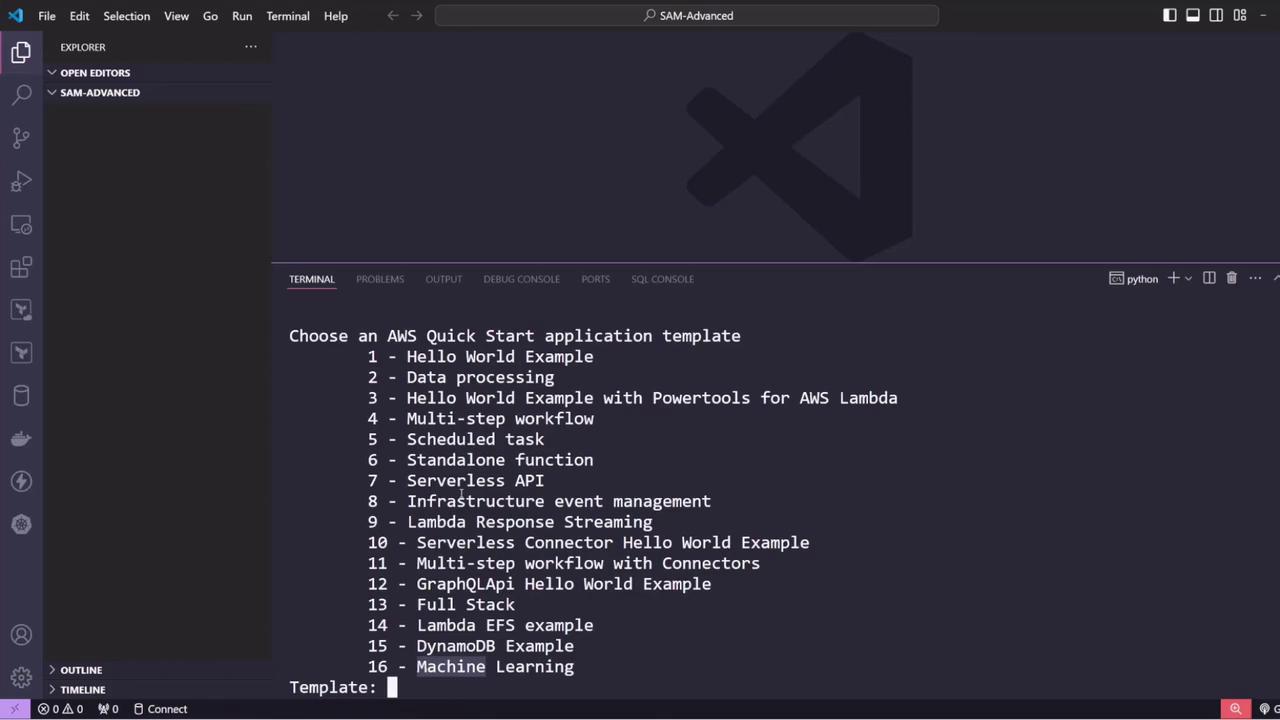
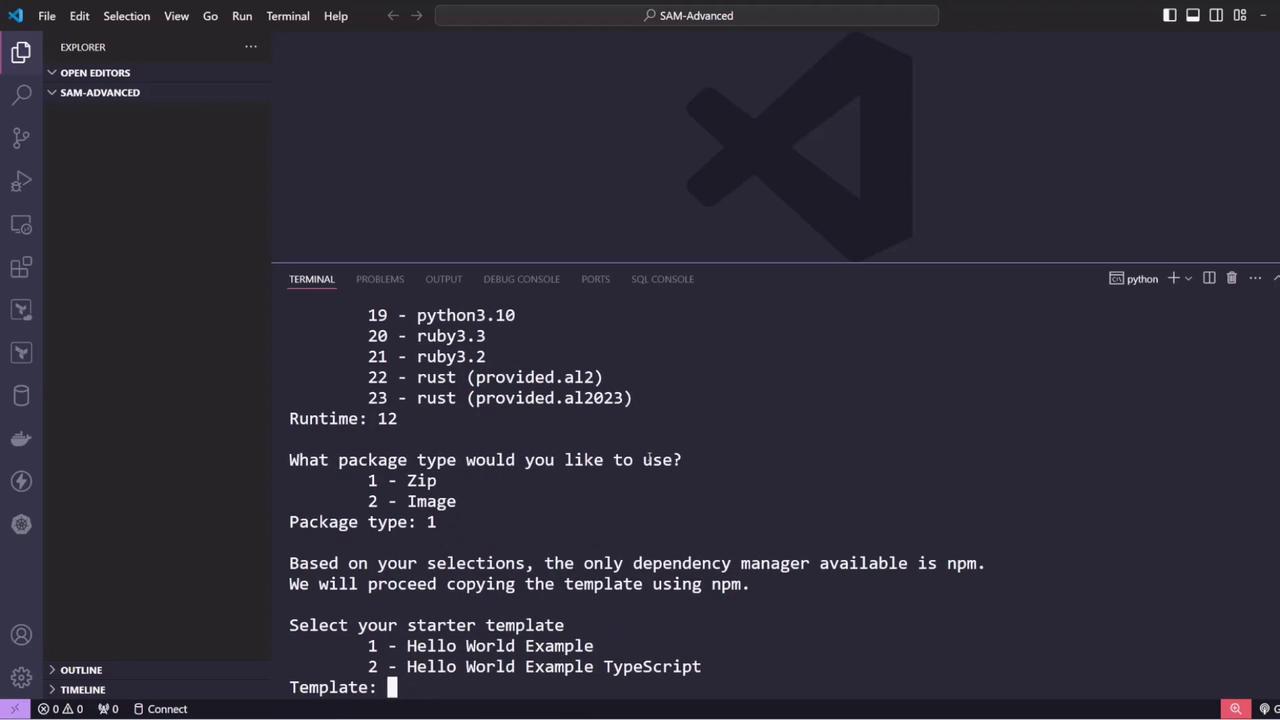
Project Structure and Configuration
The generated project includes atemplate.yaml file that defines your SAM configuration. Key sections include a project description, global function settings (like the default function timeout), and resource definitions. Below is an excerpt of the template showcasing the Hello World function:
README, a .gitignore, sample tests, and directories for Lambda function code and test events. For instance, here is a Node.js Lambda function snippet:
Evolving the Example: Building an API for an E-Commerce Application
In this section, we extend the project to create an API for an e-commerce (or inventory) application. The API will allow users to add new products and retrieve a list of existing products from a DynamoDB table. Start by cleaning up any unnecessary files (like tests,.npmignore, and package.json) and reorganize your project structure so that all Lambda functions reside within a dedicated source folder.
Next, add several Lambda functions to the project:
- Create Products – Adds a new product to the DynamoDB table.
- Get All Products – Retrieves the complete list of products.
- Get Product by ID – Retrieves a specific product by its name (used as the primary key).
Create Products Lambda Function
Below is the Lambda function code snippet for creating products:template.yaml is provided below:
The policy template (DynamoDBCrudPolicy) automatically grants the necessary CRUD permissions on the specified DynamoDB table to the Lambda function.
Deploying the API
After configuring your Lambda function and API event, deploy the stack using the guided deployment command: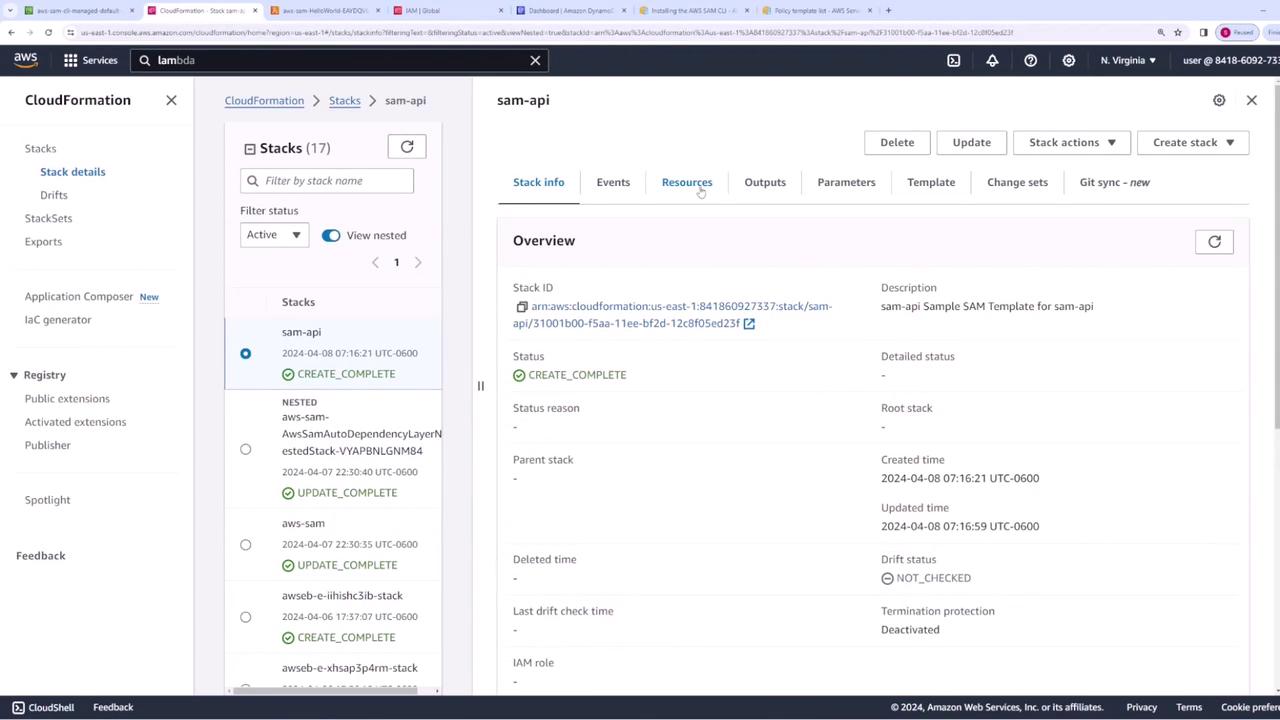
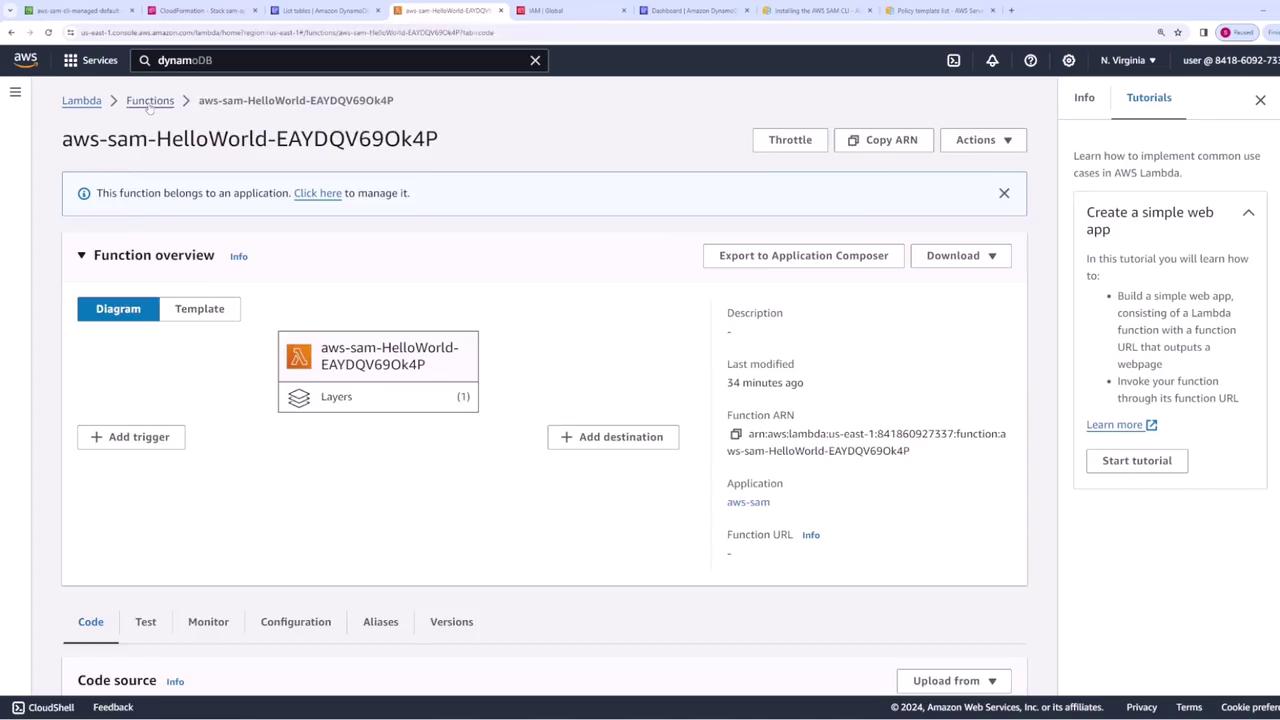
- DynamoDB: Check the products table.
- Lambda: Confirm the createProduct Lambda function.
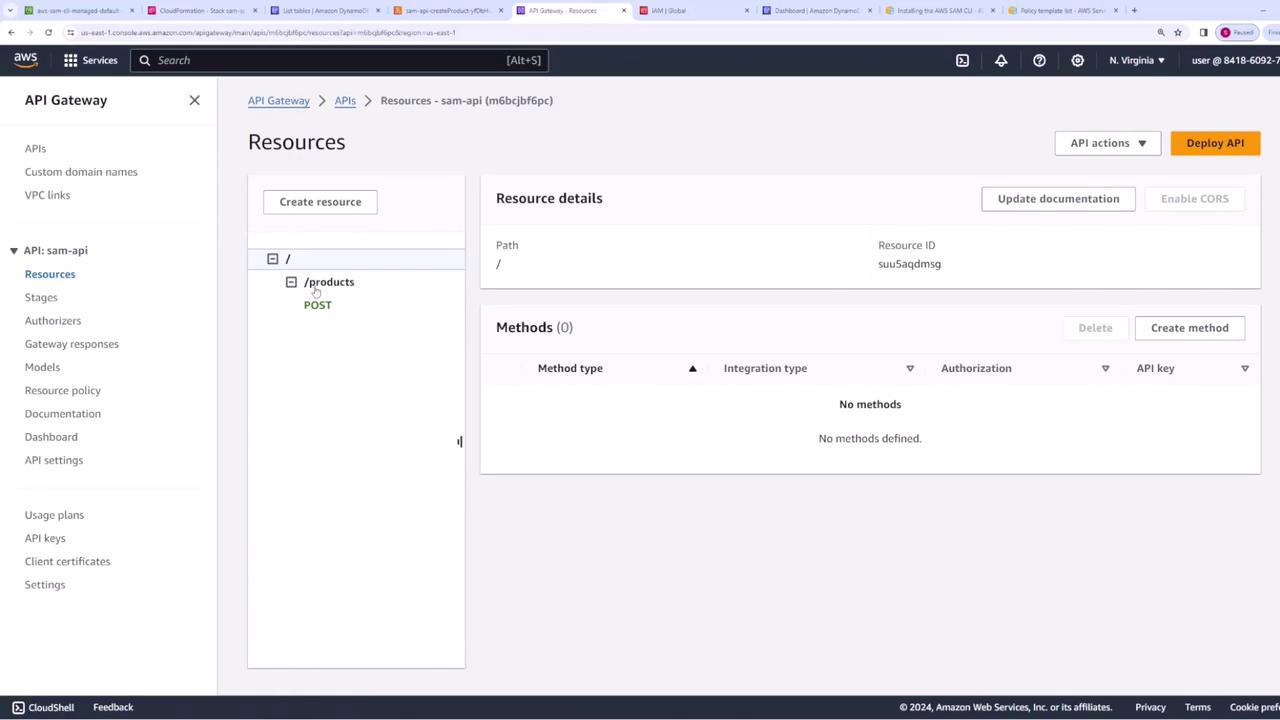
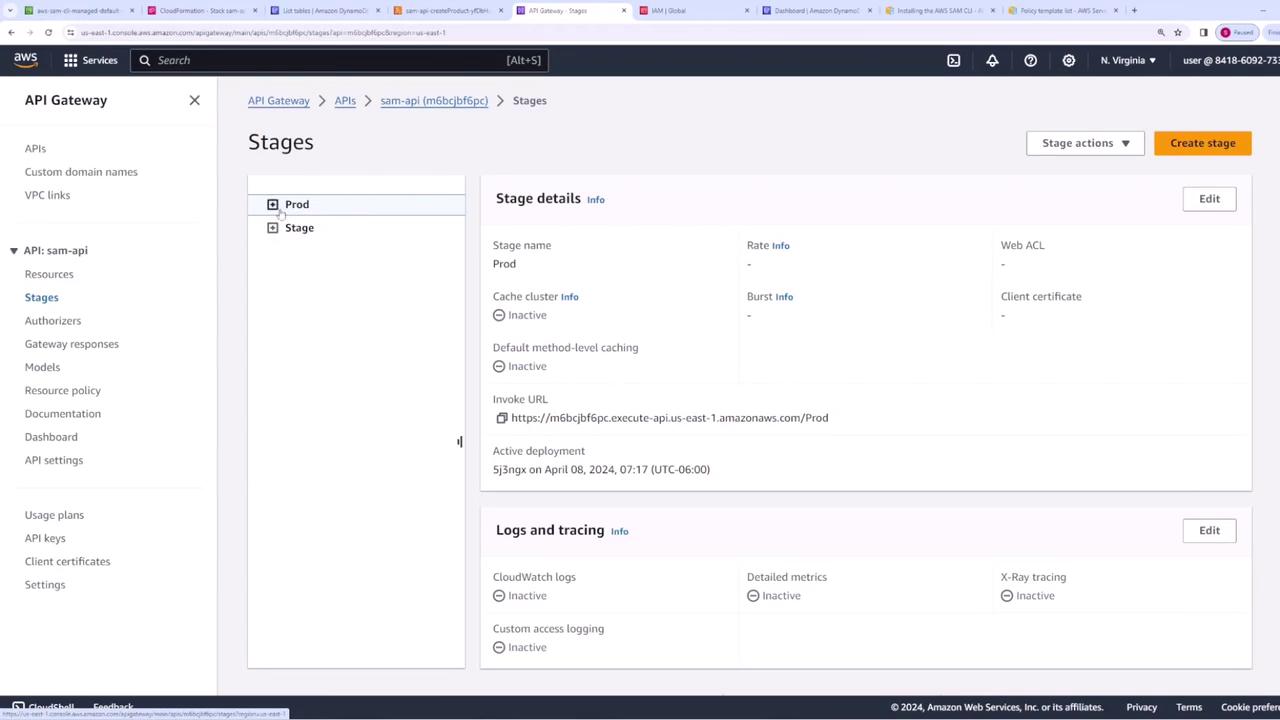
- API Gateway: Ensure that the API properly triggers your Lambda functions.
Testing the API
Use tools like Postman or curl to test your API endpoints. For instance, to create a new product, send a POST request with a JSON payload containing the required “name” field along with additional properties such as price. Example POST payload for creating a phone:- A GET request to
/productsto retrieve all products. - A GET request to
/products/{name}(for example,/products/book) to retrieve a single product.
/products:
/products/book:
Outputting API Information
To simplify testing and troubleshooting, add anOutputs section to your template.yaml to display useful details such as the Lambda ARN and the API URL:
sam deploy, you will see output similar to:
Cleaning Up
Once testing is complete and you no longer need the deployed resources, clean up by deleting the CloudFormation stack:This concludes our SAM advanced demo. In this article, we covered how to initialize a SAM project using a Quick Start template, build and configure multiple Lambda functions integrated with DynamoDB and API Gateway, and output essential deployment information for testing. Happy coding!