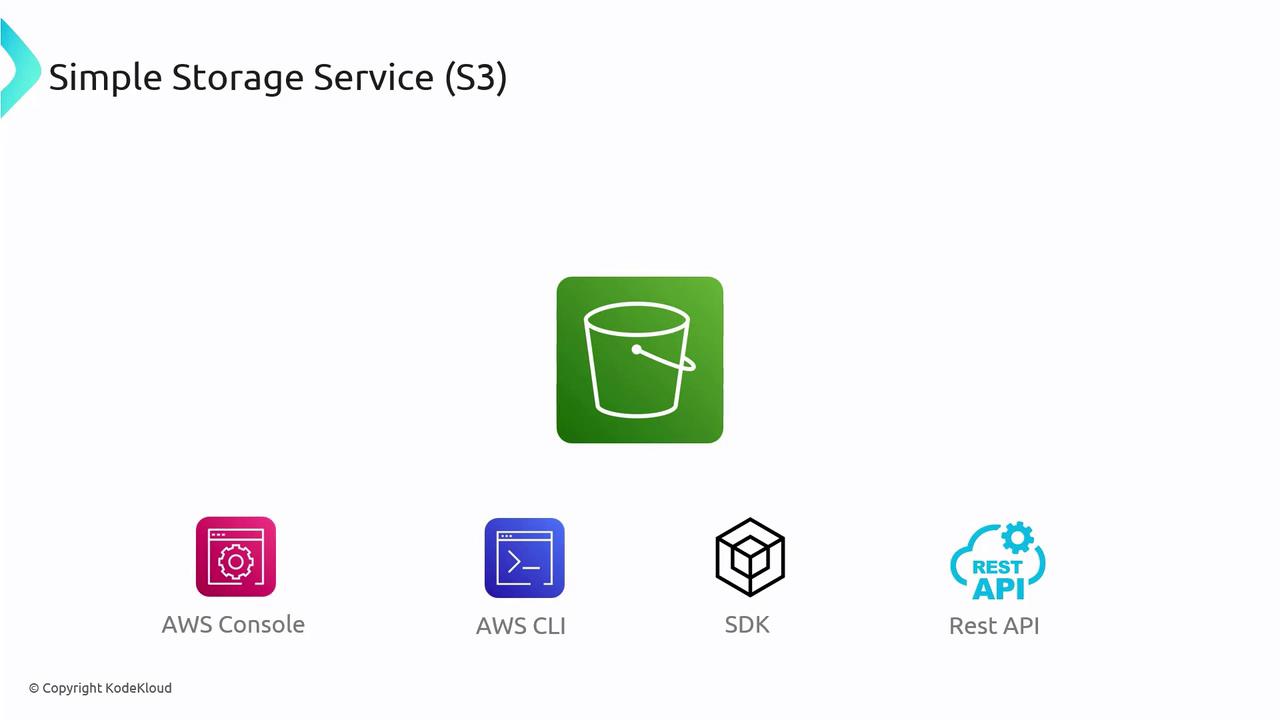
Object-Based Storage
Amazon S3 is built as an object-based storage system, which differentiates it from traditional file-based storage (like NFS) or block-based storage. Here’s what makes S3 unique:- Entire objects (or files) are stored as discrete units.
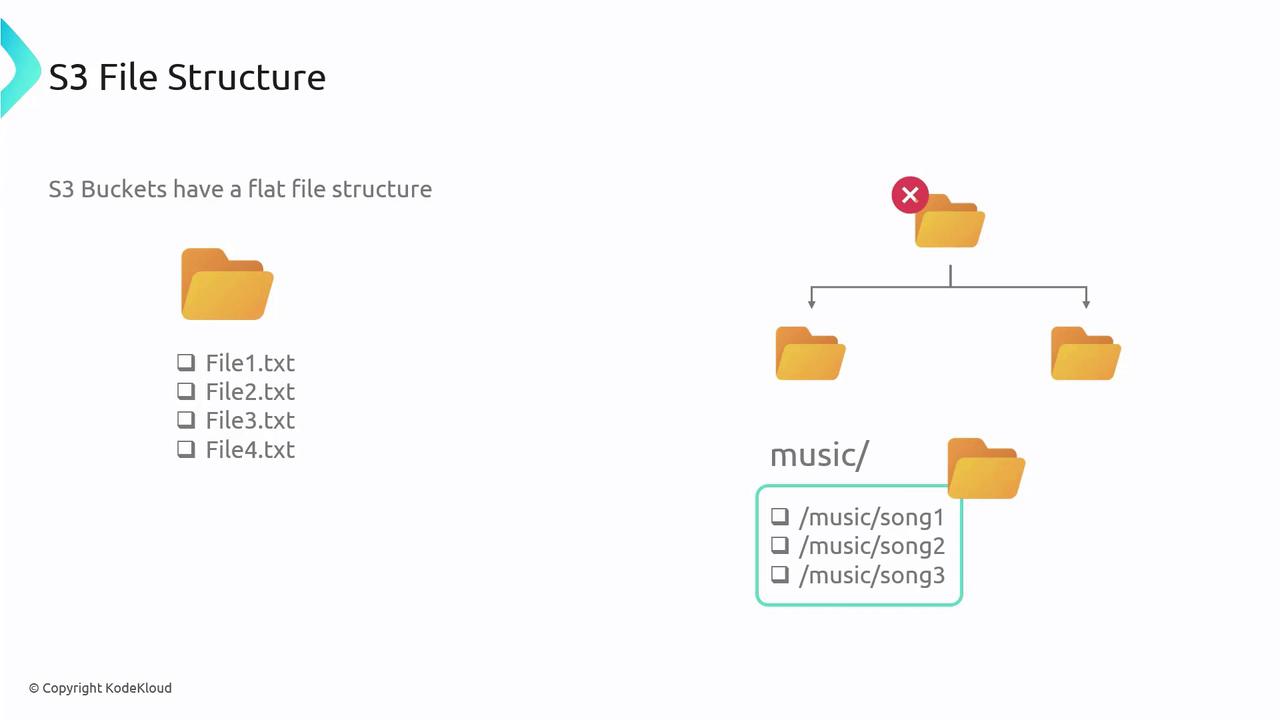
- S3 uses a flat structure instead of a hierarchical file system—even though the AWS Console may display a folder-like view using prefixes (e.g., “music/song1”).
- For traditional file or block storage needs, consider other AWS storage options tailored for those use cases.
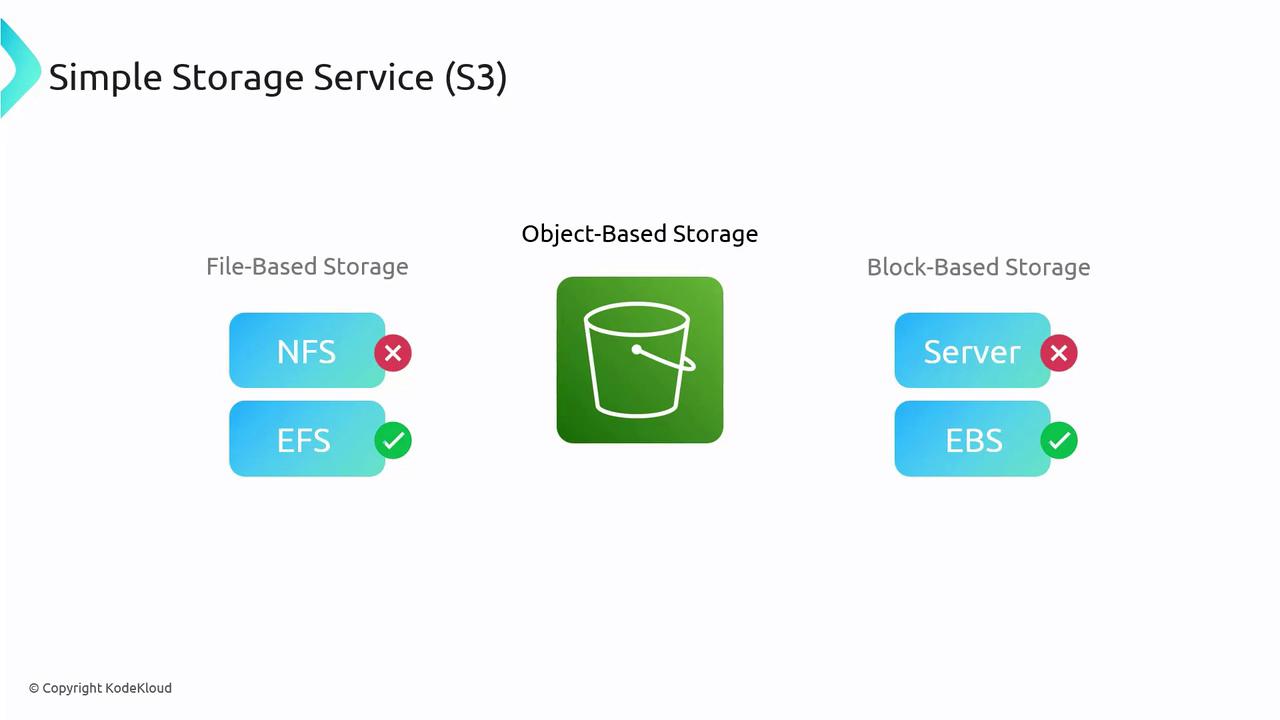
Common Use Cases for S3
Amazon S3 is ideal for various storage needs. Common use cases include:- Storing log files
- Hosting media assets (images, videos, audio)
- Managing artifacts generated from CI/CD pipelines
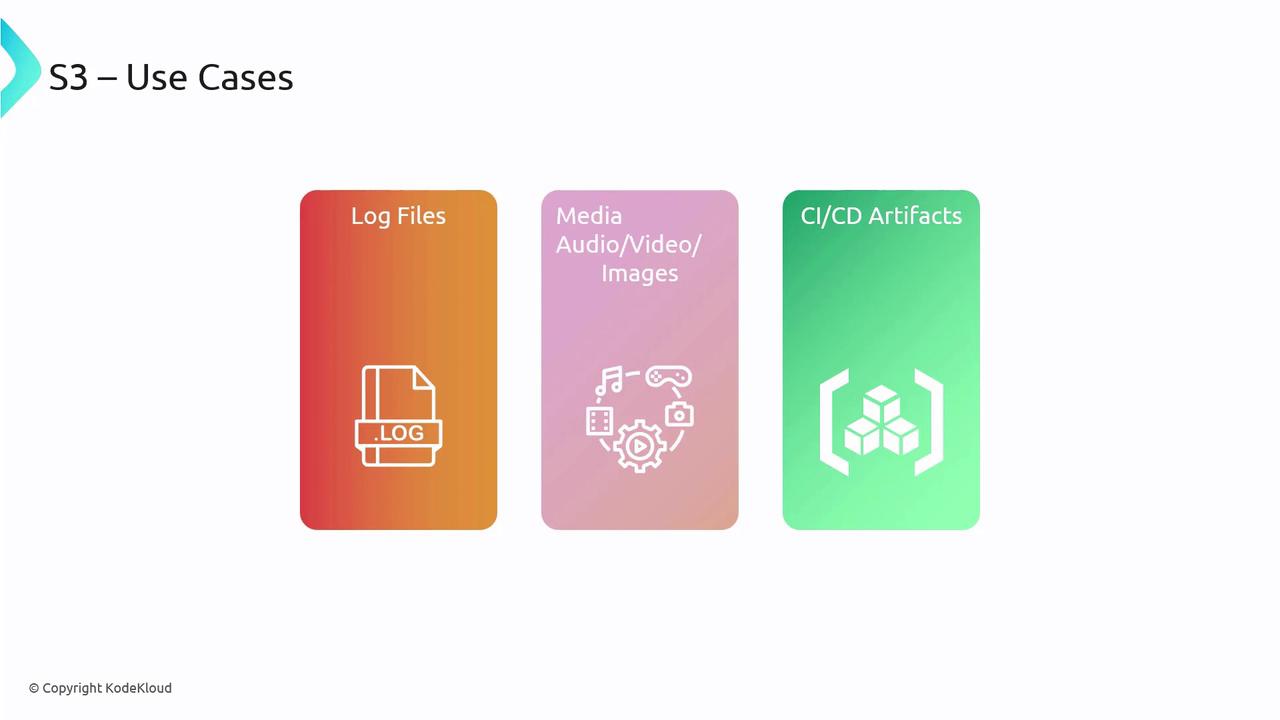
Real-World Example: Deploying a Website
Imagine a website where the web server hosts HTML, CSS, and JavaScript files. For sites with vast media libraries—such as YouTube or Netflix—storing media files on the same server is impractical. Instead, S3 can be used to offload media storage, reducing server load and optimizing performance. When a user accesses a webpage:- The web server serves the HTML file.
- The HTML includes URLs pointing to media stored on S3.
- This architecture leverages S3’s strengths while keeping the web server focused on serving dynamic content.
Key S3 Terminology
Buckets
Buckets in S3 are containers for your objects (files). Key points about buckets:- They function similarly to folders.
- You can create multiple buckets within an AWS account, often organized by application, environment, or purpose (e.g., separate buckets for logs and media).
- Bucket names must be globally unique since they are incorporated into public URLs.
Objects
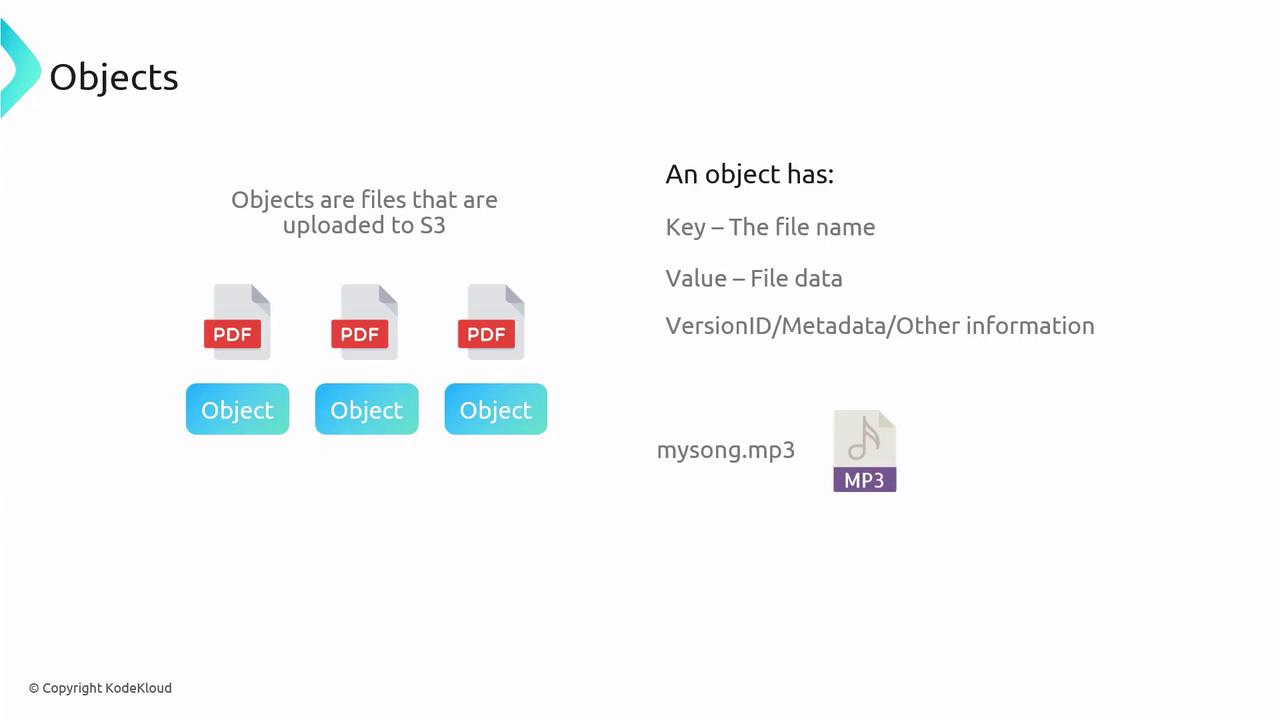
Objects refer to the individual files stored within buckets. Each object comprises:- A key: the name assigned to the file.
- A value: the actual content of the file.
- Additional metadata: for example, version IDs and descriptive details when versioning is enabled.
Durability and High Availability
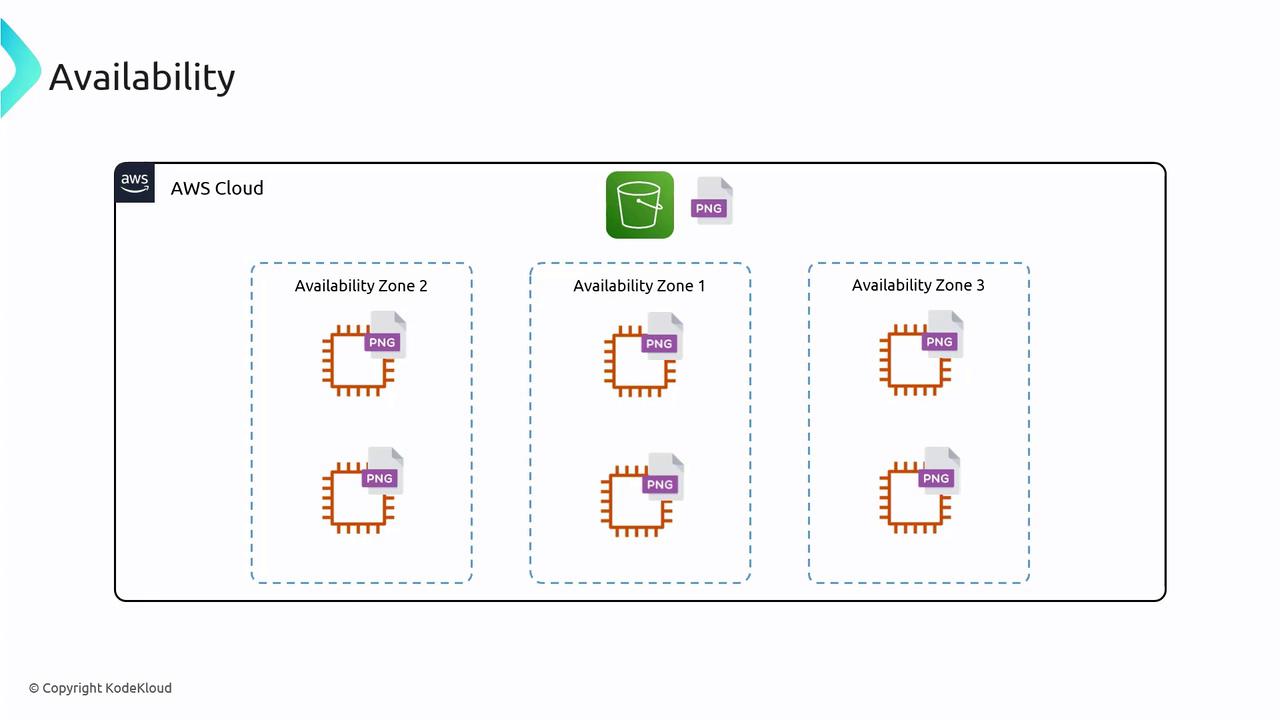
Amazon S3 ensures your files are secure and available through a series of redundant processes:- Files are automatically replicated across multiple servers and Availability Zones.
- This replication prevents data loss, even in the event of hardware or zone failures.
S3 Restrictions and Limits
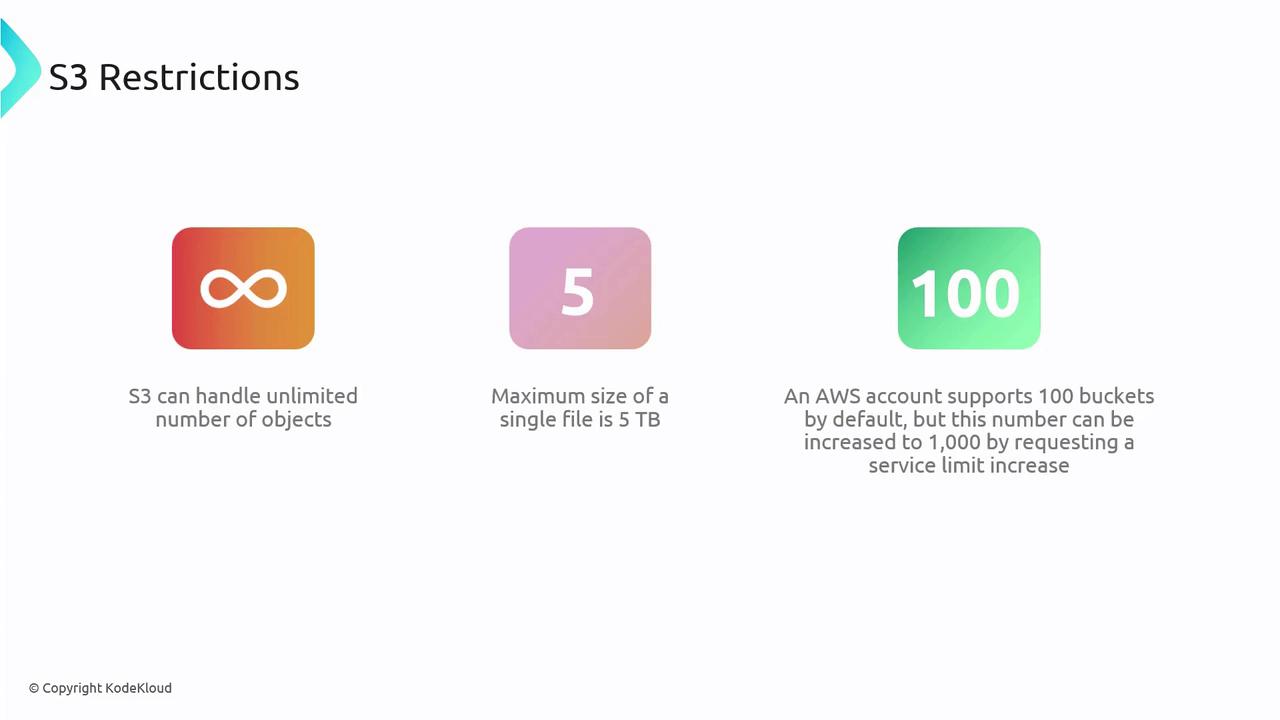
While S3 is highly scalable, it comes with a few notable limits:- Objects: Unlimited number of objects can be stored in S3.
- Object Size: Each individual object can be up to 5 terabytes.
- Buckets: By default, an AWS account can have up to 100 buckets. This limit can be increased to 1,000 by submitting a service limit increase request.
Summary
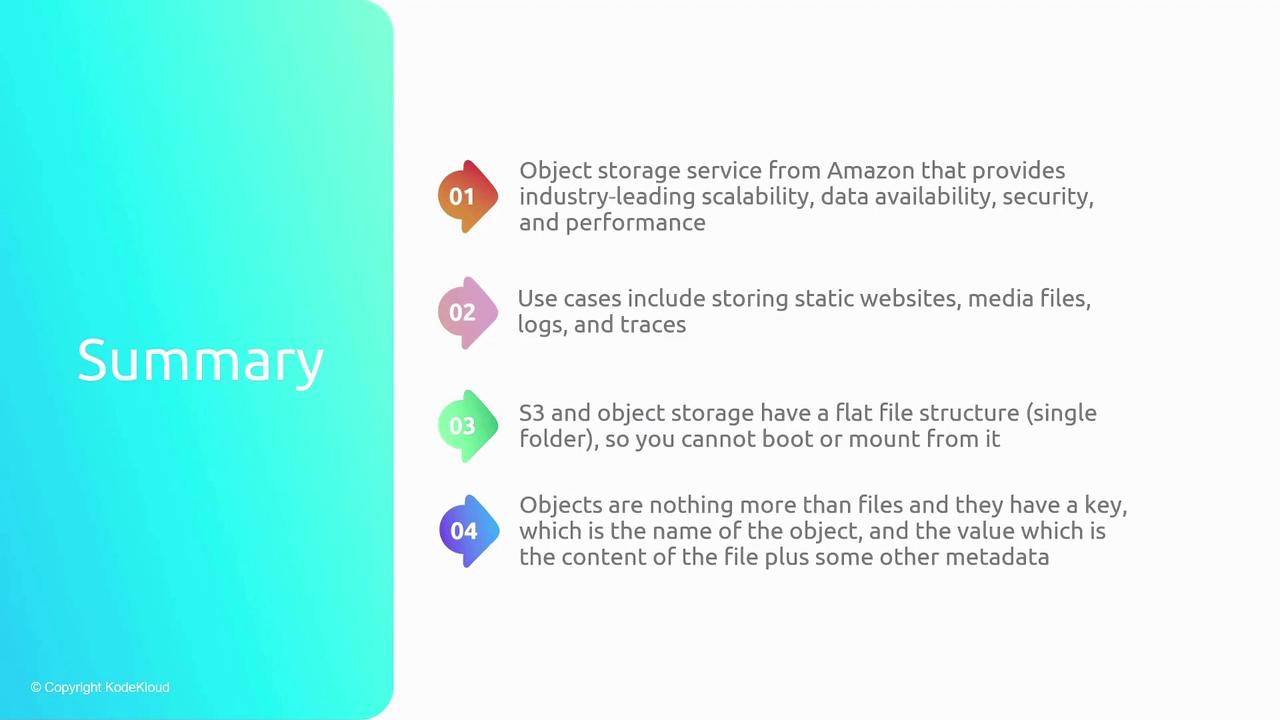
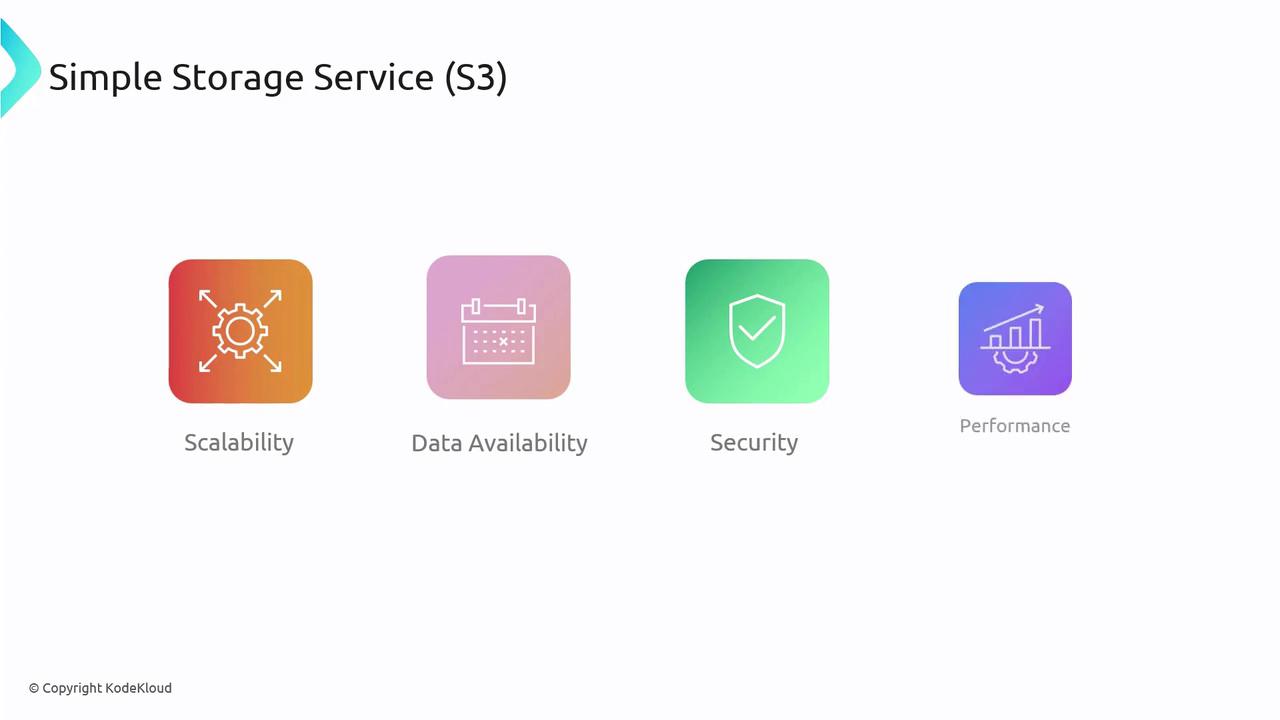
Amazon S3 is a powerful object storage service that offers:- High scalability, ensuring your storage grows with your needs.
- Durable and secure storage options for media files, logs, CI/CD artifacts, and static website assets.
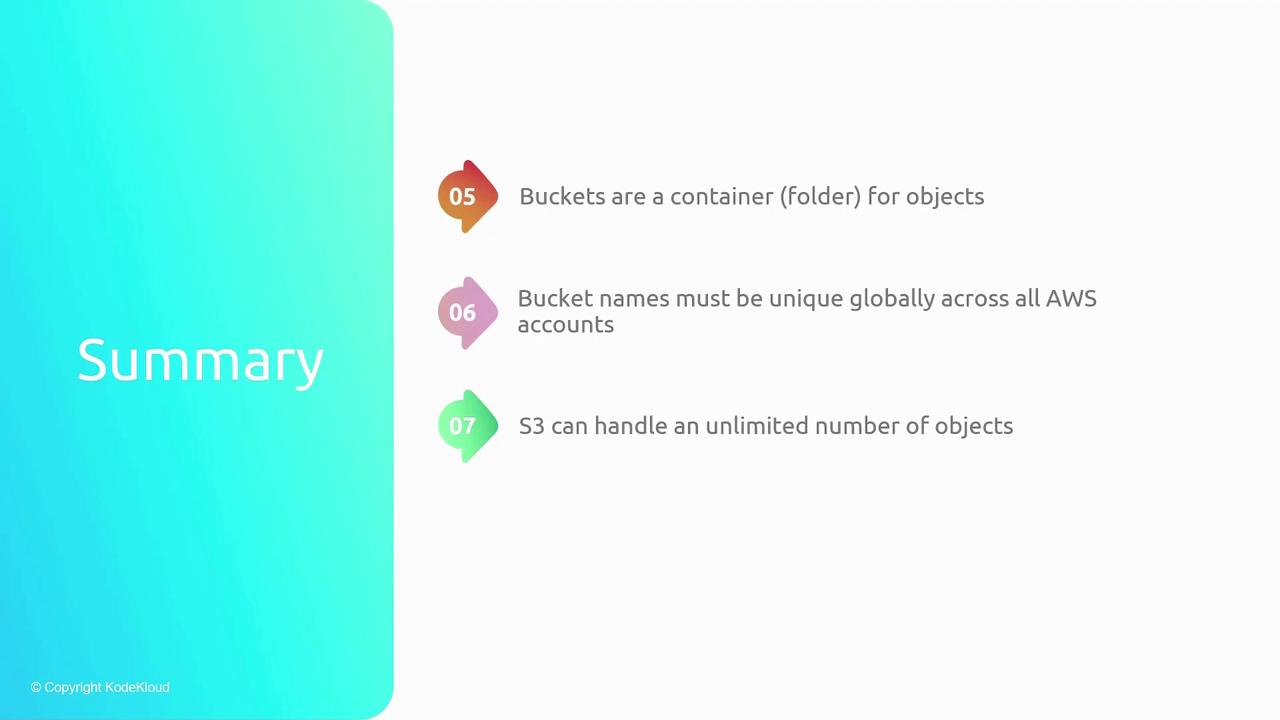
- A flat file structure with buckets serving as containers, where each object’s uniqueness is determined by its key.
- S3 uses a flat file structure; it does not support traditional directory hierarchies.
- Buckets must have globally unique names.
- Objects in S3 may include metadata along with their key and value.
- S3 allows unlimited object storage with each file sized up to 5 TB, and the default bucket limit of 100 can be increased.