This article demonstrates how to configure and access environment variables in an AWS Lambda function.
In this article, we demonstrate how to configure environment variables for an AWS Lambda function. Environment variables are typically used to store configuration details—such as database credentials—that may vary between environments.
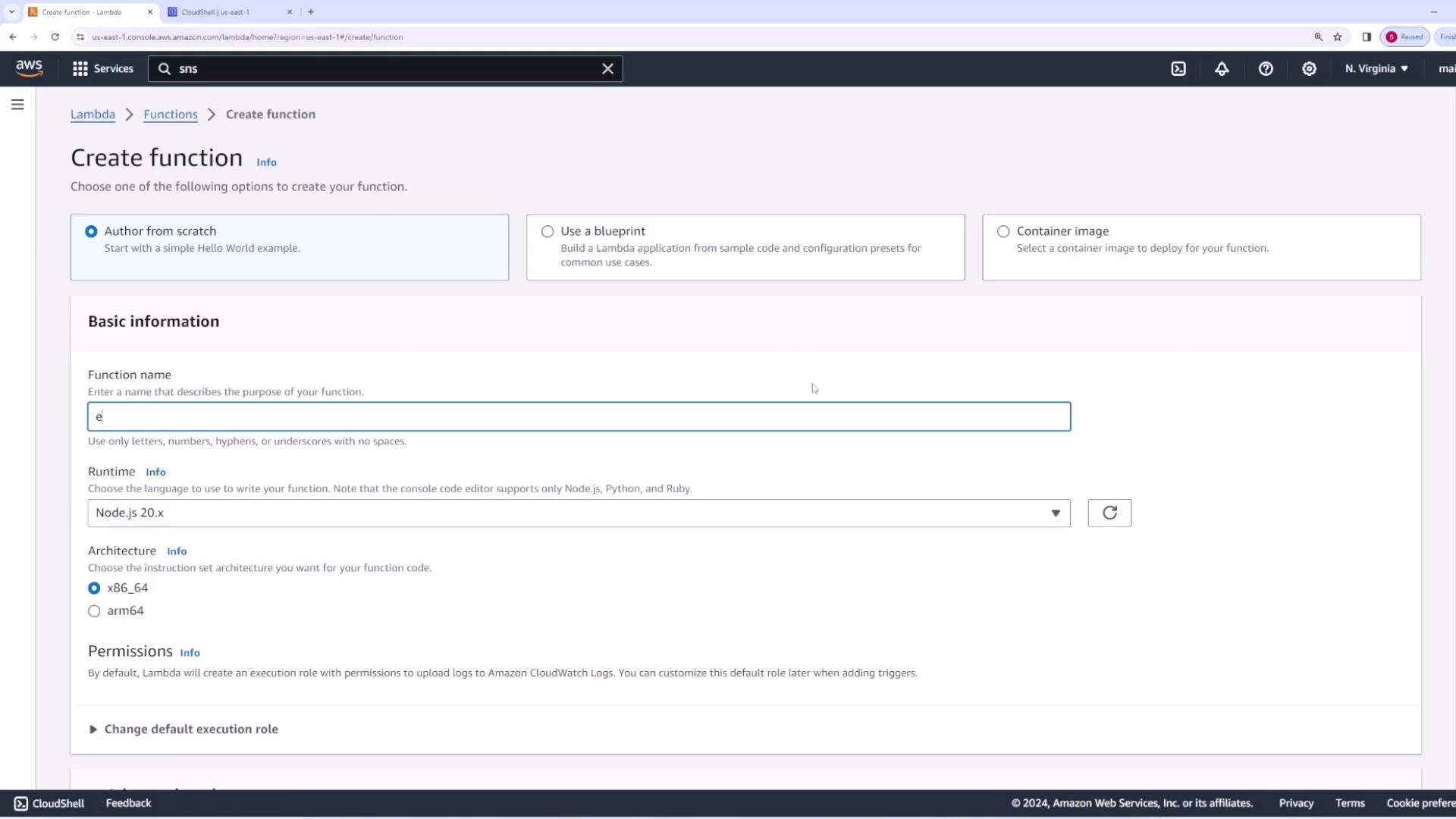
Begin by creating a new AWS Lambda function named “env demo”. During the setup process, you will configure essential settings including the function name, runtime, and permissions.
Within your Node.js AWS Lambda function, you can access environment variables using process.env. In the example below, the code retrieves an environment variable named PASSWORD and returns its value as part of the response.
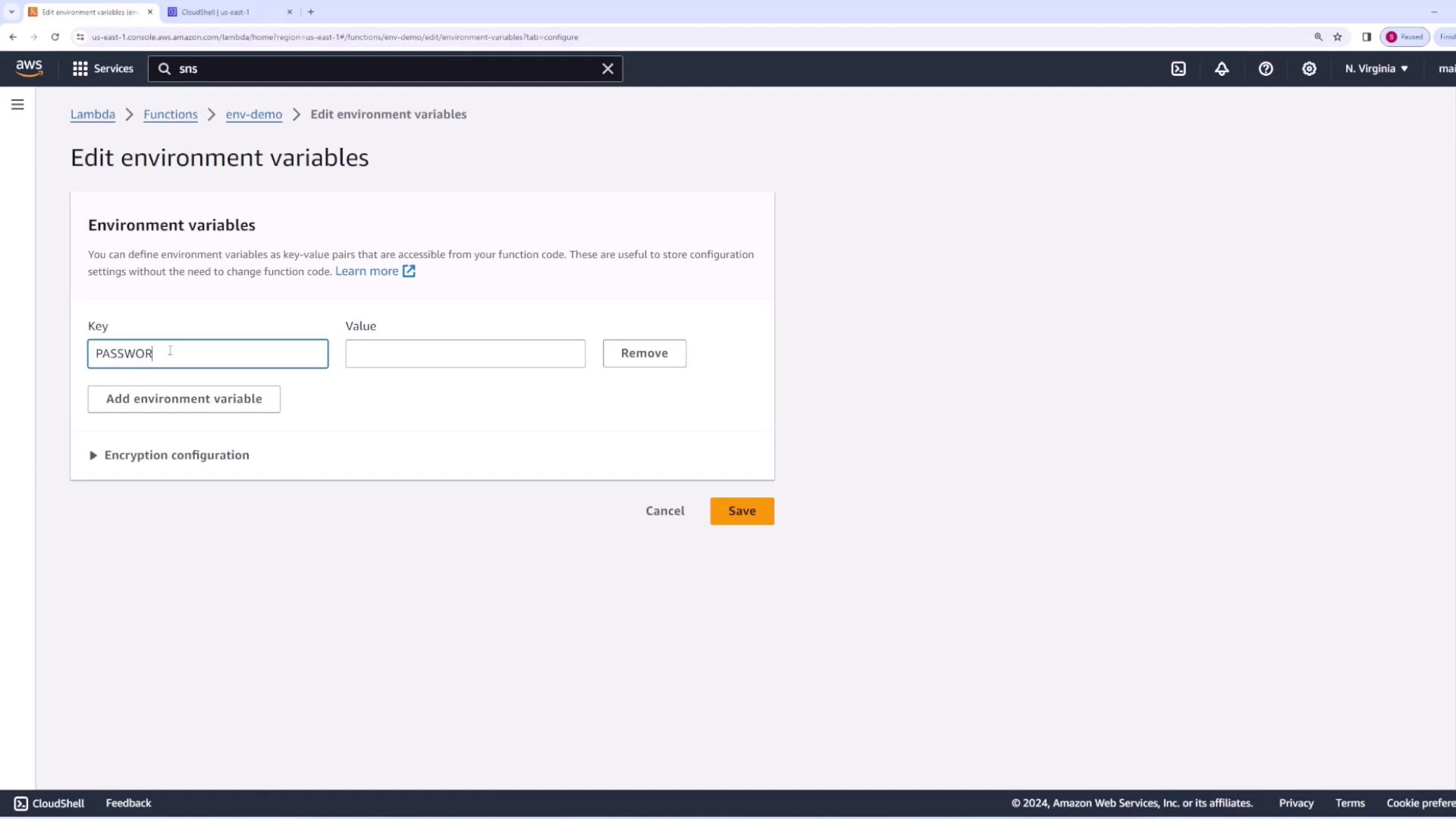
To configure the environment variable, follow these steps in the AWS Lambda console:
Navigate to the “Environment variables” tab.
Click the Edit button.
Add a new environment variable with the key PASSWORD and the value password123.
After saving and deploying the changes, invoke the function again. The updated configuration will now provide the set password as part of the function’s output.The revised invocation returns:
{ "statusCode": 200, "body": "\"Password is: password123\""}
Make sure to update and deploy your function after changing environment variables to ensure the new configuration is applied.