Creating a Bucket with Versioning Disabled
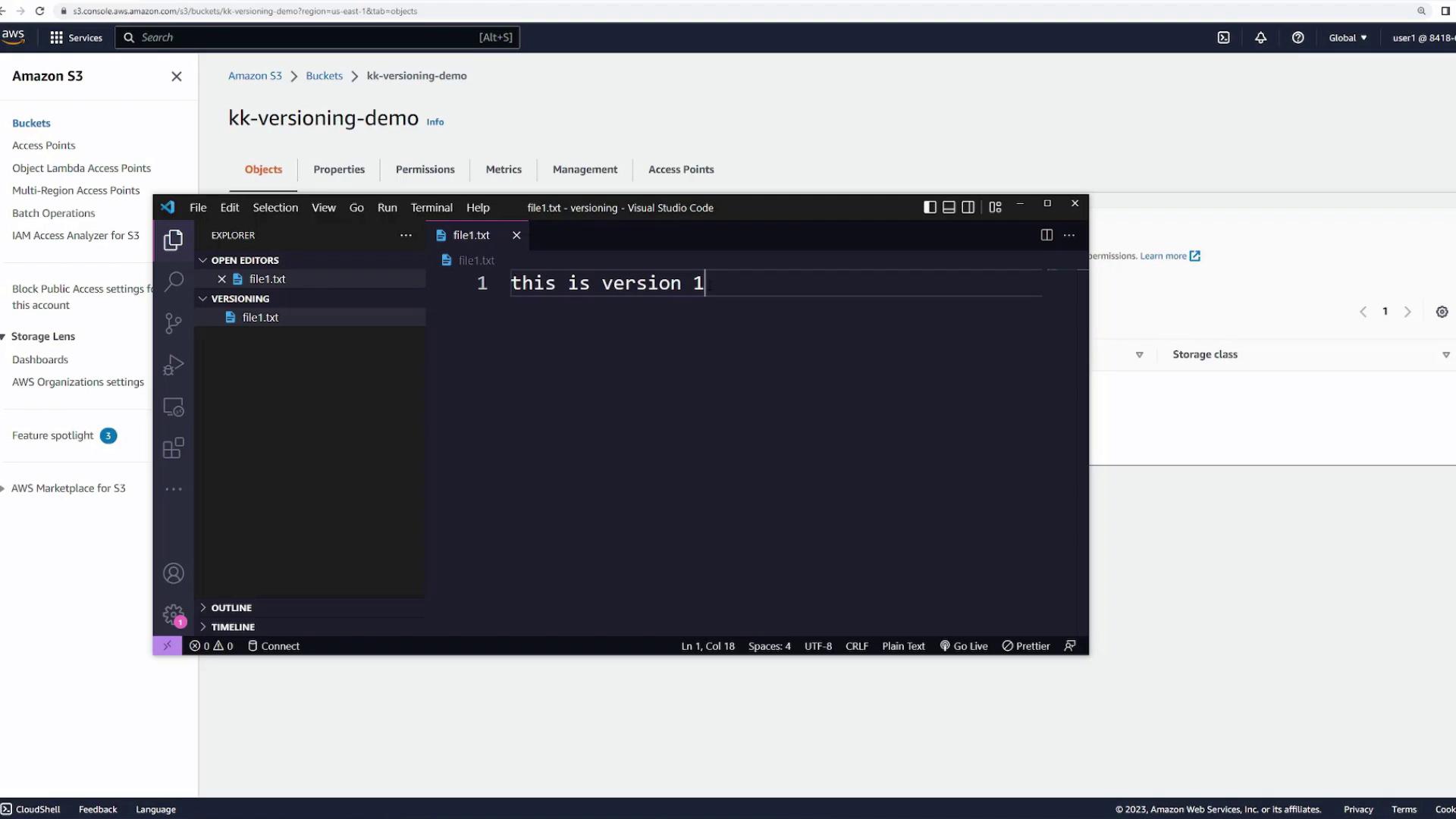
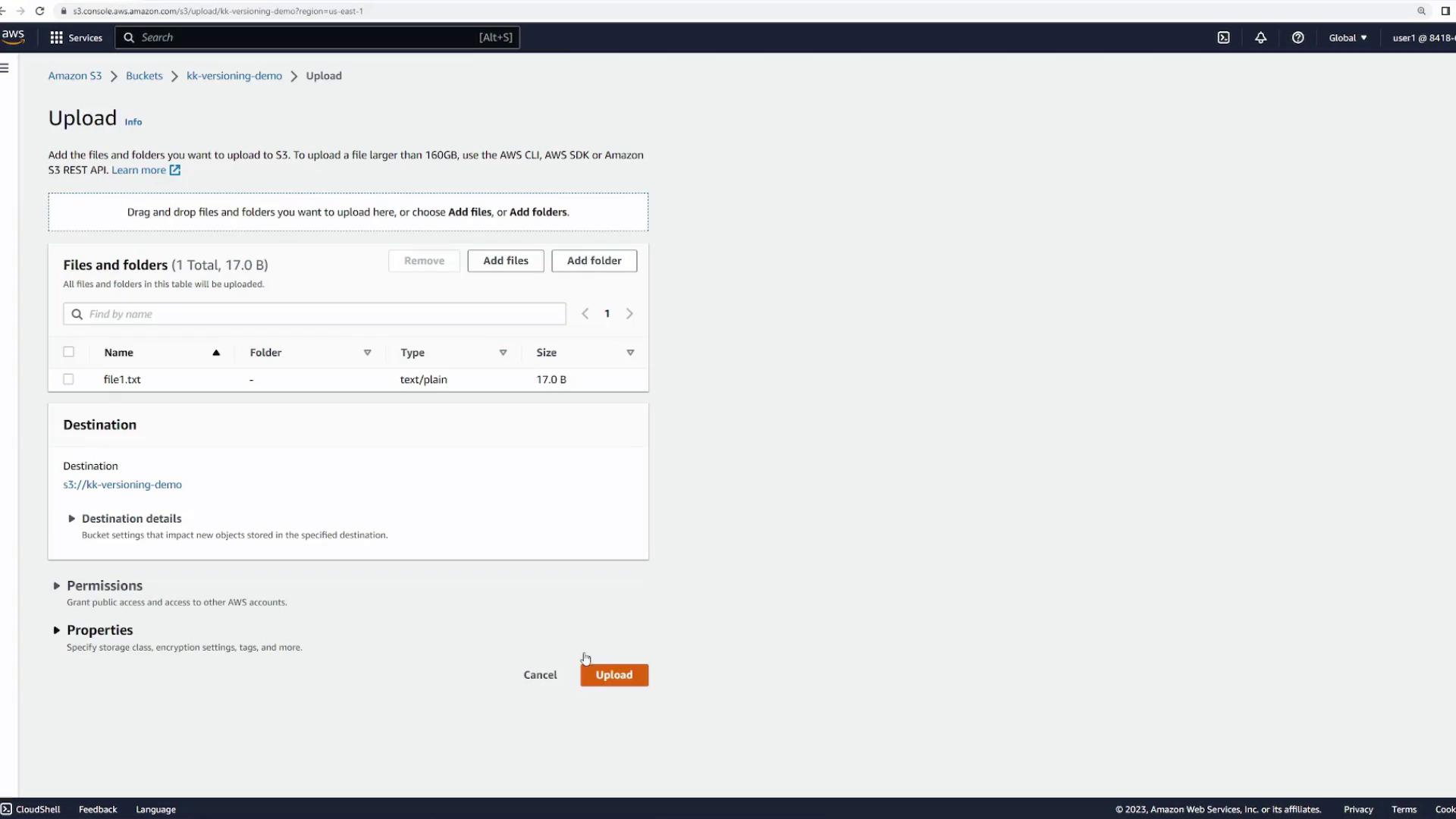
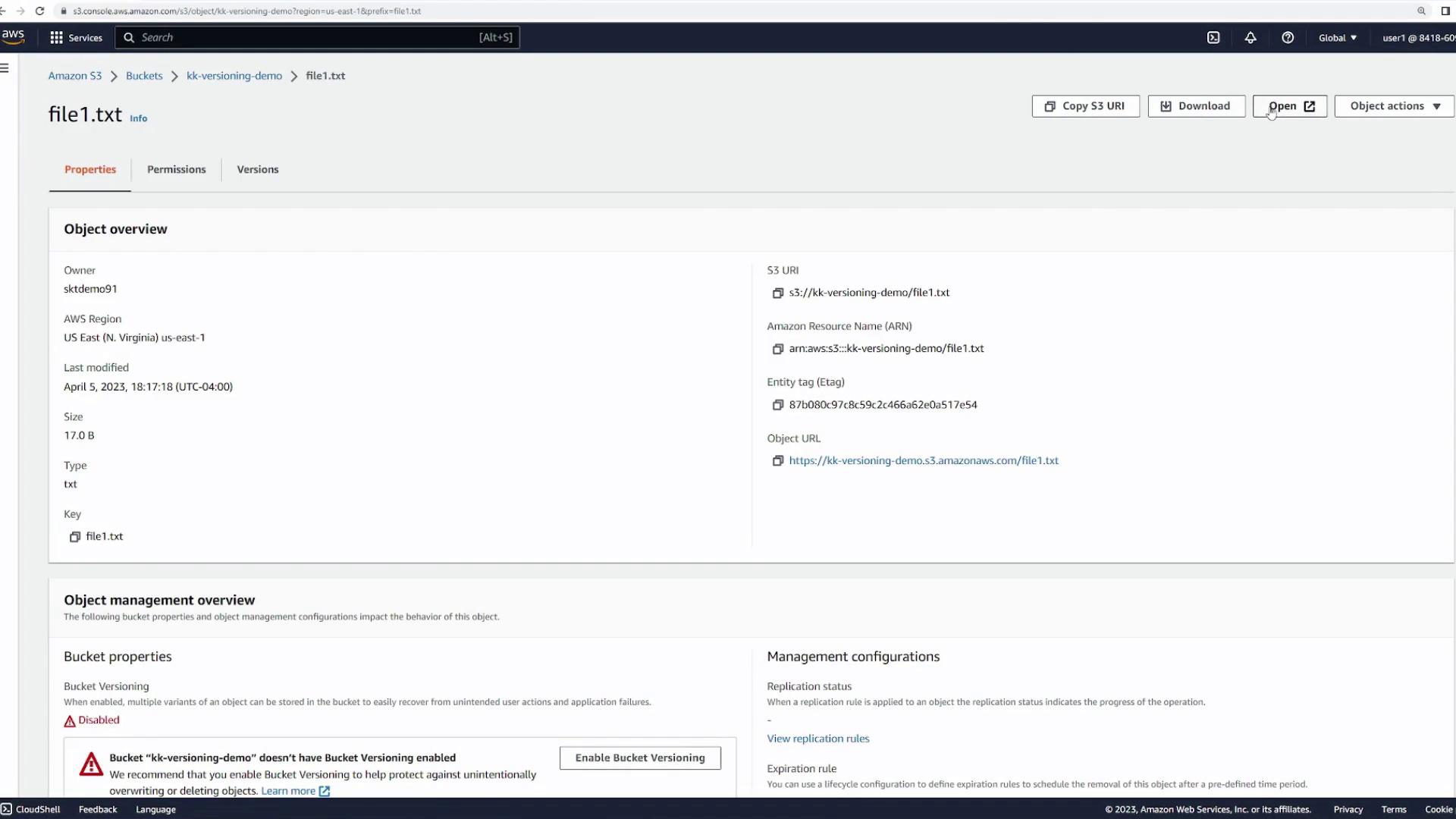
First, create a new S3 bucket named “versioning-demo” (or a similar name) using the default settings. Make sure that bucket versioning is disabled. With versioning off, file overwrites or deletions are permanent. Next, open the bucket and upload a file. For this demo, we use a dummy text file namedfile1.txt containing:
Deleting the File with Versioning Disabled
When versioning is disabled, deleting a file removes it permanently. To demonstrate, select the file and click “Delete.” Confirm the prompt for permanent deletion.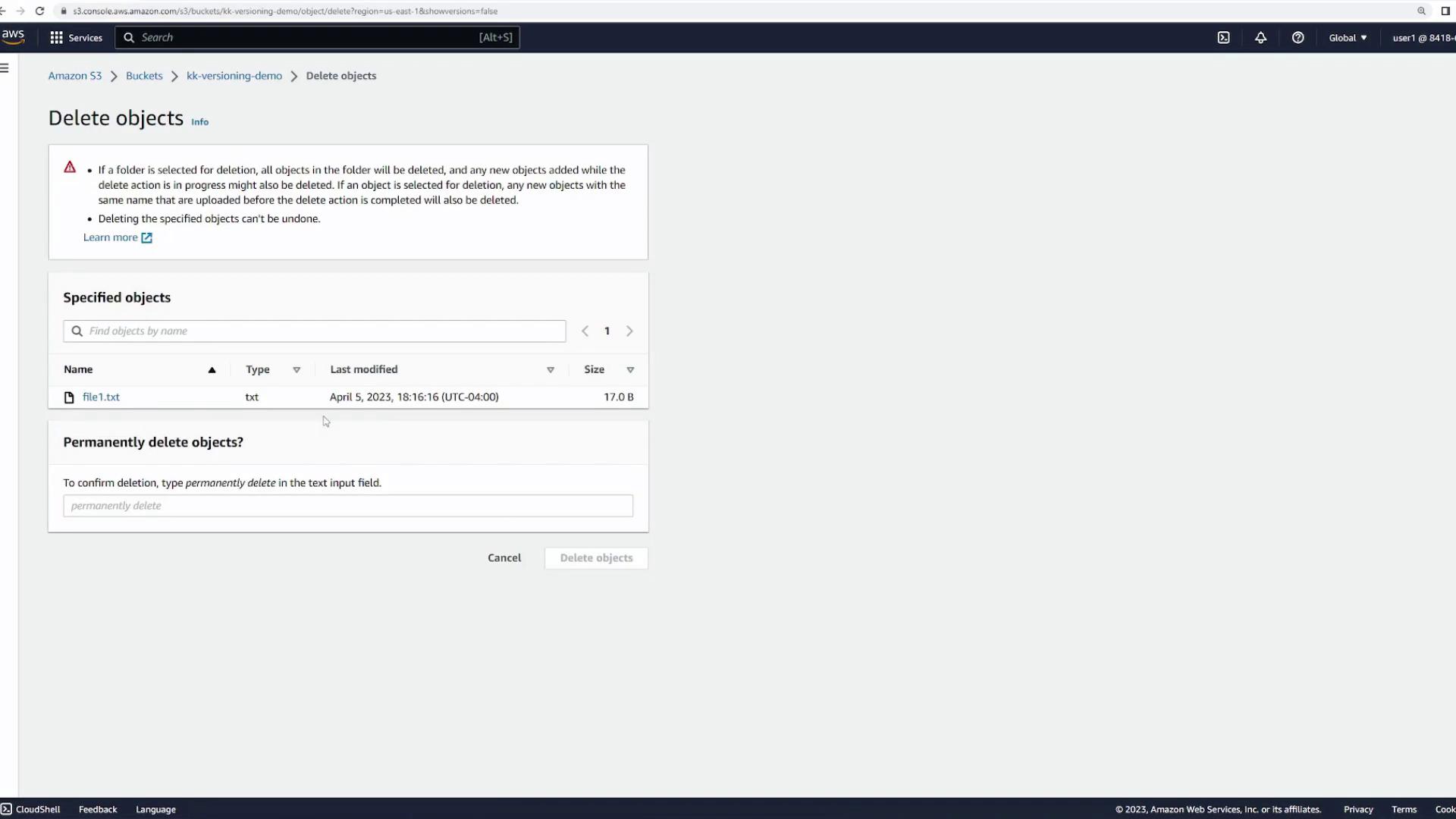
file1.txt with the same content to restore it as version one.
Overwriting a File (Versioning Disabled)
To show how file overwrites work without versioning, open your text file and change its content to indicate an updated version:file1.txt, it now displays “this is version 2”; the original version one is permanently lost.
Enabling Bucket Versioning
Now, let’s enable bucket versioning to observe the changes in file management. Go to the bucket properties, navigate to the bucket versioning section, click “Edit,” and enable versioning.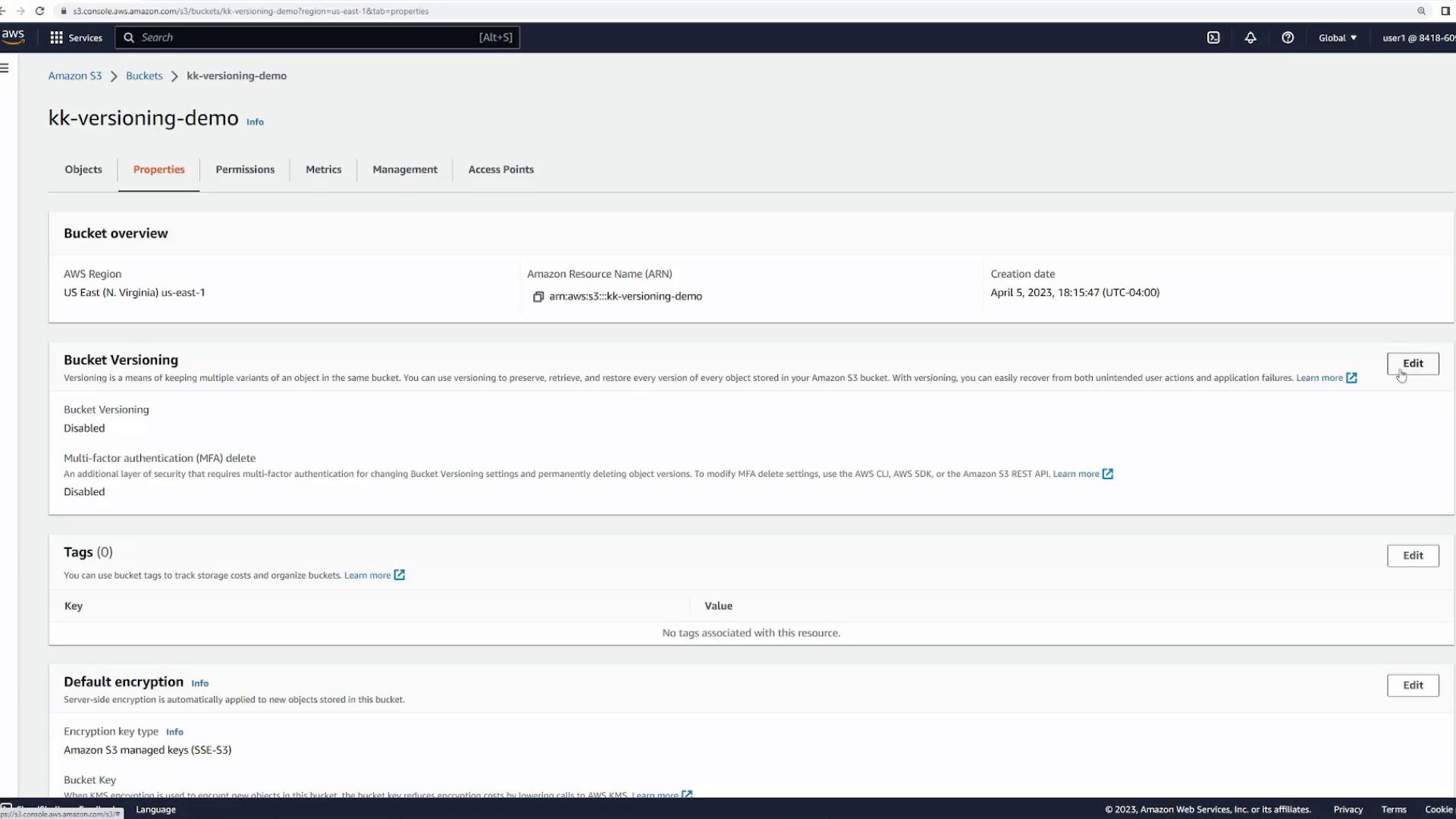
file1.txt) with the content:
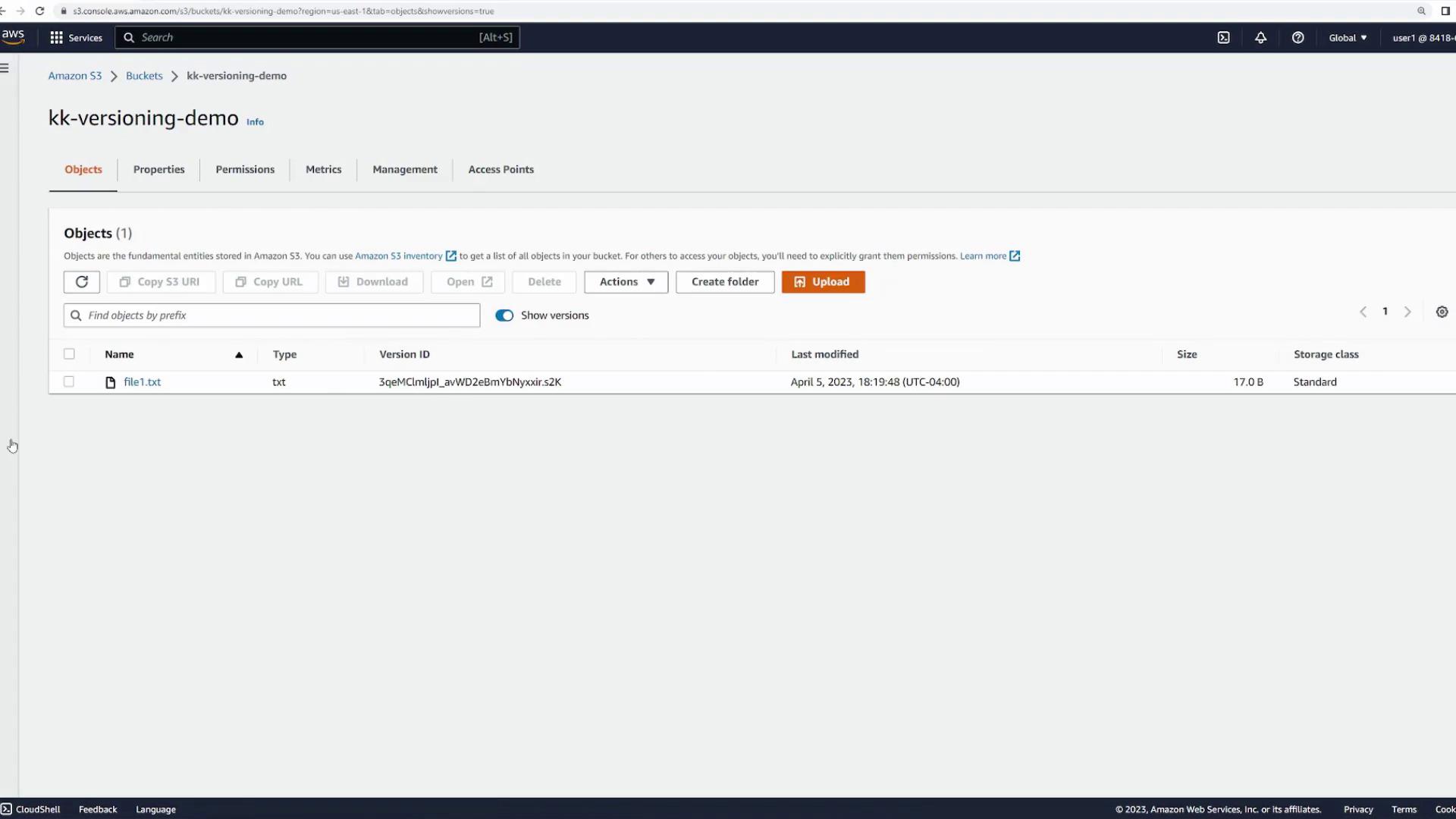
file1.txt.
Deleting with Versioning Enabled
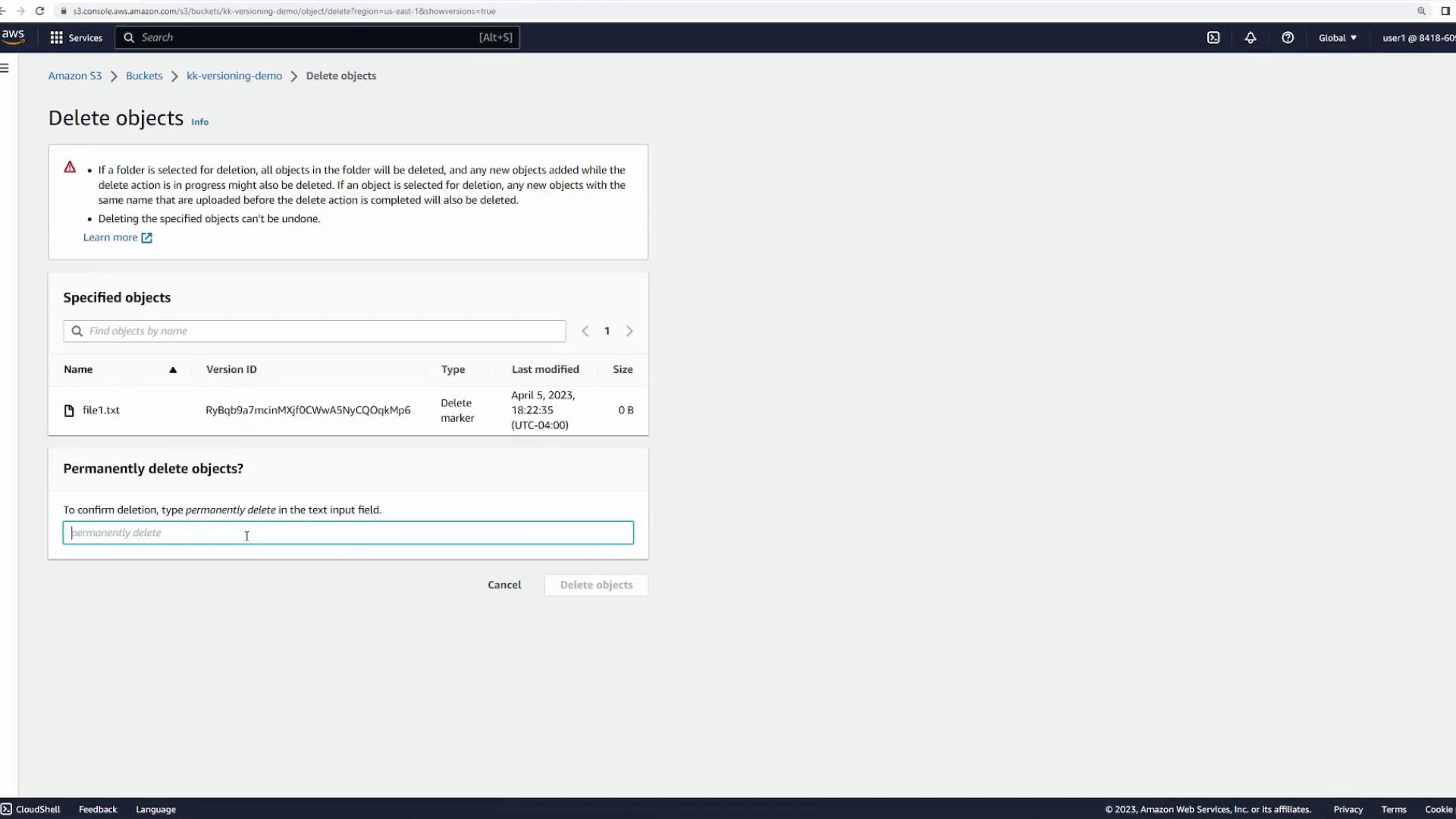
With versioning active, file deletion behaves differently. Selectfile1.txt and click the “Delete” button. The confirmation prompt will now only ask for a simple delete confirmation rather than a permanent deletion.
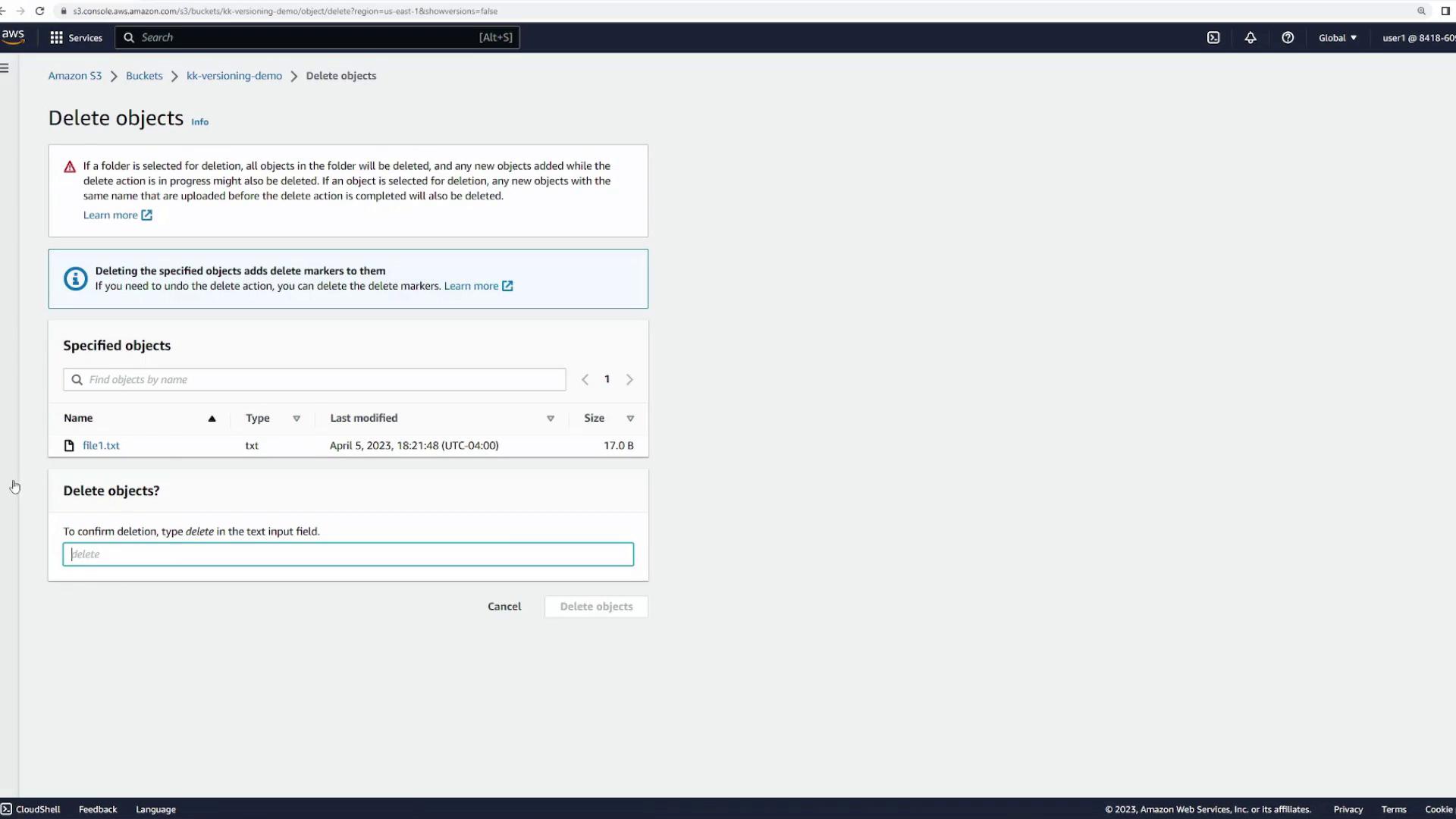

To restore the file, simply delete the delete marker. Select the marker and confirm its permanent deletion.
Suspending Bucket Versioning
It is important to note that once enabled, bucket versioning cannot be disabled—only suspended. To suspend versioning, return to the bucket properties, edit the versioning configuration, select “Suspend,” and confirm.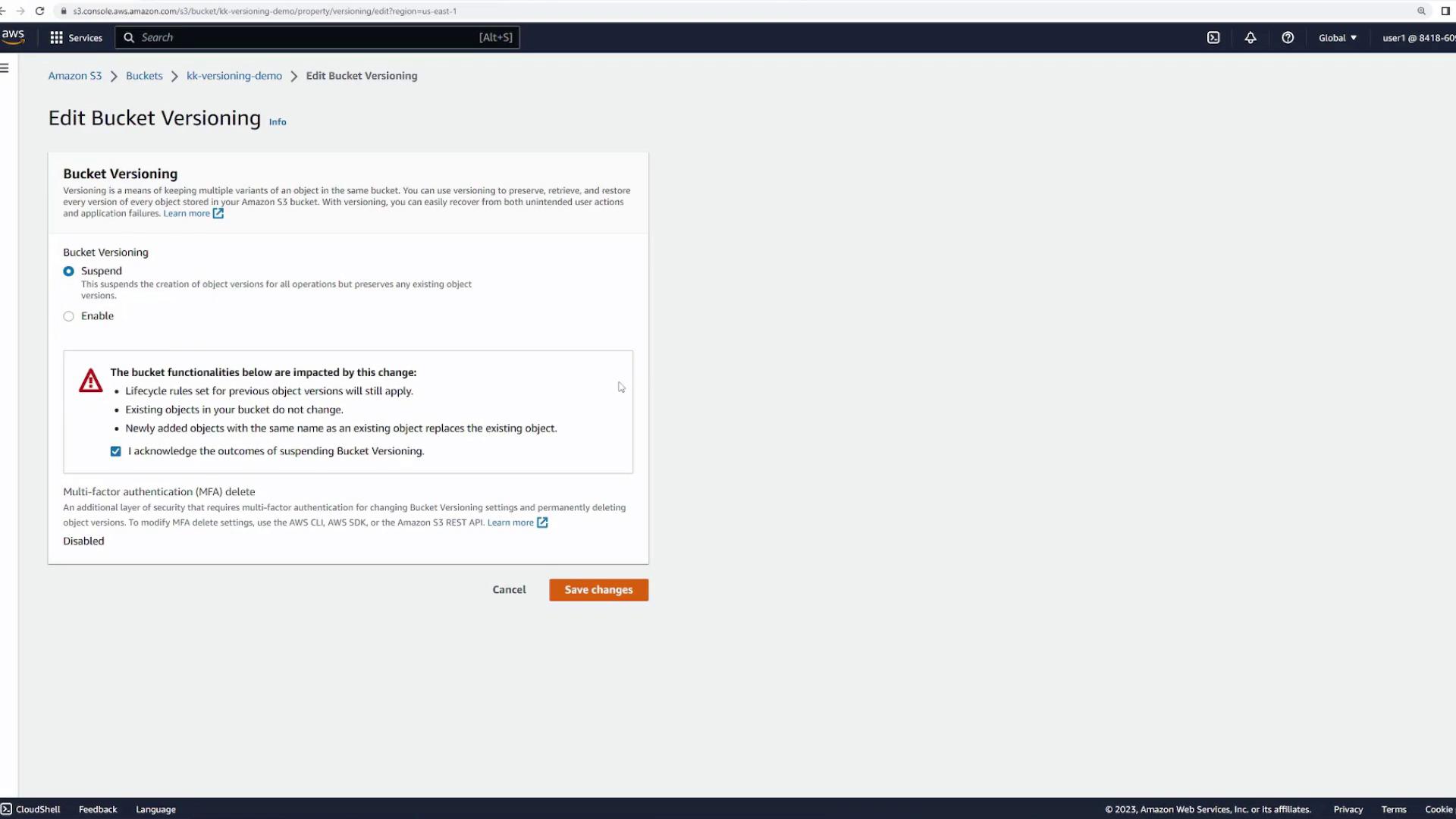
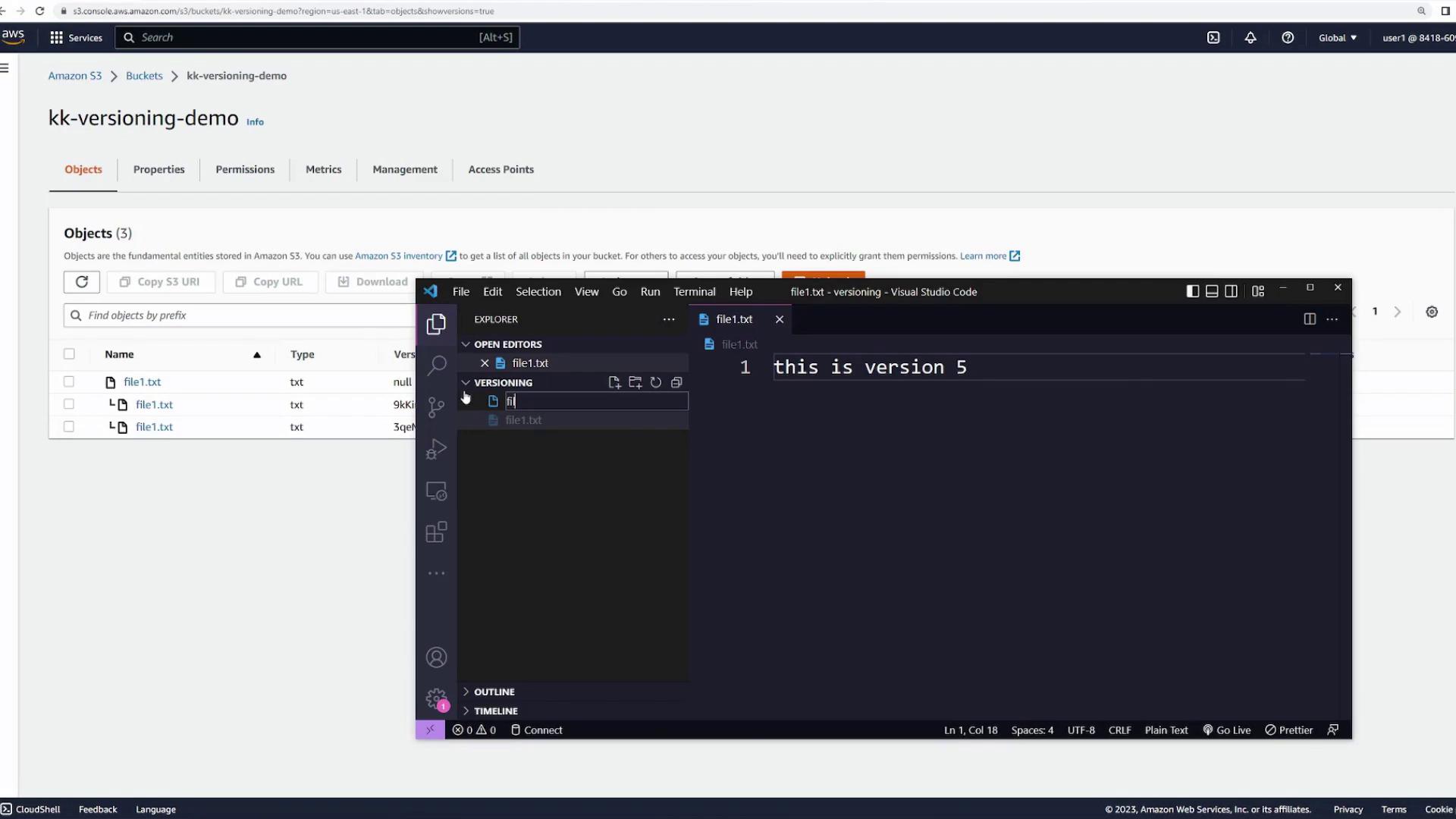
file1.txt to create version four:
Uploading a New Object with a Different Key
To see the behavior for objects with unique keys under suspended versioning, create and upload a new file namedfile2.txt with the content:
file2.txt with new content:
Multi-Factor Authentication (MFA) Delete
MFA Delete adds an extra layer of security by requiring multi-factor authentication for any changes to the versioning state. Note that MFA Delete can only be enabled via the AWS CLI or an SDK and is not available in the AWS Management Console. For more details, refer to the AWS documentation.Clean Up
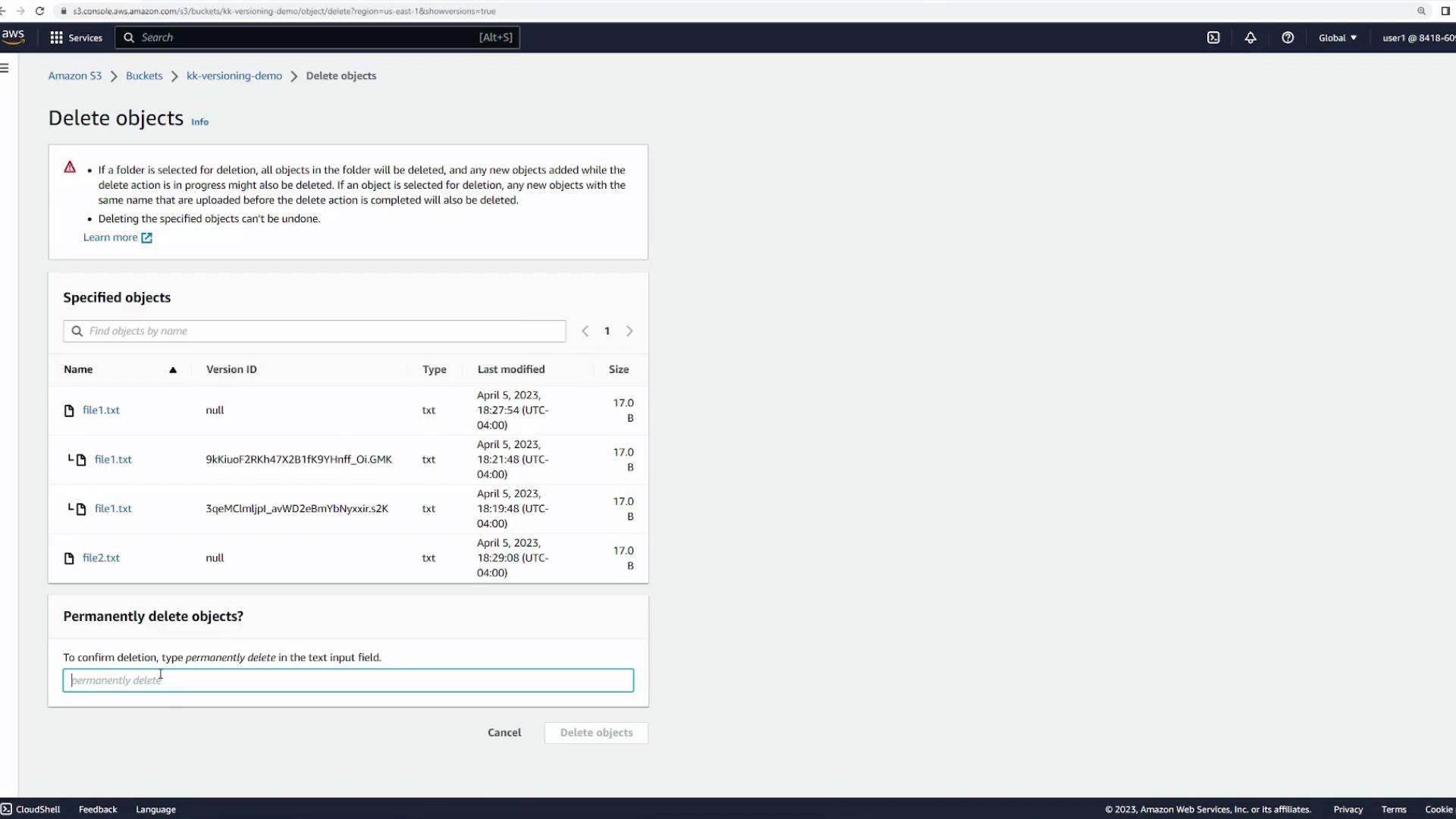
After completing this demonstration, clean up your S3 resources by ensuring all object versions have been shown and then deleting every object in the bucket before finally deleting the bucket.