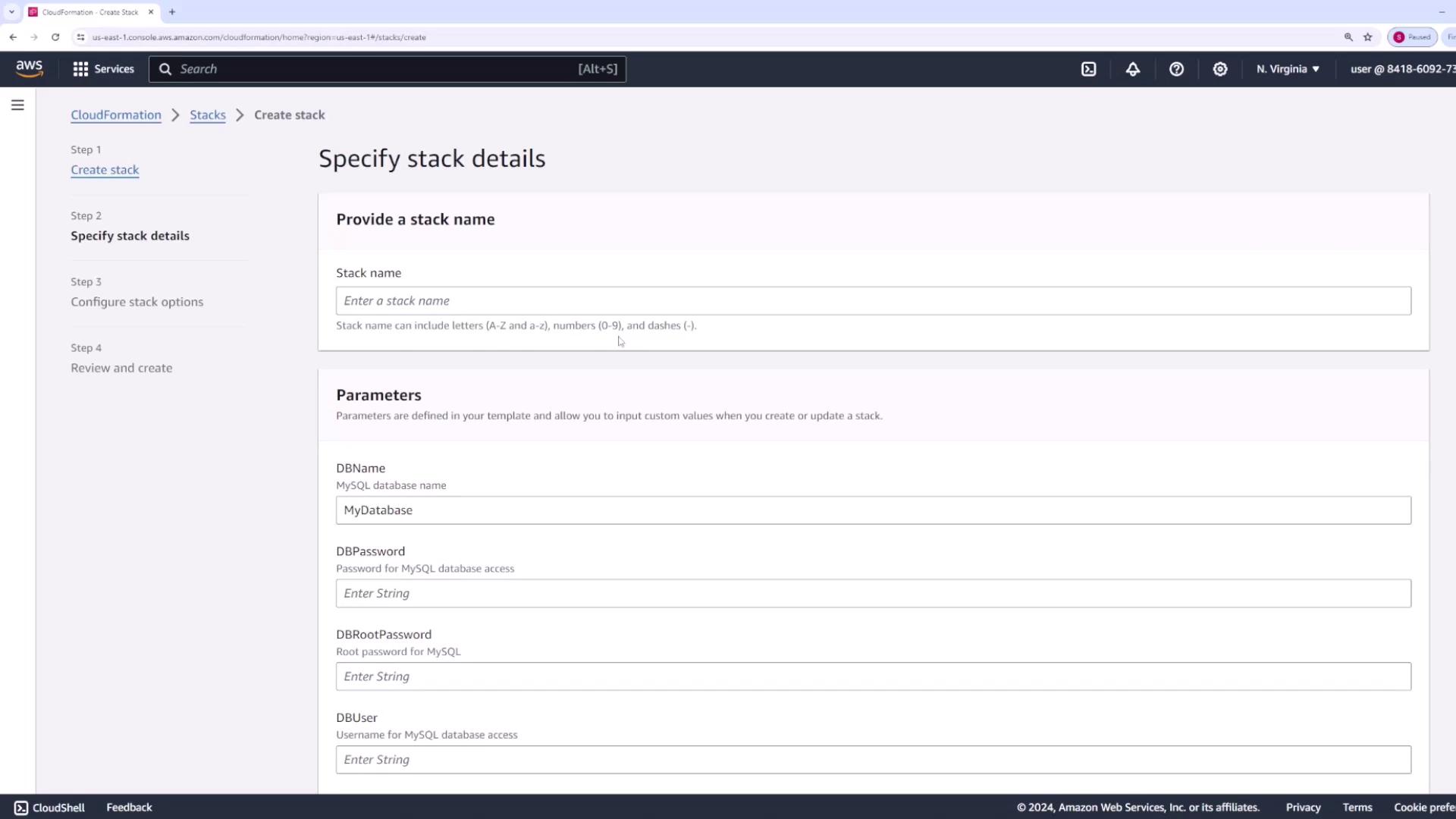
In this section, we demonstrate how to assign a role when using AWS CloudFormation. Start by navigating to CloudFormation and creating a new stack. Choose any sample template for demonstration purposes, as the specifics of the template do not affect role assignments.Click Next. On the next screen, you will find sections for specifying a stack name and other parameters. For example:
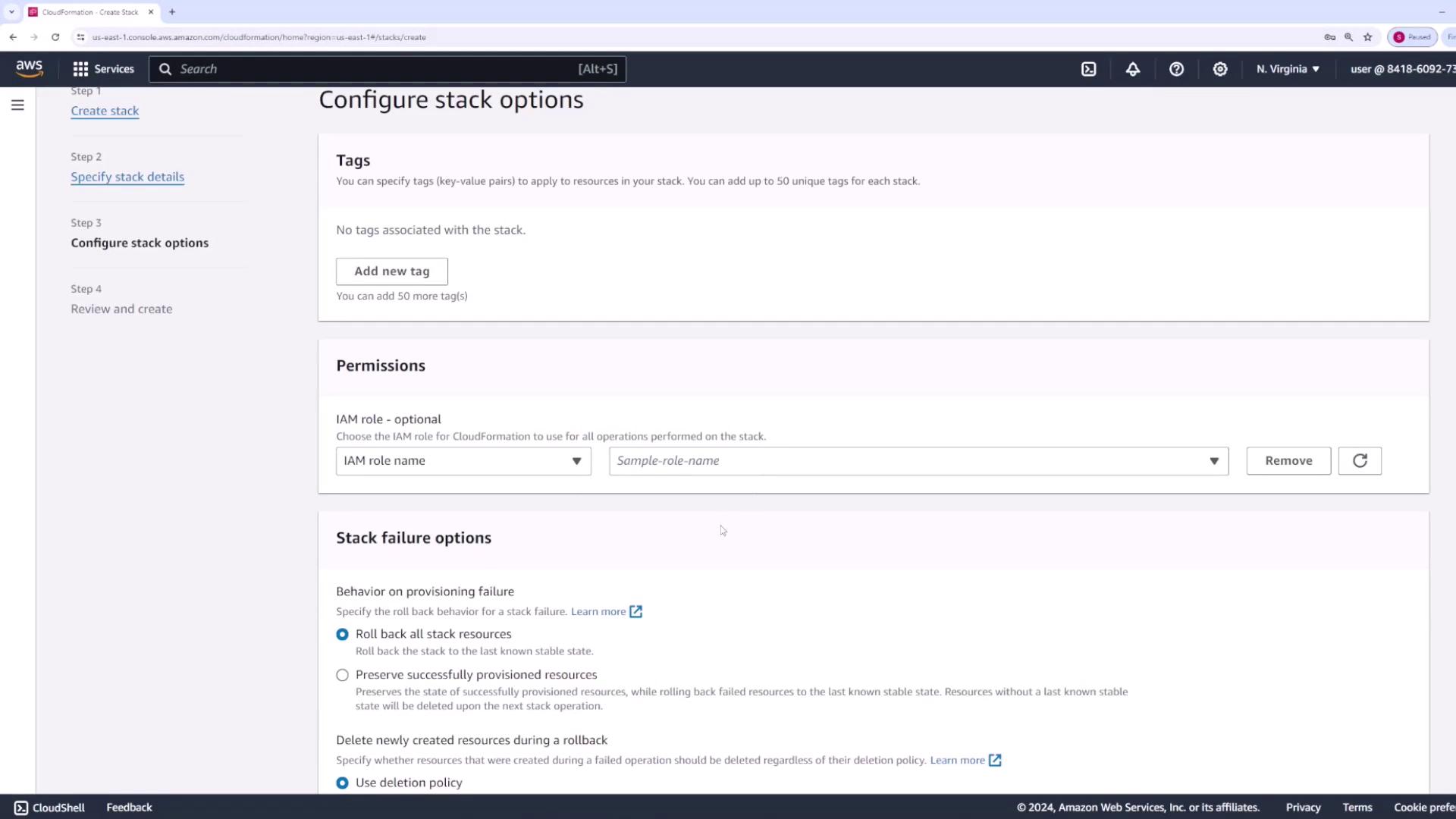
Provide a stack name (for instance, “demo stack”) and fill in the required parameters with sample data. Once you have entered all necessary information, click Next.At the permissions stage, CloudFormation requires you to select an IAM role. This role grants CloudFormation the authority to execute all operations needed to deploy your resources. For example, if your CloudFormation stack involves creating an S3 bucket, the assigned role must have the permissions to create the bucket along with any other related resource actions. Essentially, the specified IAM role should encompass all necessary permissions to facilitate a successful stack deployment.The image below illustrates the “Configure stack options” page where you can add tags, set permissions, and configure stack failure options:
Ensure that the IAM role you assign to CloudFormation includes all the permissions required for the resources specified in your stack.
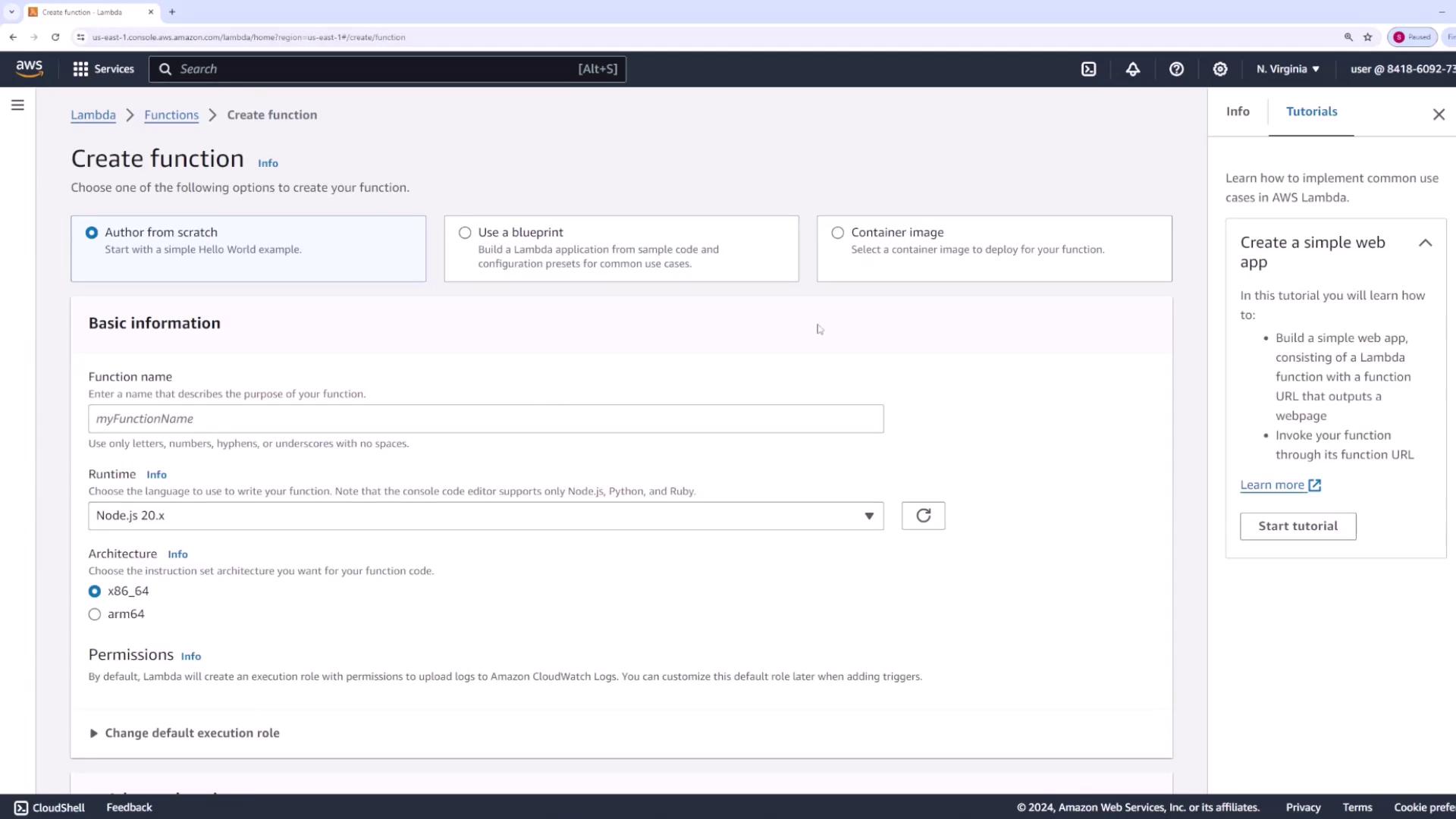
Next, consider an example using AWS Lambda—a compute service that lets you run code without the need to manage servers. While you do not need a deep understanding of Lambda’s inner workings, it is essential to know that your function code might require permissions to interact with other AWS services.For example, if your Lambda function is designed to upload files to an S3 bucket or create an API, it must have the appropriate permissions for these tasks. When you click Create function and provide a function name (e.g., “demo”), you will notice a permissions section in the Lambda console.
Within the permissions section of the Lambda console, you have the following options:
Create a new role with basic Lambda permissions.
Use an existing role.
Generate a new role using an AWS policy template.
It is important that the selected role grants all necessary permissions to allow your Lambda function to interact with other AWS services as required.
Do not overlook the assignments of proper permissions to your Lambda function. Insufficient role permissions can result in unexpected errors when the function attempts to interact with other AWS services.
Assigning appropriate roles to AWS services such as CloudFormation and Lambda is crucial for enabling them to securely perform operations in your AWS account. In future lessons, we will review how to assign roles to an EC2 instance, ensuring that it has the necessary permissions to execute various tasks within your AWS environment.