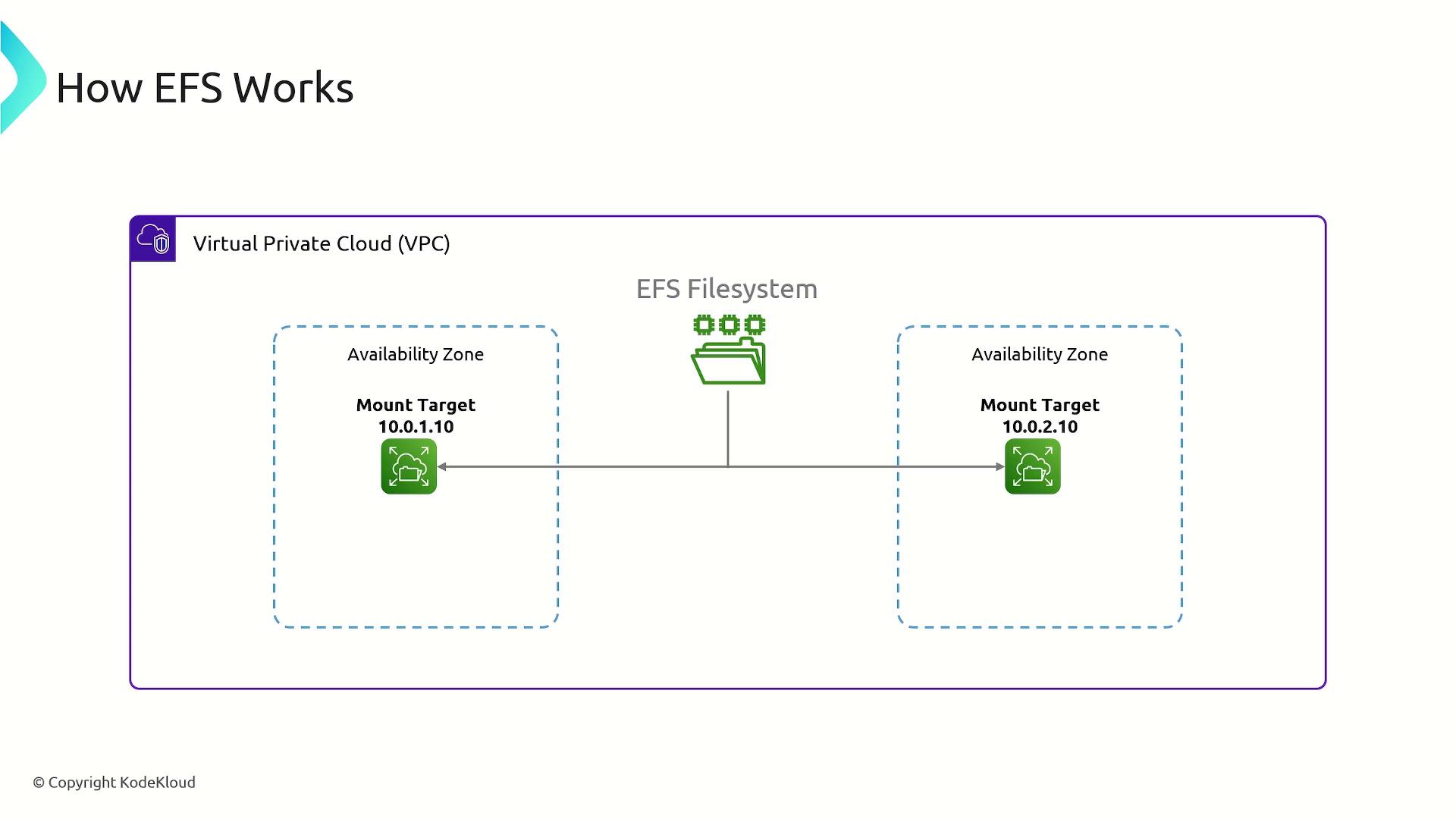
Amazon EFS supports mounting the same file system on multiple EC2 instances concurrently, making it ideal for sharing data across various instances.
Storage Classes
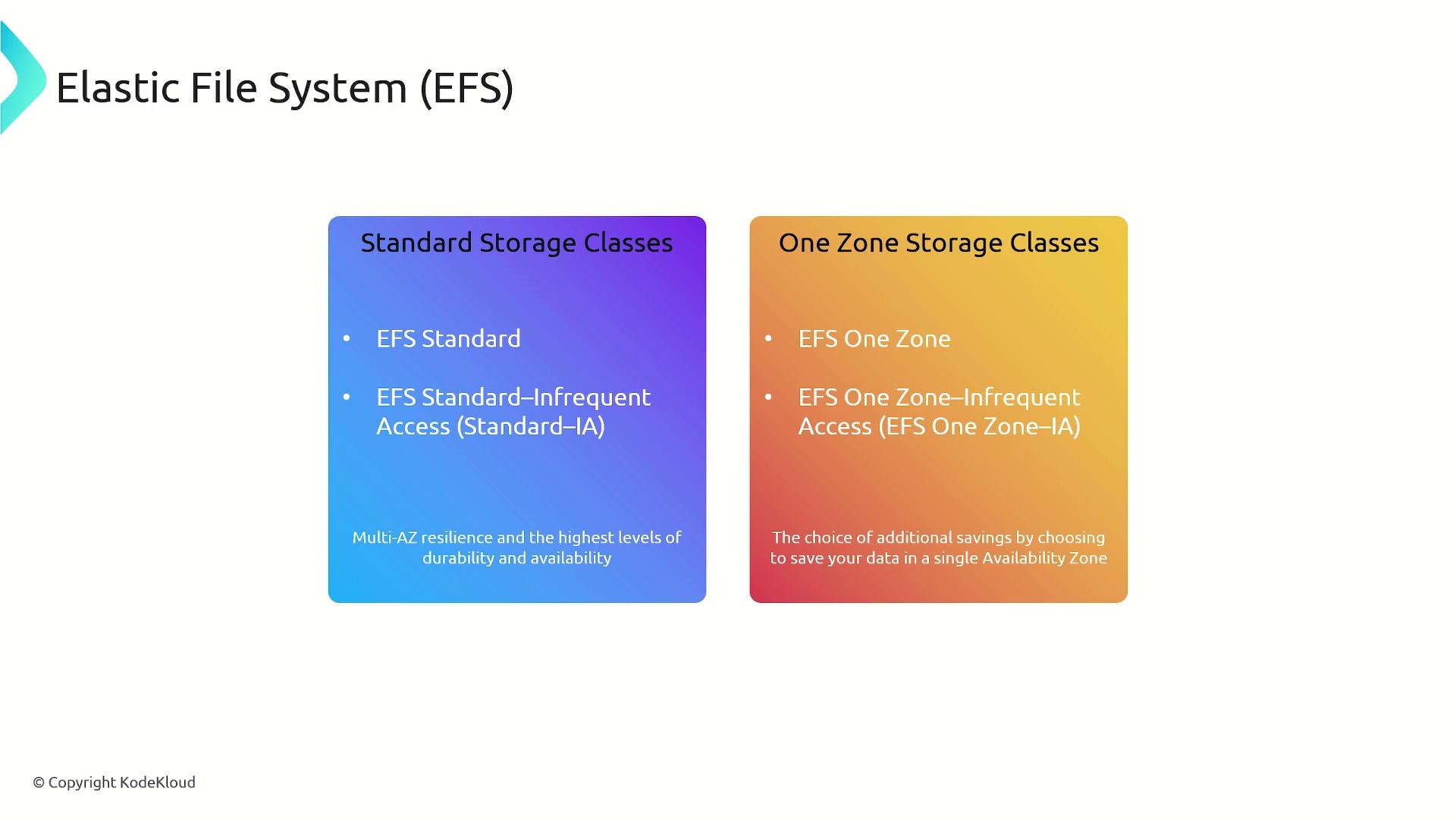
EFS offers two main storage class families to cater to different needs:-
Standard Storage Classes:
This family includes EFS Standard and EFS Standard Infrequent Access, offering multi-AZ resilience, durability, and high availability. -
One Zone Storage Classes:
This family features EFS One Zone and EFS One Zone Infrequent Access, delivering cost savings by storing data in a single availability zone.
Performance and Throughput Modes
In addition to varying storage classes, you can configure EFS to optimize performance for your workloads. Two primary configuration areas are available:-
File System Performance Modes:
These modes affect metadata operations:- General Purpose: Optimized for latency-sensitive applications such as web applications, content management systems, home directories, and general file serving.
- Max I/O: Supports higher aggregate throughput and operations per second, albeit with increased latencies for file system operations.
-
Throughput Modes:
These modes determine how data throughput is managed:- Bursting Throughput: The default mode that automatically scales with the size of your file system, offering performance bursts when required.
- Provisioned Throughput: Allows you to set a fixed throughput independent of file system capacity, ensuring consistent performance.

Setting Up EFS on an Amazon EC2 Linux Instance
To set up EFS, begin by installing the Amazon EFS utilities on your EC2 instance. Depending on your package manager, you might use one of the following commands. The example below demonstrates installation using the dnf package manager:Summary of Amazon EFS
Amazon EFS is a powerful file system storage service that:- Uses the NFS protocol to seamlessly integrate with supporting applications.
- Is compatible with Linux-based EC2 instances and permits simultaneous mounts on multiple instances.
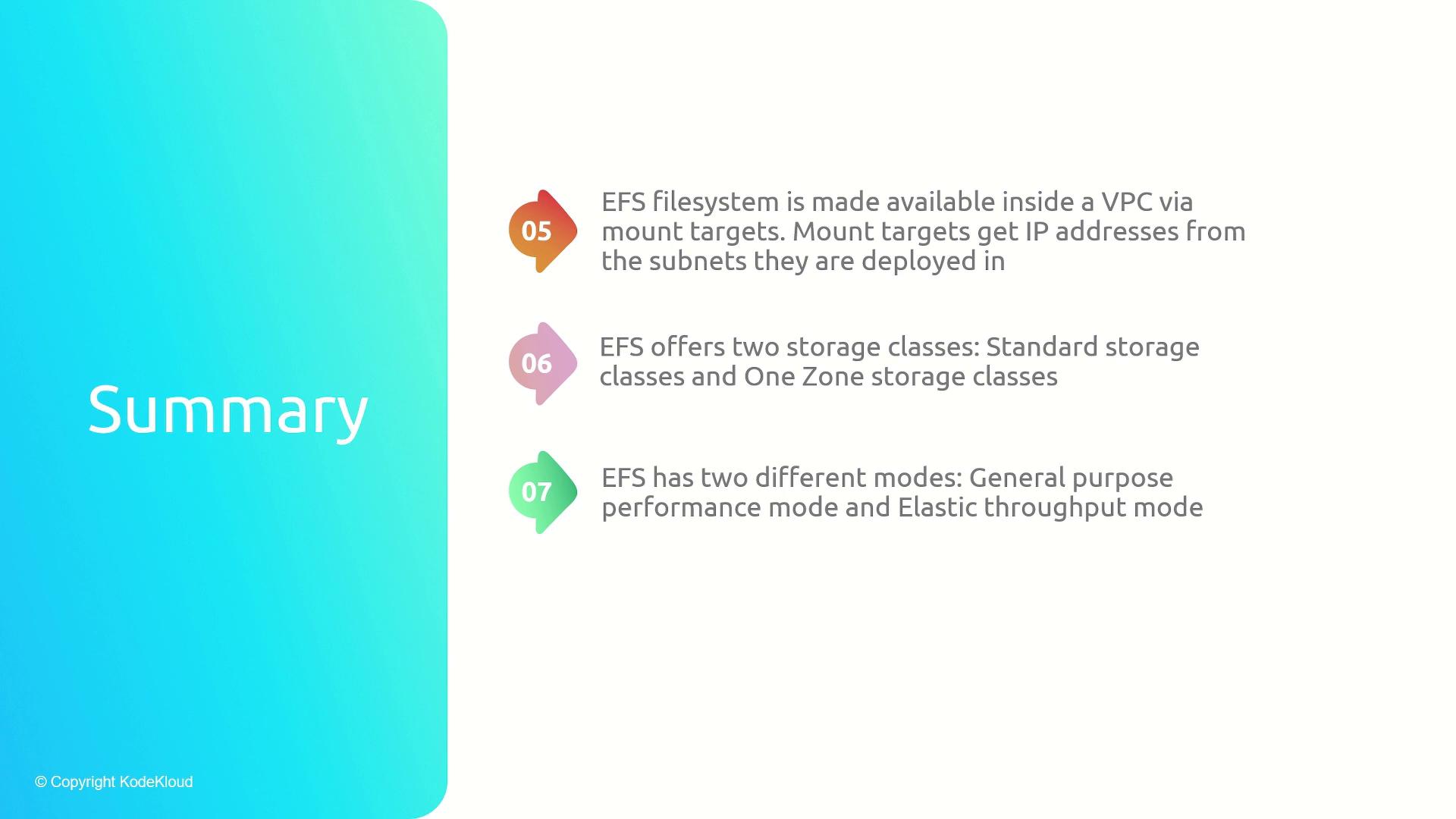
- Is deployed within a VPC using mount targets, with each mount target providing an essential IP address for connectivity.
- Offers two primary storage class families (Standard and One Zone) along with configurable performance and throughput modes.
- Functions similarly to a traditional file system mounting process, but unlike block storage (e.g., EBS volumes), it cannot be booted.