Key Features of CodeDeploy
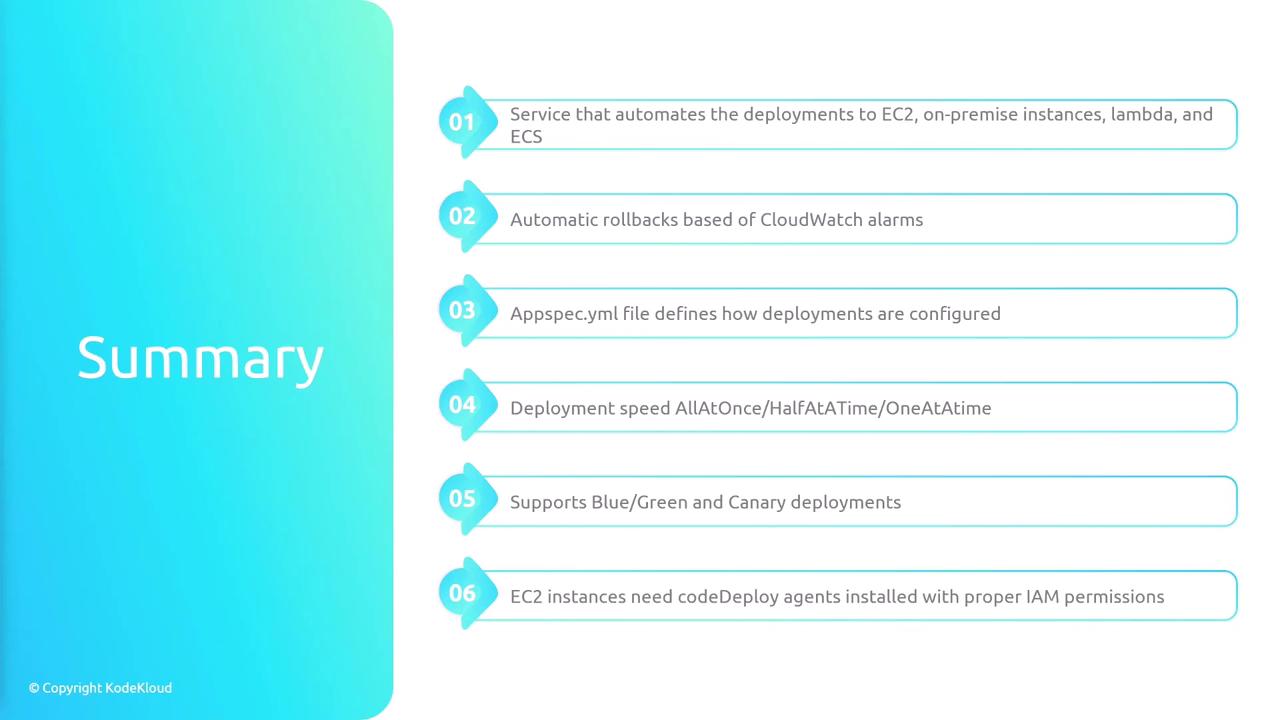
CodeDeploy provides a wealth of features that simplify and secure your deployments:- Automated Deployments: Seamlessly deploy applications across platforms like EC2, ECS, and Lambda.
- Centralized Management: Manage deployments from the AWS Management Console or via the AWS CLI, SDK, or APIs. This central control provides clear visibility over current and past deployments.
- Automatic Rollbacks: If a deployment encounters issues, CodeDeploy can automatically revert to the last stable version, reducing the impact on end users.
- Health Tracking: Continuously monitor the health of deployments. Should errors or failures exceed a set threshold, automatic rollbacks can be triggered.
- Flexible Deployment Types: Choose from rolling updates (updating instances gradually) or blue-green deployments (running the new version alongside the old one before switching traffic).
Setting Up CodeDeploy
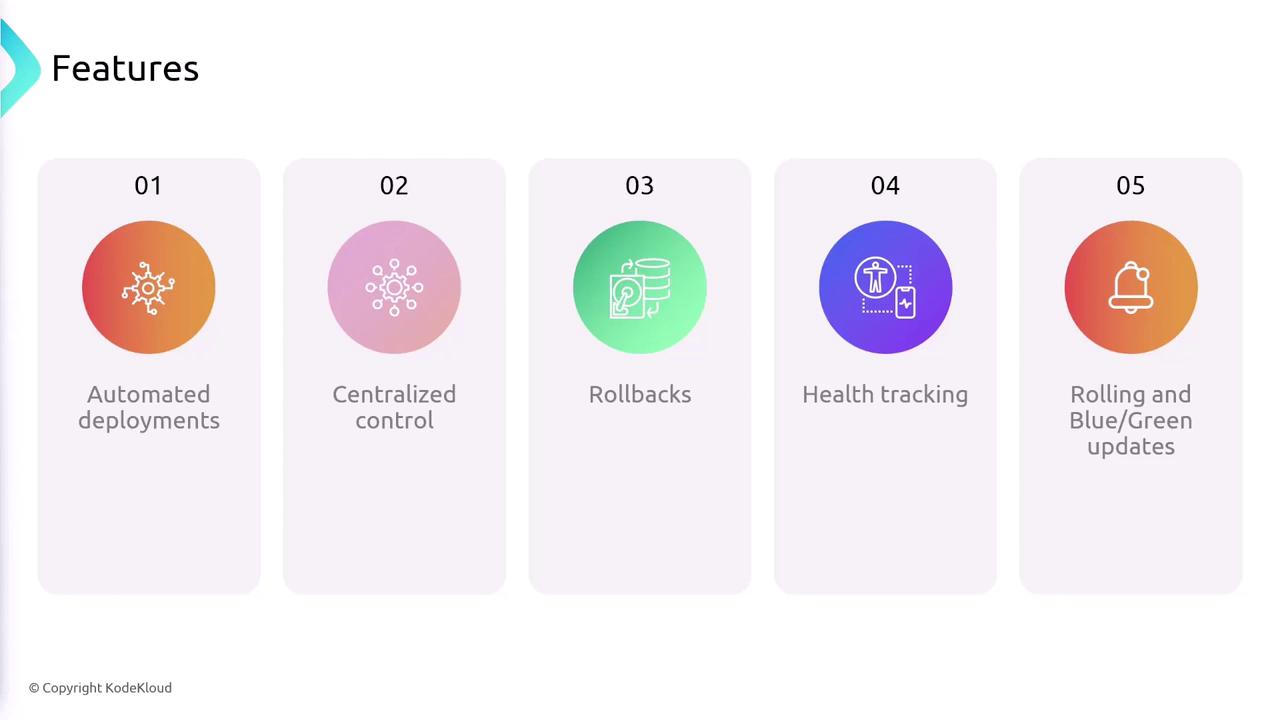
Setting up CodeDeploy involves several clear steps:- Create a Deployment Group: Define the set of target compute resources (EC2 instances, Lambda functions, or other AWS resources) where your application will be updated.
- Create a Deployment: Specify the location of your application’s code, and associate it with your deployment group.
- Specify Deployment Configurations: Configure settings such as the minimum number of healthy hosts required, rollback options, and the update method (blue-green or rolling).
- Execute the Deployment: CodeDeploy orchestrates the update process based on the instructions defined in your
appspec.yamlfile.
CodeDeploy and CI/CD Pipelines
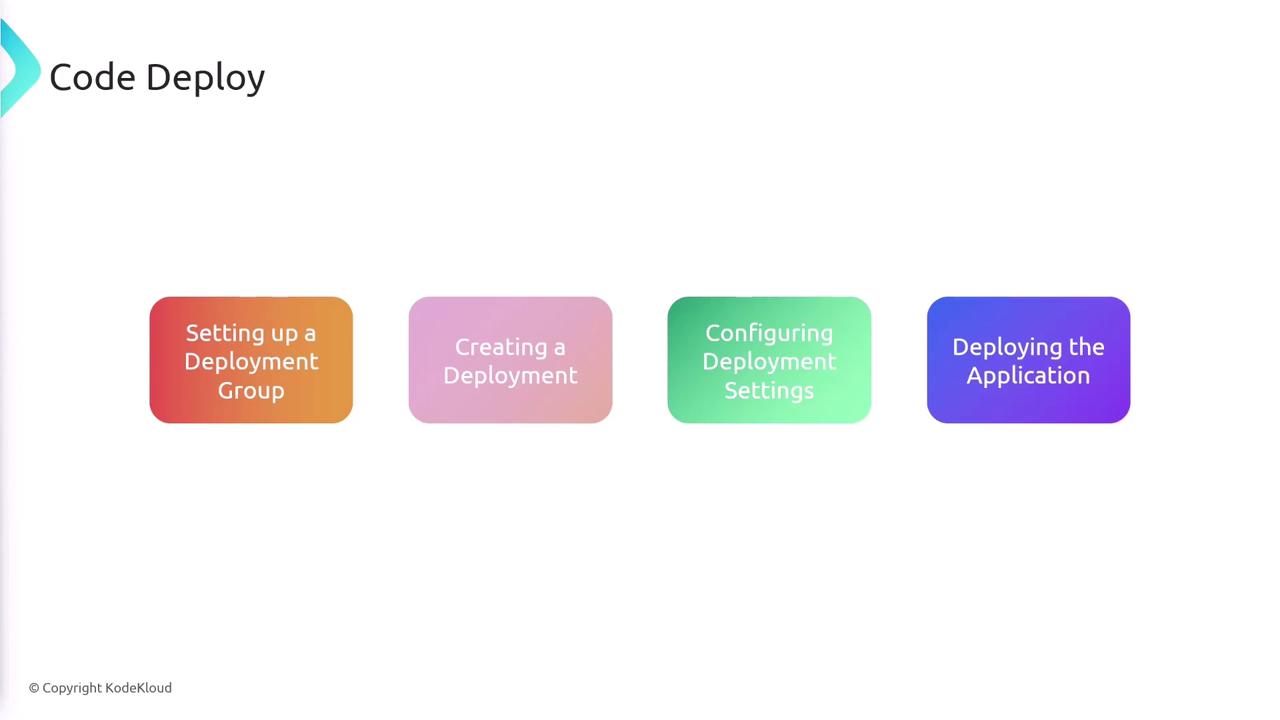
Within a CI/CD pipeline, CodeDeploy plays a crucial role:- Developers commit code changes to repositories such as AWS CodeCommit or other supported platforms.
- The commit triggers a build process (commonly via CodeBuild), which executes tests, linters, and code formatting.
- CodeDeploy then takes the resulting build artifact from CodeBuild and deploys it onto the designated compute platform (e.g., EC2).
The AppSpec.yaml File
Similar to how CodeBuild relies on abuildspec.yaml file, CodeDeploy uses an appspec.yaml file positioned at the root of your project. This file provides the deployment specifications and instructions for updating your application. Below is an example configuration:
- The
osparameter indicates that the target instances are running Linux. - The files section states where the artifact (produced by CodeBuild) should reside on the instance.
- The hooks section outlines various lifecycle events—stopping the current version, installing the update, and starting the new version.
- The permissions section ensures that deployed files have the necessary execution permissions.
CodeDeploy Agent and IAM Roles
For EC2 deployments, it is essential to install the CodeDeploy agent on your instances. This agent handles communication with the AWS CodeDeploy service and executes the deployment actions. Additionally, ensure that your EC2 instance has an IAM role with permissions to access the S3 bucket containing the deployment artifact.Deployment Strategies for Various Platforms
EC2 and On-Premises Deployments
For deployments targeting EC2 or on-premises servers, CodeDeploy supports two primary strategies:- In-Place Updates:
- All-at-Once: Update all instances concurrently, offering speed at the cost of potential user impact.
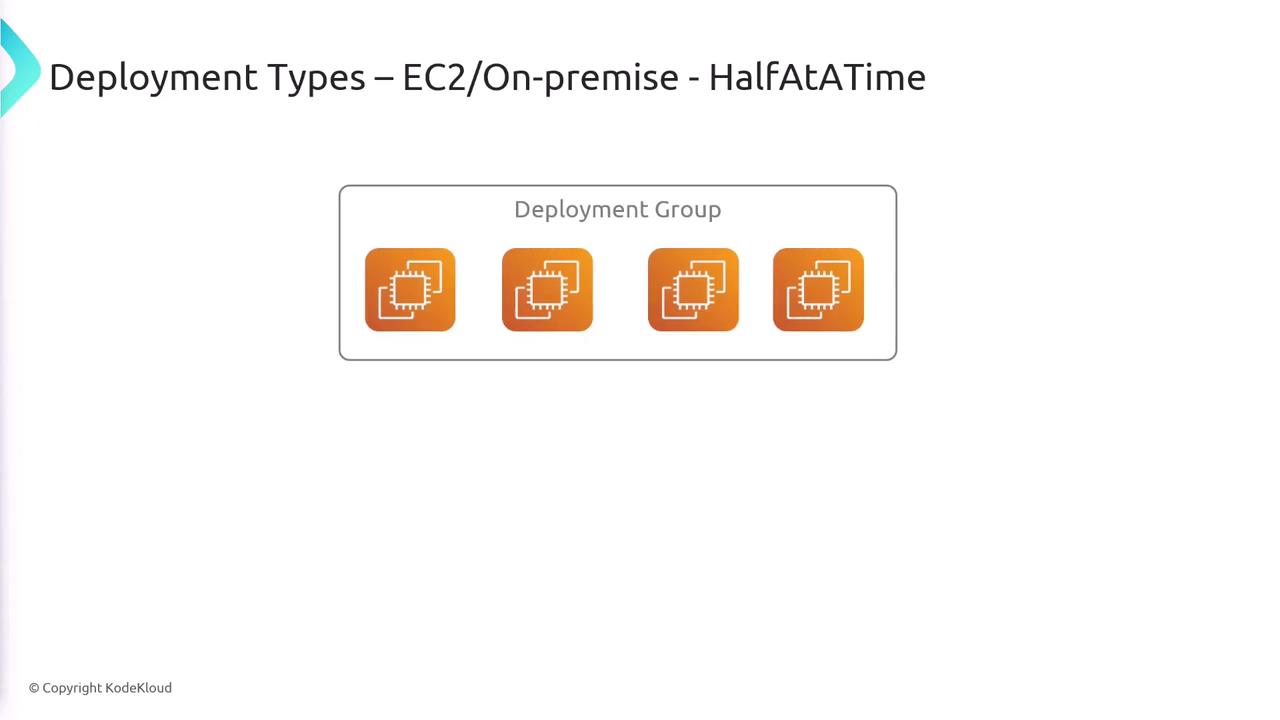
- Half-at-a-Time: Update half of the instances initially; upon success, update the remainder.
- One-at-a-Time: Update instances sequentially, minimizing risk but potentially increasing deployment duration.
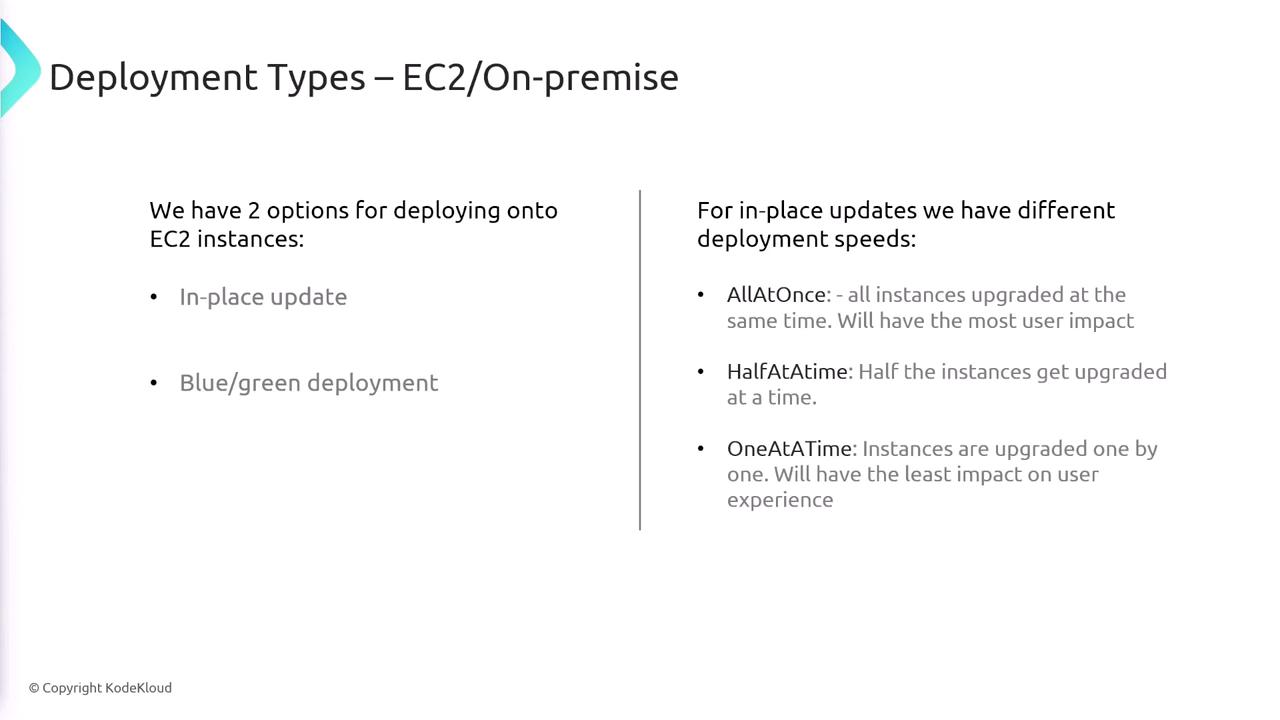
- An all-at-once update replaces all instances simultaneously.
- A half-at-a-time update upgrades two instances first, followed by the remaining two.
- A one-at-a-time update processes each instance sequentially.
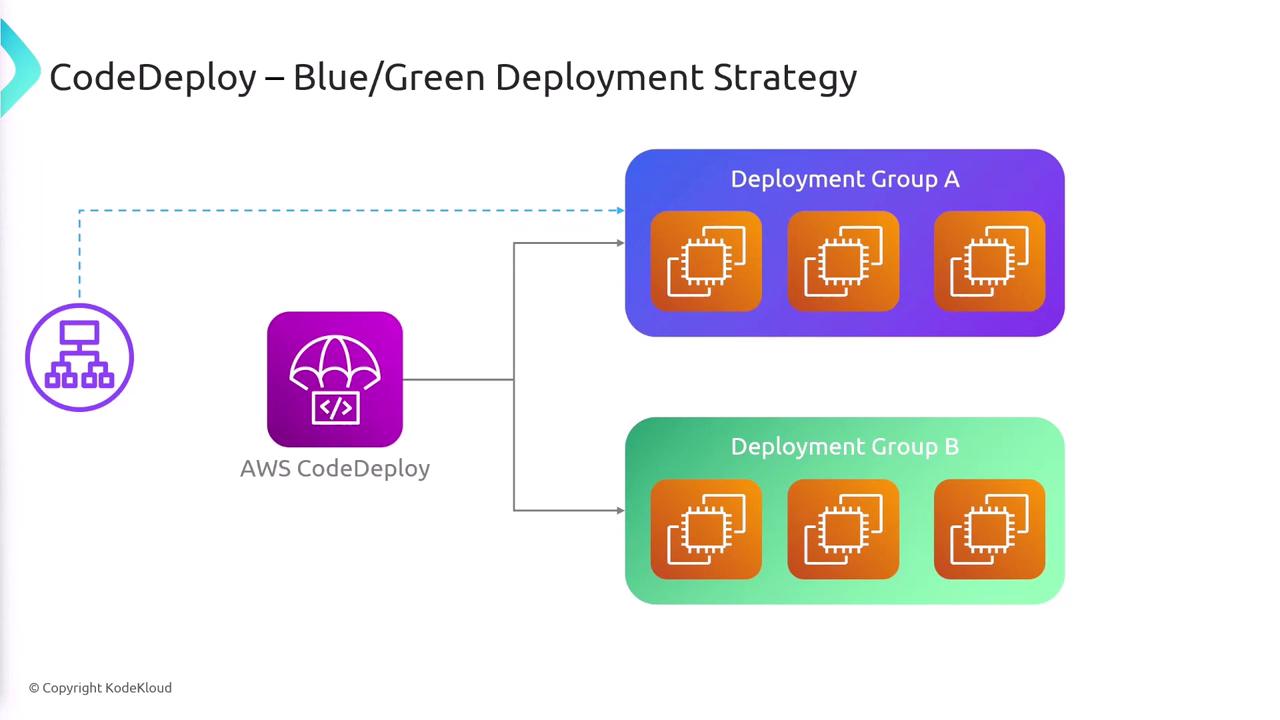
- Blue/Green Deployments:
- The current environment (blue) continues serving traffic while a new environment (green) is set up with the updated code. Once the new version is verified, traffic is redirected to the green environment, significantly reducing downtime.
Lambda Deployments
For AWS Lambda functions, deployments are managed via aliases that point to specific versions. CodeDeploy supports multiple traffic shifting strategies:- All-at-Once: Immediately route all traffic to the new version.
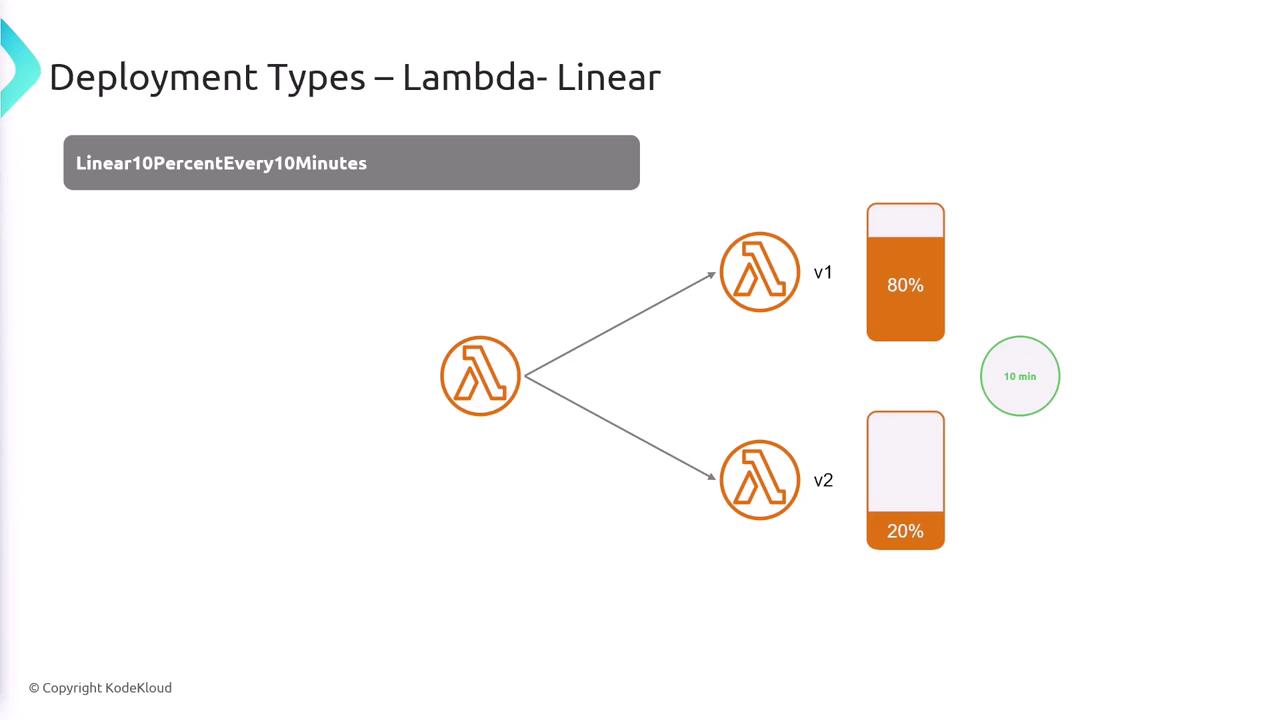
- Linear Deployment: Incrementally shift a specified percentage of traffic (e.g., 10% every minute) until the new version handles 100% of the traffic.
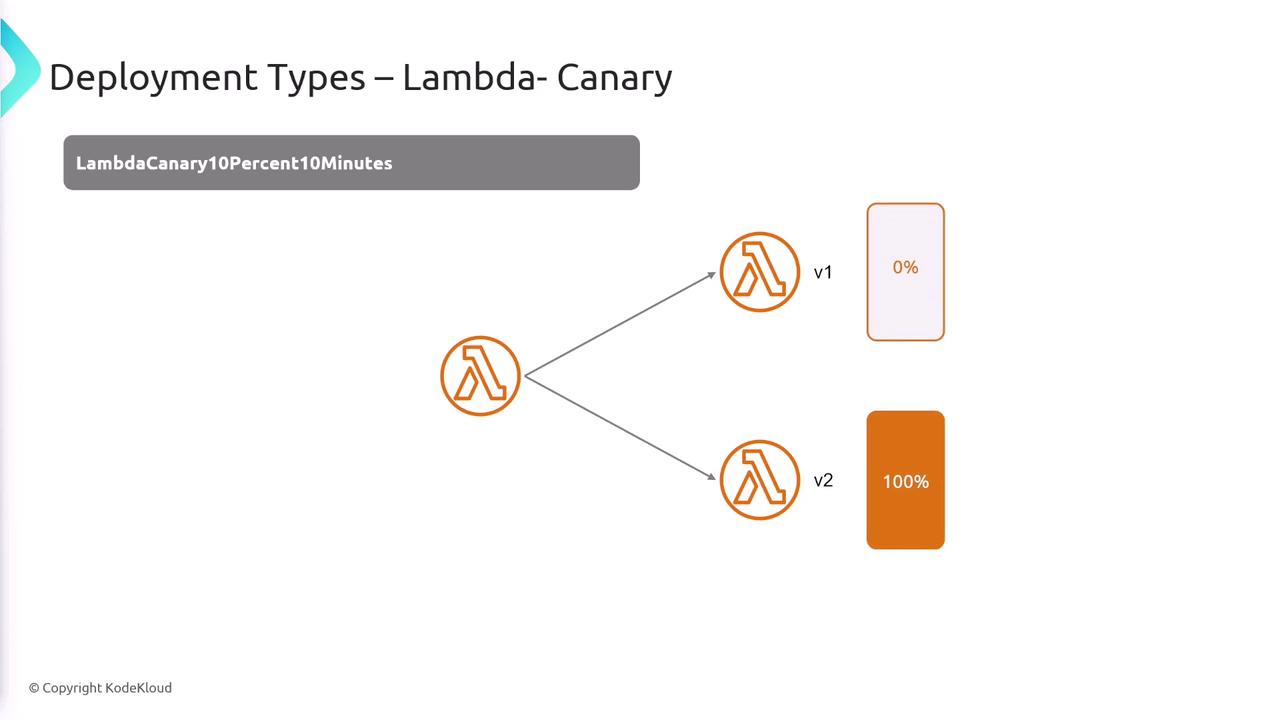
- Canary Deployment: Initially send a small fraction of traffic (e.g., 10%) to the new version, and after a brief verification period (e.g., 10 minutes), route all traffic to the new version if no issues are observed.
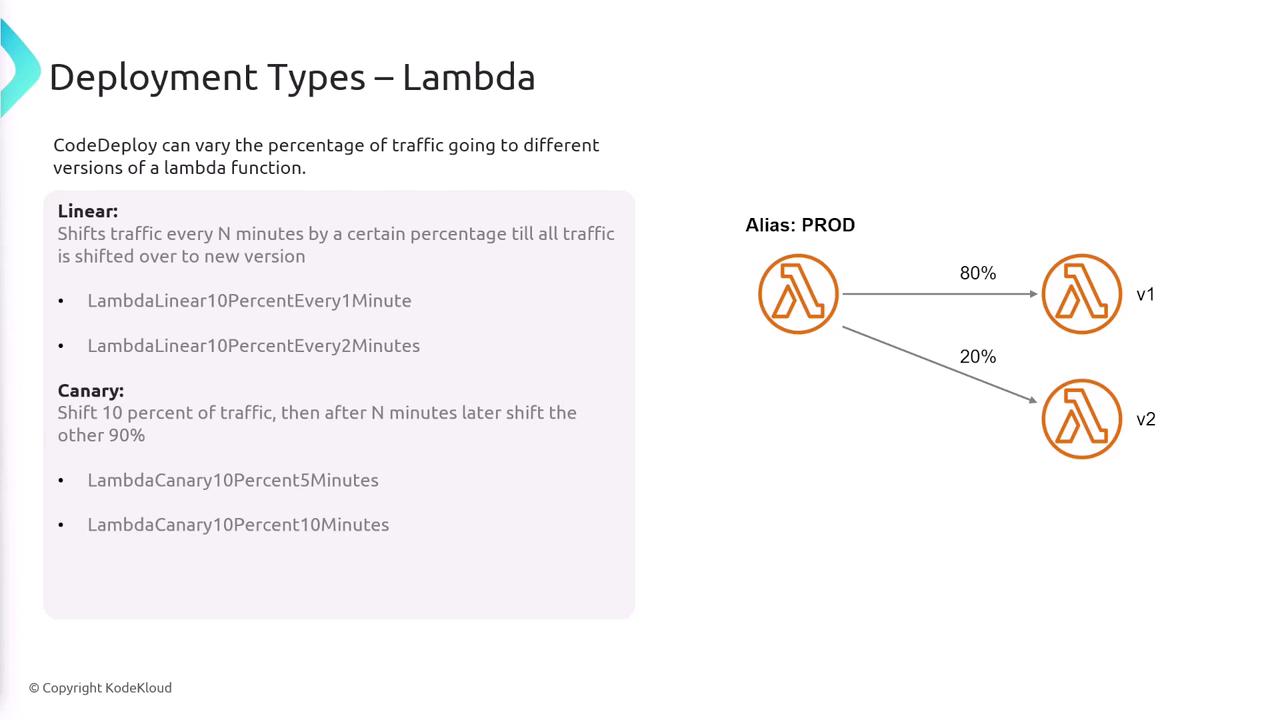
- Initially, 100% of traffic targets version one.
- After 10 minutes, 10% of the traffic shifts to the new version.
- This incremental process continues until the new version handles all traffic.
- Initially, 10% of the traffic is directed to the new version while 90% remains with the old version.
- After a 10-minute verification period, 100% of the traffic is switched to the new version.
ECS Deployments
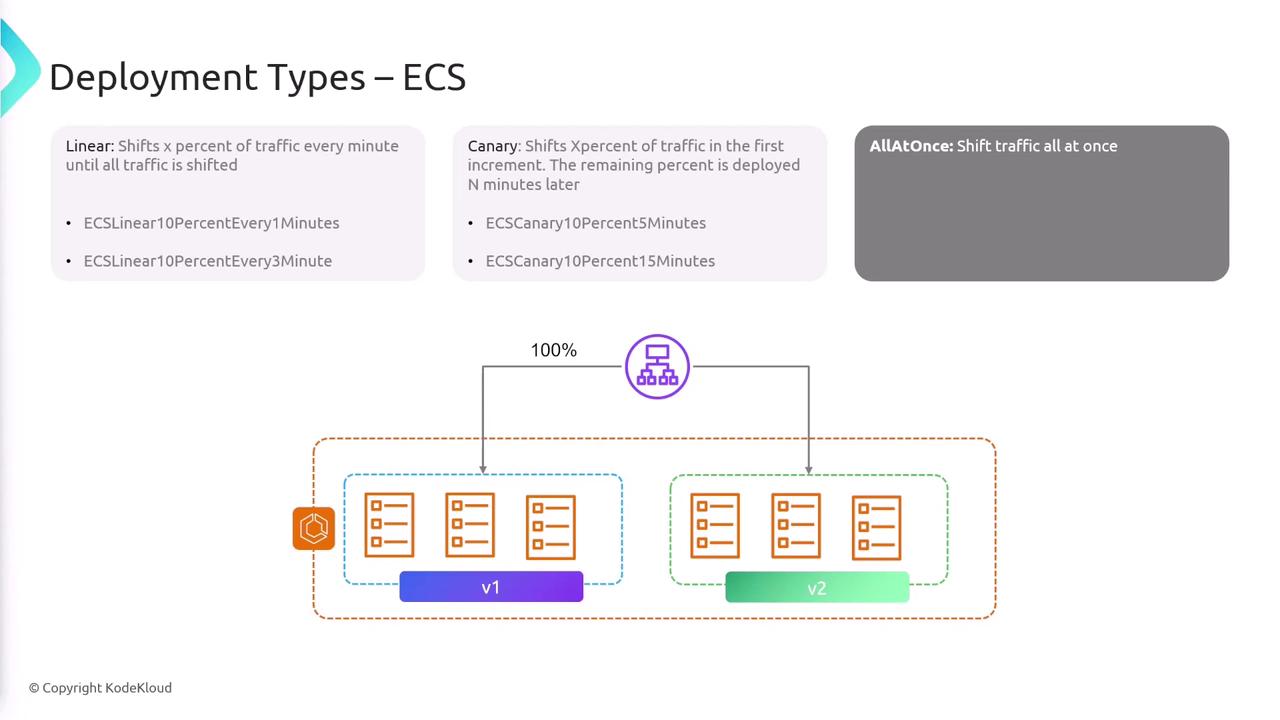
Amazon ECS deployments follow similar strategies to those used in Lambda:- Linear Deployments: Gradually move a predetermined percentage of traffic (e.g., 10% increments) to the new version until complete transition.
- Canary Deployments: Start by shifting a smaller initial percentage (e.g., 10%) and, after a verification period, move all traffic to the new version.
- All-at-Once Deployments: Switch the entire service to the new version immediately.
Automatic Rollbacks and Monitoring
One of CodeDeploy’s standout features is its integration with Amazon CloudWatch. If the newly deployed version triggers alarms due to errors or performance issues, CodeDeploy can automatically roll back to the previous stable version. This proactive approach minimizes any negative impact on your users.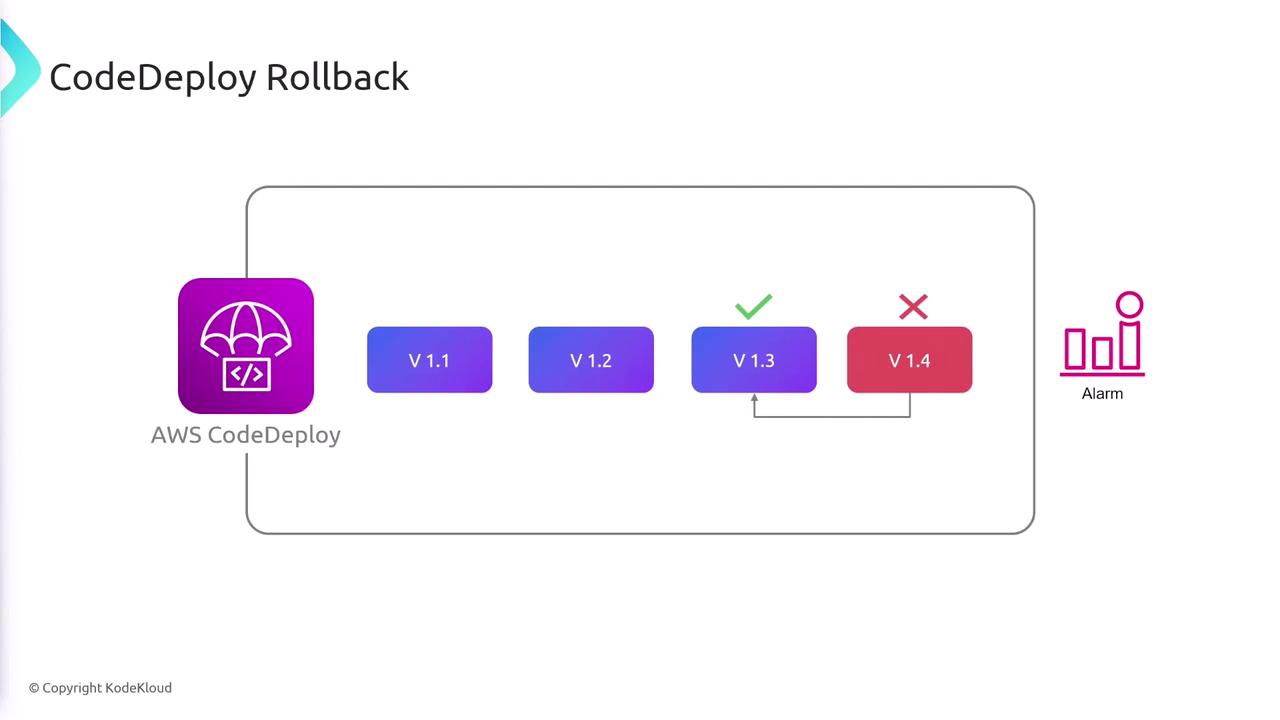
Leverage automatic rollbacks in CodeDeploy to quickly mitigate issues and ensure a seamless user experience, especially during critical updates.
Summary
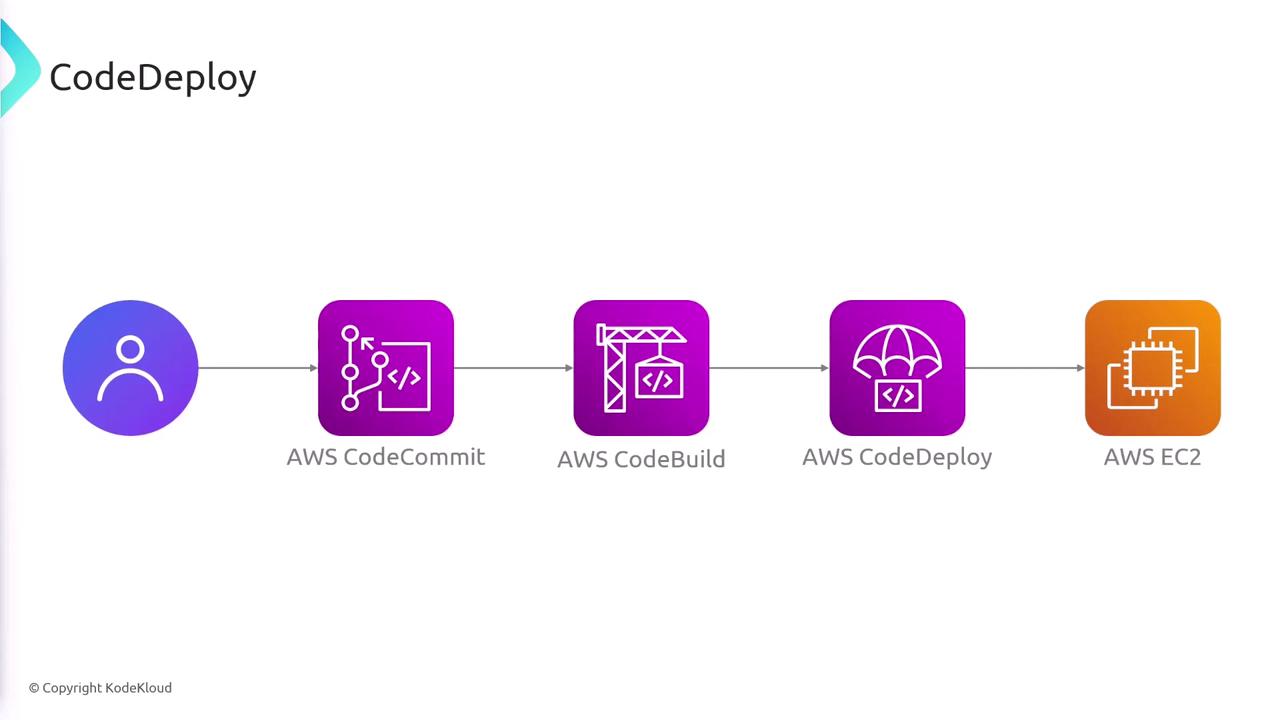
CodeDeploy is a versatile and robust deployment automation service that supports platforms such as EC2, on-premises servers, Lambda, and ECS. Its key capabilities include:- Automated, centralized deployments with a variety of strategies (all-at-once, in-place, blue/green, linear, and canary).
- Built-in rollback functionalities and real-time health monitoring through CloudWatch.
- Seamless integration with CI/CD pipelines, ensuring smooth transitions from code commit to production.
- Clear configuration requirements via the
appspec.yamlfile and specific setup considerations for different compute platforms.