IAM Users and Policies
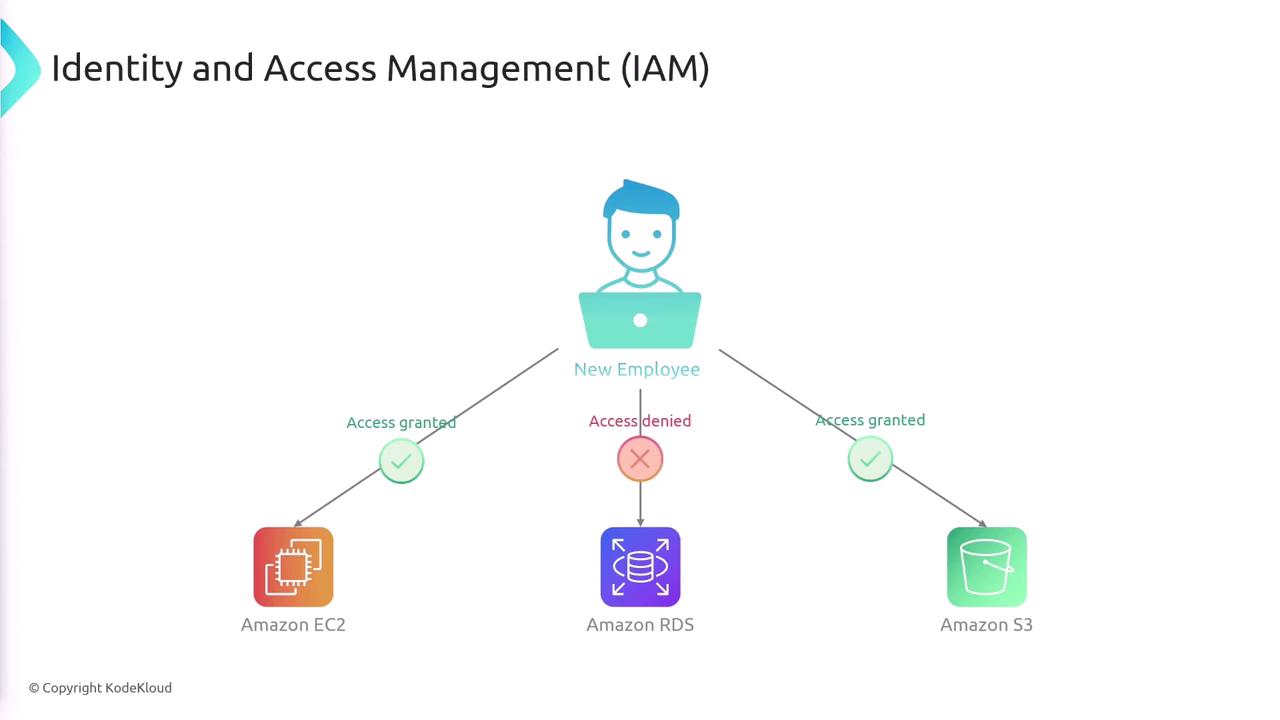
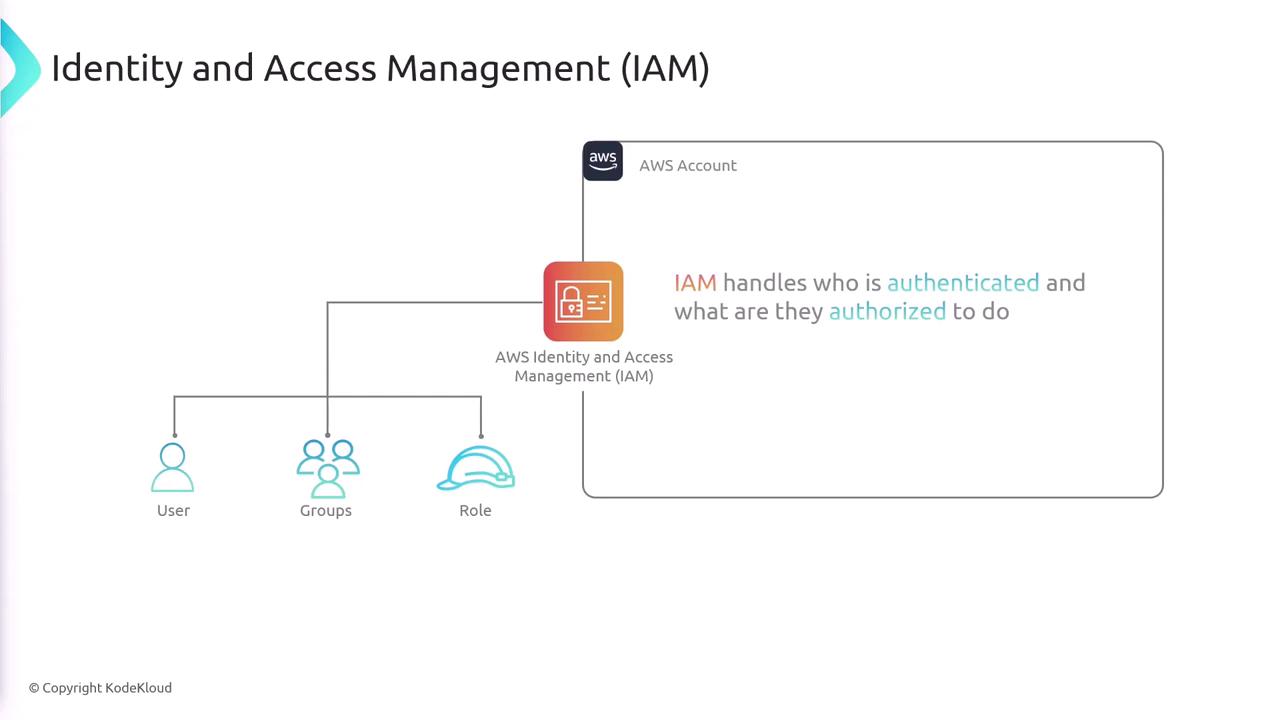
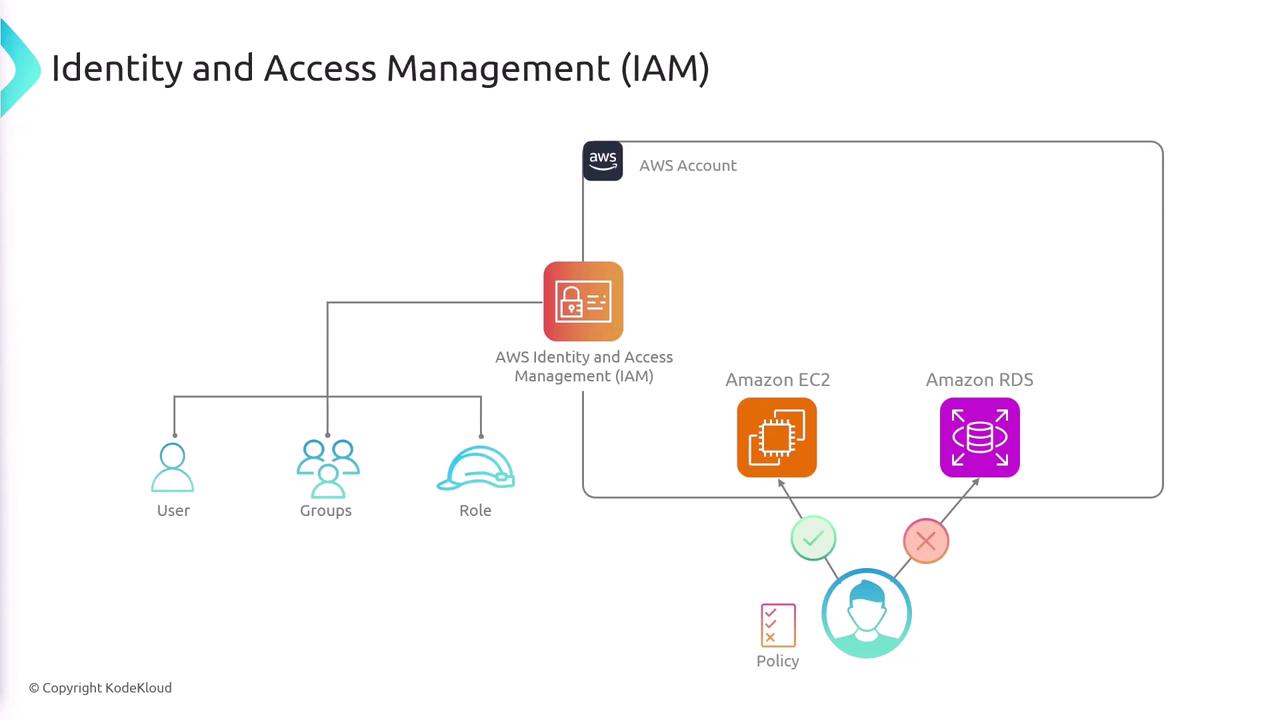
An IAM user represents a person or an application that requires access to AWS resources. When you create an IAM user, they start with a default “deny-all” permission policy. To grant specific access, you explicitly attach IAM policies to that user. Policies are written in JSON and detail which actions are allowed or denied on which resources. For example, consider the following JSON policy:- SecondStatement: Grants permission for all actions on EC2 services across all resources.
- ThirdStatement: Grants permission only to list and retrieve objects from a specific S3 bucket (
bucket1).
Using Groups for Simplified Management
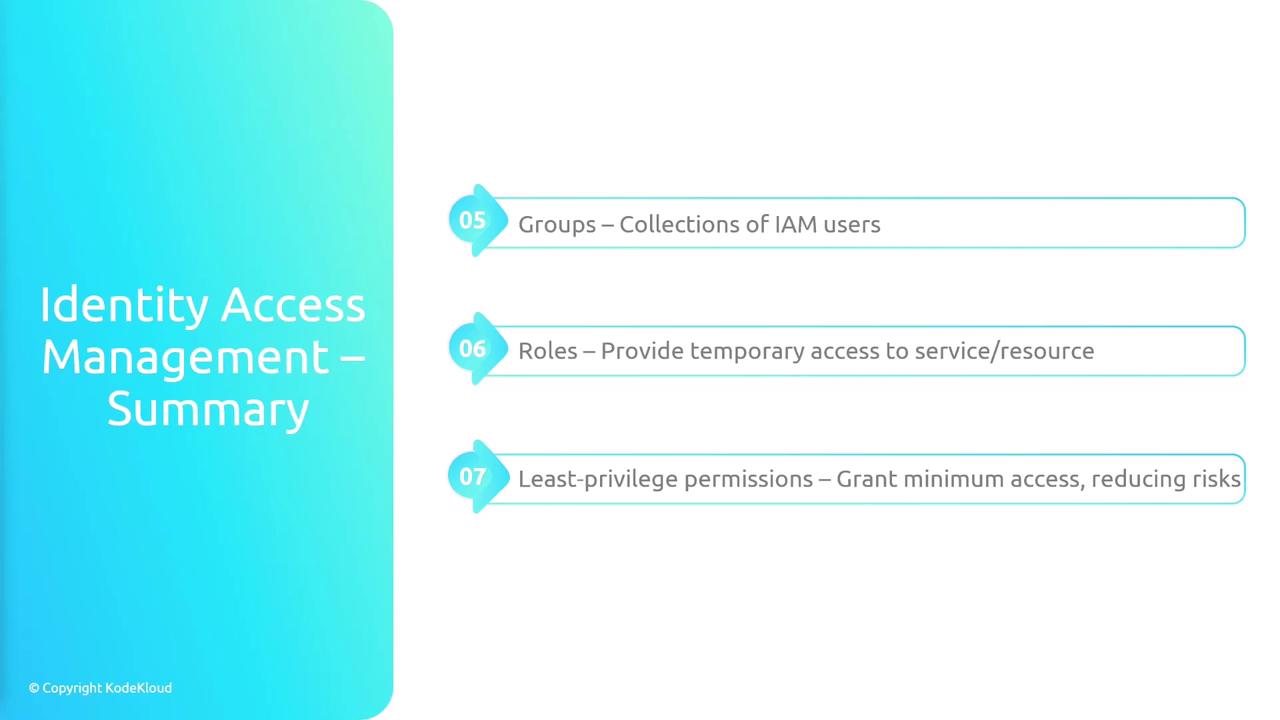
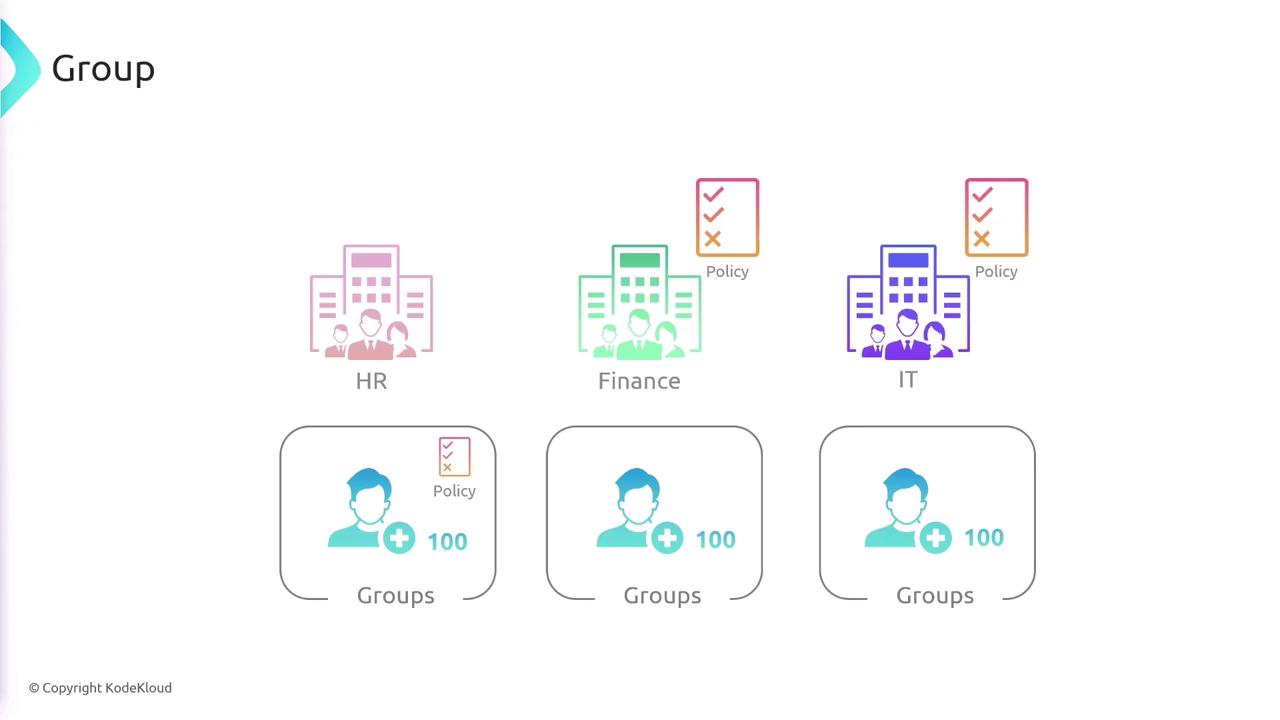
Managing individual permissions for multiple IAM users can be complex. To streamline this process, you can create groups that aggregate users and assign them policies collectively. For example, you might create separate groups for HR, Finance, and IT, each with its own tailored permissions. When a user is added to a group, they automatically inherit the group’s permissions, reducing administrative overhead.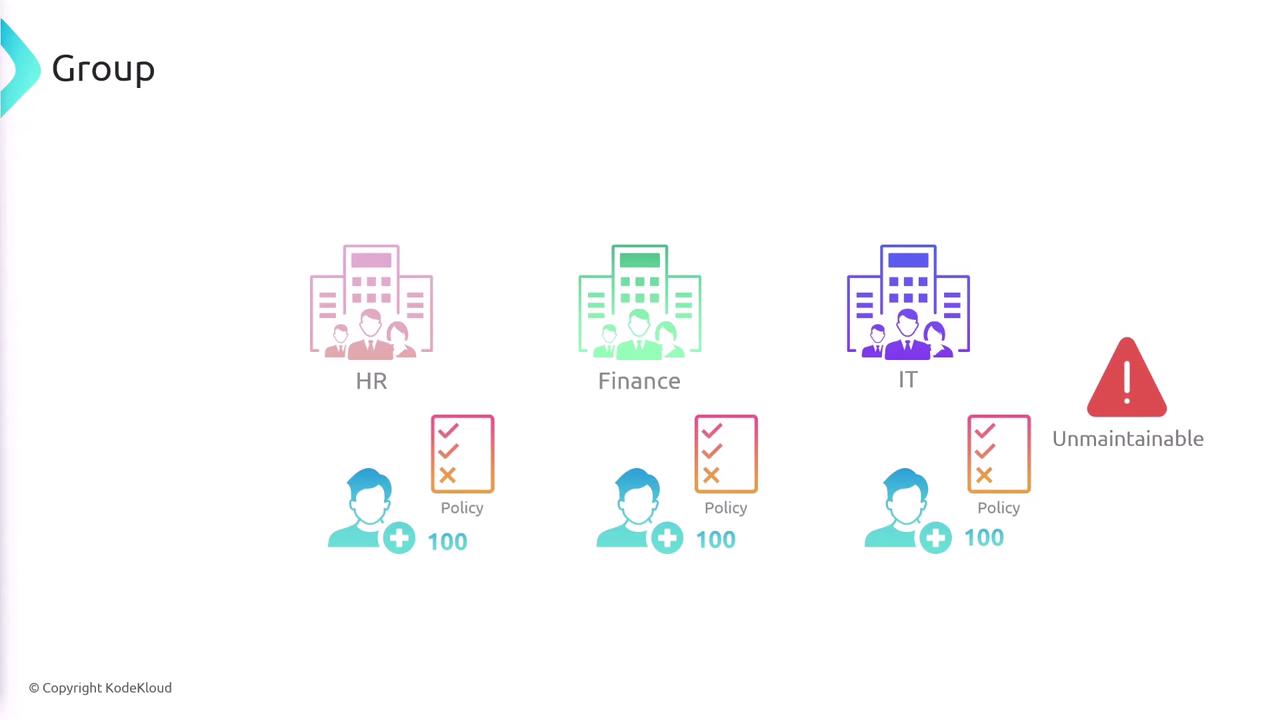
IAM Roles
IAM roles allow you to grant temporary access to AWS resources. Unlike IAM users, roles come with temporary credentials that can be assumed by users, applications, or services when needed. For example, an application running on an EC2 instance might assume a role that permits access to an S3 bucket, or a Lambda function might assume a role to process messages from a queue. Roles are also essential for enabling cross-account resource interactions. A role must be paired with a trust policy to define which entities can assume it. Consider the following trust policy example: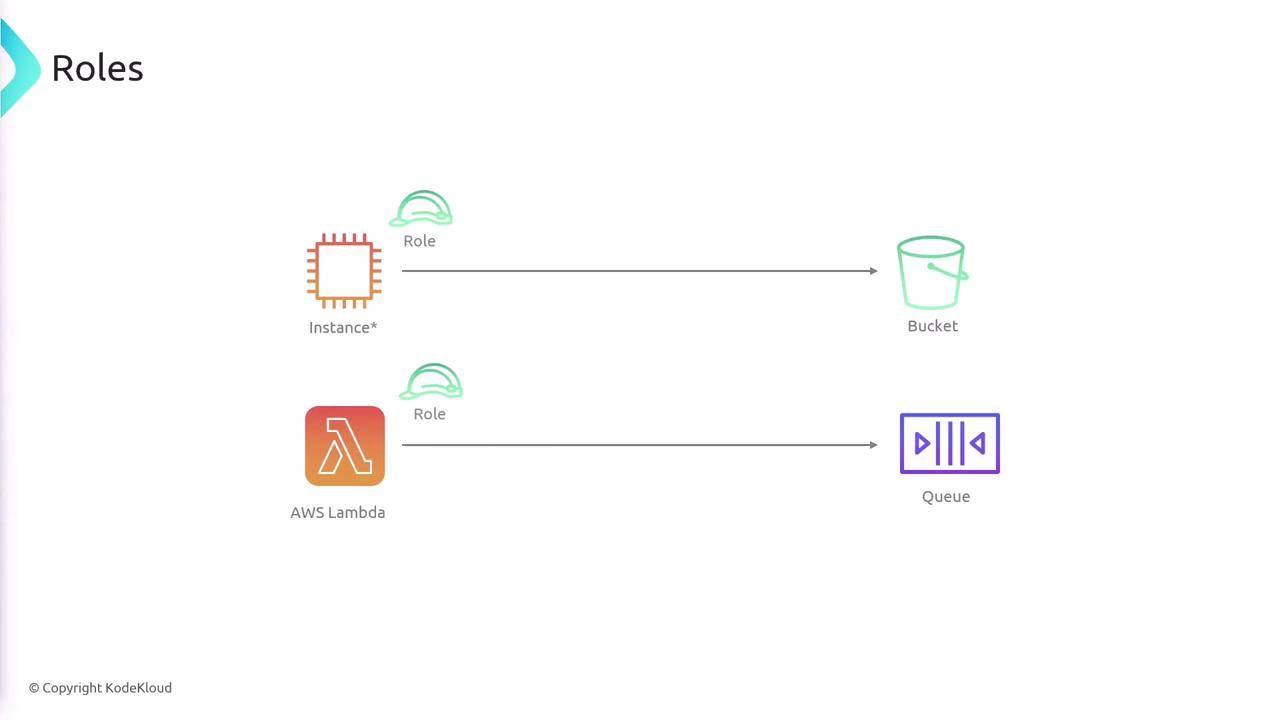
Least Privilege and Multi-Factor Authentication
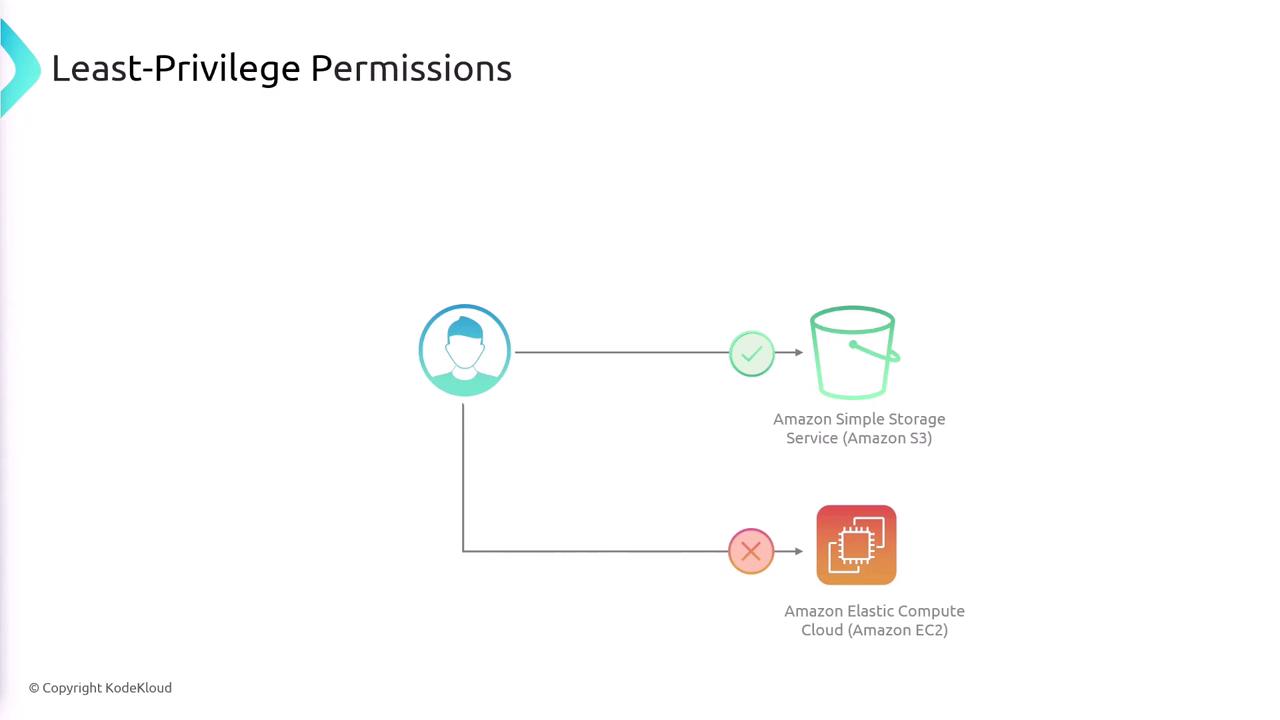
A key security principle embodied by IAM is the principle of least privilege. This means granting users only the permissions they absolutely need to perform their tasks. For instance, if a user does not require access to EC2, do not include EC2 permissions in their policy.It is best practice to continuously review and update IAM policies to adhere to the principle of least privilege.
Summary
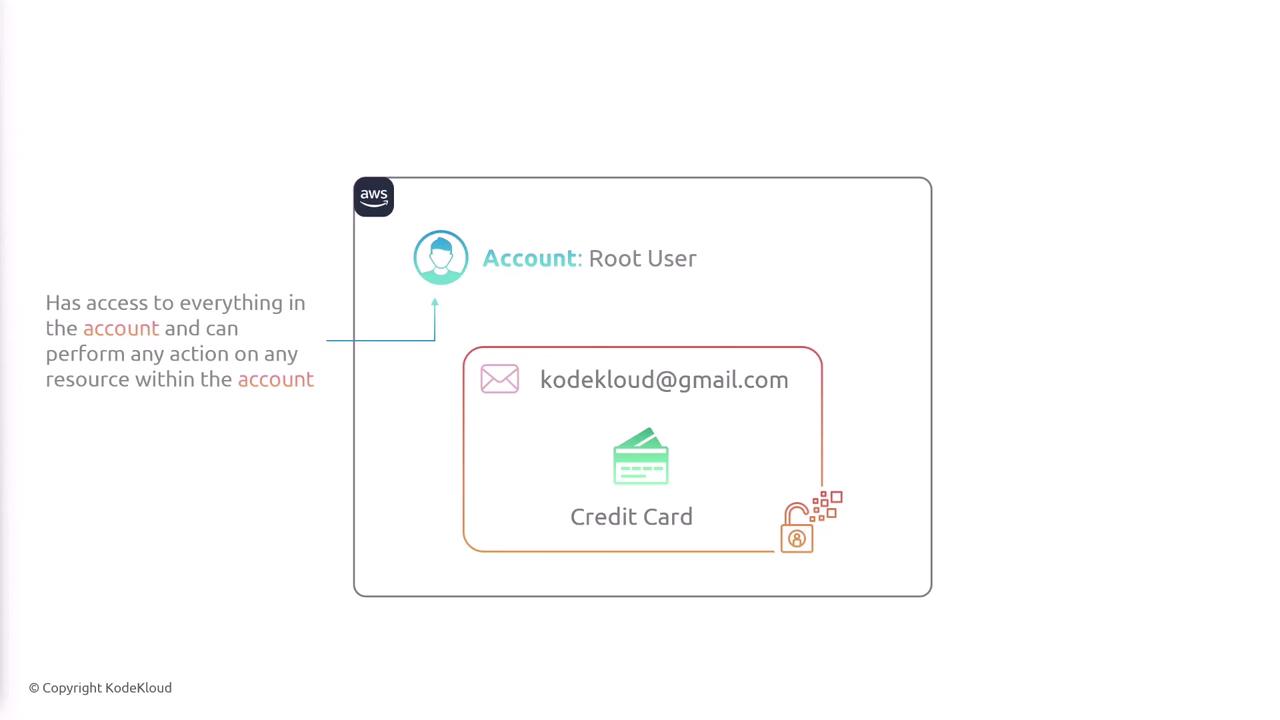
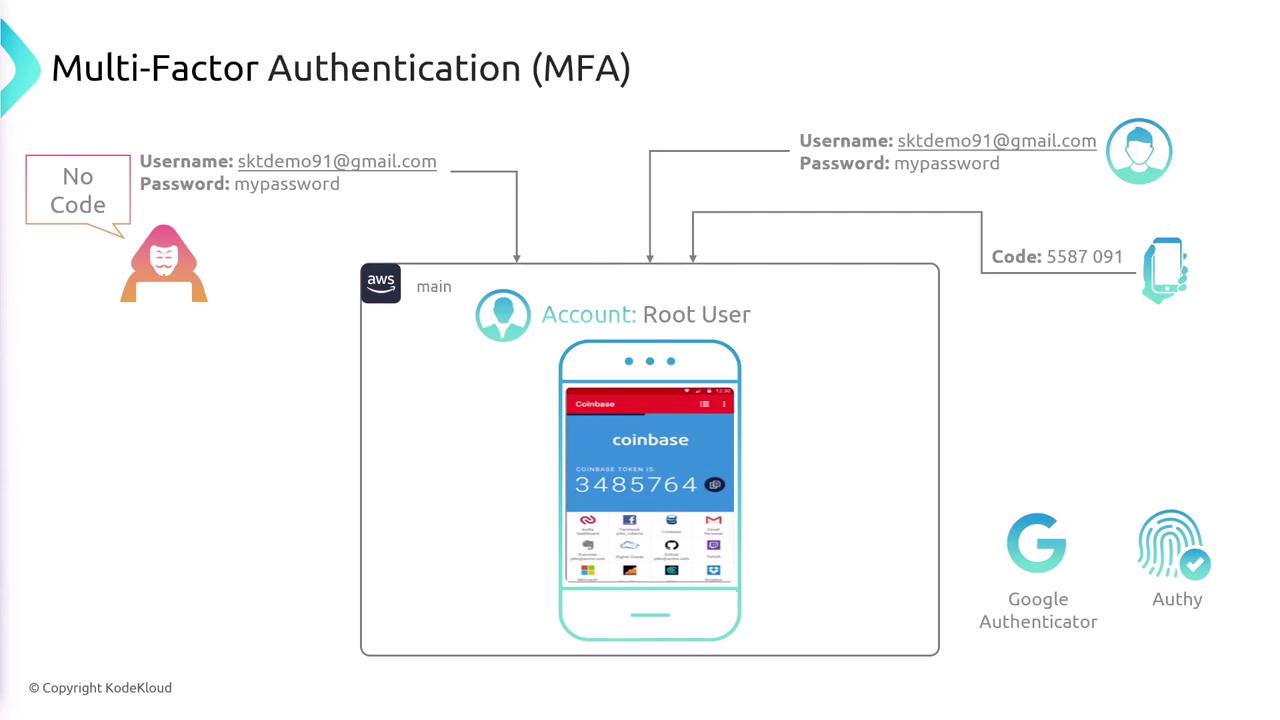
When you create an AWS account, the root user is automatically provisioned and possesses unrestricted access. For routine activities, create individual IAM users and assign them specifically tailored policies that restrict their actions to only what is necessary. Simplify permission management using groups that allow collective policy assignment, and use IAM roles for granting temporary credentials for applications or cross-account scenarios. IAM policies, defined as JSON documents, allow you to specify allowed and denied actions on a per-resource basis. By combining dedicated users, groups, and roles with the principle of least privilege and enhanced security features like MFA, you can effectively secure and manage access to your AWS resources.