- Reduced latency and improved response times by serving frequently requested data.
- Decreased load on backend services, such as Lambda functions and databases.
- Flexible caching rules tailored to specific environments and resource types.
Cache Invalidation
Periodically, cached data can become outdated, which makes cache invalidation necessary. To successfully invalidate the cache, a client must possess the appropriate IAM permission. The following IAM policy snippet details the required permission:How Caching Works with API Gateway
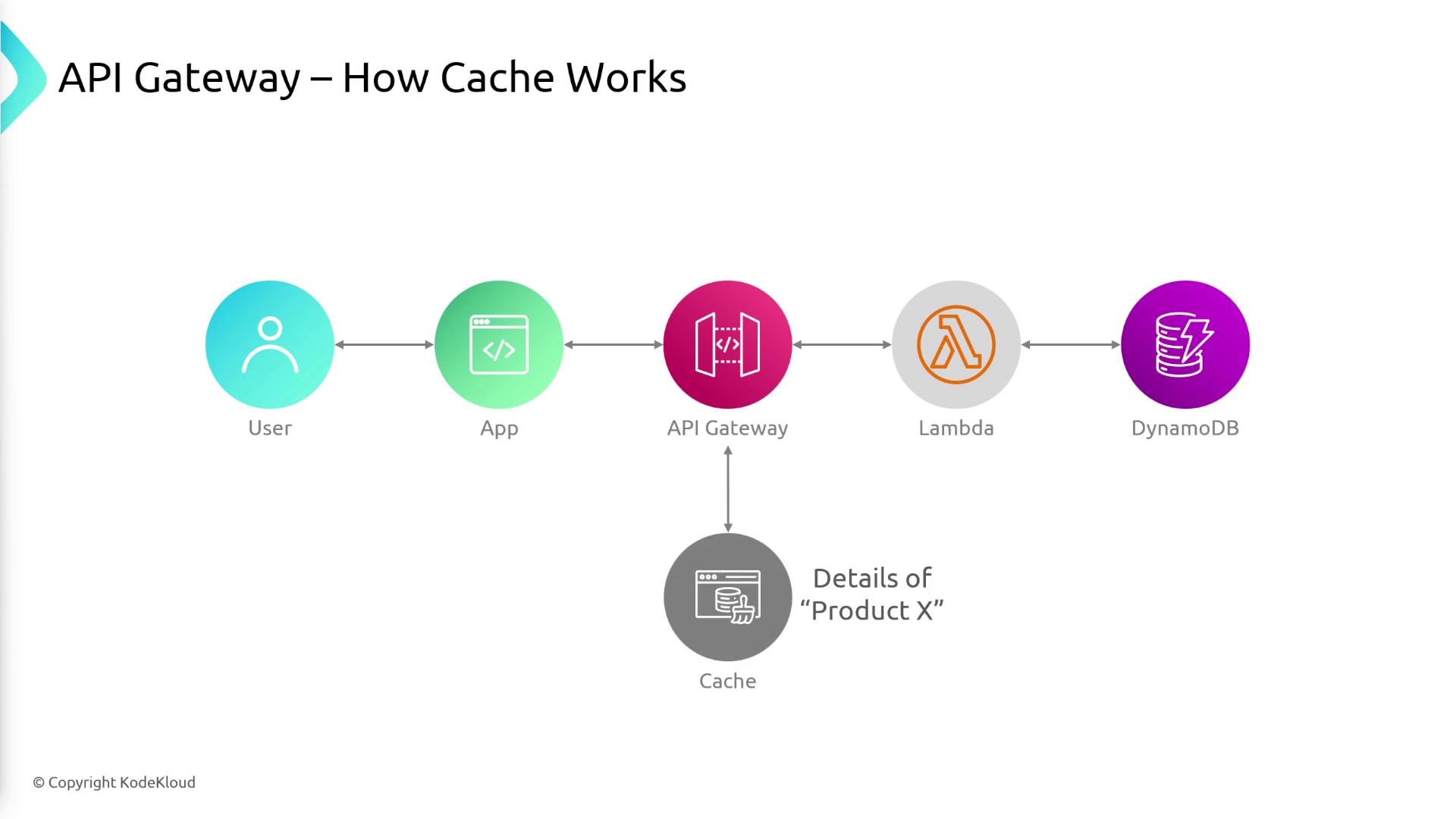
Consider a scenario where a user requests information about a product, such as Product X. The caching process in API Gateway follows these steps:- The user sends an API request to API Gateway for Product X.
- API Gateway forwards the request to the backend service, which in this instance is a Lambda function.
- The Lambda function retrieves data from a DynamoDB table.
- Once the data is returned, API Gateway caches the result.
- The response is then sent back to the user.