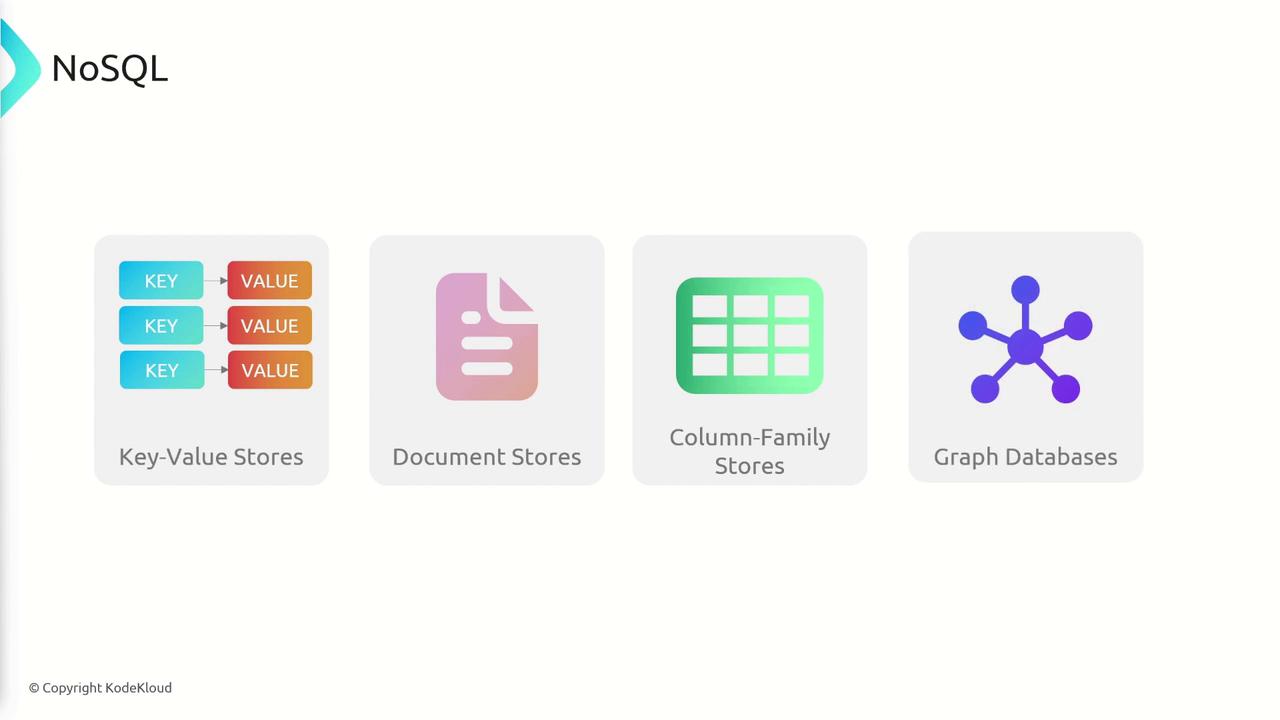
- Key-Value Stores: Retrieve values using unique keys.
- Document Stores: Use document-like structures (e.g., JSON or XML) that can include nested documents.
- Column-Family Stores: Organize data into rows and columns, accommodating varied column structures.
- Graph Databases: Represent data as nodes, edges, and properties, ideal for depicting complex relationships.
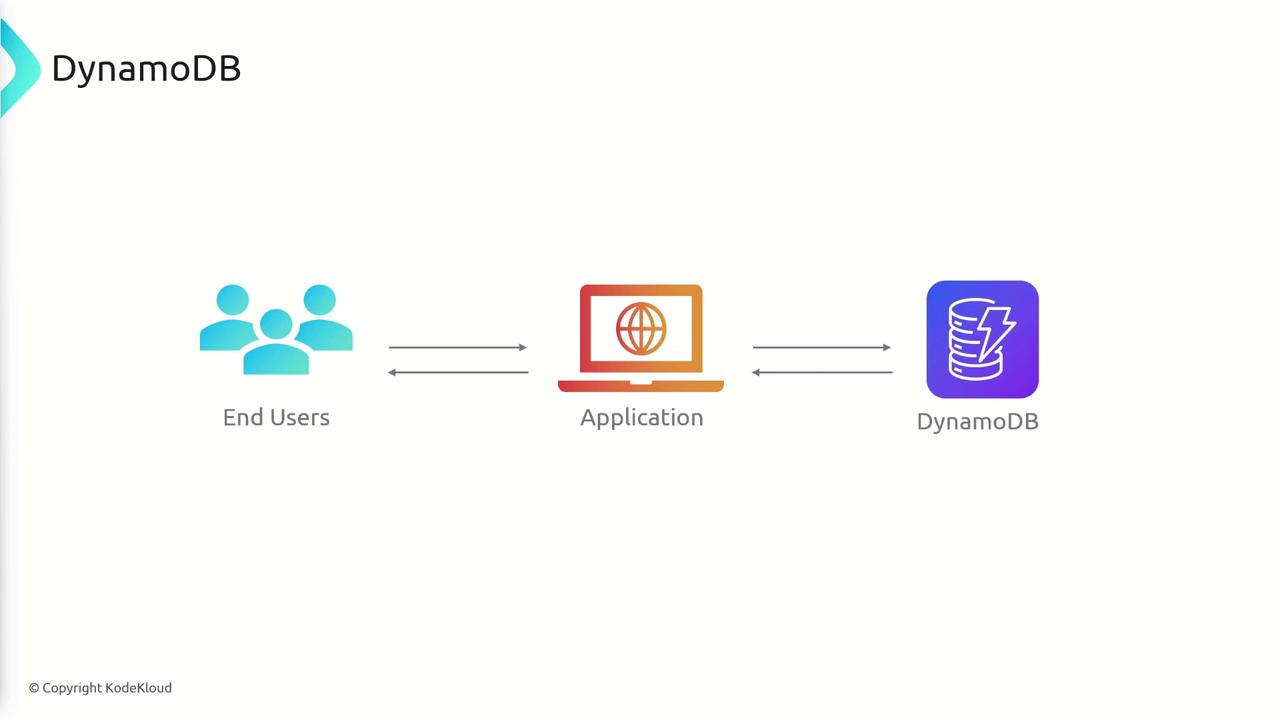
Key Benefits & Features
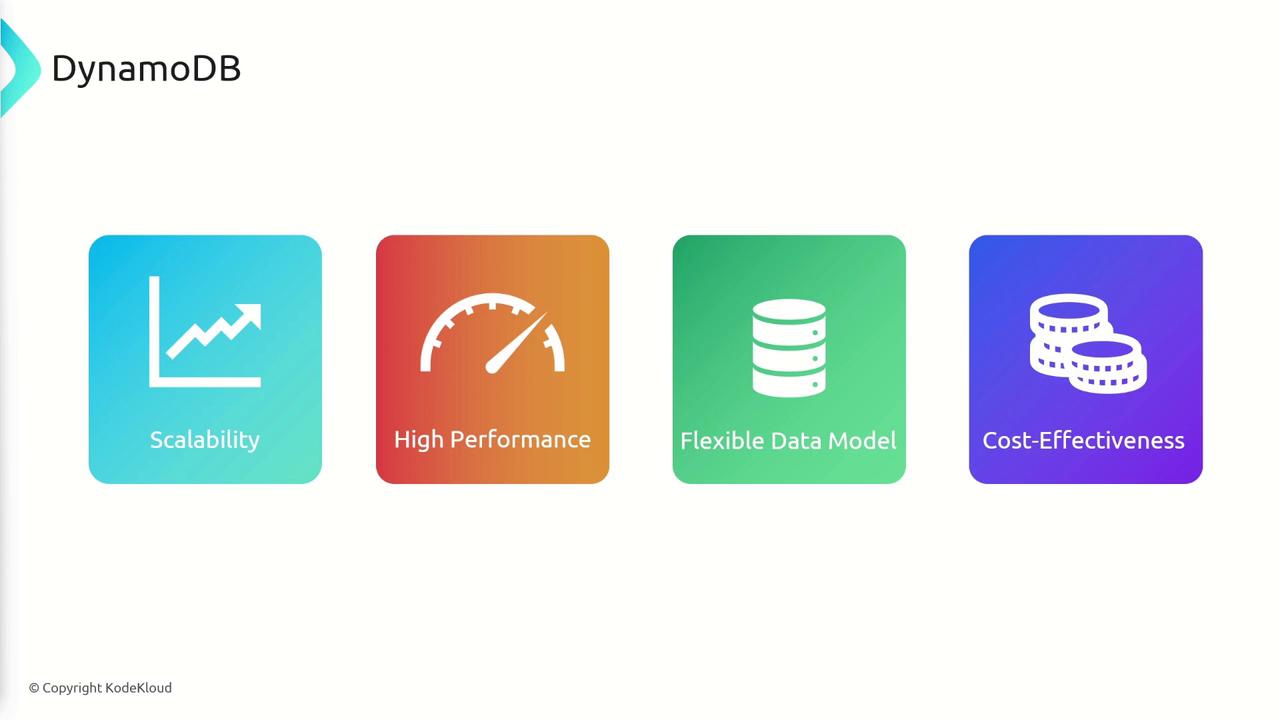
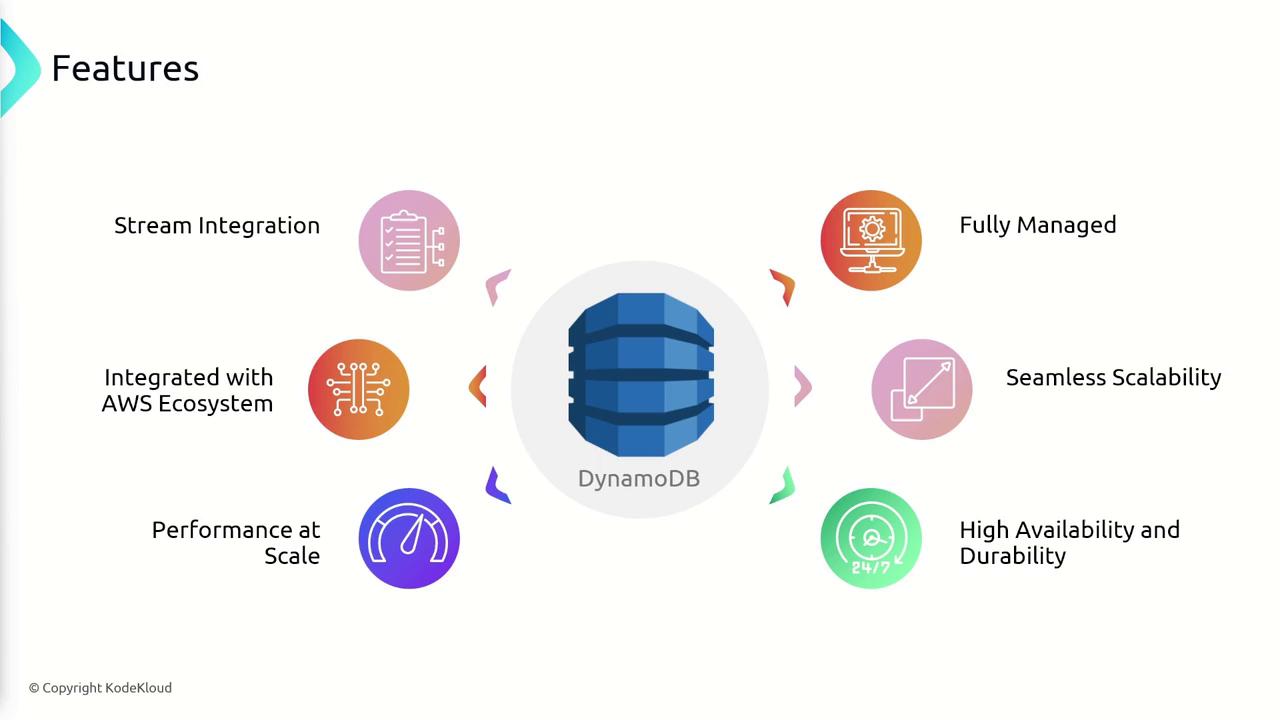
DynamoDB comes with several significant advantages:- Seamless Scalability: Effortlessly adapt to growth without provisioning hardware or managing complex database configurations.
- High Performance: Enjoy fast and predictable performance with low-latency data retrieval.
- Flexible Data Model: Design your data schema to perfectly match your application requirements.
- Cost-Effectiveness: Only pay for the resources you actually use thanks to its pay-as-you-go pricing model.
- Atomicity: All operations in a transaction succeed or fail as one.
- Consistency: Data modifications adhere to established database constraints.
- Isolation: In-progress transactions remain invisible to other operations, eliminating race conditions.
- Durability: Committed transactions remain permanent, even during system failures.
Data Storage and Structure in DynamoDB
Data in DynamoDB is organized into three main components: tables, items, and attributes.- Table: A collection of items, similar to a table in relational databases. For example, you could have tables for users or products.
- Item: A single record within a table. In a “users” table, each record represents a unique user.
- Attributes: The data elements within an item. For instance, a user record might include attributes like email, phone number, and password.
Naming Rules
DynamoDB enforces specific naming conventions for tables, indexes, and attributes:- Names must be encoded in UTF-8 and are case sensitive.
- Table and index names must be between 3 and 255 characters.
- Attribute names must be at least one character and less than 64 kilobytes.
- Only allowed characters may be used.
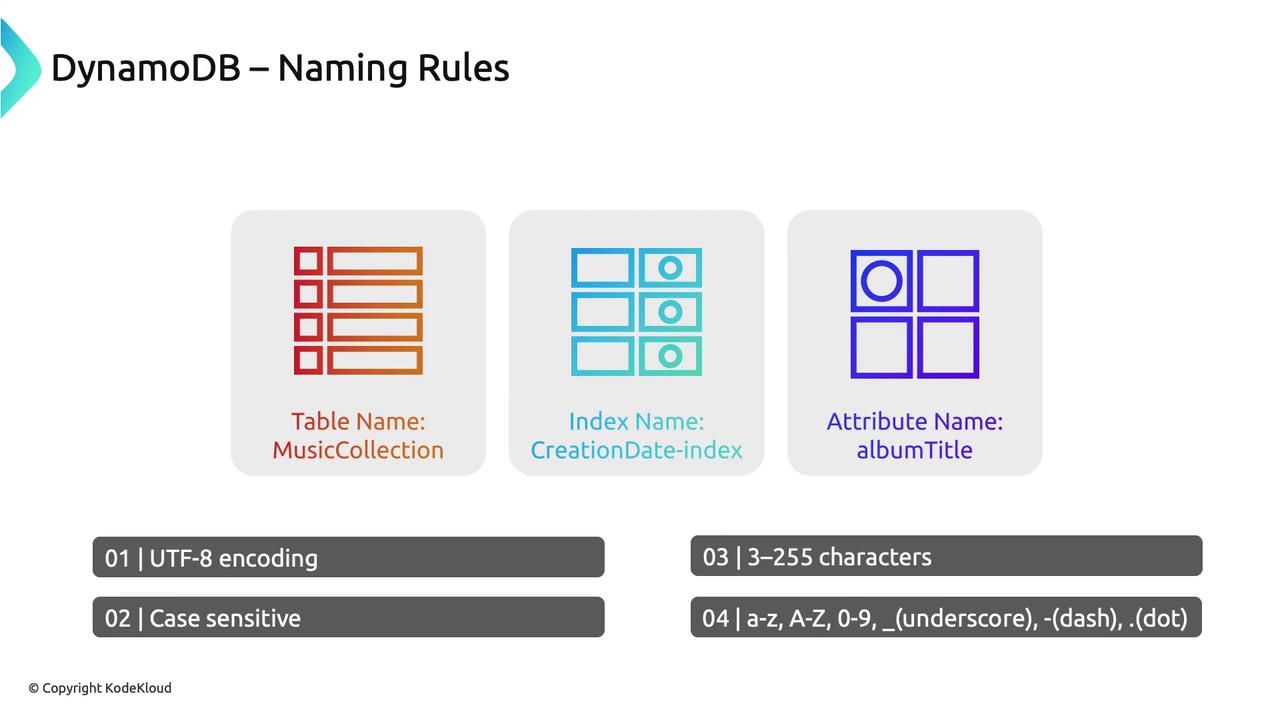
Ensure your naming conventions are consistent to avoid any potential issues when interacting with DynamoDB.
Primary Keys
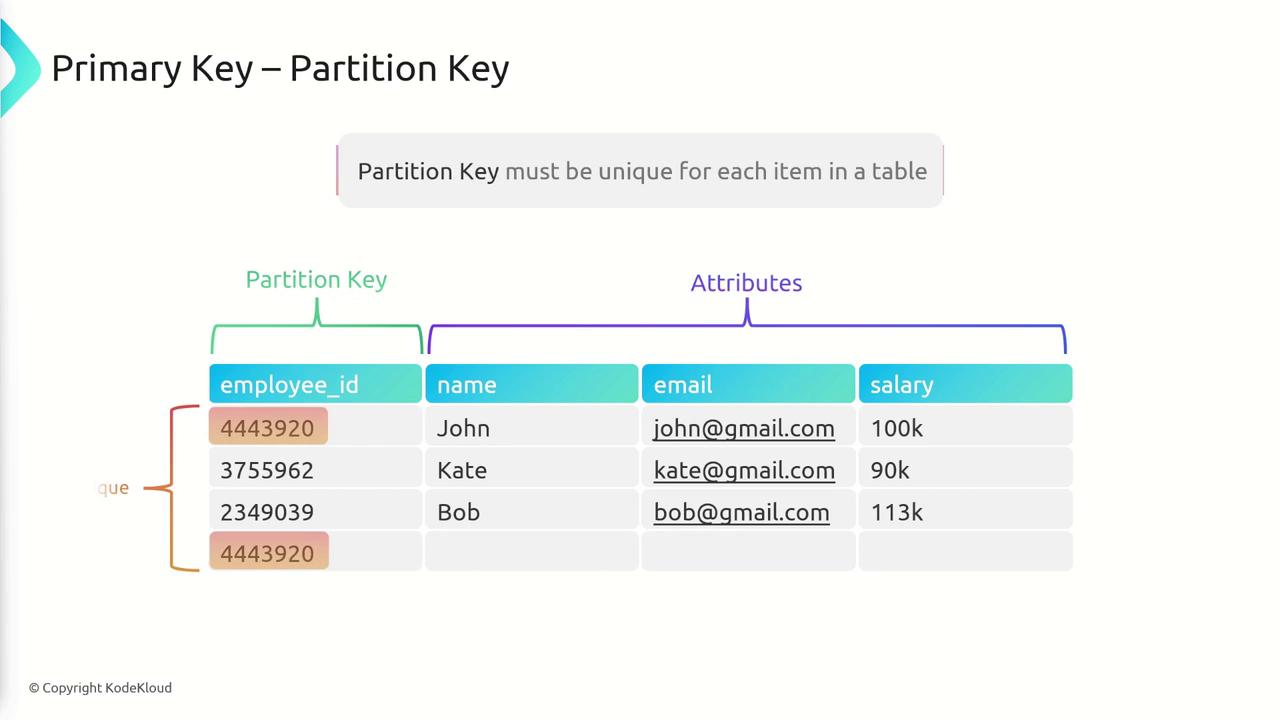
Each DynamoDB item must have a unique primary key. You can define primary keys in two ways:- Partition Key: A single attribute that uniquely identifies an item. For example, using “EmployeeID” ensures every employee record is unique.
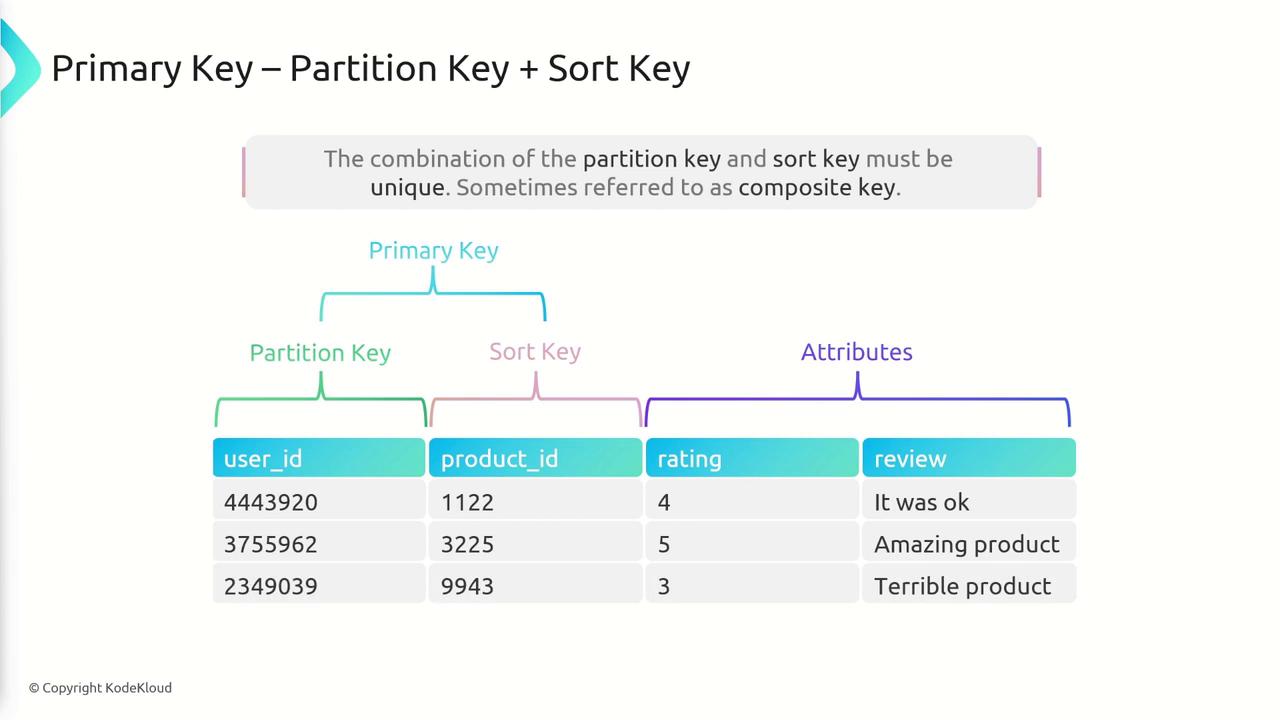
- Composite Key: A combination of two attributes—a partition key and a sort key—where the combination uniquely identifies each item. For instance, in a product reviews table, a composite key combining “user ID” and “product ID” lets a user review multiple products while preventing duplicate reviews for a single product.
Querying with PartiQL
DynamoDB supports PartiQL, an SQL-compatible query language that simplifies querying by using familiar SQL-like syntax. This enables users to run queries that are intuitive and efficient. For example, to retrieve a specific review, you might use:Using PartiQL can streamline development for those who are already familiar with SQL, reducing the learning curve.
Summary
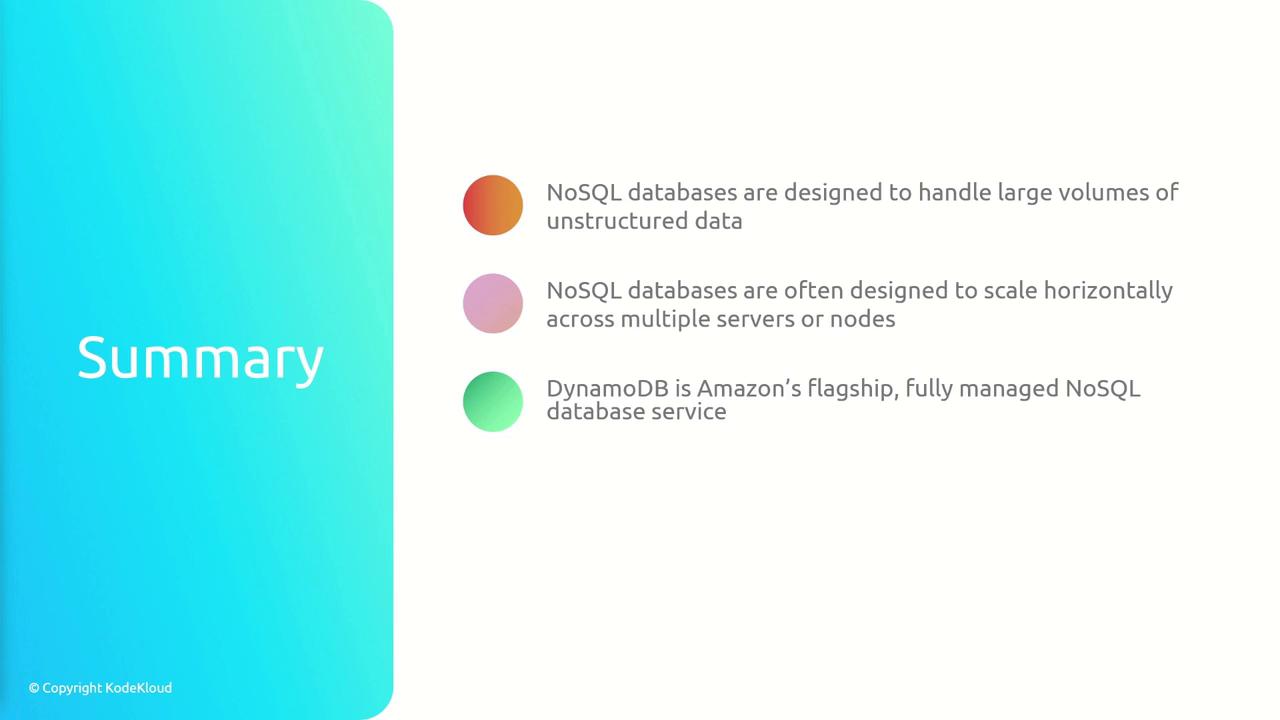
In summary, here’s what you need to know about DynamoDB:- NoSQL Databases: Optimized for large, dynamic datasets and horizontal scaling.
- DynamoDB: AWS’s fully managed, ACID-compliant NoSQL database offering low latency and seamless integration with other AWS services like Lambda, S3, and Redshift.
- Data Organization: Utilizes a table-based model where items (records) are composed of attributes.
- Primary Keys: Ensure uniqueness of each item, defined using either a single partition key or a composite key.
- PartiQL: Simplifies query operations with SQL-like syntax.