Welcome to this lesson on image analysis using Azure AI Vision. This guide explains how Azure AI Vision — Microsoft’s cloud-based computer vision service — inspects images to extract structured insights such as objects, text, captions, and metadata. Think of it as a digital detective that analyzes pixels, shapes, and context to surface actionable information you can use for search, automation, moderation, and analytics. In this lesson you will learn:
  • Core capabilities of Azure AI Vision (object detection, OCR, captioning, etc.)
  • Typical real-world use cases and deployment considerations
  • What the service returns and a sample response
  • Practical next steps and links to documentation
Now let’s look at the capabilities of Azure AI Vision. Azure AI Vision is a cloud service that enables applications to interpret and understand images. Key capabilities include:
  • Scan images: Analyze an image to determine whether it contains people, vehicles, animals, and other object categories.
  • Identify objects: Detect and localize specific items (for example, products on a retail shelf).
  • Read text (OCR): Extract printed or handwritten text from images, such as invoices, receipts, or street signs.
  • Detect emotions: Analyze faces to infer expressions and basic affective signals for user-experience research.
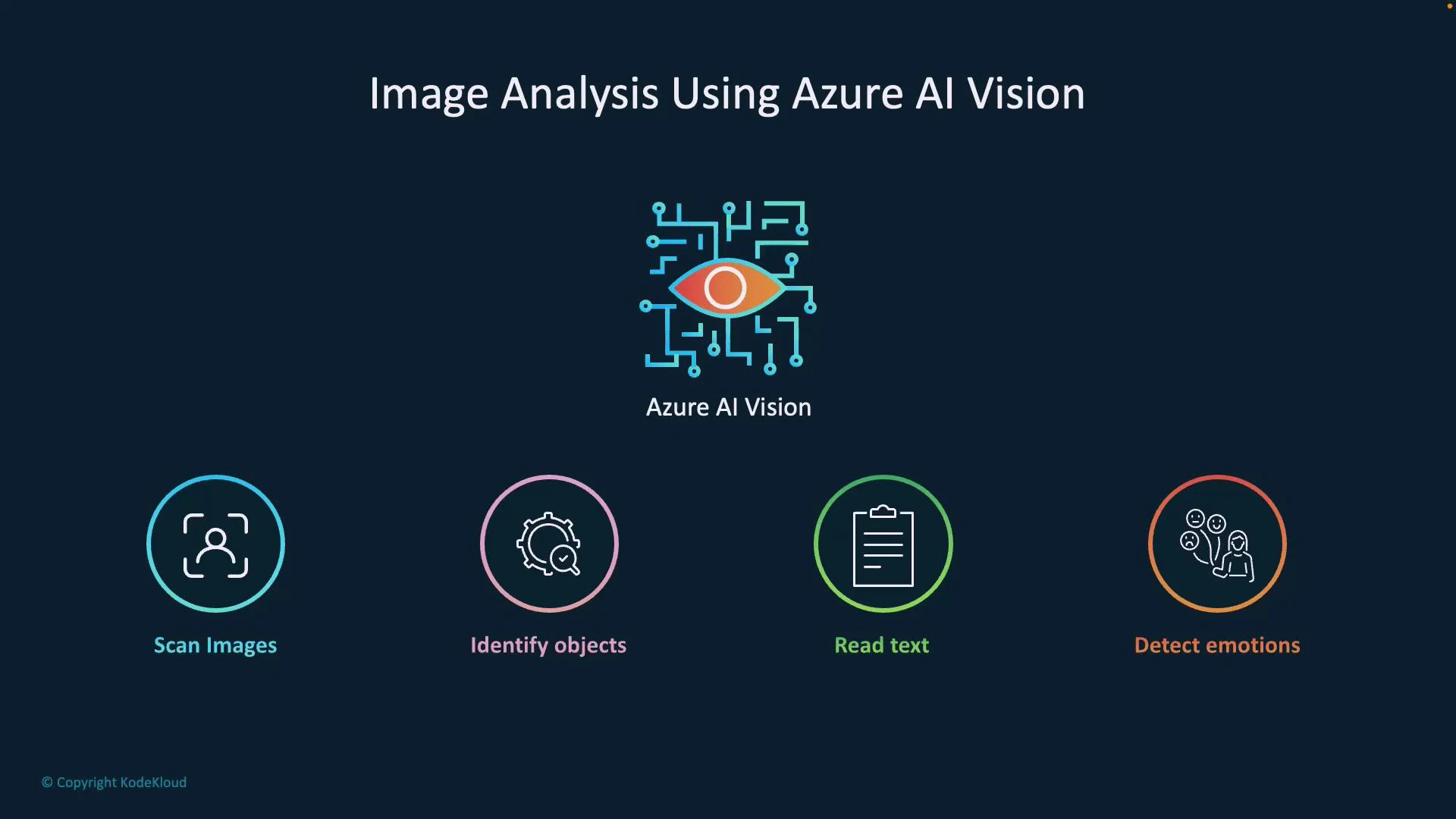
A dark-blue presentation slide titled "Image Analysis Using Azure AI Vision" with a central stylized eye-and-circuit logo labeled "Azure AI Vision." Below it are four colored icons and labels showing features: Scan Images, Identify objects, Read text, and Detect emotions.
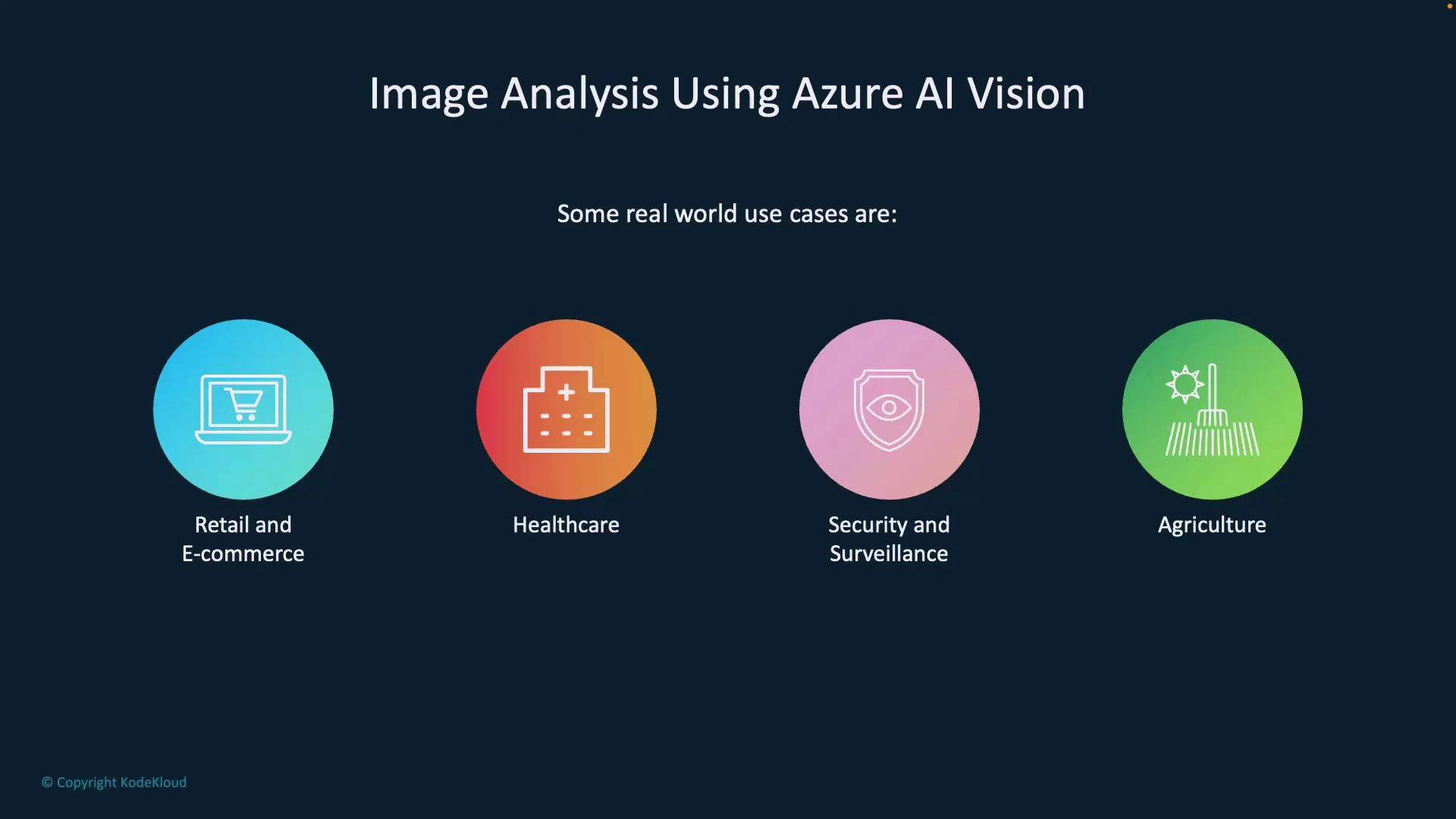
How it works (brief) Azure AI Vision inspects low-level visual cues—edges, textures, colors, shapes, and spatial relationships—and combines them with learned semantic models to form higher-level conclusions. For example, by analyzing pixel structure and object boundaries it can distinguish a reflection from a crack in glass. This makes the service valuable for surveillance, industrial inspection, and any scenario where subtle visual differences matter. Common use cases Azure AI Vision is used across industries to automate image understanding and enable smarter workflows. The table below maps common scenarios to practical examples.
Use caseTypical applicationExample outcome
Security & access controlFace recognition and detection for entry systemsGrant/deny access, log events
Manufacturing QADetect defects on production linesFlag items with missing caps, scratches
Retail & e-commerceAuto-tagging and visual searchImprove product discovery by generating tags/captions
HealthcareAssistive analysis of medical imageryHighlight areas of interest for clinician review
AgricultureDrone imagery analysis for crop monitoringDetect disease or water stress early
A presentation slide titled "Image Analysis Using Azure AI Vision" showing four colorful circular icons labeled Retail and E-commerce, Healthcare, Security and Surveillance, and Agriculture as example use cases.
What the service returns When you send an image to Azure AI Vision, the service returns structured outputs that you can use for automation, search, analytics, or accessibility. Typical outputs include:
  • Caption: A short human-readable description (e.g., “a mountain with snow”).
  • Tags: Keyword labels that describe image content (e.g., outdoor, mountain, snow).
  • Detected text: OCR’d strings found in the image (printed or handwritten).
  • Objects & bounding boxes: Coordinates and classes for detected items.
  • Smart thumbnail: A cropped image centered on the main subject.
  • Metadata: Image properties such as width, height, and format.
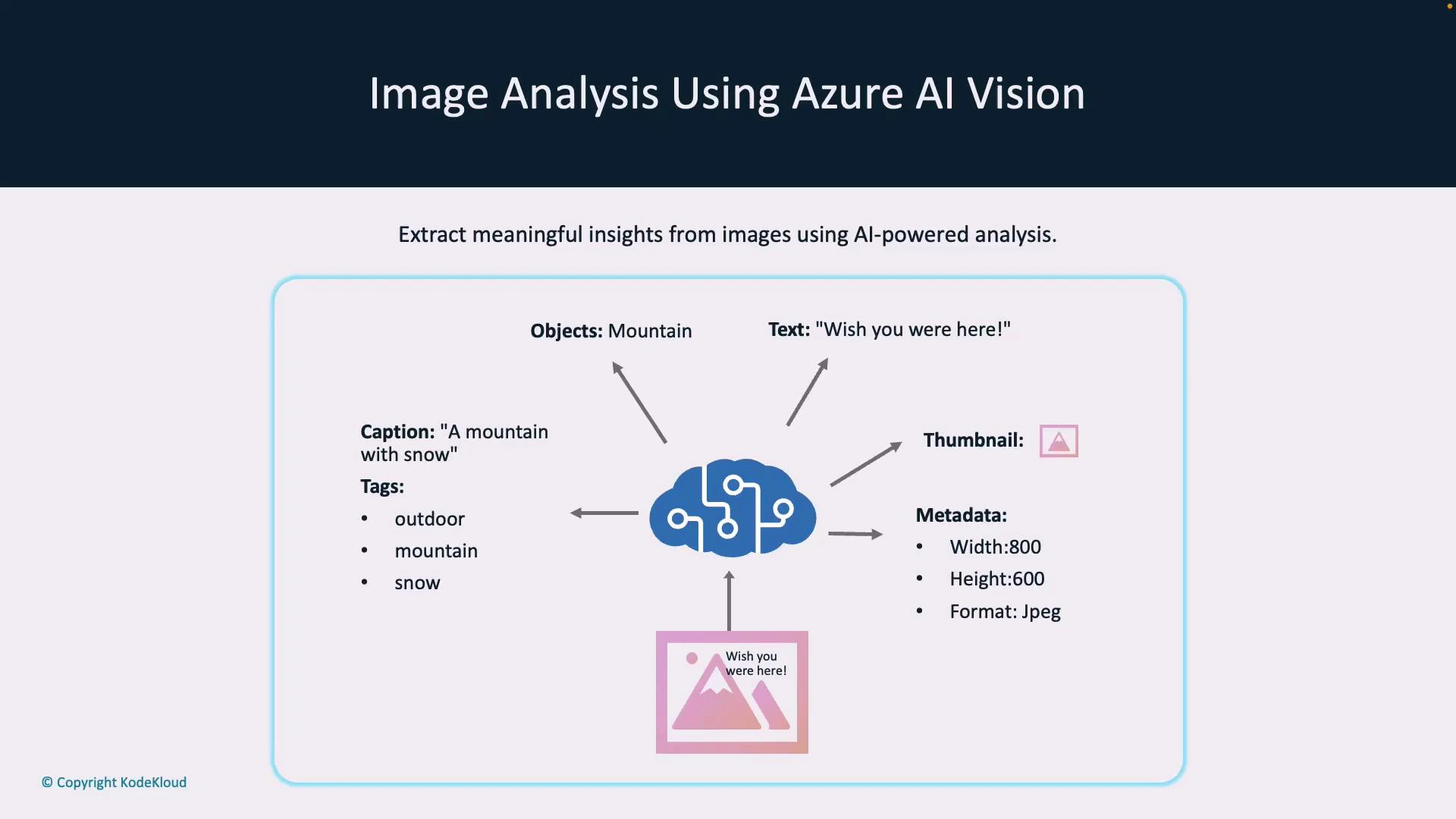
Example (simplified) JSON response
{
  "caption": "a mountain with snow",
  "tags": ["outdoor", "mountain", "snow"],
  "text": "Wish you were here!",
  "thumbnailUrl": "https://example.blob.core.windows.net/thumbnails/abc.jpg",
  "metadata": { "width": 800, "height": 600, "format": "jpeg" }
}
Use cases enabled by these outputs include automated alt-text generation for accessibility, content-based image search, image moderation, and inventory reconciliation.
An infographic titled "Image Analysis Using Azure AI Vision" showing a central AI/cloud icon with arrows pointing to extracted outputs like caption, tags (outdoor, mountain, snow), detected text ("Wish you were here!"), thumbnail, and metadata (width, height, format). It illustrates how AI-powered analysis extracts meaningful insights from images.
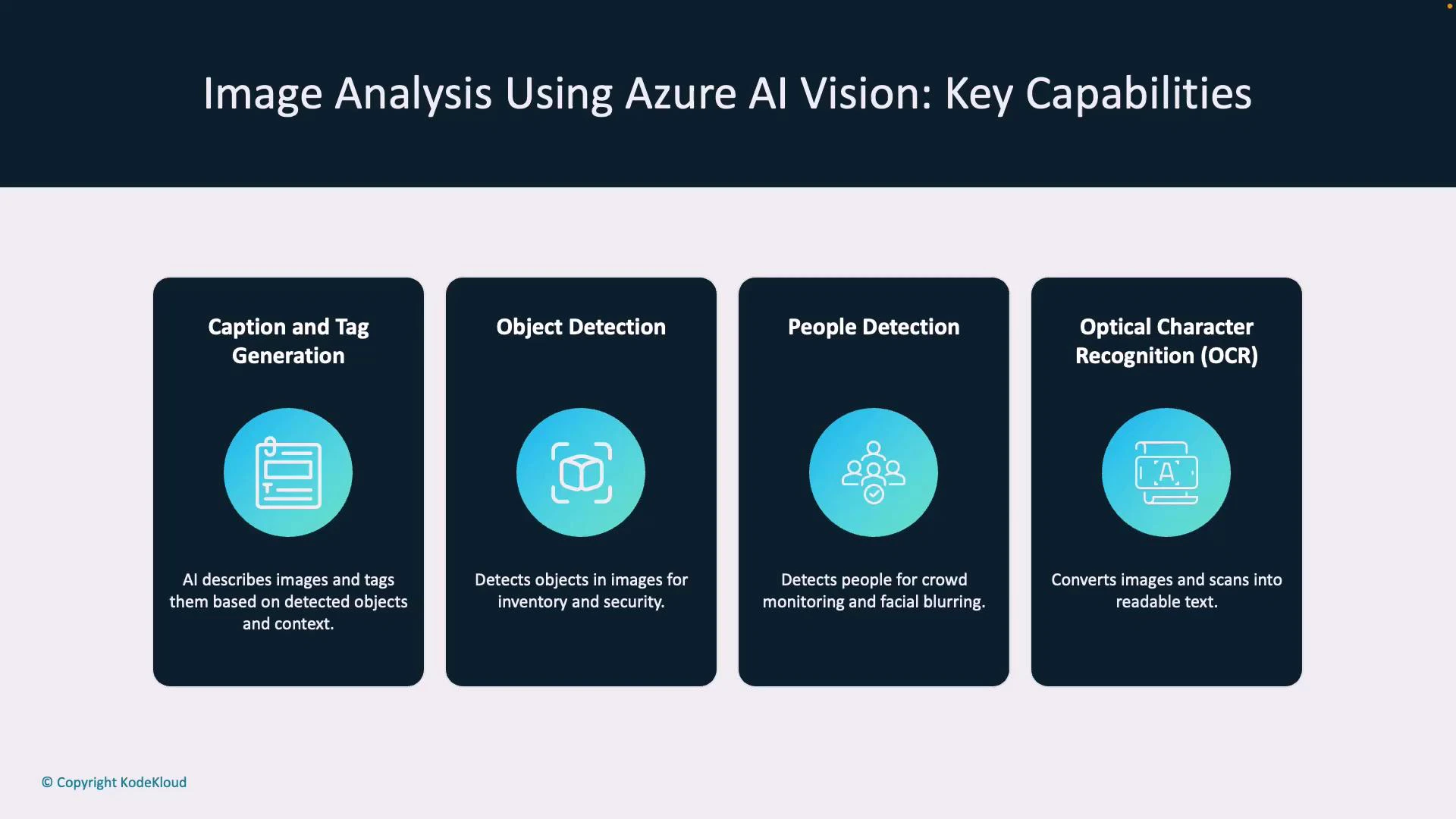
Principal features Azure AI Vision exposes several features that address common image-analysis needs. Key features and their benefits:
  • Caption & tag generation: Produce concise descriptions and keywords to improve search, filtering, and accessibility.
  • Object detection: Locate and classify objects for inventory, traffic analytics, or counting.
  • People detection: Detect persons and bounding boxes for crowd analysis, privacy-preserving blur, and access logs.
  • Optical Character Recognition (OCR): Extract printed and handwritten text for data entry automation and document processing.
  • Smart thumbnails: Automatically crop images to focus on the primary subject (improves visual presentation in galleries).
  • Multimodal embeddings: Generate vector embeddings that combine visual and textual context for semantic search and image-text matching.
Feature to benefit mapping
FeatureBenefitTypical scenario
Object detectionInventory accuracy, automated countingRetail shelf monitoring
OCRData extraction from imagesReceipt or invoice processing
Smart thumbnailsBetter UX in galleriesProfile picture previews
Multimodal embeddingsSemantic search & matchingFind images by caption similarity
A presentation slide titled "Image Analysis Using Azure AI Vision: Key Capabilities" showing four panels: Caption and Tag Generation, Object Detection, People Detection, and Optical Character Recognition (OCR). Each panel has a blue icon and a brief description of the respective capability.
Deployment and availability Azure AI Vision is available through Azure AI Services and can be consumed via REST APIs, SDKs, or integrated into larger Azure solutions. Some capabilities and SKUs may be region-specific, so confirm availability for your target region before planning production deployments.
Check region and SKU availability for advanced features. Use the Azure portal or the Azure AI Services documentation to verify which features are available in your target region and which deployment options (cloud, private preview, or specialized SKUs) apply.
Next steps To continue learning and adopting Azure AI Vision:
  • Try a quickstart: Use the REST API or an SDK (Python, C#, JavaScript) to submit images and inspect responses.
  • Review authentication and pricing: Understand keys, endpoint configuration, and cost/latency trade-offs.
  • Tune for accuracy: Experiment with image resolution, pre-processing, and post-processing filters for better results.
  • Explore advanced features: Look into multimodal embeddings for semantic search and hybrid workflows.
Useful links and references Now that you have an overview of capabilities, outputs, and use cases for Azure AI Vision, try calling the service with sample images and examine the returned captions, tags, OCR results, and object detections to understand how these outputs can improve your applications.

Watch Video