

Capabilities overview
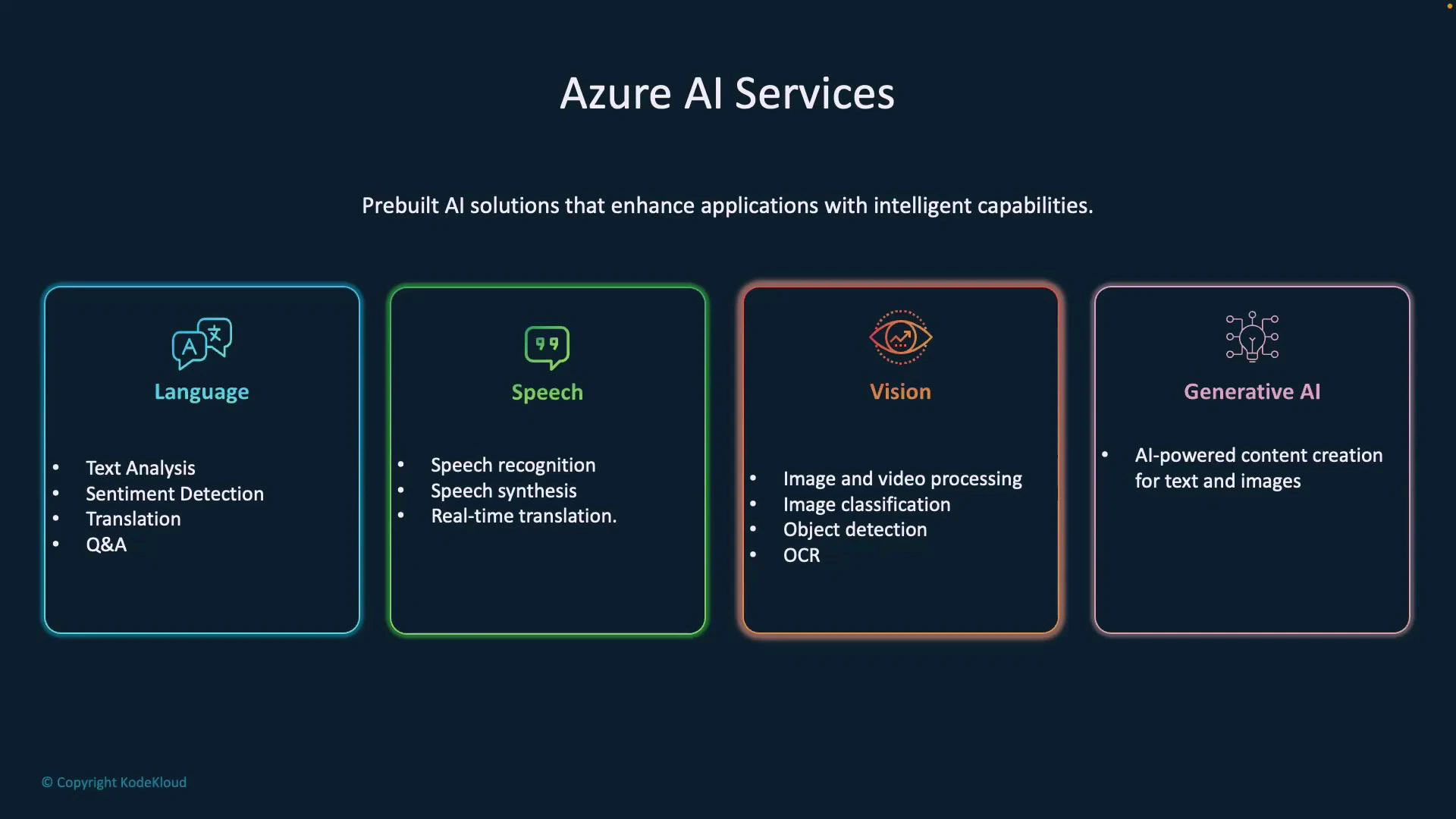
Below is a concise breakdown of the primary capability areas and what they enable:Language (Azure AI Language Services)
- Text analysis: extract language, key phrases, entities, and structured information from text.
- Sentiment analysis: classify text as positive, negative, or neutral.
- Translation: convert text between languages in real time.
- QnA / knowledge mining: build question-answering systems from documents and knowledge bases.
Speech (Azure Speech services / Speech SDK)
- Speech-to-text (recognition): convert spoken audio into transcribed text.
- Text-to-speech (synthesis): generate natural-sounding audio from text.
- Speech translation: translate spoken language in real time and produce synthesized output.
Vision (Azure AI Vision / Document Intelligence)
- Image & video processing: analyze frames to detect scenes, faces, activities, and visual insights.
- Image classification: label images with objects, scenes, or tags.
- Object detection: locate and label objects with bounding boxes.
- OCR (optical character recognition): extract text from scanned documents and images.
Generative AI (Azure OpenAI and related services)
- Text generation: create human-like text for emails, summarization, code, or creative writing.
- Image generation: create or transform images from text prompts.
- Assistants & custom conversational experiences: build chat-based or multi-modal assistants powered by large generative models.
- Azure AI Language Services
- Azure AI Vision
- Azure AI Document Intelligence
- Azure AI Search
- Azure OpenAI Resource
Service map: which Azure resource to choose
Quick-start examples
Text analytics (sentiment) — REST (curl)Tip: Start with managed services (Language, Speech, Vision) for common scenarios. Use Azure OpenAI for advanced generative tasks and custom assistants. Combine services—for example, use OCR from Document Intelligence + Azure AI Search for semantic search over scanned documents.
Warning: When integrating AI features, protect sensitive data and ensure compliance with regional data residency and privacy requirements. Review Azure’s data processing terms and choose the right resource type and region for your workload.
Next steps and resources
- Azure AI Services overview: https://learn.microsoft.com/azure/ai-services
- Azure AI Language documentation: https://learn.microsoft.com/azure/ai-services/language/
- Azure Speech documentation: https://learn.microsoft.com/azure/cognitive-services/speech-service/
- Azure AI Vision & Document Intelligence: https://learn.microsoft.com/azure/ai-services/vision/
- Azure OpenAI documentation: https://learn.microsoft.com/azure/cognitive-services/openai/