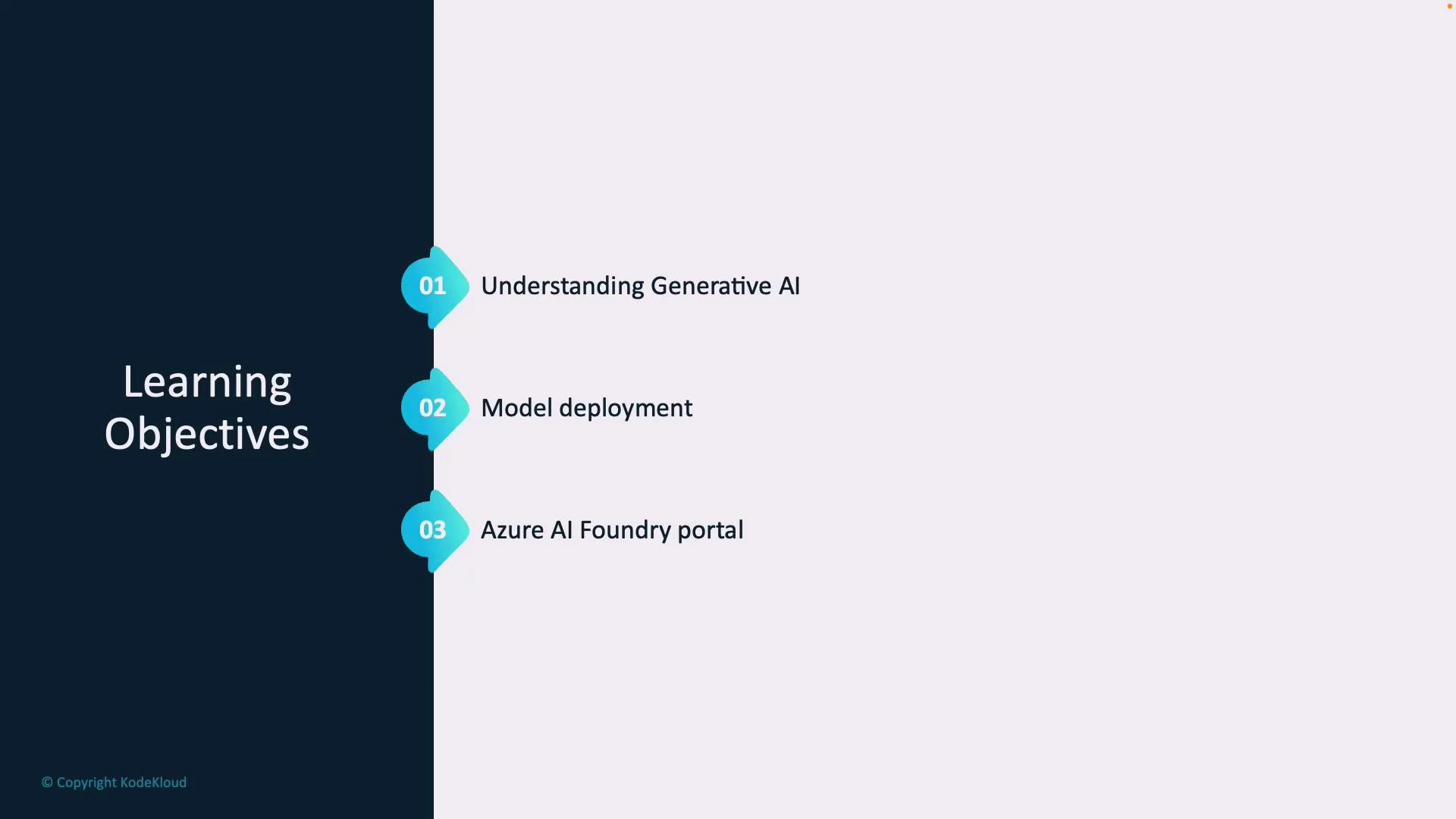
Getting Started with Azure OpenAI Service Azure OpenAI pairs OpenAI’s advanced large language models (for example, GPT) with Azure’s enterprise-grade security, governance, and compliance. This module introduces how to provision Azure OpenAI resources, deploy generative models, and use the Azure AI Foundry portal to run experiments and manage assets. Why this matters: organizations use Azure OpenAI to accelerate development of conversational agents, summarization pipelines, and other generative AI solutions while maintaining control over data residency, access, and auditability. Learning objectives
ObjectiveWhat you’ll learnWhere it applies
Understand generative AIDistinguish generative AI from traditional ML and when to use itEvaluating use cases such as chatbots, content generation, and summarization
Deploy and configure modelsCreate Azure OpenAI resources, pick models, and set up endpointsProduction and development deployments, SDK and REST usage
Use Azure AI Foundry portalRun experiments, catalog models, and manage AI assetsExperimentation, governance, and model lifecycle management
The image is a presentation slide titled "Learning Objectives" with a dark left panel and a light right area. It lists three numbered items: "Understanding Generative AI," "Model deployment," and "Azure AI Foundry portal," each marked with a teal numbered icon.
What to expect in this module
  • A concise overview of generative AI concepts and how they differ from predictive or classification models.
  • Step-by-step guidance for provisioning an Azure OpenAI resource, selecting a model (e.g., GPT family), and creating an API endpoint.
  • Introduction to the Azure AI Foundry portal for experimentation, model versioning, and asset management.
Quick prerequisites
  • An active Azure subscription and permission to create Cognitive Services/OpenAI resources.
  • Basic familiarity with REST APIs or one of the Azure SDKs for your preferred language.
  • Understanding of common prompts, token usage, and cost implications for large models.
Before you begin: access to Azure OpenAI may require requesting access or enabling preview features depending on your subscription and region. Check the Azure OpenAI quickstart and subscription requirements before provisioning resources.
Next resources By the end of this module you’ll be equipped to create an Azure OpenAI resource, deploy a model endpoint, and begin iterating on experiments using the Azure AI Foundry portal.

Watch Video