Image classification and object detection are two core computer vision tasks used to interpret visual content. Choosing the right approach depends on whether you need a single label for an entire image or the labels and positions of individual objects inside an image.

What is image classification?

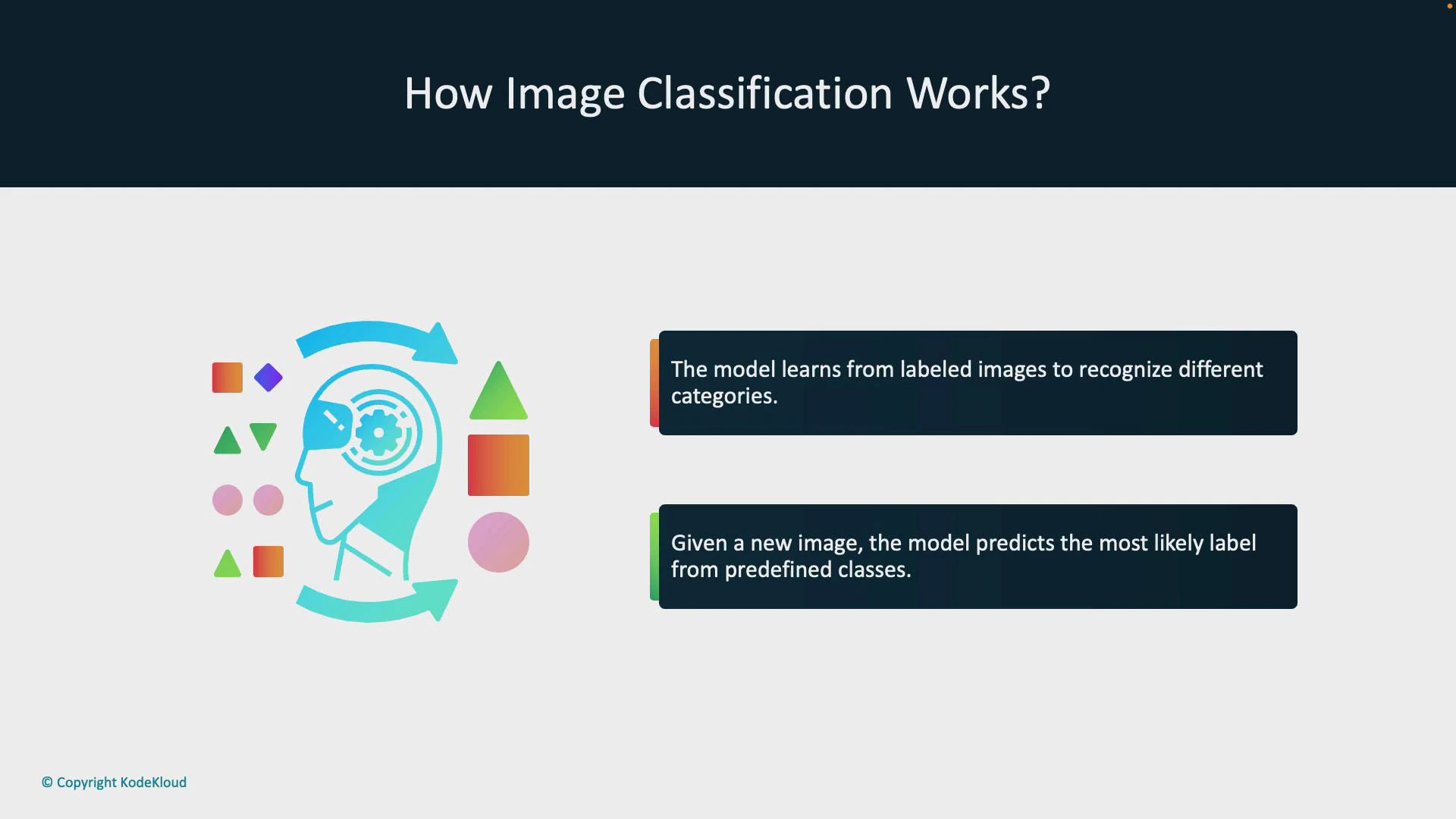
Image classification trains a model to assign one (or more, in multi-label setups) label(s) to an entire image. For example, given a photo of fruit, an image classification model predicts whether the image contains an apple, a banana, or an orange.
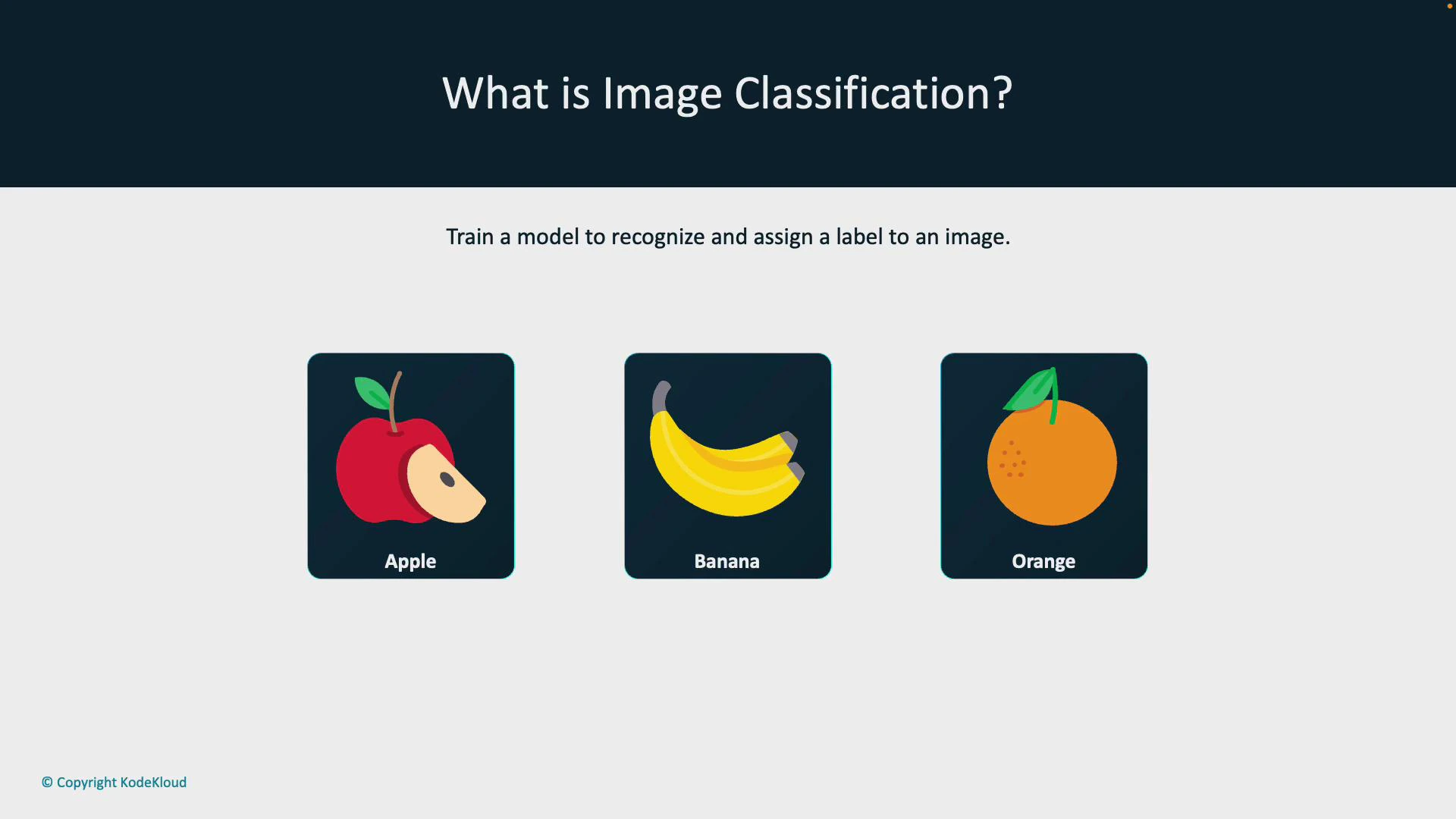
A presentation slide titled "What is Image Classification?" showing three labeled fruit icons (Apple, Banana, Orange) and the caption "Train a model to recognize and assign a label to an image."
A robust classifier does not rely on a single cue (like color). It learns discriminative patterns from many labeled examples — shapes, textures, color distributions, spatial relationships, and other compositional features — and combines them to make predictions.

How image classification works

  • Training: Feed many labeled images to a supervised model so it can learn representations for each category.
  • Inference: For a new image, the trained model outputs the most likely label(s) and often a confidence score.
Example workflow (high-level):
  1. Prepare dataset (images + labels).
  2. Train model (transfer learning with a pre-trained backbone is common).
  3. Evaluate and tune.
  4. Deploy for inference.
A presentation slide titled "How Image Classification Works?" with a stylized head-and-gears illustration surrounded by colorful geometric shapes. To the right are two dark text boxes explaining that the model learns from labeled images and predicts the most likely label for new images.
Real-world use cases for image classification:
  • Product recognition — identify products for checkout or cataloging.
  • Medical imaging — classify scans for anomalies (tumors, fractures).
  • Automated tagging — label photos for search, organization, and recommendations.
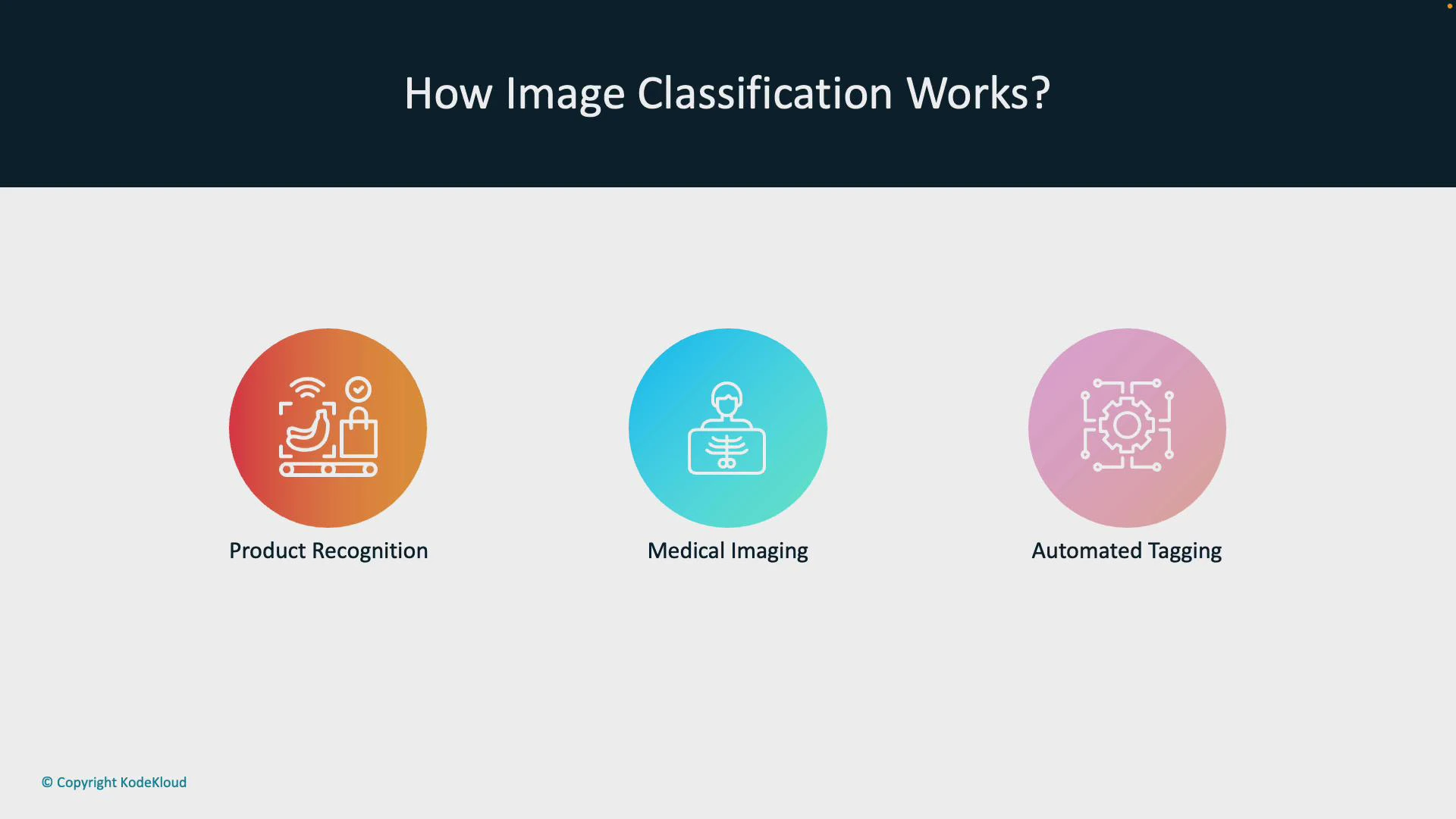
A presentation slide titled "How Image Classification Works?" showing three colored circular icons labeled "Product Recognition," "Medical Imaging," and "Automated Tagging," each with a small line-art illustration. The slide also shows "© Copyright KodeKloud" in the bottom-left corner.

What is object detection?

Object detection goes further than classification: it identifies and localizes every instance of one or more object categories within an image. For each detected object the model typically returns a class label, a localization box (bounding box), and a confidence score. For example, instead of saying the image contains fruit, an object detector draws bounding boxes around each apple, banana, and orange and labels them individually.
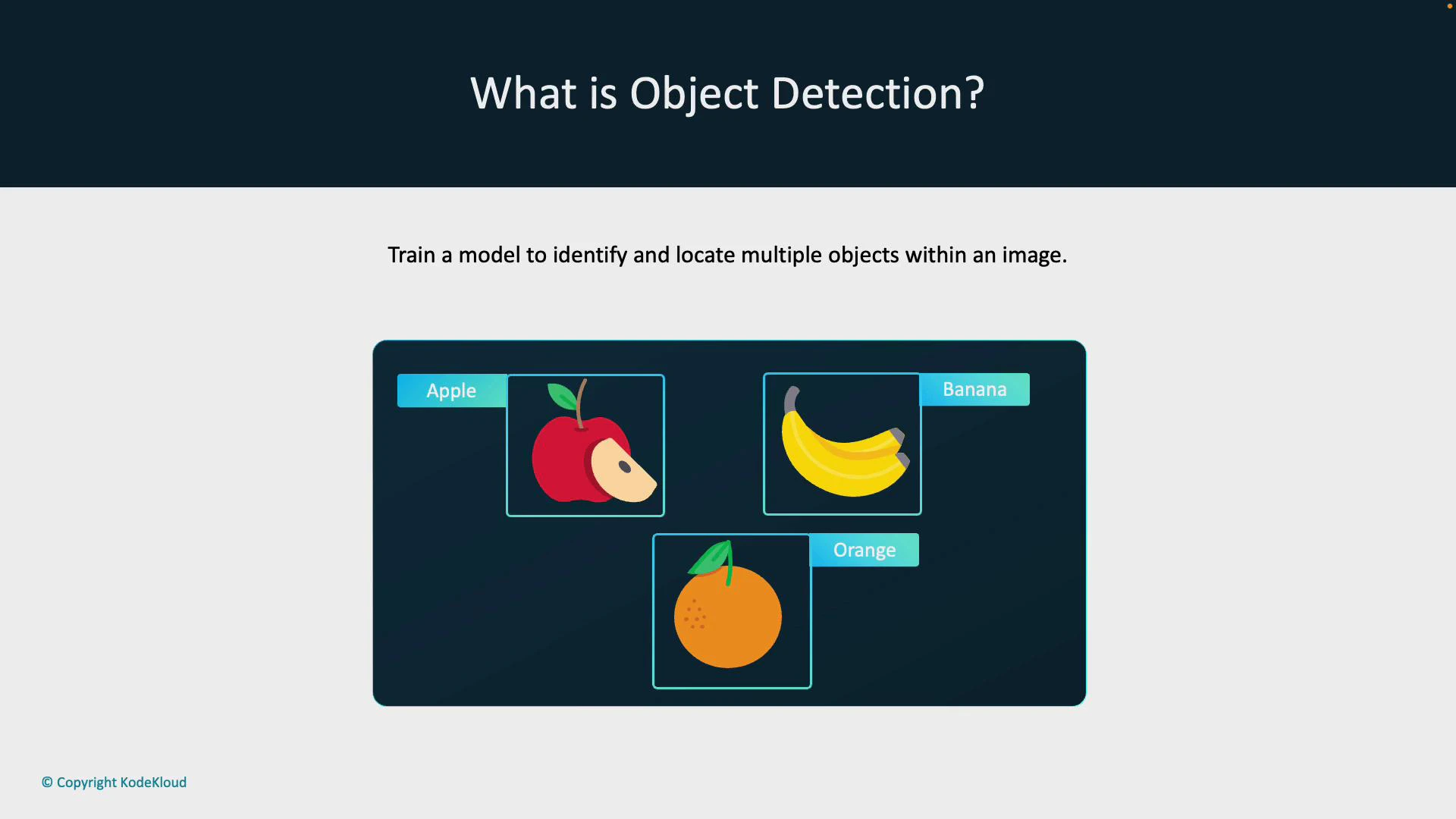
A slide titled "What is Object Detection?" showing an apple, a banana, and an orange inside labeled bounding boxes. The caption reads "Train a model to identify and locate multiple objects within an image."

How object detection works

  • Training: Train on images where each object instance is annotated with a class label and coordinates for a bounding box (or polygon/mask for more advanced models).
  • Inference: For a new image, the model predicts one or more bounding boxes with associated class probabilities and confidence scores. Post-processing (e.g., non-maximum suppression) typically refines overlapping detections.
Object detection enables spatial understanding of scenes — knowing where objects are and how many instances of each class exist — which is critical for robotics, autonomous vehicles, and many analytics applications.
Key distinction: image classification assigns a label to the whole image; object detection locates and labels each object instance and returns coordinates (e.g., bounding boxes) plus confidence scores.
Real-world object detection use cases:
  • Self-driving cars — detect pedestrians, vehicles, and road signs for navigation and safety.
  • Surveillance — locate and track people or objects across camera feeds.
  • Warehouse inventory — count and locate products or packages automatically.
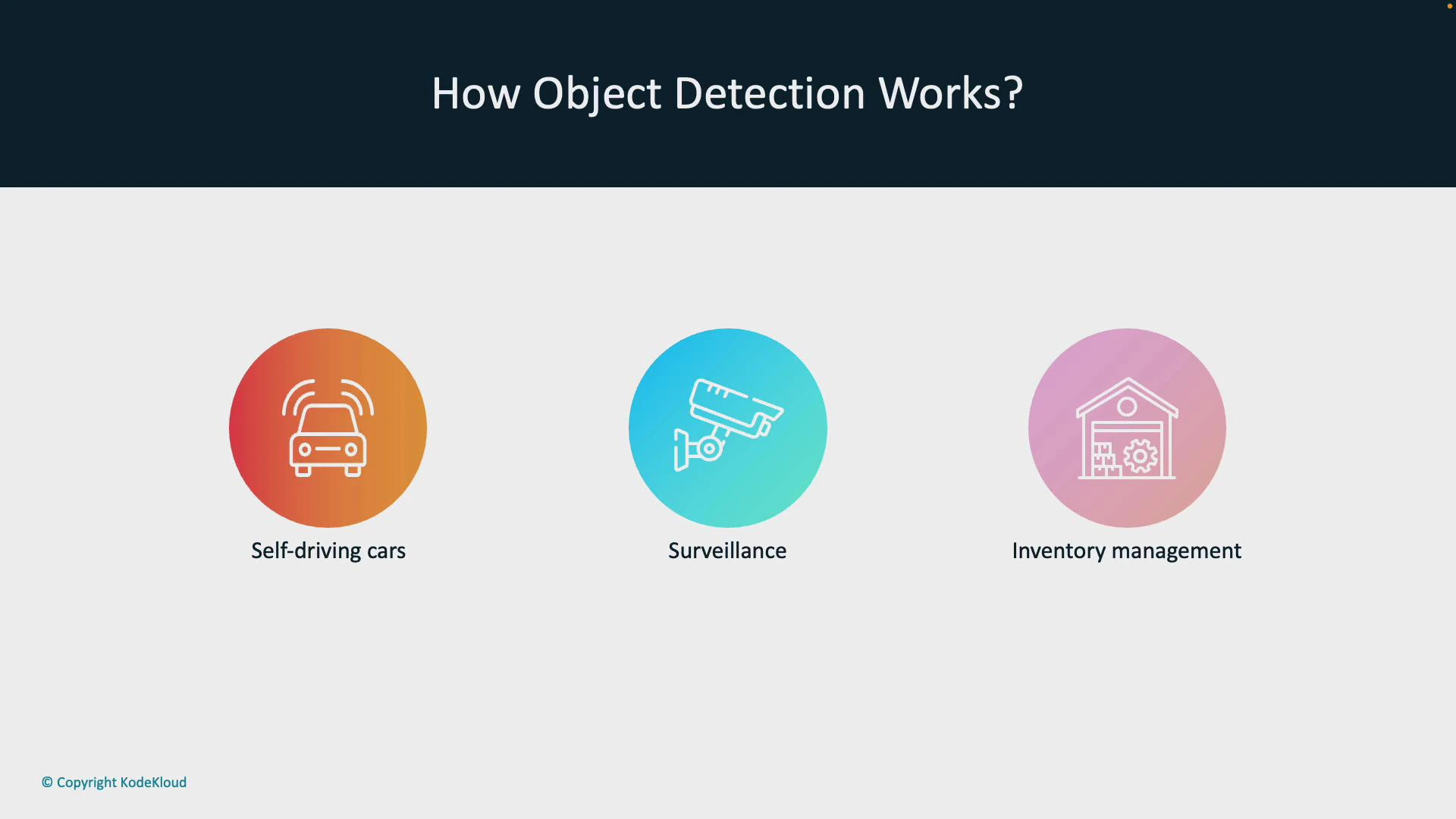
A presentation slide titled "How Object Detection Works?" showing three colored circular icons labeled Self-driving cars, Surveillance, and Inventory management. Each icon contains a white line drawing of a car, a security camera, and a warehouse/gear respectively.

Quick comparison

TaskOutputUse when
Image classificationSingle label (or multiple labels) for an entire imageYou only need to know what the image represents (e.g., photo contains a cat)
Object detectionLabels + bounding boxes (and confidence scores) for each object instanceYou need to locate, count, or track objects inside images (e.g., count people in a crowd)

Common annotation formats and a small example

  • COCO (JSON) — widely used for detection and segmentation.
  • Pascal VOC (XML) — older but still common for bounding-box tasks.
  • YOLO formats — compact text-based annotations per image.
Example COCO-style detection annotation snippet (simplified):
{
  "images": [{"id": 1, "file_name": "image1.jpg"}],
  "annotations": [
    {"image_id": 1, "category_id": 2, "bbox": [120, 80, 40, 60], "score": 0.98}
  ],
  "categories": [{"id": 2, "name": "apple"}]
}
Example pseudo-code for inference (classification vs detection): Classification:
image = load_image("image1.jpg")
probs = classifier.predict(image)           # returns probability per class
label = argmax(probs)
Detection:
image = load_image("image1.jpg")
detections = detector.predict(image)        # returns list of {bbox, label, score}
filtered = non_max_suppression(detections)
for det in filtered:
    draw_box(image, det.bbox, det.label)

Best practices

  • Use transfer learning with pre-trained backbones (ResNet, EfficientNet, MobileNet) for faster convergence.
  • Ensure high-quality annotations: accurate bounding boxes and consistent labels are crucial.
  • Balance classes or use augmentation to address imbalanced datasets.
  • Validate with appropriate metrics: accuracy/ROC for classification, mean Average Precision (mAP) and IoU thresholds for detection.
Annotation quality matters: incorrect or inconsistent labels/bounding boxes degrade both classification and detection model performance. Invest time in review and quality control.
Both image classification and object detection remain foundational to computer vision. Select the method(s) that match your application’s needs — whether a single label per image or precise localization and counts of objects within the scene.

Watch Video