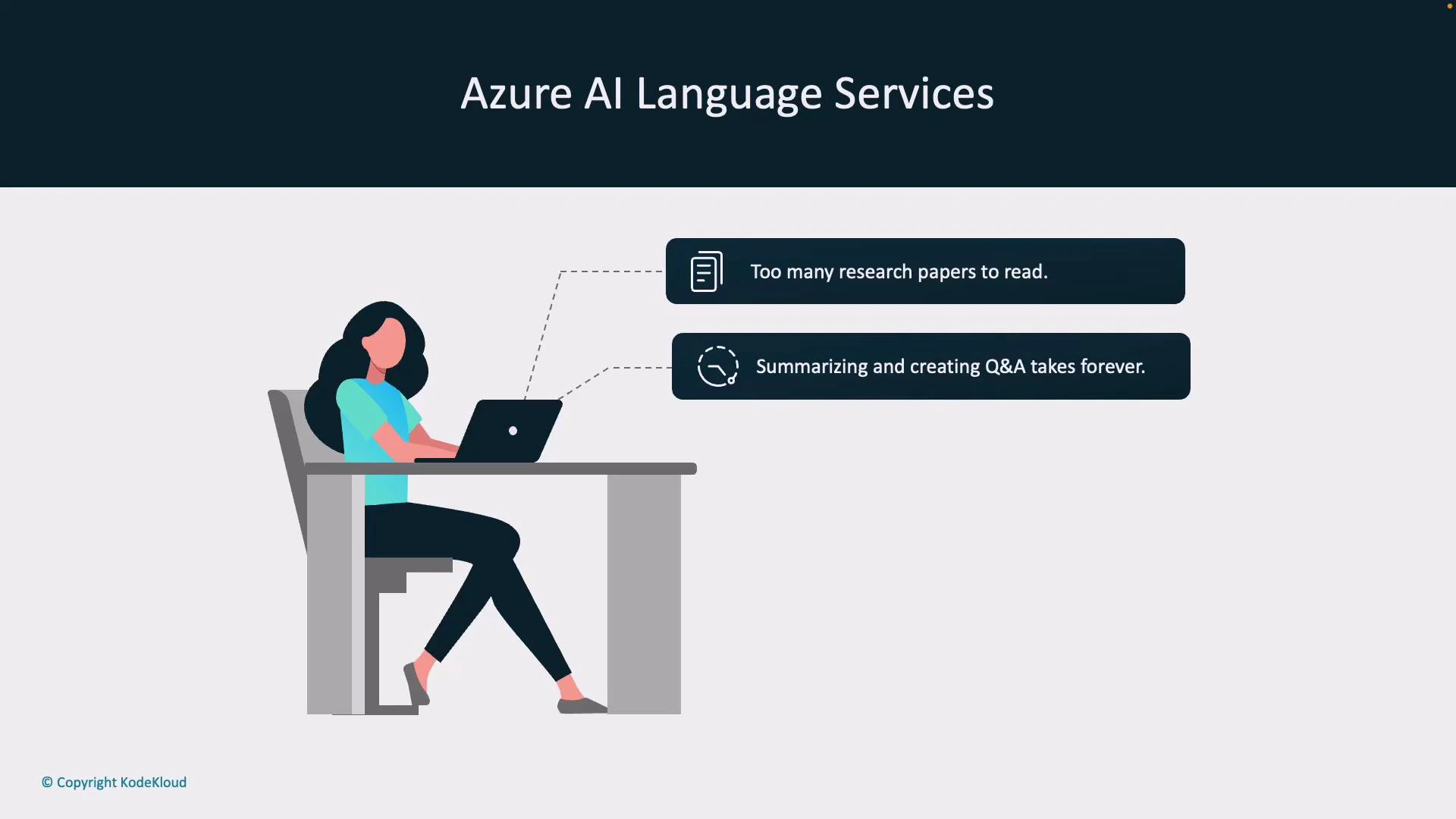
Azure AI Language Services is a suite of AI-powered text-processing tools that help researchers, analysts, and developers extract meaning from large volumes of text. Use cases include document summarization, key insight extraction, PII detection and redaction, entity recognition and linking, and automated Q&A generation — all designed to speed up workflows so you can focus on insights instead of manual reading. Imagine you’re a researcher with hundreds of papers to review: reading each in full is impractical, and producing summaries or question/answer material is time-consuming. Azure AI Language Services automates the heavy lifting so you can review findings faster and act on results.
A slide titled "Azure AI Language Services" showing an illustration of a person working on a laptop at a desk. Two callouts list pain points: "Too many research papers to read." and "Summarizing and creating Q&A takes forever."
You can call Azure AI Language features from client SDKs or directly via the REST API. Prebuilt models let you perform common tasks immediately; if you need domain-specific behavior you can train or configure custom models.
Access Azure AI Language via SDKs (Python, JavaScript, .NET) or the REST API. Prebuilt endpoints accelerate common scenarios (summarization, NER, sentiment), while custom models and prompt tuning help adapt results to your data and workflow.

Core capabilities

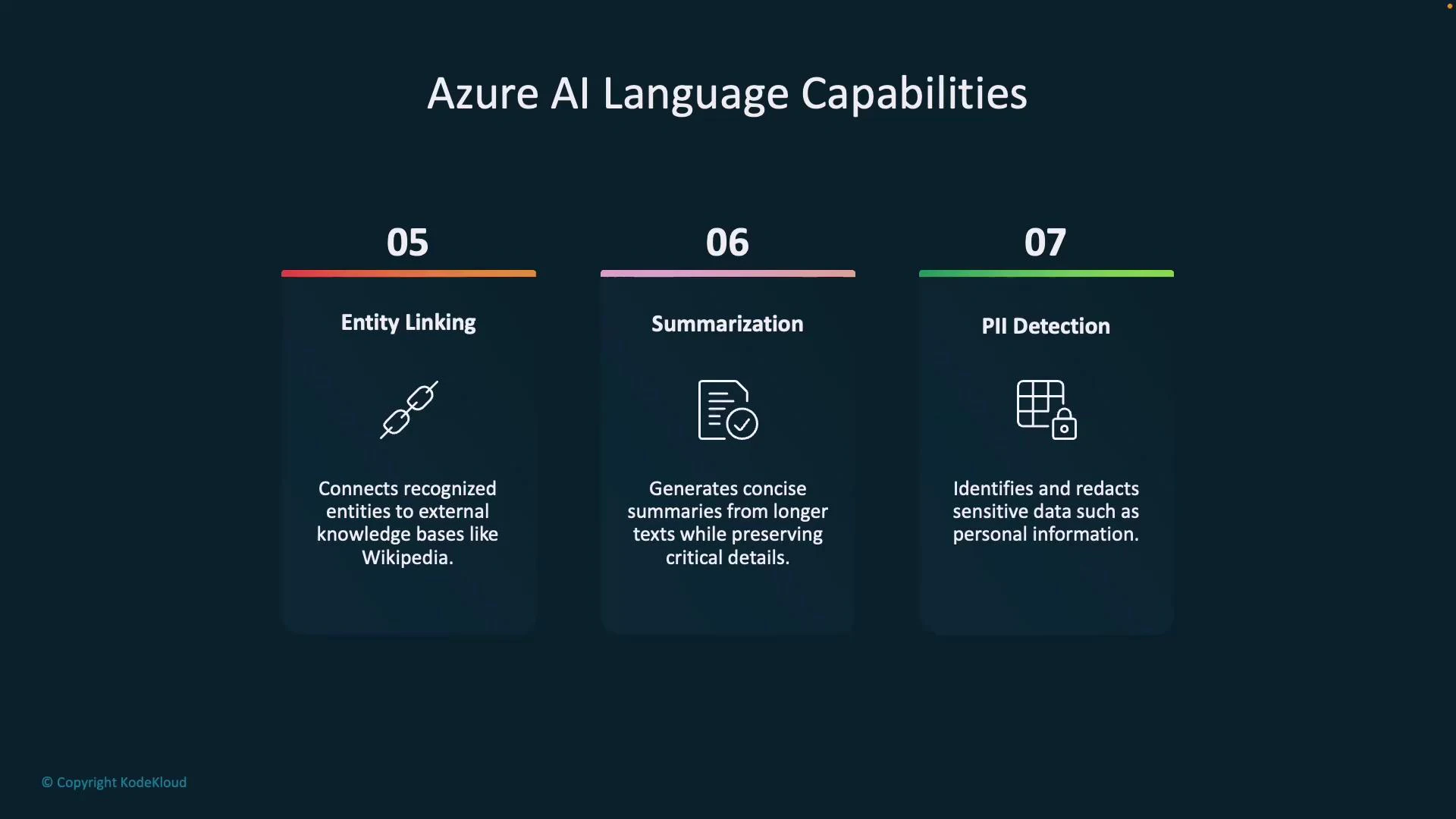
Below are the primary text-analysis capabilities available in Azure AI Language Services, with typical use cases and short descriptions to help you choose the right tool.
CapabilityWhat it doesTypical use case
Language detectionDetects the language of a text snippet and returns a language code and confidence scoreRoute multilingual content to the appropriate processing pipeline or model
Key phrase extractionIdentifies main phrases and concepts in textSummarize meeting notes or index documents for search
Sentiment analysisClassifies text sentiment (positive / neutral / negative), often with sentence-level scoresMonitor customer feedback or flag negative comments for escalation
Named Entity Recognition (NER)Extracts entities (people, organizations, locations, products) and labels their typesBuild knowledge graphs, power search facets, or tag documents
Entity linkingLinks recognized entities to an external knowledge base (e.g., Wikipedia or custom KB)Enrich extracted entities with canonical identifiers and external context
SummarizationProduces concise summaries (extractive or abstractive) of long documentsProvide quick overviews of long reports, papers, or transcripts
PII detection & redactionIdentifies and optionally redacts personally identifiable information (credit cards, SSNs, phone numbers)Ensure compliance and privacy before sharing or storing data
A slide titled "Azure AI Language Capabilities" showing three feature panels. They list Entity Linking (connects recognized entities to external knowledge bases), Summarization (creates concise summaries), and PII Detection (identifies and redacts sensitive personal data).

Quick examples

The examples below illustrate how to call Language capabilities. Replace <your-resource-endpoint> and <your-key-or-token> with your Azure resource values.
Use the REST API for platform-agnostic integration; use an SDK for ergonomics and built-in authentication helpers. Refer to the official API docs for the exact endpoint and API version you should use.

REST (curl) — Language detection (illustrative)

curl -X POST "https://<your-resource-endpoint>/language/:analyze?api-version=2023-10-01" \
  -H "Content-Type: application/json" \
  -H "Authorization: Bearer <your-access-token>" \
  -d '{
    "kind": "languageDetection",
    "analysisInput": {
      "documents": [
        { "id": "1", "text": "Este es un texto de ejemplo." }
      ]
    },
    "parameters": {}
  }'
Response (trimmed, illustrative):
{
  "results": [
    {
      "id": "1",
      "detectedLanguage": { "language": "es", "confidenceScore": 0.99 }
    }
  ]
}

SDK (Python) — Summarization (illustrative)

from azure.ai.language import TextAnalysisClient
from azure.core.credentials import AzureKeyCredential

endpoint = "https://<your-resource-endpoint>"
key = "<your-key>"

client = TextAnalysisClient(endpoint=endpoint, credential=AzureKeyCredential(key))

documents = ["Long document text to summarize..."]
response = client.begin_analyze_actions(
    documents,
    actions=[
        {"kind": "abstractiveSummarization", "parameters": {}}
    ]
).result()

for doc in response:
    print(doc)
Note: SDK names, classes, and method signatures evolve; consult the official SDK docs for the latest samples and installation instructions.

Best practices

  • Preprocess text to remove irrelevant formatting and noise (HTML tags, scripts) before analysis.
  • For large-scale document processing, batch inputs and parallelize requests within service limits.
  • When working with sensitive data, prefer PII redaction and follow your organization’s compliance policies.
  • Validate entity linking results against your knowledge base before automatic ingestion.
This article introduced the core Azure AI Language features and provided quick REST and SDK examples to get you started. For production deployments, review the service limits, authentication models (API key vs. Azure AD), and pricing on the official Azure documentation pages.

Watch Video