- It trains a translation model on parallel text (source/target language pairs) that contain your preferred translations for domain-specific terms.
- The result is consistent translations that reflect company style, legal phrasing, medical terminology, or any other specialized vocabulary.
- Sign in to the Azure Custom Translator portal — the web UI for creating, training, evaluating, and managing custom translation projects.
- Create or connect a workspace — a container for projects, models, and associated assets.
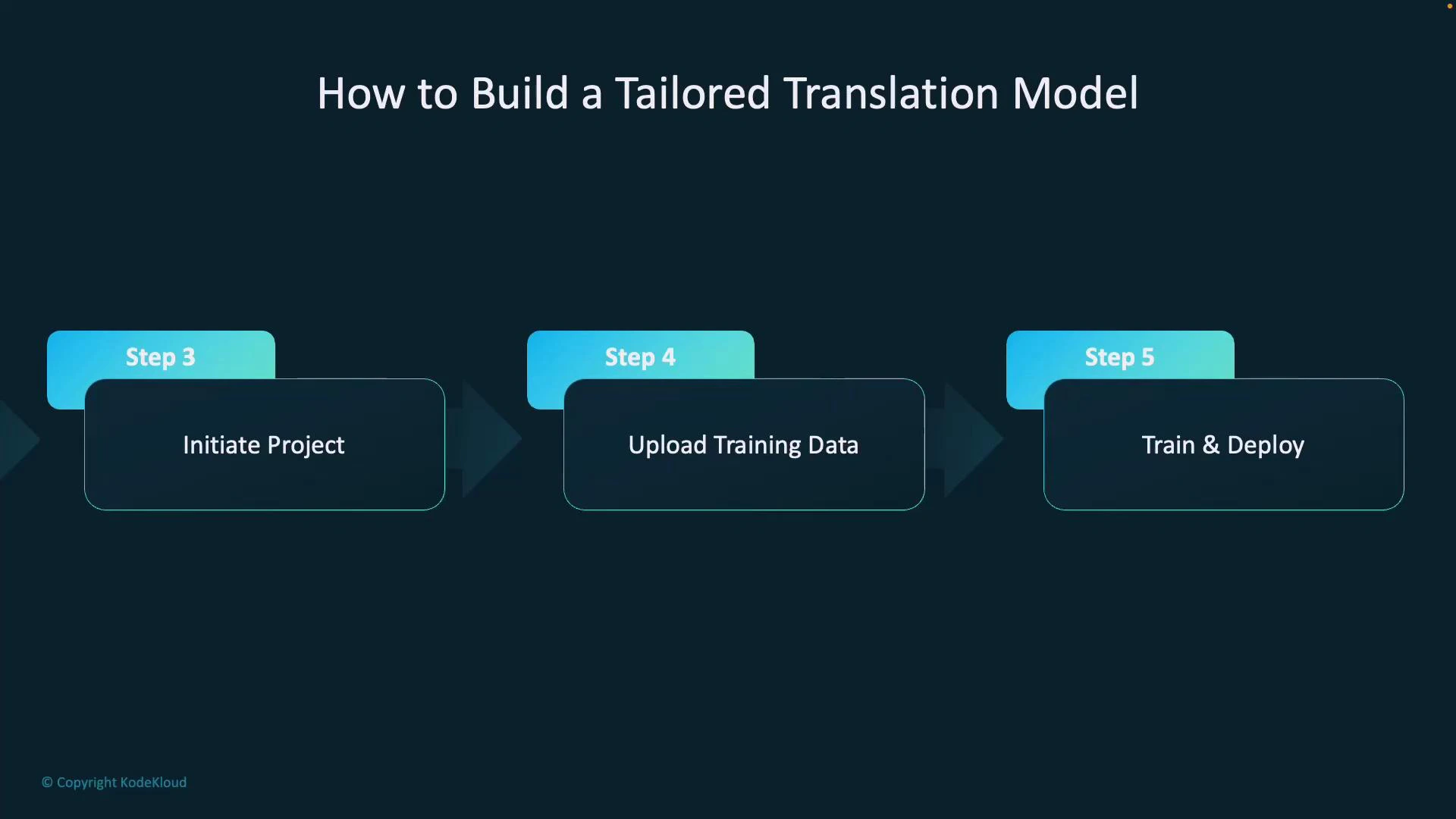
- Start a new project — name it, set source and target languages, and choose a domain (for example, medical, legal, or a custom domain).
- Upload training data — provide parallel documents (aligned source/target pairs) so the model learns your desired translations for terms and phrases.
- Train the model — after training, publish or deploy the model so it becomes available as a translation endpoint.
Using your custom model in Translator API calls
- When you publish a custom model, Azure assigns a category ID (sometimes called a project category ID). Provide this category ID in your Translator API requests to route translations to your custom model instead of the default system model.
- Provide high-quality, representative parallel data covering the phrases and terms you want translated.
- Include multiple examples and contexts for ambiguous terms to improve disambiguation.
- Hold out a test set (not used for training) to measure actual translation improvements.
- Document and version your training datasets so you can reproduce and iterate on model improvements.
Ensure your parallel data is clean, well-aligned, and representative of the terminology and phrasing you expect in production. Data quality and coverage directly affect the performance of your custom translation model.
- Microsoft Docs: Custom Translator — https://learn.microsoft.com/azure/cognitive-services/translator/custom-translator/
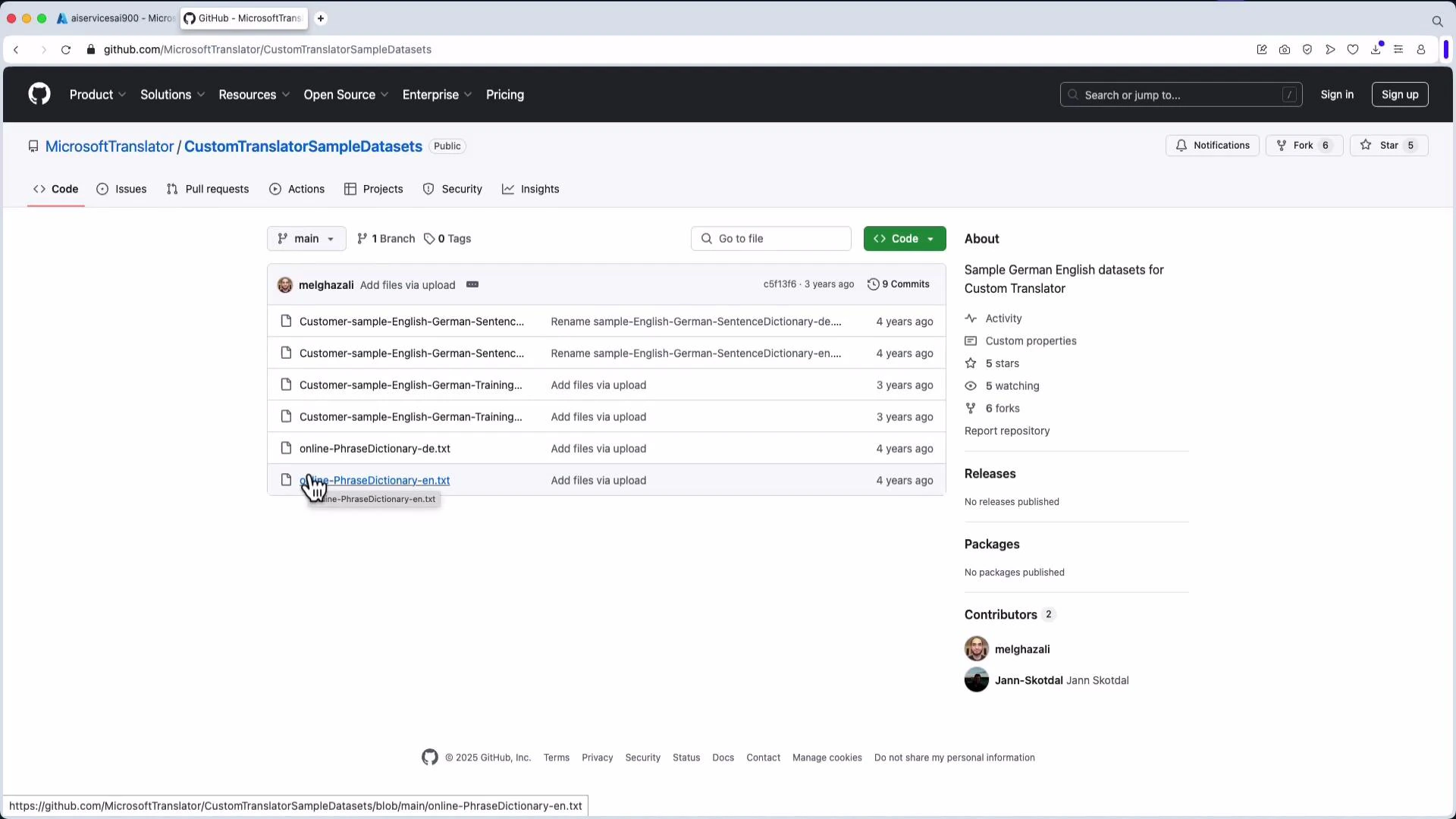
- Sample datasets (English↔German): https://github.com/MicrosoftTranslator/CustomTranslatorSampleDatasets