Explains Azure AI Search Knowledge Store storing extracted insights from documents as structured projections for analytics, search, and integration.
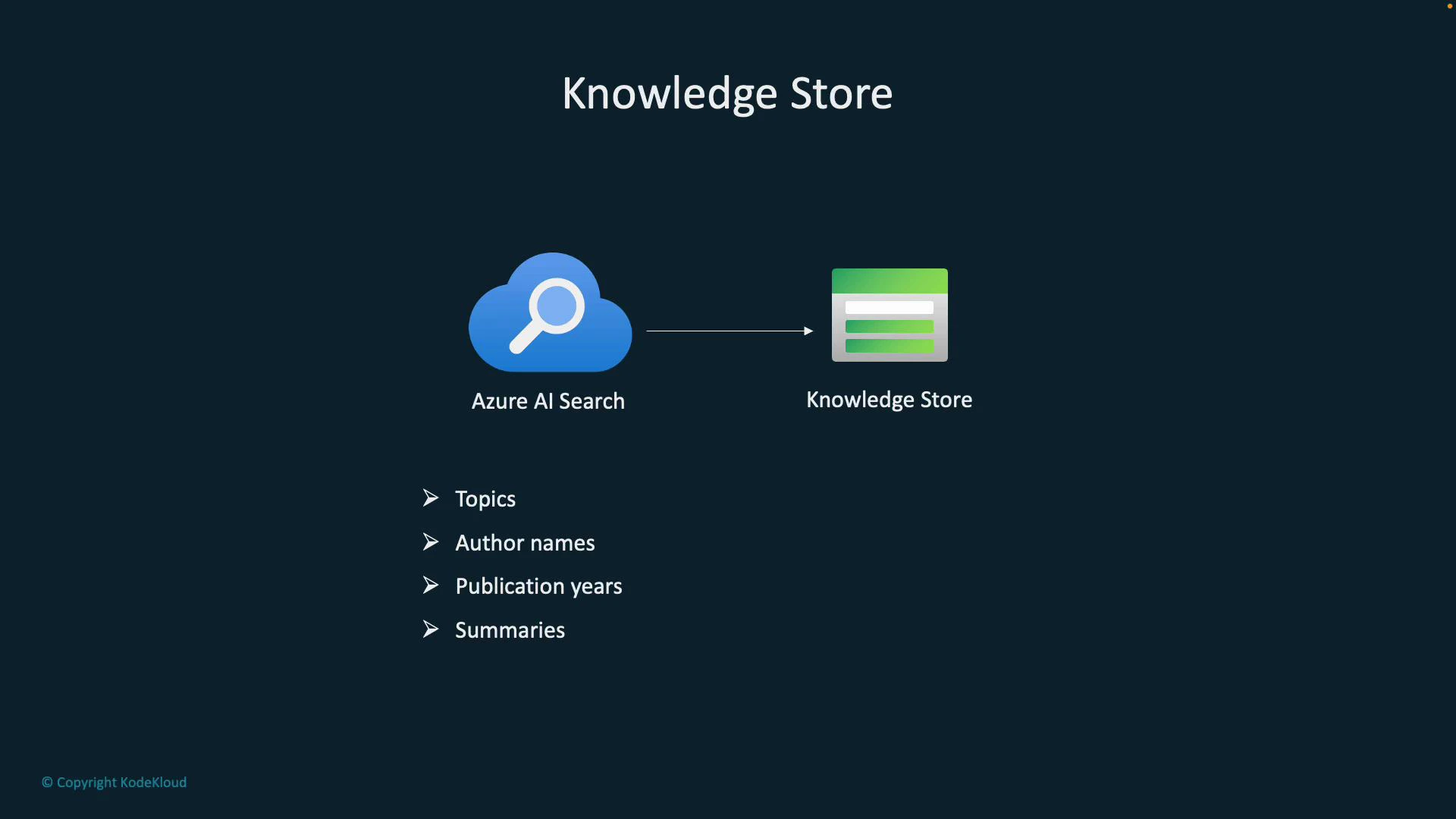
Imagine a large library that holds thousands of books, research papers, PDFs, and digital articles. A Knowledge Store is the programmatic equivalent of that library: a structured repository that stores the insights extracted from documents processed by Azure AI Search. The inputs can be PDFs, scanned images, Word files, or other document types, but the Knowledge Store retains the extracted meaning—entities, topics, summaries—not just the raw files.Historically, physical libraries used cataloging systems (titles, alternate names, ISBNs) to index books. In modern data systems, structured metadata plays the same role. A Knowledge Store extends cataloging by persisting richer enrichment outputs: themes, summaries, legal clauses, named entities, sentiment scores, and more. This enables search beyond keywords: analytics, visualization, and linking insights across documents to generate business intelligence from unstructured content.
How it works at a high level:
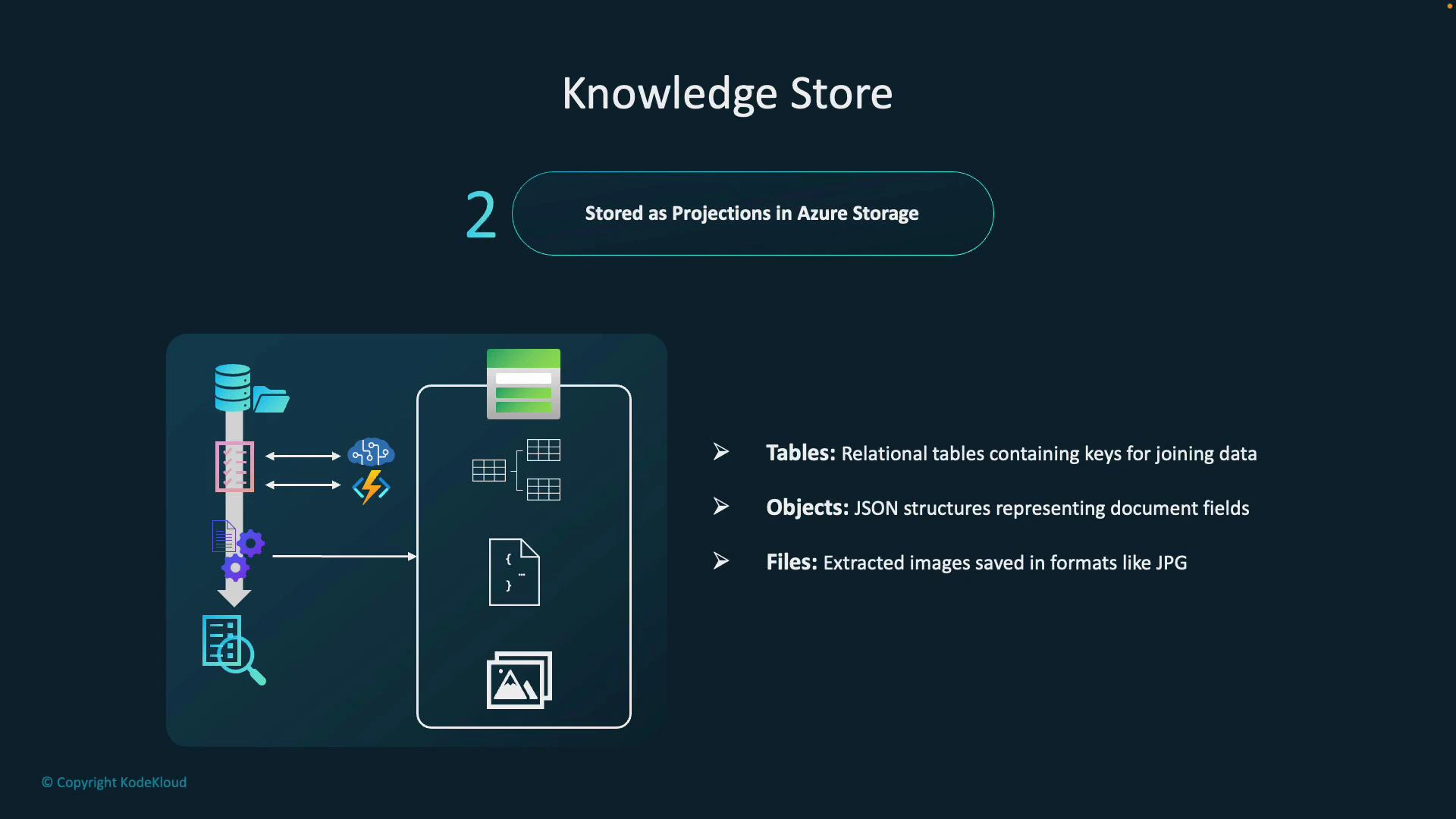
Azure AI Search processes your content through an indexing pipeline that can include enrichment skills (OCR, entity recognition, key phrase extraction, custom skills, etc.).
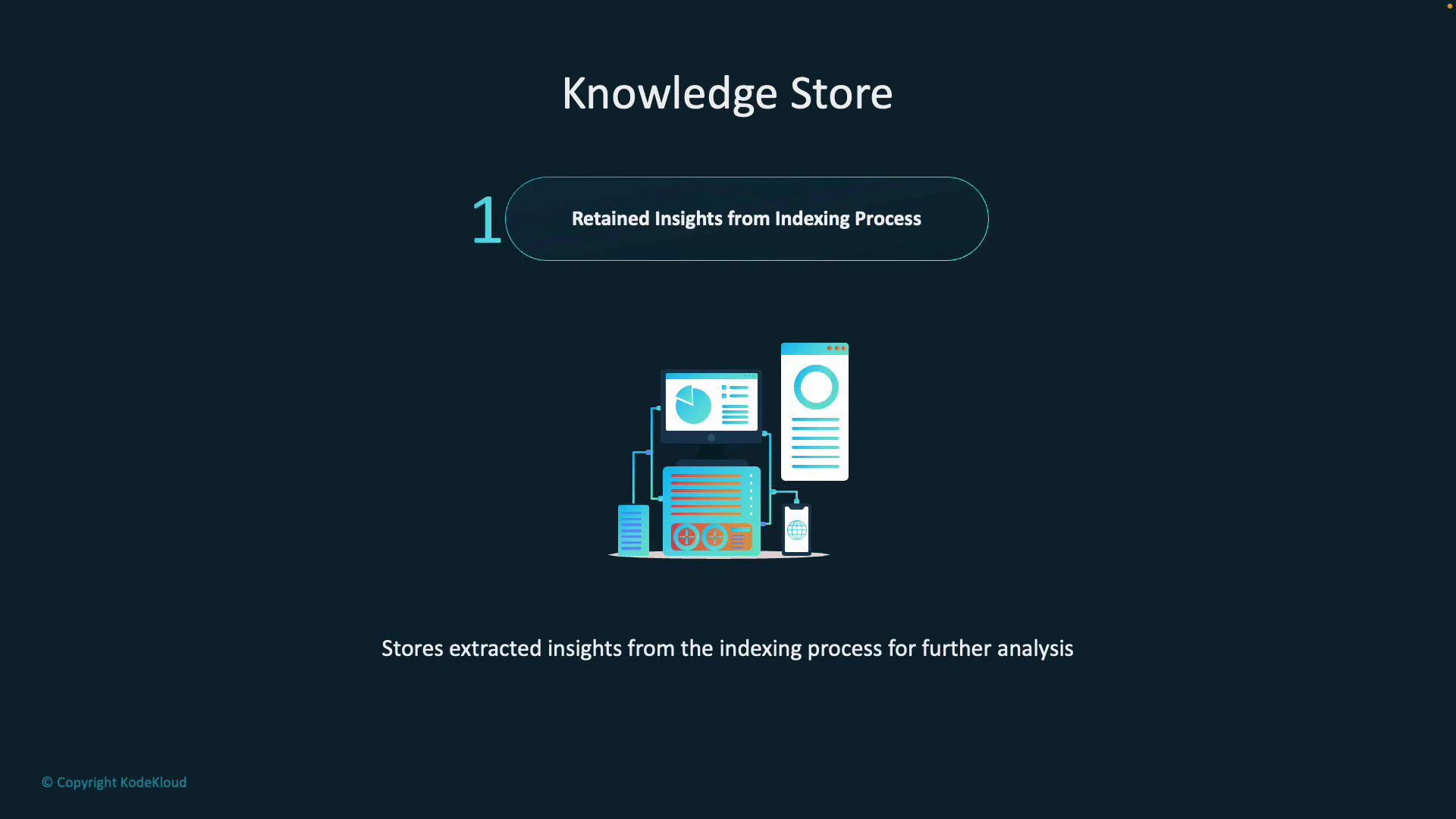
The enrichment output is persisted in the Knowledge Store as structured artifacts called projections.
Those persisted projections become the canonical source of extracted intelligence, ready for query, analytics, or integration with downstream systems.
Every time you process a document—contract, report, article—the key insights (phrases, named entities, topics, sentiment, summaries, etc.) can be saved. Think of the Knowledge Store as the central place where extracted intelligence lives and can be consumed by BI tools, applications, or data pipelines.
Storage and projection typesKnowledge Store projections are written into Azure Storage and are delivered in three projection types. Choosing the right projection type determines how easy it is for downstream consumers to analyze and integrate the data.
Projection type
Primary use case
Typical format / example
Tables
Analytical workflows and relational queries (joins, aggregations)
CSV or Azure Table-like relational rows for topics, entities, counts
Objects
Application consumption and complex nested results
JSON documents capturing full enrichment results or nested entities
Files
Access to extracted binary artifacts
Images, OCR text files, or any binary artifacts extracted from documents
This separation lets data engineers and analysts pick the interface they need:
Run SQL-style queries and joins against Tables for reporting and BI.
Parse Objects (JSON) when you need full enrichment contexts or nested structures.
Access Files when you require the original extracted images, OCR outputs, or binary artifacts.
Practical uses and benefits
Feed enriched data into dashboards to surface trends (e.g., most researched topics, frequently cited sources).
Support BI workflows by joining enriched metadata with other enterprise datasets.
Trigger automation and downstream workflows based on detected clauses, named entities, or sentiment.
Maintain an auditable, queryable trail of enrichment outputs for compliance, review, or traceability.
Tip: Use Table projections for fast analytics and aggregation; keep Object projections for scenarios that require the full enrichment context (for example, multi-level entities or provenance metadata).
Warning: Projections may contain sensitive data extracted from documents. Ensure your Knowledge Store storage and access policies comply with your organization’s security, privacy, and retention requirements.
In summary, a Knowledge Store converts unstructured document corpora into structured, queryable, and actionable datasets. It transforms a simple searchable collection into an intelligently organized knowledge repository that supports search, analytics, automation, and compliance.