Translator Service delivers fast, reliable machine translations and transliteration to help you act quickly on content in languages you don’t read. Instead of manually copying sentences into a translator, use a single API call to detect the input language, translate into one or more target languages, and optionally transliterate scripts so users can read or pronounce words correctly. Common scenario: you receive an urgent email in a language you don’t speak and must respond immediately. Using an AI-based translation API (for example, Azure Translator) removes friction—detecting the input language automatically, returning accurate translations into multiple languages at once, and providing transliteration where needed. When to use Translator Service
  • Instant multilingual support for customer service, chatbots, or help desks.
  • Localizing short-form content (emails, notifications, UI strings).
  • Helping users pronounce names or phrases via transliteration.
  • Bulk translating short documents for triage or rapid analysis.
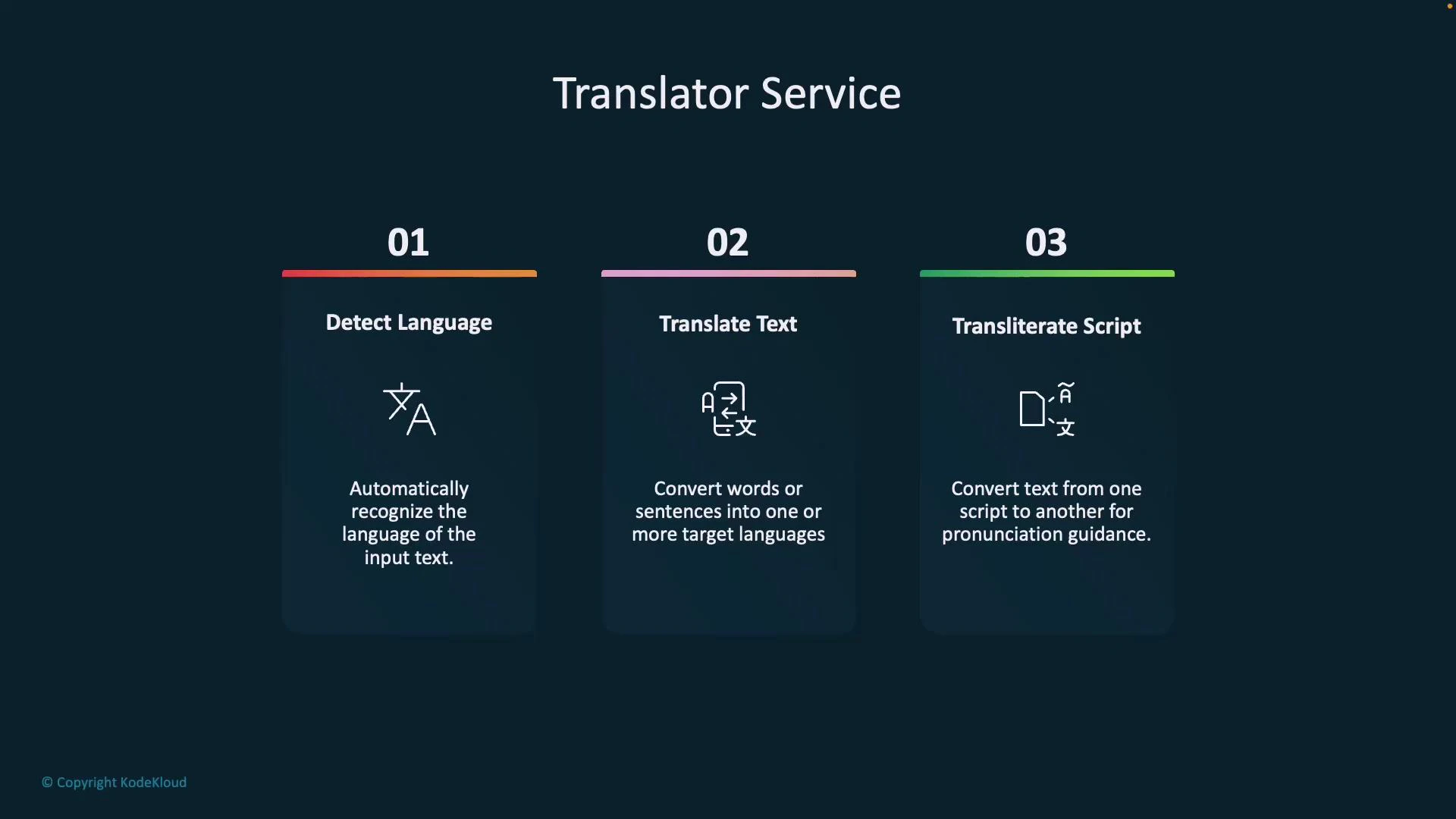
Capabilities at a glance
CapabilityWhat it doesExample use
Language detectionAutomatically identifies the input languageDetect Arabic text without pre-selecting language
Translation to multiple targetsTranslate same input into several languages in one requestTranslate a message into English, French, and Spanish at once
TransliterationConvert text from one script to another for pronunciationConvert Arabic or Hindi script into Latin characters
An infographic titled "Translator Service" with three labeled panels: 01 Detect Language, 02 Translate Text, and 03 Transliterate Script, each showing an icon and a brief description of the function.
Transliteration converts characters from one script to another (for example, converting Arabic or Hindi script to the Latin alphabet) so non-native readers can approximate correct pronunciation.
How it works (high level)
  1. Client submits text to the API.
  2. Service optionally detects the input language.
  3. Service returns translations for one or more target languages.
  4. Optionally, service returns a transliteration of the original script.
Quick examples (Azure Translator REST API)
  • Replace <YOUR_KEY> and <YOUR_REGION> with your Azure subscription key and region.
  • Use api-version=3.0 for current endpoints.
Detect language
curl -s -X POST "https://api.cognitive.microsofttranslator.com/detect?api-version=3.0" \
  -H "Ocp-Apim-Subscription-Key: <YOUR_KEY>" \
  -H "Ocp-Apim-Subscription-Region: <YOUR_REGION>" \
  -H "Content-Type: application/json" \
  --data-raw '[{"Text":"صباح الخير"}]'
Translate text into multiple targets
curl -s -X POST "https://api.cognitive.microsofttranslator.com/translate?api-version=3.0&to=en&to=fr" \
  -H "Ocp-Apim-Subscription-Key: <YOUR_KEY>" \
  -H "Ocp-Apim-Subscription-Region: <YOUR_REGION>" \
  -H "Content-Type: application/json" \
  --data-raw '[{"Text":"صباح الخير"}]'
Response (abridged):
[
  {
    "translations": [
      { "to": "en", "text": "Good morning" },
      { "to": "fr", "text": "Bonjour" }
    ]
  }
]
Transliterate script (example: Arabic -> Latin)
curl -s -X POST "https://api.cognitive.microsofttranslator.com/transliterate?api-version=3.0&language=ar&fromScript=Arab&toScript=Latn" \
  -H "Ocp-Apim-Subscription-Key: <YOUR_KEY>" \
  -H "Ocp-Apim-Subscription-Region: <YOUR_REGION>" \
  -H "Content-Type: application/json" \
  --data-raw '[{"Text":"صباح الخير"}]'
Typical transliteration result:
[
  { "text": "Sabah al-Khayr" }
]
Best practices
  • Batch short texts together to reduce API calls and latency.
  • Always handle fallback when detection confidence is low.
  • Cache frequent translation results for repeated content to save cost.
  • Respect user privacy and data residency; avoid sending sensitive PII unless permitted.
Protect your subscription key and region. Do not embed them in client-side code or expose them in public repositories. Use a server-side proxy or managed identity to secure requests.
Examples of practical flows
  • Real-time chat: Detect language, translate incoming messages to the agent’s language, and store original text with transliteration for pronunciation hints.
  • Multilingual notifications: Send one translated payload to each locale instead of maintaining separate message templates.
  • Onboarding international users: Display UI prompts in the user’s detected language and offer transliteration for names or locations.
Links and references Summary Translator Service automates language detection, translation to multiple target languages, and script transliteration—enabling rapid multilingual responses, better UX for non-native readers, and scalable localization workflows. With a single API you can go from unknown-language content to translated text and pronunciation guidance in seconds.

Watch Video