

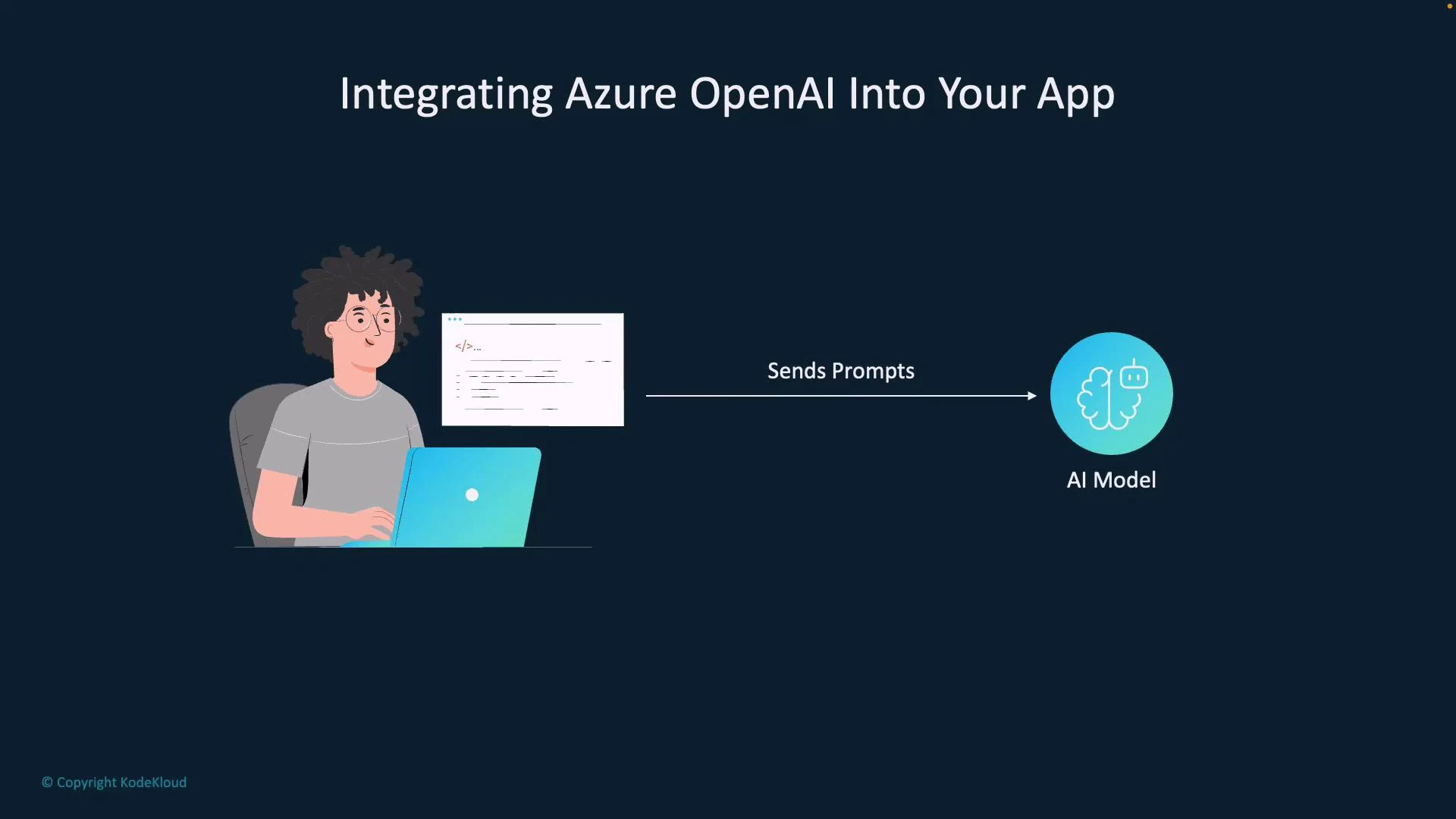
- Your app collects user input (a question, a command, or conversation messages).
- The app authenticates to your Azure OpenAI resource (API key or Azure AD token).
- The app sends the input to an appropriate Azure OpenAI REST endpoint or SDK method.
- The model processes the prompt and returns a response (text completion, chat response, or embeddings).
- Your app post-processes and displays the result, persists data, or uses it in downstream logic.
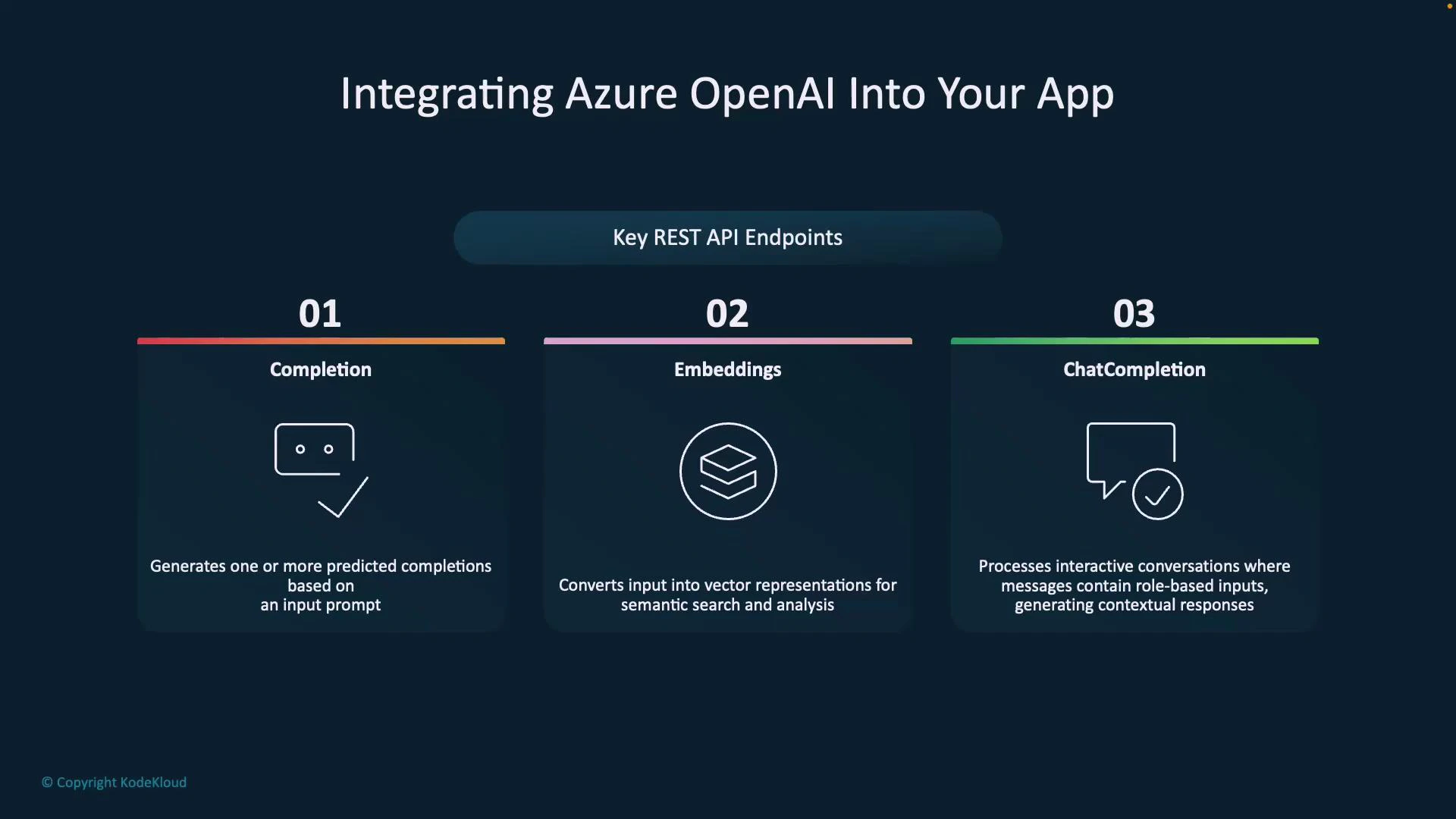
Choose the right endpoint
- Completion: Use for one-shot generation where you provide the full prompt and expect a standalone answer (e.g., text expansion or code generation).
- Embeddings: Use when you need vector representations for semantic search, clustering, or nearest-neighbor retrieval (e.g., RAG pipelines).
- Chat Completion: Preferred for multi-turn conversational flows. Use structured messages (system/user/assistant roles) to preserve context and control assistant behavior.
When building conversational experiences, prefer the Chat Completion endpoint (system/user/assistant roles) to preserve context across turns. For semantic search or retrieval-augmented generation (RAG), combine Embeddings with a vector store and then call a completion or chat endpoint to generate the final answer.
Never embed Azure OpenAI API keys directly in client-side code. Use server-side secrets, rotate credentials regularly, and apply network/security policies. For production, prefer Azure AD authentication and managed identities where possible.
- Authenticate to your Azure OpenAI resource
- Use API key for server-to-server calls or Azure AD tokens/managed identities for production-grade authentication.
- Build the request payload
- For chat: compose messages array with system/user/assistant roles.
- For completion: provide a single prompt.
- For embeddings: send text to be vectorized.
- Send the request to the chosen REST endpoint or via an official SDK
- Azure OpenAI supports standard REST calls and several official SDKs for easier integration.
- Post-process the model output
- Validate content, apply business rules, render to UI, or store embeddings in a vector store for later retrieval.
References and further reading
- Azure OpenAI Documentation
- Authentication for Azure OpenAI
- Retrieval-Augmented Generation (RAG) patterns