

Input schema
The enrichment pipeline sends inputs as a JSON object with a top-level values array. Each element in values is a record object with:- recordId: a unique identifier the pipeline uses to match responses to the originating input.
- data: a property bag (object) containing key/value pairs. Each key is an input field name and the value is the field content (string, number, array, or nested object).
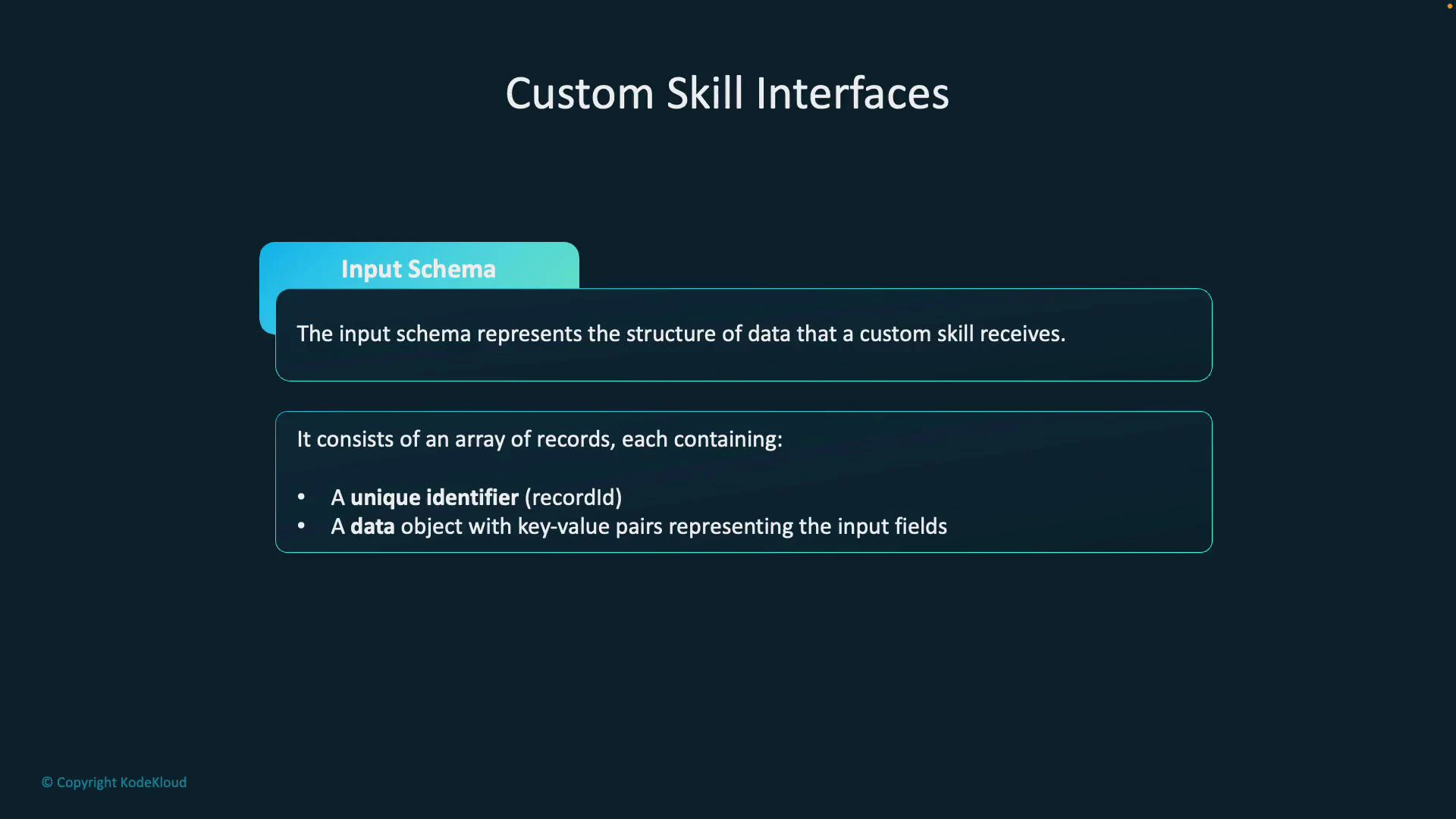
Treat the top-level values key as mandatory. The data object is a flexible property bag: fields may be primitive values or nested structures depending on your use case (text extraction, language detection, OCR, etc.).
Your custom API must accept and parse this exact schema. If recordId or the values array are missing or misnamed, the enrichment pipeline will fail to correlate responses to inputs.
Output schema
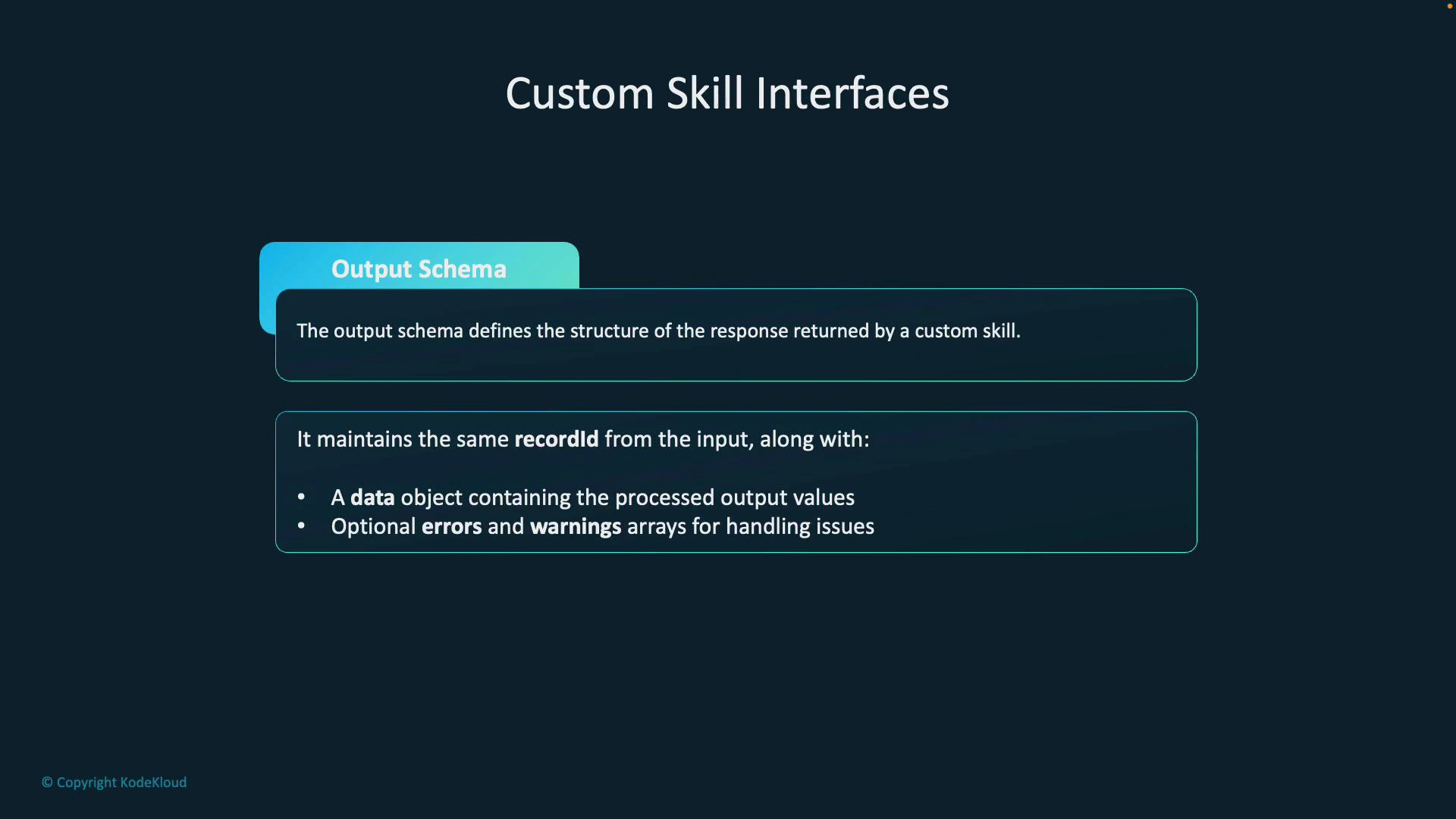
Responses from your custom skill must mirror the input format so the pipeline can correlate results to the same recordId values. The required structure:- values: an array of result objects (one per processed input record).
- recordId: must match the recordId from the corresponding input record.
- data: a property bag containing output fields produced by your skill (for example, enriched text, tags, predictions, or metadata).
- Optional: errors and warnings arrays for per-record reporting.
Schema field reference
Notes and best practices
- Always return the same recordId you received for each record. Changing or omitting it breaks mapping.
- Keep the data property flexible but consistent: define expected output field names in your documentation so downstream skills or indexers know what to consume.
- Use errors for severe failures that prevent producing a valid output for a specific record. Use warnings for recoverable issues or informational messages.
- If your skill batches multiple inputs, ensure your response contains a corresponding entry for each recordId included in the request—even if the entry only contains an errors array.
- Validate incoming payloads early and return well-formed JSON with appropriate HTTP status codes (typically 200 OK with a values array; use errors within values for per-record failures).
Troubleshooting tips
- If outputs are not appearing in the index or downstream skillset, check that recordId values match exactly (including case).
- Inspect the enrichment pipeline logs and the skill’s response for items in errors or warnings arrays.
- Test your custom skill locally with mock requests following the schema above before wiring it into the enrichment pipeline.
Summary
- Azure AI Search custom skills use strict input and output JSON schemas exchanged via a top-level values array.
- Each record must include recordId and a data property bag for inputs and outputs.
- Optional errors and warnings enable robust error reporting and partial failure handling.
- Following these formats ensures reliable mapping of enrichment results back to original records and smooth operation within the enrichment pipeline.
- Azure Cognitive Search custom skills documentation
- Azure Cognitive Search enrichment pipeline overview