

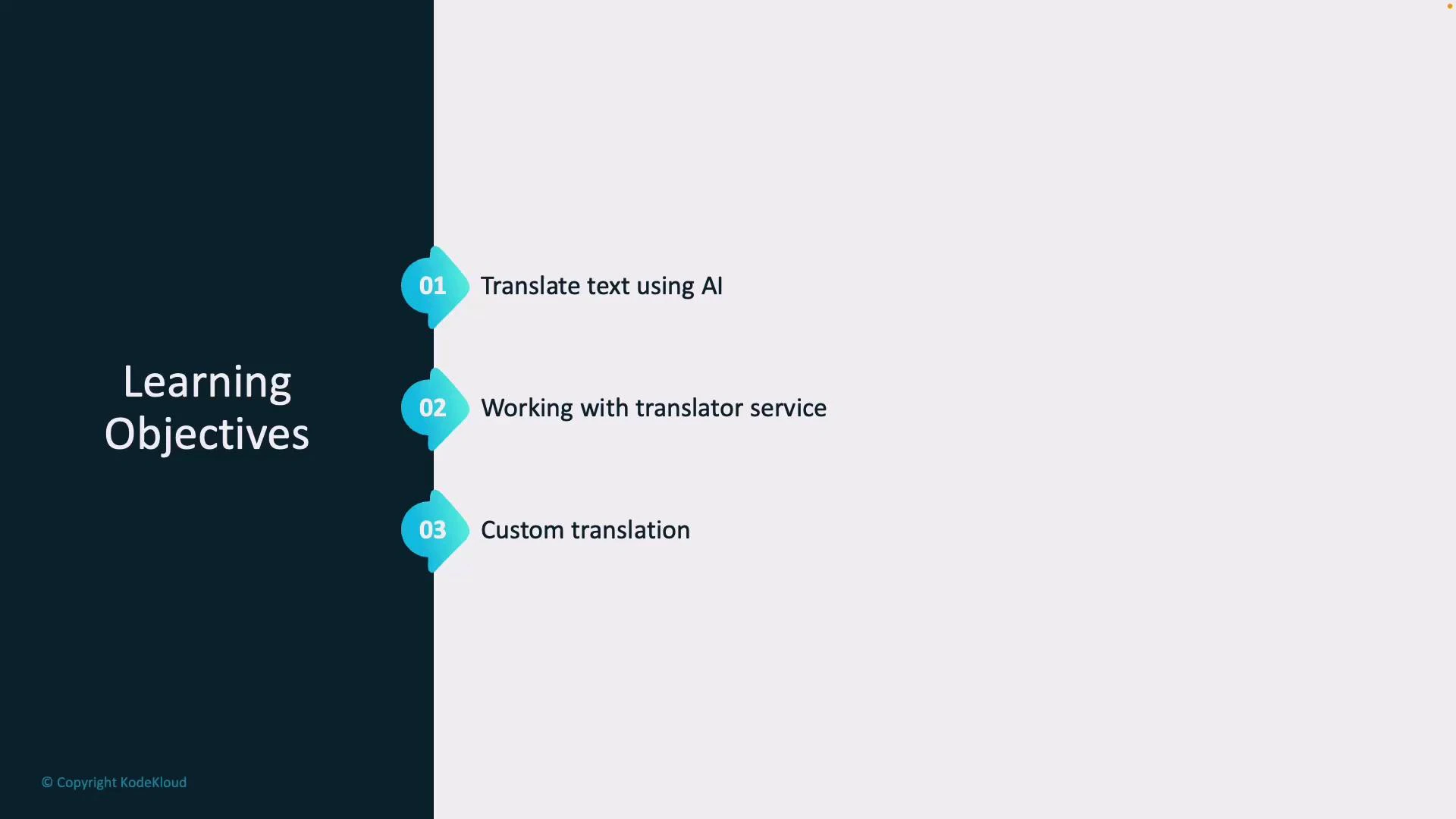
- How AI can automatically translate text between languages to support international customers, documentation, or localized UX.
- How to use the Azure Translator service — a scalable REST API that simplifies integrating translation into apps, services, and workflows. See Microsoft documentation for details: https://learn.microsoft.com/azure/cognitive-services/translator/
- How to apply Custom Translator to customize translations for domain-specific terminology, tone, or compliance needs (for example, medical or legal translations). See Custom Translator docs: https://learn.microsoft.com/azure/cognitive-services/translator/custom-translator/
Tip: If you’re new to Azure Translator, start with the quickstart examples in the Microsoft docs to test basic translation flows before adding custom glossaries or deployment-specific configurations.
Warning: Translating sensitive or regulated content (PHI, PII, legal documents) may have compliance implications. Always validate privacy requirements and consider on-premises or private deployment options when handling confidential data.
Links and references
- Azure Translator overview: https://learn.microsoft.com/azure/cognitive-services/translator/
- Custom Translator: https://learn.microsoft.com/azure/cognitive-services/translator/custom-translator/