

Question answering (QA) is optimized for retrieving factual answers from documents. It’s ideal for scenarios like knowledge bases, product documentation, and support FAQs where users expect direct, concise responses.
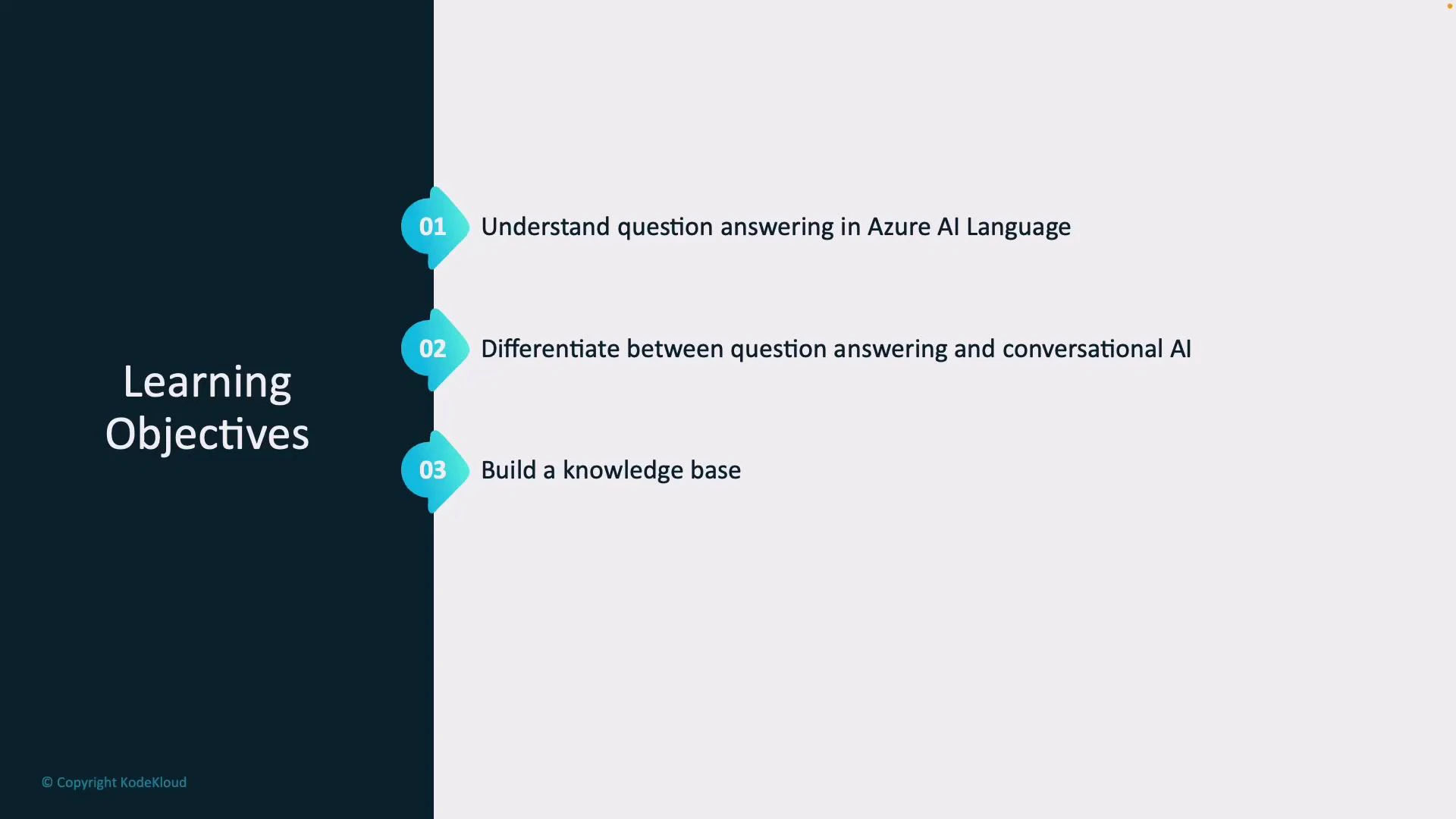
- What question answering (QA) is and how Azure AI Language implements it.
- Differences between QA and conversational AI systems.
- How to construct, test, publish, and maintain a knowledge base.
- Adding multi-turn (contextual) support and implementing active learning for continuous improvement.
QA vs Conversational AI
Understanding the differences helps you choose the right architecture.Build a Knowledge Base — Step-by-step
Follow these high-level steps to create a robust QA solution:- Collect and prepare sources
- Gather FAQs, manuals, support docs, and structured Q&A pairs.
- Clean or redact sensitive data (PII) before ingestion.
- Ingest content into the knowledge base
- Upload documents and define metadata to improve retrieval.
- Use embeddings and semantic ranking where available.
- Configure retrieval and scoring
- Tune retrieval parameters (top-K, similarity thresholds).
- Adjust answer ranking and confidence thresholds.
- Enable multi-turn context
- Store conversational history and link follow-up queries to prior turns.
- Use context-aware retrieval to resolve pronouns and references.
- Test, refine, and iterate
- Preview responses, inspect low-confidence answers, and refine sources.
- Update or split documents, add canonical Q&A pairs, and republish.
Multi-turn Conversations
Multi-turn capabilities allow the QA system to maintain context across follow-up questions. Implement context windows that include a configurable number of prior turns (queries and answers), then:- Use context to re-run retrieval with augmented prompts.
- Resolve referents (e.g., “it”, “that”) by including prior user utterances.
- Limit context length to manage latency and cost.
Publish and Integrate
When your knowledge base is polished:- Publish it to generate REST endpoints and API keys or use SDKs for your preferred language.
- Secure access with proper authentication, role-based access, and key rotation.
- Integrate the published KB into web apps, mobile apps, or bots using the provided endpoints.
When publishing and exposing a knowledge base, ensure sensitive or personally identifiable information (PII) is removed or handled according to your organization’s data policies. Review access controls and rotate keys as needed.
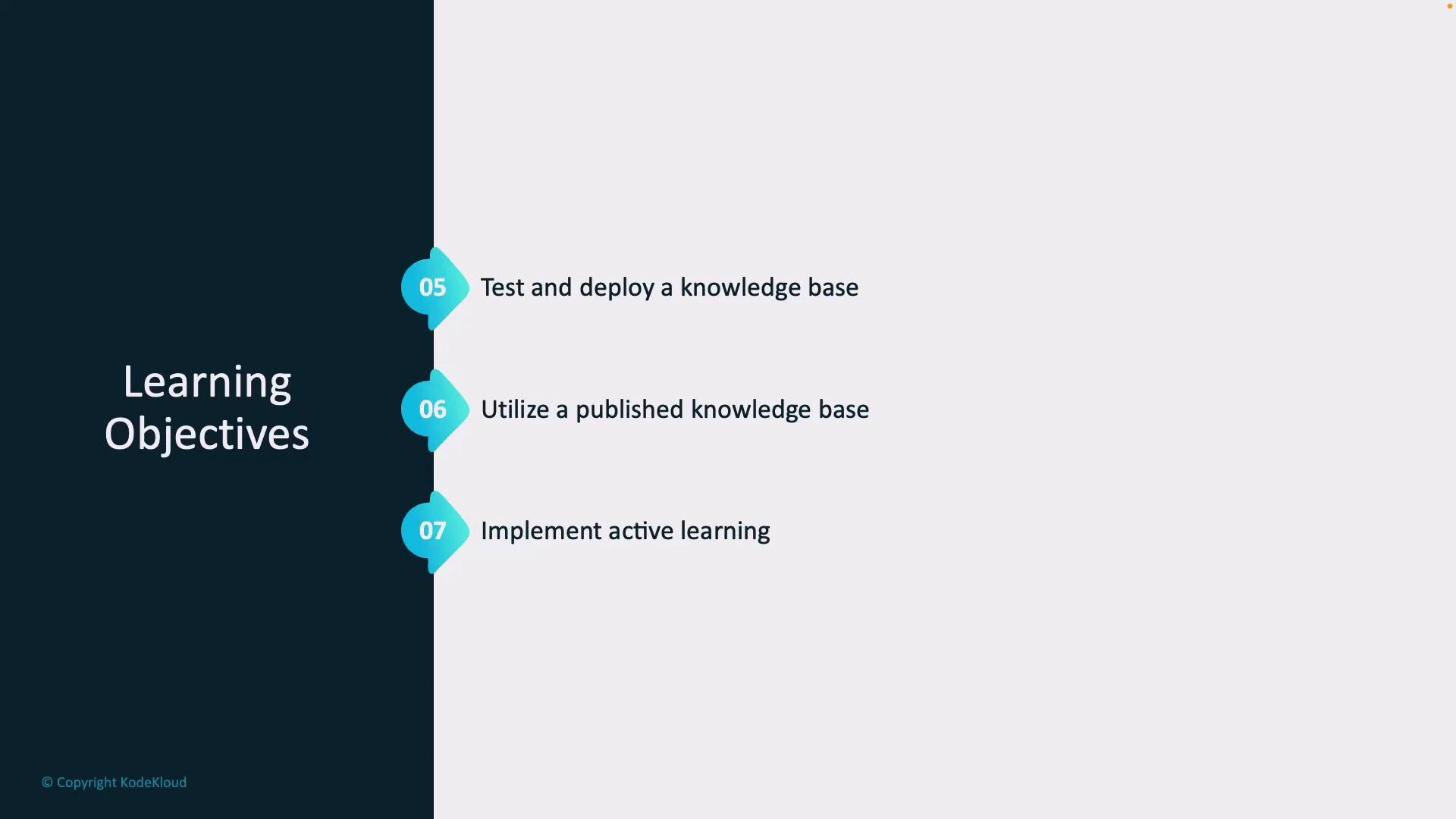
Active Learning and Continuous Improvement
Active learning closes the loop between real user behavior and knowledge base updates:- Capture telemetry: log low-confidence answers, unanswered queries, and user feedback.
- Human-in-the-loop review: surface candidate queries for content authors to review and label.
- Update sources: add new Q&A pairs, rephrase answers, or include additional document excerpts.
- Republish: push updates and continue monitoring performance.
Links and References
- Azure AI Language Documentation
- Designing effective knowledge bases
- Best practices for securing Azure resources
By the end of this module you should be able to design, build, publish, and maintain a question-answering knowledge base using Azure AI Language, with strategies for multi-turn context and active learning to keep answers accurate over time.