

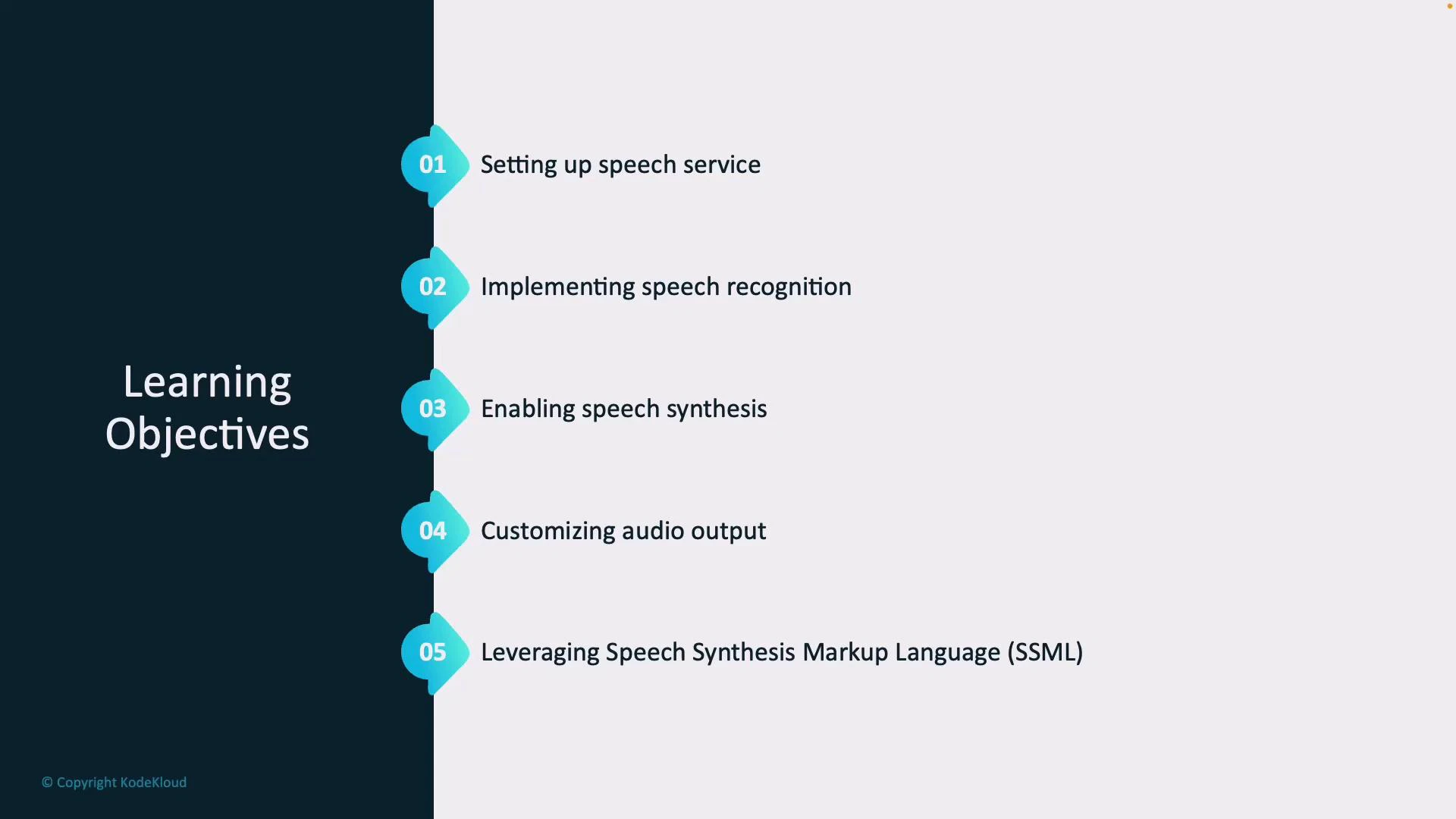
- Provision and configure the Speech Service required for recognition and synthesis.
- Implement speech recognition pipelines to reliably convert spoken language to text.
- Enable speech synthesis to convert text back into natural-sounding audio.
- Customize audio output by selecting voice, adjusting style, pitch, and speaking rate.
- Use Speech Synthesis Markup Language (SSML) to fine-tune prosody, pronunciation, and audio effects.
Before you begin: make sure you have access to a Speech Service (or equivalent provider), an API key and endpoint, and sample audio or a microphone for testing. Familiarity with basic REST or SDK usage in your preferred language (Python, C#, or JavaScript) will help you follow the hands-on examples in later lessons.
Recommended next steps
- Review the Speech Service quickstarts for your language of choice.
- Gather sample audio (or prepare a microphone) and target languages for translation tests.
- Skim the SSML reference to understand tags for voice, rate, pitch, and breaks.