

- Create compact, predictable JSON objects containing only the fields you need.
- Convert raw extracted content into nested arrays or grouped objects for easier queries.
- Avoid passing extraneous fields through the pipeline, improving performance and clarity.
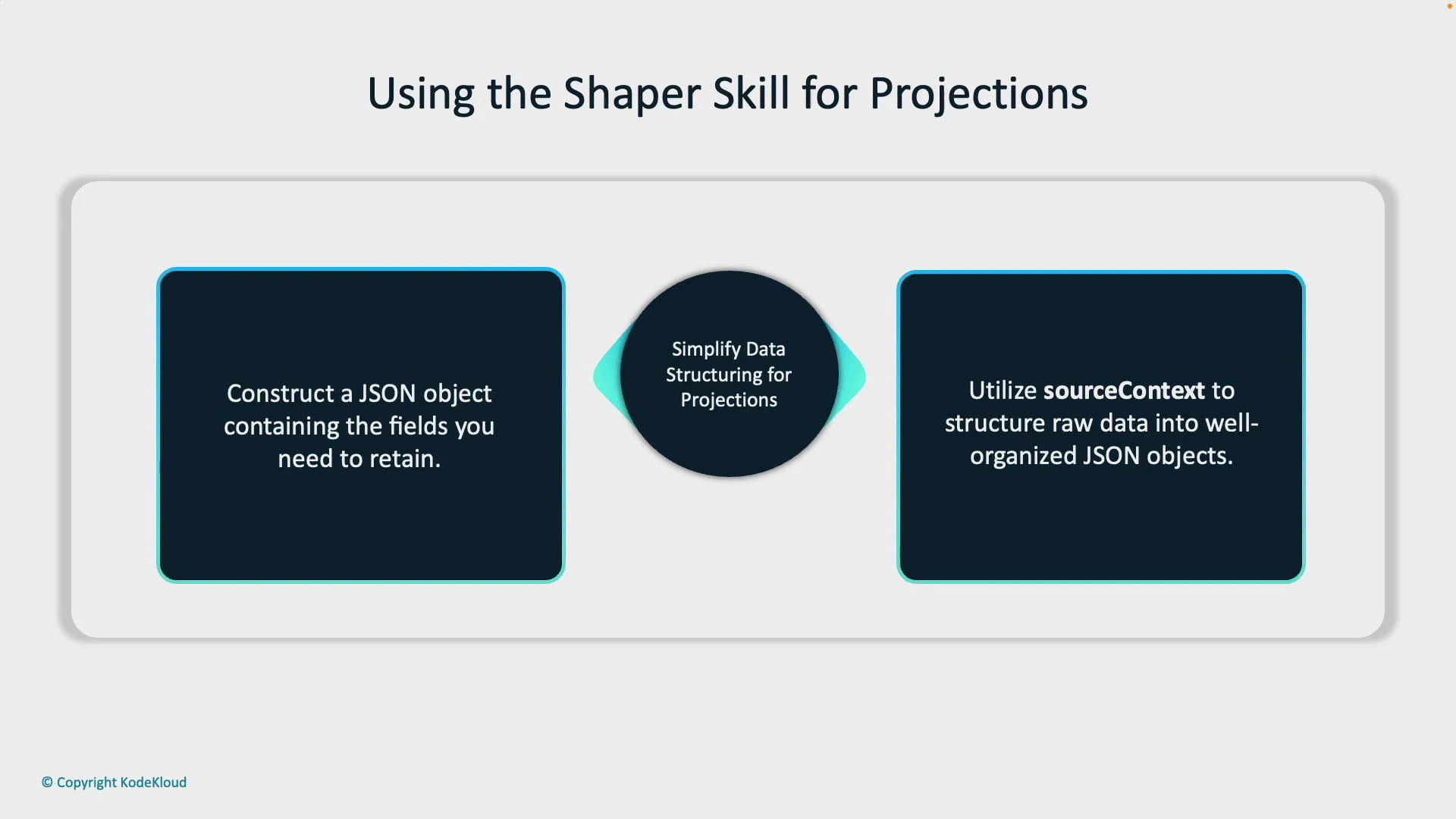
How sourceContext and collections work
- For collections, set “source” to null and provide a “sourceContext” pointing to the collection with a wildcard (e.g., ”…/keywords/*”). The Shaper will iterate over each element in that collection and apply any nested “inputs” to construct an array of structured items.
- Use nested “inputs” within that collection block to define how each element’s fields map into the shaped object.
Use “sourceContext” with a wildcard when you want the shaper skill to iterate a collection and construct an array of structured items. Setting “source” to null indicates that the field’s values come from the “sourceContext”.
- Keep the Shaper output small and predictable — include only fields you will query or use later.
- When working with multiple collections, clearly scope each with a distinct sourceContext to avoid unintended nesting.
- Name target fields (outputs.targetName) to reflect the projection’s purpose so downstream queries and pipelines are easier to maintain.
- Validate the resulting JSON shape in a test Knowledge Store before deploying to production.
Make sure wildcard paths in sourceContext are correct and that the Shaper’s nested inputs match the actual structure of the extracted data. Incorrect paths or mismatched names can result in empty arrays or missing fields in the final projection.
- Identify the fields you need to retain and how they should be structured (flat fields vs arrays vs nested objects).
- Define the Shaper skill with context (usually /document) and map direct fields with “source”.
- For any collection, set “source”: null and add “sourceContext”: ”…/*” plus nested inputs.
- Map the Shaper output to a targetName under outputs so the Knowledge Store persists the projection.
- Test with sample documents and inspect the Knowledge Store JSON to confirm structure.
- Create or edit a skillset in the Azure portal.
- Add a Shaper skill using the JSON pattern above.
- Index a sample document that contains keywords or lists and inspect the Knowledge Store to confirm the projection.
- Azure Cognitive Search documentation: https://learn.microsoft.com/azure/search/
- Knowledge Store overview (Azure Cognitive Search): https://learn.microsoft.com/azure/search/knowledge-store-overview