

Real-world scenario: University admissions
Imagine a university receiving thousands of student applications during each admissions cycle. Applicants submit a variety of documents: admission forms, mark sheets, identity proofs, and more. Manual verification of these documents is time-consuming, error-prone, and delays decision-making.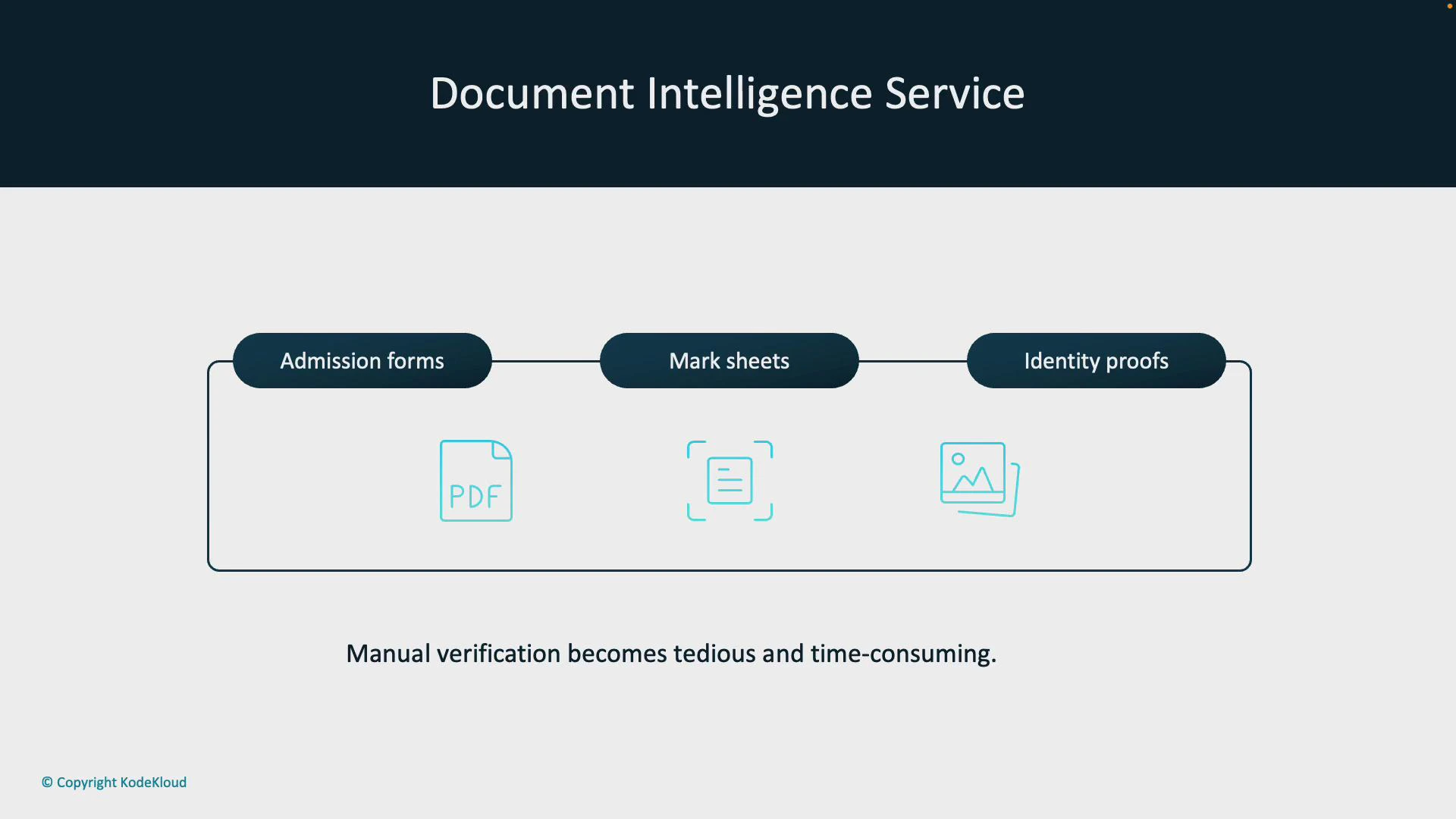
Using Document Intelligence reduces human error and accelerates application throughput by converting unstructured documents into structured data automatically.
How Document Intelligence streamlines admissions
- Students upload documents (application forms, mark sheets, IDs) to the admissions portal, creating a centralized digital repository.
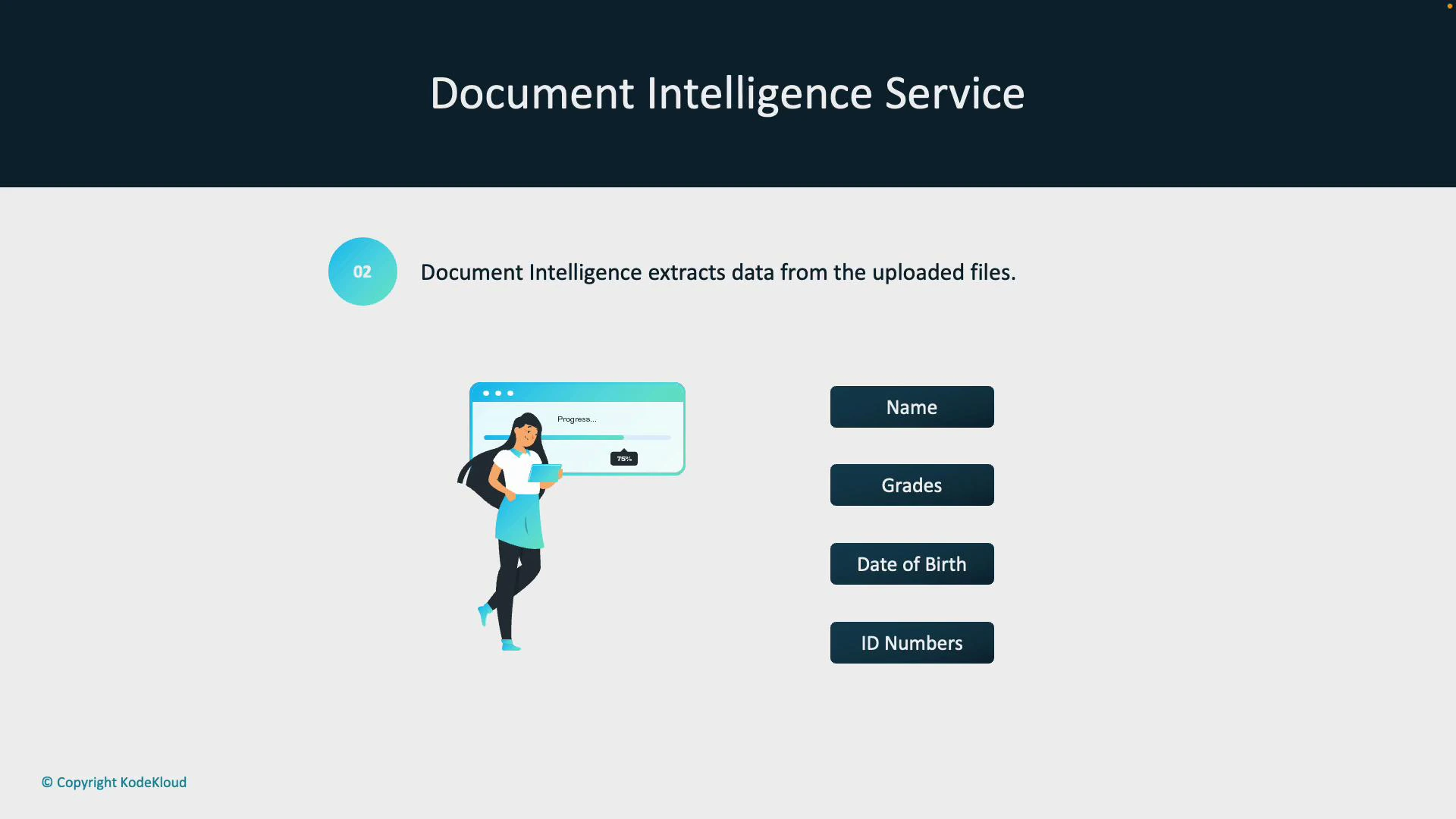
- Document Intelligence analyzes uploaded files and extracts key fields — student name, grades, date of birth, ID numbers — even from scanned or handwritten documents.
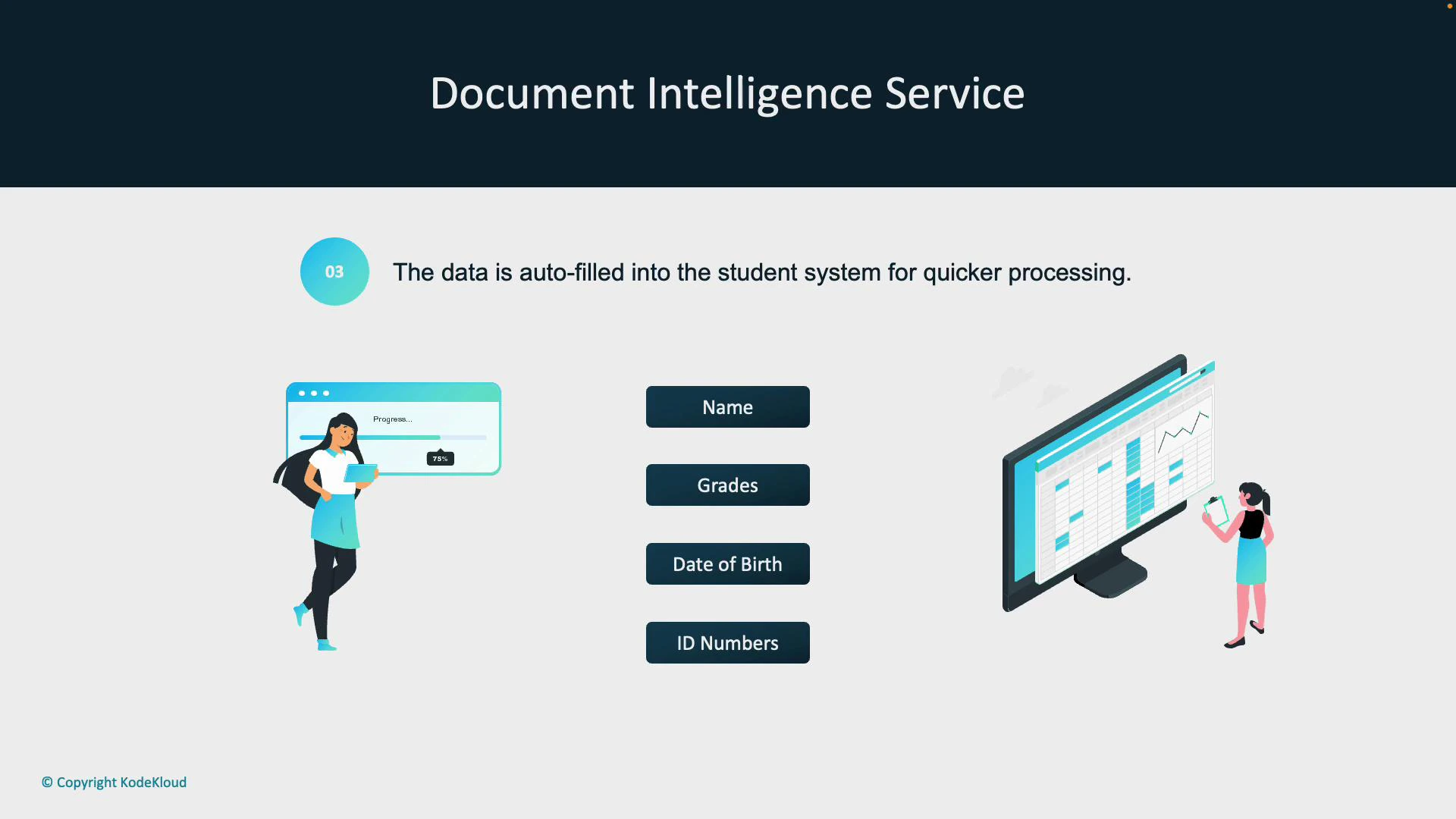
- Extracted data is validated, enriched (if necessary), and auto‑populated into the university’s student information system — eliminating manual entry and reducing processing time.
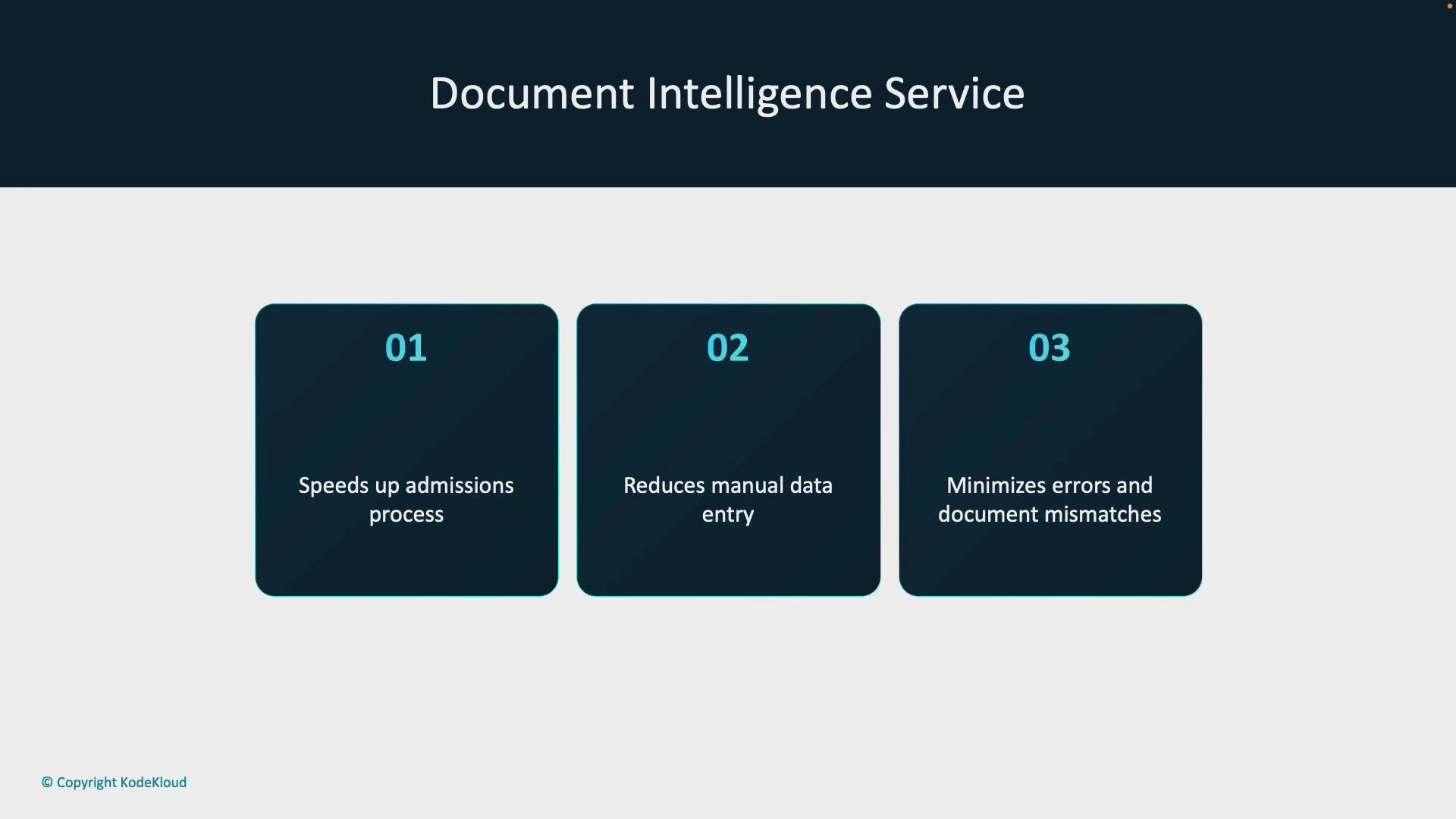
- Faster admissions review through automated extraction.
- Reduced manual data-entry workload for administrative staff.
- Lower error rates and improved consistency of student records.
Model types and when to use them
Document Intelligence supports multiple model types to match your document variety and complexity. The table below summarizes the built-in and custom model options and their best-fit use cases.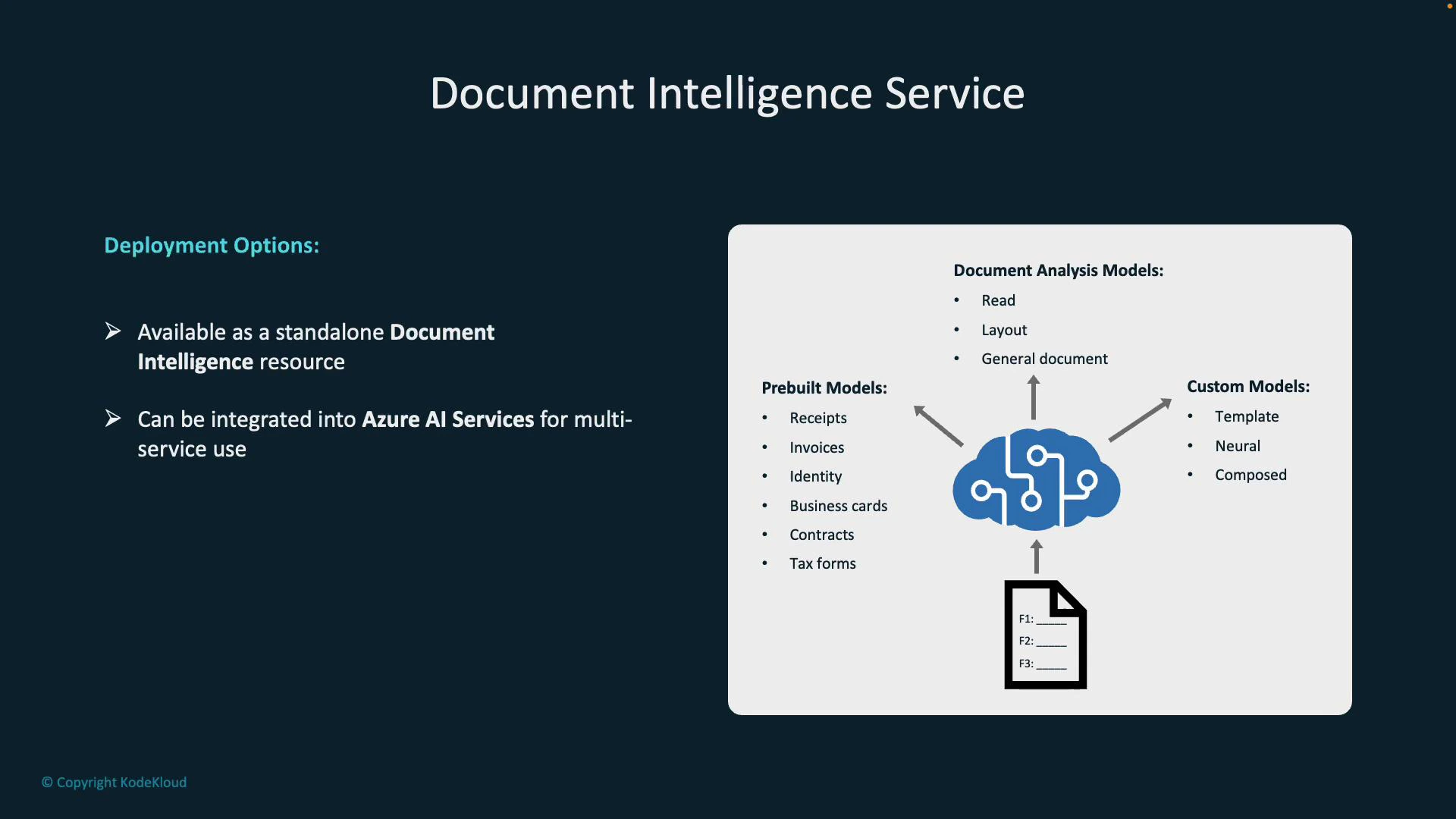
- Standalone Document Intelligence service — best when document processing is the primary requirement.
- Azure AI Services (multi-service accounts) — combine vision, language, and search capabilities for broader solutions.
When processing sensitive PII (e.g., student IDs, dates of birth), ensure compliance with data protection policies and secure storage/encryption in transit and at rest.
Common prebuilt model outputs (examples)
Prebuilt models are optimized for common document types and provide structured outputs ready for validation and ingestion.- Receipts: merchant name, transaction date/time, items, totals.
- Invoices: vendor name, invoice number, dates, line items, totals.
- Business cards: contact names, job titles, company, phone, email.
Next steps: working with Document Intelligence
To implement Document Intelligence in your environment:- Choose the appropriate model type (prebuilt vs custom) based on document variability.
- Configure secure ingestion (portal uploads, APIs, or blob storage).
- Validate and map extracted fields to your target system schemas.
- Add quality checks and human-in-the-loop review for edge cases.
- Monitor model performance and retrain or refine custom models as needed.