

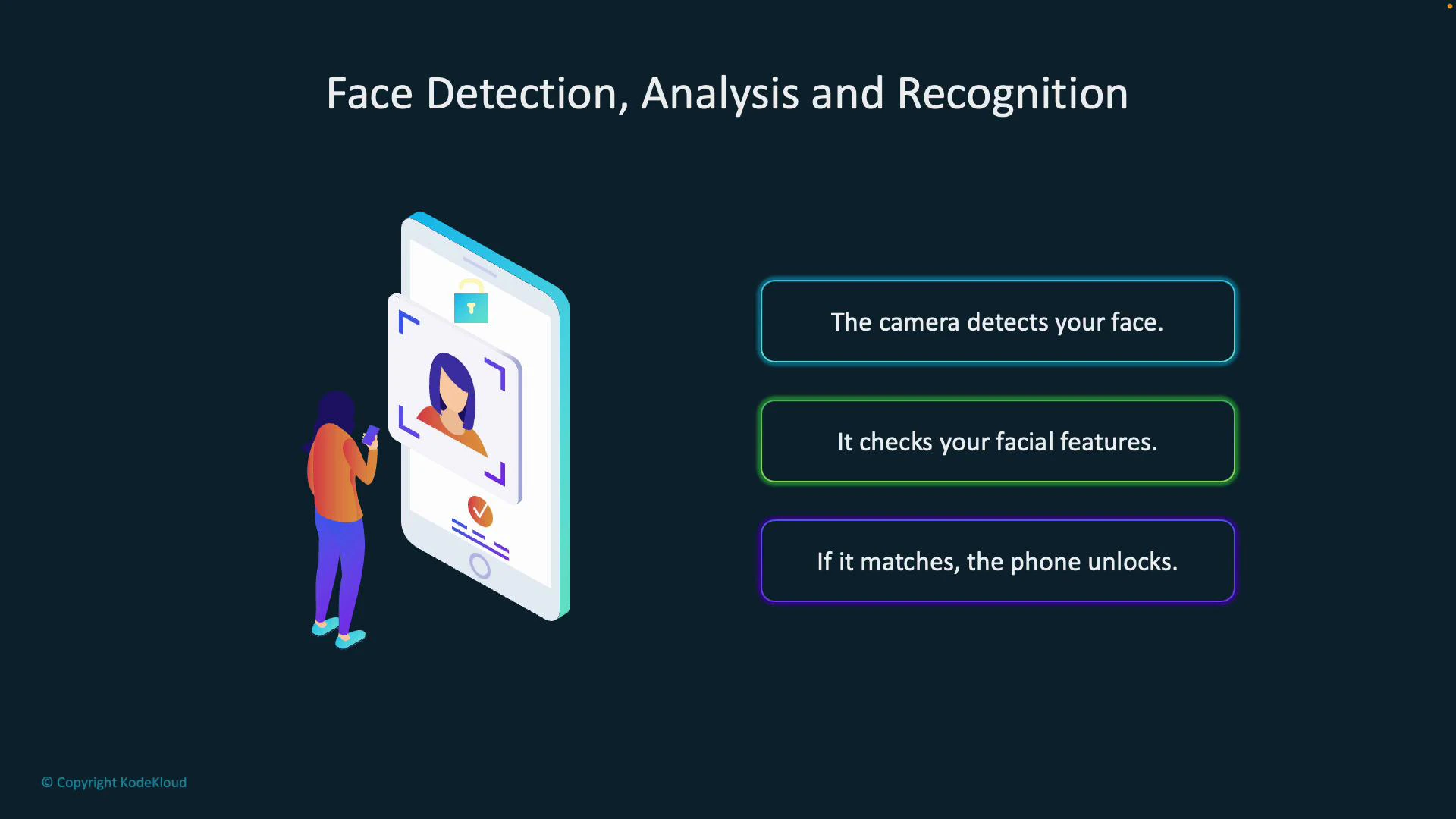
- The camera first detects that a face is present (face detection).
- The system analyzes facial features (distance between eyes, nose shape, etc.) to build a representation (face analysis).
- Finally, it compares that representation to stored templates and — if there’s a match — grants access (face recognition/verification).
Real-world use cases
Face technologies are widely deployed across industries for identity, security, analytics, and personalization. Typical scenarios include:
These examples illustrate both the convenience and sensitivity of face recognition systems.
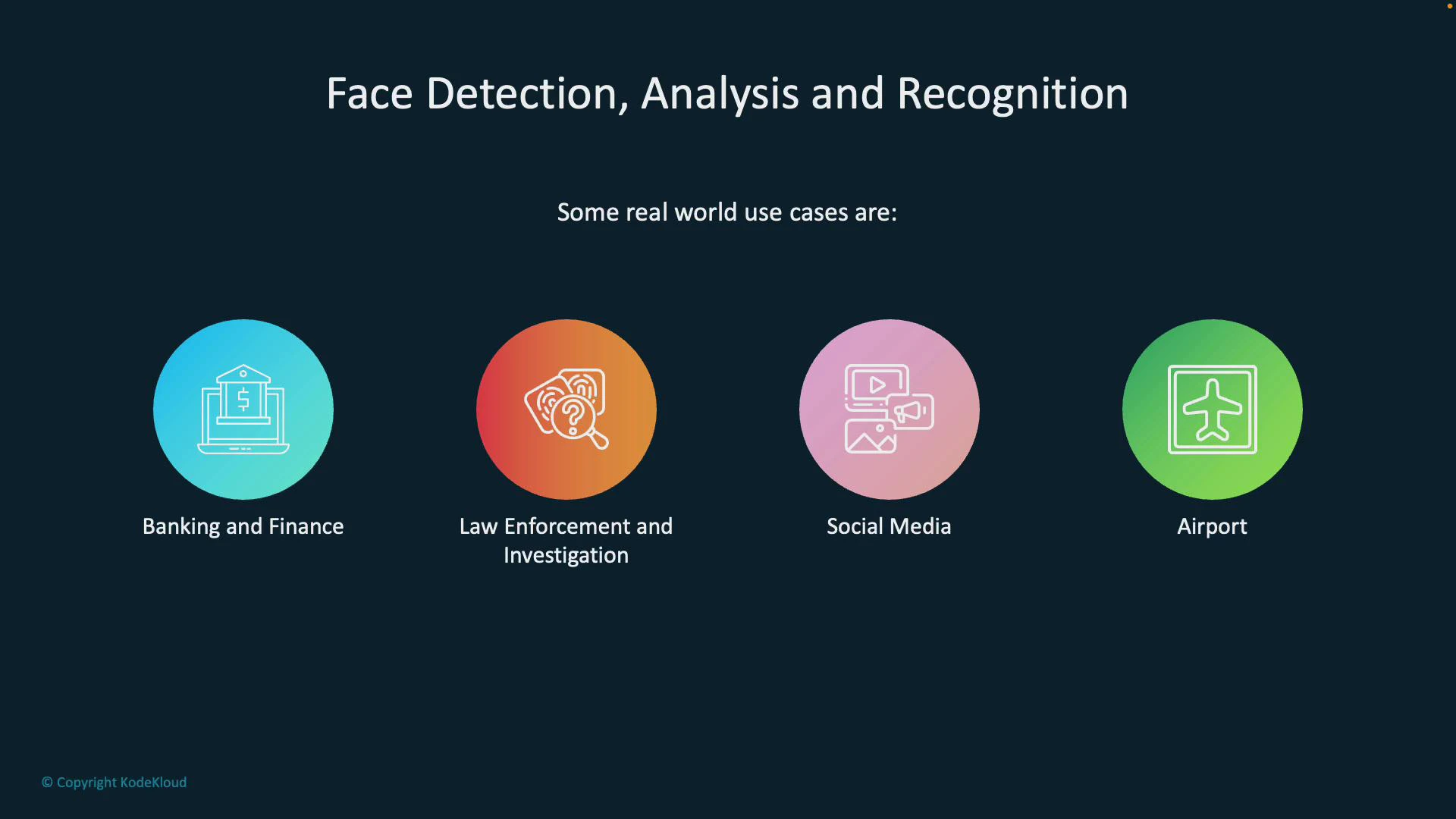
Image Analysis vs. Face service (Face API)
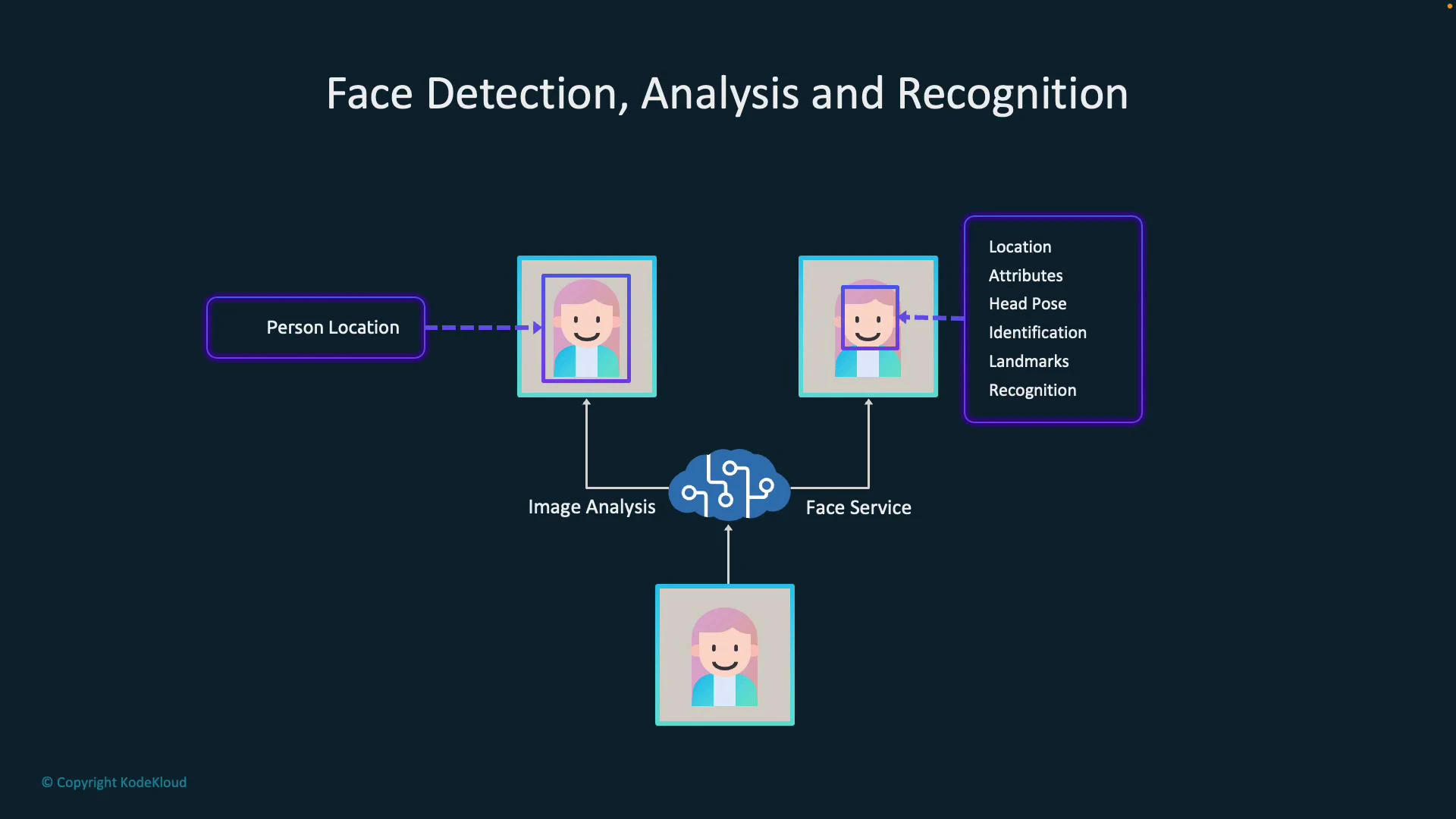
It’s important to choose the right tool for your goal. Azure provides two complementary Vision pathways:- Image analysis (for example, calling visualFeatures.people) is optimized for detecting people and returning their locations (bounding boxes). It’s ideal when you need counts, positions, or a coarse understanding of people in a scene.
- The Face service (Face API) provides richer facial outputs: landmarks (eyes, nose, mouth), facial attributes (age range, glasses), emotion estimation, head pose, and identity operations such as verification and identification against a face database.
When you only need to know where people are in an image, use Image Analysis. When you need to identify, verify, or extract detailed facial attributes, use the Face service.
Typical processing pipeline
A common, robust pipeline pairs both services:- Send an image to Image Analysis to detect people and receive bounding boxes.
- Crop or focus each bounding box and send those face crops to the Face service.
- Use the Face service output (landmarks, attributes, recognition or verification results) for downstream actions like access control, personalization, or analytics.
Core capabilities of the Face service
- Detect faces: Locate face bounding boxes and sizes for tracking, counting, or cropping.
- Analyze facial features: Extract landmarks and attributes (age range, glasses, emotions, facial hair), and estimate head pose for richer context (e.g., “approx. 25, looking right, smiling”).
- Compare and identify: Measure similarity between faces and identify people against stored groups or person collections.
- Recognition & verification: Where permitted, verify a face against a known identity for authentication or high-security workflows.
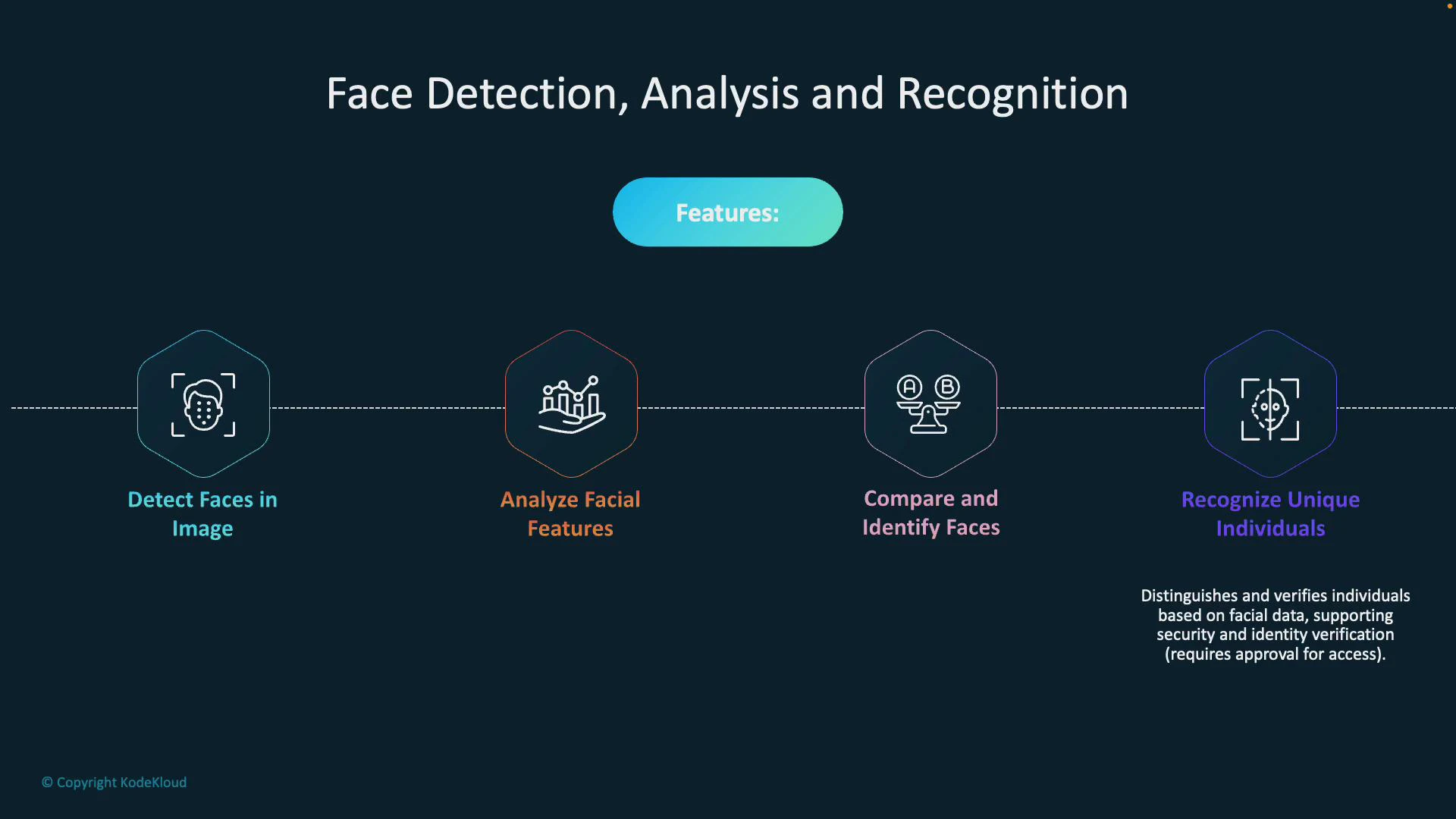
Face comparison, identification, and recognition capabilities often require additional approvals and must comply with Microsoft policies and regional privacy regulations. Request access through Microsoft and ensure your solution meets legal and ethical requirements before using these features.
How to choose and get started
- Use Image Analysis when you need lightweight people detection, counts, or bounding boxes.
- Use Face service when your scenario needs facial attributes, landmark detection, or identity operations.
- Implement a pipeline that combines both: Image Analysis → crop faces → Face service for deep analysis or verification.
- Azure Face Service (Face API) documentation
- Azure Computer Vision (Image Analysis) documentation
- Responsible AI and face recognition guidance