

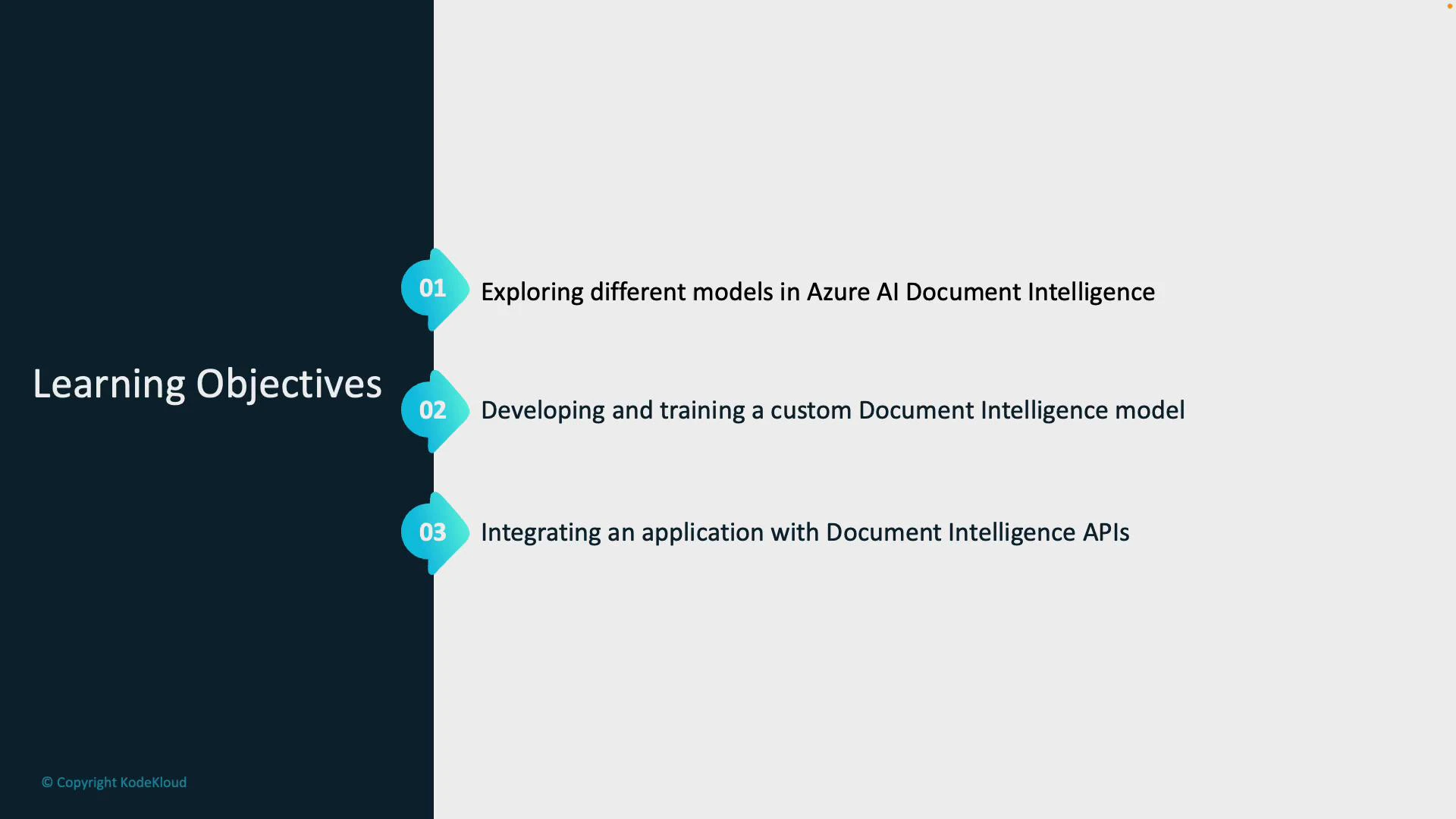
- Explore the different models available in Azure AI Document Intelligence: prebuilt models, layout models, and custom models. Learn when to use each model type based on document formality, layout complexity, and extraction needs.
- Develop and train a custom model: label training data, run training in Azure AI Studio, and evaluate model accuracy and field confidence.
- Integrate Document Intelligence into applications using the Document Intelligence Service APIs and SDKs to analyze documents and consume extracted fields.
- Model types and selection criteria (structured vs. semi-structured vs. domain-specific).
- Labeling best practices and the training workflow in Azure AI Studio.
- Calling the Document Intelligence Service API from an application to analyze documents and consume extracted fields.
Tip: Choose the right model type before labeling data. Prebuilt models are quick for common document types (invoices, receipts), layout models are ideal for extracting structure (tables, text blocks), and custom models are best when you need domain-specific fields or document formats.
Key steps you’ll perform in this module:
- Understand the differences between model types and decide which fits your scenario.
- Label sample documents effectively (tips on annotation consistency and minimum dataset size).
- Train and evaluate model performance in Azure AI Studio; iterate on labels to improve accuracy.
- Integrate Document Intelligence into an application using the REST API or an SDK (e.g., Python, .NET), handle authentication, and parse the returned JSON for fields and confidence scores.
- Azure AI Document Intelligence overview
- Azure AI Studio — Train custom models
- SDKs and samples: Azure SDKs for Document Intelligence
Warning: When training and testing models, ensure you comply with data privacy regulations. Redact or anonymize personally identifiable information (PII) as required by your organization and legal guidelines before uploading documents to cloud services.