

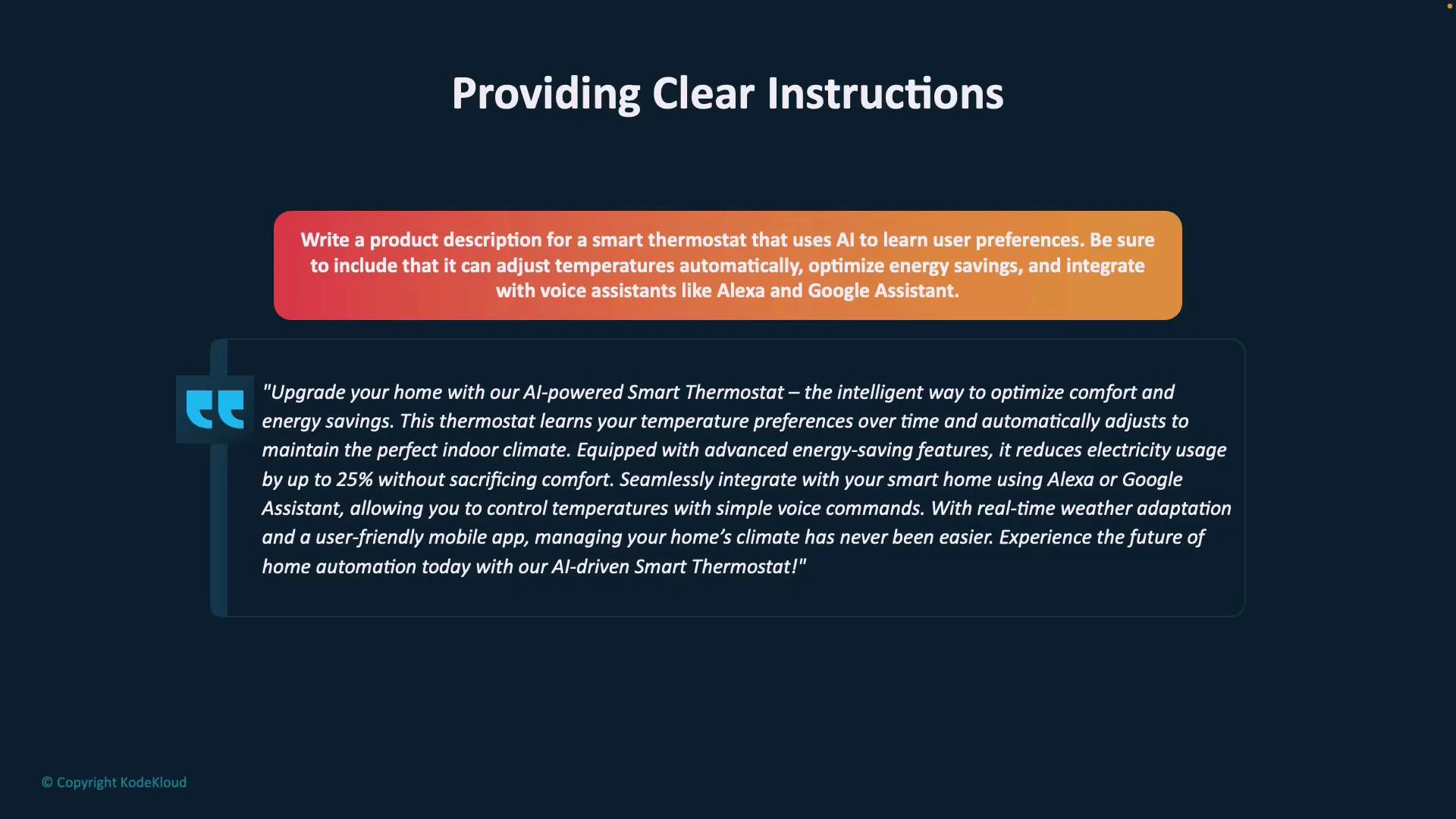
Structure your prompt: primary, supporting, and grounding content
Organizing the prompt into clear sections makes it easier for the model to follow intent and preserve context. Use separators (hyphens, hashes, or labeled headers) to mark sections when your prompt includes multiple documents or long text.- Primary content: the main input or core idea (e.g., course delivery formats, deadlines, or product specifications). This is the context the model uses to perform the requested task.
- Supporting content: clarifying examples, data, user preferences, or industry context that enrich the primary content.
- Grounding content: constraints or scope-defining elements (timeframe, audience, required length) that keep answers focused and relevant.
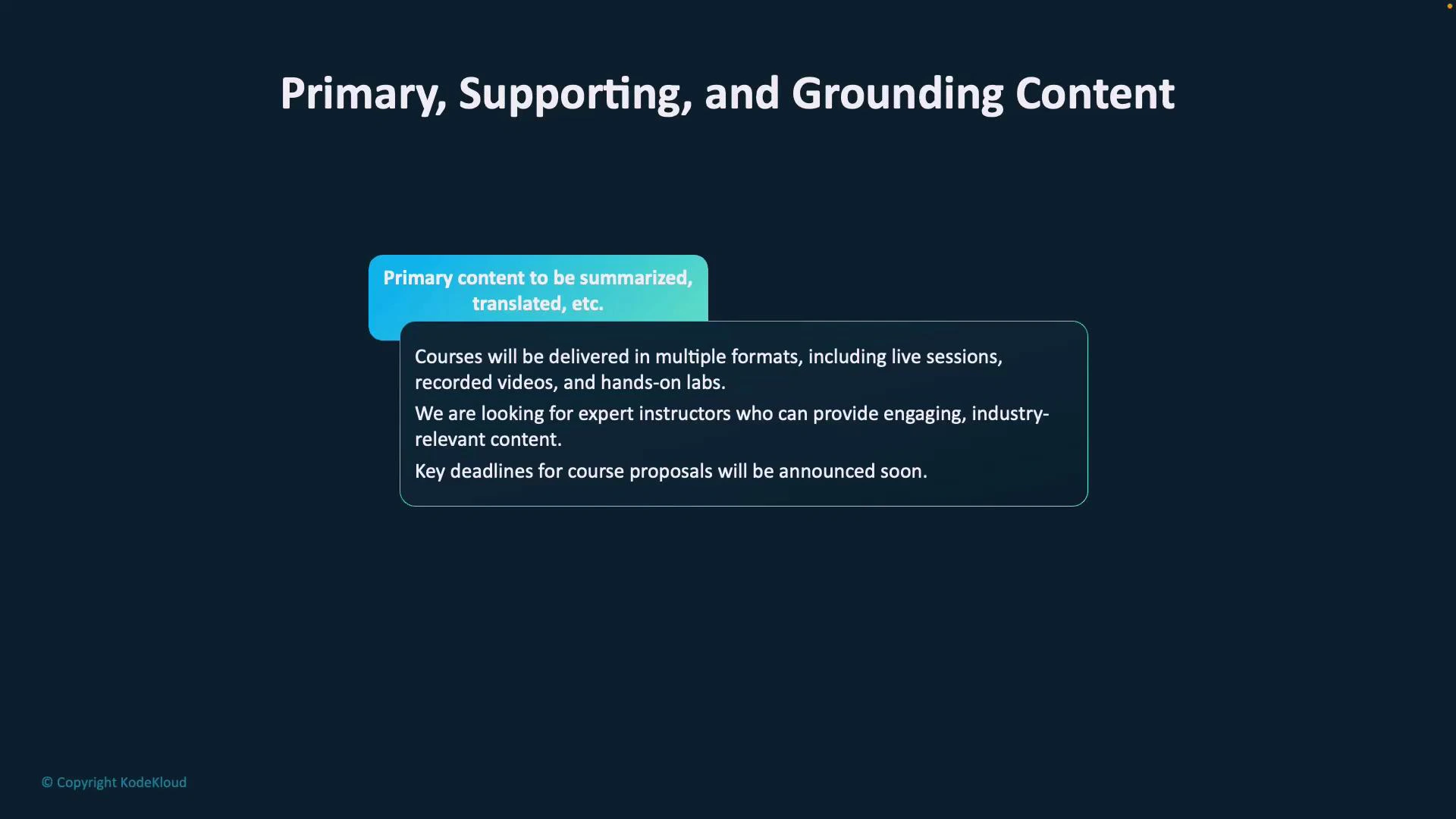
Use cues to control behavior
Cues are short phrases or directives that specify tone, structure, or intent. They tell the model not just what to produce but how to present it. Examples:- “Summarize the reviews above.”
- “Generate bullet points for a product roadmap.”
- “Explain in simple terms for non-technical stakeholders.”
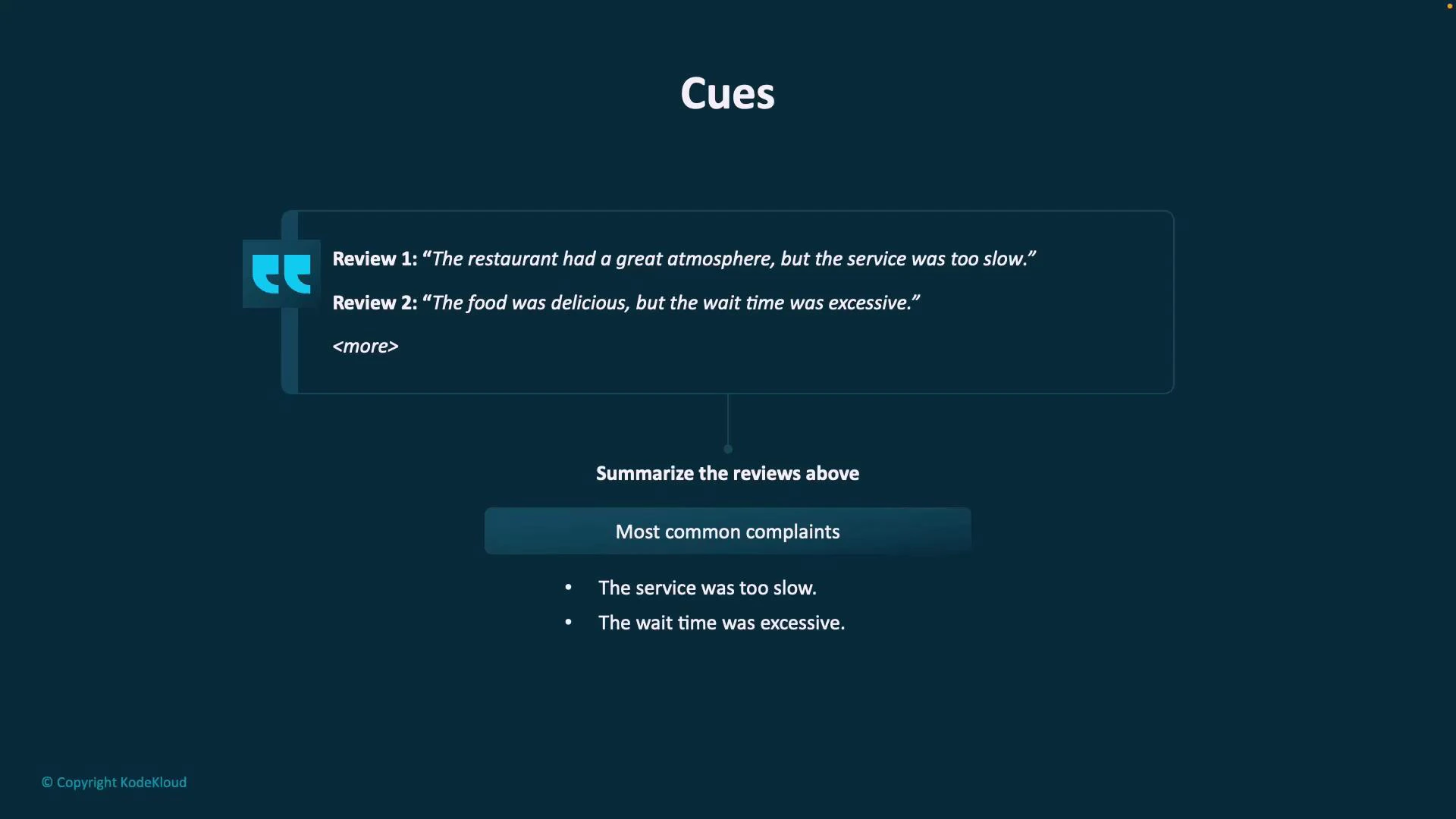
Request structured outputs explicitly
When you need machine-readable or copy/paste-ready results, ask for a specific format (table, CSV, JSON, Markdown). Specify column names or field keys so the model knows exactly what to produce.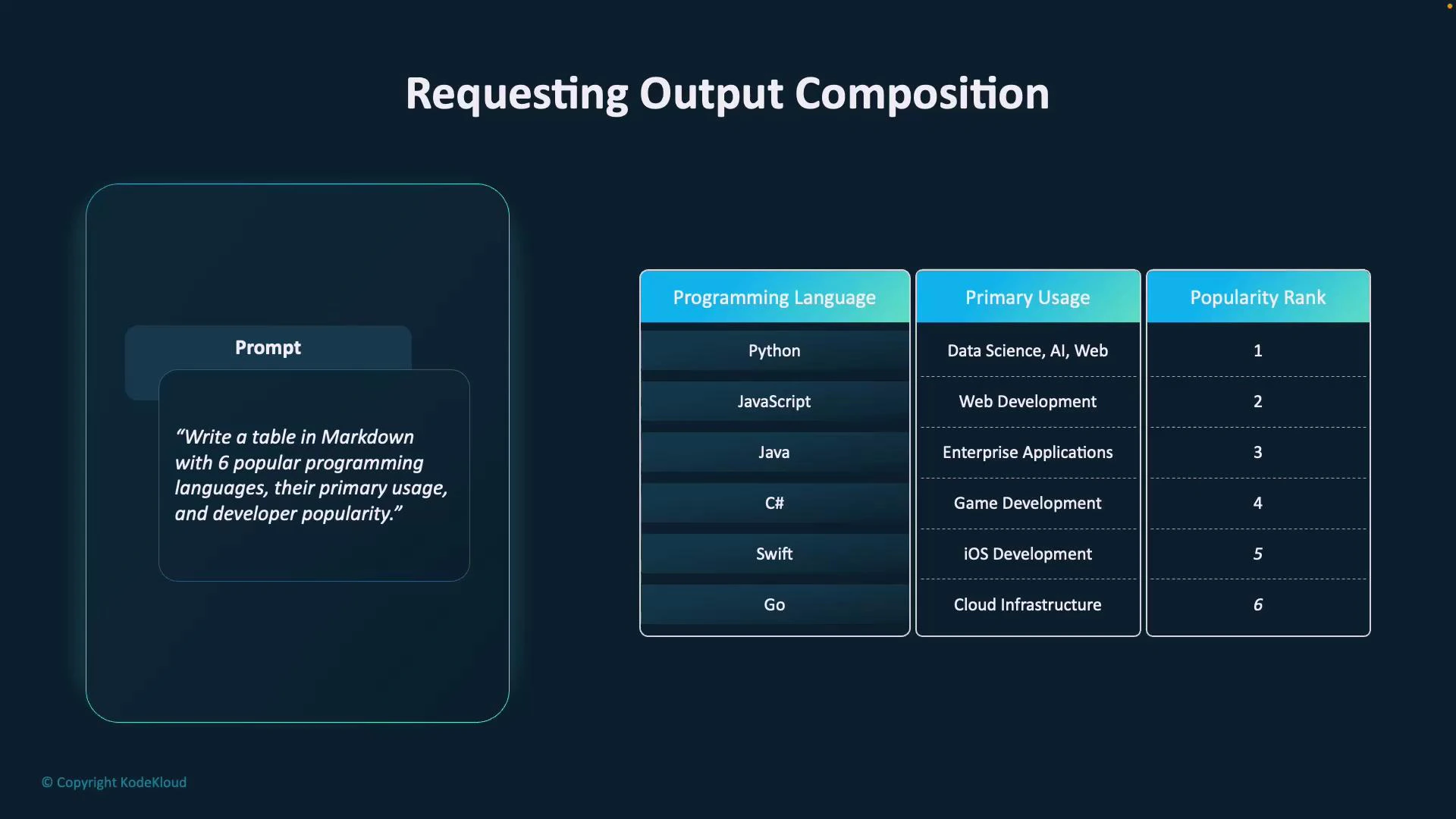
The more explicit your format request (column names, types, field order), the more predictable and immediately usable the output will be.
Practical tips and final checklist
- Start with a clear primary content block that includes the essential context.
- Add supporting details: examples, metrics, or user personas.
- Add grounding constraints: timeframes, audience, length, or exclusions.
- Add explicit cues: desired style, structure, or output format.
- When needed, request machine-readable output and list the exact columns/keys.
Practical tips: start with a clear primary content block, add supporting details and grounding constraints, and finish with explicit cues and output format requirements (e.g., “Provide a markdown table with these columns: Language, Use Case, Popularity”).
Links and references
- Prompting best practices — OpenAI Guides
- Designing prompts for structured outputs (guide)
- Practical prompt engineering patterns — blog posts and templates