

- Keywords: intents, utterances, entities, conversational AI, natural language understanding (NLU), entity extraction, intent classification, slot filling.
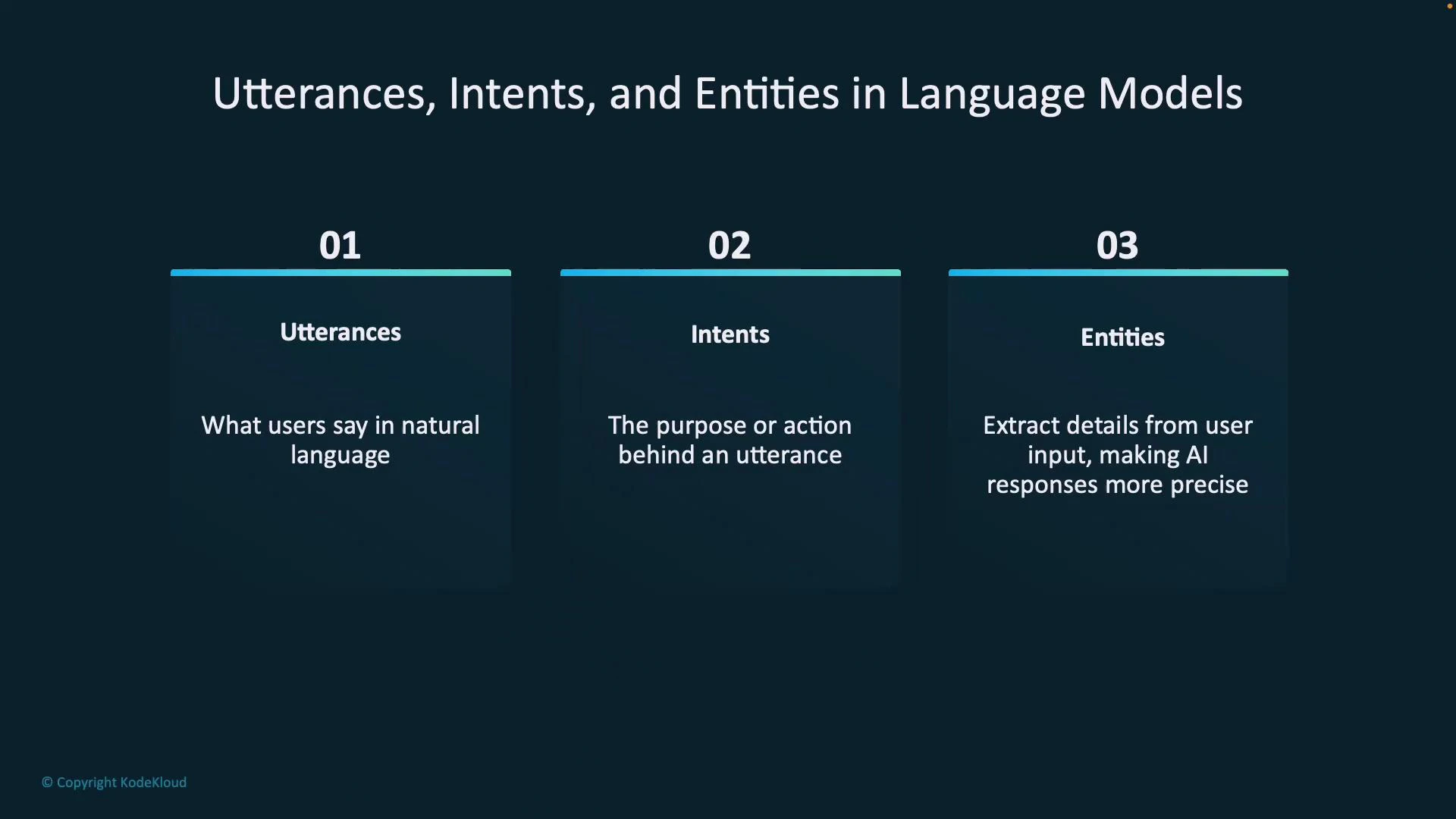
What is an utterance?
An utterance is the raw piece of natural language input a user speaks or types to your application. It can be a question, command, or statement. Examples of utterances:- “What’s the weather like tomorrow?”
- “Turn on the bedroom light.”
- “Set the heater to 25 degrees Celsius.”
What is an intent?
An intent represents the user’s goal or purpose behind an utterance—the action the user wants the system to perform. Correct intent classification tells your system which flow, API call, or response to trigger. Example intents:GetWeather— user requests weather informationTurnOnDevice— user issues a device activation commandAdjustDevice— user requests a device setting change
What is an entity?
Entities are structured, named data extracted from an utterance that provide context for an intent. Entities (also called slots) make responses precise and actionable. Examples:- Utterance: “What time is it in Paris?” → Intent:
GetTime, Entity:Location = Paris - Utterance: “Will it rain tomorrow?” → Intent:
GetWeather, Entity:Time = tomorrow - Utterance: “Set the heater to 25 degrees Celsius.” → Intent:
AdjustDevice, Entities:Device = heater,Value = 25°C
Quick reference table: utterances → intents → entities
Pre-built entity types and why they matter
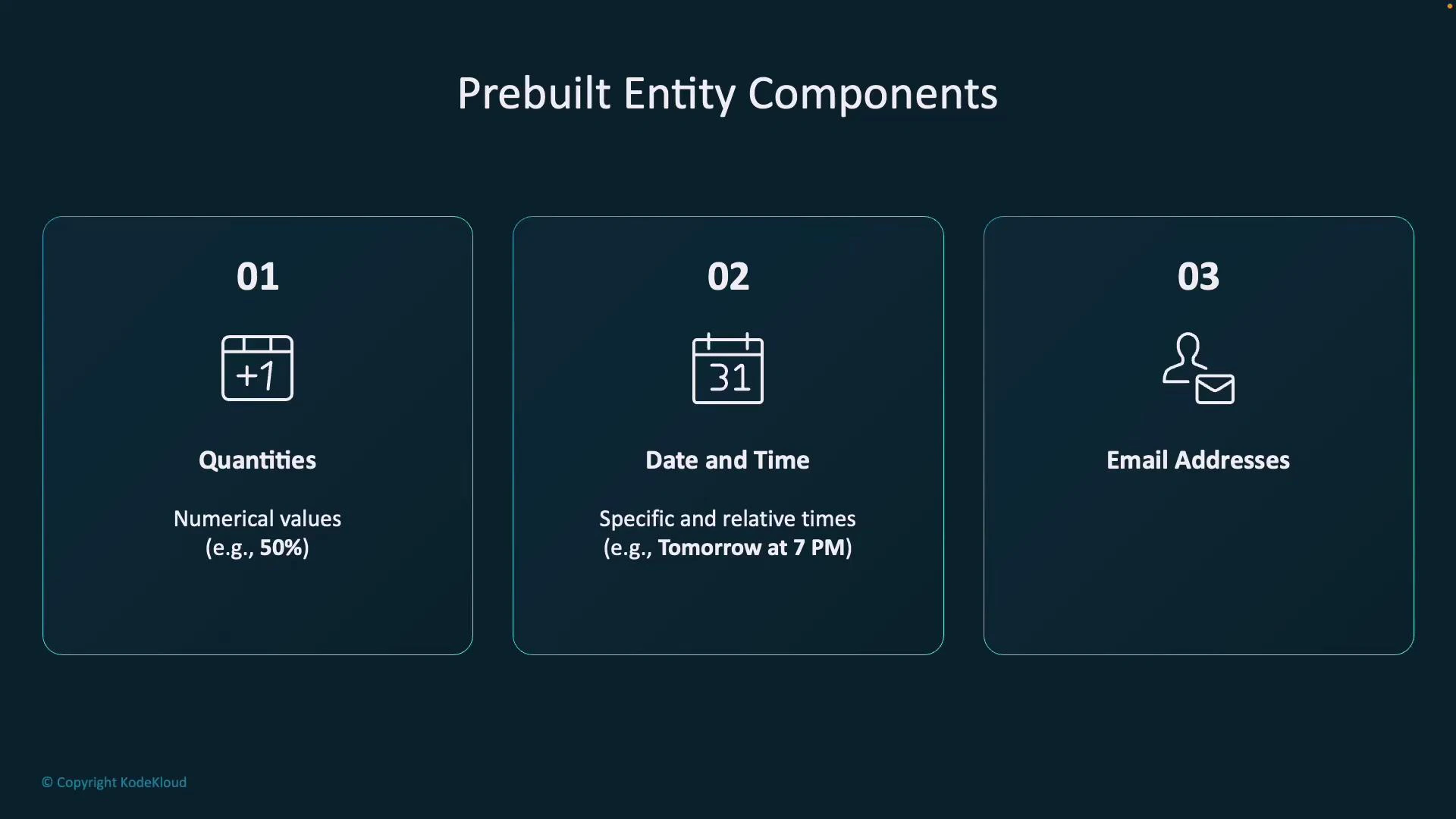
Many platforms (including Azure Language services) provide pre-built entity extractors that recognize common data types without custom training. These speed up development and improve accuracy for standard patterns.Pre-built entity extractors accelerate development by automatically detecting common data formats—numbers, dates, emails, phone numbers, and URLs—so you can focus training on domain-specific entities.
Tips for designing intents and entities
- Keep intents focused and action-oriented (e.g.,
GetWeather,BookFlight,AdjustDevice). - Design entities as the minimal pieces of context needed to fulfill the intent (e.g.,
Location,Time,Device,Value). - Use pre-built entities where applicable and reserve custom entities for domain-specific concepts.
- Provide diverse utterance examples during training to cover synonyms, colloquialisms, and different phrasing.
Ambiguous utterances can lead to incorrect routing or extraction. Add disambiguation prompts in your dialog flow (e.g., “Do you mean Paris, France or Paris, Texas?”) and validate critical entities before taking irreversible actions.
Where to learn more
- Azure Language Understanding docs: https://learn.microsoft.com/azure/cognitive-services/language-service/
- General NLU concepts: https://en.wikipedia.org/wiki/Natural_language_understanding
- Best practices for building conversational AI: search for “intent classification and entity extraction” in developer documentation and platform-specific guides