

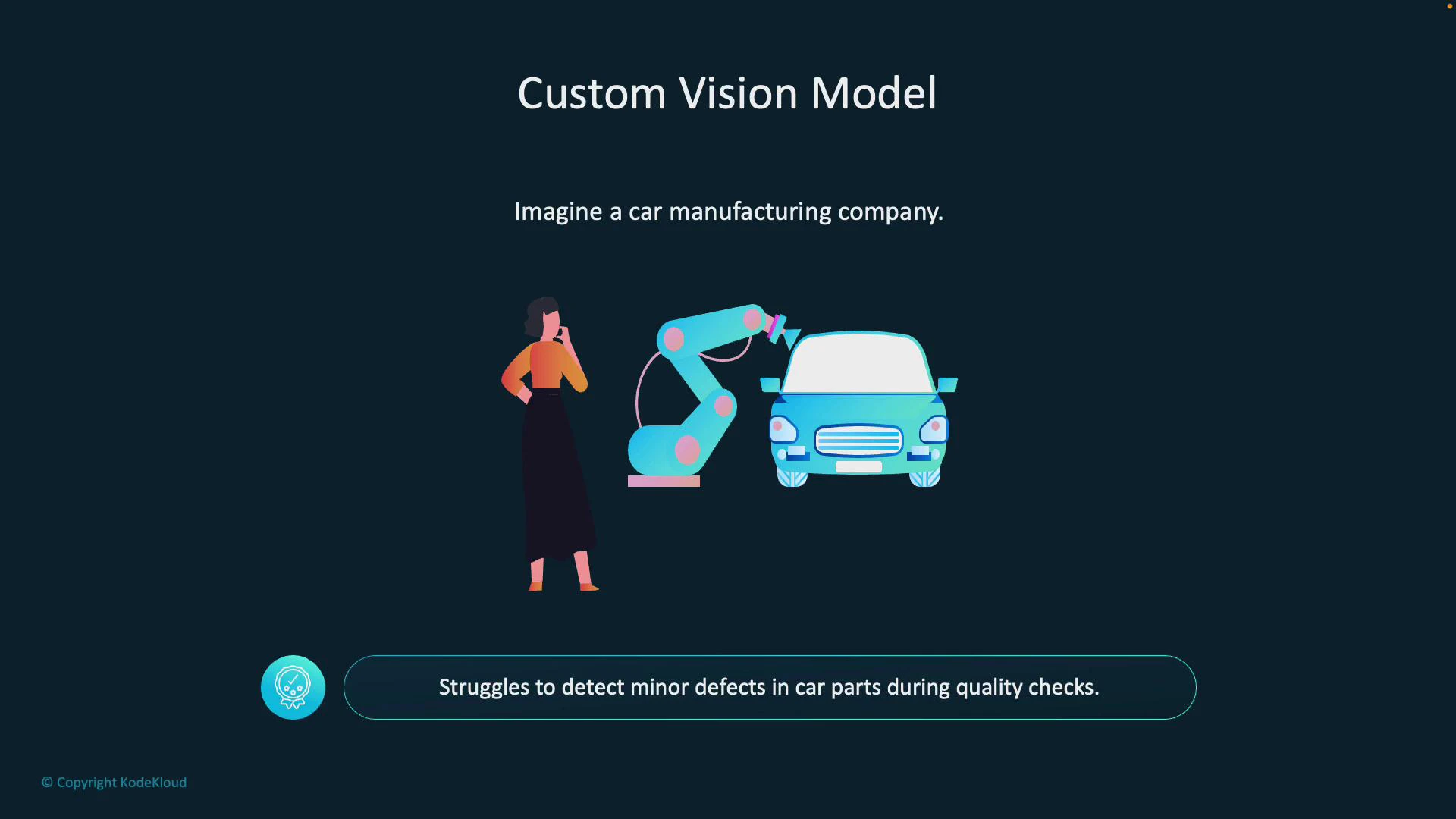
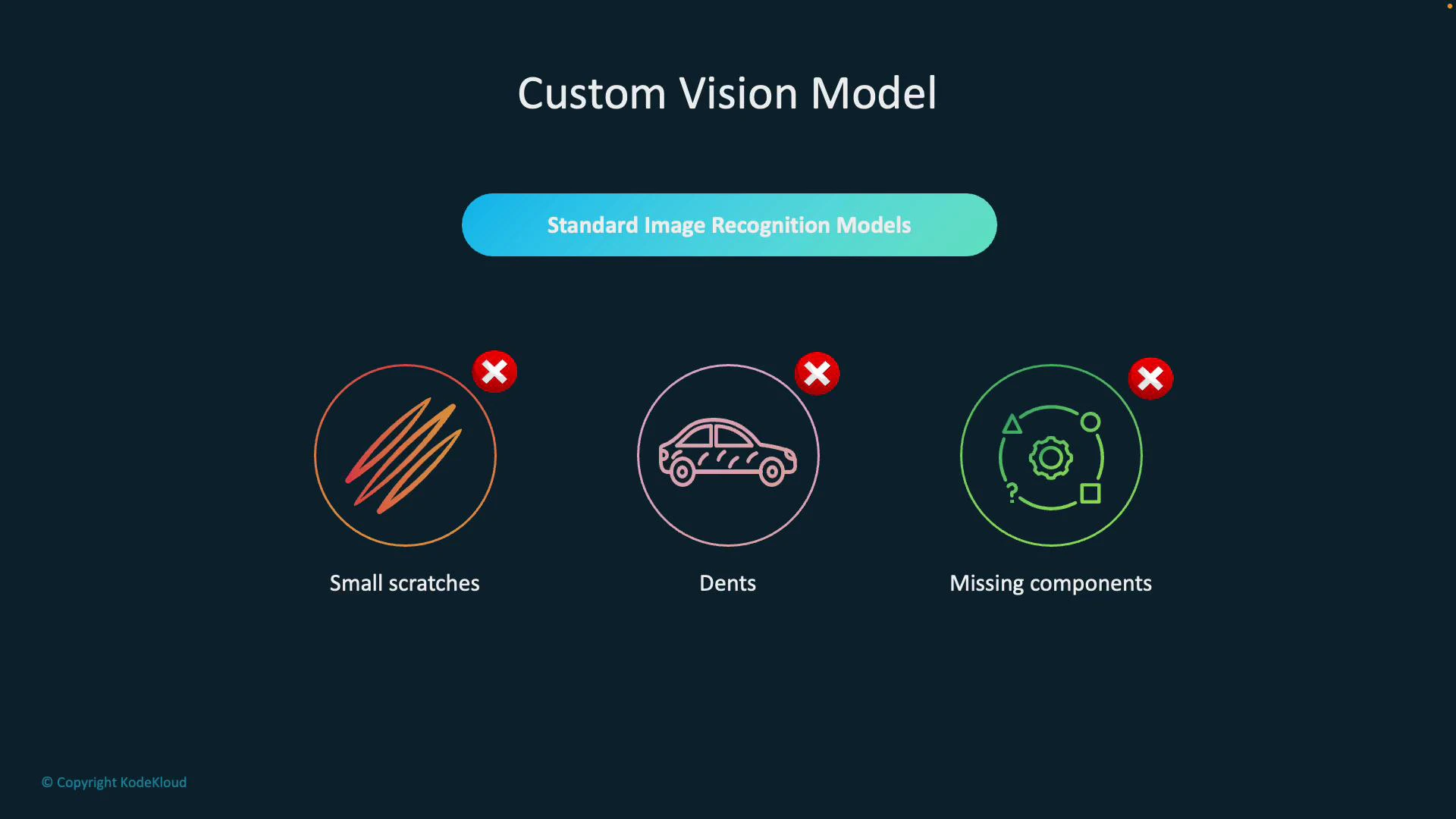
- Small scratches that affect surface integrity
- Dents that impact fit or finish
- Missing or misaligned components that cause assembly failures
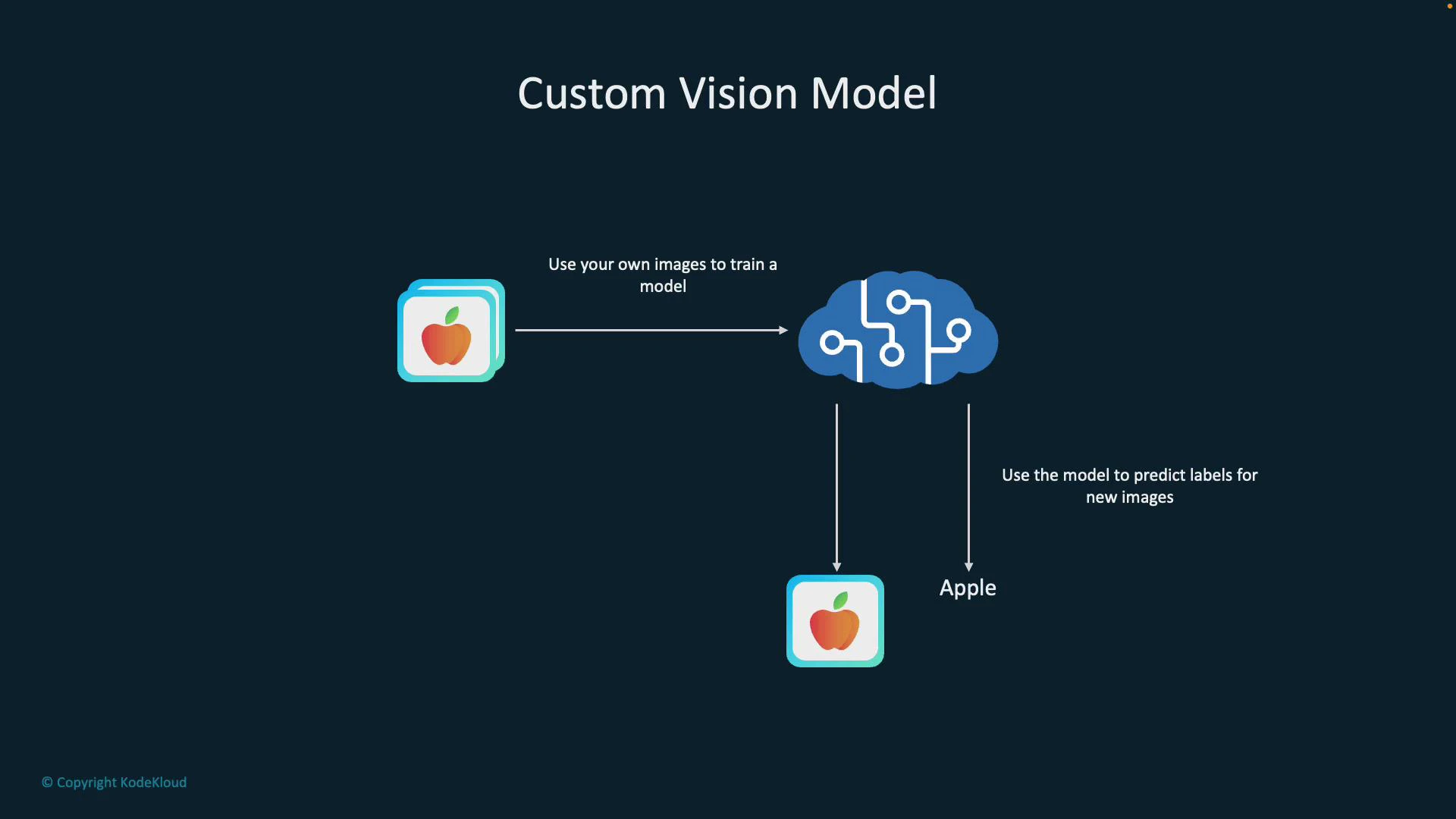
- Collect and upload images of both defective and non-defective parts.
- Label (tag) defects such as scratches, dents, cracks, or “clean.”
- Train the model on this labeled dataset.
- Deploy the trained model to an inspection pipeline that scores new images and flags issues.
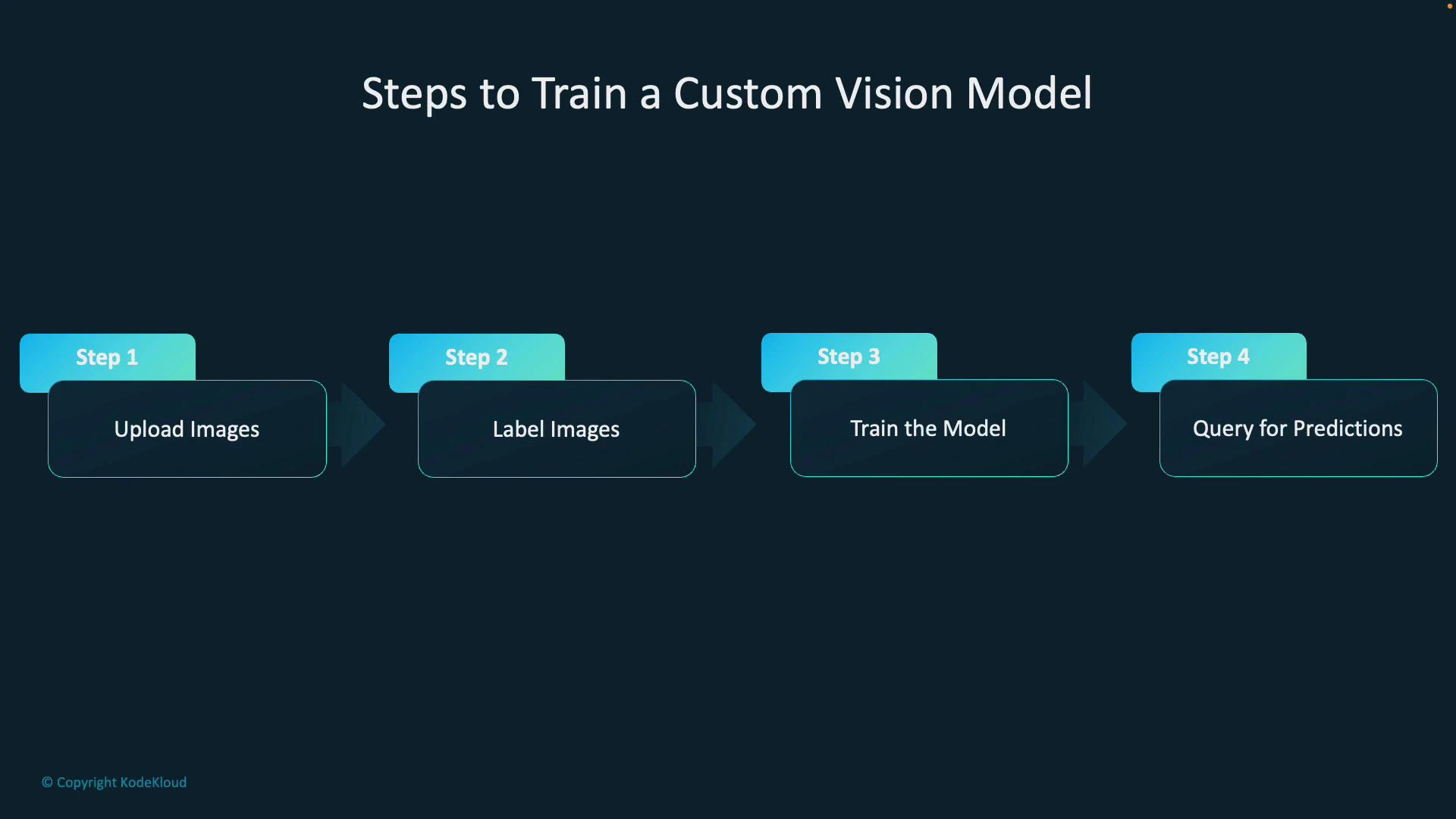
- Step 1 — Upload images: Include all relevant variations (angles, lighting, part conditions).
- Step 2 — Label images: Tag regions (for detection) or whole images (for classification) with categories like scratch, dent, missing-component, or ok.
- Step 3 — Train the model: Choose the right domain (classification vs object detection), then start a training run in Custom Vision.
- Step 4 — Query for predictions: Send new images to the model via the REST API or SDK to receive labels, bounding boxes (object detection), and confidence scores.
- Endpoint: your Custom Vision prediction endpoint (region-specific)
- Key: your prediction resource key
- Project and iteration: the model you trained
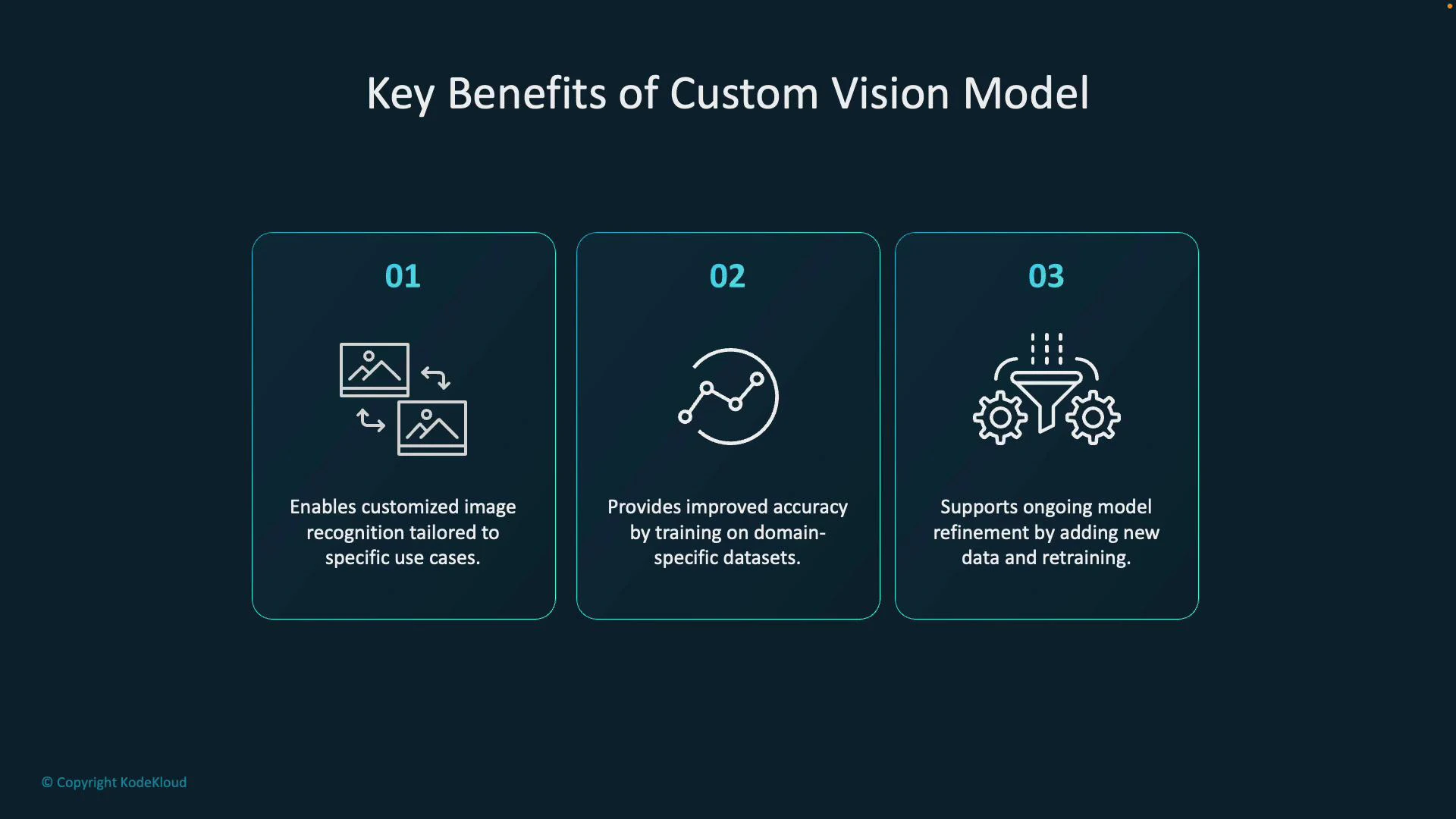
Benefits include tailored recognition for your use case, improved accuracy from domain-specific training data, and the ability to refine performance by collecting new labeled images and retraining.
Best practices: collect diverse, well-labeled examples that reflect real operating conditions (lighting, camera position, part variants). Start with a balanced dataset across classes and continuously add hard examples where the model fails. Use object detection when localization of defects is required, and monitor performance using precision/recall and confusion matrices.
- Azure Custom Vision documentation
- Quickstart: Train and export a model (Custom Vision)
- Custom Vision REST API reference