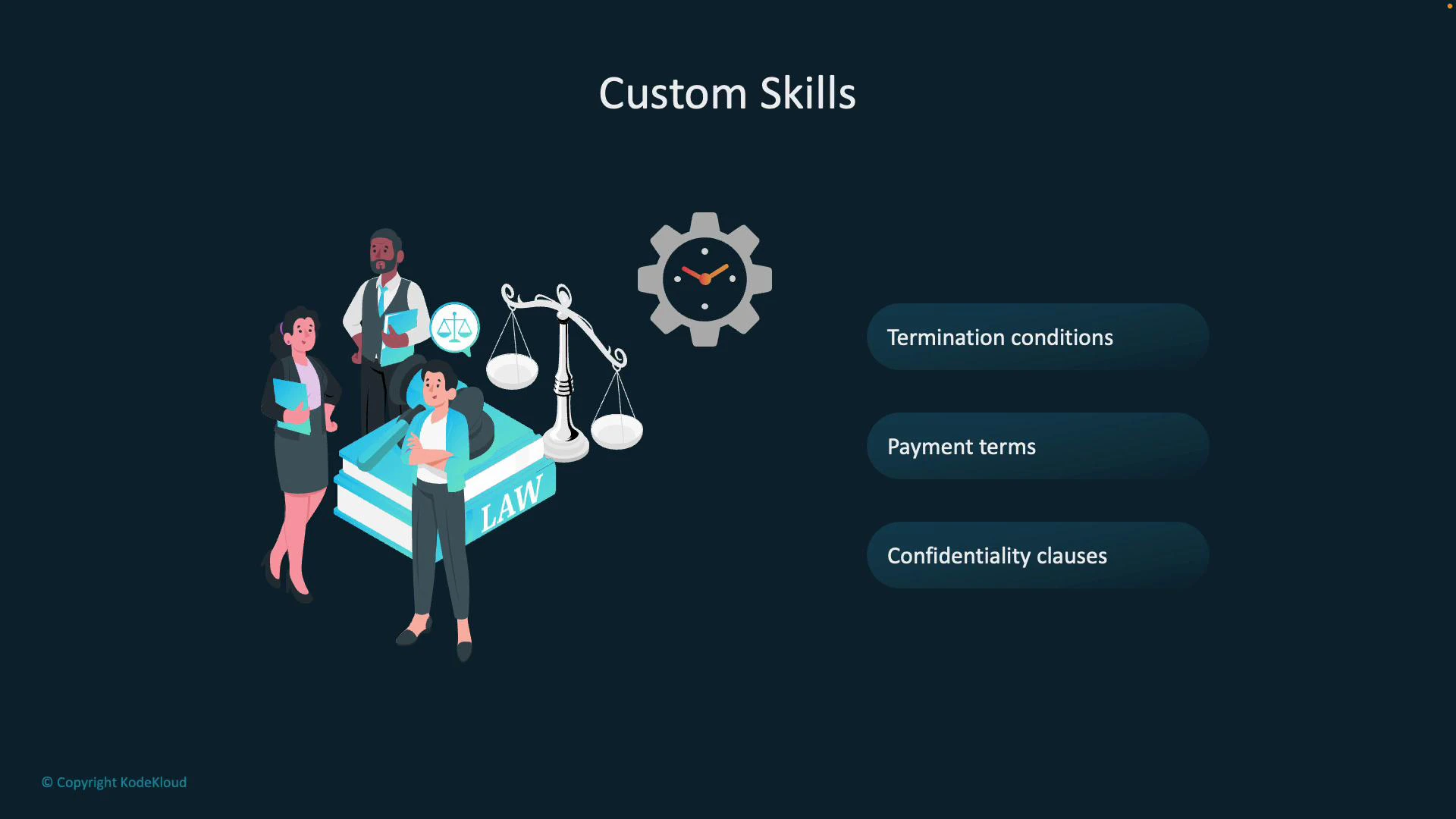
In this lesson we explore custom skills and how they extend Azure AI Search functionality. Custom skills let you enrich content in ways built-in cognitive skills cannot handle out of the box—especially when your scenario requires domain-specific extraction, labeling, or transformation. Imagine a law firm that receives thousands of contracts in mixed formats (PDFs, Word docs, scanned images). These files contain legal clauses—termination conditions, payment terms, confidentiality clauses—that must be extracted, labeled, and indexed for precise search. Ingesting the raw documents alone is not enough when you need proprietary logic, domain-specific tagging, or redaction. Built-in skills may miss those specifics, so the firm implements a custom skill (for example, hosted as an Azure Functions endpoint) to extract text, detect and label clauses, summarize key sections, and return enriched metadata to the search index.
A presentation slide titled "Custom Skills" with illustrated businesspeople standing by a large law book, scales of justice, and a gear/clock icon. To the right are three rounded list items: "Termination conditions," "Payment terms," and "Confidentiality clauses."
A typical custom-skill workflow for the firm:
  • Extract text and layout from incoming contracts (OCR for scanned pages).
  • Identify, label, and tag legal clauses (domain-specific classification).
  • Summarize or surface only the relevant parts and flag risky or sensitive content.
  • Return enriched fields and metadata so Azure AI Search can index the enhanced content.
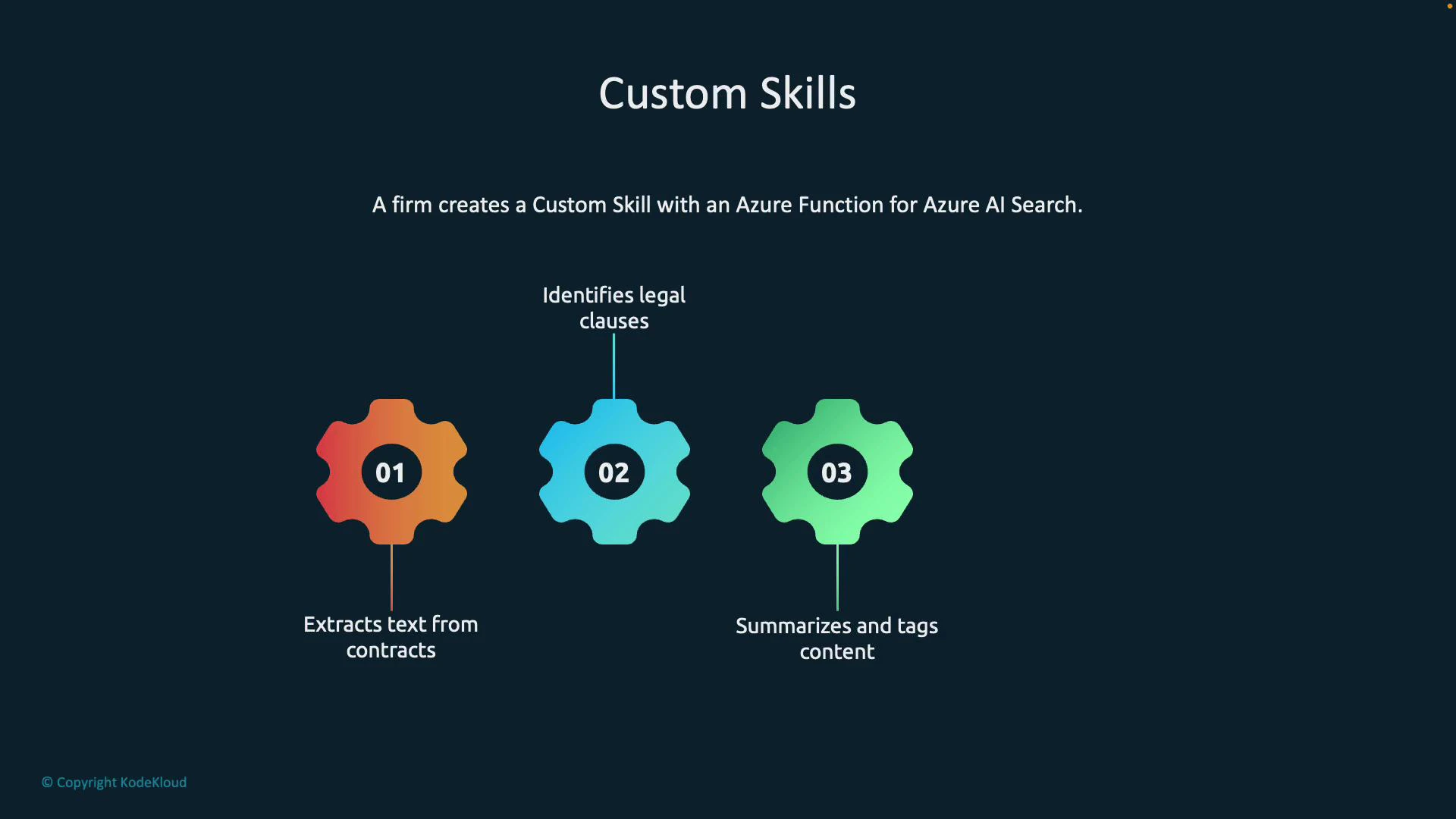
A slide titled "Custom Skills" on a dark background showing three colorful gear icons numbered 01–03. The gears list steps: 01 extracts text from contracts, 02 identifies legal clauses, and 03 summarizes and tags content, with a note about creating a custom skill using an Azure Function for Azure AI Search.
Common custom-skill use cases:
  • Enhanced document processing: Connect to Document Intelligence (formerly Form Recognizer) to extract structured data—tables, key-value pairs, and named fields—from unstructured PDFs and scanned forms (invoices, contracts, receipts).
  • Machine learning model integration: Call Azure Machine Learning or other hosted models to run sentiment analysis, domain-tuned classification, intent extraction, or entity linking.
  • Custom business logic and governance: Apply rules to tag high-risk clauses, redact personally identifiable information (PII), compute compliance scores, or run transformations before indexing.
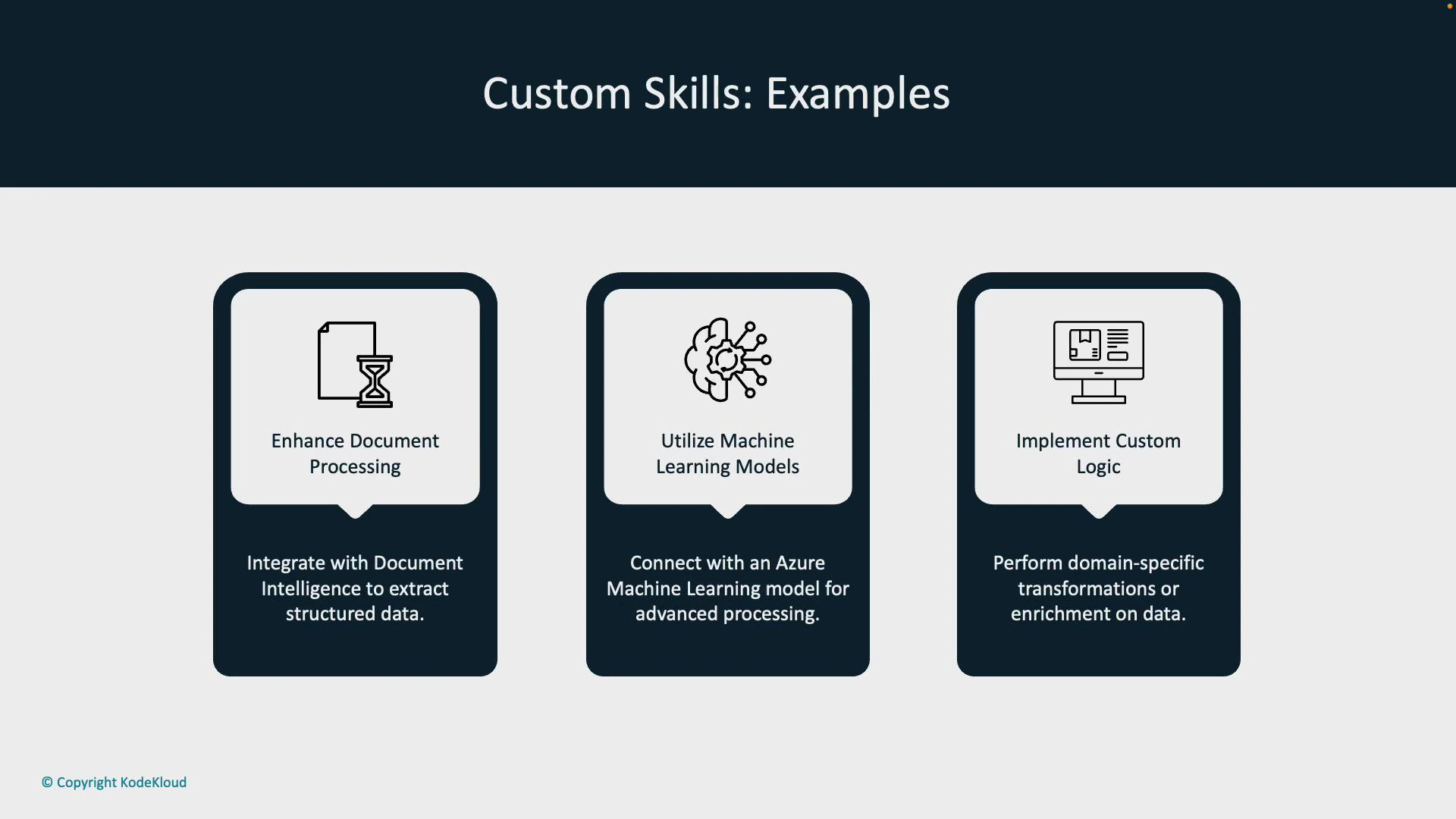
A presentation slide titled "Custom Skills: Examples" showing three panels: Enhance Document Processing, Utilize Machine Learning Models, and Implement Custom Logic, each with an icon. Each panel includes a short description about extracting structured data, connecting to Azure ML models, and performing domain-specific transformations.
Use cases at a glance:
Resource TypeTypical PurposeExample
Document IntelligenceExtract structured fields and tablesParse invoices, receipts, and contracts
Azure Machine LearningDomain-specific model scoringClassify clause types or risk levels
Custom API / Business LogicRule-based transformations, redactionTag high-risk clauses, redact PII
How custom skills work (high-level):
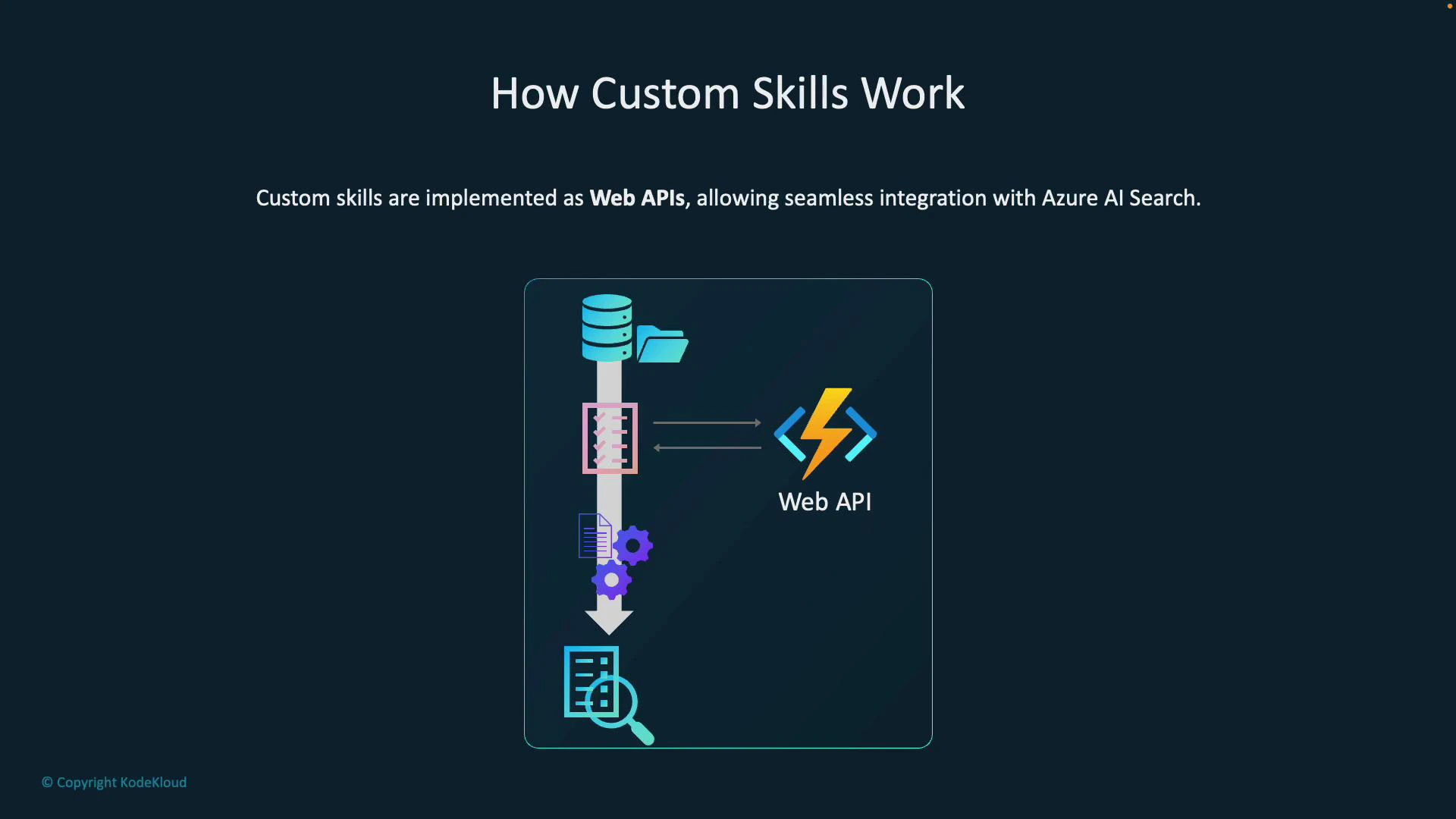
  • Implementation: Custom skills are web APIs (HTTP endpoints). Host them on Azure Functions, App Service, containers, or any HTTPS-accessible service.
  • Invocation: The Azure AI Search enrichment pipeline sends data to the custom skill via HTTP POST. The skill processes inputs and returns structured JSON that the pipeline consumes for further enrichment or indexing.
  • Contract: The skill receives a “values” array of records and must return a “values” array mapping recordIds to outputs so the pipeline can correlate results.
Custom skills follow a simple JSON contract: send a “values” array of input records and return a “values” array with matching recordIds and enriched outputs. Ensuring this schema is implemented correctly lets the enrichment pipeline map inputs to outputs reliably.
Example JSON contract (minimal):
{
  "values": [
    {
      "recordId": "1",
      "data": {
        "text": "Contract text or extracted OCR content"
      }
    }
  ]
}
Example response:
{
  "values": [
    {
      "recordId": "1",
      "data": {
        "clauses": [
          { "type": "termination", "text": "Termination clause text", "confidence": 0.95 }
        ],
        "summary": "Key obligations and termination terms."
      }
    }
  ]
}
The diagram below summarizes the end-to-end flow: the enrichment pipeline reads data from a source (storage account, database, etc.), sends relevant fields to your custom skill (web API), your logic executes (ML model calls, rule engines, OCR, etc.), and the enriched results are returned to Azure AI Search for indexing.
A slide titled "How Custom Skills Work" showing a diagram that explains custom skills are implemented as Web APIs to integrate with Azure AI Search. It illustrates data flowing from storage through processing components to a Web API (Azure Functions icon) and into a search/index result.
When built-in cognitive skills are insufficient for your domain, custom skills provide the extensibility to run domain-specific processing, call external ML models, and return the enriched fields needed to power advanced, accurate search experiences. Links and references:

Watch Video