Azure AI Search Azure AI Search is a cloud search-as-a-service that moves beyond literal keyword matching to understand user intent, synonyms, and context. For example, an e-commerce site that relies on exact keyword matching might never show “Bluetooth Earbuds” for a user searching “wireless headphones.” Azure AI Search closes that gap by extracting meaning, correcting typos, expanding synonyms, and applying semantic ranking to surface relevant results even when the query terms differ from document text. Why this matters
  • Exact-match dependency: Traditional keyword search misses items when query terms don’t appear verbatim in product titles or descriptions.
  • Typos and misspellings: Users often mistype (e.g., “shose” vs. “shoes”), leading to poor results.
  • Vocabulary differences: Different users choose different words for the same concept (e.g., “athletic shoes” vs. “running sneakers”).
Azure AI Search addresses these problems so queries like “lightweight running shoes” can surface breathable sneakers even when the exact phrase is not present. Key benefits and features Semantic search
  • Understands intent and contextual meaning rather than relying only on token frequency.
  • Uses semantic ranking to order results by relevance to the user’s intent.
Spell correction and synonyms
  • Provides spelling correction and suggestions.
  • Supports synonym maps so different terms map to the same concepts.
Personalized recommendations
  • Integrates with personalization services (for example, Azure Personalizer) and user behavior signals to surface relevant products and increase engagement and conversion.
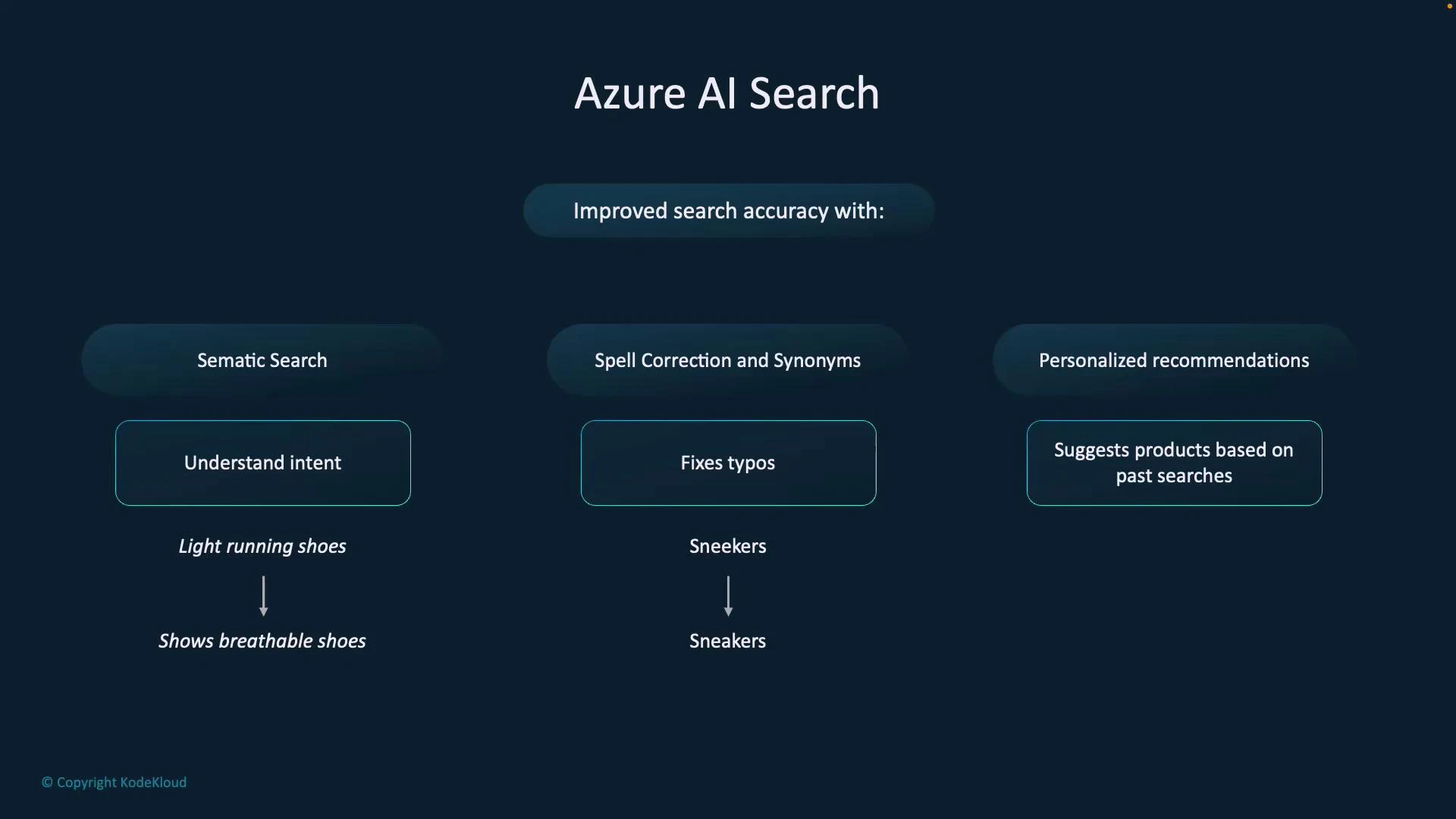
A presentation slide titled "Azure AI Search" showing three ways to improve search accuracy. It lists Semantic Search (understand intent), Spell Correction and Synonyms (fixes typos), and Personalized Recommendations (suggests products based on past searches).
Business outcomes Integrating Azure AI Search produces measurable improvements:
  • Higher conversions: Improved product discovery and relevance frequently yield double-digit uplifts depending on scenario and tuning.
  • Faster, more relevant results: Reduced search friction improves UX, engagement, and lowers abandonment.
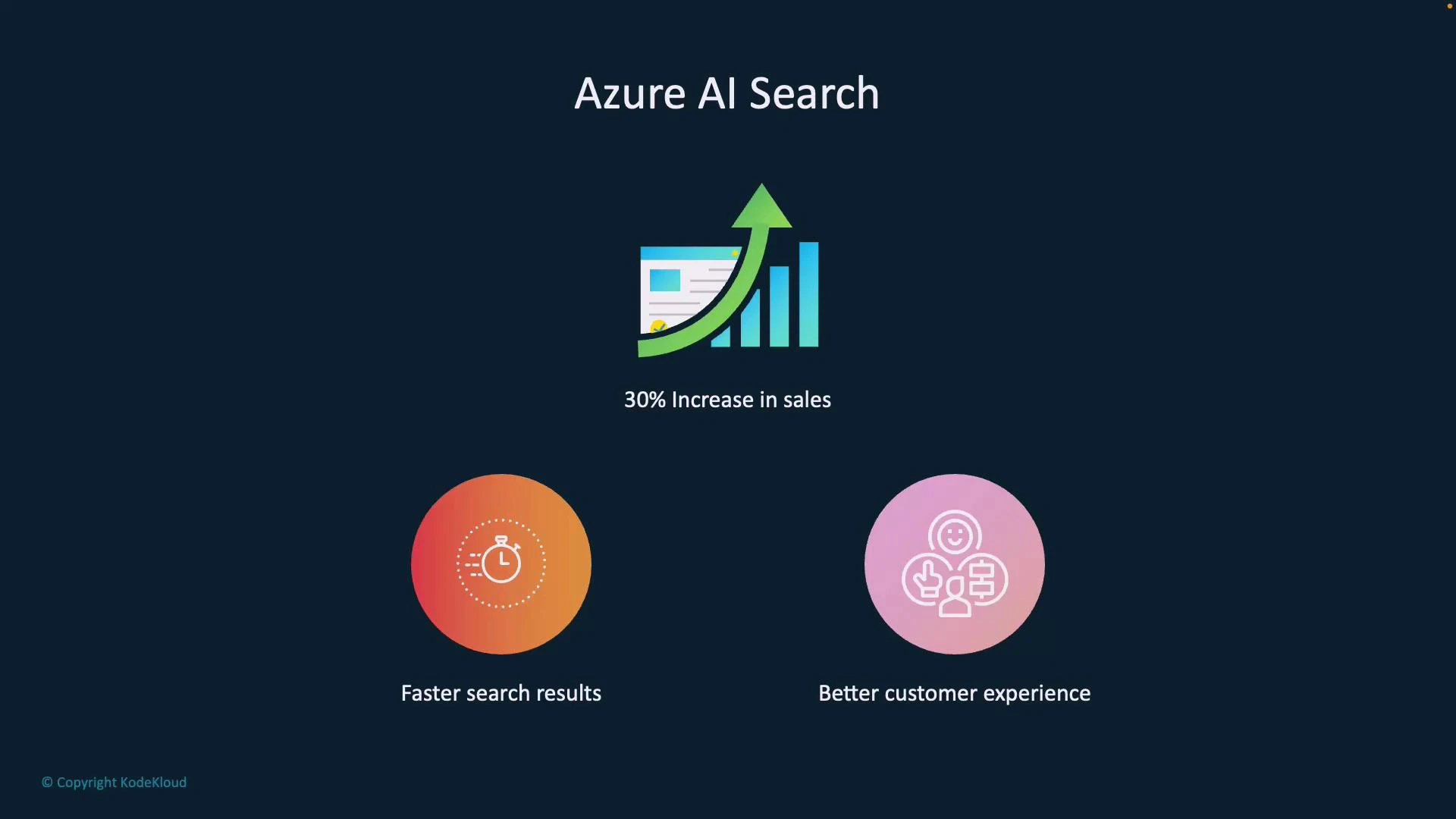
A slide titled "Azure AI Search" showing a rising bar chart with a green arrow and the caption "30% Increase in sales." Below are two circular icons labeled "Faster search results" and "Better customer experience" on a dark background.
Knowledge discovery and enrichment Azure AI Search is not just a query engine — it’s an intelligent pipeline that extracts and enriches data from diverse sources before indexing:
  • Ingest content from Azure Blob Storage, SQL databases, Cosmos DB, or flat JSON files.
  • Apply built-in or custom AI enrichments (cognitive skills) to extract key phrases, detect language, perform sentiment analysis, run OCR on images, and identify entities like people, places, and product attributes.
  • Persist enriched outputs in structured formats for downstream analytics, relevance tuning, or integration with other applications.
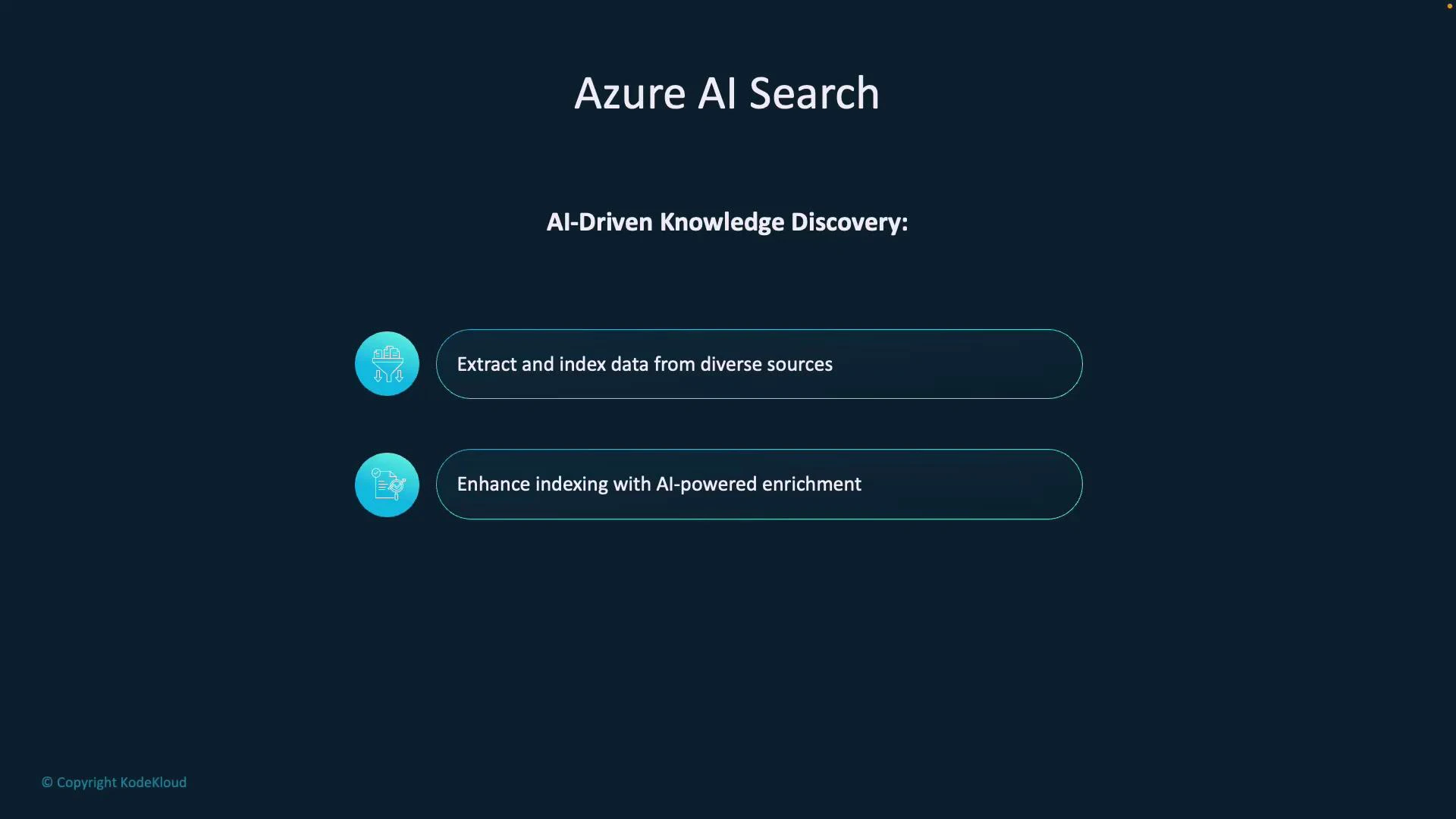
Use case example: Enrich product reviews with sentiment labels and extracted feature mentions (e.g., “battery life”, “noise cancellation”) to improve ranking and filtering for queries that target those features.
A dark-themed slide titled "Azure AI Search" that highlights AI-driven knowledge discovery. It lists two features: "Extract and index data from diverse sources" and "Enhance indexing with AI-powered enrichment," each shown with a circular icon.
Core solution architecture A typical Azure AI Search solution consists of three broad areas:
  • AI Search (core): Indexing and query engine that stores documents and serves search requests.
  • Azure AI Services / cognitive skills: Optional AI enrichments used during indexing to extract meaning from unstructured content.
  • Storage account: Persists intermediate and final artifacts (enriched documents, knowledge store outputs) for durability and reprocessing.
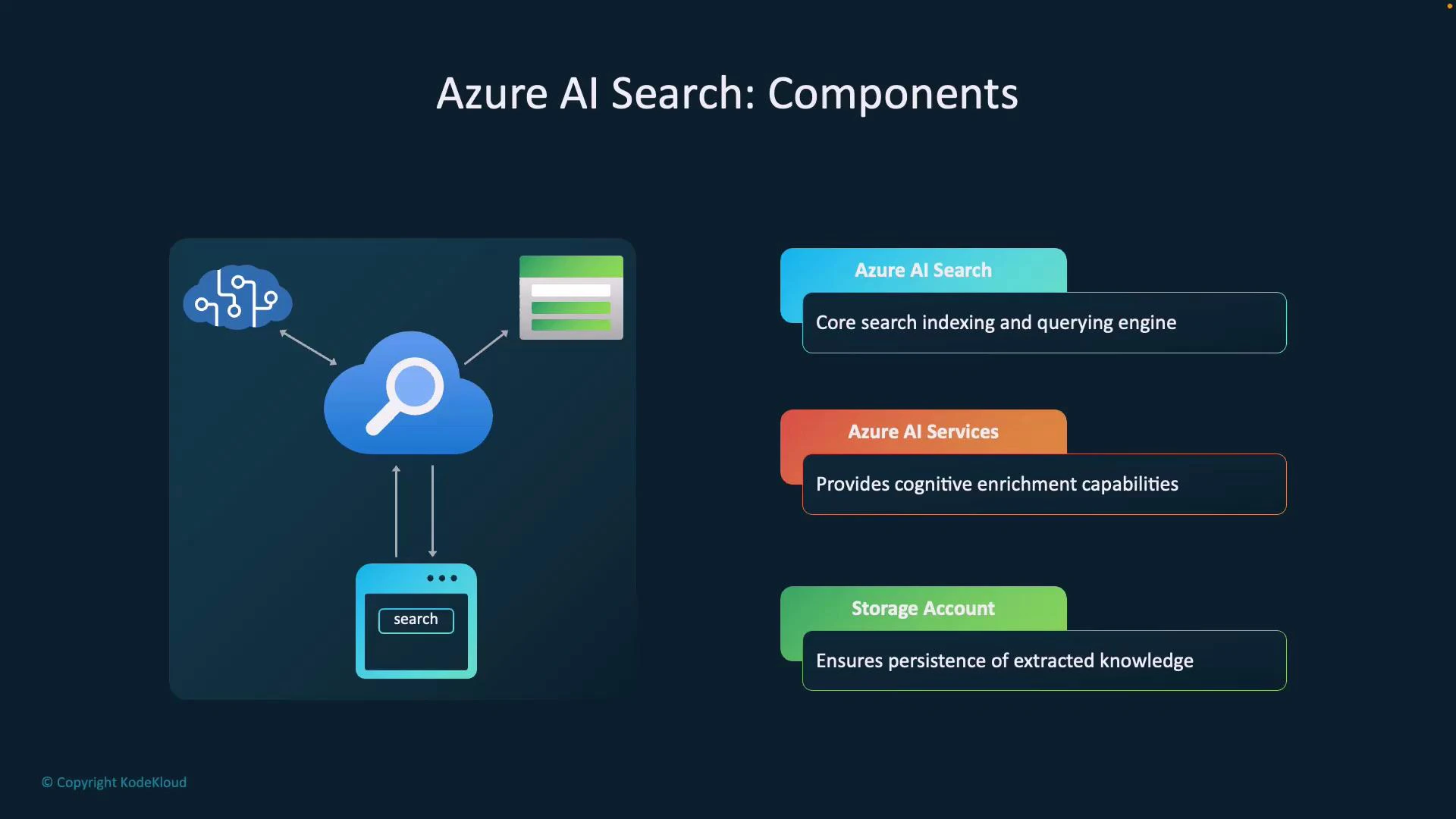
This layered architecture supports fast, relevant queries while enabling richer analysis of extracted knowledge.
A slide titled "Azure AI Search: Components" showing a cloud search icon connected to AI, data sources, and a client search interface. On the right are three components: Azure AI Search (core indexing/querying), Azure AI Services (cognitive enrichment), and Storage Account (persistence of extracted knowledge).
Four major indexing components When designing an AI Search pipeline, you will work with these core components:
  • Data source: Where raw content resides — Azure Blob Storage, Cosmos DB, SQL, or uploaded JSON. This is the indexing origin.
  • Skillset: A sequence of AI enrichments (built-in cognitive skills or custom skills) to extract entities, detect language, perform OCR, sentiment analysis, or other transformations.
  • Indexer: Orchestrates fetching data from the data source, applies the skillset, and writes enriched documents to the index. Indexers run on schedules, on demand, or can be event-driven (Event Grid, Azure Functions).
  • Index: The final searchable artifact — a structured collection of JSON documents with enriched and extracted fields.
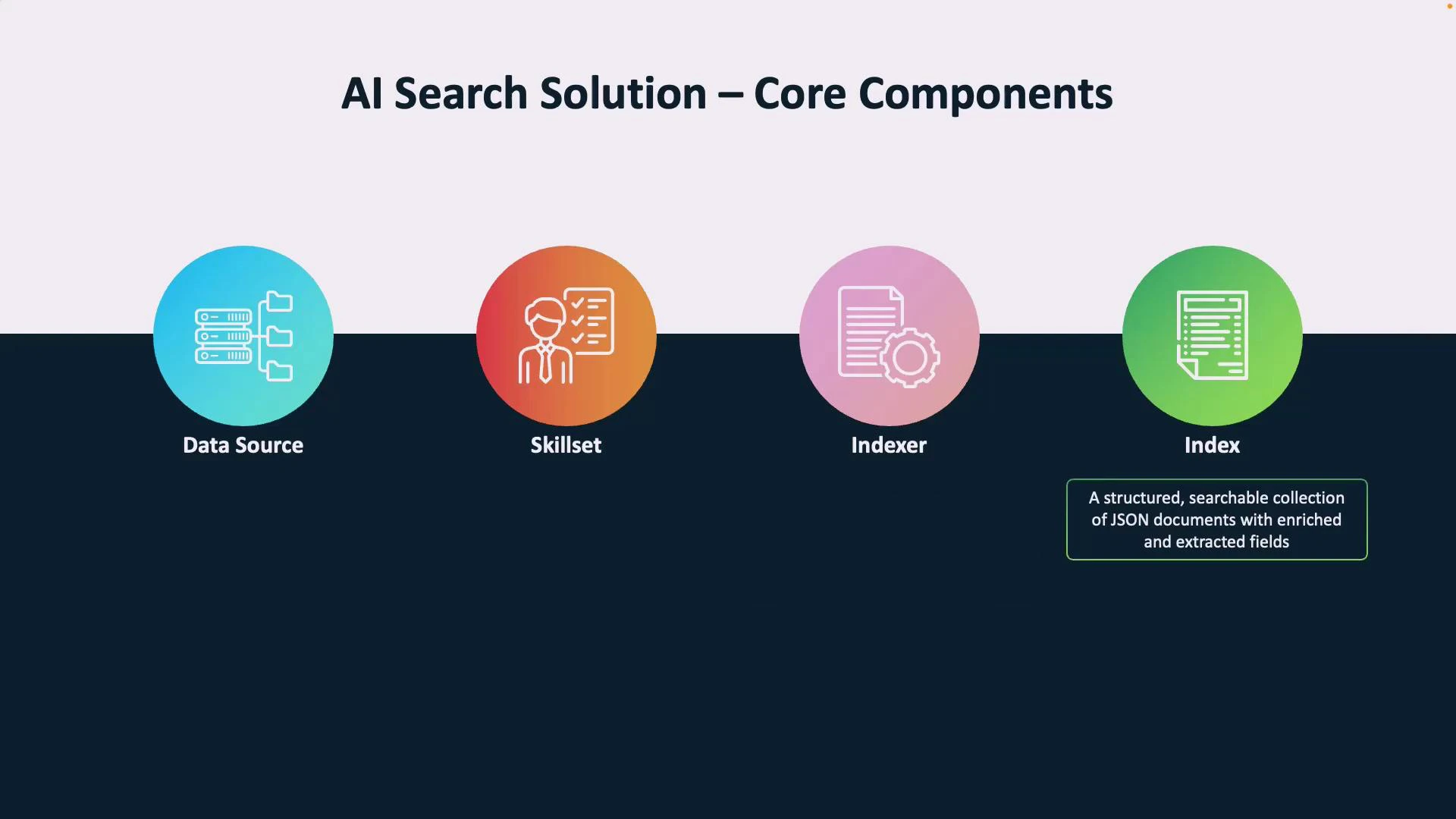
A slide titled "AI Search Solution – Core Components" showing four colored circular icons labeled Data Source, Skillset, Indexer, and Index. The Index icon has a caption noting it’s "a structured, searchable collection of JSON documents with enriched and extracted fields."
ComponentResponsibilityExample / Notes
Data sourceSource of raw content for indexingAzure Blob, Cosmos DB, Azure SQL, JSON files
SkillsetAI enrichments applied during indexingLanguage detection, OCR, entity extraction, sentiment
IndexerOrchestrates enrichment and indexingScheduled runs, event-driven triggers, on-demand runs
IndexSearchable, structured collection of documentsFields marked searchable, facetable, filterable, sortable
Design indexes with query patterns in mind: choose which fields are searchable, retrievable, facetable, filterable, and sortable to balance relevance and performance.
Putting it together: typical workflow
  1. Configure your data source (Blob, SQL, Cosmos DB, or JSON upload).
  2. Create a skillset to enrich content (built-in or custom cognitive skills).
  3. Point an indexer at the data source and attach the skillset.
  4. Optionally persist enriched artifacts to a knowledge store (Storage Account).
  5. Index the structured documents into an index.
  6. Query the index via the Search API using semantic ranking, filters, facets, and personalized signals.
This pipeline enables fast, relevant, and context-aware search experiences while preserving enriched knowledge for analytics and reuse. Links and references

Watch Video