This guide demonstrates the core text-analysis capabilities available in Azure AI Language Services. It covers language detection, key phrase extraction, sentiment analysis, named entity recognition (NER), entity linking, summarization, and PII detection — with REST-style JSON payload examples and concise Python SDK snippets that illustrate common usage patterns. Use these features to build multilingual, privacy-aware, and searchable applications that extract meaningful information from unstructured text.
Never hard-code secrets (endpoint, keys) in production code. Store credentials in environment variables or a secure secrets store and load them at runtime.
For local testing, put your Azure Language endpoint and key in environment variables (or a .env file) and load them at runtime. The samples below assume you already have those values available.

At-a-glance: capabilities and common SDK methods

CapabilityTypical use casePython SDK method (concise)
Language detectionIdentify language and confidence scoreclient.detect_language(…)
Key phrase extractionDiscover important topics for indexing or summarizationclient.extract_key_phrases(…)
Sentiment analysisClassify text sentiment at document and sentence levelclient.analyze_sentiment(…)
Named entity recognition (NER)Extract people, organizations, locations, dates, emails, etc.client.recognize_entities(…)
Entity linkingResolve entities to external sources (e.g., Wikipedia)client.recognize_linked_entities(…)
SummarizationGenerate extractive or abstractive summariesCheck SDK docs — some methods are long-running
PII detection & redactionDetect and optionally redact sensitive personal dataclient.recognize_pii_entities(…)
For full API reference and details about model versions, see the Azure AI Language Service documentation: https://learn.microsoft.com/azure/cognitive-services/language-service/

Language detection

Detects the language of a text and returns a confidence score. It supports automatic detection across many scripts (Latin, Arabic, Chinese, etc.). You can optionally provide a country hint to influence detection, but it is not required.
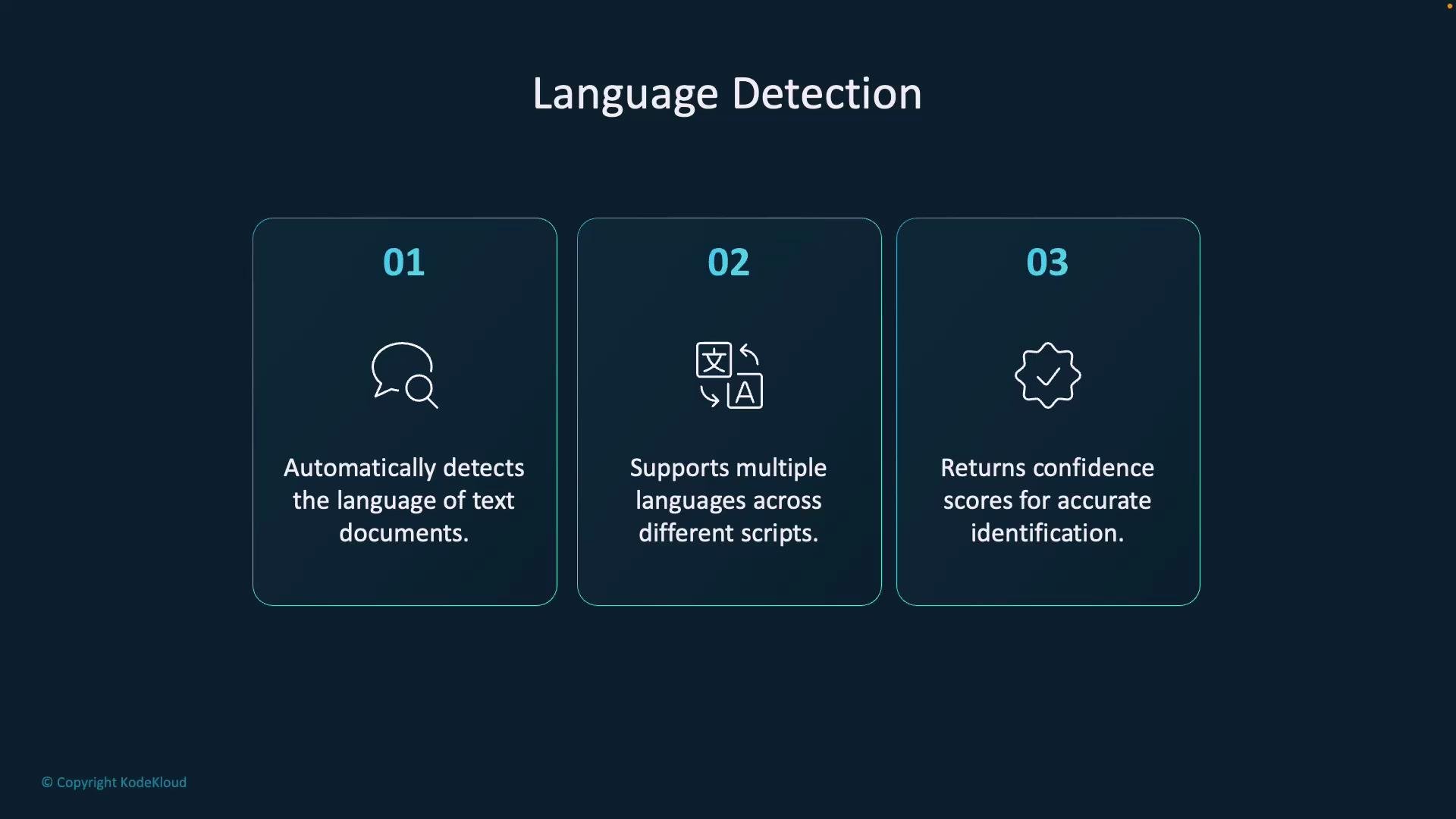
A dark-themed slide titled "Language Detection" with three numbered panels that list features: automatic language detection, support for multiple scripts, and returning confidence scores. Each panel includes a small icon and brief explanatory text.
Example request payload (REST-style):
{
  "documents": [
    {
      "id": "1",
      "countryHint": "Spain",
      "text": "Hola, ¿cómo estás?"
    },
    {
      "id": "2",
      "text": "Guten Morgen, wie geht es Ihnen?"
    }
  ]
}
Illustrative response structure:
{
  "documents": [
    {
      "id": "1",
      "detectedLanguage": {
        "name": "Spanish",
        "iso6391Name": "es",
        "confidenceScore": 0.99
      }
    },
    {
      "id": "2",
      "detectedLanguage": {
        "name": "German",
        "iso6391Name": "de",
        "confidenceScore": 0.98
      }
    }
  ]
}
Python SDK example — detects primary language and prints confidence:
import json
from azure.ai.textanalytics import TextAnalyticsClient
from azure.core.credentials import AzureKeyCredential

endpoint = "https://<your-resource>.cognitiveservices.azure.com/"
key = "<your-key>"

input_texts = [
    "Bonjour tout le monde, je suis ravi de vous rencontrer.",
    "Hola, ¿cómo estás?",
    "مرحبا، كيف حالك؟"
]

credential = AzureKeyCredential(key)
client = TextAnalyticsClient(endpoint=endpoint, credential=credential)

response = client.detect_language(documents=input_texts)

for idx, doc in enumerate(response):
    if not doc.is_error:
        lang = doc.primary_language
        print(f"Text: {input_texts[idx]}")
        print(f"Detected Language: {lang.name} (ISO: {lang.iso6391_name}, Confidence: {lang.confidence_score:.2f})\n")
    else:
        print(f"Error detecting language for doc {idx + 1}: {doc.error}")

Key phrase extraction

Extracts prominent words and short phrases (topics) from text. This is helpful for search indexing, content tagging, and summarization—best applied to longer passages.
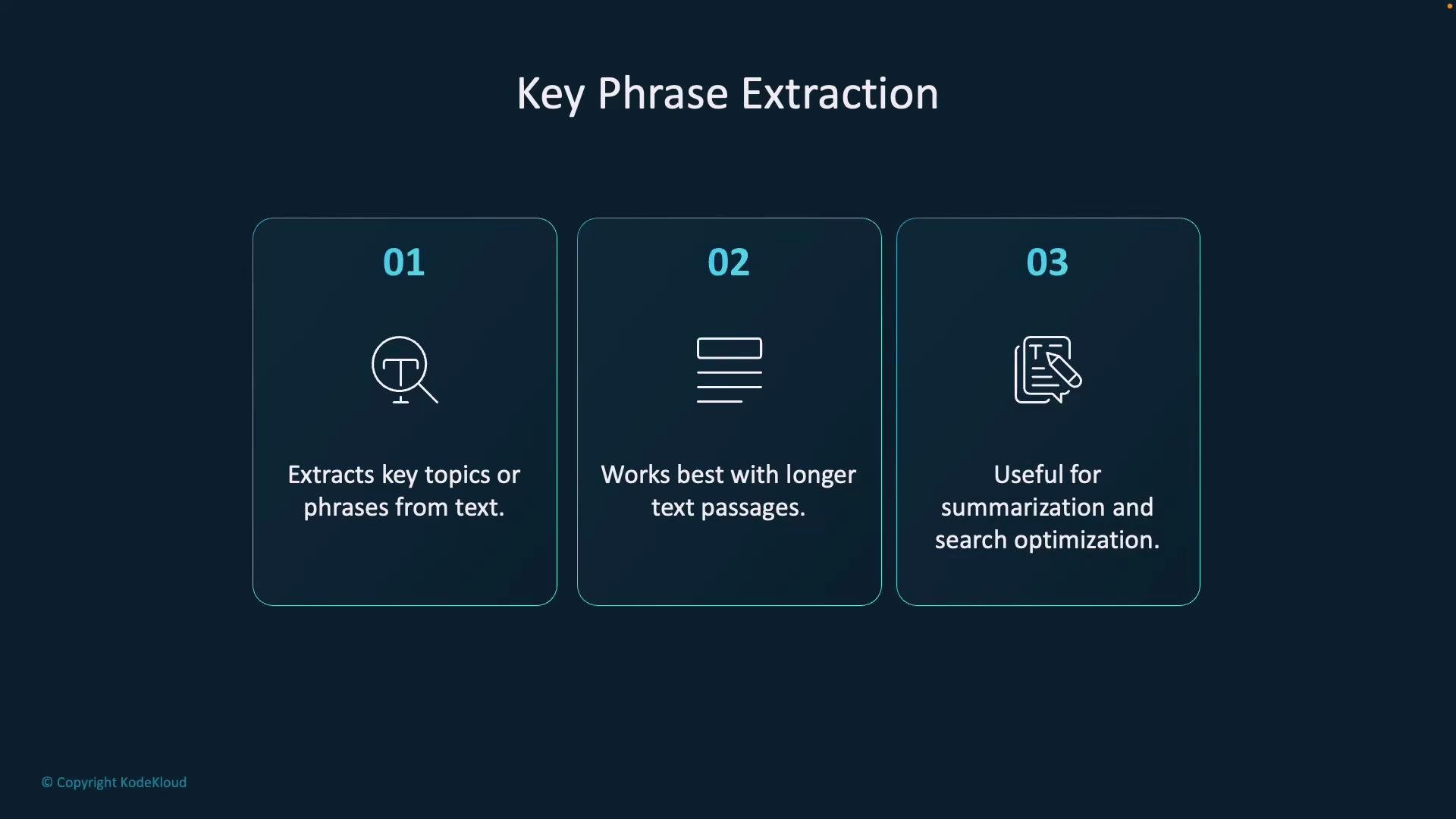
A dark-themed slide titled "Key Phrase Extraction" with three numbered panels. The panels note: 01 Extracts key topics or phrases from text; 02 Works best with longer text passages; 03 Useful for summarization and search optimization.
Request payload example:
{
  "documents": [
    {
      "id": "1",
      "language": "en",
      "text": "Artificial intelligence is transforming industries with automation and analytics."
    },
    {
      "id": "2",
      "language": "en",
      "text": "Climate change is a critical issue that affects global economies and ecosystems."
    }
  ]
}
Illustrative response:
{
  "documents": [
    {
      "id": "1",
      "keyPhrases": [
        "Artificial intelligence",
        "automation",
        "analytics"
      ]
    },
    {
      "id": "2",
      "keyPhrases": [
        "Climate change",
        "global economies",
        "ecosystems"
      ]
    }
  ]
}
Python SDK example — extract key phrases from a single long document:
from azure.ai.textanalytics import TextAnalyticsClient
from azure.core.credentials import AzureKeyCredential

endpoint = "https://<your-resource>.cognitiveservices.azure.com/"
key = "<your-key>"

documents = [
    "Golden retrievers are one of the most popular dog breeds, known for their friendly, intelligent, and devoted nature. They are excellent family pets and are often used as guide dogs, therapy dogs, and in search-and-rescue operations due to their trainability and gentle temperament."
]

client = TextAnalyticsClient(endpoint=endpoint, credential=AzureKeyCredential(key))
response = client.extract_key_phrases(documents=documents)

for idx, doc in enumerate(response):
    print(f"\nText: {documents[idx]}")
    if not doc.is_error:
        print("\nKey Phrases:")
        for phrase in doc.key_phrases:
            print(f" - {phrase}")
    else:
        print(f"Document error: {doc.error}")

Sentiment analysis

Classifies documents (and sentences) as positive, neutral, negative, or mixed and returns confidence scores. Useful for product feedback, social-media analysis, and customer support automation.
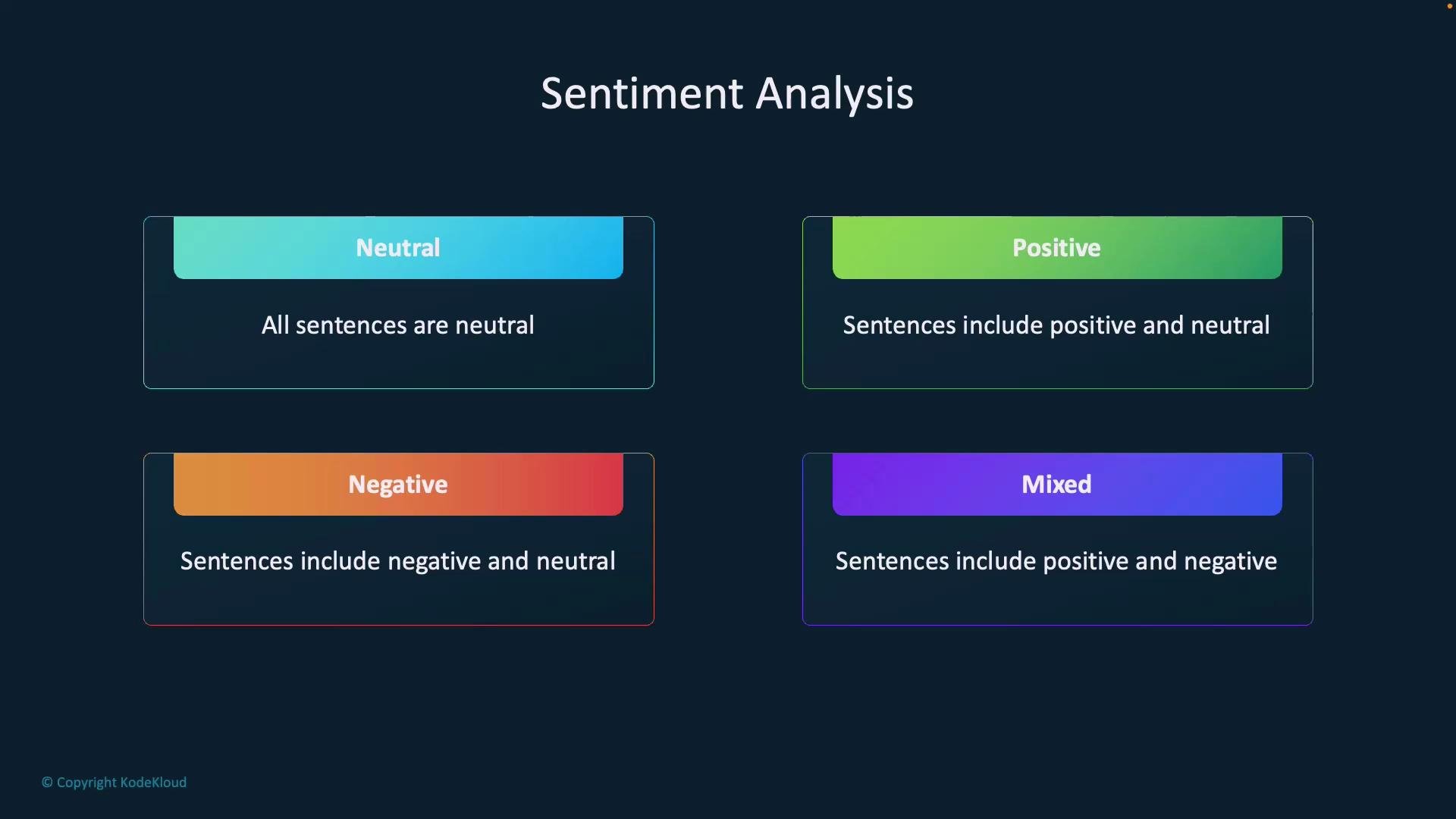
A dark-themed slide titled "Sentiment Analysis" showing four colored boxes labeled Neutral, Positive, Negative, and Mixed. Each box has a short description explaining which sentence sentiments (neutral, positive, negative, or combinations) it represents.
Request example:
{
  "documents": [
    {
      "id": "1",
      "language": "en",
      "text": "I love the new design! However, the app crashes frequently, which is frustrating."
    }
  ]
}
Illustrative response structure — shows document sentiment, sentence-level labels, and confidence scores:
{
  "documents": [
    {
      "id": "1",
      "sentiment": "mixed",
      "confidenceScores": {
        "positive": 0.65,
        "neutral": 0.10,
        "negative": 0.25
      },
      "sentences": [
        {
          "text": "I love the new design!",
          "sentiment": "positive",
          "confidenceScores": { "positive": 0.98, "neutral": 0.01, "negative": 0.01 },
          "offset": 0,
          "length": 24
        },
        {
          "text": "However, the app crashes frequently, which is frustrating.",
          "sentiment": "negative",
          "confidenceScores": { "positive": 0.05, "neutral": 0.10, "negative": 0.85 },
          "offset": 26,
          "length": 59
        }
      ]
    }
  ]
}
Python SDK example — analyze sentiment with confidence scores:
from azure.ai.textanalytics import TextAnalyticsClient
from azure.core.credentials import AzureKeyCredential

endpoint = "https://<your-resource>.cognitiveservices.azure.com/"
key = "<your-key>"

documents = [
    "Golden retriever puppies are the cutest."
]

client = TextAnalyticsClient(endpoint=endpoint, credential=AzureKeyCredential(key))
response = client.analyze_sentiment(documents=documents)

for idx, doc in enumerate(response):
    if not doc.is_error:
        print(f"\nText: {documents[idx]}")
        print(f"Sentiment: {doc.sentiment}")
        scores = doc.confidence_scores
        print(f"Confidence Scores: Positive={scores.positive:.2f}, Neutral={scores.neutral:.2f}, Negative={scores.negative:.2f}")
    else:
        print(f"Error analyzing document {idx + 1}: {doc.error}")

Named entity recognition (NER)

NER extracts entities such as people, organizations, locations, datetimes, addresses, emails, and URLs from text. Use this to populate structured metadata, build knowledge graphs, or enhance search relevance.
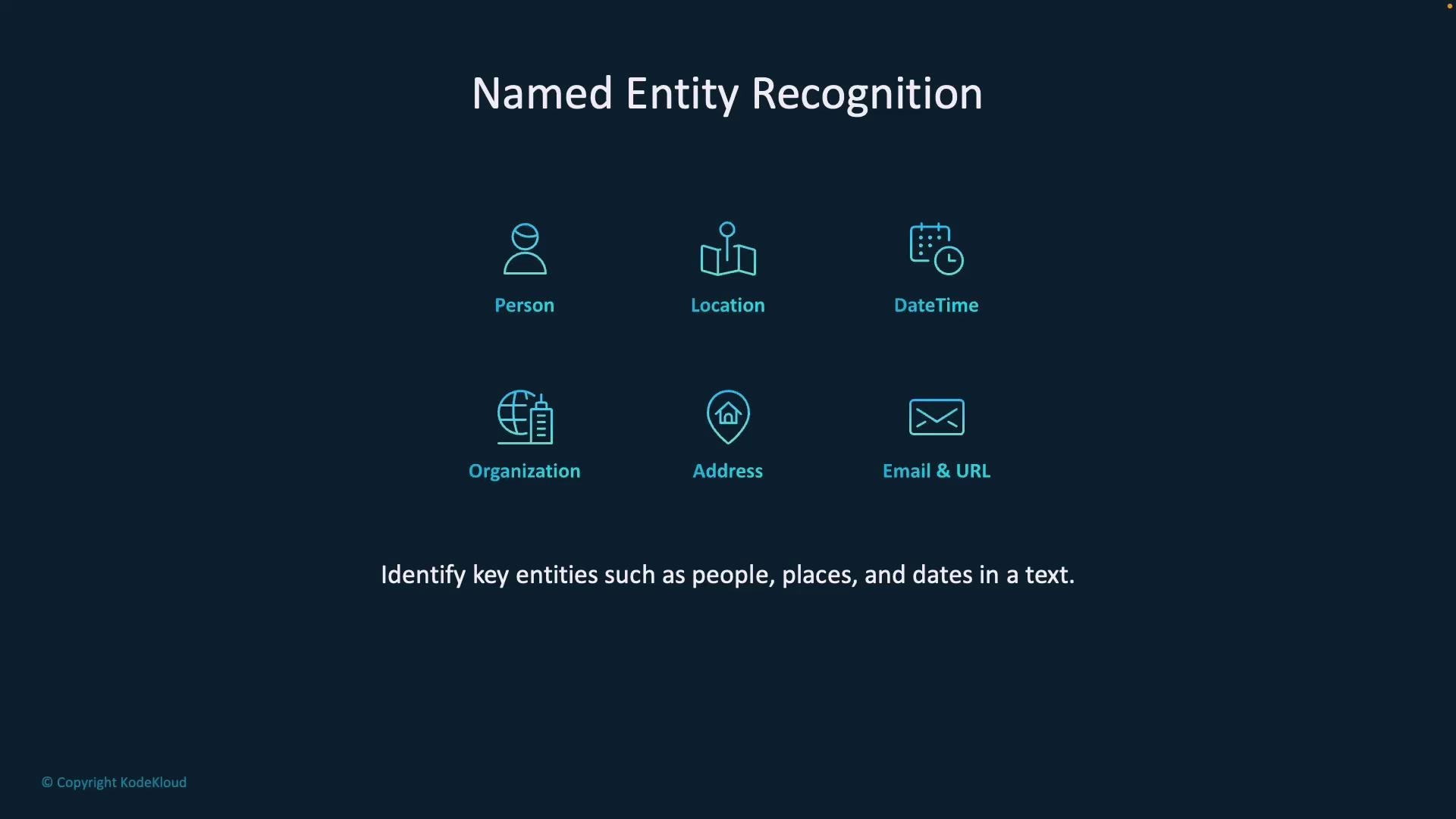
A dark presentation slide titled "Named Entity Recognition" displays six turquoise icons labeled Person, Location, DateTime, Organization, Address, and Email & URL. A caption below reads "Identify key entities such as people, places, and dates in a text" with a small "© Copyright KodeKloud" in the corner.
Request example:
{
  "documents": [
    {
      "id": "1",
      "language": "en",
      "text": "Elon Musk announced a new Tesla model in California last Friday."
    }
  ]
}
Illustrative response:
{
  "documents": [
    {
      "id": "1",
      "entities": [
        { "text": "Elon Musk", "category": "Person", "confidenceScore": 0.99 },
        { "text": "Tesla", "category": "Organization", "confidenceScore": 0.98 },
        { "text": "California", "category": "Location", "confidenceScore": 0.97 },
        { "text": "last Friday", "category": "DateTime", "confidenceScore": 0.95 }
      ]
    }
  ]
}
Python SDK example — recognize and list named entities:
from azure.ai.textanalytics import TextAnalyticsClient
from azure.core.credentials import AzureKeyCredential

endpoint = "https://<your-resource>.cognitiveservices.azure.com/"
key = "<your-key>"

documents = [
    "The capital of United States is Washington, D.C."
]

client = TextAnalyticsClient(endpoint=endpoint, credential=AzureKeyCredential(key))
response = client.recognize_entities(documents=documents)

for idx, doc in enumerate(response):
    print(f"\nText: {documents[idx]}")
    if not doc.is_error:
        print("\nNamed Entities:")
        for entity in doc.entities:
            print(f"- {entity.text} ({entity.category}, Confidence: {entity.confidence_score:.2f})")
    else:
        print(f"Error: {doc.error}")

Entity linking

Entity linking (or entity resolution) maps recognized mentions to entries in an external knowledge base (for example, Wikipedia). This disambiguates mentions such as “Paris” (city) vs “Paris” (person) and provides authoritative metadata (IDs and URLs).
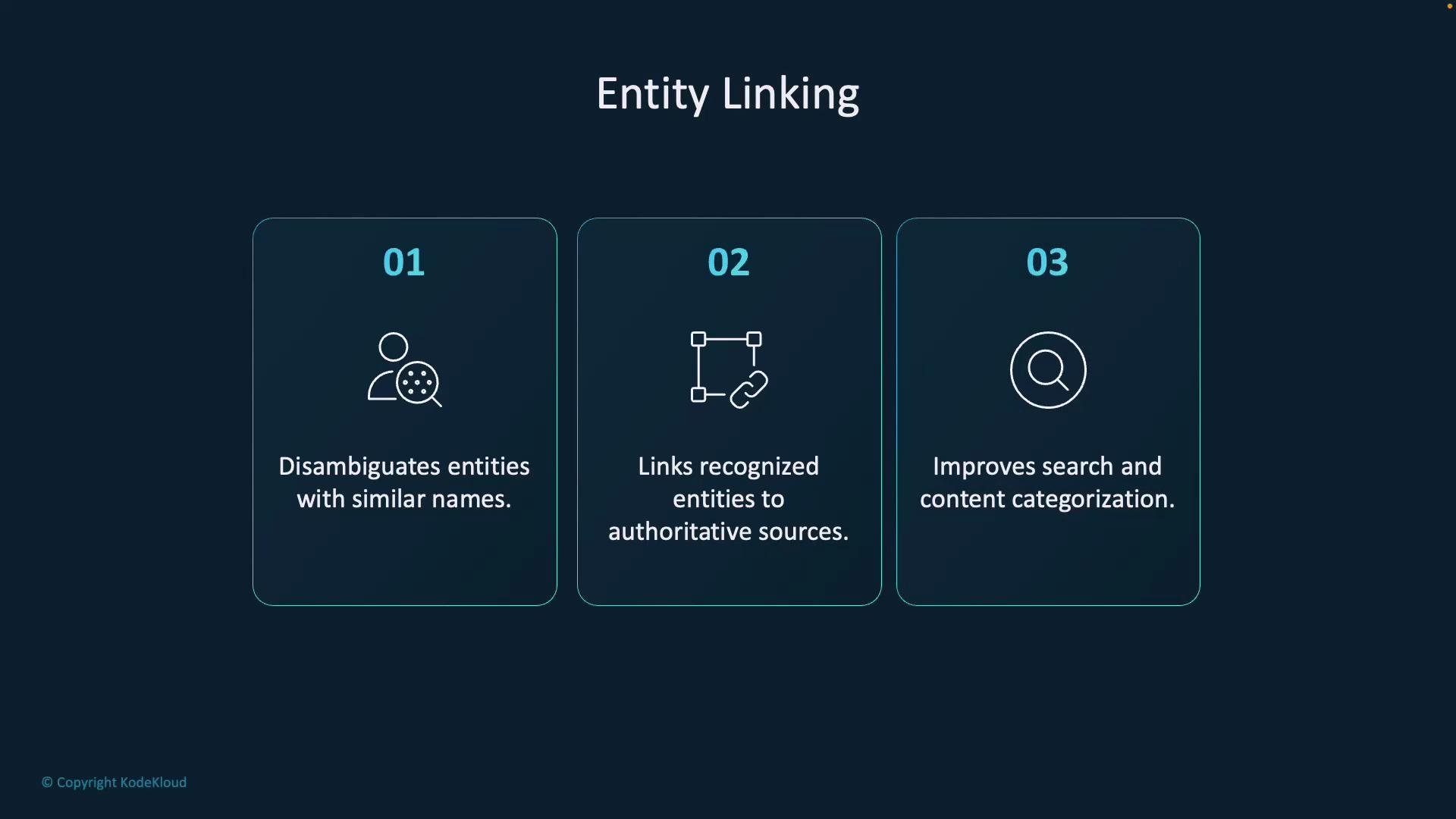
A presentation slide titled "Entity Linking" with three numbered panels summarizing benefits: disambiguates similar names, links entities to authoritative sources, and improves search and content categorization.
Request example:
{
  "documents": [
    {
      "id": "1",
      "language": "en",
      "text": "Apple launched a new iPhone."
    }
  ]
}
Illustrative response (entity link output):
{
  "documents": [
    {
      "id": "1",
      "entities": [
        {
          "name": "Apple",
          "matches": [{"text": "Apple", "offset": 0, "length": 5, "confidenceScore": 0.95}],
          "id": "a1b2c3d4",
          "wikipediaUrl": "https://en.wikipedia.org/wiki/Apple_Inc.",
          "dataSource": "Wikipedia"
        },
        {
          "name": "iPhone",
          "matches": [{"text": "iPhone", "offset": 26, "length": 6, "confidenceScore": 0.97}],
          "id": "x9y8z7w6",
          "wikipediaUrl": "https://en.wikipedia.org/wiki/IPhone",
          "dataSource": "Wikipedia"
        }
      ]
    }
  ]
}
Python SDK example — resolve mentions to knowledge sources:
from azure.ai.textanalytics import TextAnalyticsClient
from azure.core.credentials import AzureKeyCredential

endpoint = "https://<your-resource>.cognitiveservices.azure.com/"
key = "<your-key>"

documents = [
    "Eiffel tower is located in Paris."
]

client = TextAnalyticsClient(endpoint=endpoint, credential=AzureKeyCredential(key))
response = client.recognize_linked_entities(documents=documents)

for idx, doc in enumerate(response):
    print(f"\nText: {documents[idx]}")
    if not doc.is_error:
        print("\nLinked Entities:")
        for entity in doc.entities:
            print(f"- Name: {entity.name}")
            print(f"  ID: {entity.data_source_entity_id}")
            print(f"  URL: {entity.url}")
            print(f"  Source: {entity.data_source}")
            for match in entity.matches:
                print(f"    > '{match.text}' (Confidence: {match.confidence_score:.2f})")
    else:
        print(f"Error: {doc.error}")

Summarization

Summarization creates concise representations of long documents. You can choose:
  • Extractive summarization — select the most important sentences verbatim.
  • Abstractive summarization — generate a rewritten, shorter summary.
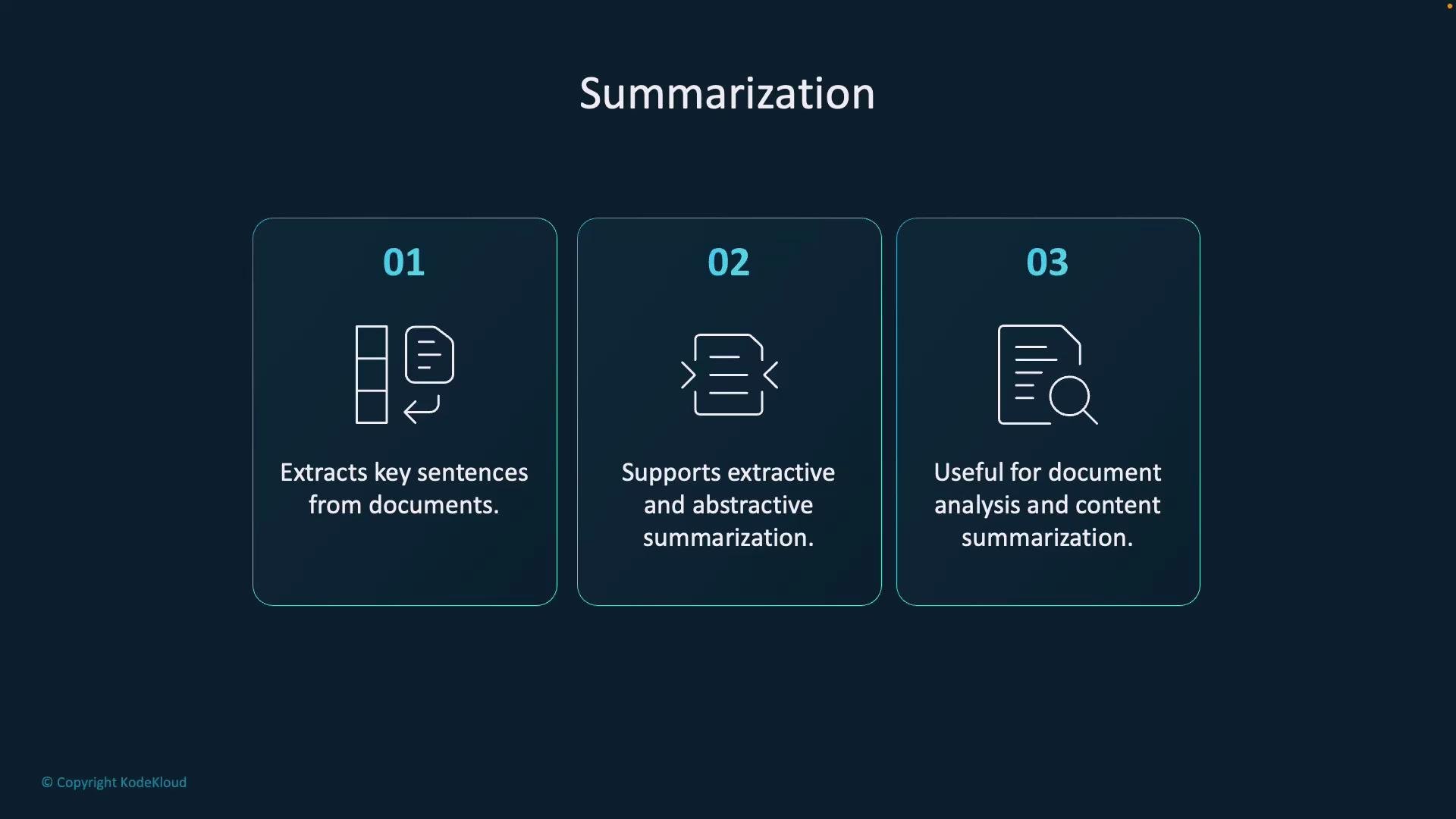
Summarization is useful for overviews of documents, slide decks, and long reports. Implementation details vary by SDK version and whether the operation is long-running (poller-based). Consult the Azure docs for the exact method name and behavior in your installed package.
A dark-themed slide titled "Summarization" showing three numbered panels with icons. The panels list: extracting key sentences from documents, supporting extractive and abstractive summarization, and usefulness for document analysis and content summarization.
Input example:
{
  "documents": [
    {
      "id": "1",
      "language": "en",
      "text": "Artificial intelligence is shaping the future. AI helps in automation, decision-making and improving efficiency in various industries."
    }
  ]
}
Illustrative extractive summary output:
{
  "documents": [
    {
      "id": "1",
      "sentences": [
        {
          "text": "Artificial intelligence is shaping the future.",
          "rankScore": 0.80
        },
        {
          "text": "AI helps in automation, decision-making, and improving efficiency in various industries.",
          "rankScore": 0.75
        }
      ]
    }
  ]
}

Personally Identifiable Information (PII) detection and redaction

PII detection identifies sensitive data such as names, phone numbers, emails, and Social Security numbers. After detection you can redact or mask values to help meet privacy and compliance requirements (for example, GDPR or HIPAA).
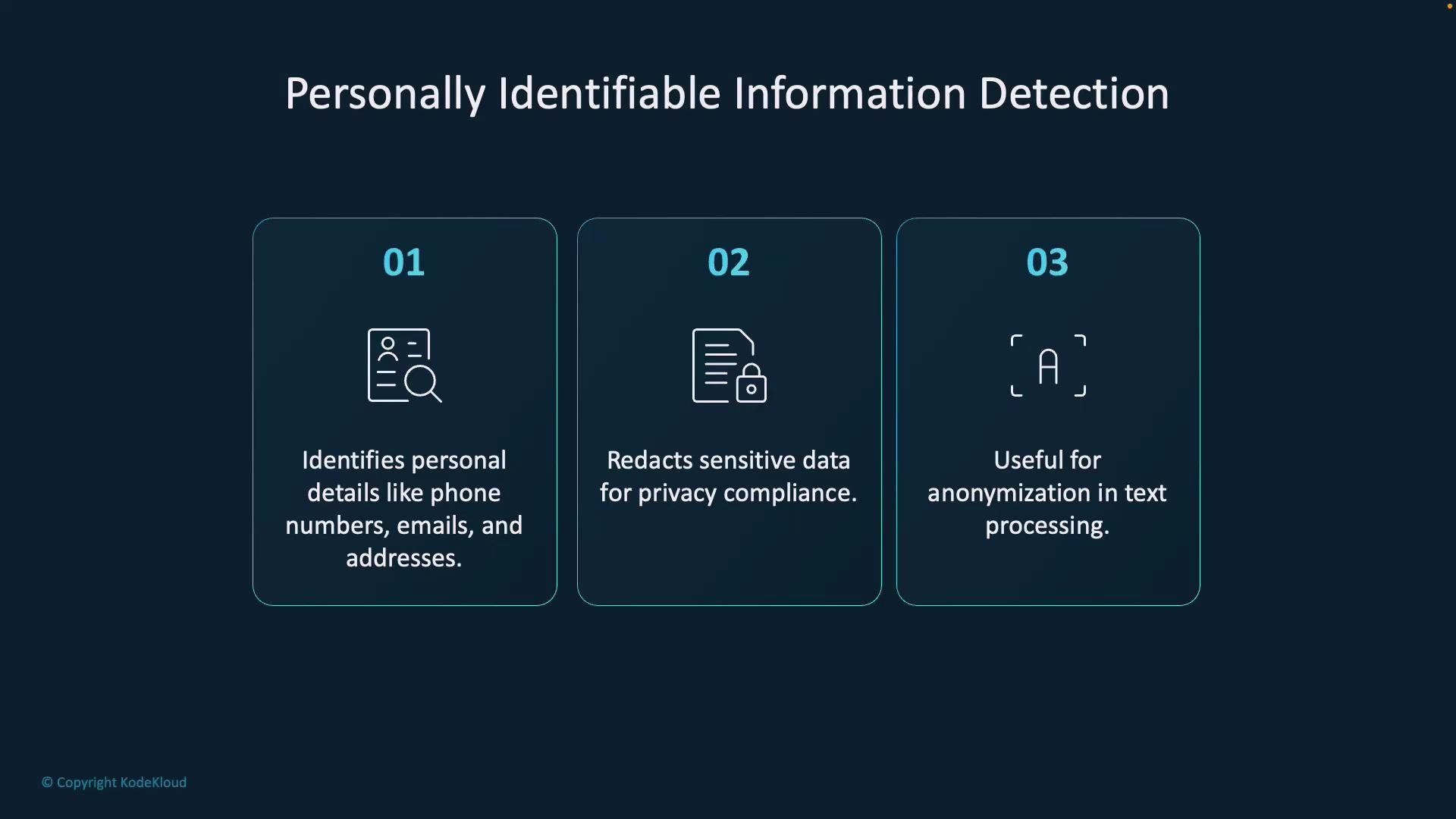
A presentation slide titled "Personally Identifiable Information Detection" with three numbered feature boxes. It says the system identifies personal details like phone numbers, emails and addresses, redacts sensitive data for privacy compliance, and helps anonymize text.
Request example:
{
  "documents": [
    {
      "id": "1",
      "language": "en",
      "text": "Contact me at john.doe@email.com or call me at +1-555-123-4567."
    }
  ]
}
Illustrative redacted output:
{
  "documents": [
    {
      "id": "1",
      "redactedText": "Contact me at *************** or call me at ***************.",
      "entities": [
        { "text": "john.doe@email.com", "category": "Email", "confidenceScore": 0.99 },
        { "text": "+1-555-123-4567", "category": "PhoneNumber", "confidenceScore": 0.98 }
      ]
    }
  ]
}
Python SDK example — detect PII entities:
from azure.ai.textanalytics import TextAnalyticsClient
from azure.core.credentials import AzureKeyCredential

endpoint = "https://<your-resource>.cognitiveservices.azure.com/"
key = "<your-key>"

documents = [
    "My name is John Doe, and my phone number is (555) 123-4567. My SSN is 123-45-6789."
]

client = TextAnalyticsClient(endpoint=endpoint, credential=AzureKeyCredential(key))
response = client.recognize_pii_entities(documents=documents)

for idx, doc in enumerate(response):
    print(f"\nText: {documents[idx]}")
    if not doc.is_error:
        print("\nDetected PII Entities:")
        for entity in doc.entities:
            print(f" - {entity.text} ({entity.category}, Confidence: {entity.confidence_score:.2f})")
    else:
        print(f"Error: {doc.error}")
For legal or compliance-sensitive scenarios, combine detection with secure redaction and follow organizational privacy controls.

Example: single Flask app that runs multiple analyses

You can combine multiple analyses in a single application, keeping each call focused and handling errors per document. The example below shows how to load credentials, initialize a client, and call several analyzers (language, key phrases, sentiment, NER, entity linking, and PII) from a Flask route. This compact pattern is suitable for demos and small apps — for production, add proper error handling, rate limiting, and secrets management.
import os
from flask import Flask, request, render_template
from azure.ai.textanalytics import TextAnalyticsClient
from azure.core.credentials import AzureKeyCredential
from dotenv import load_dotenv

# Load Azure credentials from environment
load_dotenv()
endpoint = os.getenv("AZURE_LANGUAGE_ENDPOINT")
key = os.getenv("AZURE_LANGUAGE_KEY")

# Initialize client
client = TextAnalyticsClient(endpoint=endpoint, credential=AzureKeyCredential(key))
app = Flask(__name__)

@app.route("/", methods=["GET", "POST"])
def index():
    result = {}
    text = ""
    if request.method == "POST":
        text = request.form.get("text", "")
        if text:
            # Example: run language detection
            lang_resp = client.detect_language(documents=[text])
            if not lang_resp[0].is_error:
                result["language"] = {
                    "name": lang_resp[0].primary_language.name,
                    "iso": lang_resp[0].primary_language.iso6391_name,
                    "confidence": lang_resp[0].primary_language.confidence_score
                }

            # Key phrases
            kp_resp = client.extract_key_phrases(documents=[text])
            if not kp_resp[0].is_error:
                result["key_phrases"] = kp_resp[0].key_phrases

            # Sentiment
            s_resp = client.analyze_sentiment(documents=[text])
            if not s_resp[0].is_error:
                cs = s_resp[0].confidence_scores
                result["sentiment"] = {
                    "label": s_resp[0].sentiment,
                    "scores": {"positive": cs.positive, "neutral": cs.neutral, "negative": cs.negative}
                }

            # NER
            ner_resp = client.recognize_entities(documents=[text])
            if not ner_resp[0].is_error:
                result["entities"] = [{"text": e.text, "category": e.category, "confidence": e.confidence_score} for e in ner_resp[0].entities]

            # Entity linking
            link_resp = client.recognize_linked_entities(documents=[text])
            if not link_resp[0].is_error:
                result["linked_entities"] = [
                    {"name": e.name, "url": e.url, "source": e.data_source, "matches": [{"text": m.text, "confidence": m.confidence_score} for m in e.matches]}
                    for e in link_resp[0].entities
                ]

            # PII
            pii_resp = client.recognize_pii_entities(documents=[text])
            if not pii_resp[0].is_error:
                result["pii"] = [{"text": p.text, "category": p.category, "confidence": p.confidence_score} for p in pii_resp[0].entities]

    return render_template("index.html", text=text, result=result)

if __name__ == "__main__":
    app.run(debug=True)
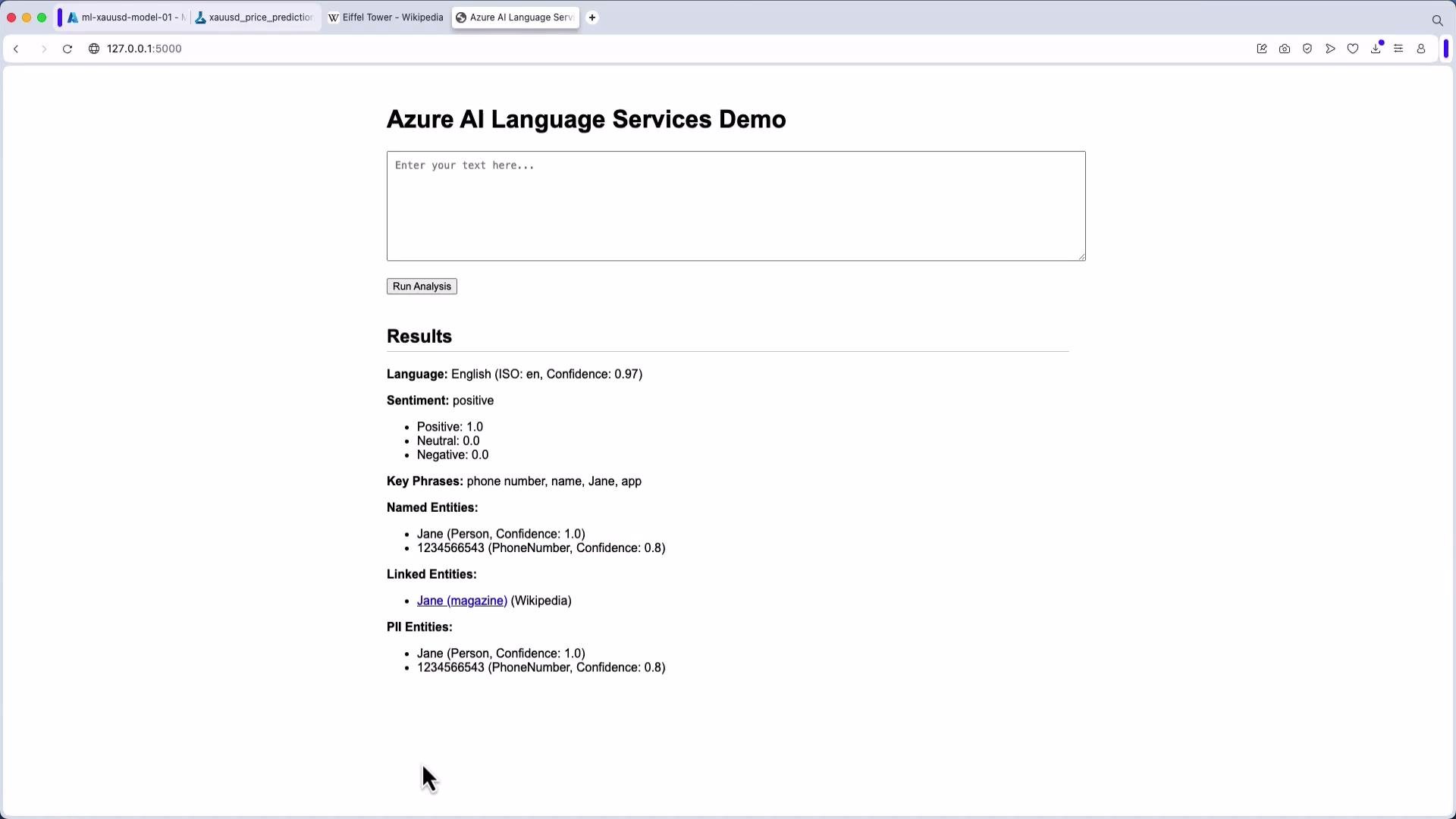
The screenshot below shows a simple web demo that runs these analyses and displays results (language, sentiment, key phrases, named/PII entities):
A screenshot of a webpage titled "Azure AI Language Services Demo" showing a text input box, a "Run Analysis" button, and a Results section. The Results list detected language and sentiment (positive), key phrases, and named/PII entities such as "Jane" and a phone number (1234566543).

Best practices

  • Never embed secrets in code. Use environment variables or a secret store.
  • Validate and sanitize inputs (especially if integrating with user-generated content).
  • Use batch processing for high-throughput scenarios and handle rate limits.
  • For compliance, store and handle redacted data according to your organization’s privacy policies.
  • Check model/version and SDK docs as behavior and method names can change over time.
That completes this overview of Azure AI Language Services text-analysis features. Use these tools to extract structure, meaning, and privacy-aware metadata from unstructured text across languages and domains.

Watch Video