

What you can build
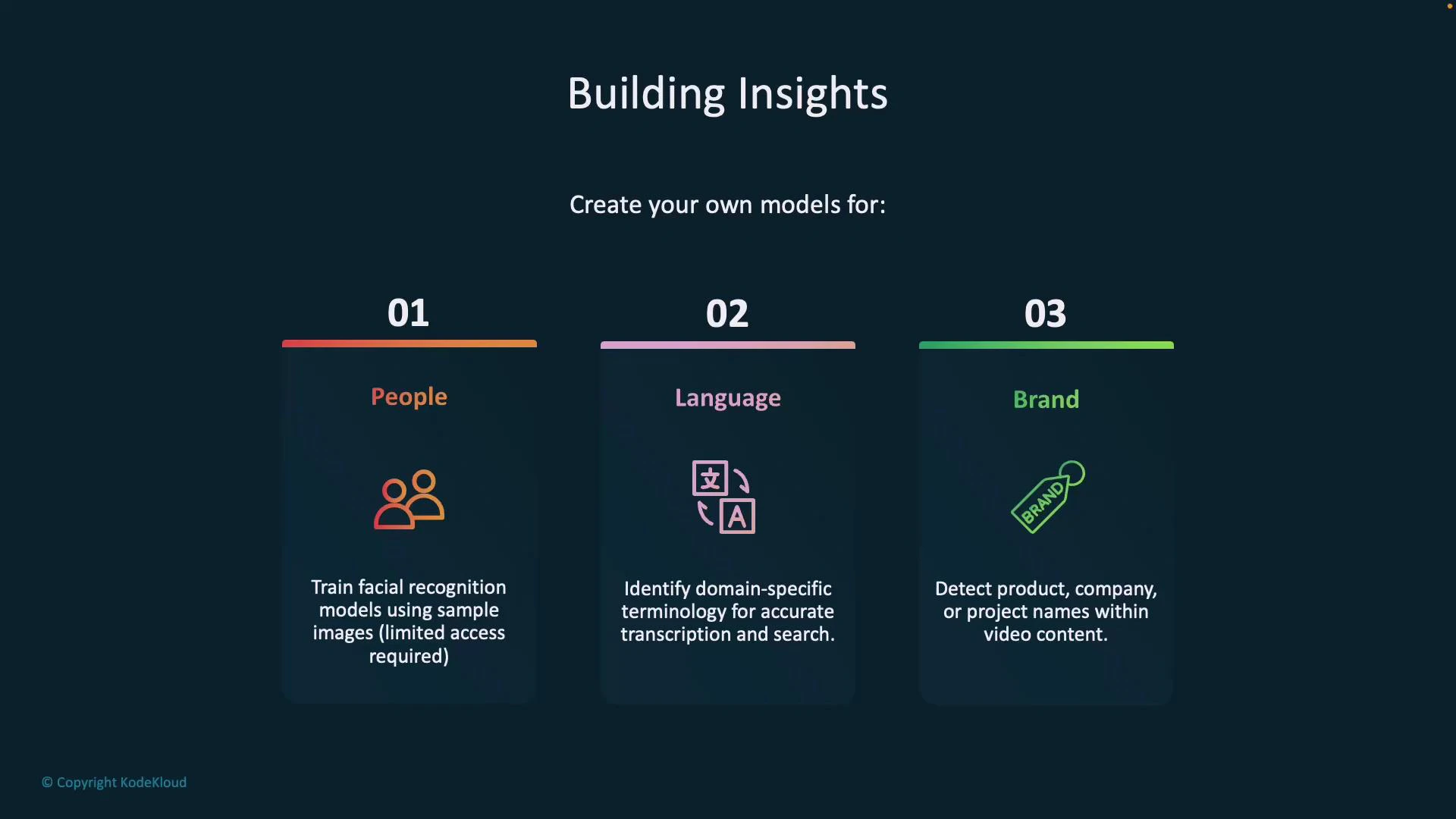
- Face recognition and tracking across video timelines for people analytics and personalization.
- Domain-customized transcription for industry-specific vocabulary and multilingual audiences.
- Brand detection (logos, product mentions) to enable content classification and rights management.
Custom model types and use cases
You can combine these models to create richer metadata for indexing, search, and downstream automation.
To enable facial recognition, create a Face resource in Azure AI Services and connect it with Video Indexer to let indexed videos use face models:
- Face resource docs: https://learn.microsoft.com/azure/cognitive-services/face/
- Video Indexer: https://www.videoindexer.ai/
Face recognition may require special approval from Microsoft and may be restricted in some regions or for certain accounts. Request and obtain the required access before using face recognition features.
Indexer options: widgets vs REST API
Video Indexer provides two primary integration patterns:- Widgets (embed/iframe): Quick, interactive visualization of insights (topics, people, scenes, transcripts) you can drop into web pages. Use this when you want a low-code front-end integration and interactive playback.
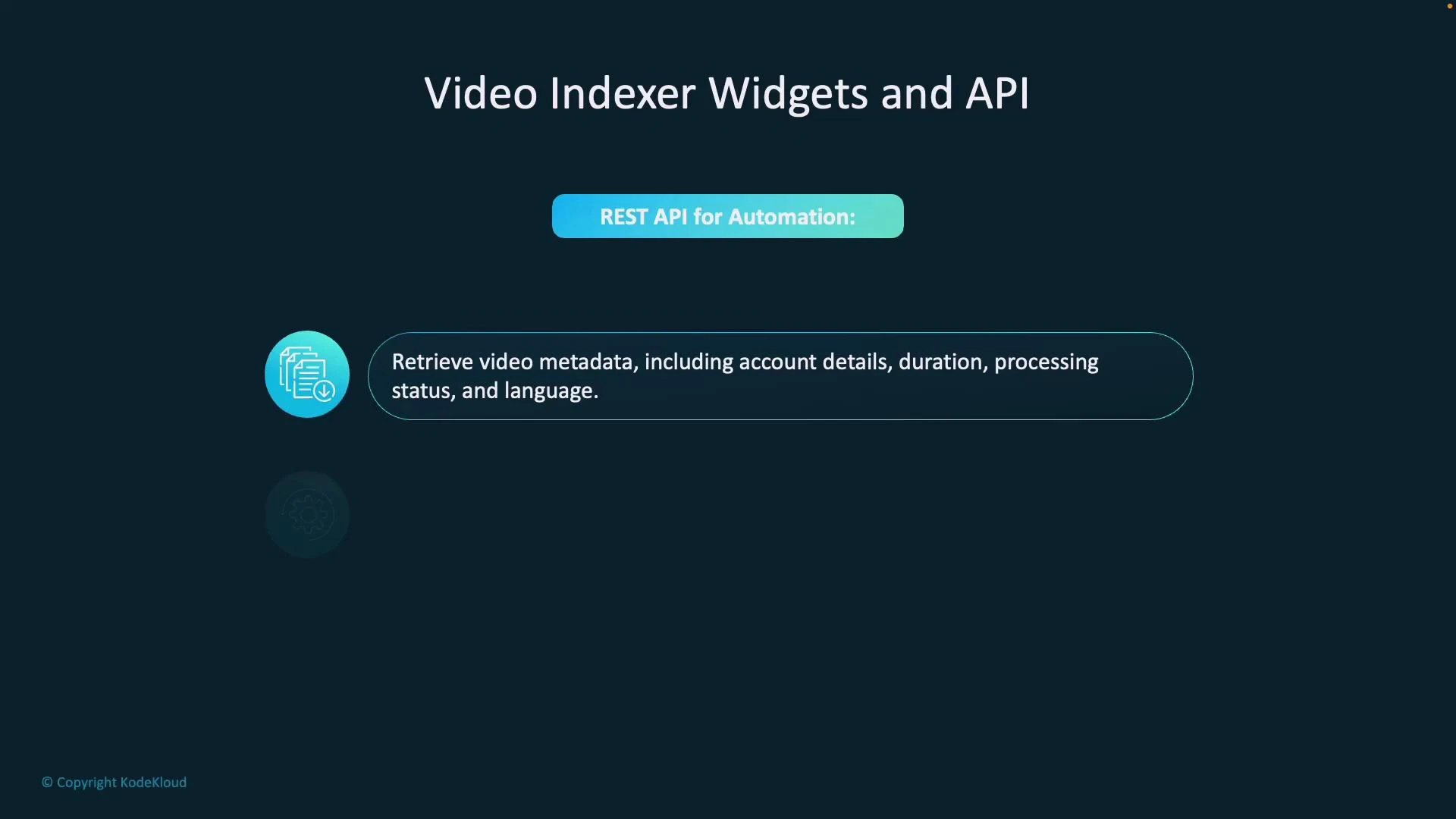
- REST API: Programmatic access to metadata, management, and automation. Choose the API for CI/CD, custom dashboards, batch processing, or workflows that integrate with other services.
- Video Indexer: https://www.videoindexer.ai/
- Video Indexer REST API docs: https://learn.microsoft.com/azure/azure-video-indexer/video-indexer-use-api
Sample REST API response (illustrative)
The JSON shown below is a simplified example of metadata returned by the Video Indexer APIs. Actual responses may include additional fields depending on the request parameters and enabled features.
- accountId, id: identify the account and video resource.
- name, description: human-readable labels for UI and reports.
- created, lastModified, lastIndexed: timeline for processing and audits.
- processingProgress: track indexing status for orchestration.
- durationInSeconds, sourceLanguage: media properties for players and translations.
Embedding, access, and automation tips
- Embedding: copy the widget iframe from Video Indexer to display the indexed video and its insights on your web pages. Example direct URL pattern:
- Access control: private videos require viewer authentication and permission; public videos can be embedded broadly.
- Automation: use the REST API for retrieving metadata, downloading assets (transcripts, thumbnails), and integrating insights into search indexes, CMS platforms, and analytics pipelines.