

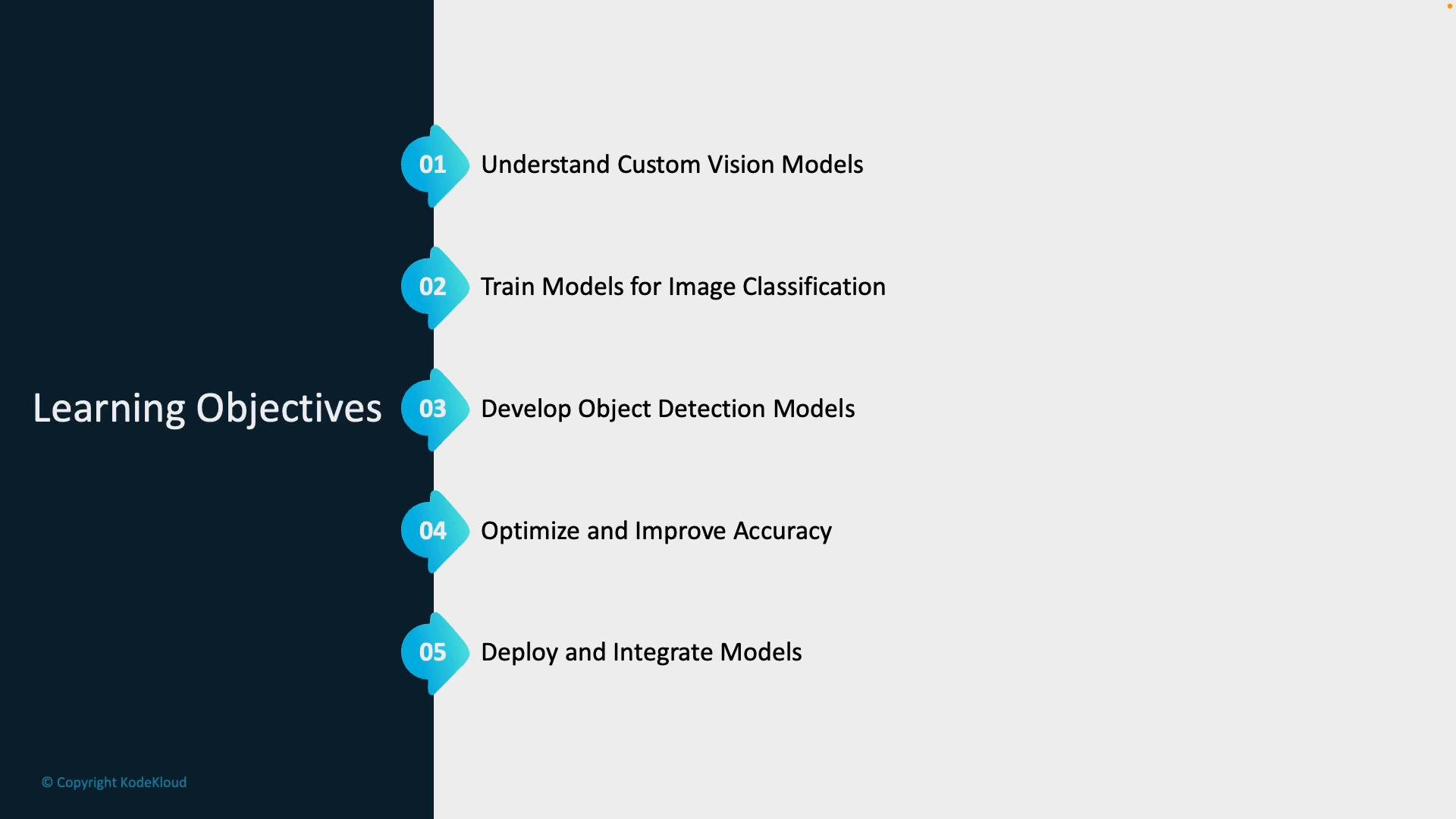
- Understand what Azure AI Custom Vision is and when to choose a custom model over a prebuilt vision API.
- Train image classification models to assign images to categories (for example, distinguishing cats from dogs).
- Train object detection models that both identify and localize objects within images (for example, locating a safety helmet on a worker).
- Improve model performance using techniques like data augmentation, threshold tuning, and evaluation metrics to reduce false positives and increase accuracy.
- Deploy and integrate trained models into applications or cloud services for real-world use.
- The difference between classification and detection models and typical use cases.
- The end-to-end workflow: collect and label, train, evaluate, optimize, and deploy.
- Practical strategies for improving model generalization and reducing errors.
- How to export and integrate trained models into applications (SDKs, REST, or containerized deployments).
- When prebuilt vision models do not cover your specific object types or labeling needs.
- When you need models trained on domain-specific imagery (e.g., medical imagery, industrial parts, brand logos).
- When you require simple, fast iteration cycles for labeling and re-training.
Core workflow (hands-on steps)
-
Collect and label images
- Build a representative dataset covering real-world variability (angles, lighting, backgrounds).
- Use consistent labeling guidelines to reduce noise.
-
Train and evaluate
- Upload labeled images to Custom Vision and select classification or object detection.
- Train models and evaluate using metrics such as precision, recall, and mean Average Precision (mAP).
-
Improve and iterate
- Use data augmentation, additional images, and label refinement to reduce overfitting and false positives.
- Tune confidence thresholds for production scenarios to balance precision and recall.
-
Export and deploy
- Export models as containers, ONNX, TensorFlow, or use the hosted prediction endpoint.
- Integrate via the Custom Vision SDKs or REST API into mobile, edge, or cloud applications.
- Monitor precision/recall tradeoffs; choose thresholds aligned to business needs (e.g., prefer high precision to avoid false positives).
- Apply data augmentation to synthetically enlarge datasets and improve robustness.
- Use cross-validation and holdout test sets to estimate real-world performance.
Before you start: ensure you have an Azure subscription and permissions to create Custom Vision resources. For experimentation, you can use the Custom Vision free tier or a resource created via the Azure Portal. Helpful starting points: the Custom Vision quickstart, SDKs, and sample projects.
- Be mindful of personally identifiable information (PII) in images. Follow organizational and legal requirements for data privacy and retention.
- Ensure consent and compliance when using user-provided images for model training.
Do not upload sensitive or regulated data unless your organization has approved processes for storage, labeling, and access control. Mishandled image data can introduce legal and privacy risks.
- Azure Custom Vision documentation: https://learn.microsoft.com/azure/cognitive-services/custom-vision-service/
- Custom Vision SDKs and samples: https://github.com/Azure-Samples?query=custom+vision
- Model export options and deployment guidance: https://learn.microsoft.com/azure/cognitive-services/custom-vision-service/export-models