

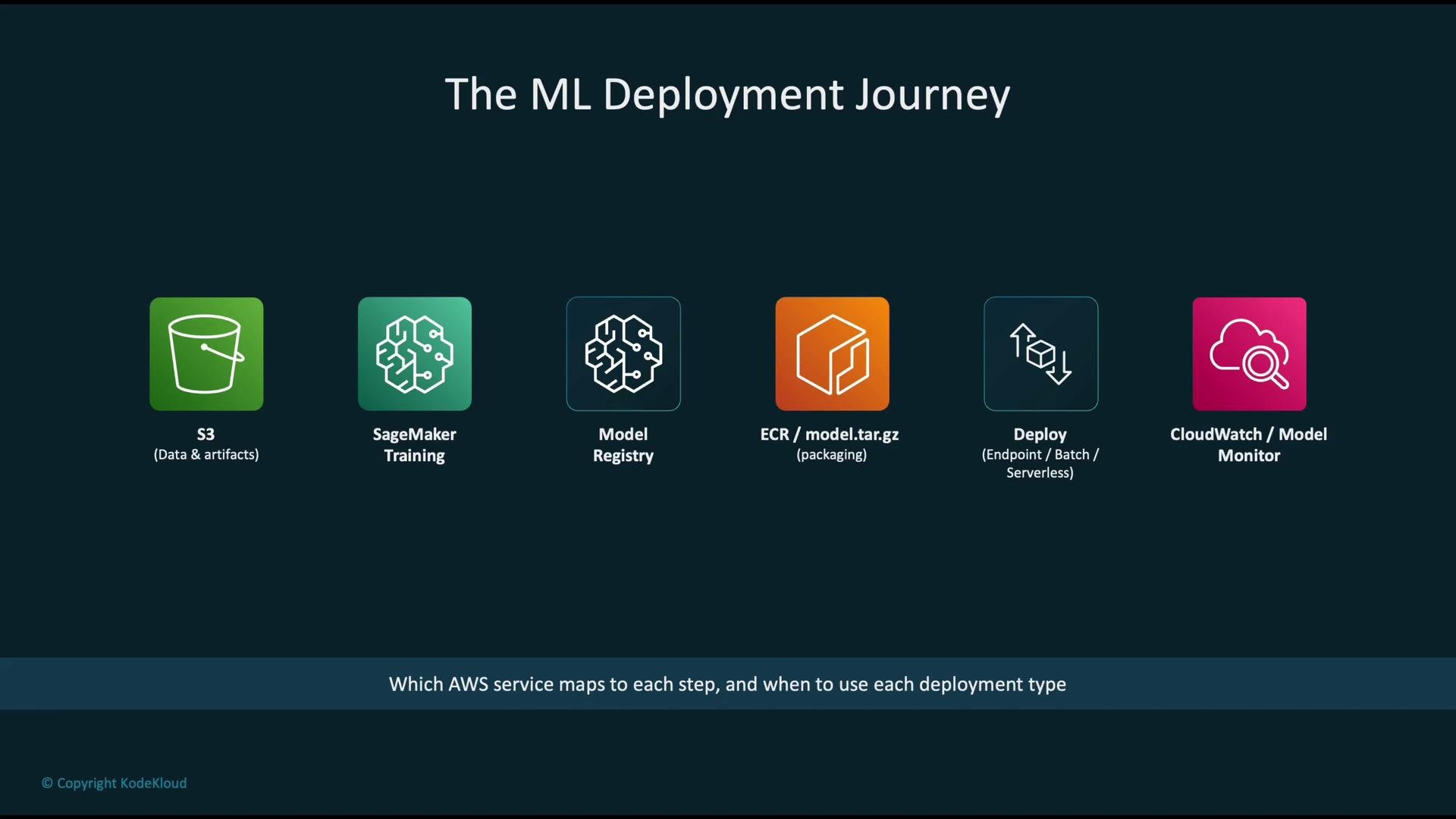
- Store data and model artifacts in Amazon Simple Storage Service (Amazon S3).
- Run training jobs with Amazon SageMaker using stored data.
- Register and version the trained model in the SageMaker Model Registry.
- Package the model and inference code into a container image and push it to Amazon Elastic Container Registry (ECR).
- Choose the deployment pattern (real-time endpoint, batch transform, serverless, or asynchronous processing) and host the model.
- Monitor production behavior with AWS CloudWatch and SageMaker Model Monitor to detect performance regressions or data/model drift.
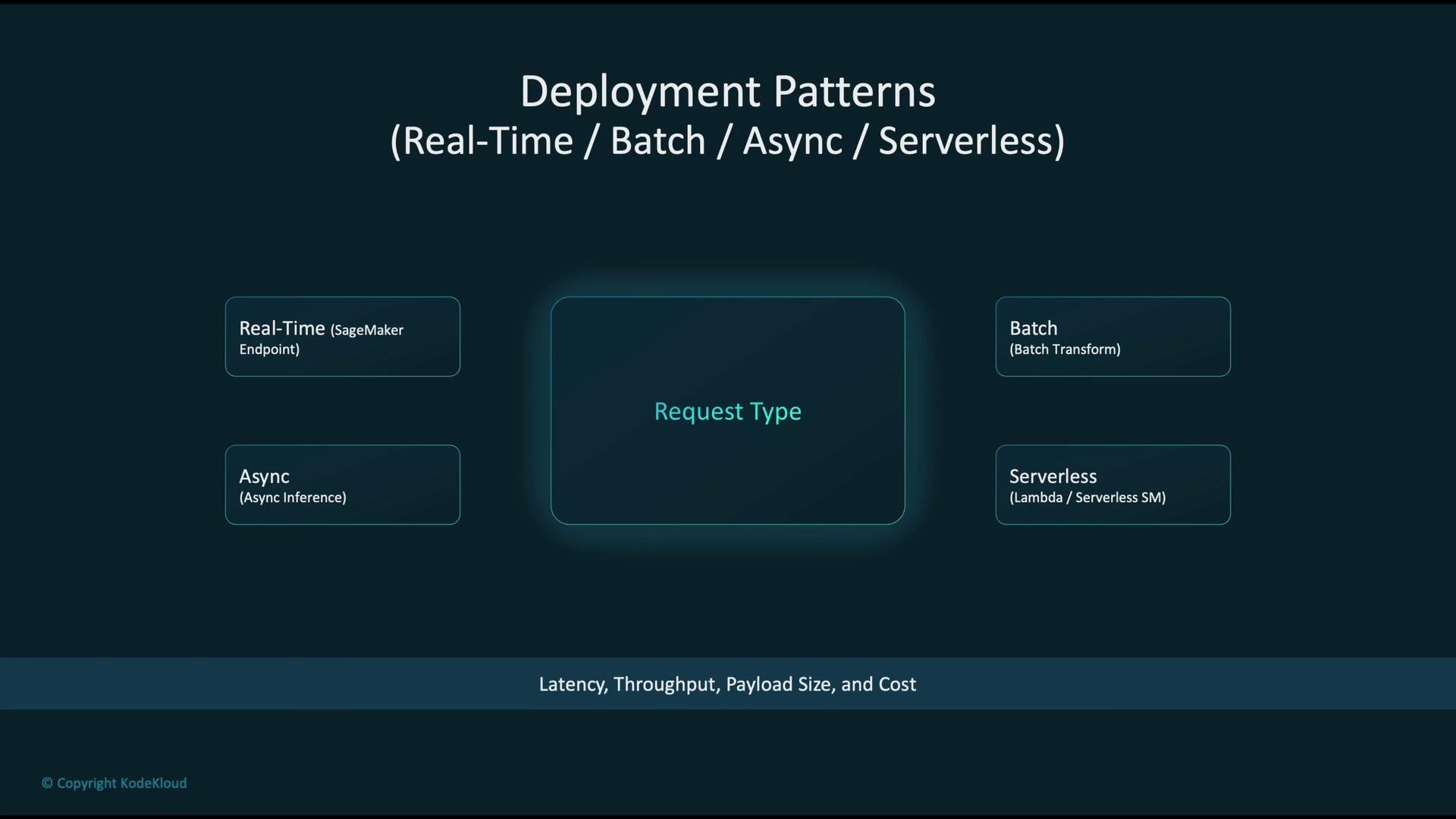
- Real-time (low-latency, synchronous): online endpoints for single-request predictions.
- Batch (asynchronous bulk): transform jobs for large datasets with no strict latency constraints.
- Async (long-running or large payloads): de-coupled request/response using queues or asynchronous endpoints to avoid timeouts.
- Serverless (bursty or low-traffic): cost-effective for infrequent traffic with automatic scaling.
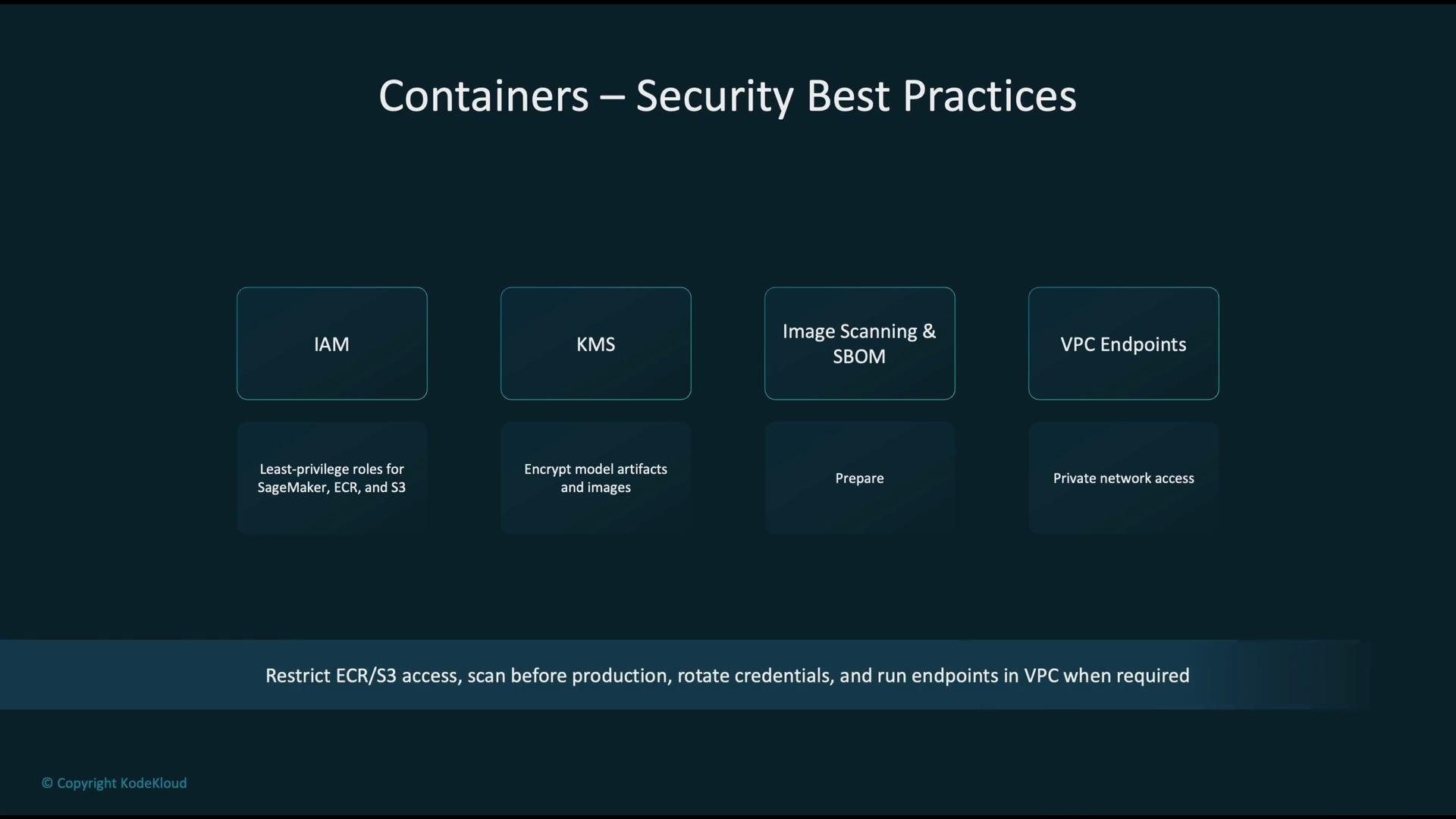
- Apply least-privilege IAM roles for SageMaker, ECR, S3, and other services.
- Encrypt artifacts and images using AWS KMS.
- Scan container images for vulnerabilities and maintain a Software Bill of Materials (SBOM).
- Use VPC endpoints and run endpoints inside VPCs when private network access is required.
- Choose smaller base images and managed runtimes to reduce cold-starts and maintenance.
Container choice affects security, cost, and operational complexity. Prefer managed runtimes when possible and minimize image surface area to reduce vulnerabilities and cold starts.
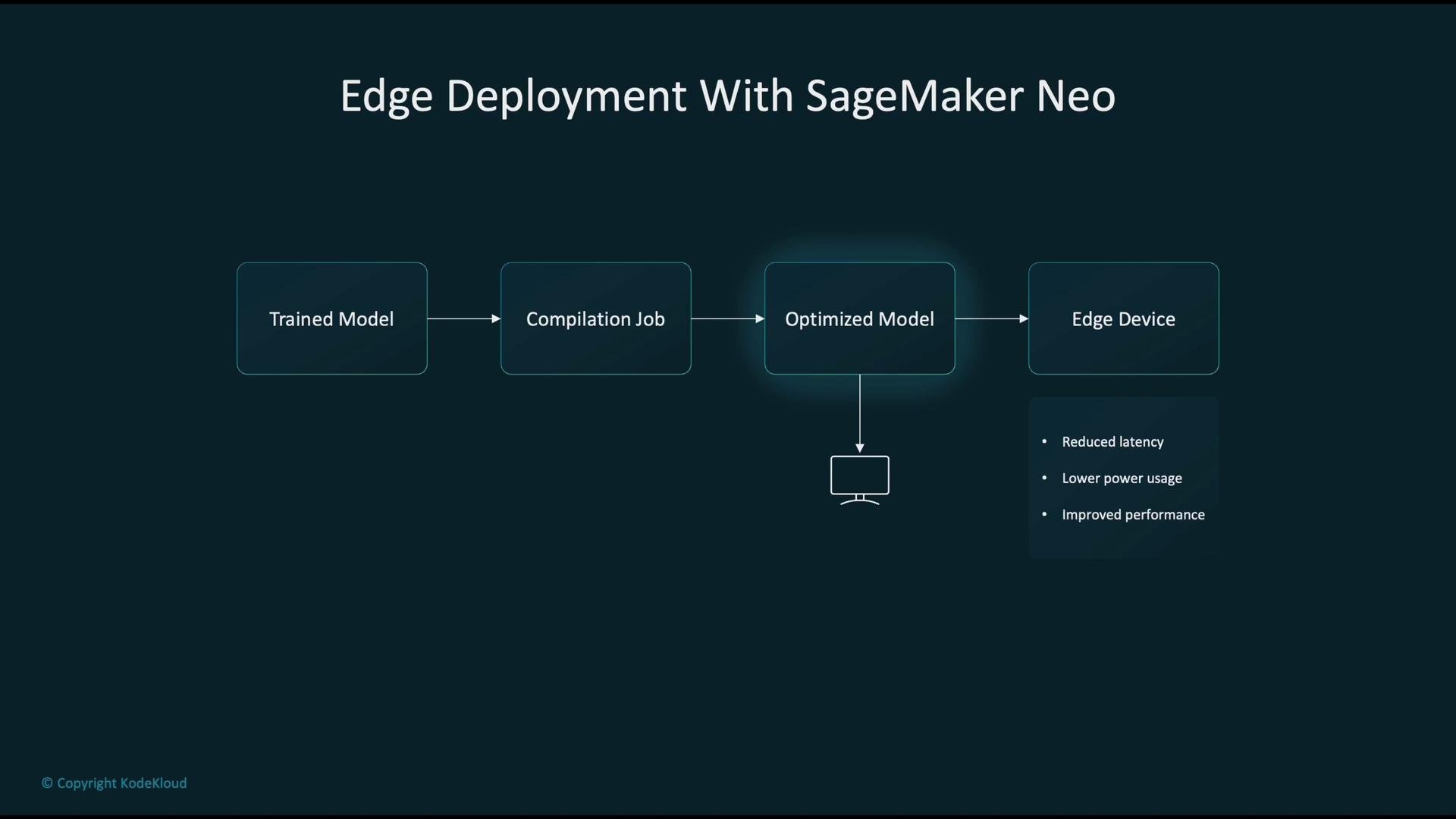
- Start with a trained model artifact from SageMaker or another training environment.
- Use SageMaker Neo to compile and optimize the model for the target edge device.
- Deploy the compiled artifact to the device.
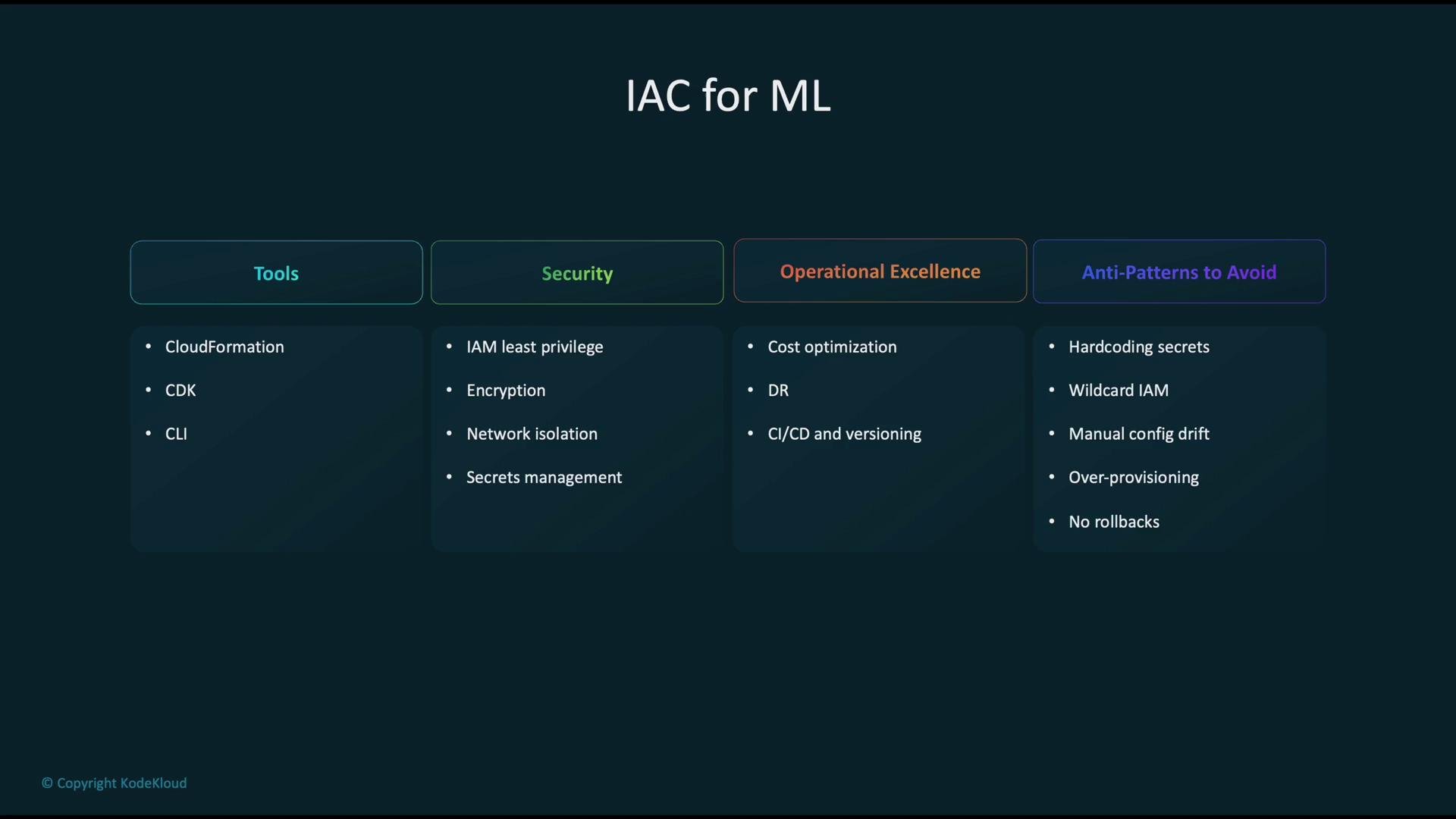
Avoid anti-patterns such as embedded secrets, overly broad IAM permissions, and manual configuration changes that bypass IaC. These lead to security and reliability problems.
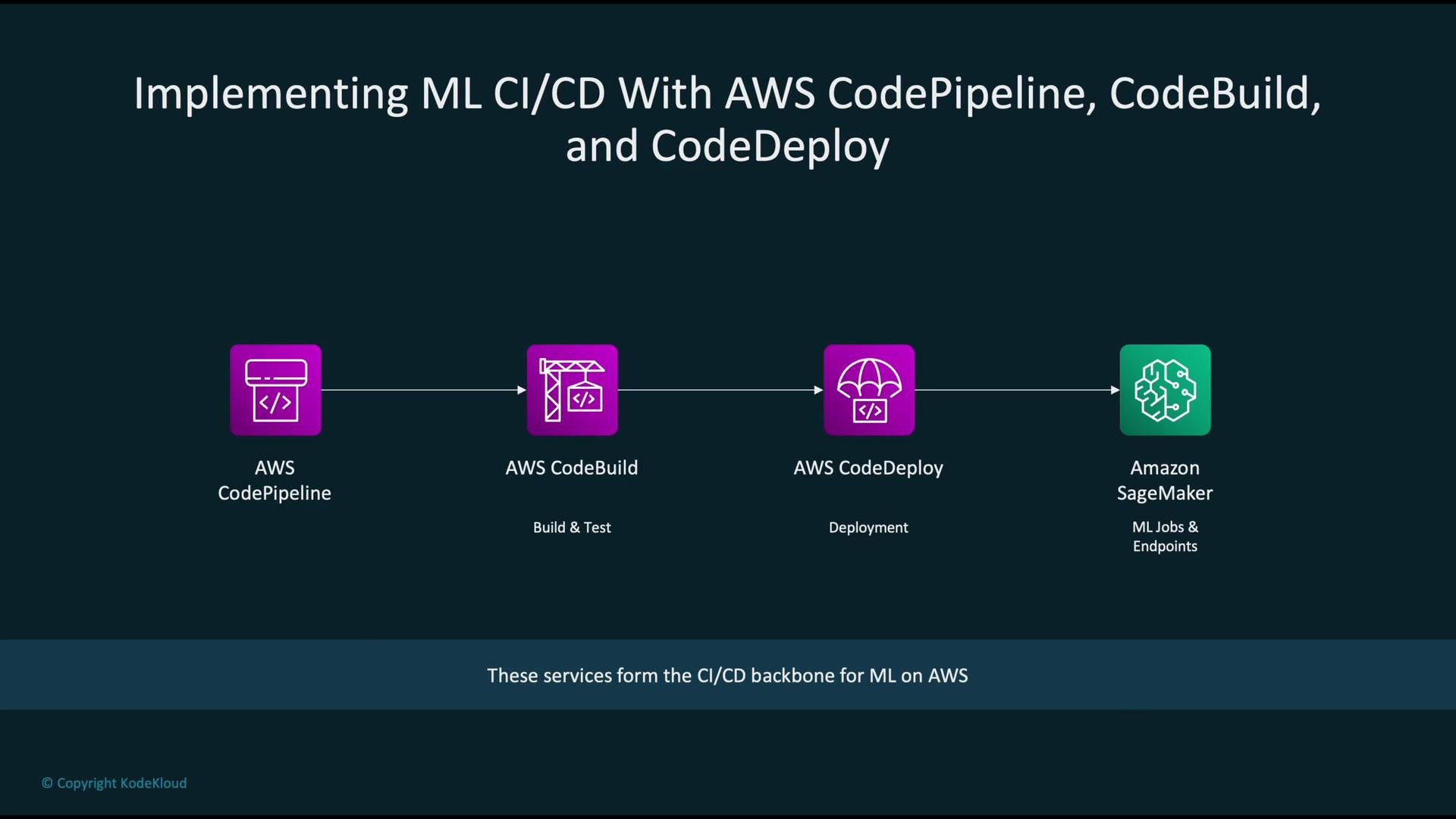
- AWS CodePipeline to orchestrate end-to-end automation and trigger runs on code or data changes.
- AWS CodeBuild to compile, run unit tests, build artifacts, and package models.
- AWS CodeDeploy or other deployment mechanisms to automate rollouts.
- Amazon SageMaker for training jobs, model registration, and serving.
- Identity and access control with scoped IAM roles and policies.
- Encryption of code, data, and model binaries using KMS.
- Network isolation using VPCs and private endpoints.
- Audit logging and monitoring using AWS CloudTrail and CloudWatch.
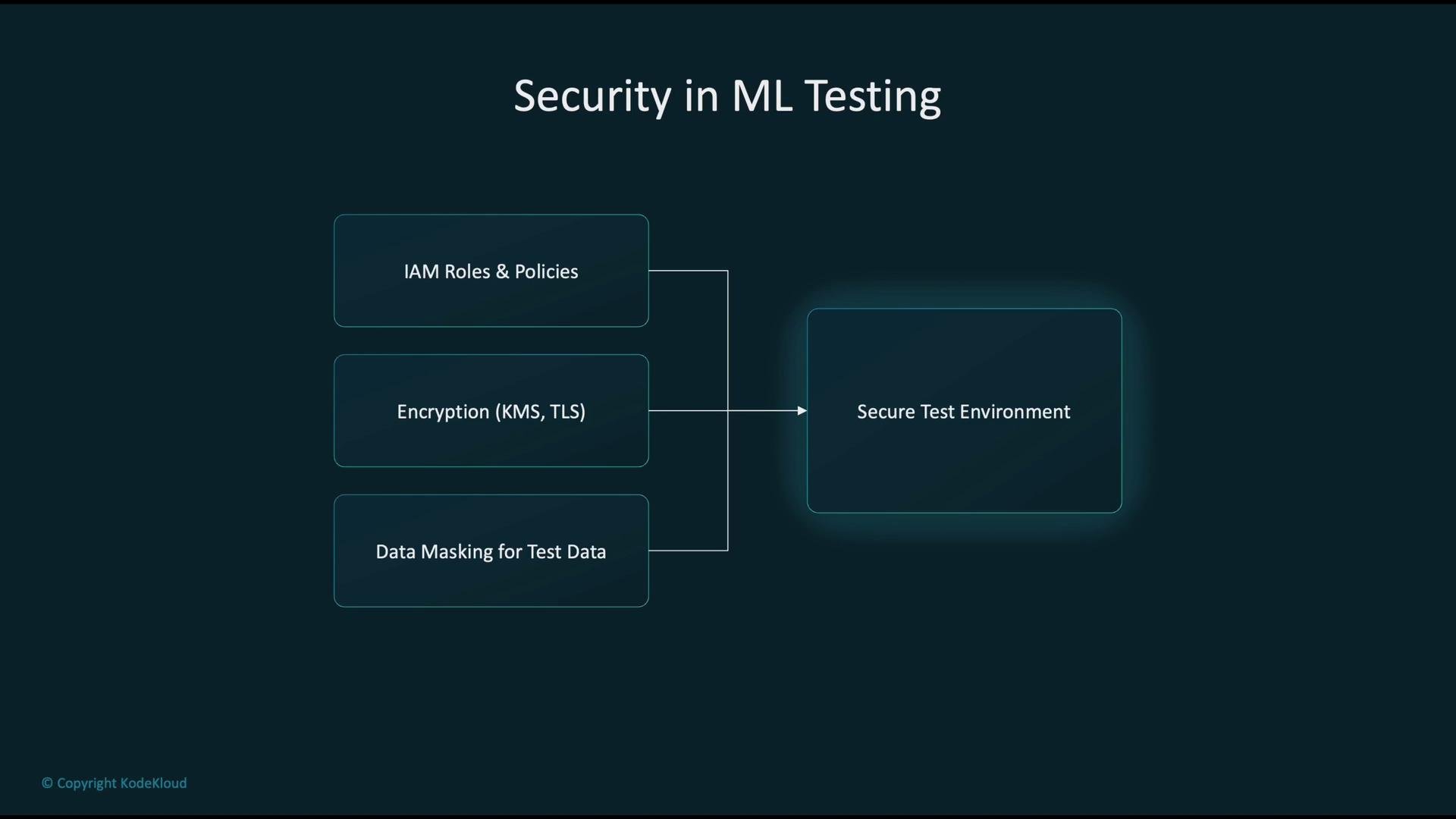
- Apply strict IAM scoping and role separation for test workloads.
- Encrypt test data at rest (KMS) and in transit (TLS).
- Use data masking, pseudonymization, or synthetic datasets to avoid exposing production-sensitive information.
- Automate test environment provisioning via IaC to avoid configuration drift.
- ML deployment is a continuous lifecycle: train → register → package → deploy → monitor.
- Pick the deployment pattern (real-time, batch, async, serverless, edge) based on latency, throughput, payload size, cost, and operational constraints.
- Use containers and ECR for consistent, portable deployments; prefer small, scanned images and managed runtimes to reduce operational overhead.
- Build security around least-privilege IAM, KMS-based encryption, VPC isolation, and centralized auditing/logging.
- Automate delivery with CI/CD (CodePipeline, CodeBuild, CodeDeploy and SageMaker) for repeatability and traceability.
- Optimize for edge with SageMaker Neo when on-device performance and power efficiency are priorities.
- Avoid anti-patterns: do not hard-code secrets, do not use wildcard IAM permissions, prevent configuration drift, and include rollback and disaster recovery plans.