

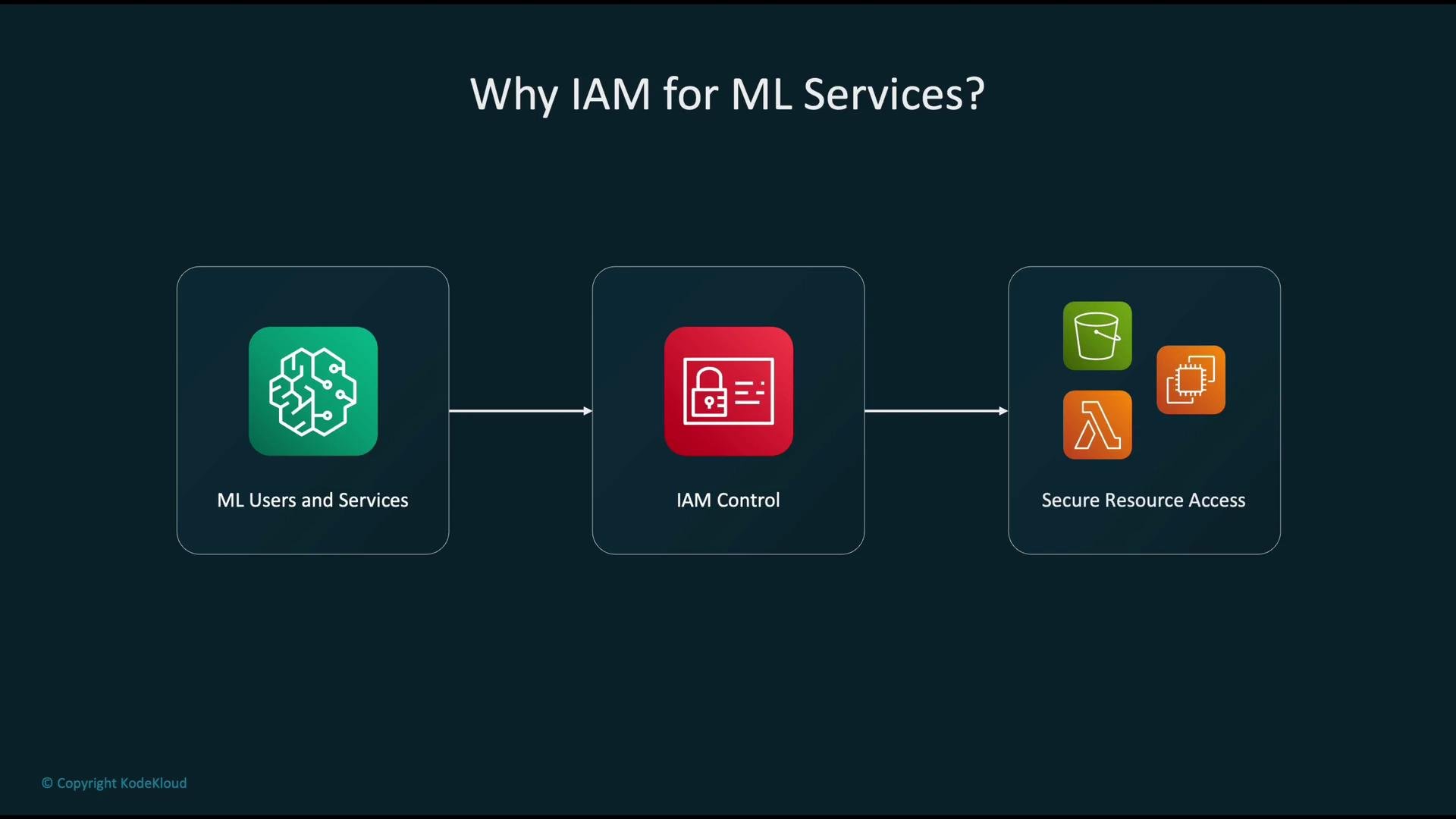
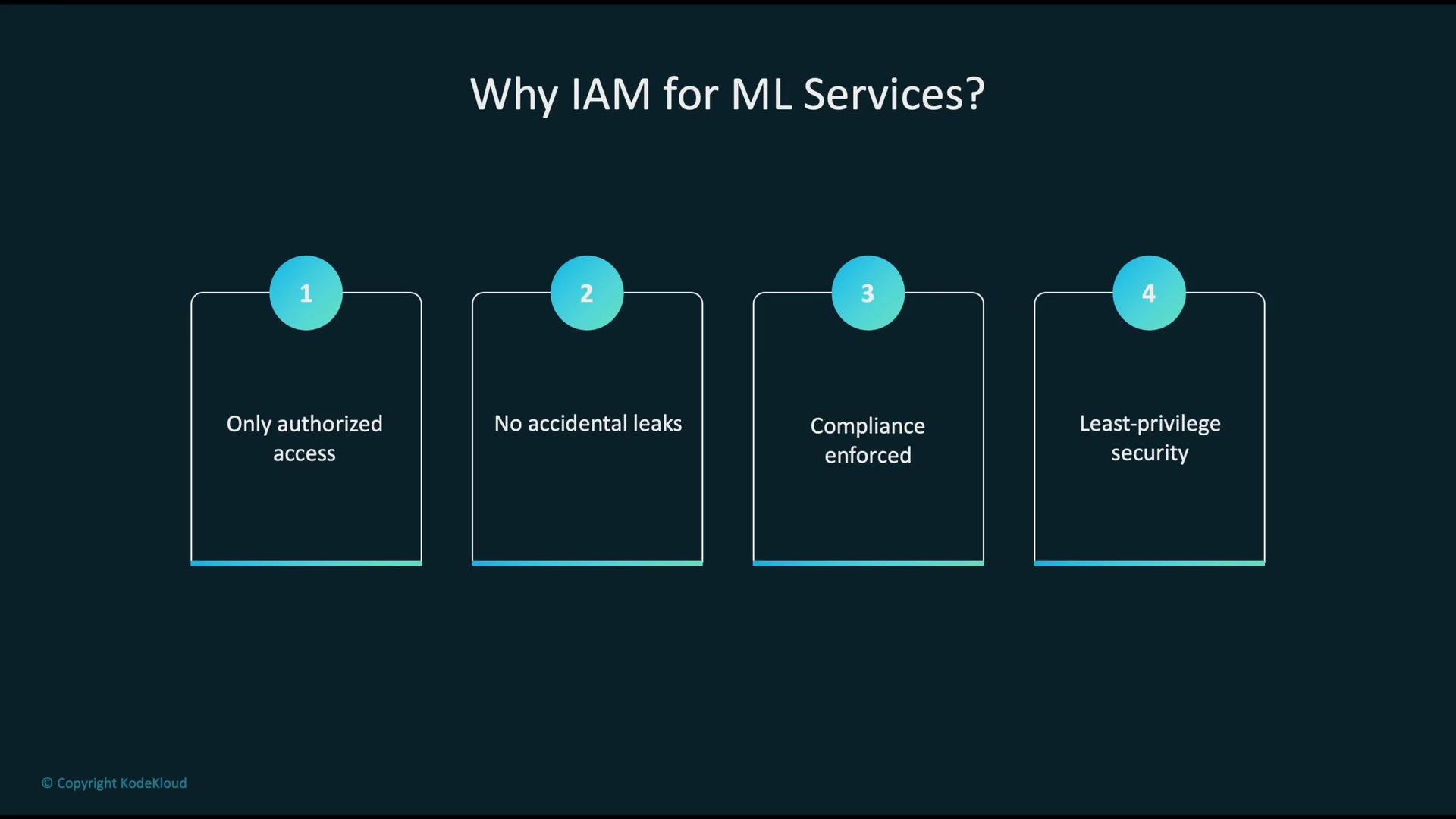
Why identity and access management is critical for ML
- Ensures that only authorized users and applications access sensitive datasets, models, and artifacts—minimizing data leaks and model theft.
- Enforces compliance and governance across teams and environments (audit trails, separation of duties).
- Enables a least-privilege security model so every principal has only the permissions required to perform its tasks.
Core IAM components used to secure ML workflows
Use the table below as a quick reference for IAM building blocks and common ML use-cases.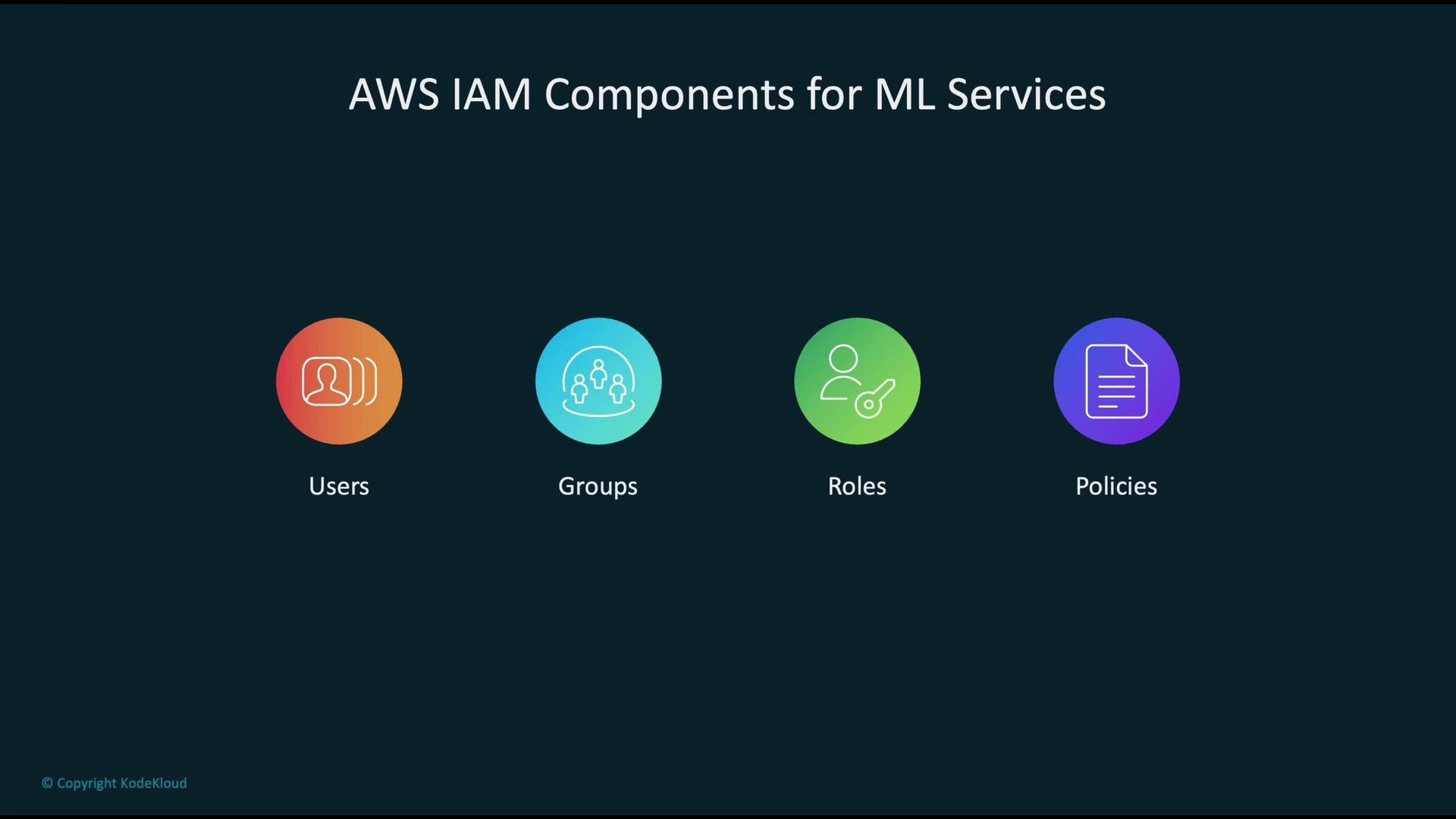
Configuring IAM roles for SageMaker
SageMaker requires an IAM role to perform actions on your behalf—reading training data from S3, writing logs to CloudWatch, or pulling container images from ECR. A SageMaker execution role has two main parts:- A trust policy that allows the SageMaker service (or other principals) to assume the role.
- One or more permission policies that define allowed actions on AWS resources.
When creating SageMaker roles, scope S3 access to specific buckets and prefixes instead of using
*. Use separate roles for different environments (dev, staging, prod) to reduce blast radius.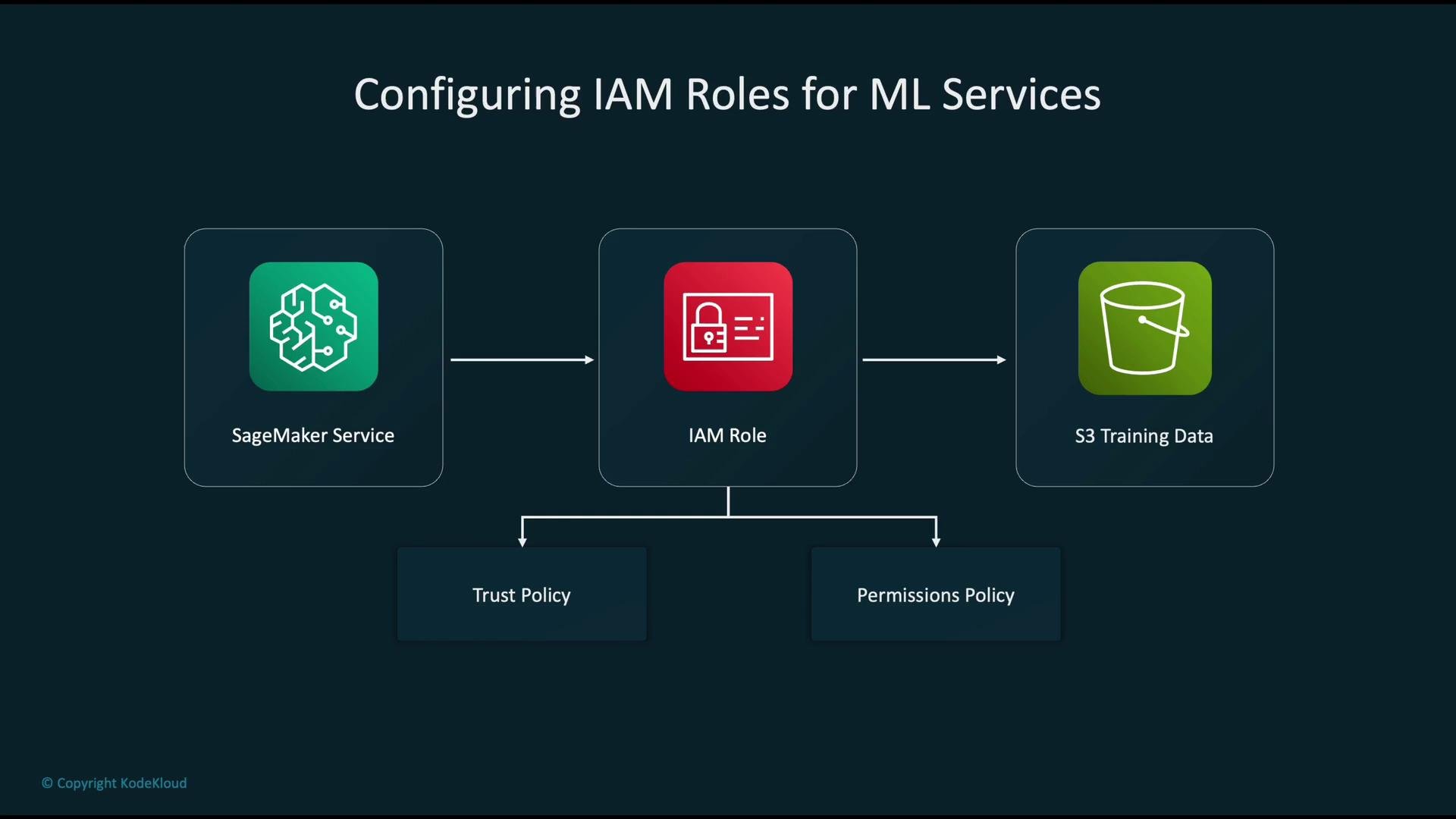
Managing permissions: patterns and workflow
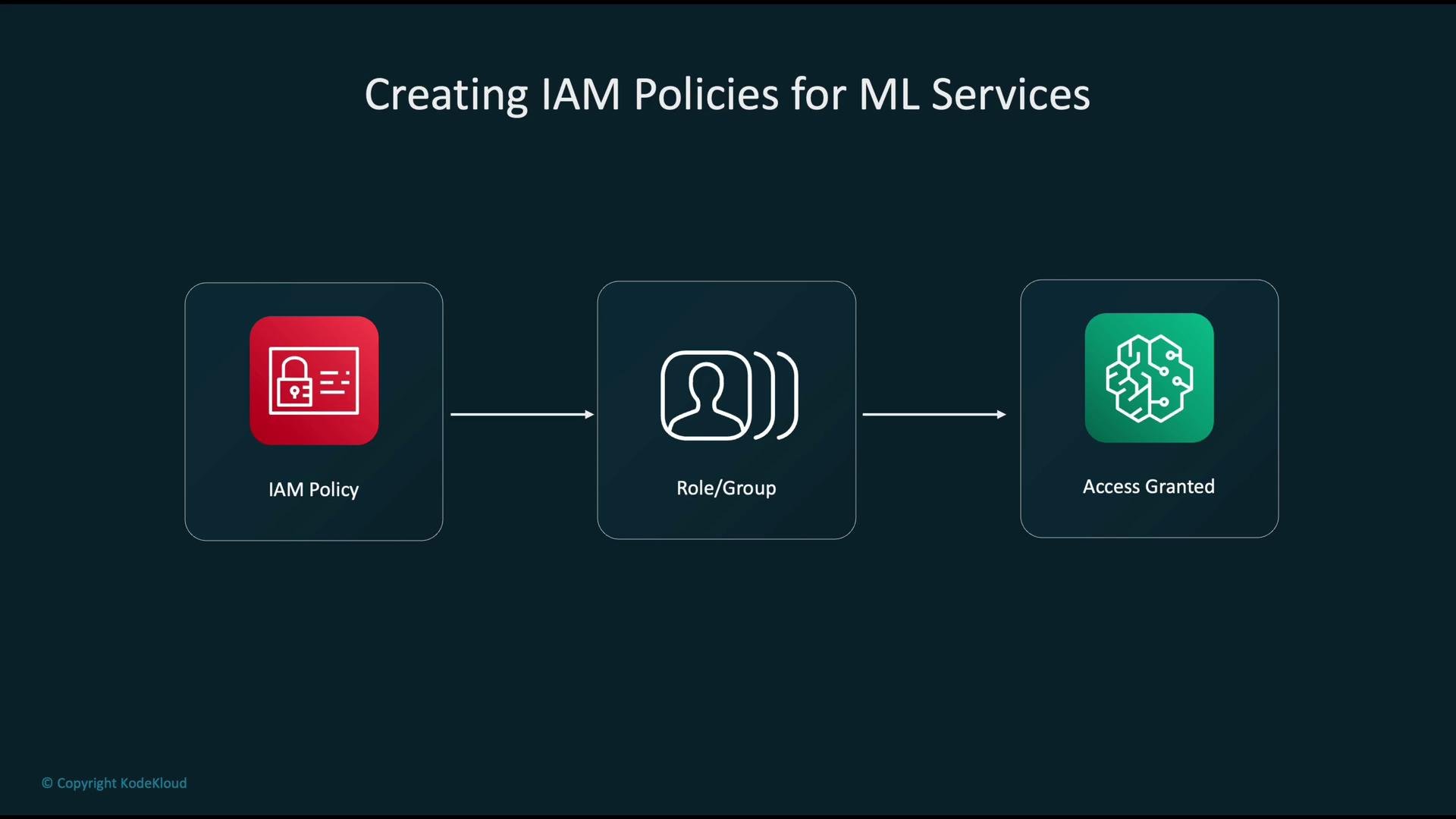
Typical team/service permission workflow:- Define the minimal permissions required in IAM policies.
- Attach those policies to roles (for services/automated jobs) or to groups (for human users).
- Any principal that assumes a role or is in a group inherits the attached permissions.
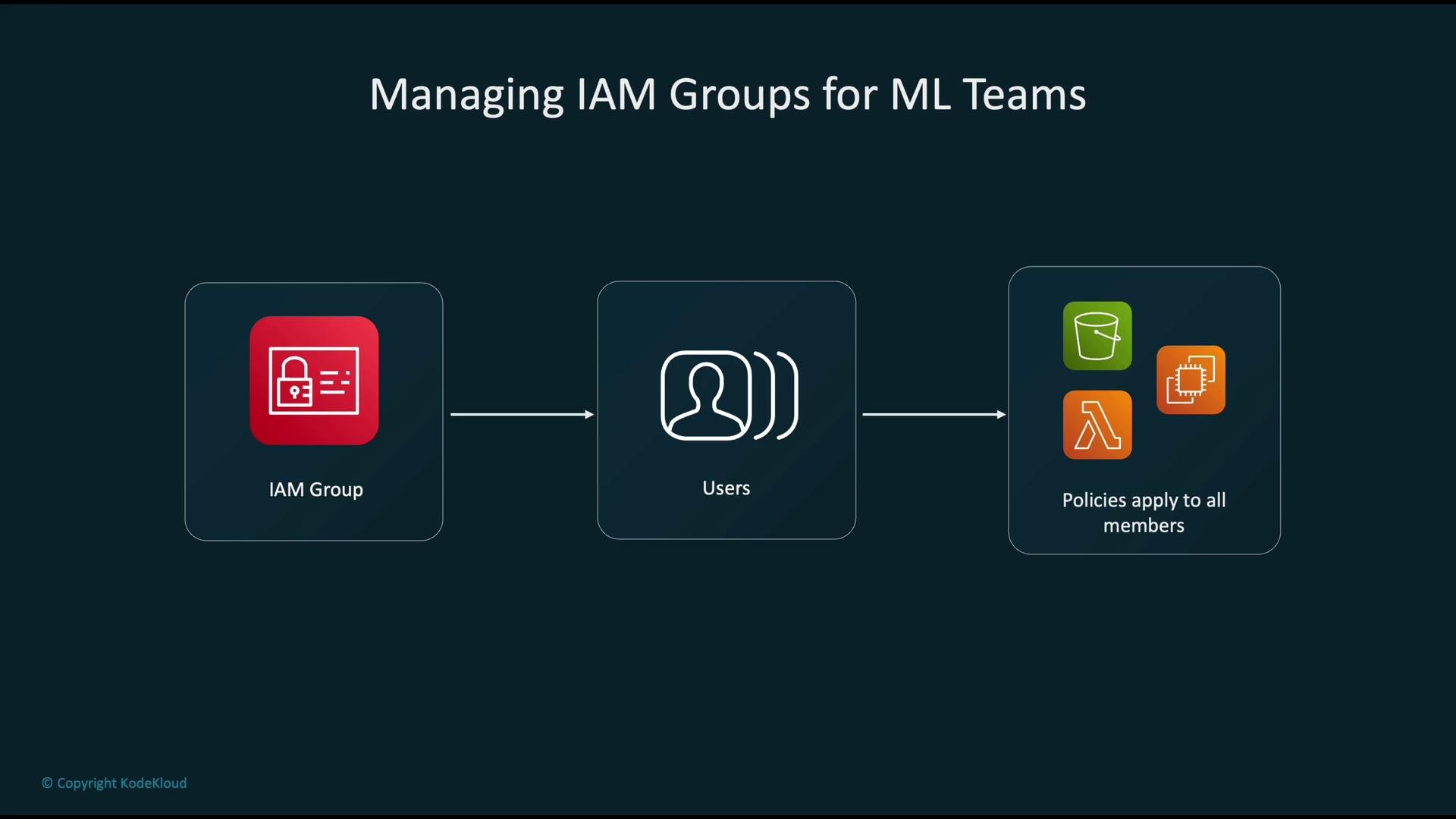
Example: group-based workflow for ML teams
- Create a group representing the team (for example,
ml-data-science). - Add users to that group.
- Attach policies to the group to grant access to S3, Lambda, EC2, SageMaker, etc.
- All members inherit the group policies, making permission management scalable and auditable.
IAM considerations for specialized ML scenarios
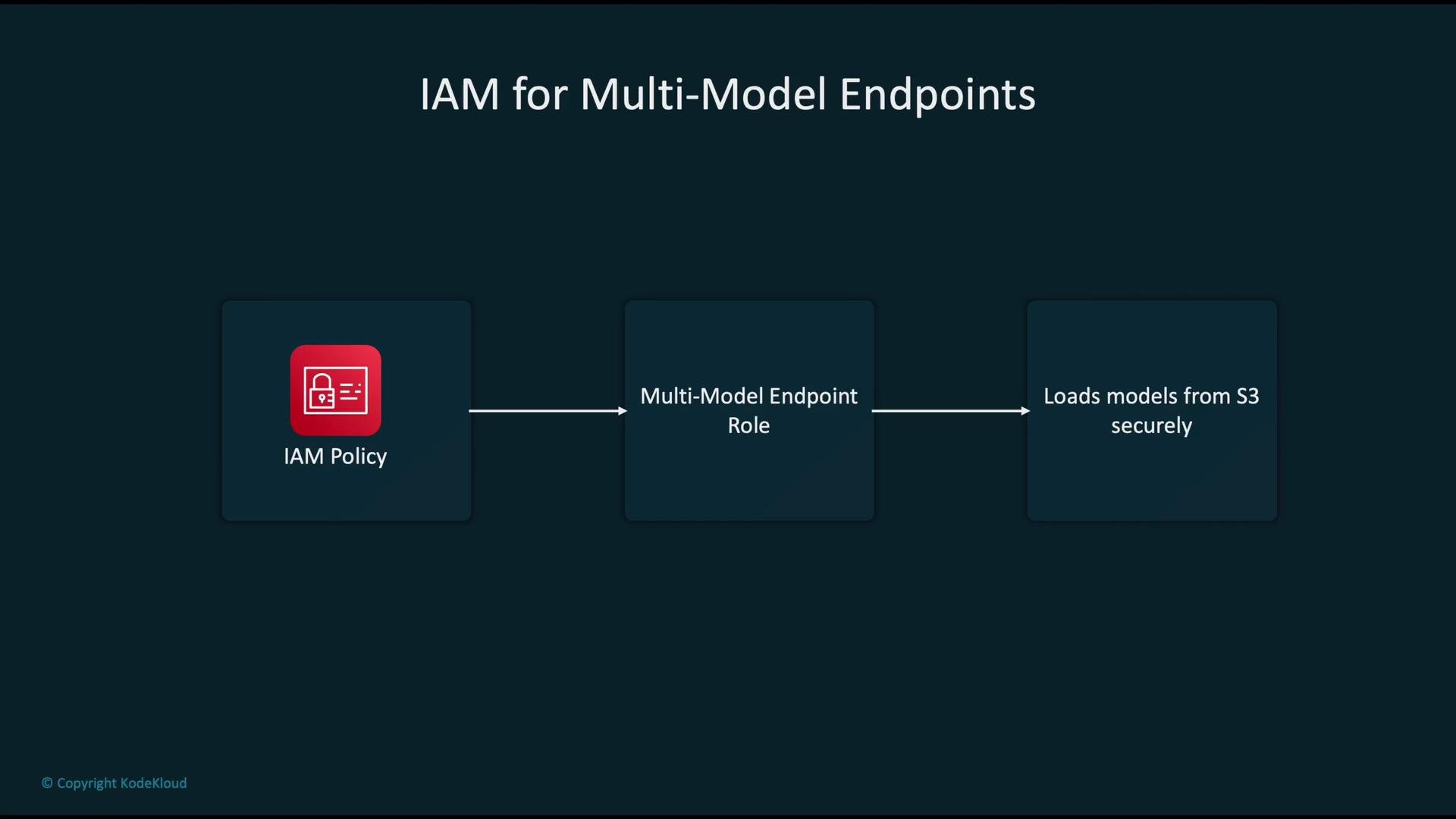
- Multi-model endpoints: create a dedicated endpoint role with narrowly scoped S3 access (only required buckets/prefixes). This prevents a broad service role from having excessive permissions and isolates endpoint access to the artifacts it needs.
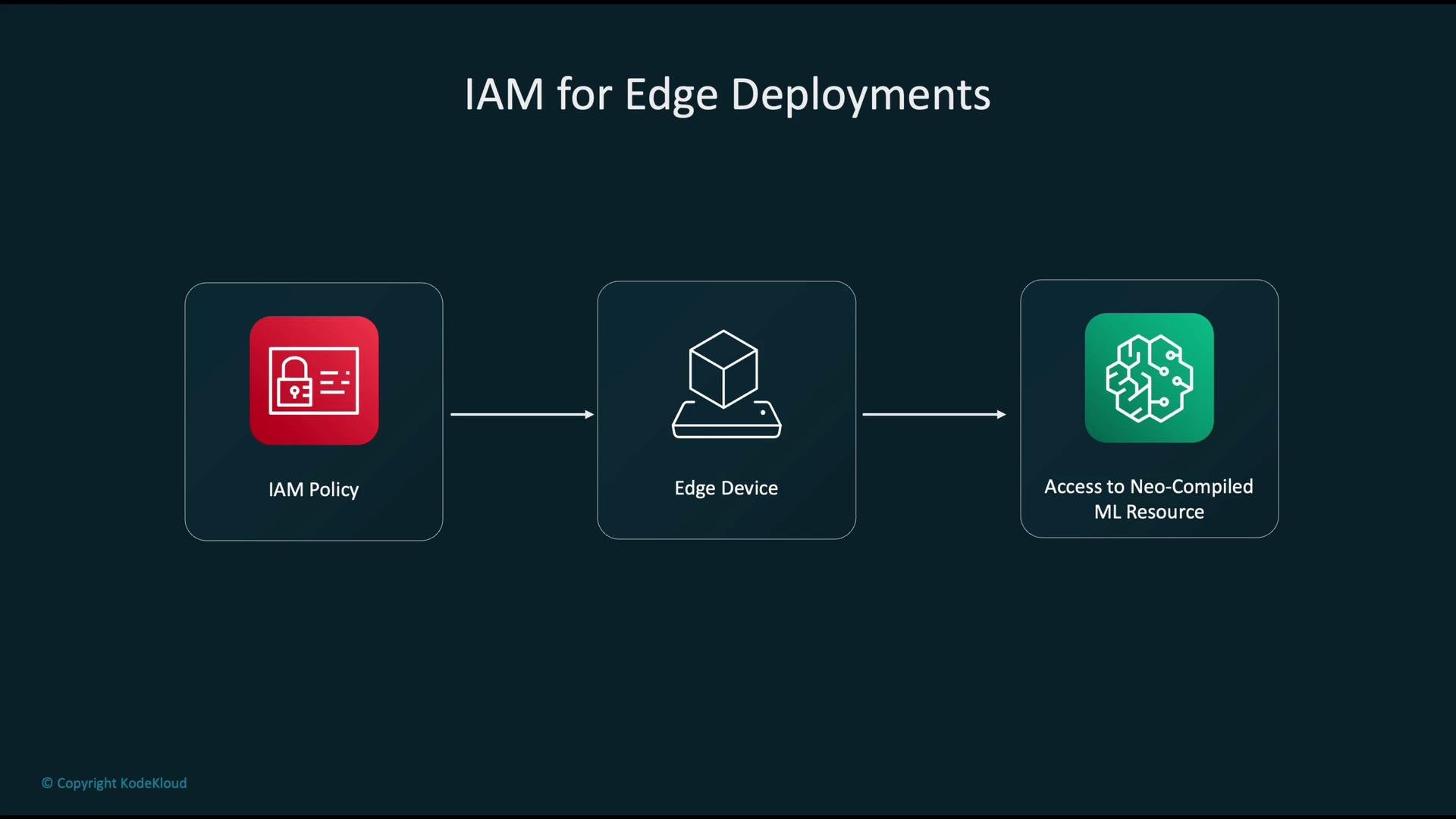
- Edge deployments: for devices that pull Neo-compiled models from S3, attach a narrowly scoped policy to the device identity (or IoT role) granting only the necessary S3 or IoT permissions. Limiting permissions reduces the blast radius if device credentials are compromised. See SageMaker Neo docs for details: https://docs.aws.amazon.com/sagemaker/latest/dg/sagemaker-neo.html.
Monitoring IAM activity with CloudTrail
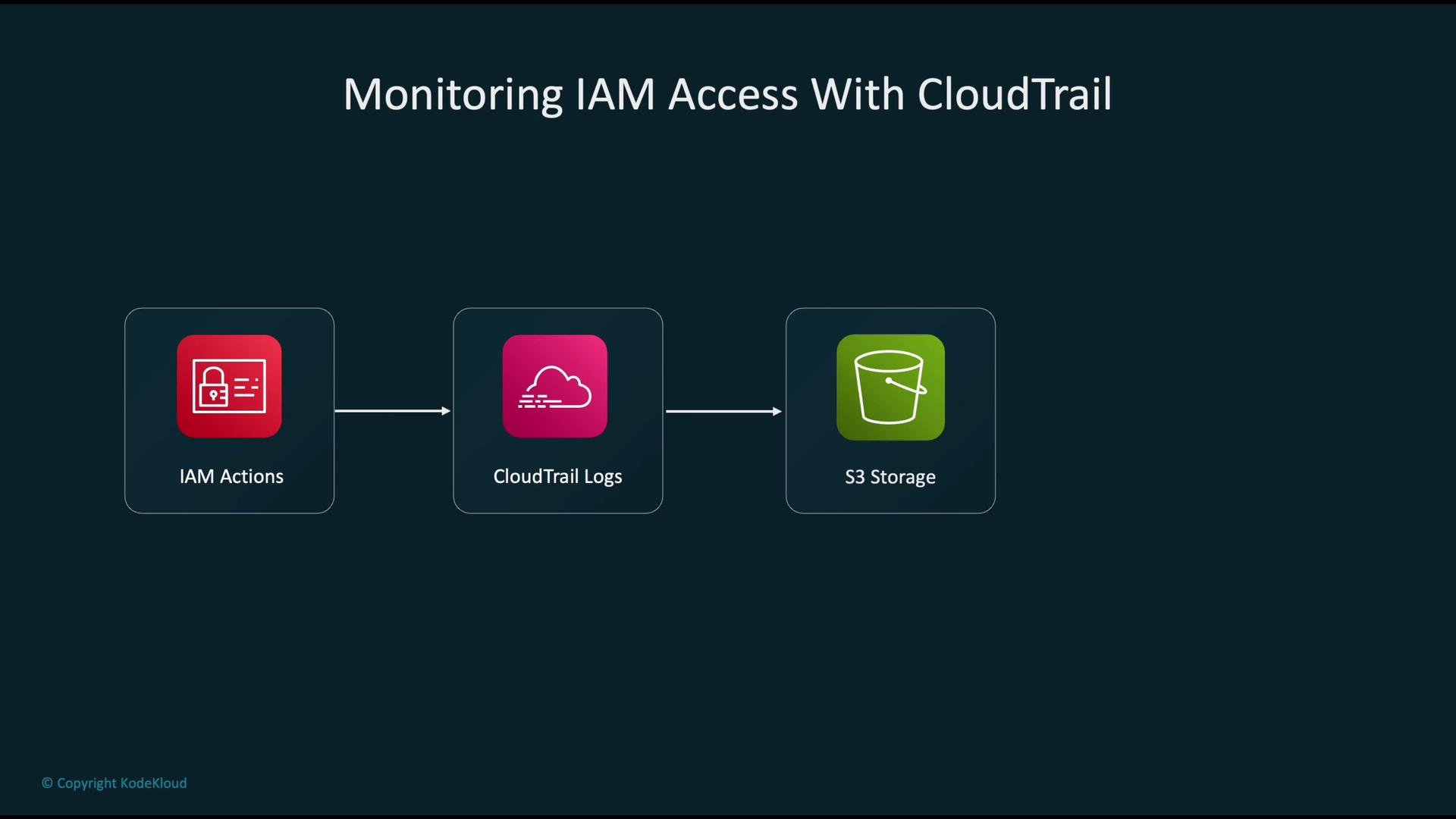
- Every IAM operation—user sign-in, role assumption, API call—generates events.
- AWS CloudTrail captures these events and records them as logs.
- CloudTrail can deliver logs to Amazon S3 for long-term, tamper-evident storage and enable querying via CloudWatch Logs or Athena.
- Use these logs for auditing, alerting on suspicious behavior, and forensic analysis.
Security posture: combine IAM with KMS
For a robust security posture combine IAM with AWS Key Management Service (KMS):- Encrypt S3 buckets, EBS volumes, and model artifacts with KMS customer-managed keys (CMKs).
- Use IAM policies to control which principals can use or decrypt CMKs.
- This ensures data at rest remains encrypted and unreadable even if stored artifacts are accessed without the proper key permissions.
Common IAM anti-patterns to avoid
- Granting overly broad admin privileges when not necessary.
- Attaching policies directly to many individual users instead of using groups/roles.
- Operating without monitoring (no CloudTrail, no alerts), which leaves you blind to misuse.
Apply least privilege: scope policies tightly (avoid wildcards), prefer role-based access for services, and manage team access via groups.
Key takeaways for securing ML workloads
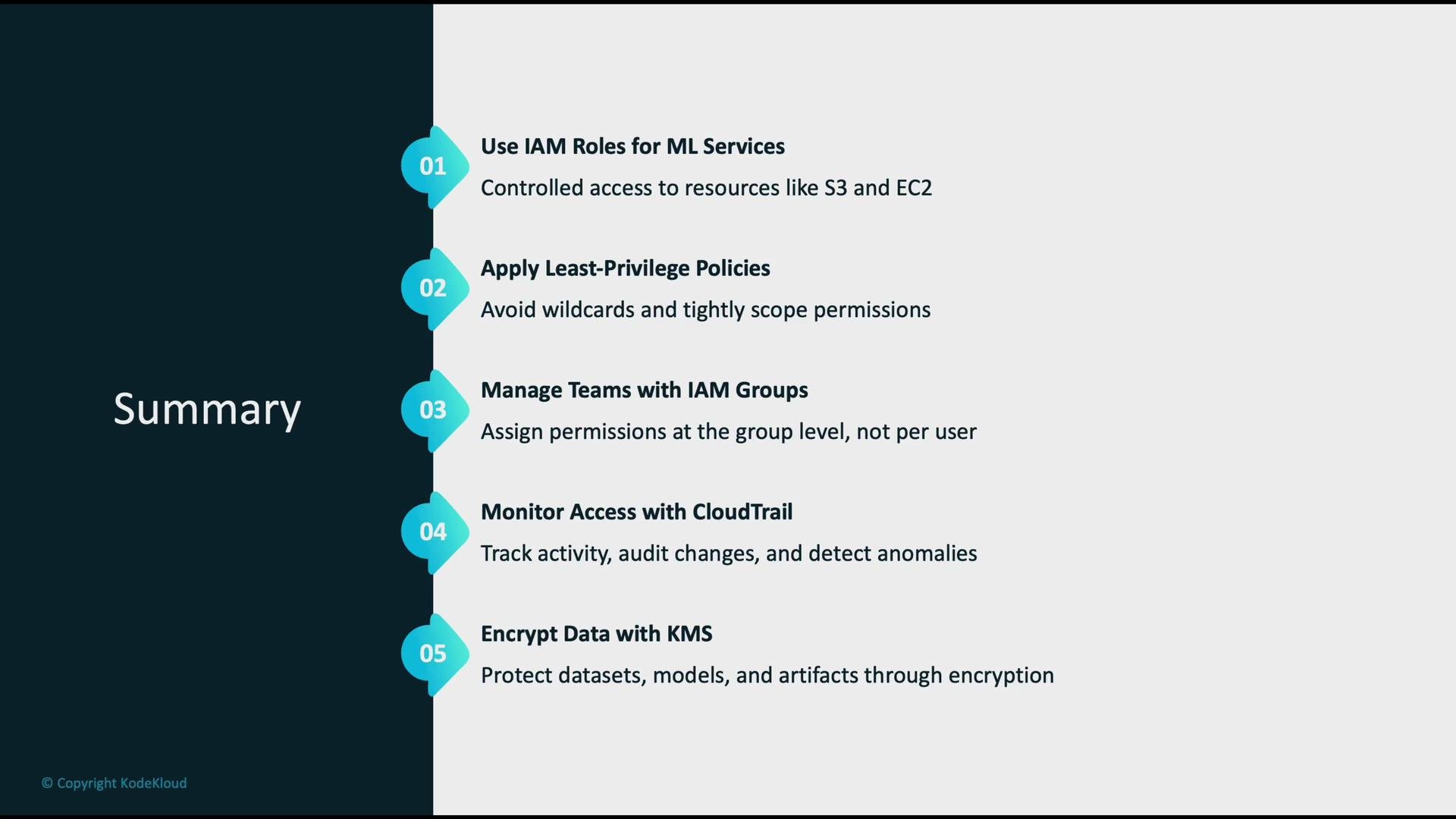
- Use IAM roles for ML services (SageMaker endpoints, training jobs, inference containers) to grant controlled access to resources such as S3 and EC2.
- Apply least-privilege policies: avoid wildcards; scope access to specific buckets, prefixes, or resource ARNs.
- Manage team access at the IAM group level instead of assigning permissions to individual users.
- Continuously monitor access and activity with CloudTrail for auditing and anomaly detection.
- Protect datasets, models, and artifacts with encryption (KMS) plus fine-grained IAM controls.
Links and references
- AWS IAM overview: https://docs.aws.amazon.com/IAM/latest/UserGuide/introduction.html
- SageMaker documentation: https://docs.aws.amazon.com/sagemaker/latest/dg/whatis.html
- CloudTrail user guide: https://docs.aws.amazon.com/awscloudtrail/latest/userguide/cloudtrail-user-guide.html
- SageMaker Neo: https://docs.aws.amazon.com/sagemaker/latest/dg/sagemaker-neo.html
- AWS KMS overview: https://docs.aws.amazon.com/kms/latest/developerguide/overview.html