

- AWS Glue provides a full managed ETL service (including streaming integration with Amazon Kinesis).
- AWS Data Wrangler and AWS Glue DataBrew provide interactive, built-in transformations for ad hoc or notebook-based workflows. In this lesson we focus on Glue Studio’s Visual ETL (the graphical job authoring experience).
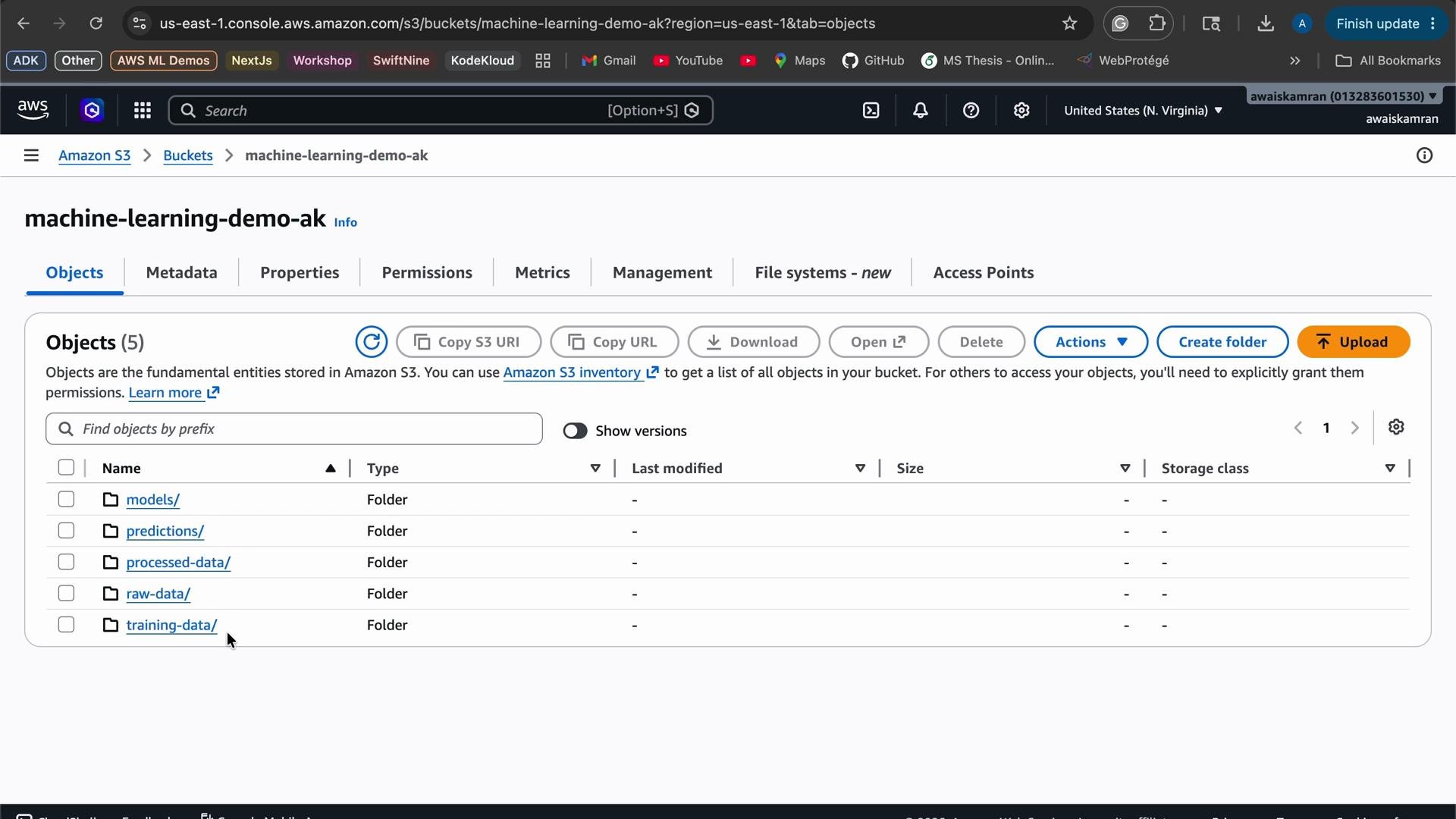
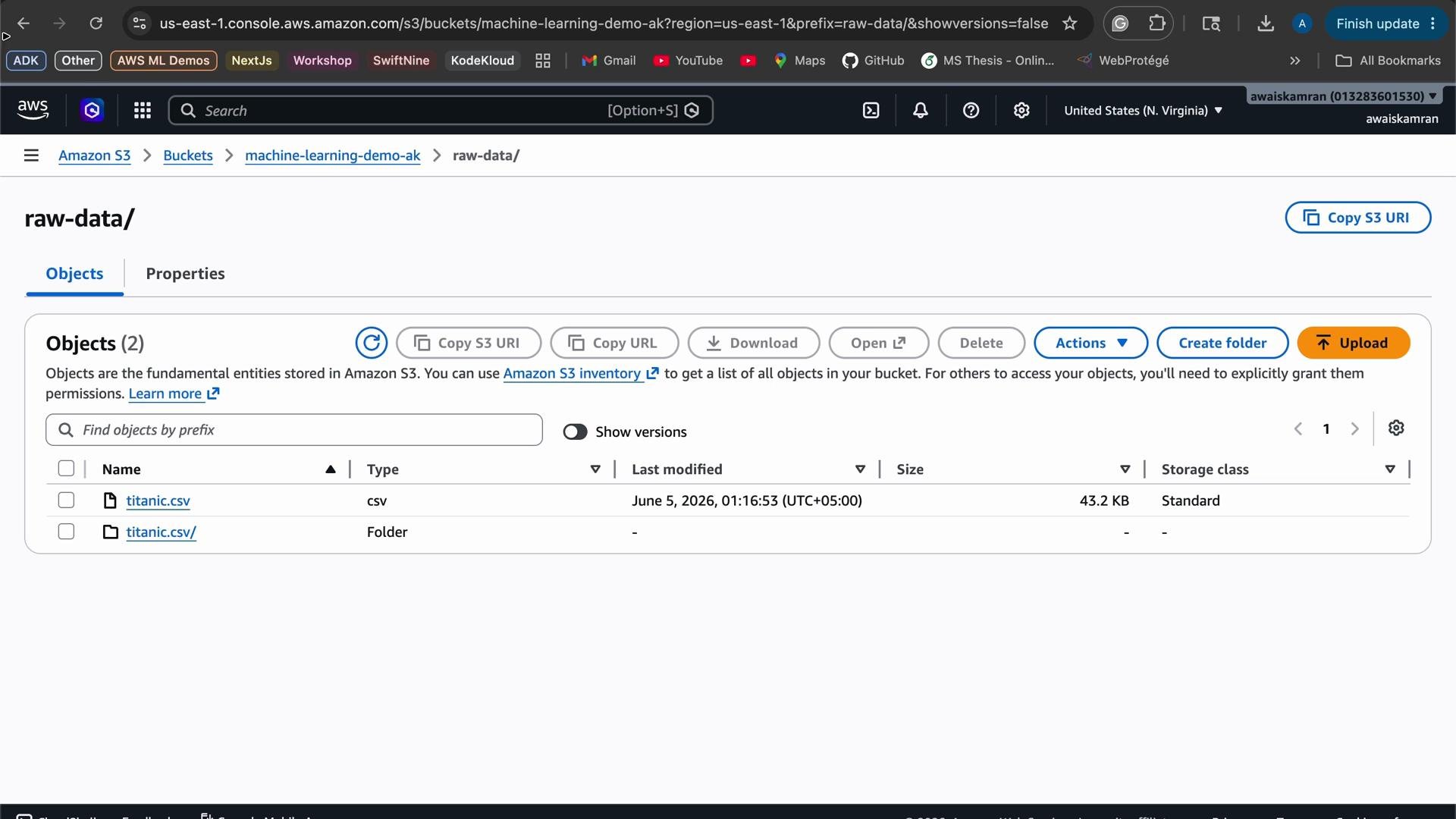
raw folder. Our goal:
- Cast a few columns to appropriate types (e.g., convert
pclassto integer). - Drop an unnecessary column (
parents/children). - Write the cleaned CSV to the
processedfolder.
Visual ETL (Glue Studio) — Graph-based authoring
Glue Studio uses a graph model: nodes = sources, transformations, targets. For this job we choose Amazon S3 as the source.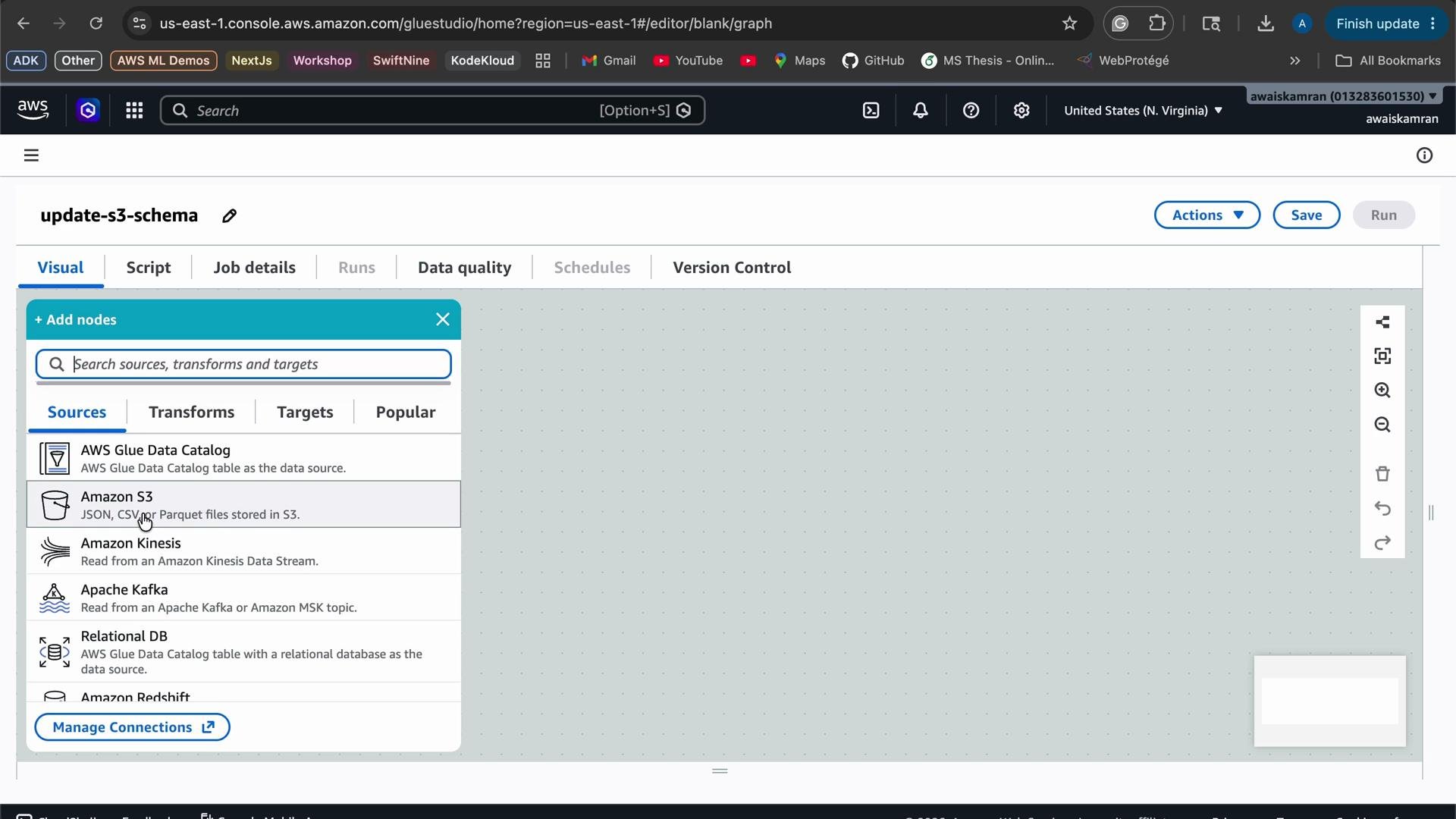
- Add an S3 source node and point it to the
raw/titanic.csvpath; select CSV format. - Choose or create an IAM role that grants Glue read/write access to S3.
- Preview the inferred schema and data.
- Add a “Change Schema” transformation node to cast types and drop columns.
- Add an S3 target node and configure output path (
processed/) and CSV settings. - Save and run the job; verify the processed output.
Make sure the IAM role provided to the Glue job has S3 read access to the source and S3 write access to the target path. If you need a starting point, attach a policy that grants
s3:GetObject, s3:ListBucket, and s3:PutObject for the relevant prefixes. This avoids runtime failures due to permission errors.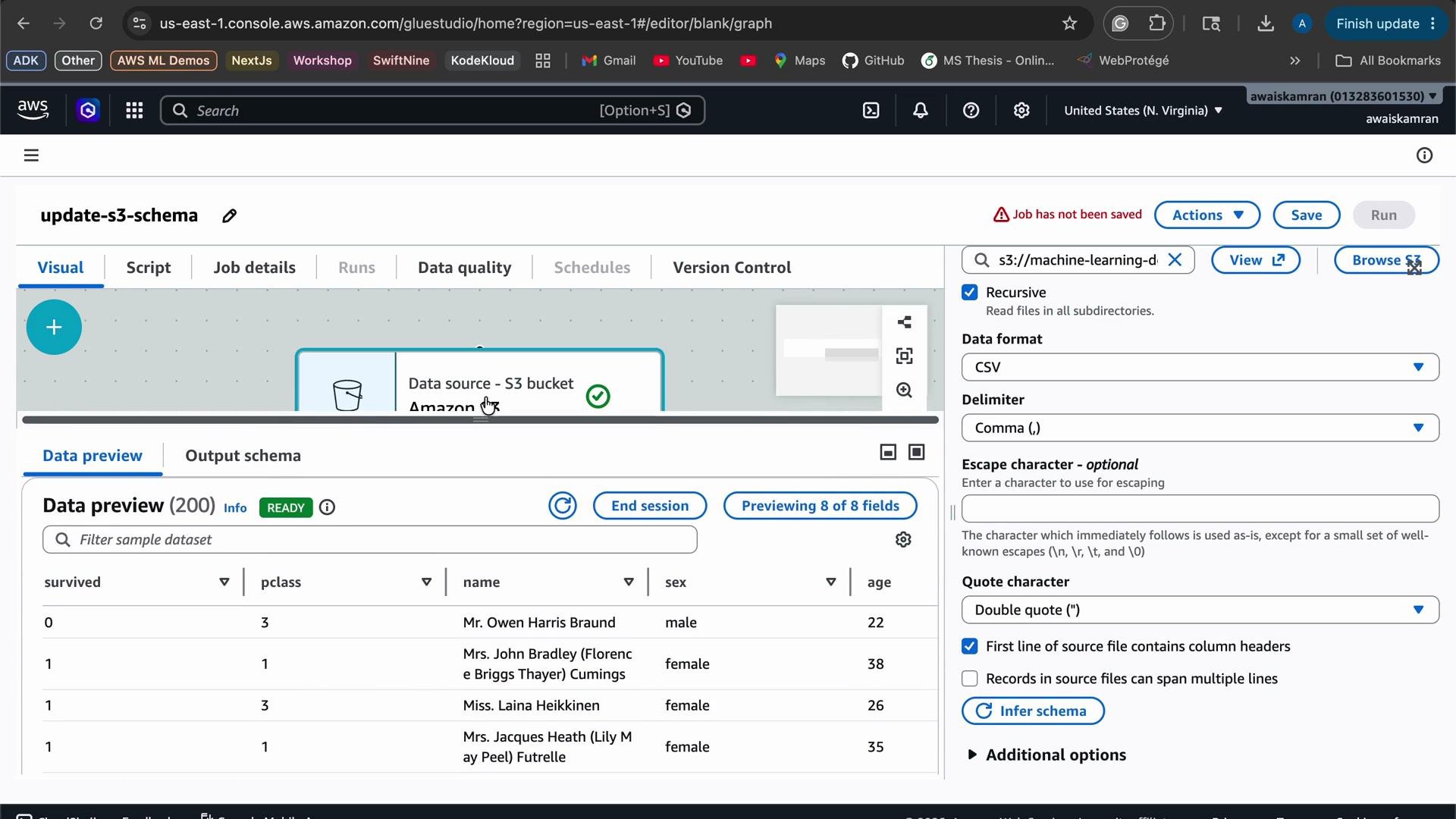
Apply schema changes
Add a transformation node. Glue Studio supports schema mapping and other transformations; DataBrew recipes are an alternate interactive option. For this example we use the “Change Schema” transformation to:- Cast
pclass(currently inferred as string) tointeger. - Drop the
parents/childrencolumn (not needed for the ML workflow).
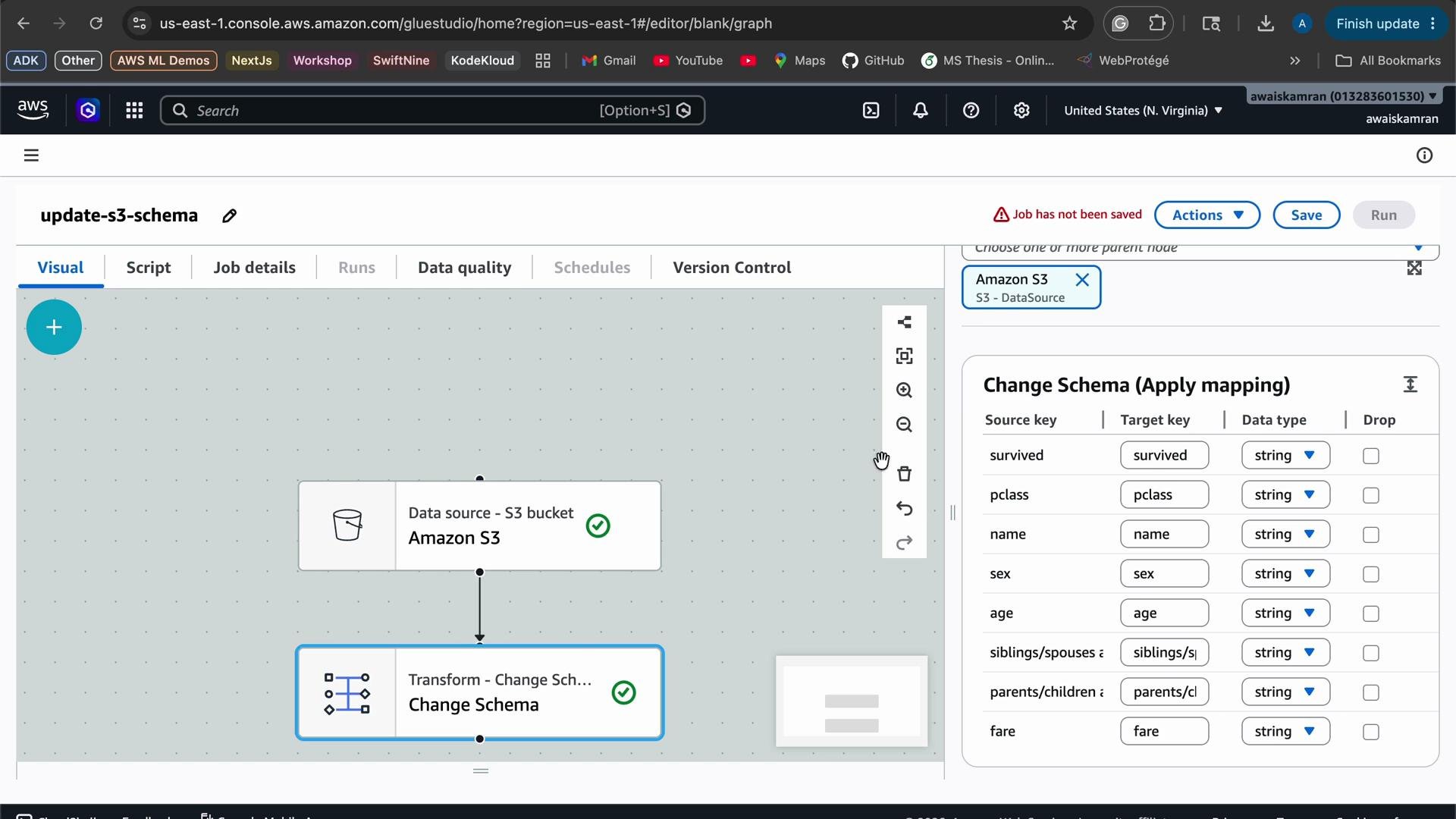
After adding the schema mappings, add an S3 target node and configure the output format to CSV (no compression) and set the output prefix to the
processed folder.
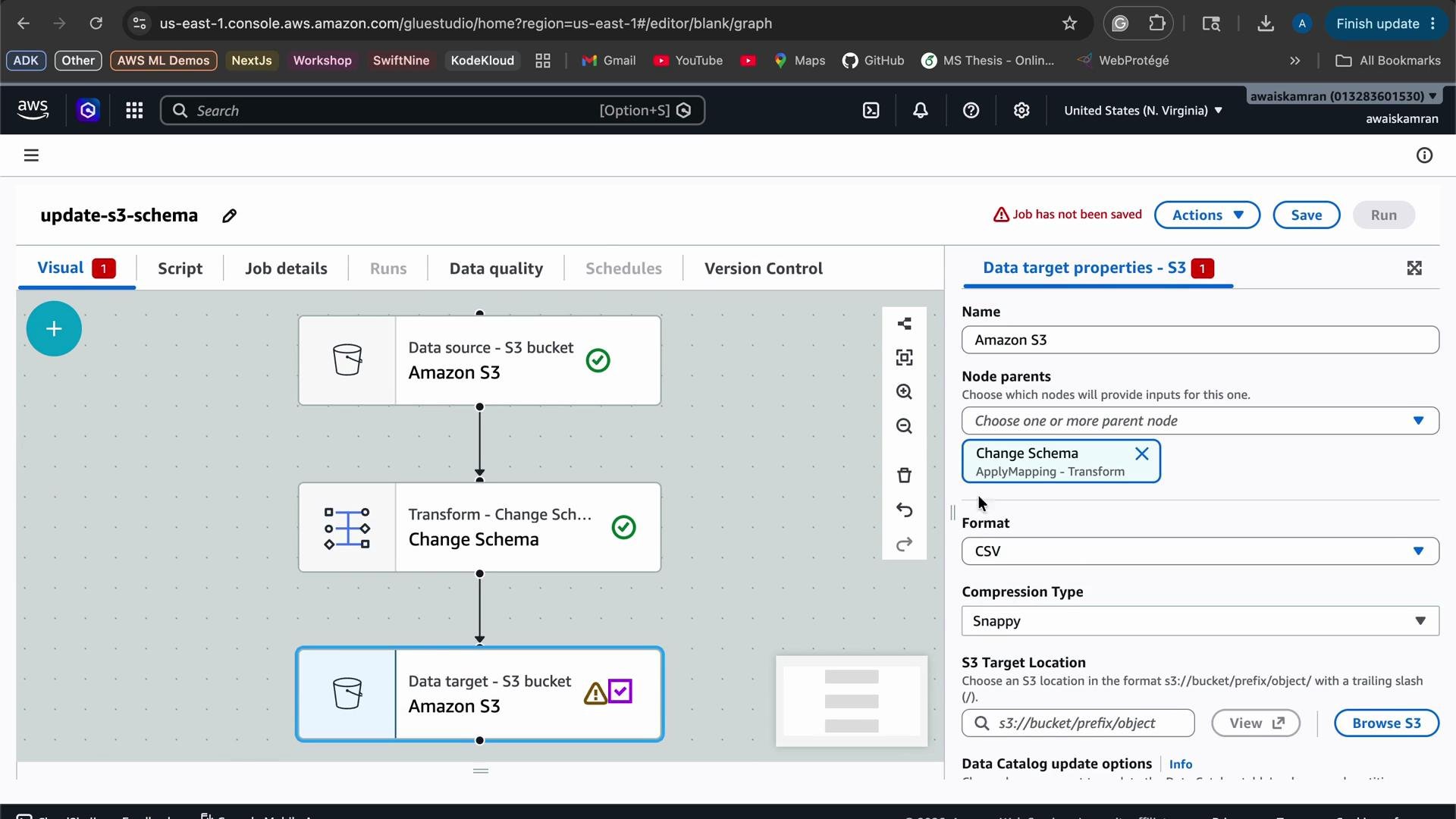
Run the job and verify output
- Save and run the job. In this demo the job ran for ~1 minute and 6 seconds and used 10 DPUs.
- After the job completes, check the S3
processed/folder for the output CSV file and download it for inspection.
pclass is now integer and parents/children is removed; names with commas are quoted):
Quick reference
Links and references
- AWS Glue Studio — Visual ETL documentation
- AWS Glue product page
- AWS Data Wrangler docs
- AWS Glue DataBrew product page
- Amazon Kinesis
- Amazon S3
- IAM (Identity and Access Management)
After testing, remember to delete any temporary files, Glue jobs, and IAM roles you no longer need to avoid unexpected costs.