

Resources you create in SageMaker (instances, endpoints, training jobs, etc.) can incur charges. If you’re following along, be sure to delete any endpoints, notebook kernels, or Studio apps you no longer need.
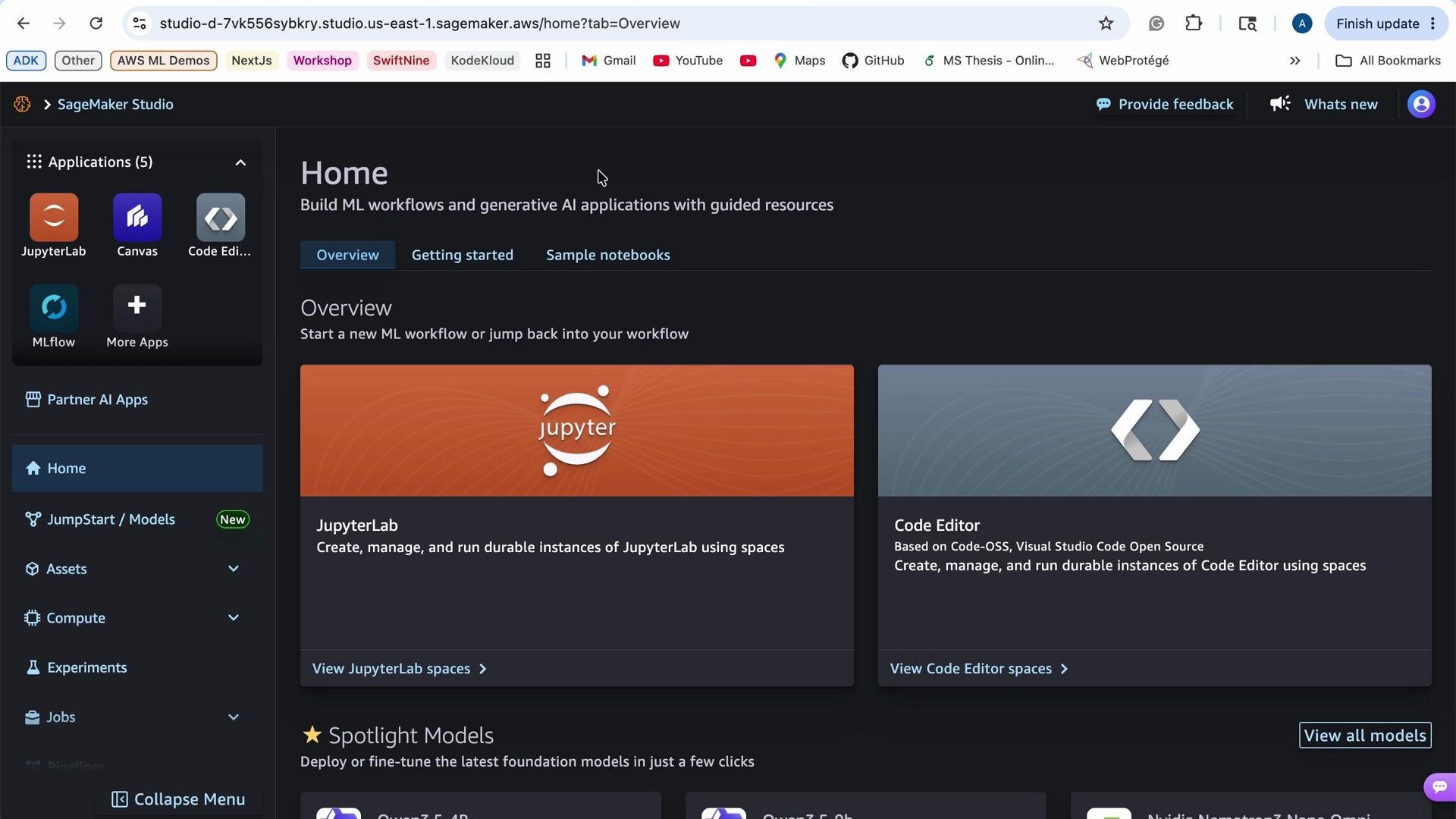
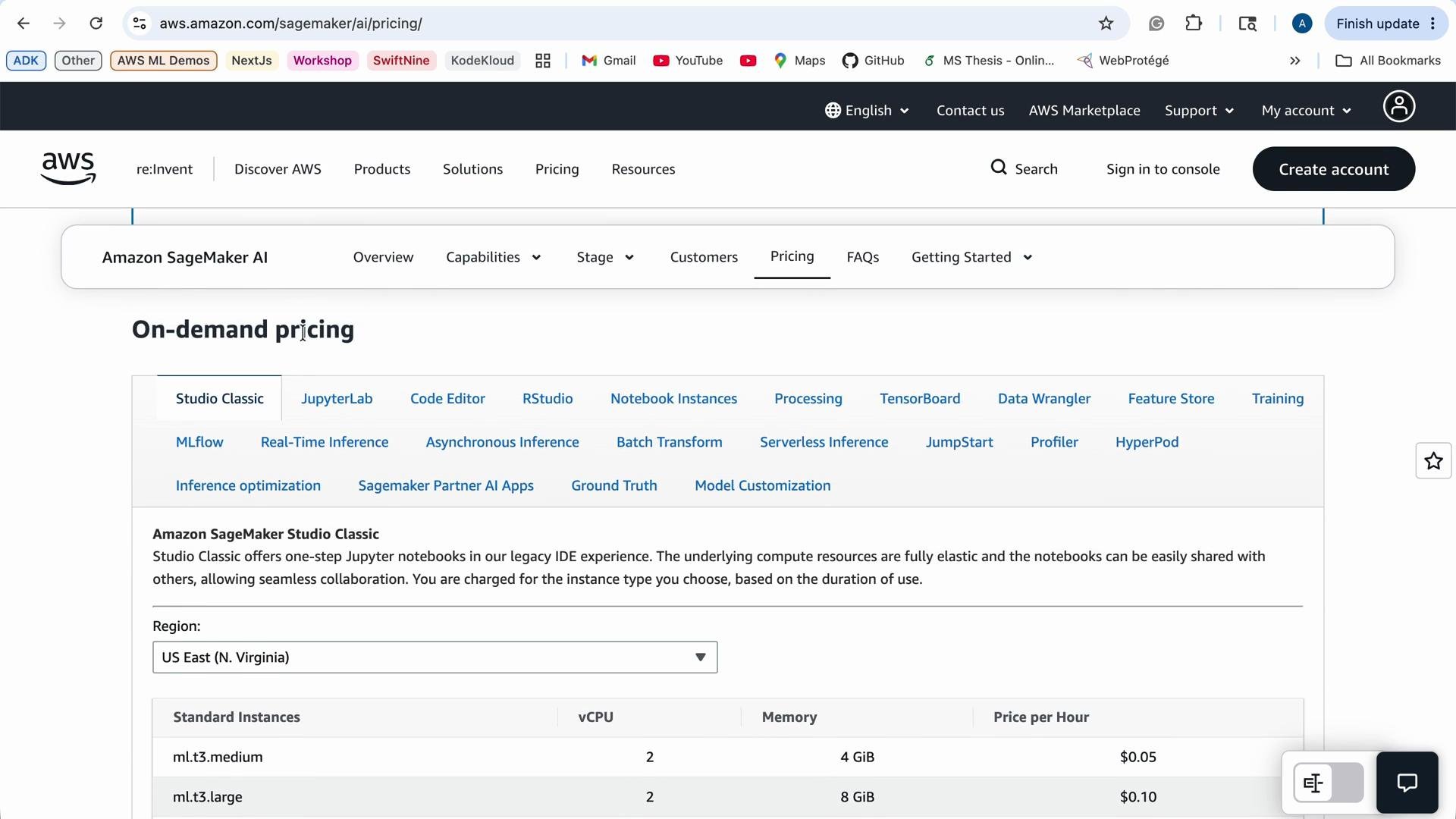
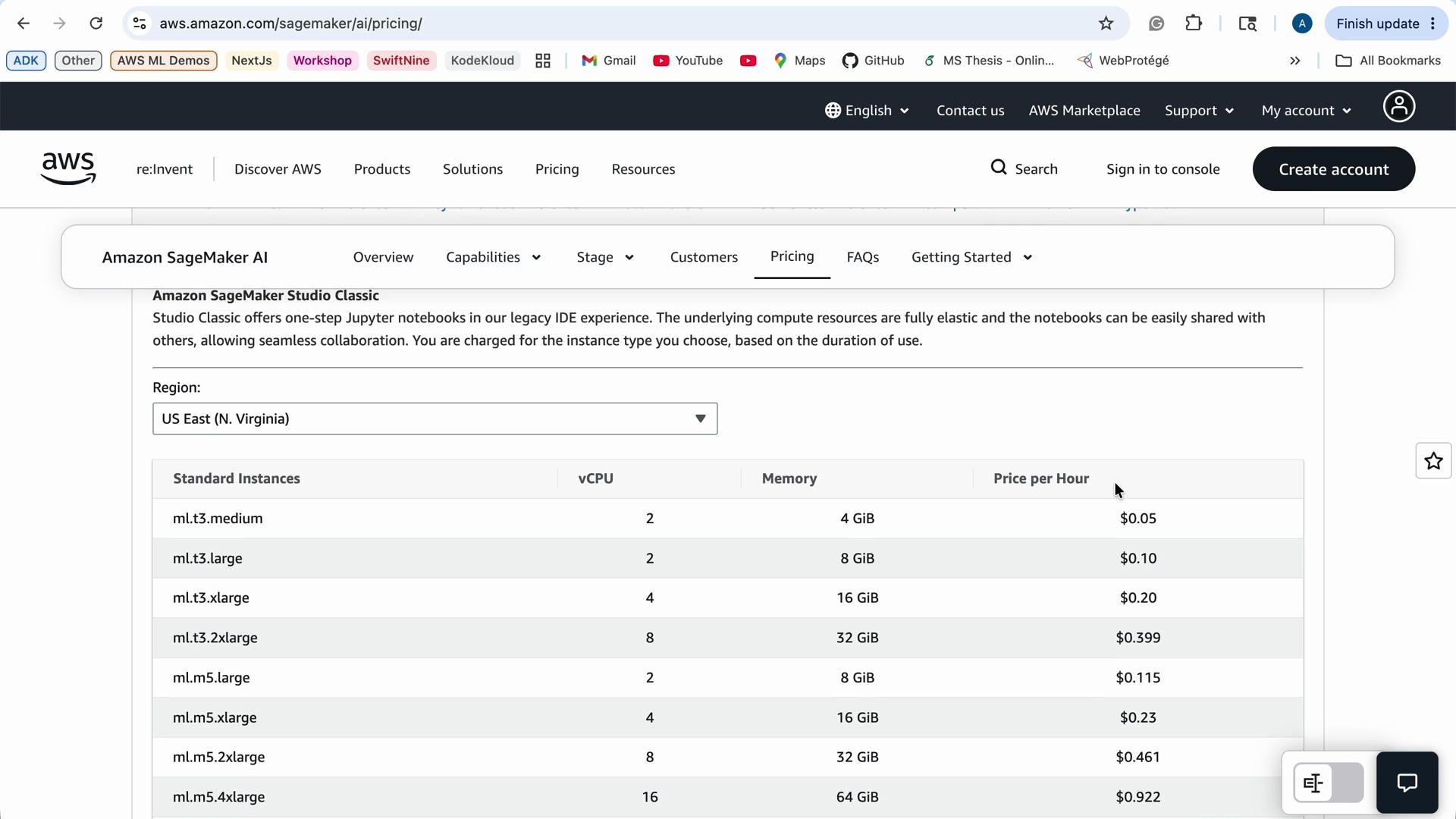
Tip: When you prototype, prefer smaller and cheaper instance types. Reserve GPU or large-memory instances for training or large-scale inference only. Use the AWS Management Console or the AWS CLI to monitor running resources and billing.
What is JumpStart?
SageMaker JumpStart is an ML hub that accelerates model experimentation and deployment by providing:- Pre-trained models across modalities (image, audio, text, tabular, etc.).
- End-to-end solution templates and example notebooks.
- One-click deployment options and fine-tuning recipes.
JumpStart discovery and filters
JumpStart provides filters to narrow down models by:- Input modality (image, audio, tabular, text).
- Use case (classification, segmentation, regression, anomaly detection).
- Customization or fine-tuning technique (supervised fine-tuning, direct preference optimization, etc.).
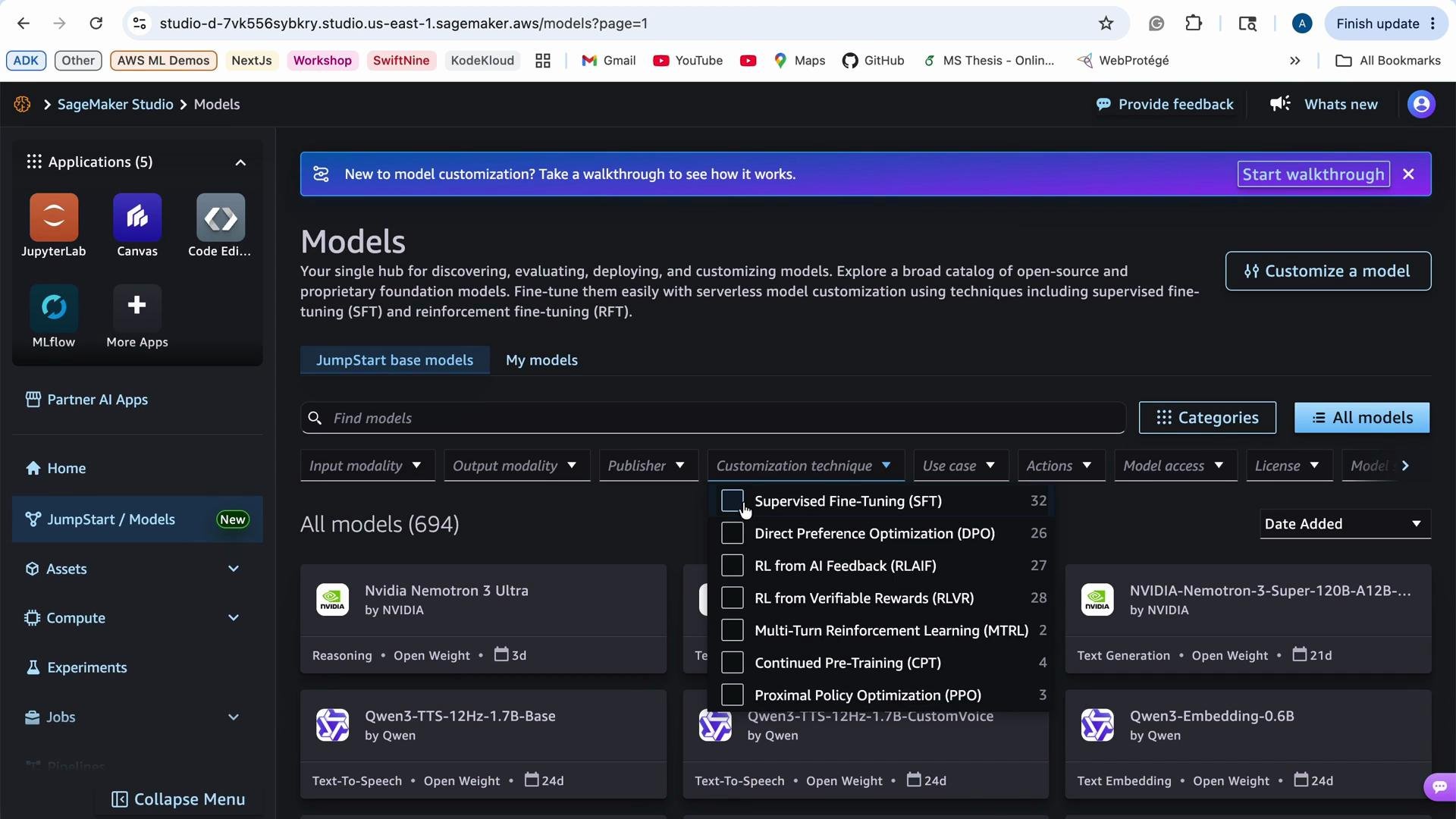
- A concise model description and intended use cases.
- Actions to evaluate (run an evaluation notebook or inference demo), deploy (create an endpoint), or retrain/fine-tune on your data.
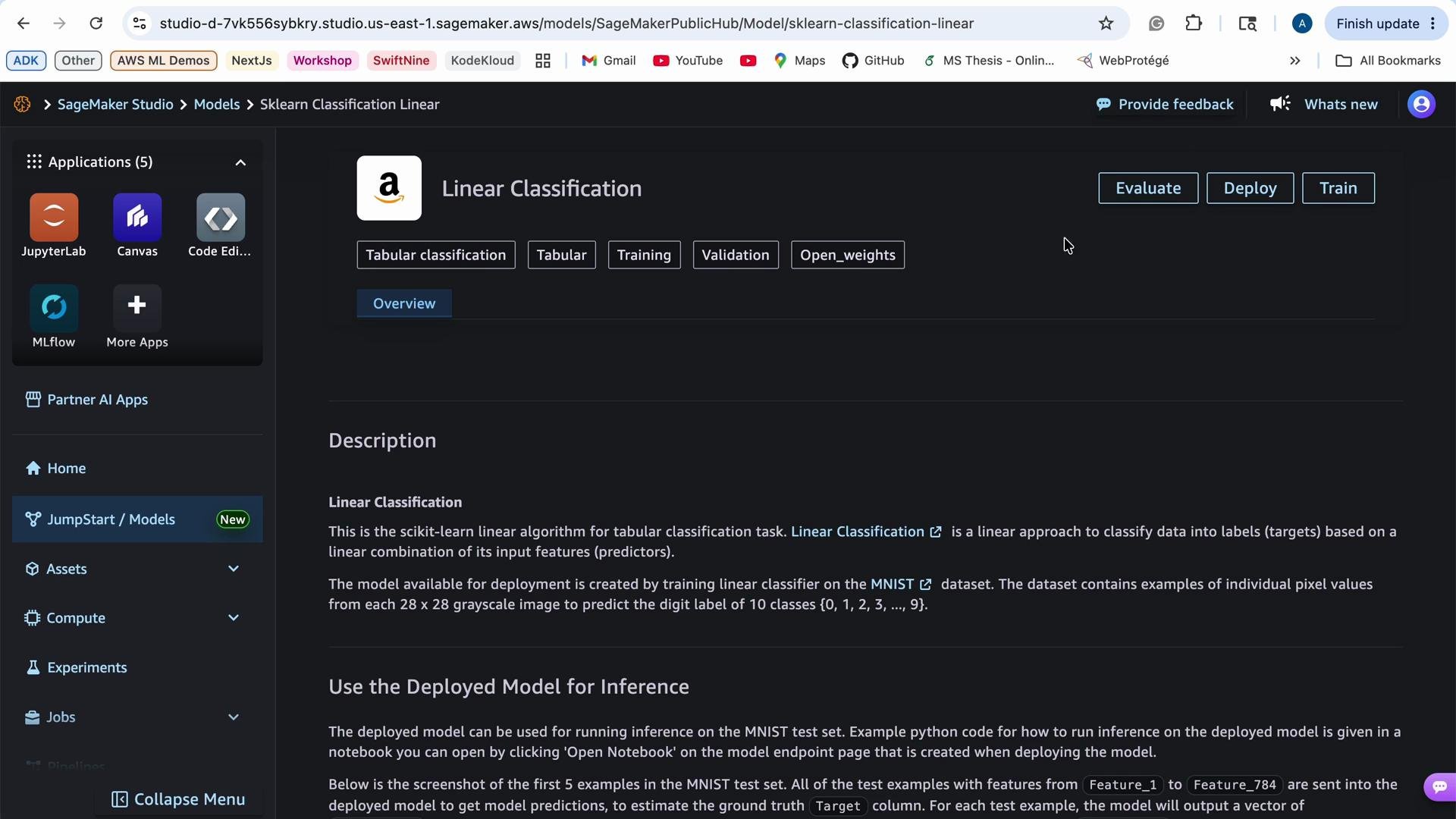
Typical JumpStart workflow
- Search JumpStart for models that match your input modality and use case.
- Read the model description and review the included example notebooks or evaluation scripts.
- Run an evaluation notebook or inference demo to confirm baseline behavior on sample data.
- Deploy the model to a SageMaker endpoint for real-time inference if it meets your needs.
- Optionally fine-tune the model on your dataset using the provided training recipe or notebook to improve performance.
- Clean up: delete endpoints and any other resources you no longer need to avoid ongoing charges.
Quick cleanup commands
Use the AWS CLI to list and delete endpoints when you finish:- List endpoints:
- Delete an endpoint (replace
my-endpoint):
- Delete the endpoint configuration (if needed):
my-endpoint) with your actual endpoint names.