

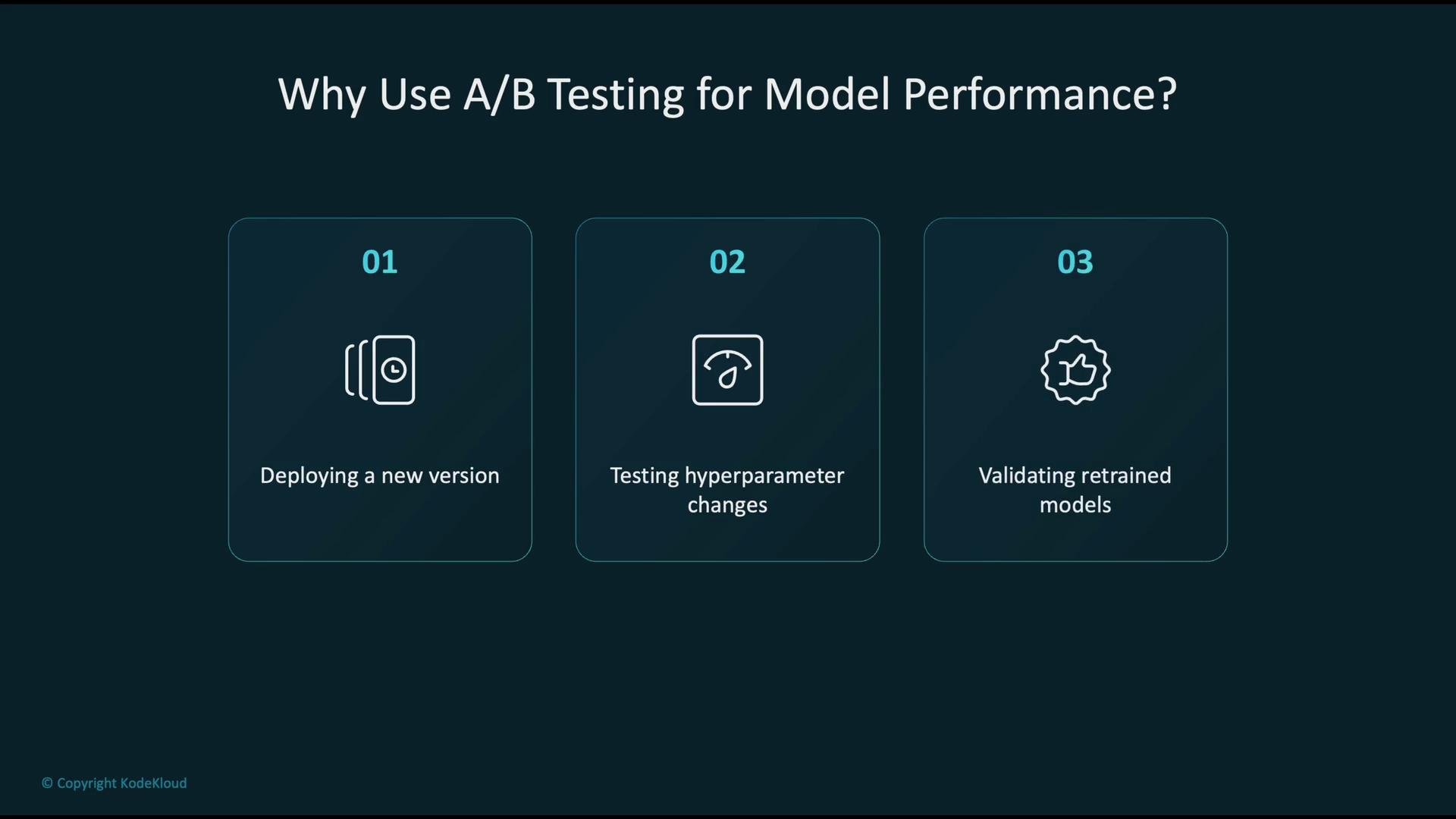
- Safely deploy and validate a new model version before full rollout.
- Evaluate the production impact of hyperparameter or architecture changes.
- Validate retrained models on fresh data to detect regressions early.
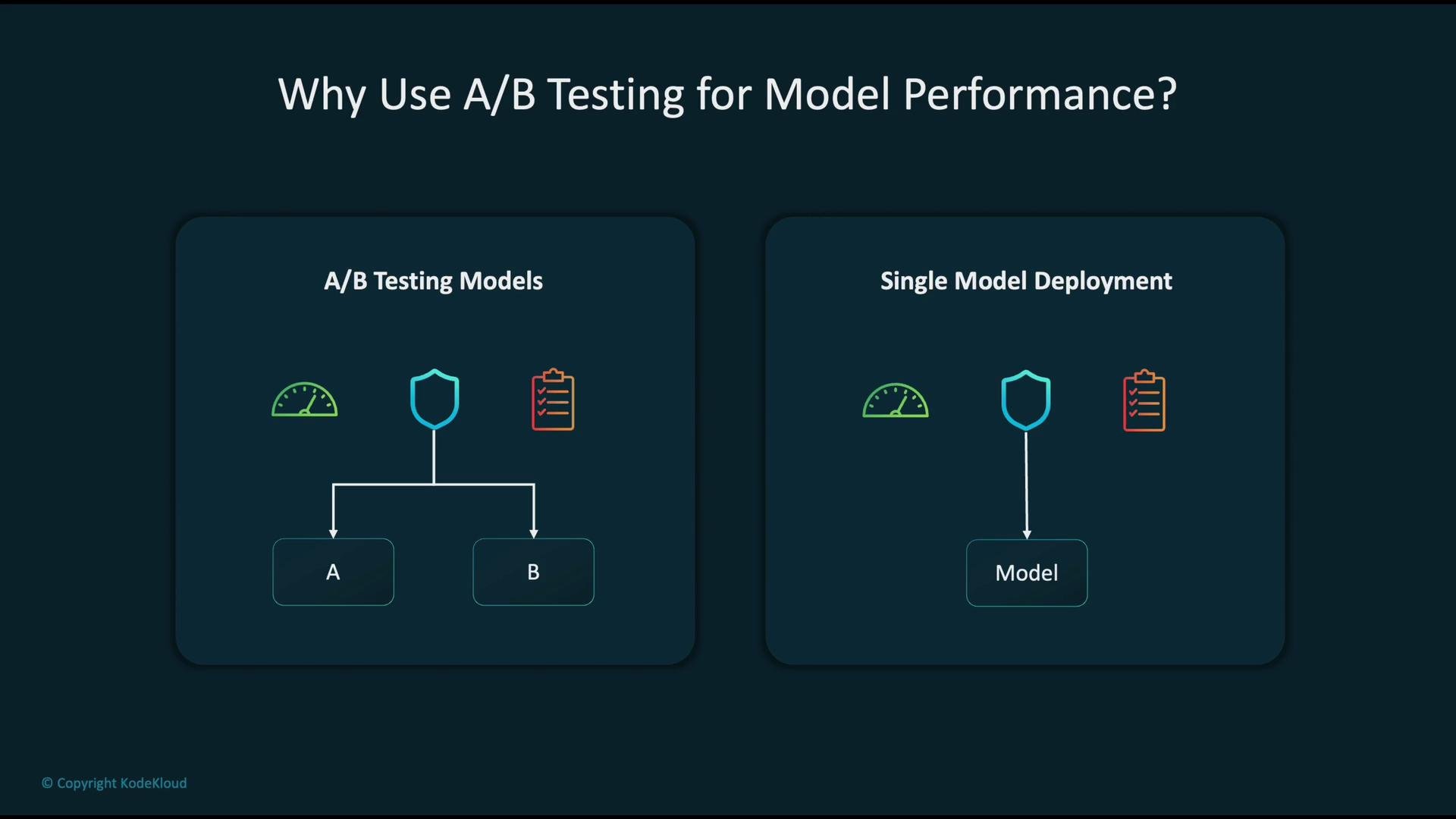
Shadow testing (also called dark launching) is a complementary approach: run a new model alongside production without returning its results to users. This lets you compare outputs and metrics without affecting live traffic.
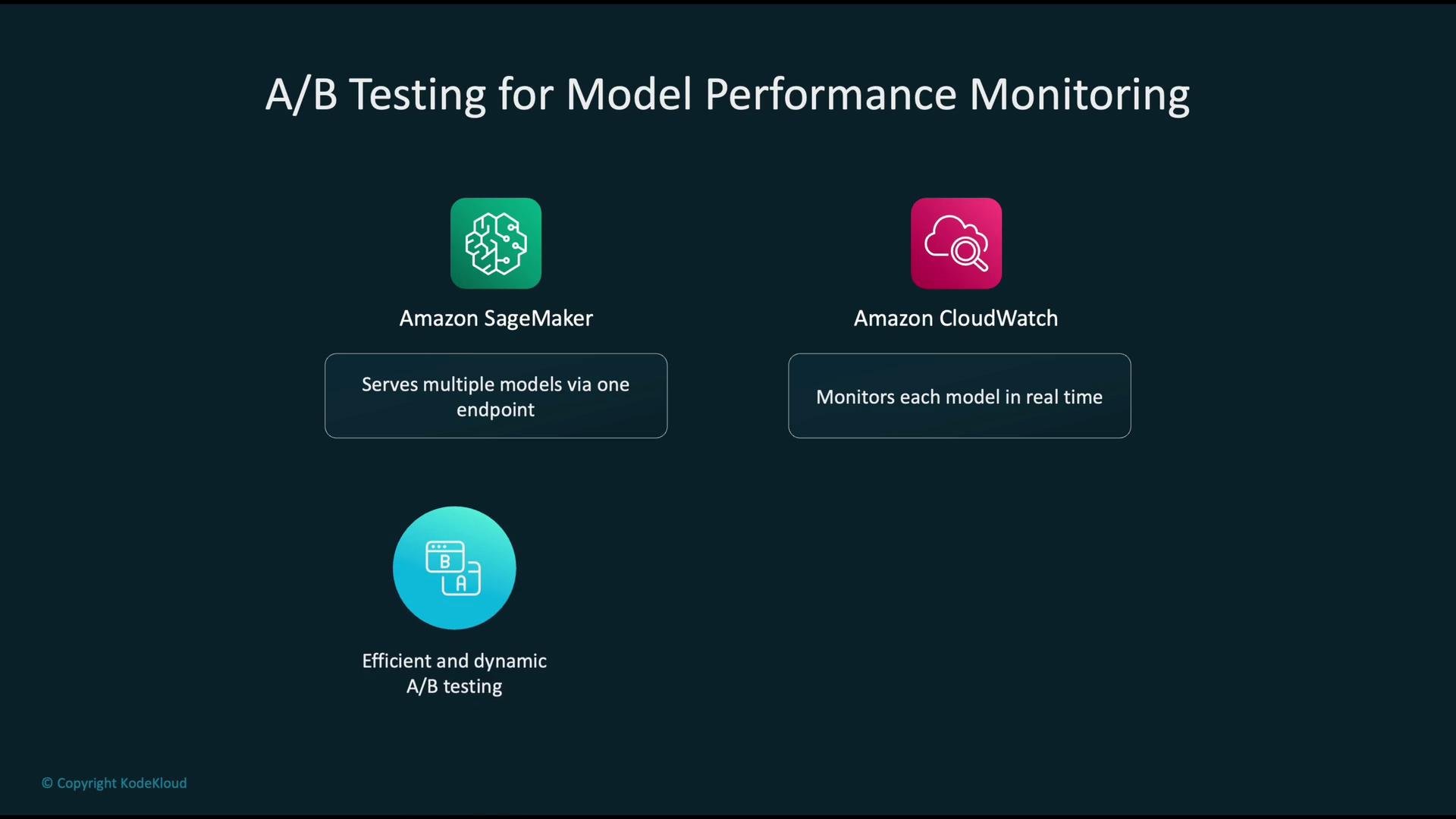
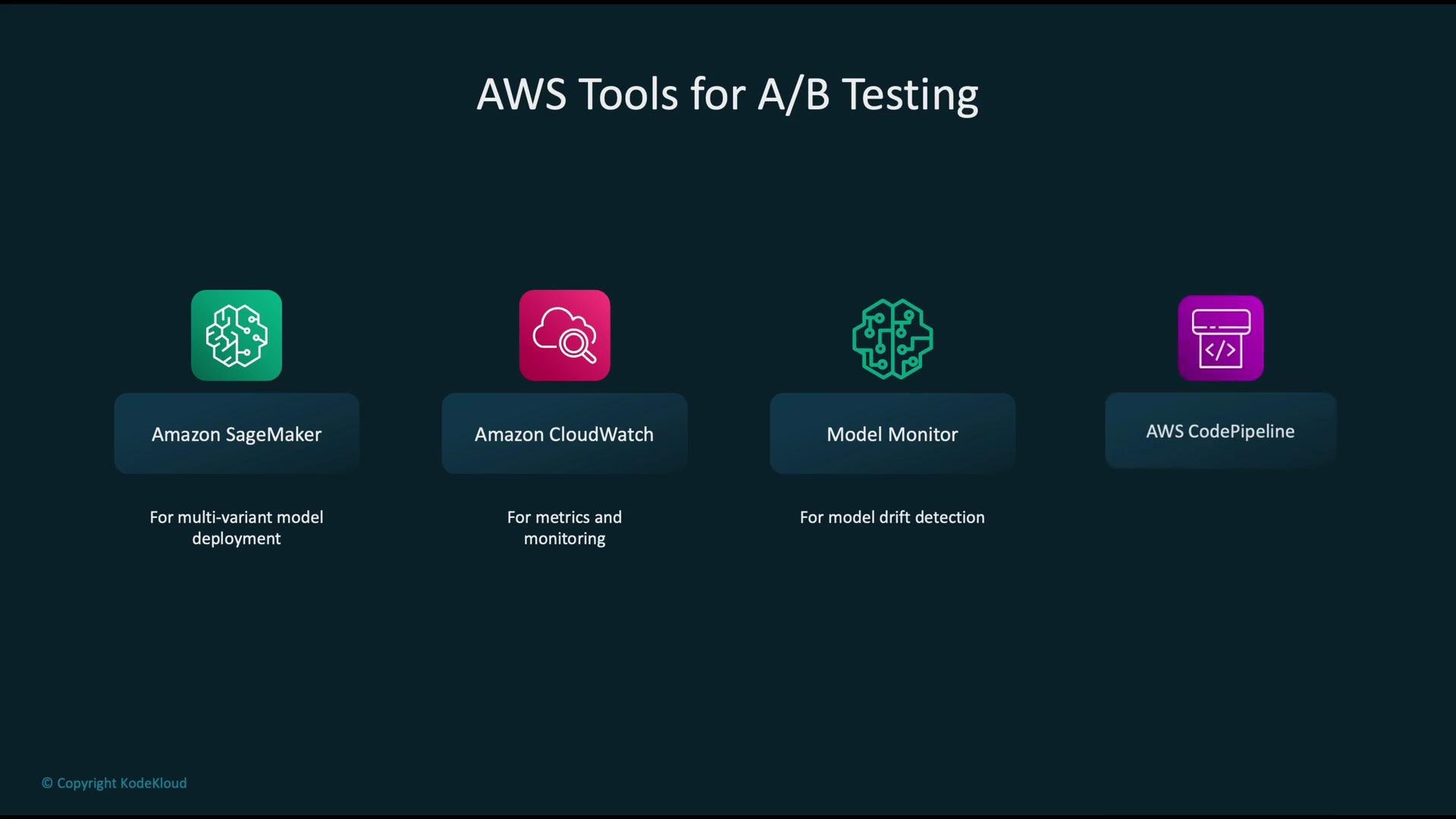
- Amazon SageMaker: host multiple model variants behind a single endpoint.
- Amazon CloudWatch: collect and visualize per-variant metrics (latency, error rates, request counts, etc.).
- SageMaker Model Monitor: detect data drift and performance degradation over time.
- AWS CodePipeline & CodeBuild: automate training, testing, and deployment within CI/CD.
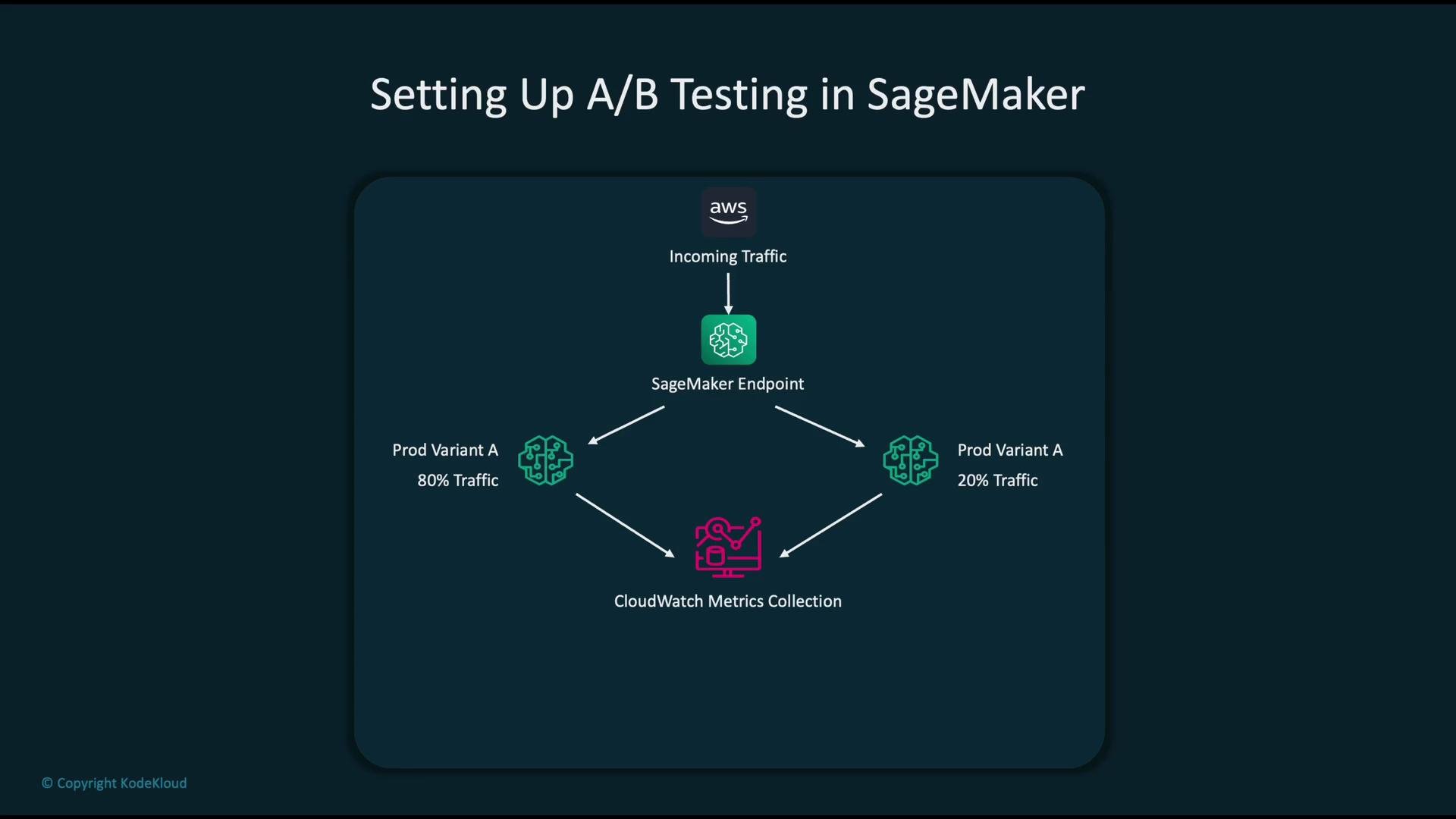
- A single SageMaker endpoint receives incoming inference traffic.
- The endpoint splits traffic across two (or more) model variants (for example, 80% to variant A and 20% to variant B).
- Per-variant metrics are emitted to CloudWatch automatically.
- You analyze these metrics and choose the variant that should become the new champion.
- Invocation latency (p50, p90, p99)
- Error counts and error rates
- Request counts (traffic split visibility)
- CPU/GPU and memory utilization
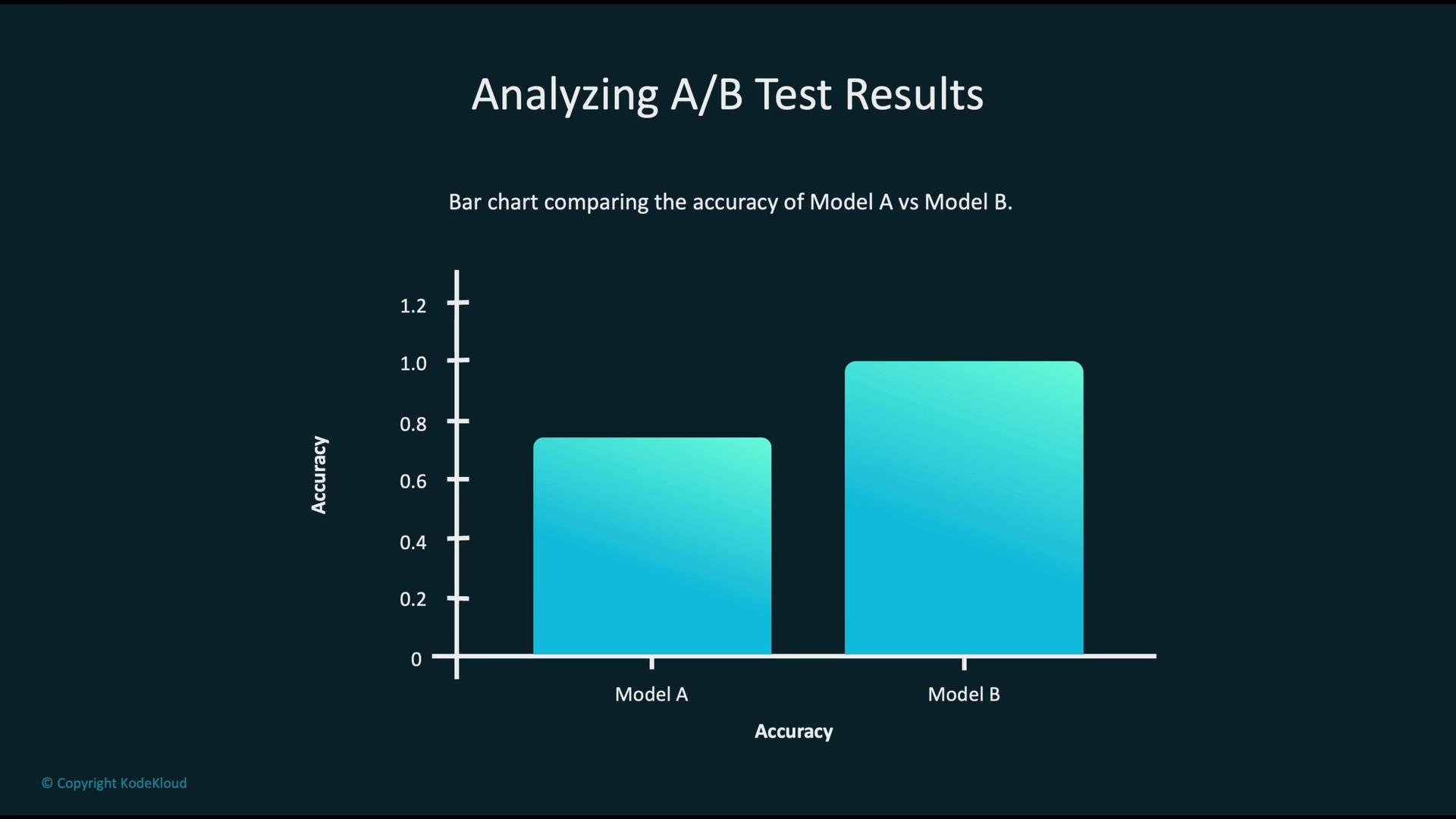
- Model A: 80% accuracy
- Model B: 100% accuracy
- Define infrastructure as code using CloudFormation or the AWS CDK and store it in Git.
- A repository push triggers AWS CodePipeline.
- CodeBuild runs automated training, evaluation, and tests.
- The validated model is deployed to a SageMaker endpoint.
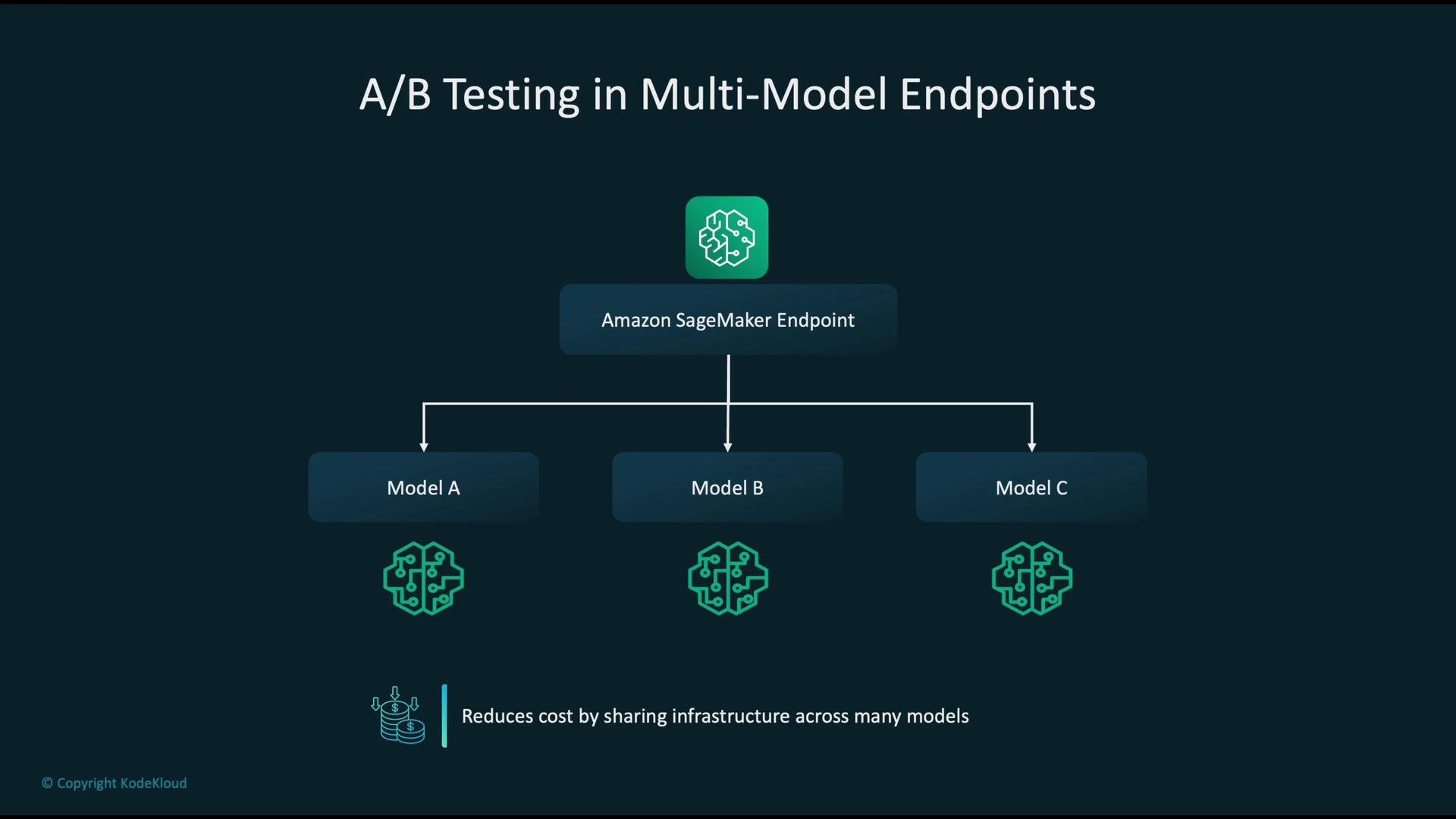
- SageMaker multi-model endpoints can host multiple models on a single endpoint (A, B, C…), sharing underlying infrastructure to reduce serving cost when model sizes and workloads permit.
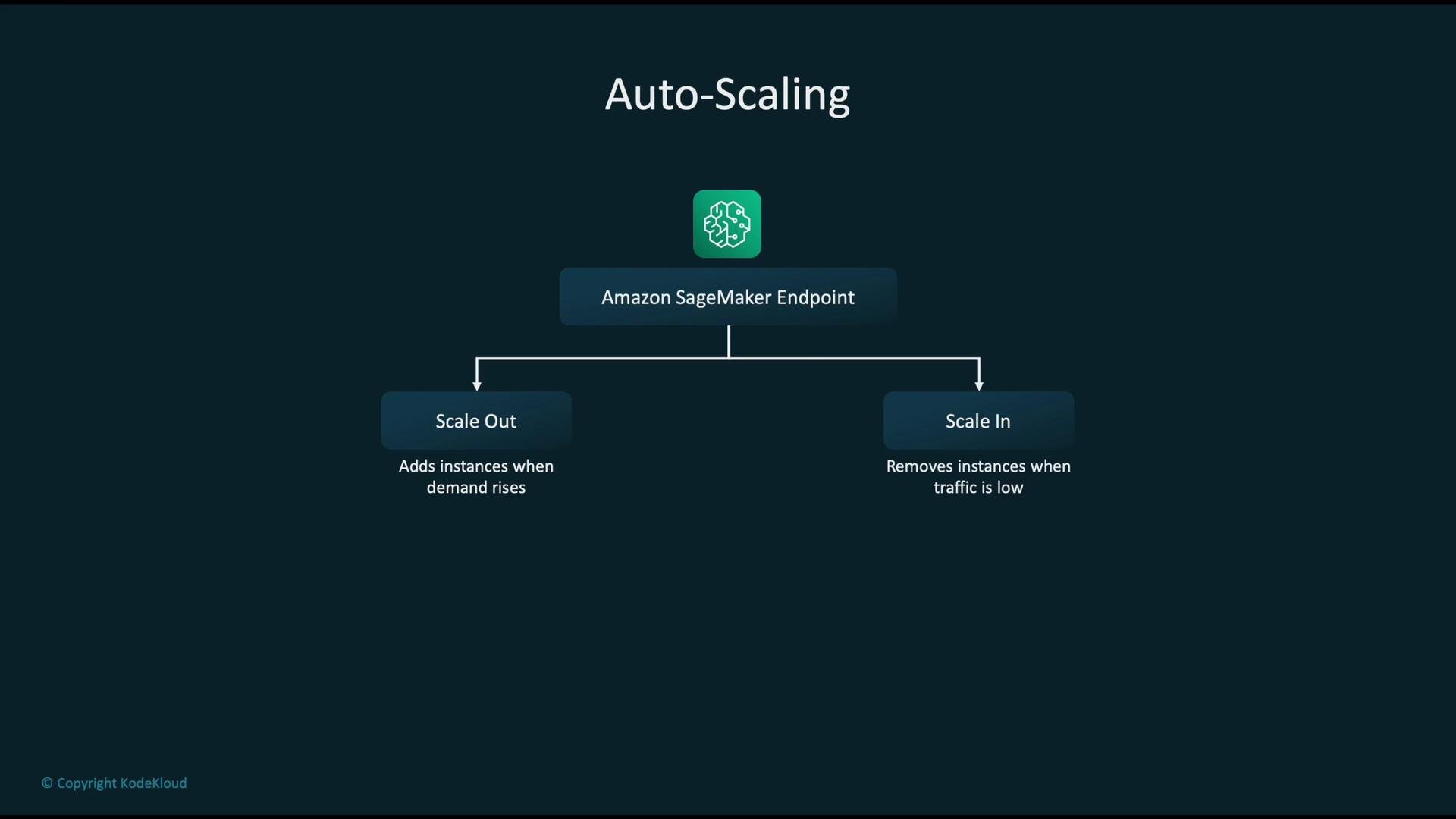
- Auto Scaling adjusts instance counts according to workload, scaling out on increased demand and scaling in when traffic drops.
- Typical triggers: invocation count, average latency, and CPU/GPU utilization. Plan scaling policies to balance cost, latency targets, and reliability.
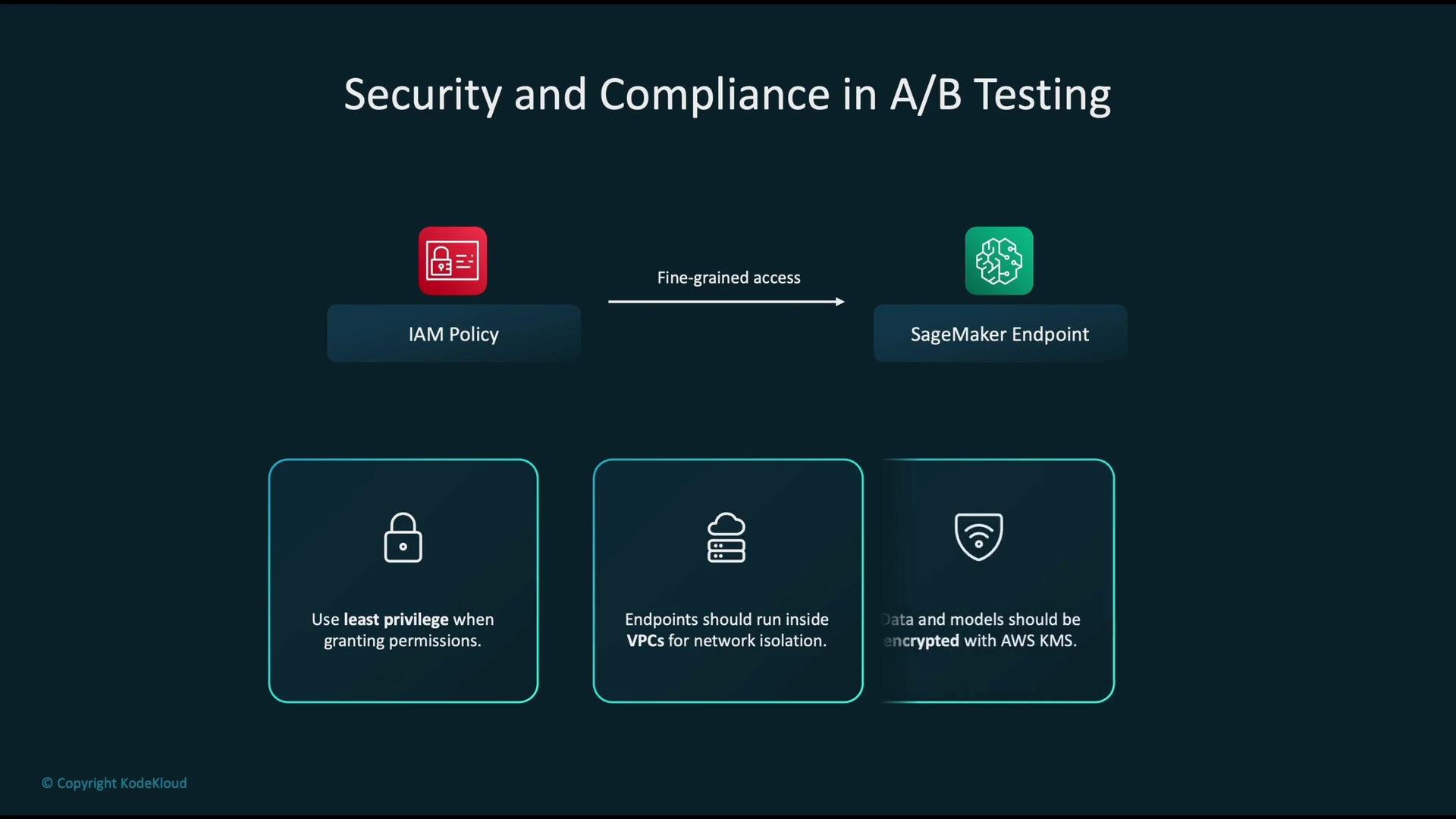
- IAM: apply fine-grained policies and the principle of least privilege for access to SageMaker, S3, and related resources.
- Network isolation: run endpoints inside a private VPC to limit exposure.
- Encryption: enable encryption at rest and in transit; use AWS KMS for key management of model artifacts and data.
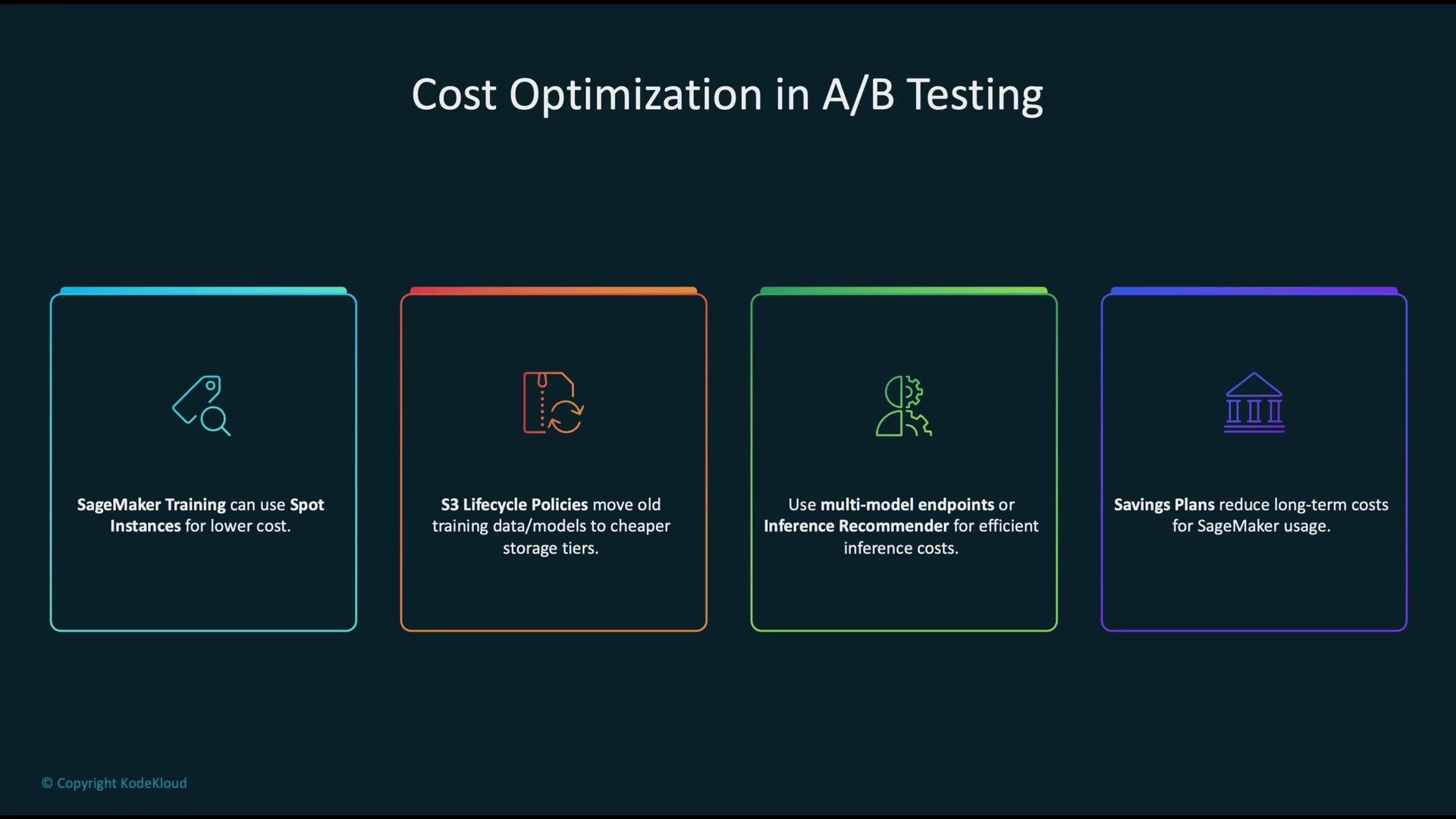
- Use SageMaker Spot Instances for training to lower compute costs.
- Apply S3 lifecycle policies to transition older datasets and model artifacts to cheaper storage tiers.
- Use multi-model endpoints or SageMaker Inference Recommender to find the most efficient serving configuration.
- For predictable long-term usage, consider Savings Plans to reduce runtime charges.
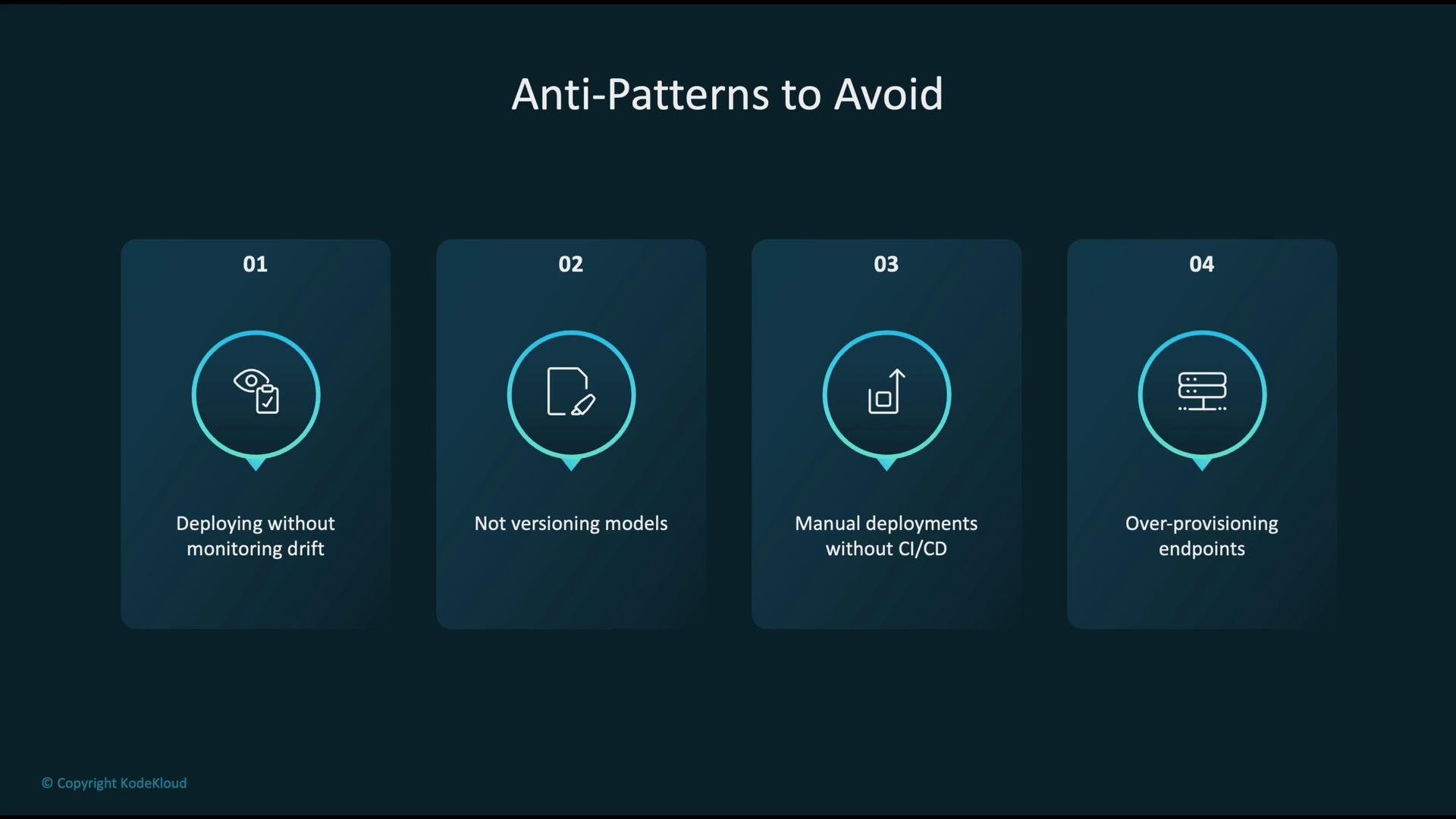
- Deploying without drift monitoring — models can degrade silently.
- Not versioning models — makes rollbacks and reproducibility difficult.
- Manual deployments without CI/CD — increases human error and reduces auditability.
- Over-provisioning endpoints — leads to unnecessary infrastructure costs.
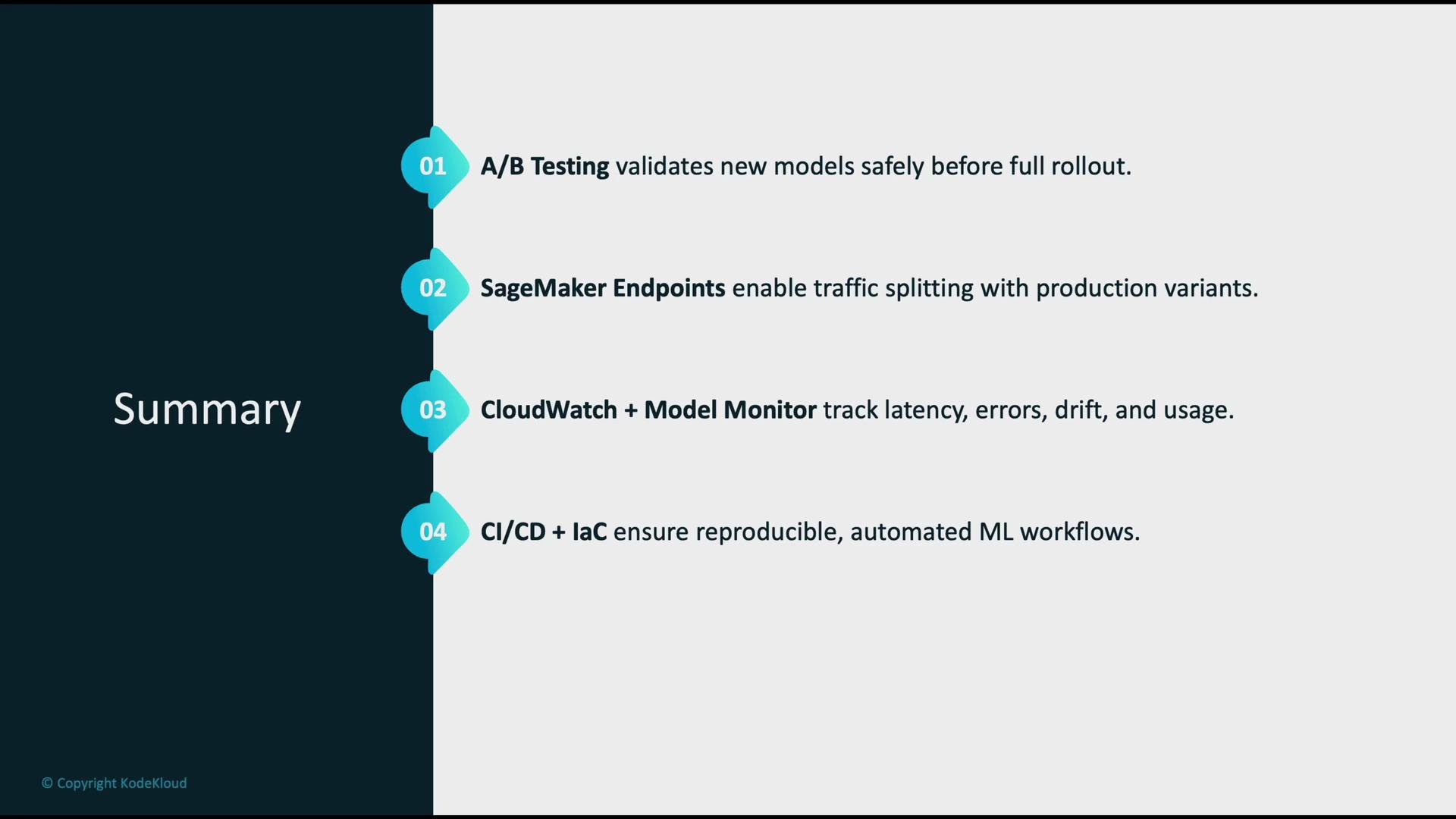
- A/B testing validates new models safely before full production rollout and reduces deployment risk.
- SageMaker endpoints provide traffic splitting for A/B comparisons; multi-model endpoints can reduce cost.
- CloudWatch and SageMaker Model Monitor offer observability for latency, errors, drift, and usage.
- Use IaC and CI/CD to ensure reproducible deployments and automated rollbacks.
- Auto Scaling and multi-model endpoints align capacity with demand and reduce serving cost.
- Enforce least-privilege IAM, VPC isolation, and encryption to meet security and compliance requirements.
- Optimize costs with spot instances, lifecycle policies, Recommender tools, and long-term savings plans.
Further reading and references:
- Amazon SageMaker documentation
- Amazon CloudWatch documentation
- AWS CI/CD with CodePipeline / CodeBuild
- AWS Security Best Practices