

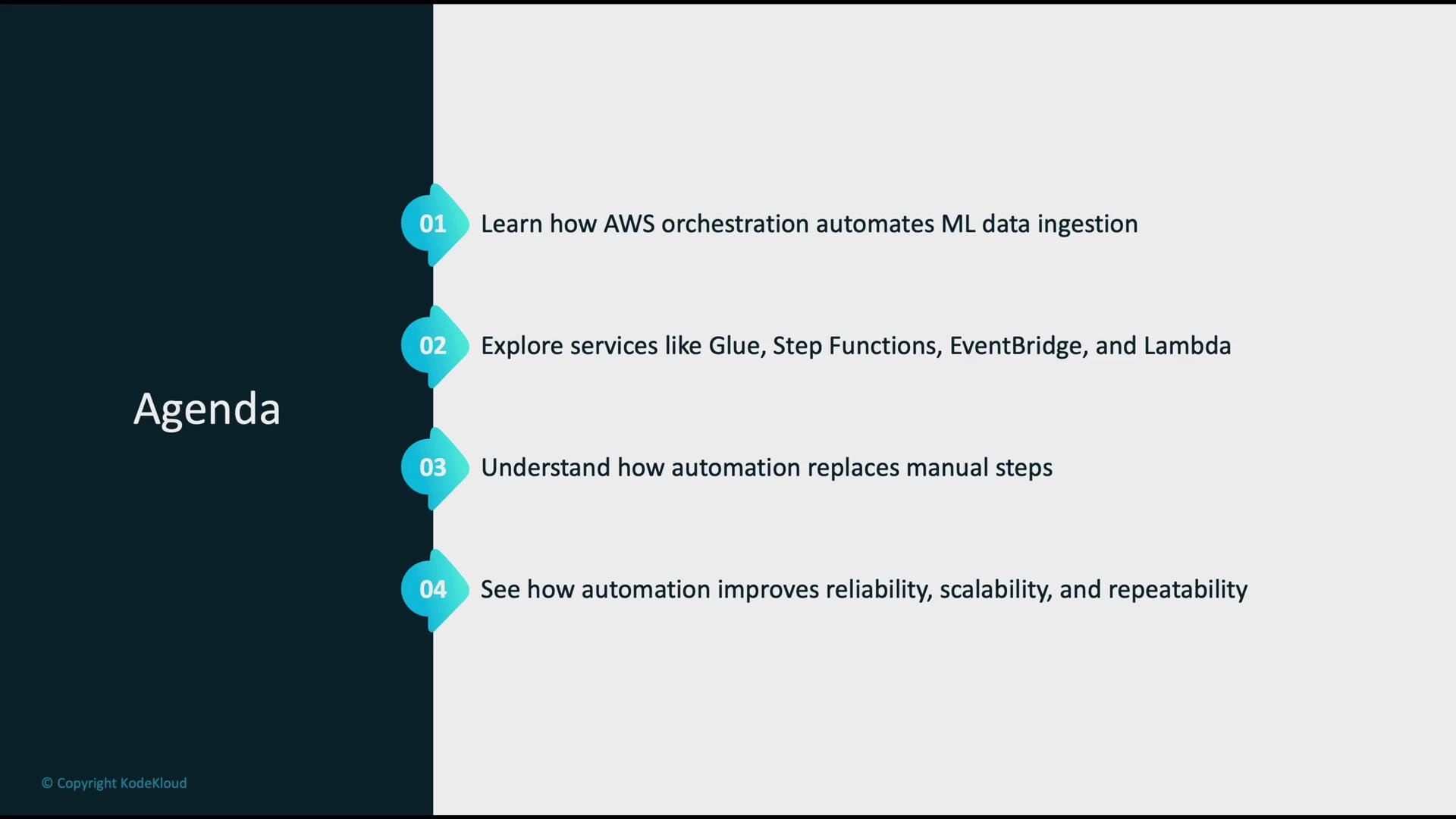
- How AWS orchestration automates the ML data-ingestion lifecycle
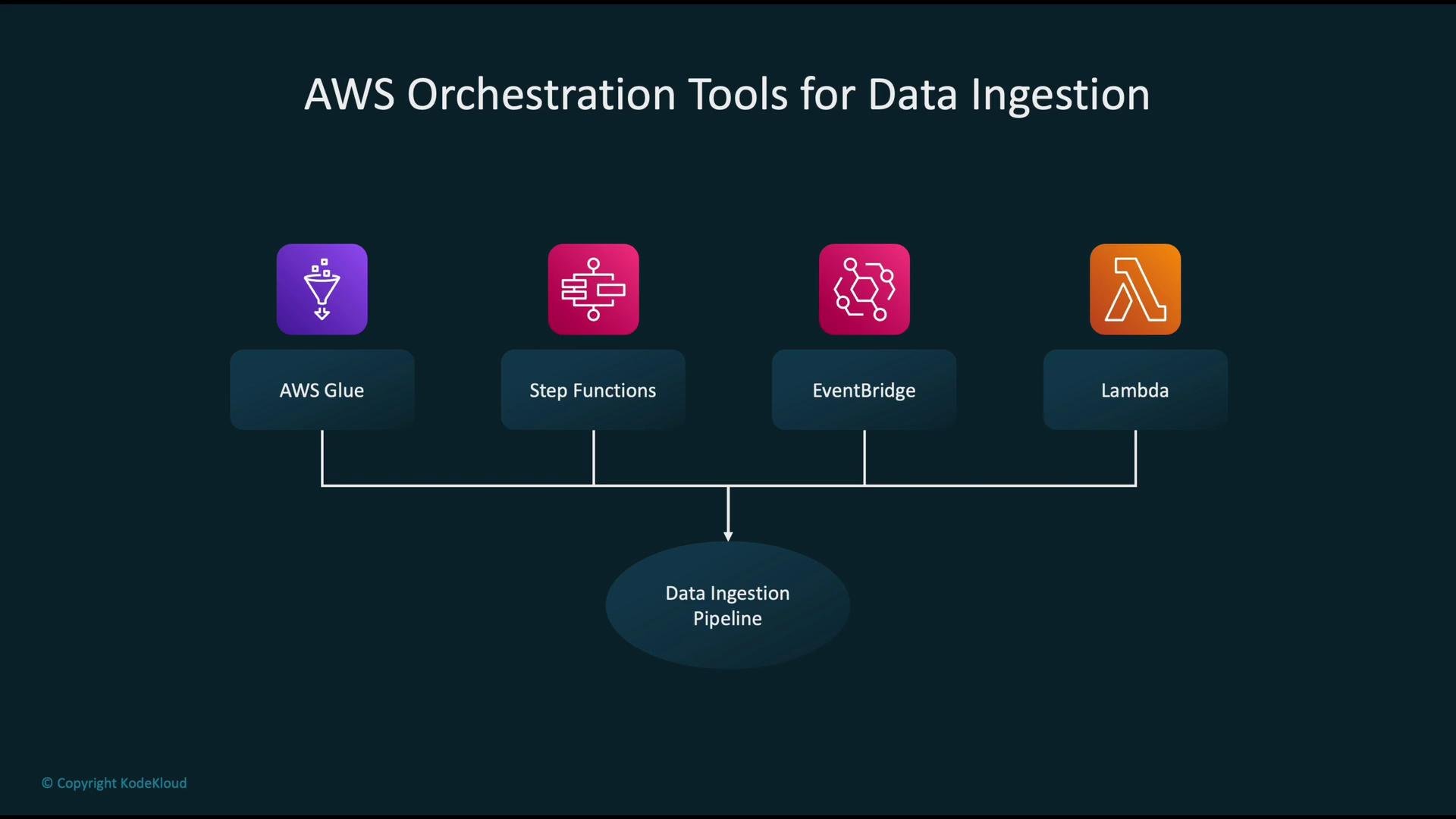
- Key AWS services: Glue, Step Functions, EventBridge, Lambda
- How automation replaces manual tasks in ingestion workflows
- Benefits: reliability, scalability, and repeatability
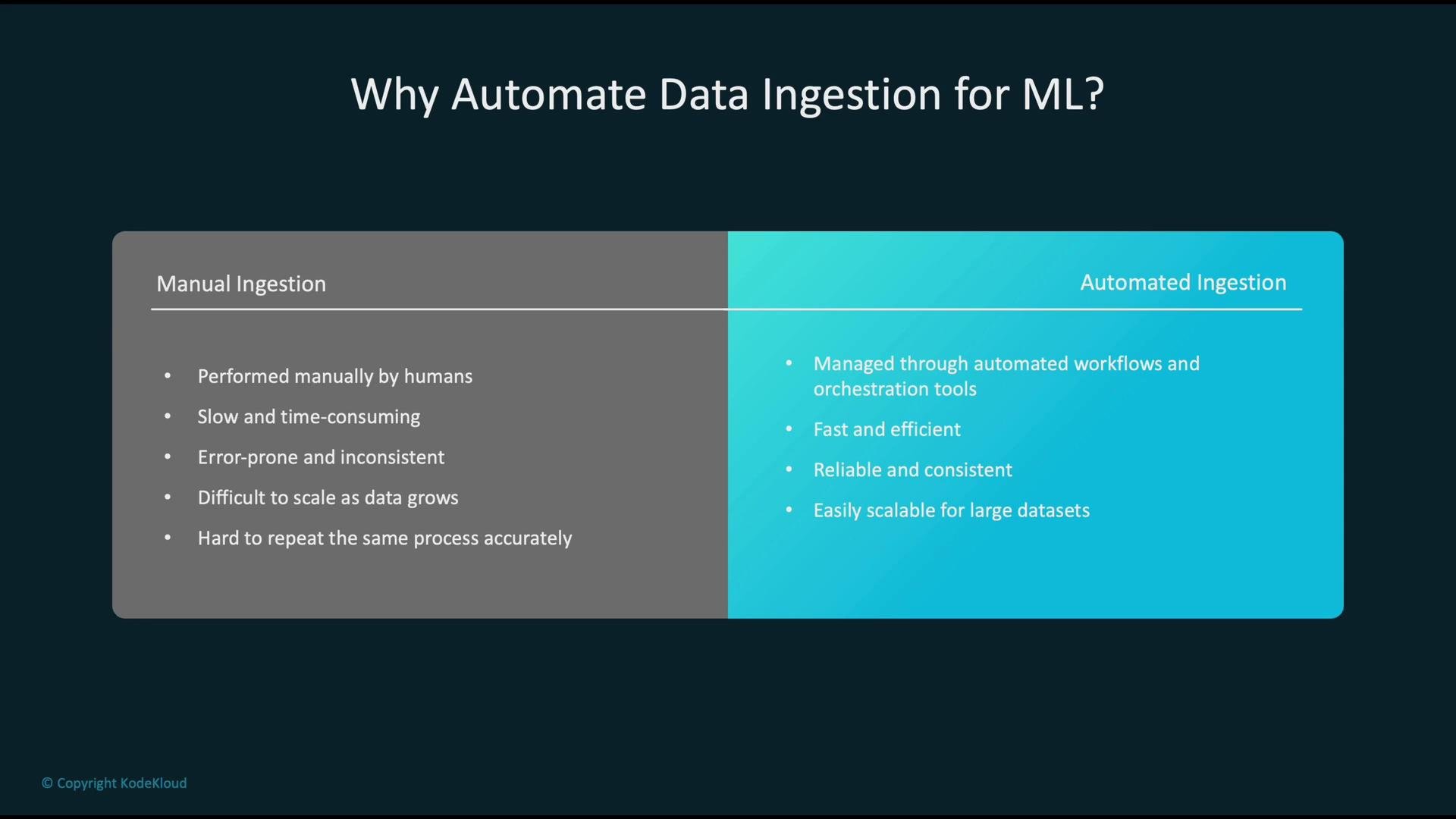
- Manual ingestion is slow, error-prone, hard to scale, and difficult to reproduce.
- Automated ingestion provides consistent, repeatable pipelines that scale, reduce human error, and enable near-real-time processing when needed.
- Automation also enables observability, retries, and rollback strategies which are essential for production ML workflows.
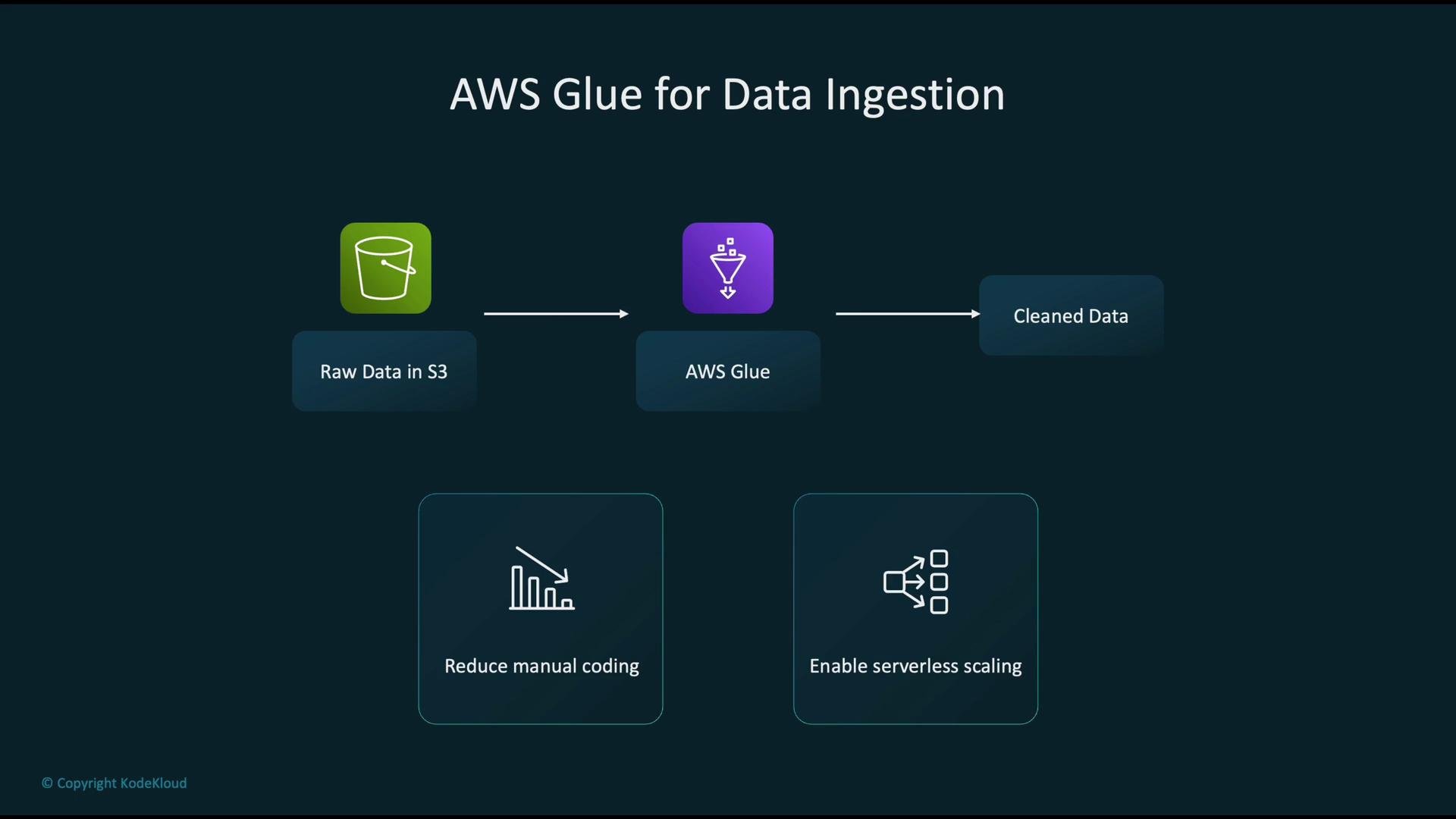
- Raw data lands in S3 (ingress from apps, devices, partners, or streams).
- Glue jobs (Spark/Python) read raw files, transform/clean them, and write processed data back to S3, Redshift, or another datastore.
- Glue Data Catalog registers schemas and partitions to make downstream discovery and querying consistent.
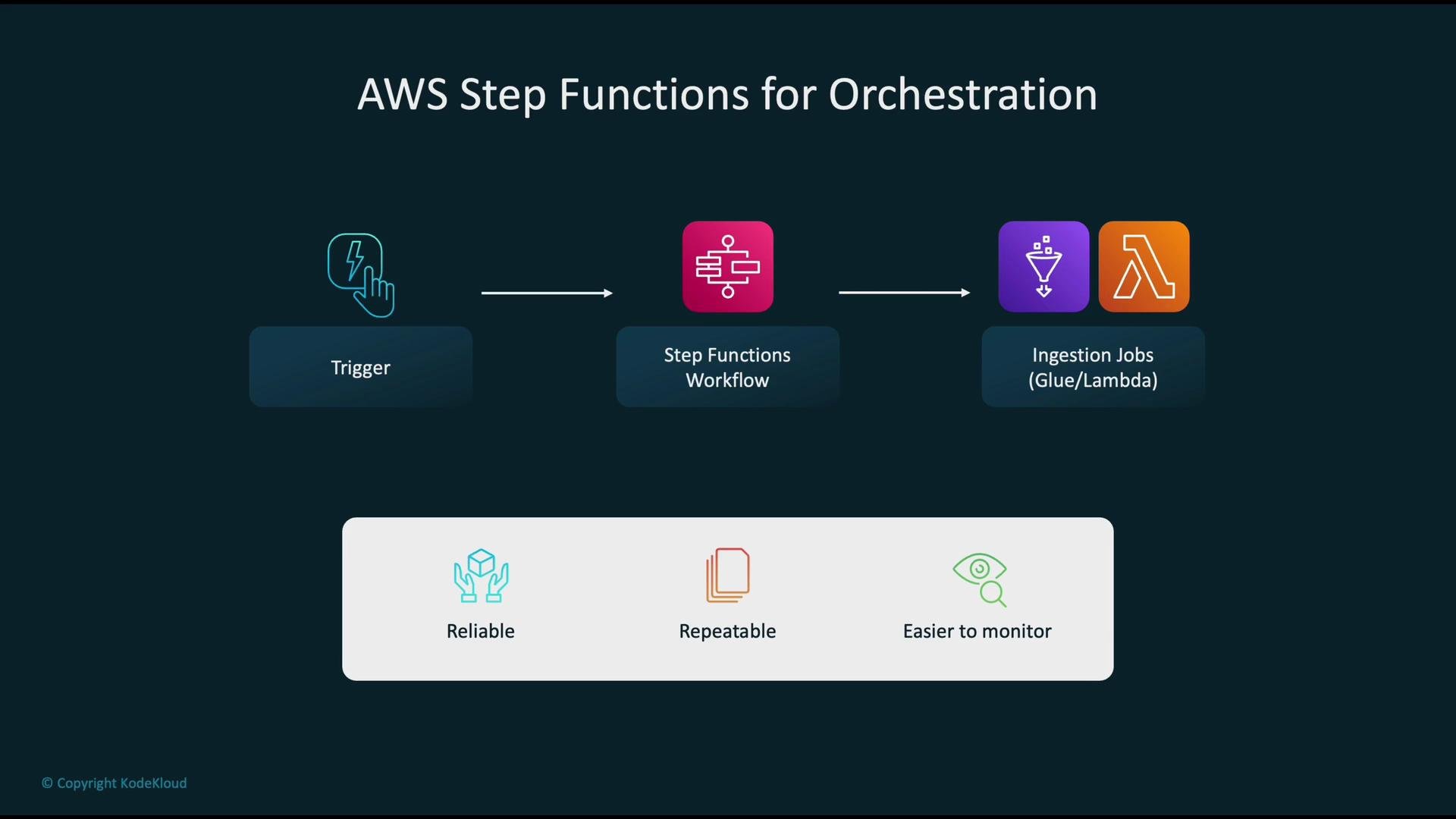
- A trigger (S3 event, schedule, external API) starts a Step Functions state machine.
- The state machine sequences tasks such as starting Glue jobs, invoking Lambda functions, performing checks, and sending notifications.
- Step Functions provide built-in retry logic, error handling, and visual observability for pipeline runs.
- When a new file uploads to S3, S3 can emit an event or create an EventBridge event.
- Consumers (Lambda, SQS, SNS, or Step Functions via EventBridge) process the event and start ingestion or validation jobs.
- This replaces polling with push-based notifications and supports near-real-time pipelines.
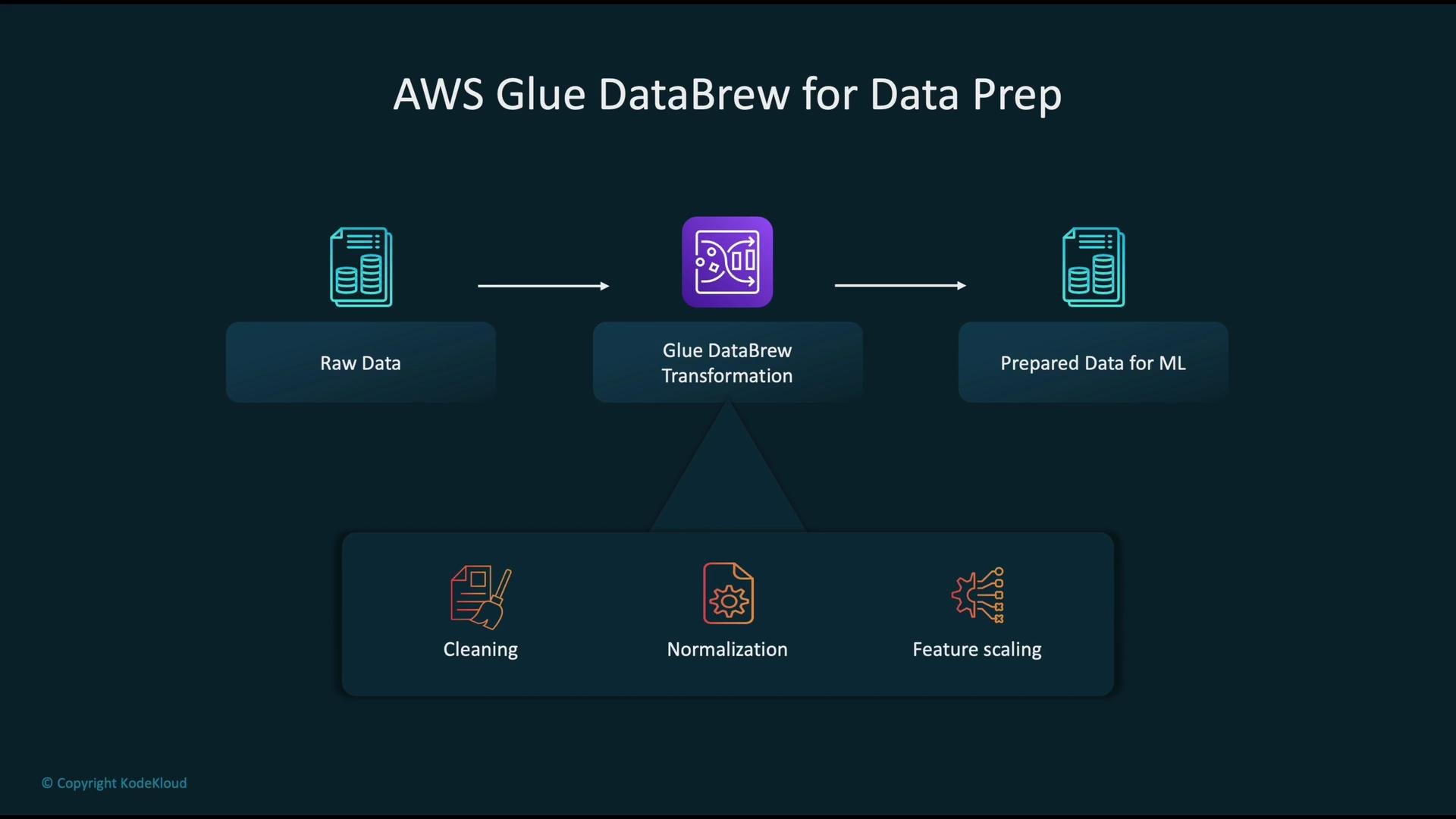
- Use DataBrew to profile, clean, and normalize raw datasets without writing Spark code.
- Apply common transformations (type conversion, missing-value handling, scaling) and export prepared data for training or analytics.
- DataBrew is useful for rapid iteration and data exploration before production ETL is implemented.
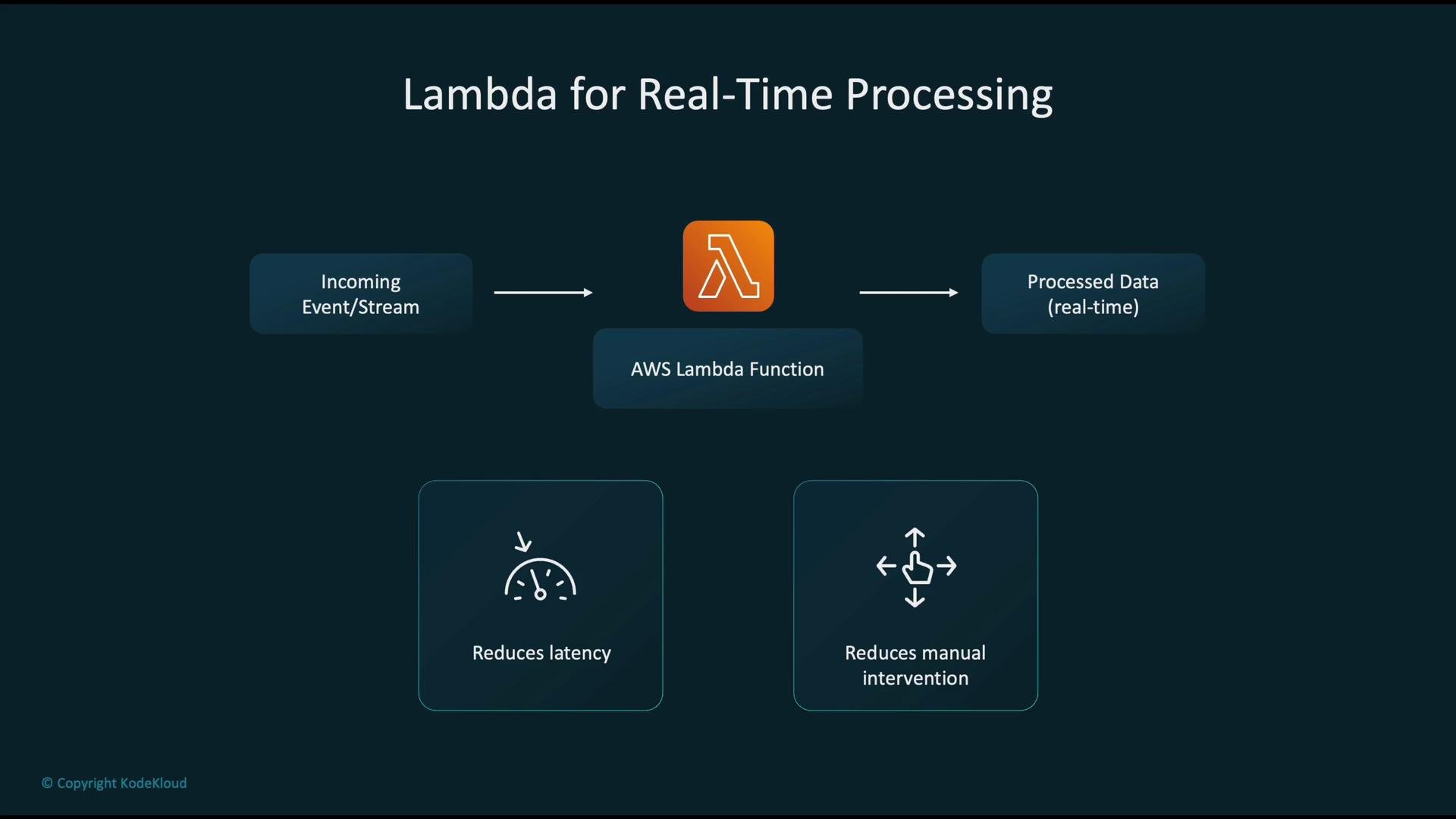
- Events or streaming records trigger Lambda for lightweight transformations, enrichment, or routing.
- Use Lambda to extract metadata, validate schema, split or aggregate records, and forward to Kinesis, S3, or downstream APIs.
- Lambdas reduce ingestion latency and keep operational overhead low.
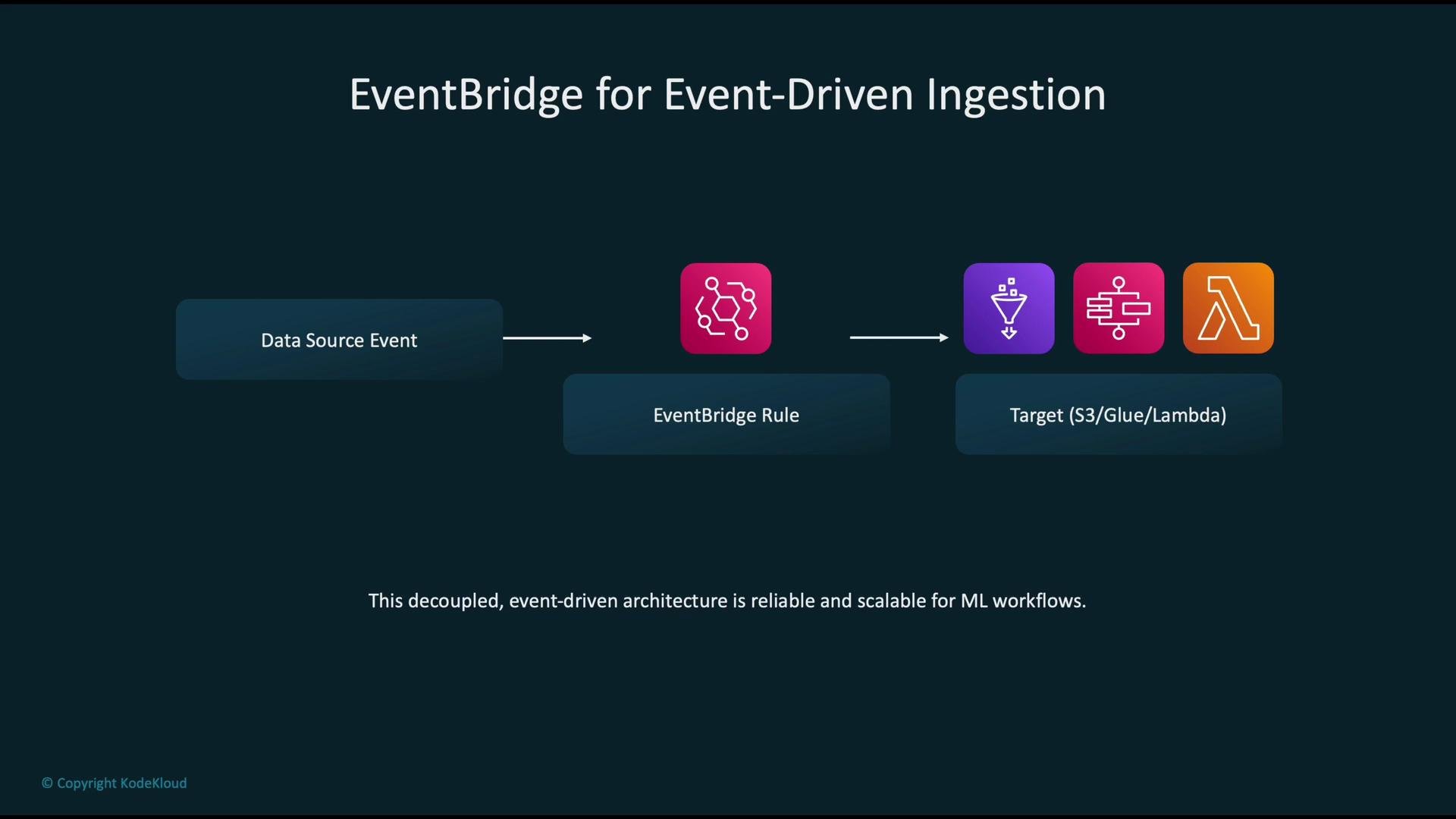
- Data producers emit events (e.g., dataset-ready, external webhook).
- EventBridge rules match event patterns and route events to targets like Lambda, Step Functions, Glue, SNS, SQS, or API Destinations.
- This decoupled model scales well and improves the resilience of ingestion flows.
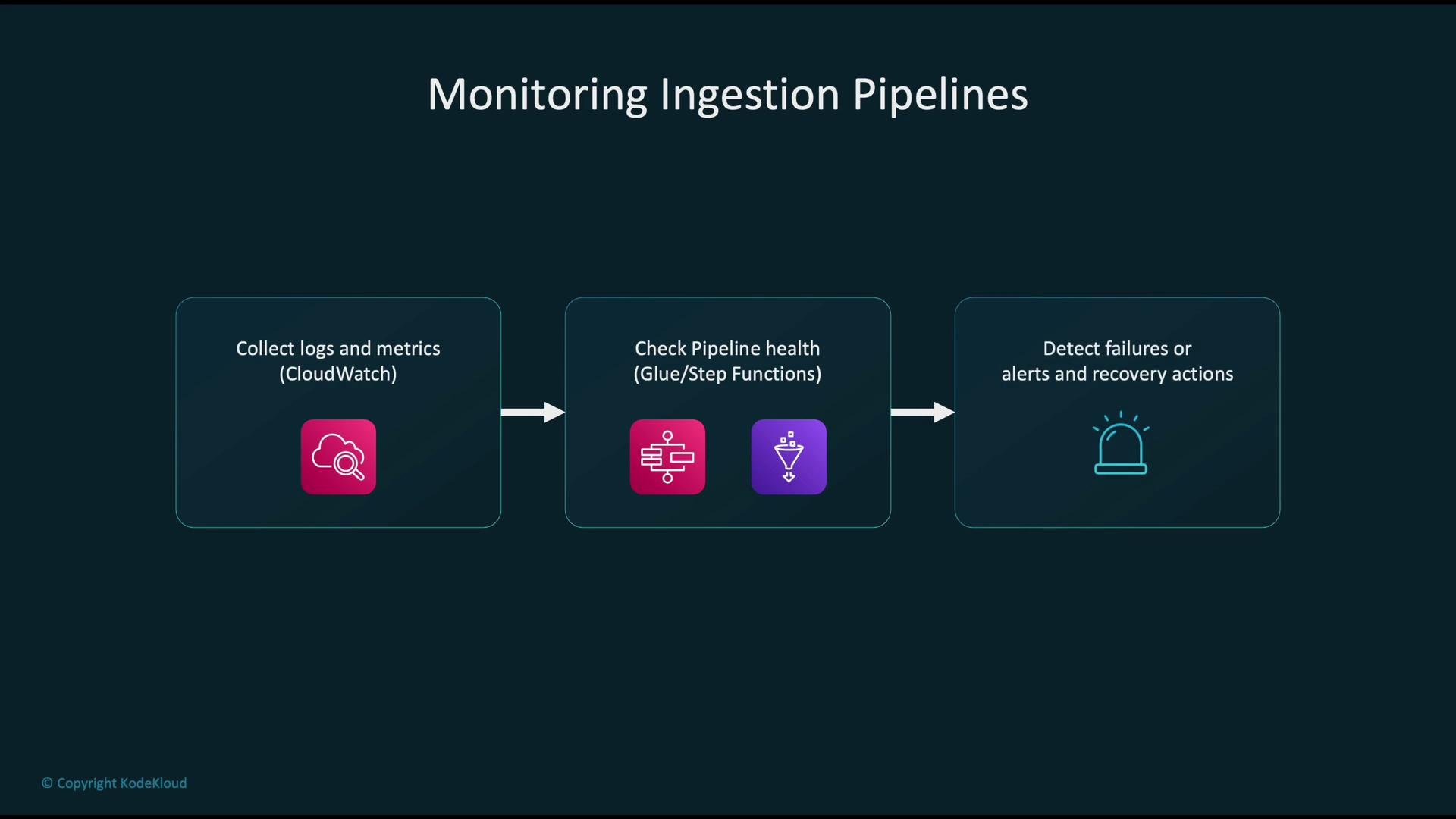
- Collect logs, traces, and metrics
- CloudWatch Logs for Glue job logs and Lambda logs.
- CloudWatch Metrics for Glue job runtimes, Step Functions executions, and Lambda errors.
- X-Ray for distributed tracing where applicable.
- Evaluate pipeline health
- Dashboards for step success/failure rates, job durations, and data latency.
- Automated checks: use Step Functions or Lambda health checks to validate outputs after processing.
- Alerting and recovery
- Configure alarms (CloudWatch Alarms) to notify operators via SNS or pager services.
- Implement automated retries and compensation workflows (e.g., Step Functions retry, disaster recovery job).
- Glue job run success/failure, duration, DPU usage
- Step Functions executions, failed vs. succeeded
- Lambda invocation errors, throttles, duration
- Data freshness/latency and throughput
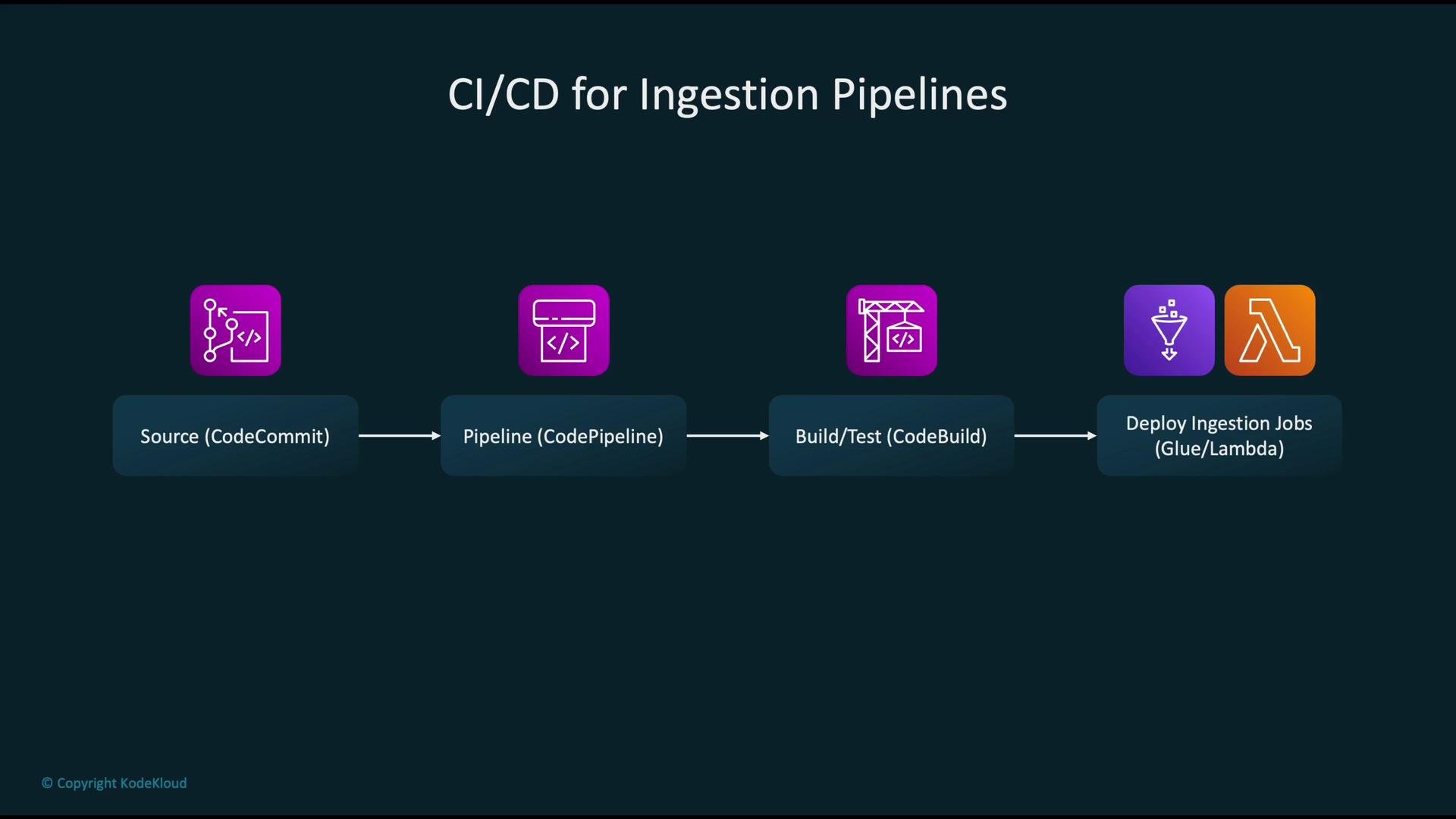
- Store ingestion code and Glue job definitions in source control (e.g., CodeCommit, GitHub).
- Use CodePipeline to orchestrate build and deployment when code changes are merged.
- CodeBuild runs tests, linters, and packages artifacts; successful builds promote artifacts to staging or production.
- Deploy updated Glue jobs, Lambda functions, and Step Functions definitions via IaC (CloudFormation, CDK, SAM, or Terraform).
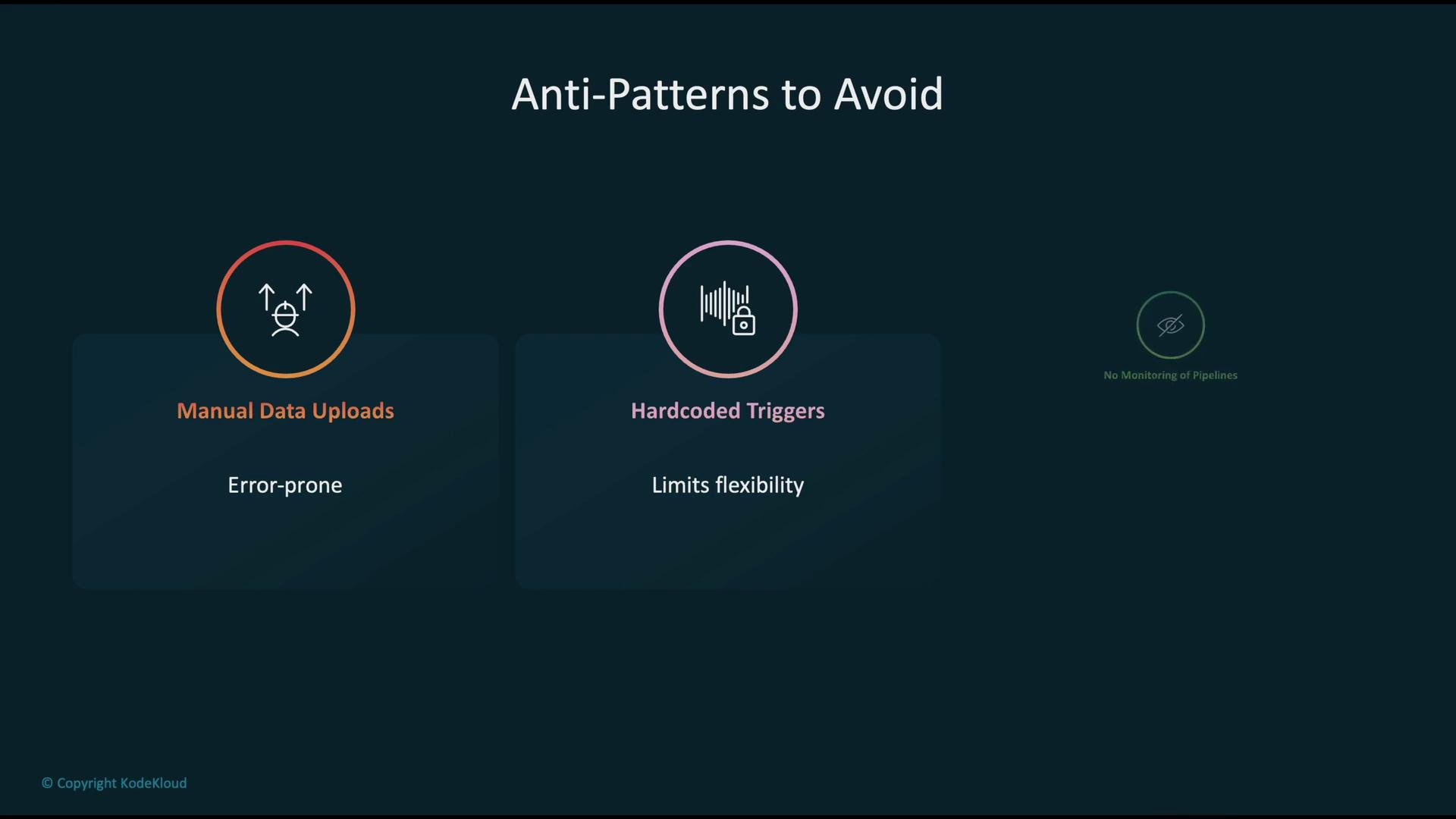
Avoid these anti-patterns: manual uploads, hard-coded triggers/configs, and lack of monitoring. Each can cause silent failures and increase operational risk.
- Manual data uploads — automate ingestion and validate inputs.
- Hard-coded triggers and configuration — use parameterization, environment-aware configs, and centralized configuration stores (e.g., SSM Parameter Store, Secrets Manager).
- No monitoring or alerting — instrument pipelines with logs, metrics, and automated alerts.
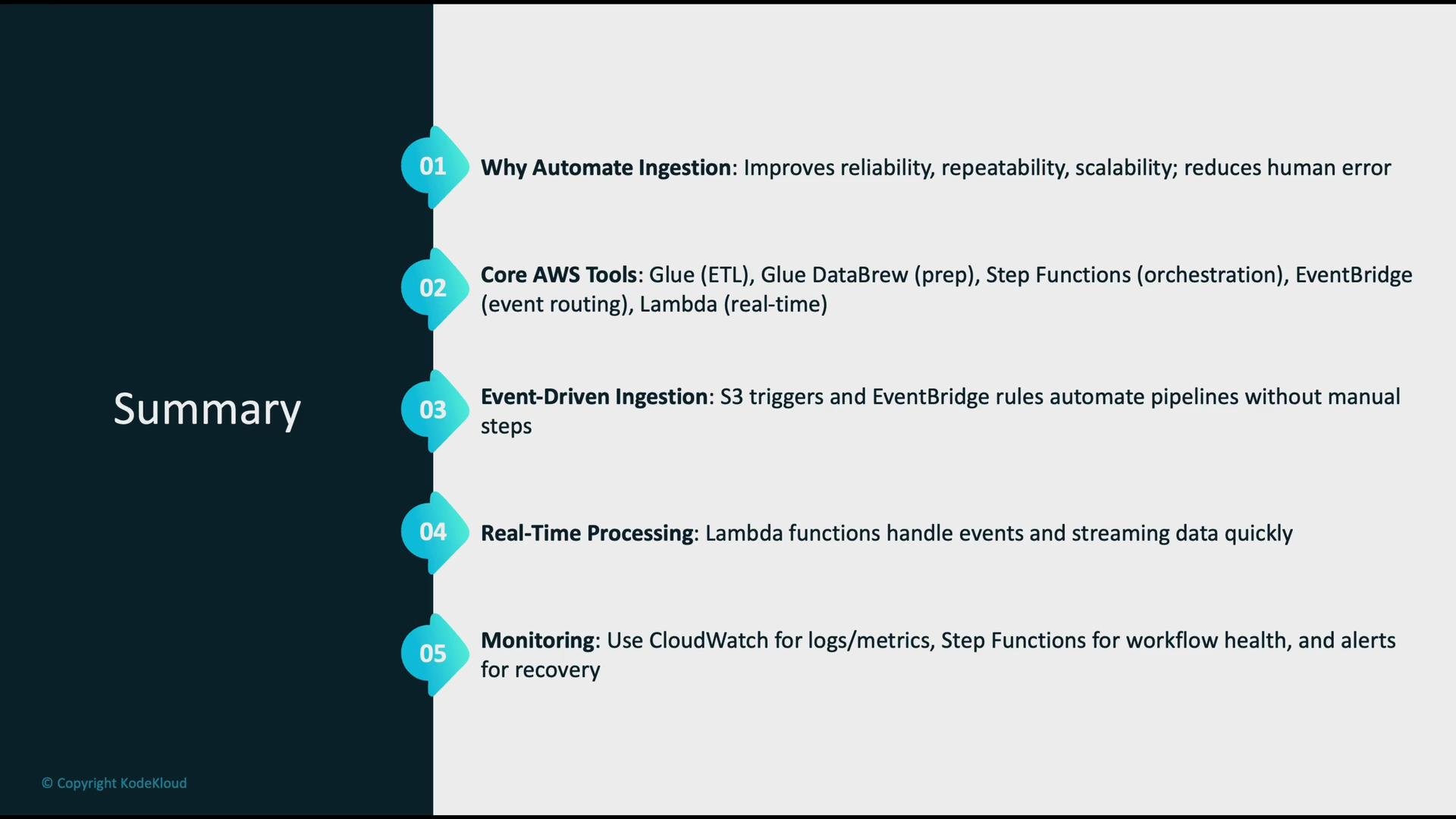
- Automating ingestion increases reliability, repeatability, and scalability while lowering human error.
- Core AWS building blocks: Glue for ETL, Step Functions for orchestration, Lambda for real-time processing, and EventBridge/S3 events for event-driven triggers.
- Implement comprehensive monitoring (CloudWatch, X-Ray, Step Functions) and automated recovery paths to keep workflows healthy.
- Use CI/CD to version, test, and safely deploy ingestion logic; manage infrastructure and job definitions as code.
- Avoid anti-patterns: automate uploads, parameterize configurations, and instrument everything for observability.
- Use source control and CI/CD for all ingestion job definitions and infra.
- Prefer event-driven triggers over polling (S3 events → EventBridge → Step Functions/Lambda).
- Add retries and compensating transactions for transient failures.
- Secure data in transit and at rest and lock down IAM permissions to least privilege.
- Create alerts and runbooks for common failure modes to speed recovery.
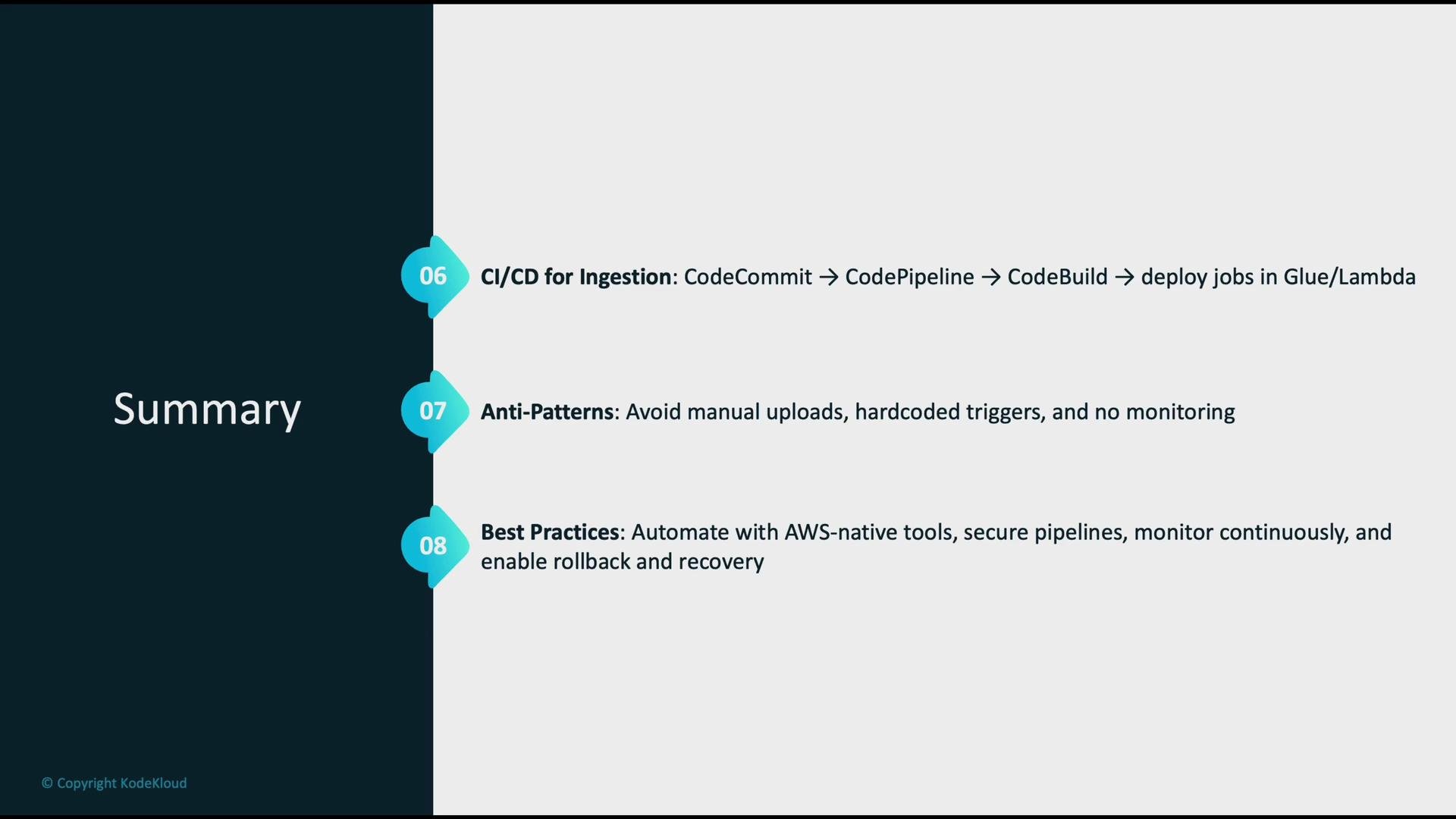
Automate ingestion end-to-end where possible: use event-driven triggers, orchestrate with Step Functions, process with Glue/Lambda, monitor with CloudWatch, and deploy via CI/CD. This pattern minimizes manual toil and maximizes pipeline reliability.
- AWS Glue: https://aws.amazon.com/glue/
- AWS Step Functions: https://aws.amazon.com/step-functions/
- Amazon EventBridge: https://aws.amazon.com/eventbridge/
- AWS Lambda: https://aws.amazon.com/lambda/
- AWS Glue DataBrew: https://aws.amazon.com/glue/features/databrew/