

- Explore the on-demand, pay-as-you-go model and its flexibility.
- Compare provisioned models that reduce cost but add commitment.
- Show how to pick a strategy that balances cost, reliability, and scalability.
Provisioning models to consider
Choose provisioning based on predictability, cost tolerance, and compliance needs.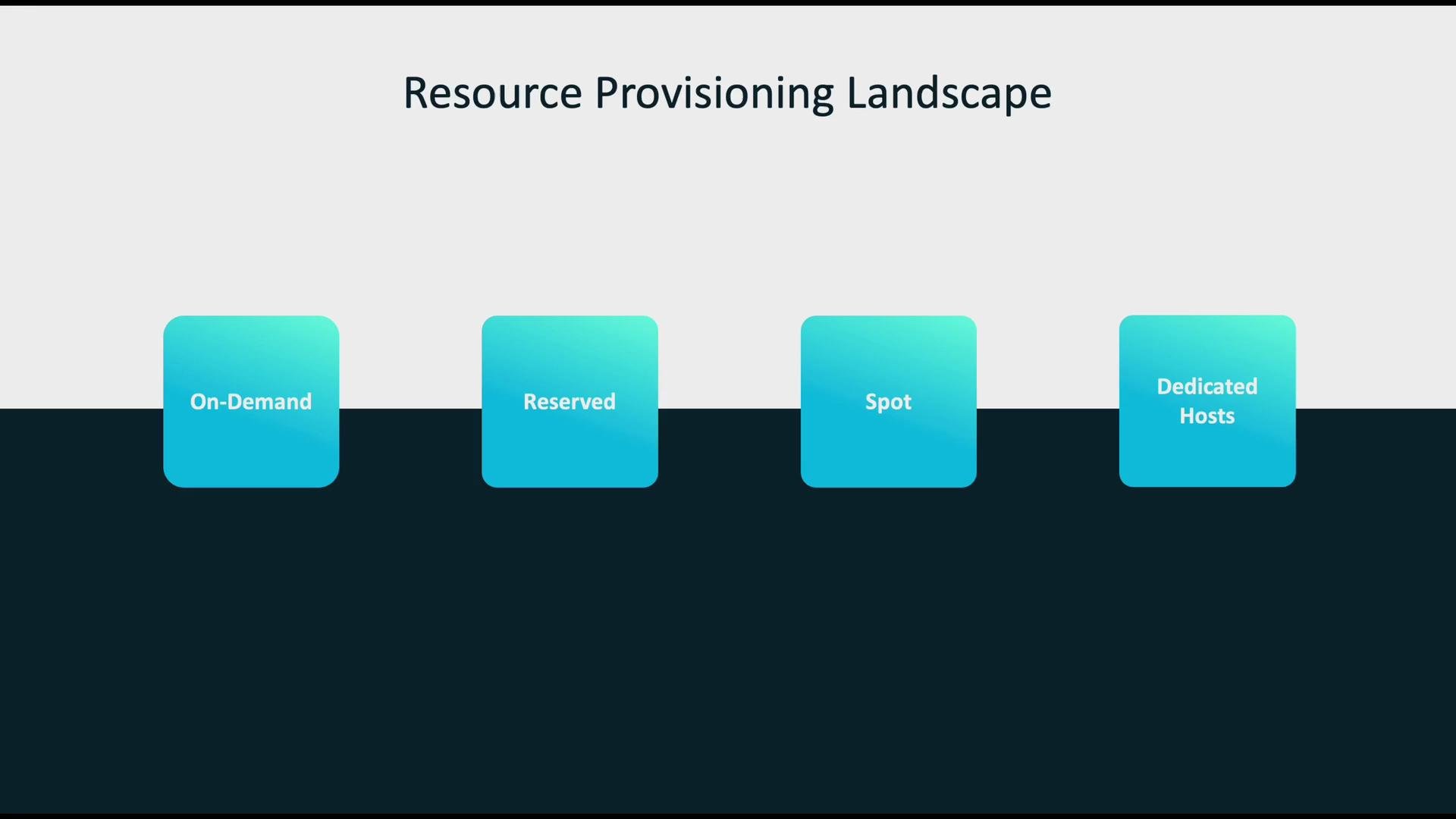
Match instance choice to workload patterns
Workloads typically follow two demand patterns:- Spiky / variable — e.g., many training jobs, unpredictable experiments.
- Steady / predictable — e.g., production inference endpoints with consistent traffic.
On-demand resources: when flexibility matters
On-demand instances are ideal when you cannot predict timing or scale. They require no long-term commitment and are billed only for usage, making them excellent for iterative development and bursty workloads.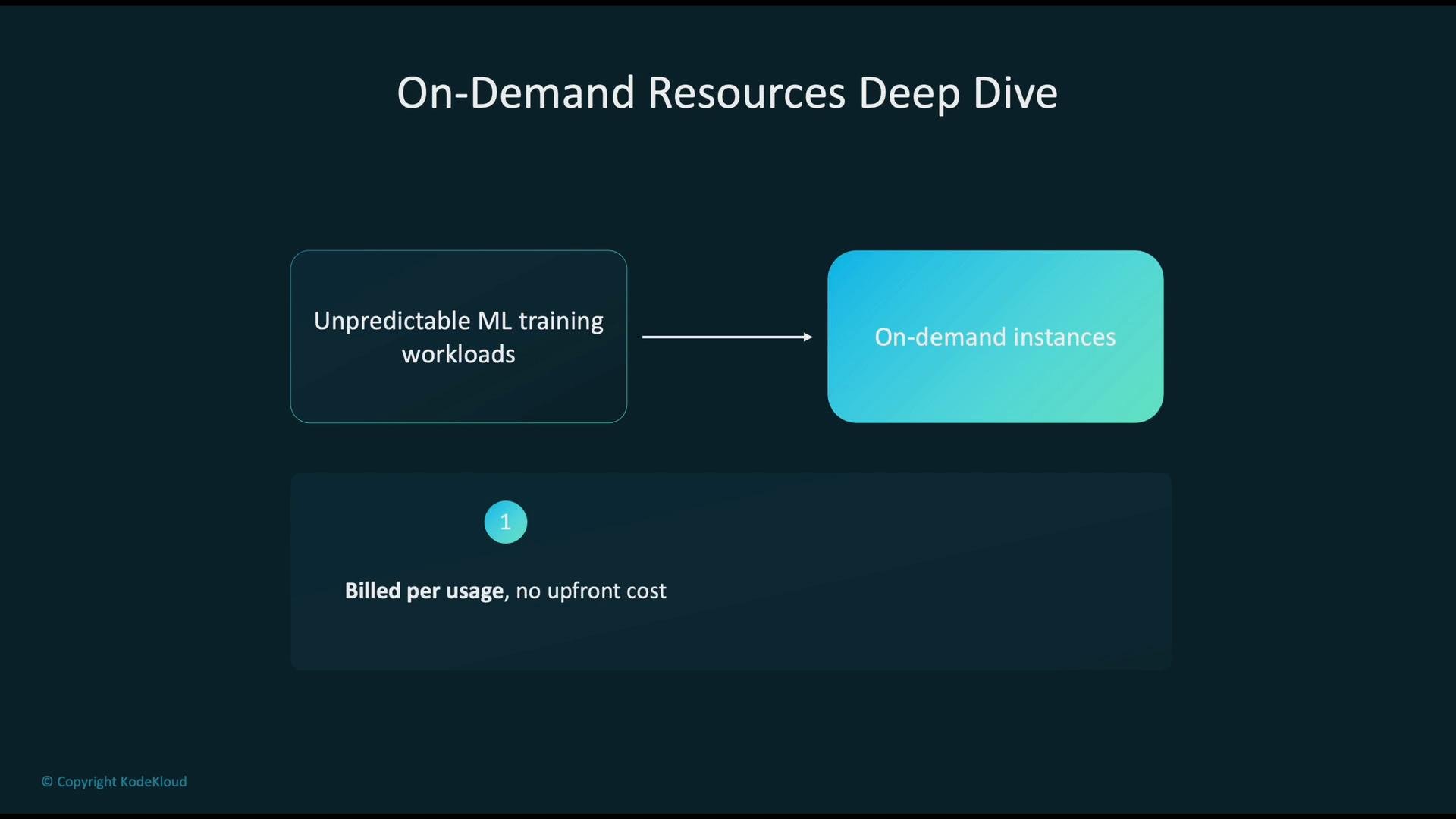
- Short or uncertain training runs where long-term commitment isn’t justified.
- Development, experimentation, and rapid iteration cycles.
- Handling sudden traffic spikes or unplanned compute needs.
Provisioned options: optimize for cost
When usage is predictable, provisioned models significantly lower costs. Use reserved commitments when you can forecast steady usage, and use spot for fault-tolerant workloads to maximize savings.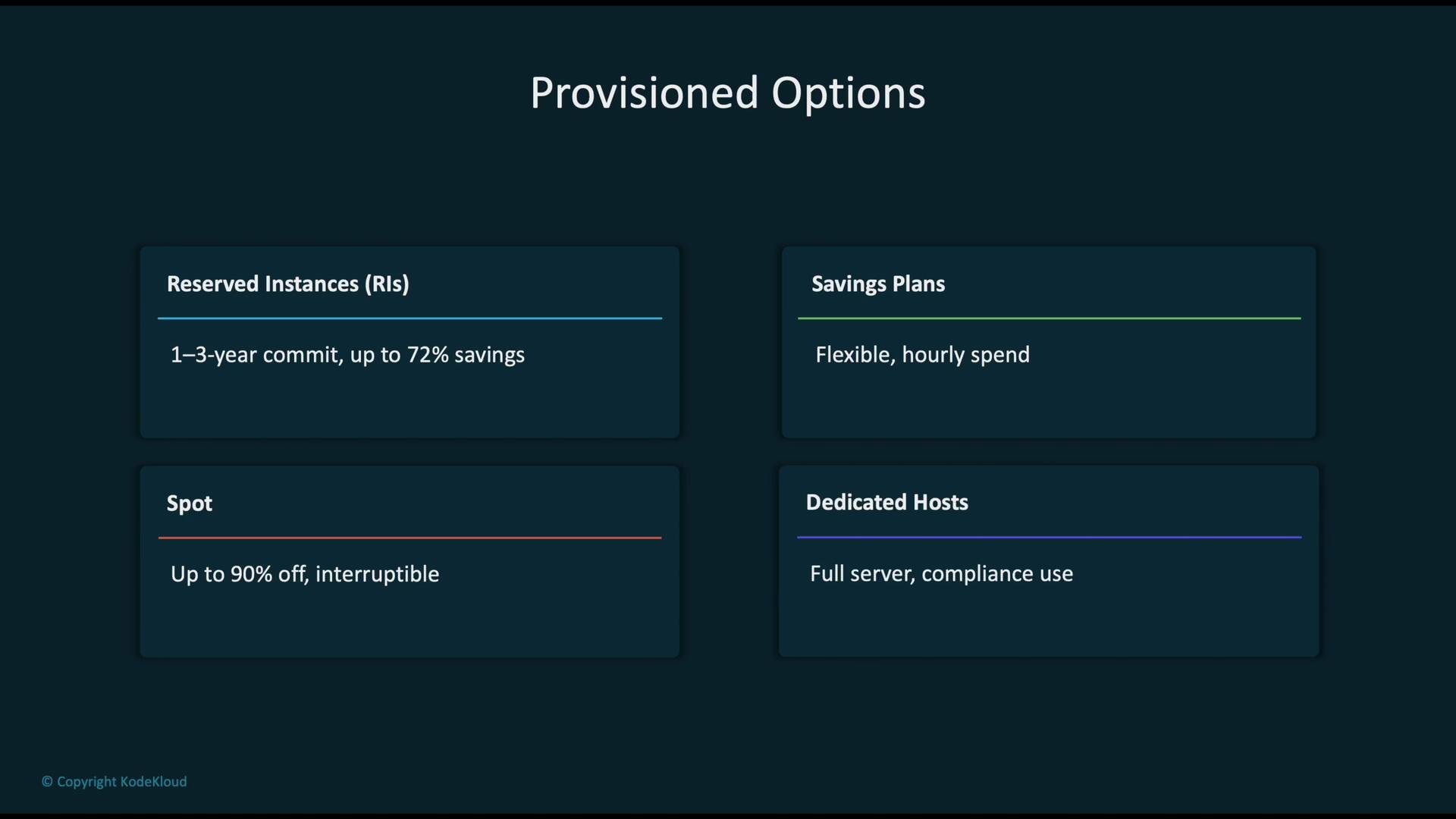
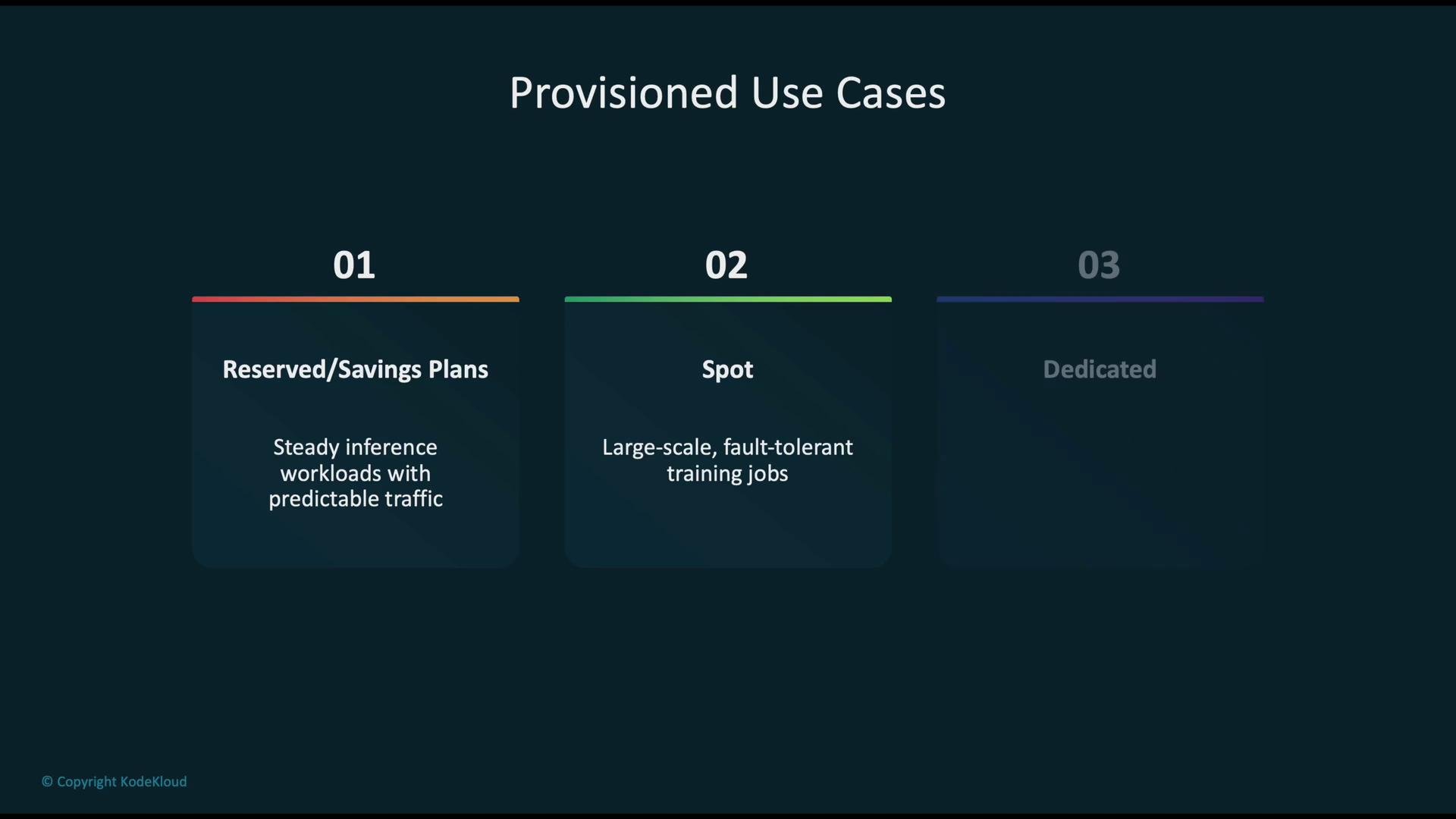
- Steady inference workloads: use Reserved Instances or Savings Plans to reduce long-term costs.
- Large-scale training: use Spot Instances plus checkpointing to keep costs low while tolerating interruptions.
- Compliance-sensitive workloads: use Dedicated Hosts when isolation or specific licensing is required.
Hybrid strategy: balance cost and reliability
A hybrid approach often yields the best balance:- Run the majority (for example, 70–90%) of non-critical distributed training on Spot Instances to maximize cost savings.
- Keep a minority (for example, 10–30%) as On-Demand capacity to ensure critical tasks complete when spot nodes are reclaimed.
- Use Reserved Instances or Savings Plans for long-running inference services to lock in discounts.
Cost optimization best practices
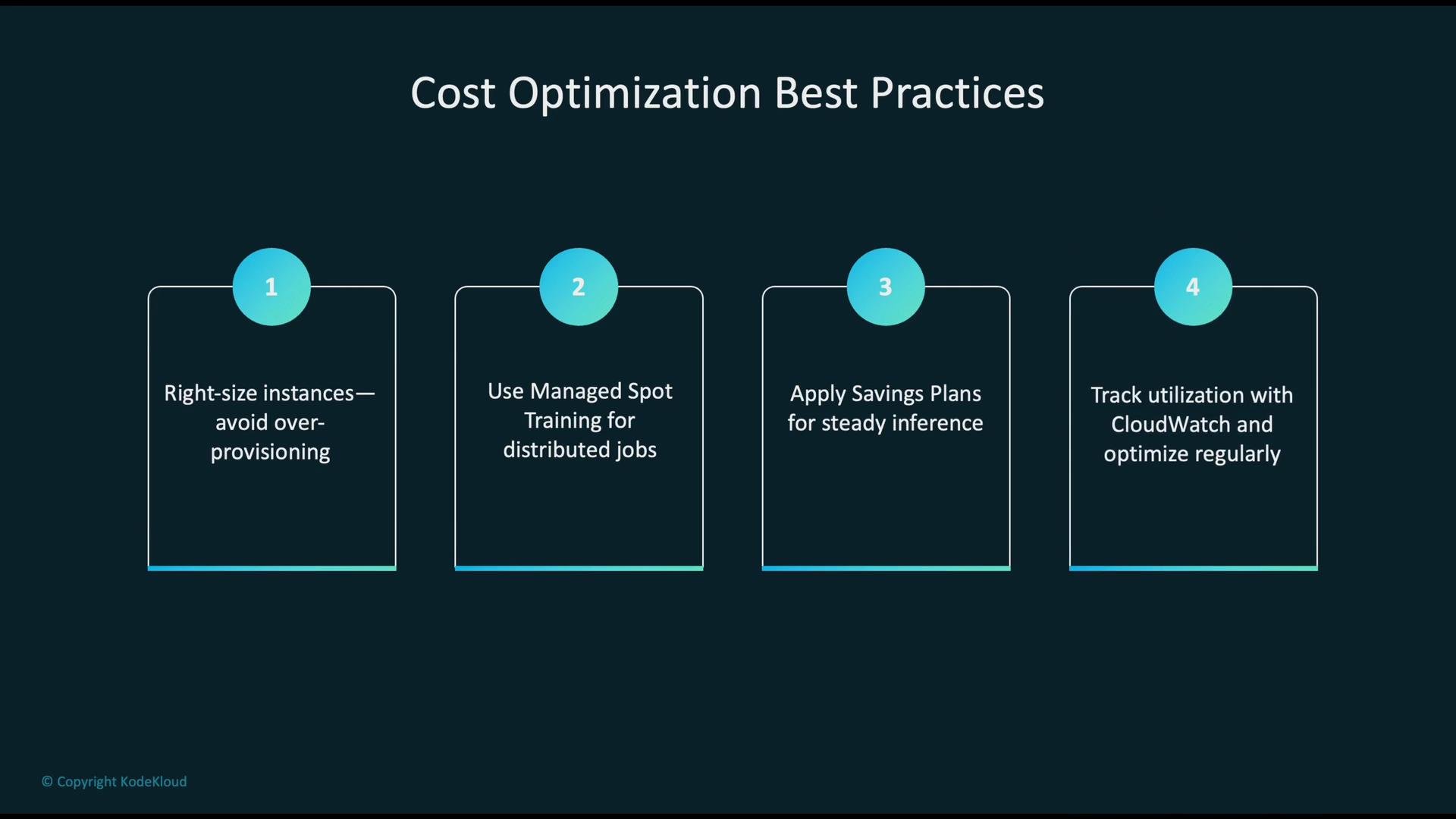
- Right-size instances: choose instance families and sizes that match CPU, memory, GPU, and I/O needs.
- Build fault-tolerance: use managed spot training, frequent checkpoints, and job retries for distributed jobs.
- Apply Savings Plans or Reserved Instances where usage is consistent.
- Monitor utilization and adjust commitments regularly (e.g., AWS CloudWatch or your provider’s monitoring tools).
- Automate lifecycle: use autoscaling and orchestration to spin instances up and down based on demand.
Design distributed training to tolerate spot interruptions: use frequent checkpoints, incremental saves of model state, and reliable job retry logic so progress persists when capacity is reclaimed.
Common pitfalls and how to avoid them
- Expect spot interruptions: implement checkpointing, graceful shutdown handling, and orchestration that supports retries.
- Over-commitment risk: avoid locking too much capacity in Reserved Instances if usage patterns can change.
- Oversizing: measure actual utilization and right-size to prevent unnecessary spend.
- Mismatched choices: always align instance type to workload pattern — flexibility for variable workloads, provisioned capacity for predictable workloads.
Real-world example — Acme AI Corp.
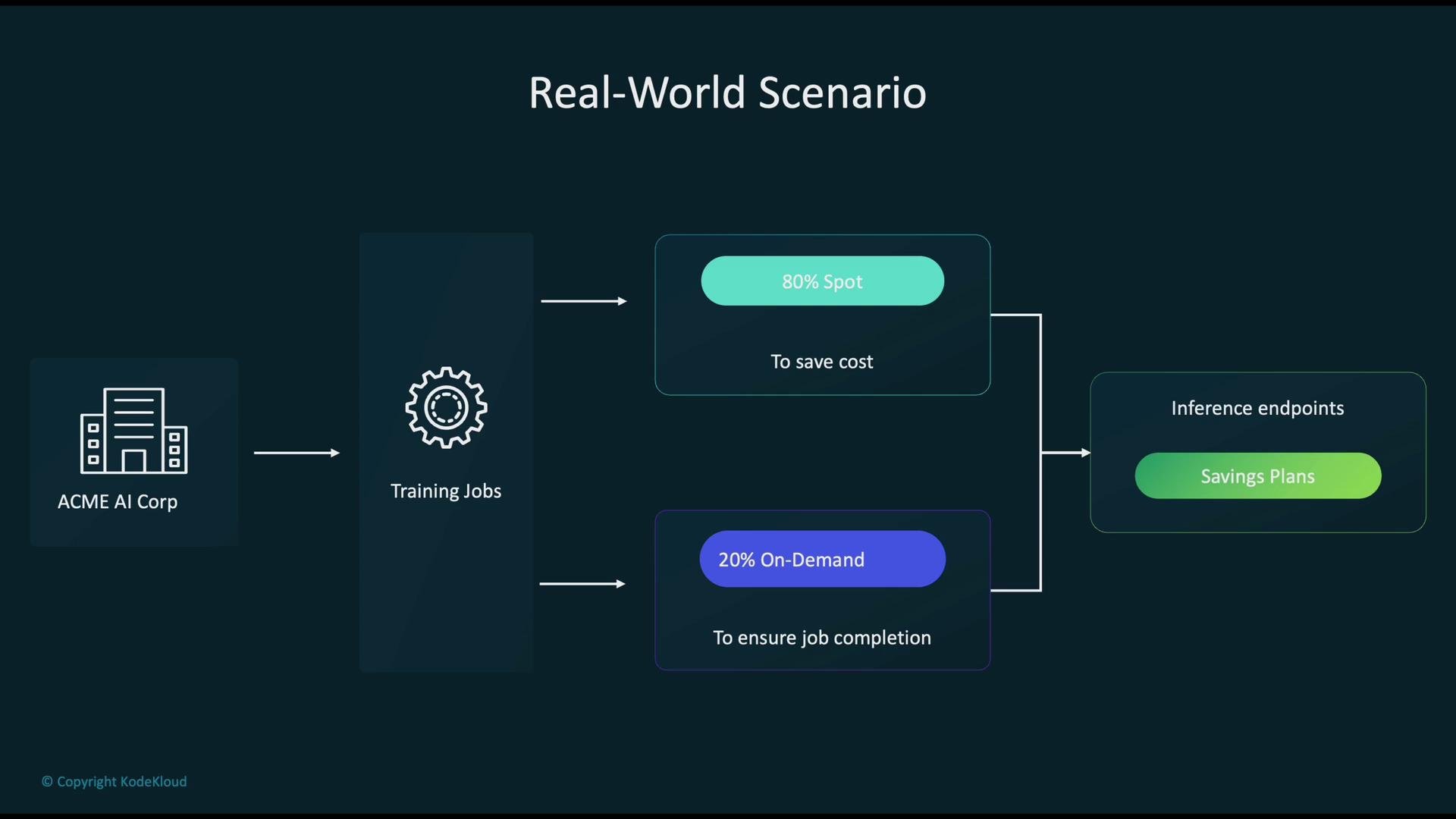
Acme AI operates large model training pipelines and production inference:- Training: 80% of training capacity runs on Spot Instances to minimize cost. 20% runs on On-Demand to guarantee completion for critical jobs.
- Inference: steady, long-running endpoints are covered by Savings Plans to capture predictable discounts and reduce per-hour costs.
Recap — key takeaways
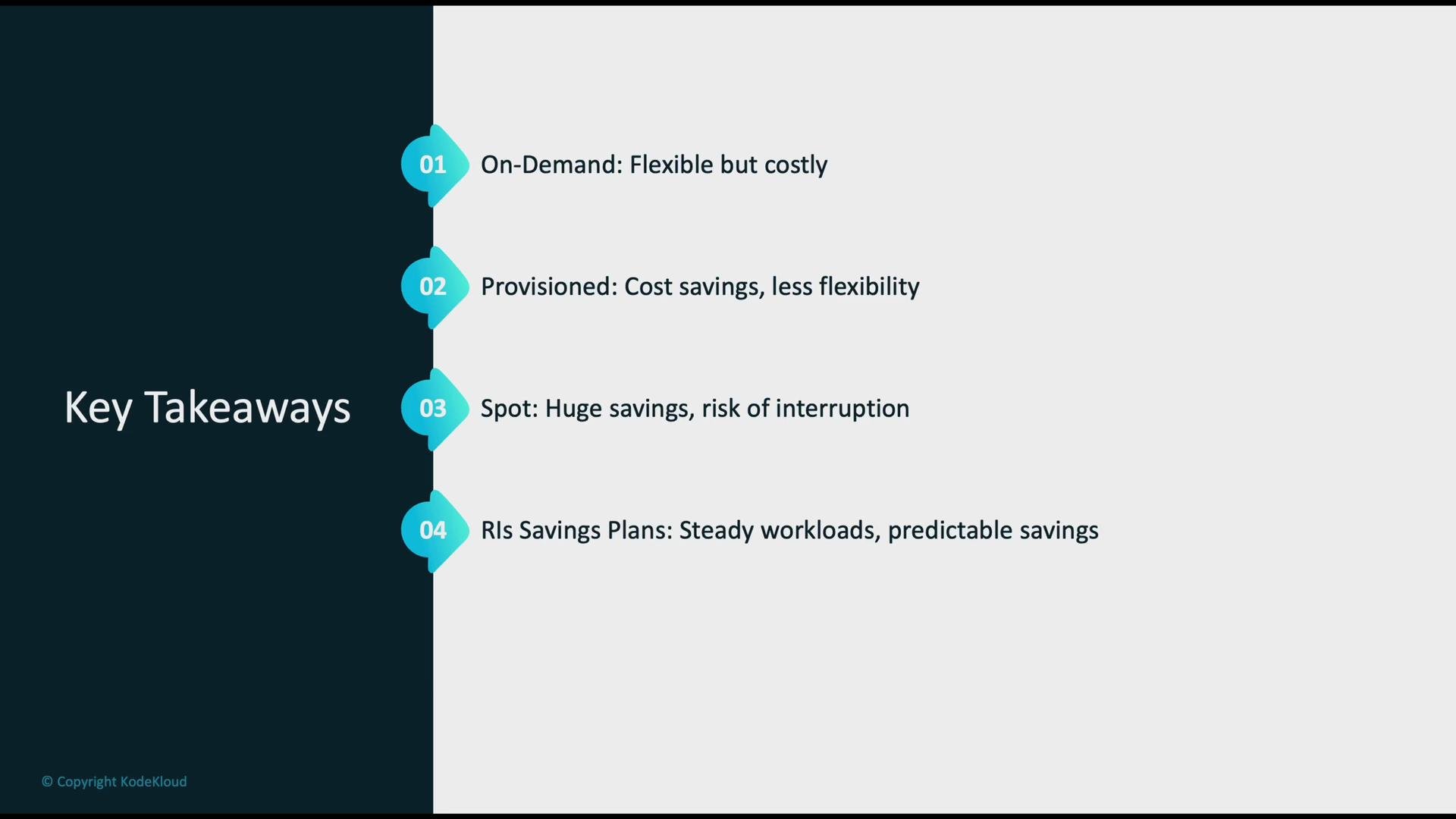
- On-demand: maximum flexibility, higher cost; ideal for experimentation and unpredictable workloads.
- Provisioned (Reserved / Savings Plans): lower cost for predictable workloads; trade flexibility for savings.
- Spot: biggest cost savings, but interruptible; perfect for fault-tolerant, large-scale batch or training jobs.
- Hybrid strategies (mix of Spot + On-Demand + Savings Plans) typically balance cost and reliability best.
Links and references
- AWS EC2 Pricing & Instance Types
- Amazon EC2 Spot Instances
- AWS Savings Plans
- AWS Reserved Instances
- AWS CloudWatch monitoring